

Though I doubt that these things are actually wascally wabbits (perhaps more like stanky hares), there is undoubtedly something awesome going on here. Because while it might be the oddest game you’ll ever play (dude, you’re rotating bunny heads), think of it this way: it’s addicting. It gets hard. And it will make your head spin. And on top of that, you have a chance to win $100.
Headspin: Easter Bunny Doodle Edition
Exclusive: A Closer Look at OmniGraffle and OmniGraphSketcher for iPad
We’re getting nearer to the release of the iPad and the iPad App Store, and so are developers with their applications. We’ve just received more screenshots of the first two apps Omnigroup is going to release on the App Store, OmniGraffle and OmniGraphSketcher.
Take a look after the break.
One Extension. Multiple Applications. Magic Launch Does. Review and Giveaway!
Imagine if you’re working with MAMP, and you’re navigating through the sea of folders residing in htdocs. Deep within these folders you have a myriad of .html, .php, and .css files that need editing, but because you’re a programmer savant, you happen to have Textmate, BBEdit, Coda, SubEthaEdit, and Espresso on your Mac at the same time. And when you go to open one of those lovely HTML ridden files, it opens with the wrong application. How frustrating!
What if I told you that Magic Launch can not only help you ease those app opening pains, it can actually decide which application is better for you depending on contexts? That’s right - in one folder you might want to work in Espresso, while in another you might want to work in Coda. If the file includes lots of CSS, perhaps Magic Launch is smart enough to open that file in CSSEdit instead.
Exclusive: Screenshots of Yahoo!, Omnigraffle, Bento, Brushes from the iPad App Store
We had the chance to take a look at the iPad App Store guys, and there’s some great stuff going on. Besides the apps you’ve probably already seen on other blogs, like Real Racing, Twitterrific or Fieldrunners, we’ve been able to take some screenshots of the other iPad apps, previously unseen.
Take a look after the break.
Taska, A Beautiful GTD App for your iPhone. Review and Giveaway
It seems there’s never a shortage of good GTD apps for the iPhone, and I think that says something about Apple users in general - we’re always looking for ways to become more productive and get a grip on daily life. Taska, fresh off the App Store palette (it still smells like the packaging!), is a very powerful and feature rich GTD app that’s similar to Omnifocus. Plus, it oozes with beautiful pixels.
Reeder 2: Call It a Comeback
When something works, don’t touch anything. When a software just works, it’s still possible to make it work better. I think this is the rule that Silvio Rizzi followed when thinking about the new version of Reeder, the feeds reader application I reviewed some months ago, calling it the best RSS reader for iPhone. Reeder 1.x was a great application, but as time went by it started to fall under the pressure of the features new applications such as MobileRSS, Newsprint or Newsrack introduced, and as consequence to this people started complaining about Reeder and Silvio not caring much about it anymore.
They were so wrong. Silvio has been working hard on the just-released 2.0 version, a free update for previous Reeder users that introduces some new functionalitites, and a lot of tweaks under the hood that make Reeder feel completely new, and fresh again.
You can call this a comeback.
The War in Afghanistan, As Seen From an iPhone
“Associated Press photographer David Guttenfelder not only documents the war in Afghanistan with traditional digital cameras, he also used an iPhone camera, carried in his flak jacket pocket, coupled with a Polaroid film filter application to photograph the daily lives of Marines, Afghan soldiers and fellow journalists during the military offensive in Marjah, Afghanistan.”
I’m pretty sure the application is Hipstamatic.
New Apple Patent Shows Smart Drag & Drop for Upcoming OS X
Beingmanan.com has spotted a new patent filled by Apple, which focuses on the interaction between the user and the file system via drag & drop.
According to this patent Apple is working on a “smart drag & drop” solution, which should enable us to sort documents into folders basing on the file types, rather than manually organize them. Pretty much like those folders actions that already let you automatically move a file into a specific folder, but built in in the OS.
To me, it sounds great. I expect this exact kind of things from 10.7, revamped and brand new user interactions.
Explicit Apps Are Back in the App Store - Almost [UPDATED]
Remember when Apple removed all the “explicit content apps” from the App Store? Well, Apple is getting ready to put them back in. By visiting these two URLs (here and here) seems like the categories are ready, are there’s one for the iPad as well.
The categories are currently empty, and I suppose it’s because they’re not actually ready yet. I think it’s just another technical error by some engineer at Apple.
Here are the screenshots.
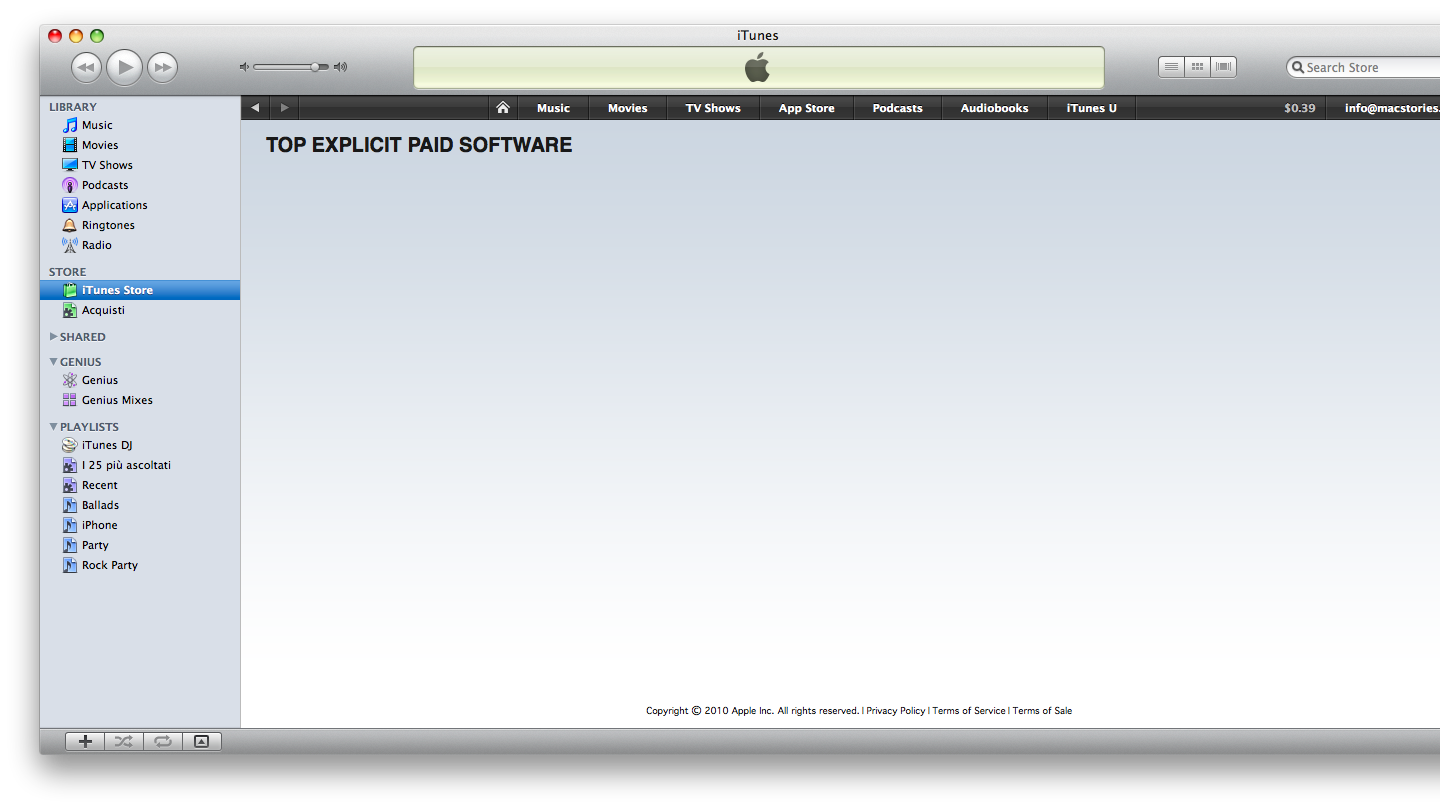
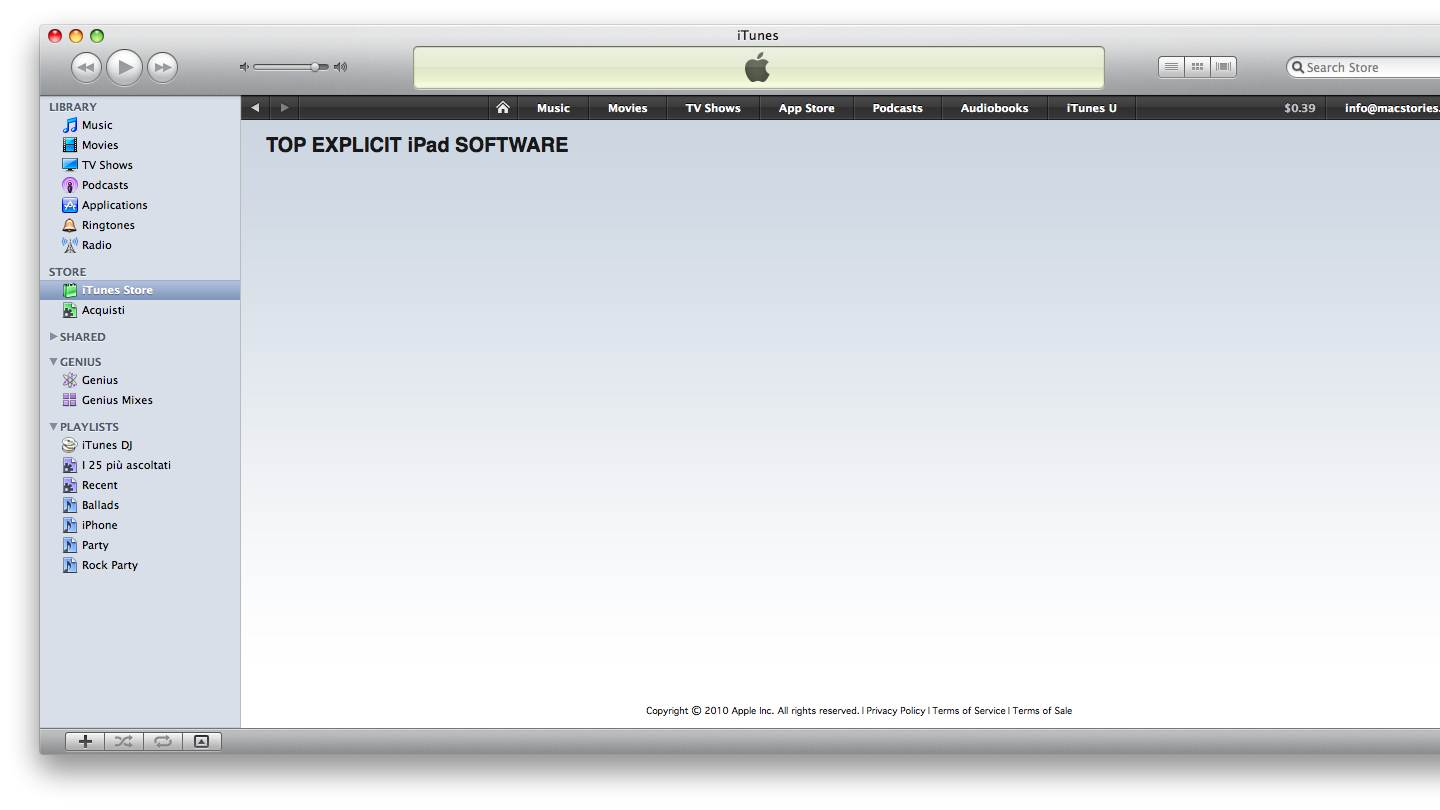
Again, who’s gonna be fired for this?
[UPDATE]
The links are no longer working. Apple fixed the error, but in my opinion we’ll see the explicit apps coming back very soon.