The MacStories Selects 2025 Lifetime Achievement Award

Unread

In the 16 years that I’ve been writing for MacStories, I’ve seen my fair share of new apps that have come and gone. Apps that promised to revolutionize a particular segment of the App Store were eventually acquired, discontinued, or simply abandoned. It’s been very unusual to witness an indie app survive in a highly competitive marketplace, let alone to find one that thrived after having been sold twice to different owners over the years. But such is the case of Unread, the RSS client now developed by John Brayton of Golden Hill Software and the recipient of this year’s MacStories Selects Lifetime Achievement Award.

Unread was originally created by indie developer Jared Sinclair in 2014, sold to Supertop (at the time, the makers of Castro), and then sold again to Golden Hill Software in 2017. When it first came out in 2014, Unread entered a crowded space: in the aftermath of Google Reader’s demise in 2013, third-party companies and developers rushed to offer comparable RSS syncing services and compatible apps to let users sync their RSS subscriptions and read articles across multiple devices.

In my original review from 2014, I noted how Unread set a new standard for elegant, gesture-driven interfaces optimized for phones that were getting progressively larger and harder to operate with one hand. With a fluid and minimal interface driven by “sloppy gestures” that didn’t require precision or specific buttons, Unread stood out because it followed Apple’s then-new “flat design” but imbued it with personality in the form of typographic choices, colors, share options (Sinclair created a custom share sheet before an official one even existed), and a novel interaction mechanism for an RSS reader.

After a three-year stint as a Supertop product, Unread was taken under the wing of John Brayton, who did something exceptionally rare: instead of following short-lived industry trends and fads, he doubled down on Unread’s essence while judiciously embracing modern technologies. Eleven years after its inception and eight years after its second sale to a different developer, Unread still stands out in the third-party indie app market because it’s managed to honor its lineage while adapting to the ever-changing nature of the Apple ecosystem.

Unread for iOS.

Unread for iOS.

Unread still is, at a fundamental level, an elegant and polished RSS client that syncs with multiple services and presents articles in a minimal, clutter-free UI that you can easily control with your thumb. Everything else around it, however, has evolved and expanded. Unread is now available on the iPad and Mac, where it supports features such as menu bar commands, windowing, and keyboard shortcuts. There is an Unread Cloud syncing service that is fully managed by its developer. Last year, Brayton shipped an incredibly powerful and custom Shortcuts integration that lets you trigger automations in the Shortcuts app from individual articles in Unread. This year, Brayton adapted to another new reality of the modern web: Unread can now securely store logins for paywalled websites – such as Club MacStories – so that all your articles that require a subscription to be read can be saved and accessed within the app. And in all of this, the modern Unread is both unmistakably the “same” app from 11 years ago, but also something far greater that has built upon Sinclair’s original idea thanks to the constant, relentless work of its current developer, John Brayton.

If you’ve been reading MacStories all these years, you know that this is no easy feat. Most app acquisitions don’t work out in the end, leaving users with the bittersweet nostalgia of something that used to be great and was eventually swallowed up by the greater scheme of economic factors, app rot, technical debt, and App Store changes.

Against all odds, Unread has successfully bucked that trend and evolved into a mature, powerful product that continues to stand alone in the sea of RSS clients as a beacon of hope for indie developers and our community as a whole. There is nothing else like it. For all these reasons, we couldn’t think of an app more worthy of the MacStories Selects Lifetime Achievement Award in 2025.

Learn more about Unread:


Copilot Money, The Best Money Tracker, Launches on the Web – Limited-Time: Get 26% Off + 2 Months Free [Sponsor]

Today, Copilot Money — the Apple Editor’s Choice money app — is expanding beyond iPhone, iPad, and Mac with the launch of its new web app, available now. This release brings Copilot’s beautiful, clean interface and powerful financial insights to any browser, with native-quality performance built right into the web experience. And with seamless syncing across iPhone, iPad, Mac, and now the web, it’s easier than ever to get a consistent, clear picture of your money wherever you are.

Their apps have earned accolades for a reason: they bring all your spending, budgets, investments, and net worth into one organized place, with a thoughtful design that helps you dive into the details without losing the big picture. This is how a modern budgeting app should feel — calm, intuitive, and built to give you confidence, not anxiety.

With Copilot Money, every account connects to a single dashboard, transactions are intelligently categorized, and insights surface automatically to help you stay on track without maintaining spreadsheets or jumping between apps. Whether you’re planning your month, analyzing trends, or working toward long-term goals, Copilot Money’s cross-device experience now makes financial clarity available anywhere you need it.

To celebrate the web launch, Copilot Money is offering MacStories readers two months free with code MACSTORIES. And for a limited time, when you sign up on their website, you’ll also get 26% off your first year.

? Visit their website to explore Copilot Money on the web and start your free trial today.

This offer is available to new users only and exclusively through this link.

Our thanks to Copilot Money for sponsoring MacStories this week.


Podcast Rewind: Vibe Coded Tools, Reading the Steam Tea Leaves, New Keyboard Layouts, and the Best Videogames of the Year

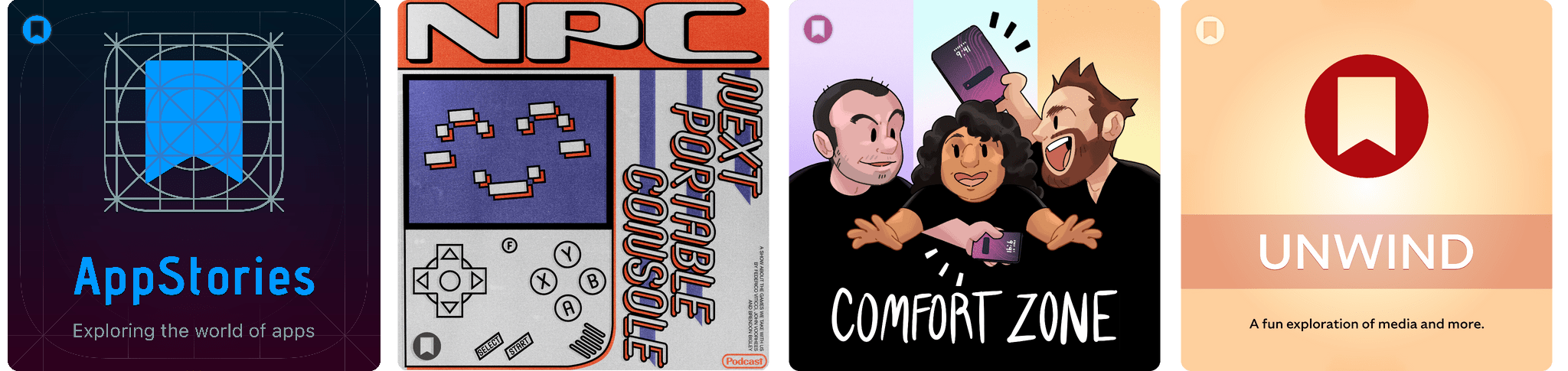
Enjoy the latest episodes from MacStories’ family of podcasts:

AppStories

This week, Federico and John explain how they go about creating personal productivity tools with the assistance of AI and walk through some of what they have created.

On AppStories+, we talk about our Black Friday tech purchases.

NPC: Next Portable Console

This week, AYANEO goes big – very, very big – and we read the tea leaves from Sean Hollister’s interview of Valve’s Pierre-Loup Griffais.

Then on NPC XL, no one could resist Black Friday, so everyone wound up with a new PC.

Comfort Zone

Chris is making a bunch of changes going into 2026, Niléane has another snazzy audio app update, and everyone navigates the pain of trying to use a new keyboard layout.

In the Cozy Zone, the gang drafted fonts. As you can image, strong opinions were felt.

MacStories Unwind

This week, Federico and John share their favorite videogames of 2025.

Read more


Awake: A Considered, Effective Alarm for Chronic Snoozers

Waking up on time is a quintessential human problem. Over the years, we’ve come up with all kinds of solutions, from ringing analog clocks to flashing lights to motorized digital clocks that roll away from our bedsides as they chime, forcing us to get up and find them to turn them off. But what if there was a way to use a device you already have – your phone – to help you break the habit of snoozing and actually get out of bed when you’re supposed to?

That’s what unorderly, the team behind the day planner app and App Store Awards 2025 finalist Structured, have set out to do with their new alarm app Awake. Built on the newly introduced AlarmKit API, which gives third-party alarm apps the same level of system access as Apple’s Clock app, Awake takes a comprehensive approach to setting alarms that’s meant not only to wake you up but to help you feel more alert and prepared for the day when you do.

If you’ve ever used Structured before, you’re aware of how deeply the unorderly team considers every element of their work, from the color scheme to the fine details of editing events, to make tools that are both elegant and powerful. I’m happy to report that the same level of care is reflected in Awake, both in its design and in the balance of simplicity and customization it offers.

Read more


Adobe Announces Image and PDF Integration with ChatGPT

Source: Adobe.

Source: Adobe.

Adobe announced today that it has teamed up with OpenAI to give ChatGPT users access to Photoshop, Express, and Acrobat from inside the chatbot. The new integration is available starting today at no additional cost to ChatGPT users.

Source: Adobe.

Source: Adobe.

In a press release to Business Wire, Adobe explains that its three apps can be used by ChatGPT users to:

  • Easily edit and uplevel images with Adobe Photoshop: Adjust a specific part of an image, fine tune image settings like brightness, contrast and exposure, and apply creative effects like Glitch and Glow – all while preserving the quality of the image.
  • Create and personalize designs with Adobe Express: Browse Adobe Express’ extensive library of professional designs to find the best one for any moment, fill in the text, replace images, animate designs and iterate on edits – all directly inside the chat and without needing to switch to another app – to create standout content for any occasion.
  • Transform and organize documents with Adobe Acrobat: Edit PDFs directly in the chat, extract text or tables, organize and merge multiple files, compress files and convert them to PDF while keeping formatting and quality intact. Acrobat for ChatGPT also enables people to easily redact sensitive details.
Source: Adobe.

Source: Adobe.

This strikes me as a savvy move by Adobe. Allowing users to request image and PDF edits and design documents with natural language prompts makes its tools more approachable. That could attract new users who later move to an Adobe subscription to get more control over their creations and Adobe’s other offerings.

From OpenAI’s standpoint, this is clearly a response to the consumer-facing Gemini features that Google has begun releasing, which include new image and video generation tools and reportedly caused Sam Altman to declare a “code red” inside the company. I understand the OpenAI freakout. Google has a huge user base and has been doing consumer products far longer than OpenAI, but I can’t say I’ve been very impressed with Gemini 3. Perhaps that’s simply because I don’t care for generative images and video, but these latest moves by Google and OpenAI make it clear that they see them as foundational to consumer-facing AI tools.


Activas: Modern Design with a Sprinkling of AI

Activas is a new health and wellness tracker for the iPhone and iPad from developer Brian Hough, who built it from the ground up with Apple Intelligence and Liquid Glass in mind. The app serves as a dashboard that brings together information from the Health app in a colorful and easy-to-understand way, using progressive disclosure to avoid overwhelming users with data. It’s a fantastic example of modern design that marries form and function to elevate the user experience.

The app has just two tabs that adopt iOS 26’s Liquid Glass design without sacrificing legibility. The default view is the Dashboard, which can display your recent health and wellness metrics for the last 7, 15, or 30 days. At the top of the Dashboard is a Momentum Score that’s calculated based on a composite of step count, sleep, resting heart rate, and BMI targets, plus your calorie goal. Unlike many similar apps, Activas links to research supporting its targets, which I appreciate. The Momentum Score and a handful of additional stats can also be tracked using one of the app’s Home Screen widgets.

The Momentum Score is followed by an AI-generated insight about your metrics. Because I haven’t been tracking my calories or weight recently, the app suggested I should. That’s followed by overviews of Activity, Nutrition, Sleep, Vitals, and Body Measurement. Each of these sections appears as a SwiftUI-style card that includes graphs showing recent trends, an insight about your metrics, and a suggested question that you can ask the Activas AI with a tap. Sections can be turned on and off and reordered in the app’s settings, too.

The Dashboard’s design is superb. By collecting individual measurements in groups of related statistics and providing a takeaway about each section, the app allows users to get a quick, understandable overview of where they’re succeeding and what needs work.

Read more


How Stu Maschwitz Vibe Coded His Way Into an App Rejection and What It Means for the Future of Apps

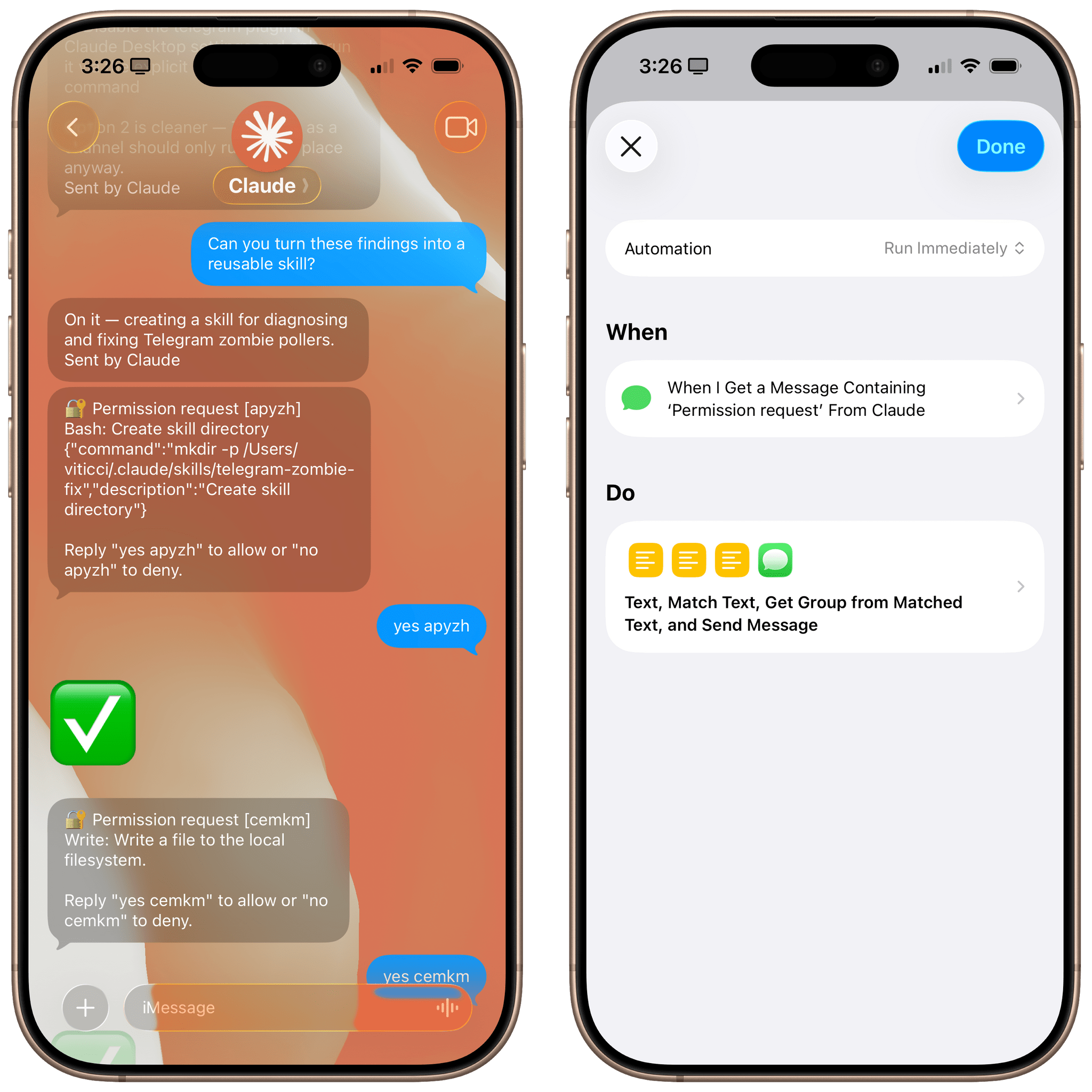
This week on AppStories, Federico and I talked about the personal productivity tools we’ve built for ourselves using Claude. They’re hyper-specific scripts and plugins that aren’t likely to be useful to anyone but us, which is fine because that’s all they’re intended to be.

Stu Maschwitz took a different approach. He’s had a complex shortcut called Drinking Buddy for years that tracks alcohol consumption and calculates your Blood Alcohol Level using an established formula. But because he was butting up against the limits of what Shortcuts can do, he vibe coded an iOS version of Drinking Buddy.

Two things struck me about Maschwitz’s experience. First, the app he used to create Drinking Buddy for iOS was Bitrig, which Federico and I mentioned briefly on AppStories. His experience struck a chord with me:

It’s a bit like building an app by talking to a polite and well-meaning tech support agent on the phone — only their computer is down and they can’t test the app themselves.

But power through it, and you have an app.

That’s exactly how scripting with Claude feels. It compliments you on how smart you are, gets you 90% of the way to the finish line quickly, and then tortures you with the last 10%. That, in a nutshell, is coding with AI, at least for anyone with limited development skills, like myself.

But the second and more interesting lesson from Maschwitz’s post is what it portends for apps in general. App Review rejected Drinking Buddy’s Blood Alcohol Level calculation on the basis of Section 1.4, the Physical Harm rule.

Maschwitz appealed and was rejected, even though other Blood Alcohol Level apps are available on the App Store. However, instead of pushing the rejection with App Review further, Maschwitz turned to Lovable, another AI app creation tool, which generates web apps. With screenshots from his rejected iOS app and a detailed spec in hand, Maschwitz turned Drinking Buddy into a progressive web app.

Maschwitz’s experience is a great example of what we covered on AppStories. App creation tools, whether they generate native apps or web apps, are evolving rapidly. And, while they can be frustrating to use at times, are limited in what they can produce, and don’t solve a myriad of problems like customer support that we detail on AppStories, they’re getting better at code quickly. Whether you’re building for yourself, like we are at MacStories, or to share your ideas with others, like Stu Maschwitz, change is coming to apps. Some AI-generated apps will be offered in galleries inside the tools that created them, others will be designed for the web to avoid App Review, and some will likely live as perpetual TestFlight betas or scripts sitting on just one person’s computer, but regardless of the medium, bringing your ideas to life with code has never been more possible.

Permalink