Today’s update to AirPort Utility for Lion reminds me of a topic I was willing to write about but eventually left in my nvALT queue due iOS 5 (review) and iCloud, various app releases, and the usual news from Apple in the past months. The iOS-ification of OS X is, at this point, inevitable, and anyone who doesn’t see it, or tries to neglect, is either software-blind or has some kind of interest in that way of thinking.
I am looking at my Mac’s screen right now, and I can count dozens of iOS-inspired elements now co-existing with “old school” Aqua interfaces and controls. This transition obviously started years ago, and in retrospect it’s hard to dig up the very first example of iOS-ification on the Mac, so let’s just take a general look at the things we have today:
iPhoto (updated in 2010);
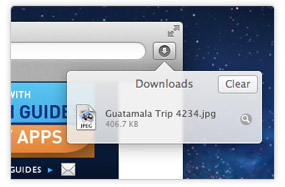
Safari’s popover for Downloads;
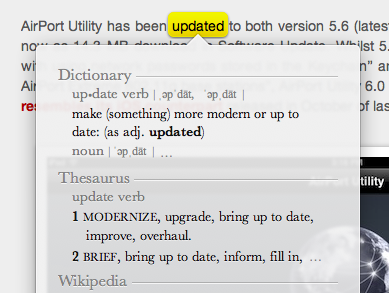
Safari’s tap-to-define;
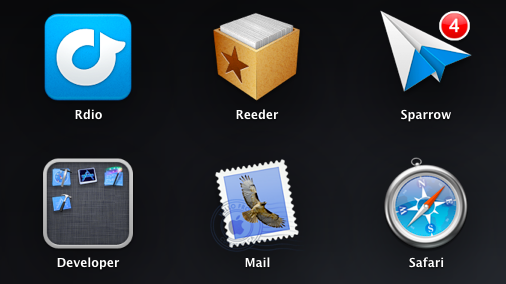
Launchpad;
Linen;
Settings;
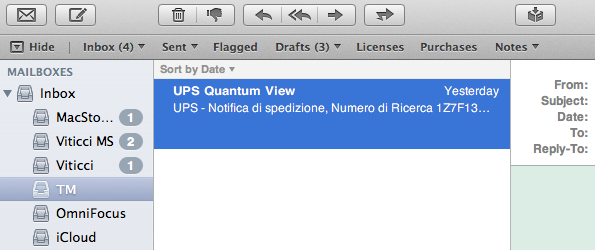
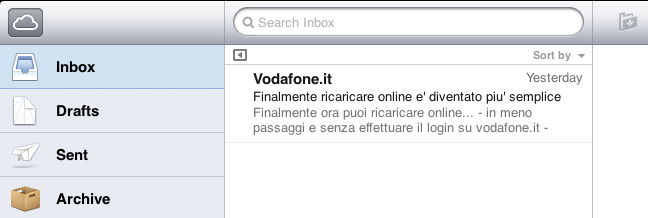
Mail;
iCal;
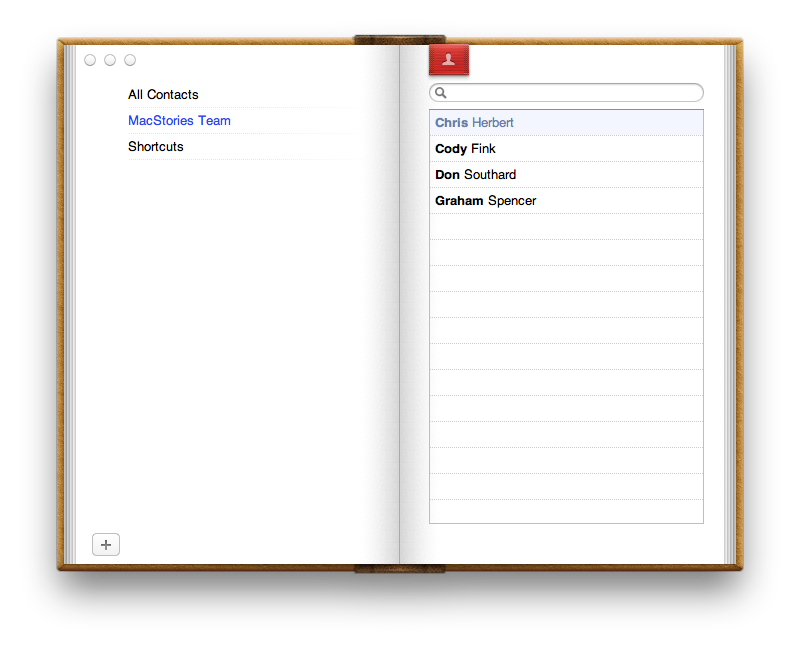
Address Book;
FaceTime (released in 2010);
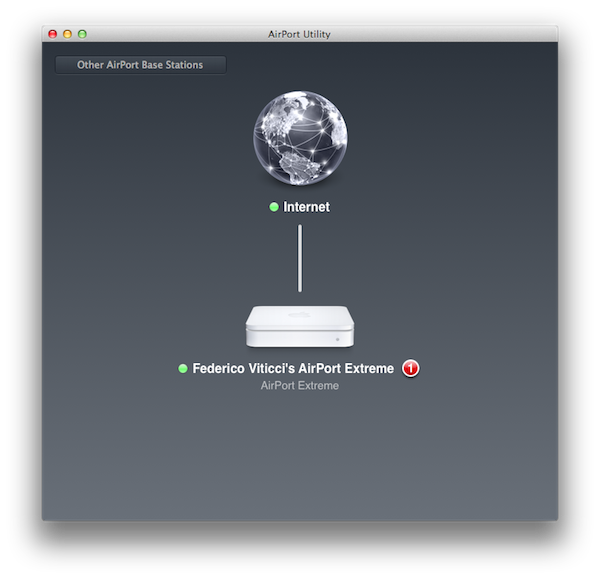
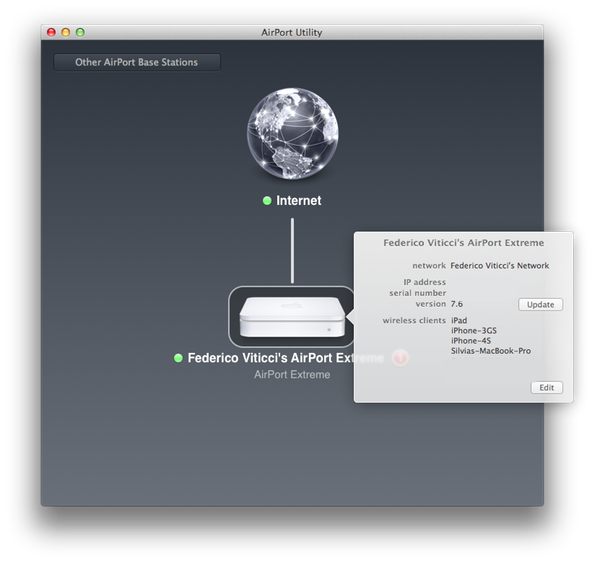
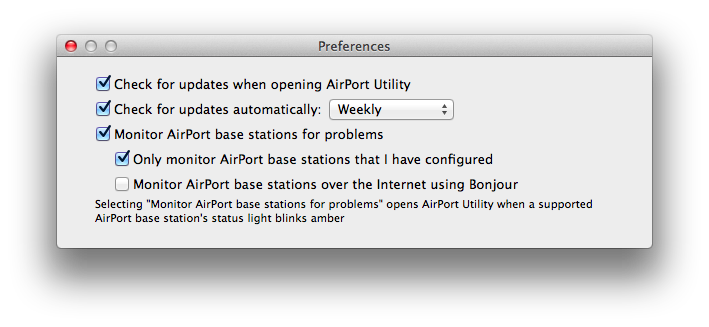
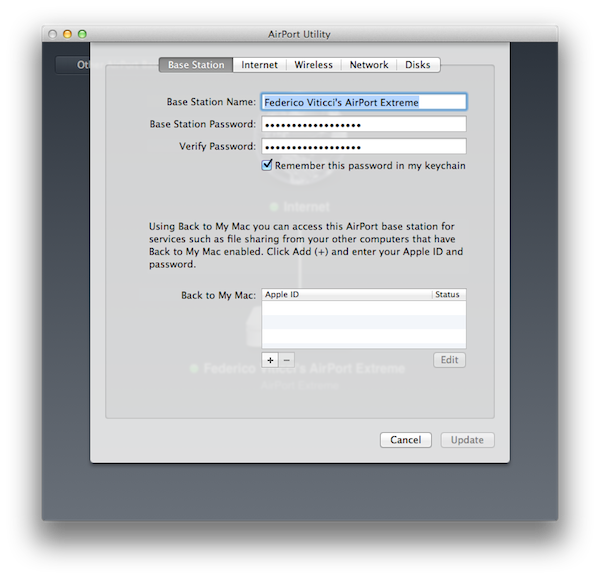
And now, the new AirPort Utility.
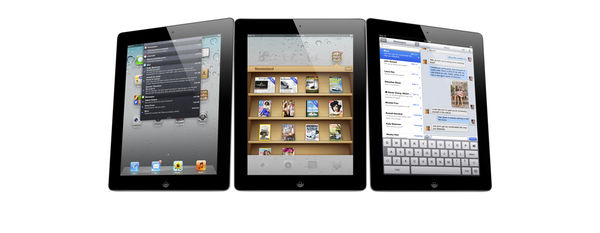
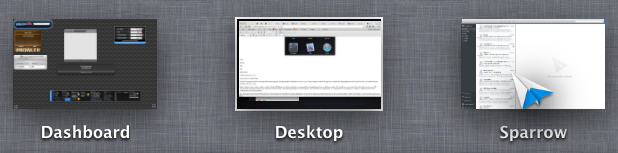
Of course, many great writers have already written about the general concept of graphical resemblance of Lion (our review) to, say, an iPad, noting how several iOS apps and UI schemes have been ported down to the last pixel to OS X. The screenshots above should provide some context.
Today’s (relatively minor) software update reminds me, however, that the iOS-ification goes far beyond simply converting graphics and updating apps from one platform to another. It is actually more a conversion of the entire Apple ecosystem to an iOS-inspired system of graphical elements, user interactions, business models, user experience paradigms, and functionalities. The iOS-ification isn’t simply visual, it’s a fundamental shift of strategy that, ultimately, I believe begins and ends with iCloud – something that I have discussed before.
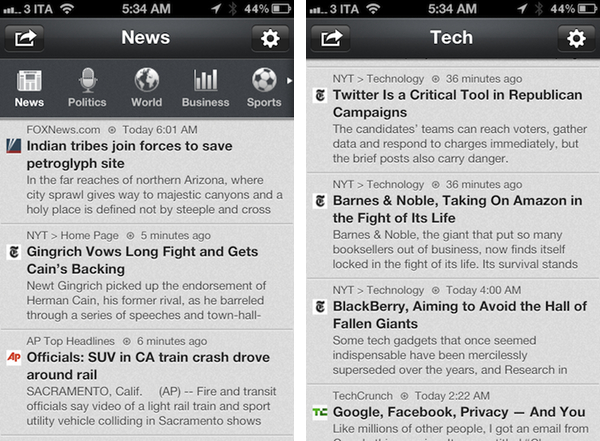
Sure, many apps look the same across iOS and Lion now. Some features have worked the other way around, finding their way from OS X to iOS, such as Safari Reader and over-the-air software updates. Others weren’t ported – they were released at the same time across two platforms, such as Reading List (which fits in the bigger iCloud plan). From the user experience standpoint, there’s plenty of iOS goodness to go by in Lion: full-screen mode and Auto Save + Resume give users an iOS-like environment for working with apps and never lose data; natural scrolling and gestures have unified the way a user moves content around and interacts with the operating system; the Home user’s Library directory is not visible by default in Lion, eliminating an important piece of filesystem from the default configuration of the OS.
Then there’s the business side of the ecosystem. Both iOS and Mac apps have to be sold through the App Store, with Apple retaining a 30% cut off every transaction (Update: Mac apps can still be sold outside of the Mac App Store. Many have debated, however, that going forward the obvious path is the Mac App Store, with some feature such as iCloud integration being Mac App Store-only). Just like on iOS, Mac developers will soon be forced to implement sandboxing, which limits the access a third-party app has to the filesystem. And, obviously, boxed software is going away, leaving much retail room to Mac and iOS devices showcasing the App Store. Or shelves filled with iOS accessories.
iOS-ification isn’t merely graphical: I believe someday, very soon, almost every aspect of Apple’s operations will be iOS-inspired or iOS-unified: from hardware design to user interfaces and app distribution, from developer guidelines to marketing and the way people “see” Apple these days. Those who got to know Apple in the past five years likely already think of it as “the iPhone company”, and rightfully so for a business largely based on revenue coming from iOS.
There are many questions left unanswered and open to speculation. Will the Mac adopt iOS’ Home screen concept (and shortcomings) in the future? Will the next version of iWork for OS X look something along the lines of this? Will Mac-only applications (and thus Mac-like from a UI standpoint) like Aperture, Final Cut and iBooks Author ever be ported to iOS, triggering an iOS-based rewrite and redesign? We don’t know yet. But soon, maybe?
The complete iOS-ification of the ecosystem will be long and there will still be hardware features and design experimentations that will be tested on the Mac first. We can only assume that Thunderbolt will be made available for iOS devices in the future. Macs are still based on physical keyboards, and even if they (perhaps) don’t want to, Apple’s engineers are forced to test new apps with keyboard shortcuts and a different user interaction. Macs have bigger screens, which can lead to arguable design choices like a comically large Launchpad.
But the seed has been planted, and today’s software release is just another drip of water in a field ready to flourish in iOS-based similarities, like it or not.