Apple’s crack marketing team has once again put their heads together and come up with another California landmark to use as the namesake for the latest version of macOS. During the WWDC keynote, we were introduced to macOS 27 Golden Gate.
As with all of Apple’s platforms this year, the main features of Golden Gate are Siri AI and new Apple Intelligence capabilities. You can check out our overview of those announcements for all the details, but there are some Mac-specific elements worth digging into here, as well as non-AI enhancements coming to macOS this fall that you’ll want to get excited for. Let’s dive in.
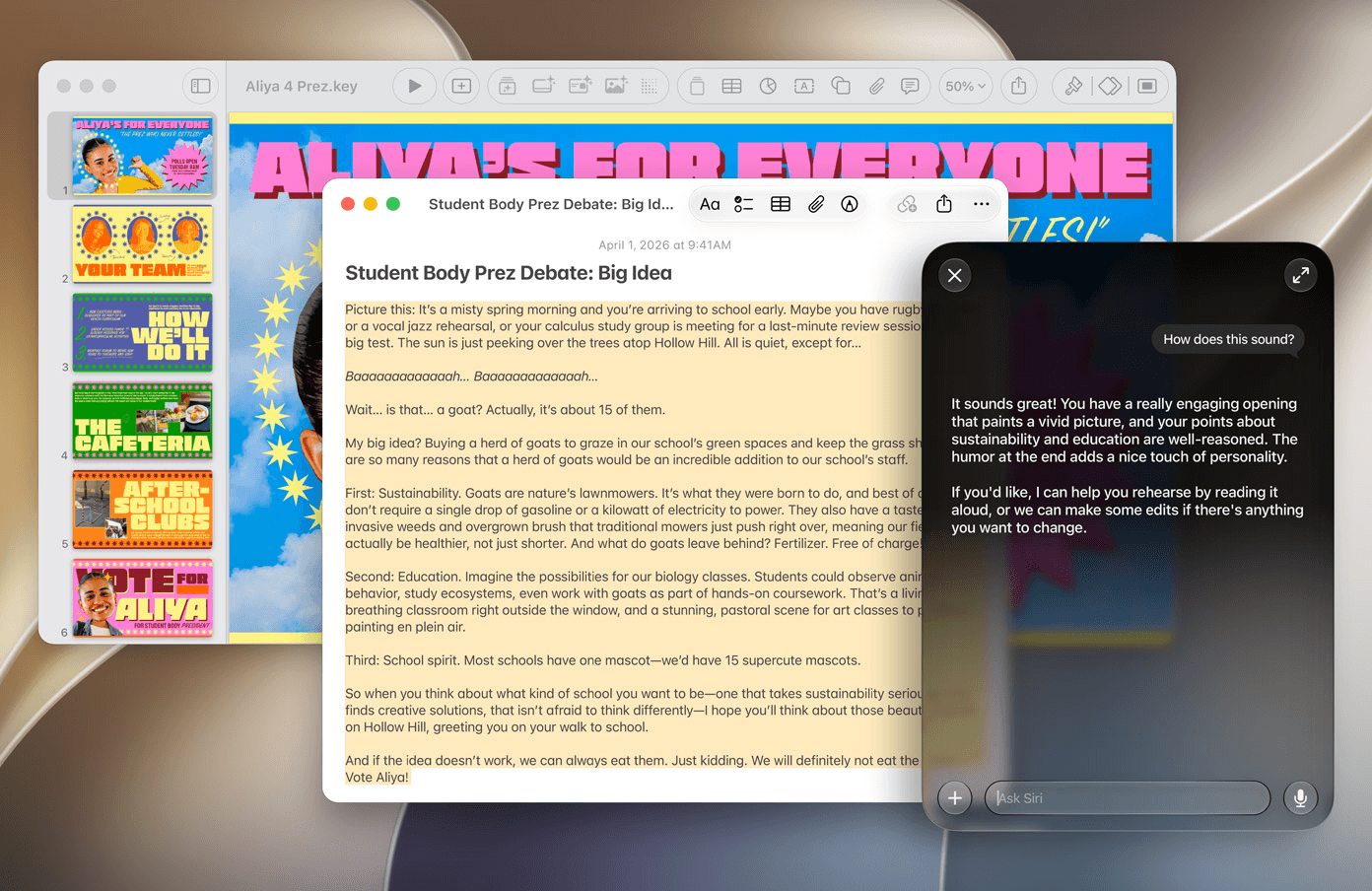
The new Siri AI is implemented in a unique way in macOS 27. No longer confined to a menu bar button, Siri now lives in Spotlight, bringing another major addition to the launcher, which was just overhauled last year with macOS Tahoe. You can speak or type your prompt to Siri in the Spotlight bar, and it will respond to your request by expanding to accommodate the conversation. You can move your chat with Siri around the screen and resize it, too.
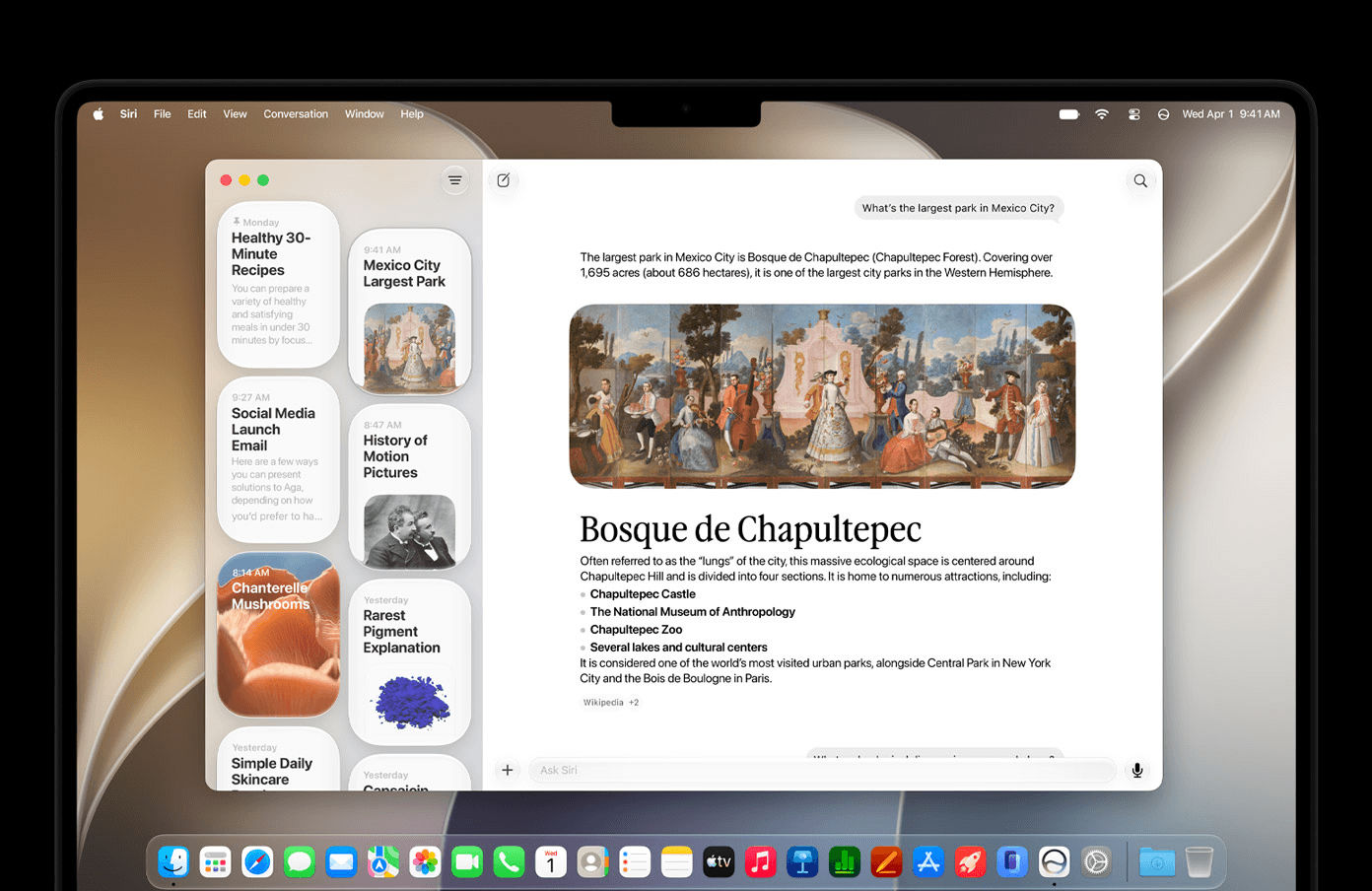
Of course, that’s not the only way to access Siri AI in Golden Gate. The system also includes the new Siri app, where you can review previous conversations and pick them back up. In another interesting implementation, Apple has also added an ‘Ask Siri’ field to the top of context menus in macOS, giving you the ability to select multiple files in Finder and right-click them to ask Siri a question about them.
Visual Intelligence has been brought over to macOS via a keyboard shortcut, so you can ask Siri about the content on your screen. And if you want, you can have Siri write for you in any text field and generate realistic images in Image Playground.
The combination of personal context, world knowledge, app actions, and a dedicated Siri app makes for some interesting and exciting possibilities for the Mac’s favorite digital assistant. And if you’re on a supported device with at least 12GB of RAM, you can adjust Siri’s speaking pace and expressivity as well. In addition to Siri AI, Golden Gate also includes new Apple Intelligence features like tab organization in Safari, new Reframe and Extend tools in Photos, and natural language creation in Shortcuts.
Aside from AI, the other big topic Apple focused on in the keynote was quality-of-life improvements across its operating systems, macOS included. There’s a very long list, and many of them will make a difference for Mac users day-to-day.
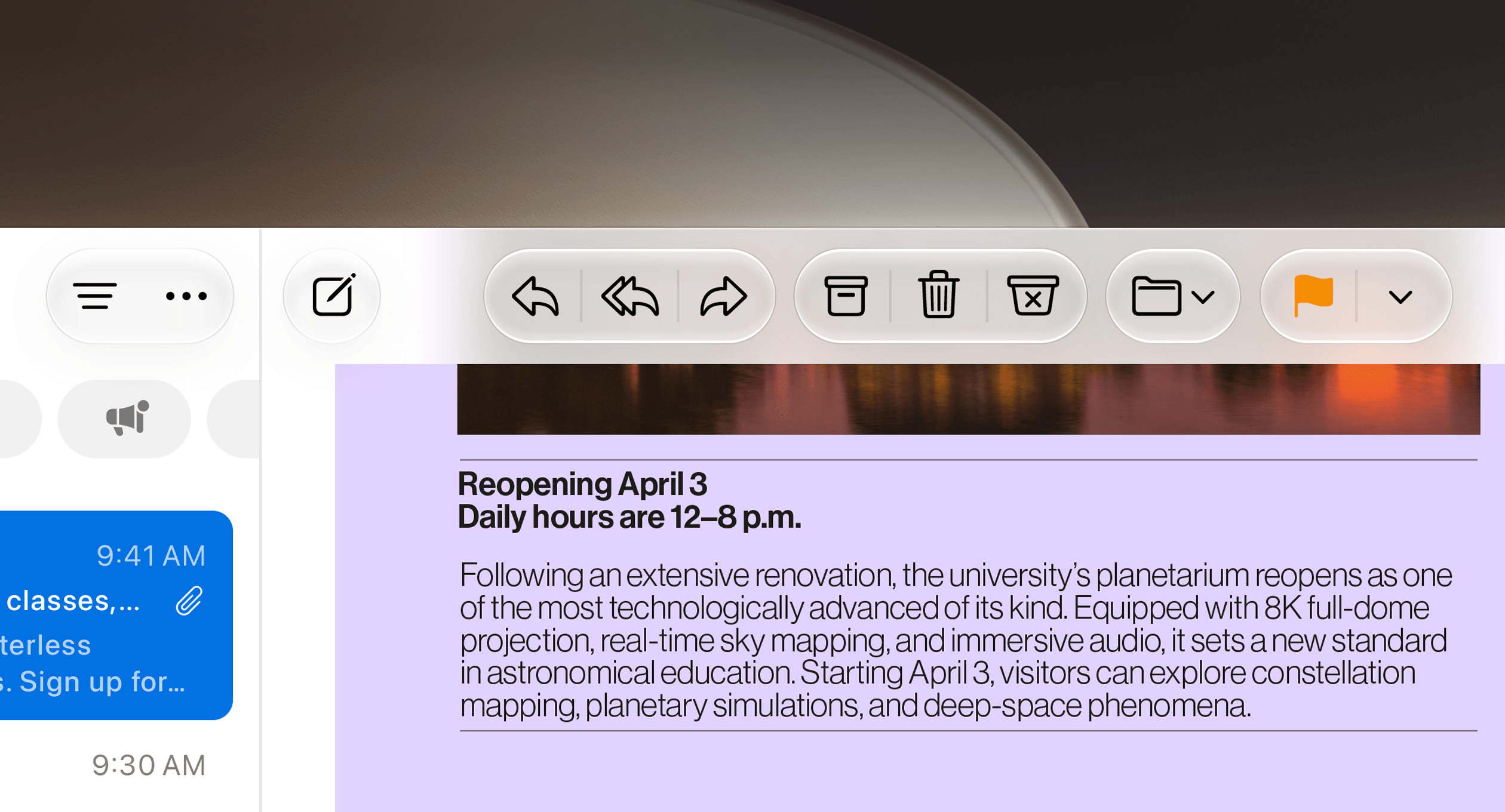
Liquid Glass has seen some changes that are especially beneficial on the Mac, where the design system has felt the least integrated of all Apple’s operating systems. There’s a universal slider to adjust the opaqueness of the Liquid Glass material, making it more frosted or more transparent if you prefer. Sidebars now extend to the edges of their windows, eliminating the gap where content underneath could previously show through, and their colorful icons have also been restored. Apple has also introduced a more uniform toolbar, a more distinct appearance for active windows, and a tighter corner radius on windows system-wide to give Golden Gate a more consistent, readable look.
The company has also taken steps to make the system quicker and more performant. Animations are tighter, scrolling is smoother, and app launches are faster. The search foundation underlying Spotlight, Photos, and Mail has been rebuilt to yield better results and suggestions. You can even swipe down to refresh in apps like Safari, Mail, and Podcasts now.
For those who plug their MacBooks into external displays, Golden Gate offers a couple of improvements. Your window and display arrangements now remain consistent across sessions so things are where you expect them to be when you plug in, and macOS now supports higher resolutions for ultrawide displays, like 5K at 120Hz.
iPhone Mirroring, a beloved feature on the Mac, is improving this year with support for resizing apps, accessing Control Center, and playing back DRM-protected content. Shared Albums in the Photos app can now share full-resolution photos; they can be shared with Windows and Android users and be assigned expiration dates, too. In Maps, the Flyover feature has been improved with even more detail than before.
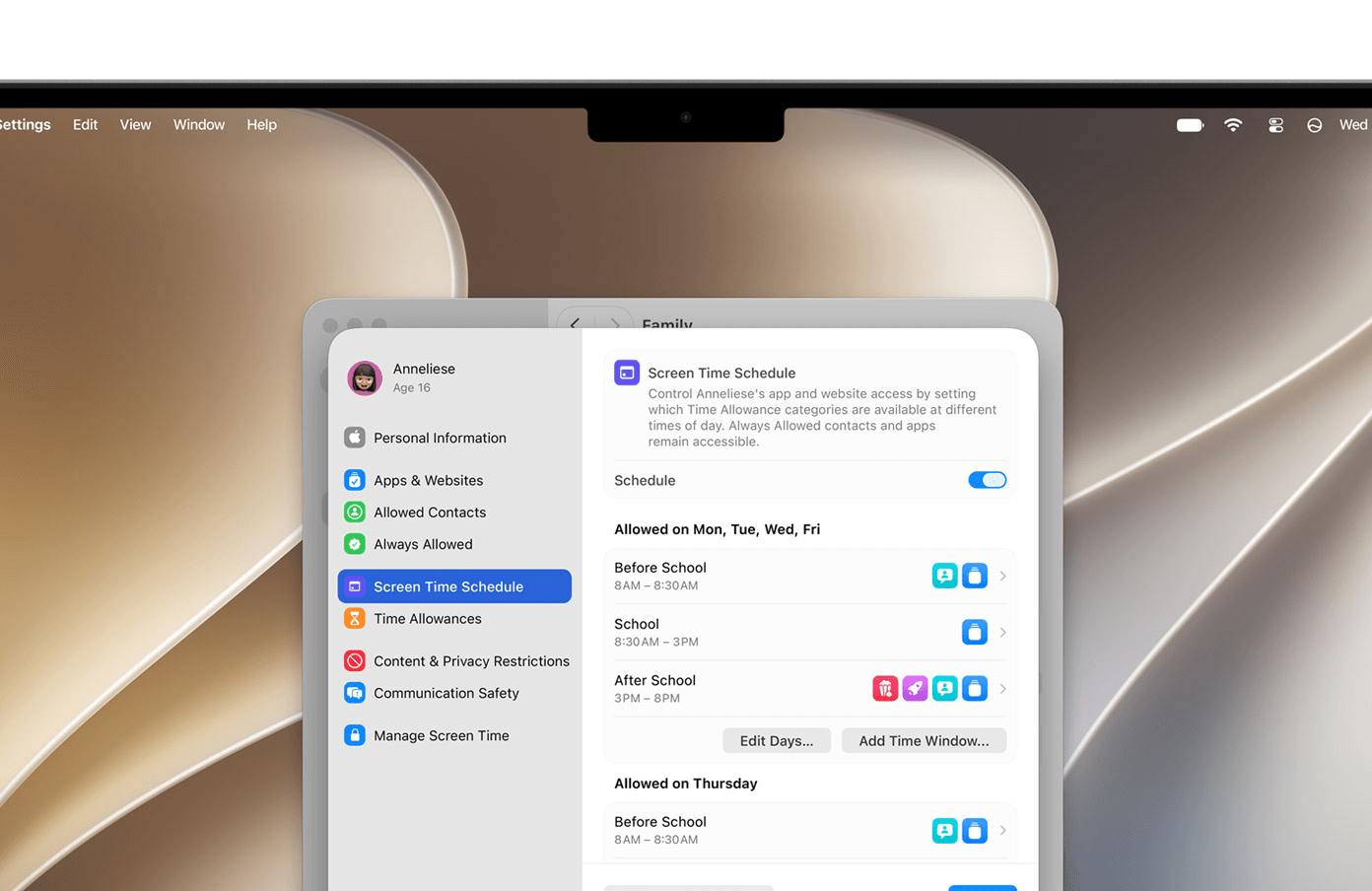
All of Apple’s platforms are getting enhanced safety features for kids and teenagers, too. Parents can set time limits for different app categories, such as Entertainment, Games, and Social Media, with separate schedules for different days using the redesigned Screen Time feature. Parents can also limit the websites children can access, requiring them to request new sites through Ask to Browse. Macs will now detect when children are exposed to violent images and videos, warn them, and allow them to block them. To inform parents about these tools, Apple has published a new Child Safety page on its website and is working with the American Academy of Pediatrics to develop a research-based guide for parents.
macOS 27 Golden Gate is an interesting mix of powerful AI developments, safety tools, quality-of-life improvements, and other features that may seem small in writing but have the potential to make a big difference in the daily experience of using a Mac. Design and performance improvements are always welcome, and I imagine many Mac users will be clamoring to put Siri AI through its paces when it’s available. Golden Gate, here we come.
macOS 27 Golden Gate will be released this fall, and Siri AI will be released in English later this year. The developer beta is available now, with a public beta coming next month.
You can follow all of our WWDC coverage through our WWDC 2026 hub or subscribe to the dedicated WWDC 2026 RSS feed.