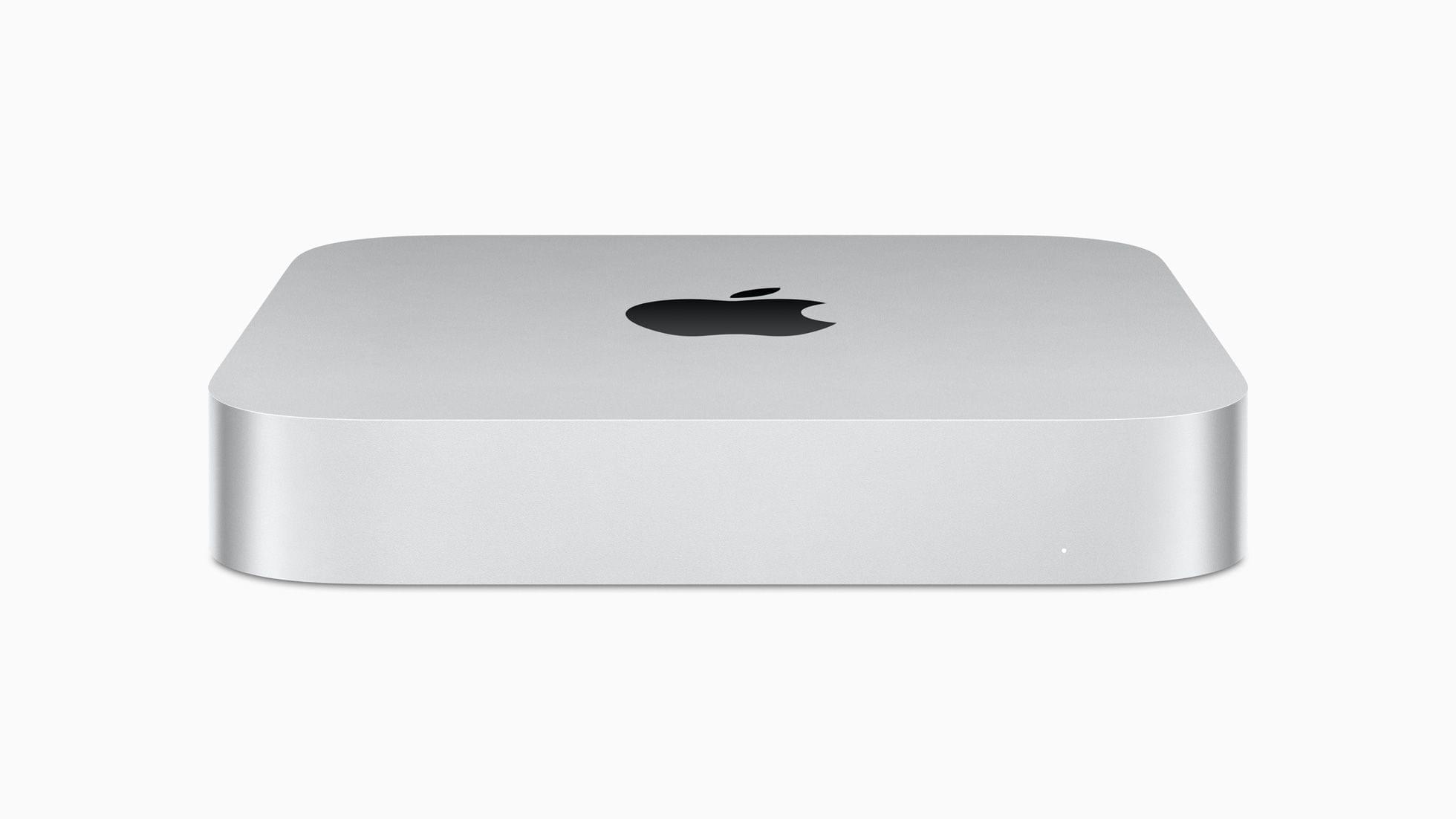
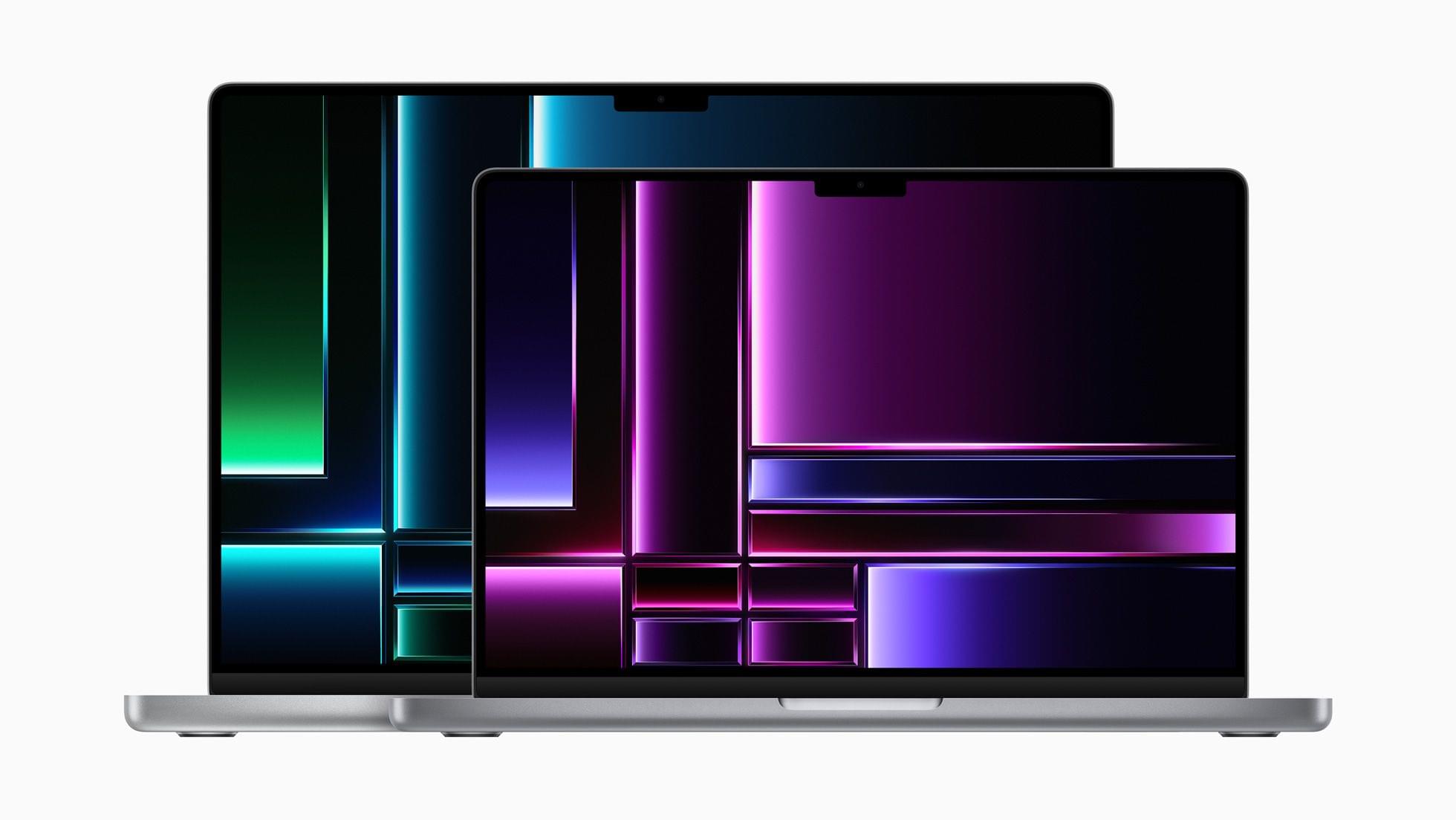
Reviews of the new M2-based Mac minis and MacBook Pros are out, and of the two computers, the mini is the one that I find the most interesting. With Apple silicon no longer limited to the entry-level mini, it’s now possible to spec the tiny desktop so it rivals some configurations of the M1 Mac Studio, leading The Verge’s Chris Welsh to dub the higher-end mini configuration the ‘Mac Studio junior.’
That’s a great way to look at that model, but it also fills many more roles than just the slot immediately beneath the Mac Studio. As Dan Moren of Six Colors explains:
It’s hard to argue that the mini’s versatility isn’t the biggest part of why the product is still going strong, nigh on two decades after its debut. If the iMac, the Mac Studio, and the still-waiting-in-the-wings Apple silicon Mac Pro are the bricks of Apple’s Mac lineup, the Mac mini is the mortar, with its various configurations filling the gaps in between.
Welch strikes a similar note:
But remember that there’s no such thing (yet) as an iMac with an M2 Pro inside. So for anyone who wants a Mac desktop but finds the Mac Studio to be overkill — and it’s exactly that for many use cases — this M2 Pro Mini could make a ton of sense. And it doesn’t cost anywhere near as much.
I’ve owned the 2009 and 2014 Mac minis, as well as a fully-spec’d 2018 Mac mini, which I’m still running as a home server. I’ve also tested the M1 version of the mini. It’s safe to say that I’m a big fan of Apple’s tiniest desktop machine, which started as a way to attract Windows users into the Mac universe with a modestly-powered and priced desktop. That original mini has morphed into a Mac that now fulfills a remarkably broad spectrum of use cases. I’m sure that if I weren’t using an M1 Max Mac Studio, I’d have an M1 Pro Mac mini with 32 GB of unified memory, a 4 TB SSD, and 10 Gigabit Ethernet on my desk instead.
The M2 MacBook Pro is less interesting than the mini, not because it’s a less capable computer, but because the design is identical to the M1 version of the laptop and the speed gains are incremental over those models. Of course, as Jason Snell points out on Six Colors, most users won’t be upgrading from an M1 MacBook Pro to the M2 model, and for them, the jump will be significant and worthwhile:
The fact remains, though: If you want the very best laptop Apple has to offer, the MacBook Pro will not disappoint you. The M1 models were great in late 2021, and these new M2 models are even better—albeit incrementally so.
I’m fascinated with Apple’s gaming narrative. Ever since WWDC, Apple has touted Metal 3 and the M1, and now, M2’s videogame performance. There aren’t a lot of games that take advantage of Metal 3 yet, so it’s still hard to judge how Apple’s computers stack up to their PC counterparts, so I was particularly intrigued by Monica Chin’s imperfect, but insightful take on how the MacBook Pro with M2 Max’s performance compares to gaming laptops that she’s tested for The Verge:
I think — put the pitchforks away, I know these are totally different things and there are all sorts of problems with this comparison — that the simplest way to think of the MacBook Pro with M2 Max is as the addition of an RTX 3070 GPU. It’s not quite providing the frame rates that we’ve seen from the biggest RTX 3070 computers out there (MSI’s GS76 gave us 114fps, for example) but it’s not too far off, and it’s well above what we’d expect to see from an RTX 3060 gaming machine. The M2 Pro Mac Mini, which only put up 62fps on Tomb Raider, is closer to RTX 3050 territory.
There are far more economical ways to achieve that sort of gaming performance than buying a MacBook Pro, but it’s still interesting to see where the laptop falls on the gaming spectrum because it speaks directly to the capabilities of its GPU. As with the M1-based MacBook Pros, the M2 models also distinguish themselves compared to the MacBook Air by their superior displays, higher memory configurations, the wider variety of ports, and ability to drive multiple external displays.
If there’s anything missing from Apple’s current laptop lineup, it’s the ability to configure a laptop with the horsepower of an Air but the memory and storage capacities and screen of the MacBook Pro. I think there are a lot of ‘pro’ uses for a laptop that would benefit from that sort of configuration but don’t require a lot of raw CPU or GPU performance. However, given the lines along which Apple distinguishes its ‘Pro’ laptops from the Air, I’m not holding my breath waiting for it.








](https://cdn.macstories.net/banneras-1629219199428.png)