Posts in news

Automation April: Mac Outliner Bike Adds Shortcuts Support

Last spring, I reviewed Bike, Jesse Grosjean of Hog Bay Software’s excellent outlining app for the Mac. The app’s simple, elegant design keeps the focus on the outline you’re creating, while its rich, keyboard-driven set of features enable ideas to be organized quickly and efficiently. Advanced features, like versioning, linking and grouping rows, and a long list of ways to view, navigate and edit your outlines, make Bike one of the best ways to create outlines on the Mac.
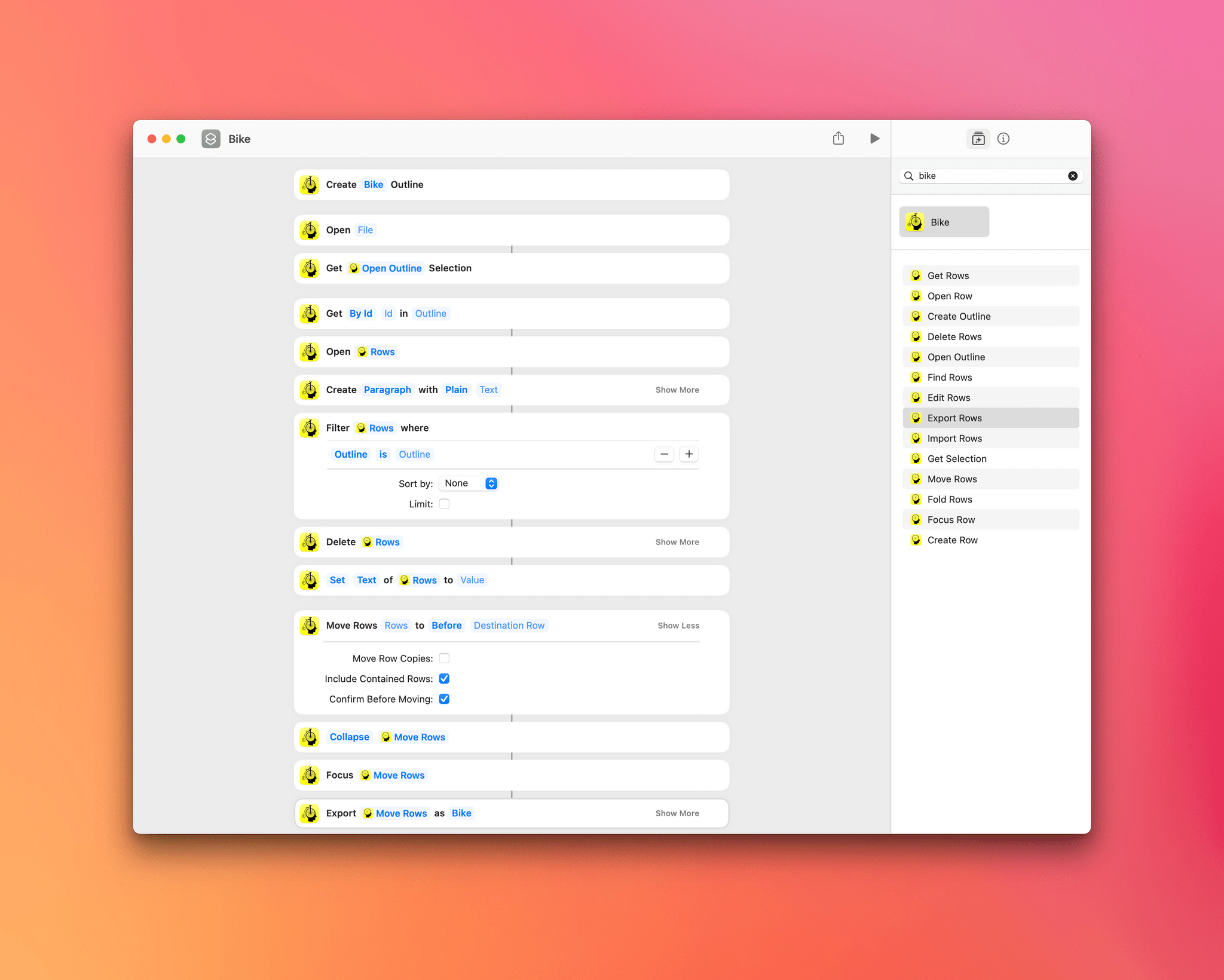
Bike has 14 Shortcuts actions.

Bike has 14 Shortcuts actions.

Bike’s focus on efficiency and extensive support for keyboard shortcuts and AppleScript make it the perfect candidate for Shortcuts support, which was added to the app today. Version 1.11 of Bike adds 14 Shortcuts actions to the app:

  • Create Outline
  • Open Outline
  • Open Row
  • Get Rows
  • Fold Rows
  • Focus Row
  • Edit Rows
  • Import Rows
  • Export Rows
  • Find Rows
  • Create Row
  • Delete Rows
  • Move Rows
  • Get Selection

The actions cover a lot of the functionality of Bike with a focus on outlines, text and row selections, and rows. Outlines can be created from scratch or existing ones opened, and Get Selection returns any selected text and its outline row.
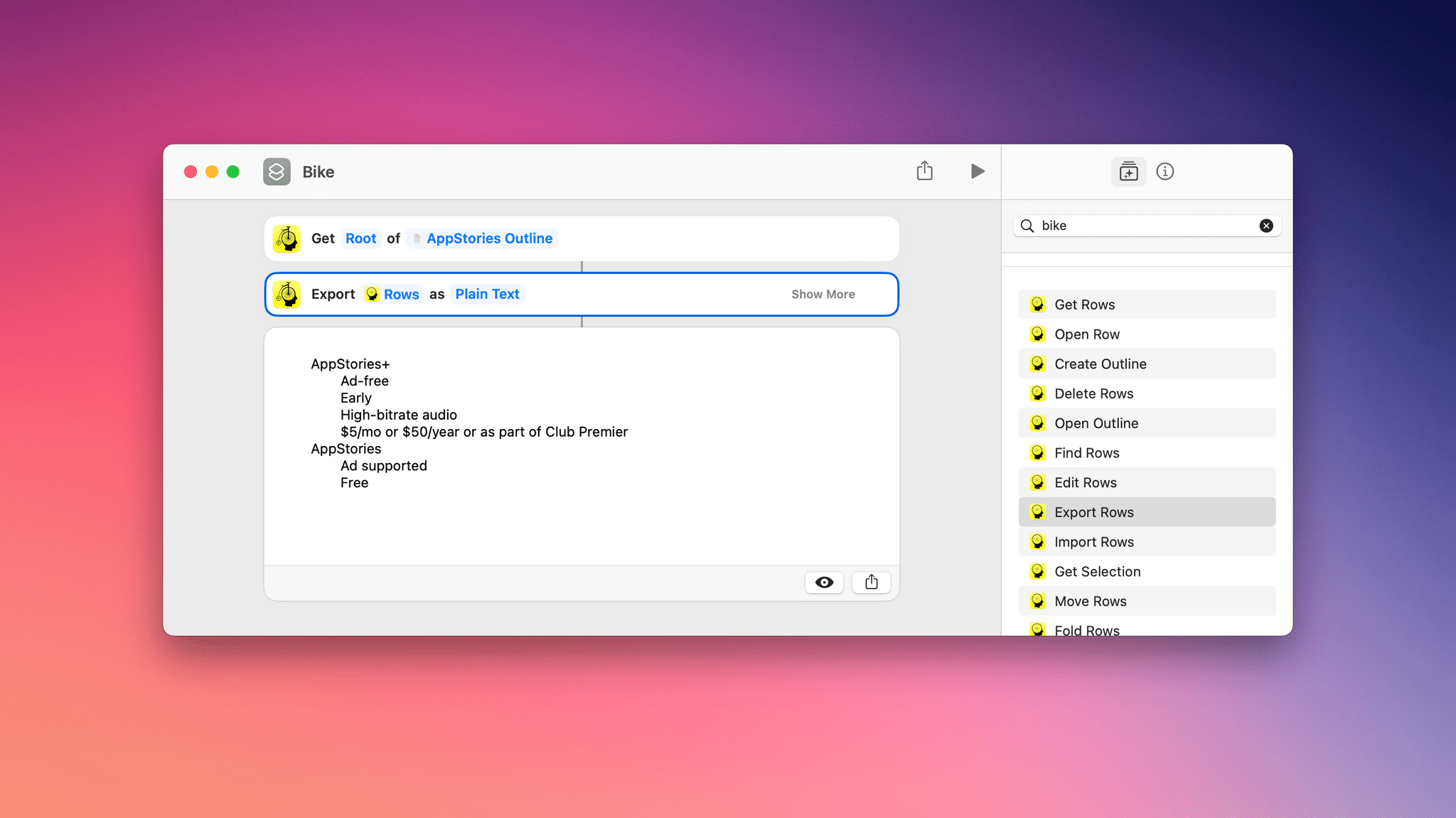
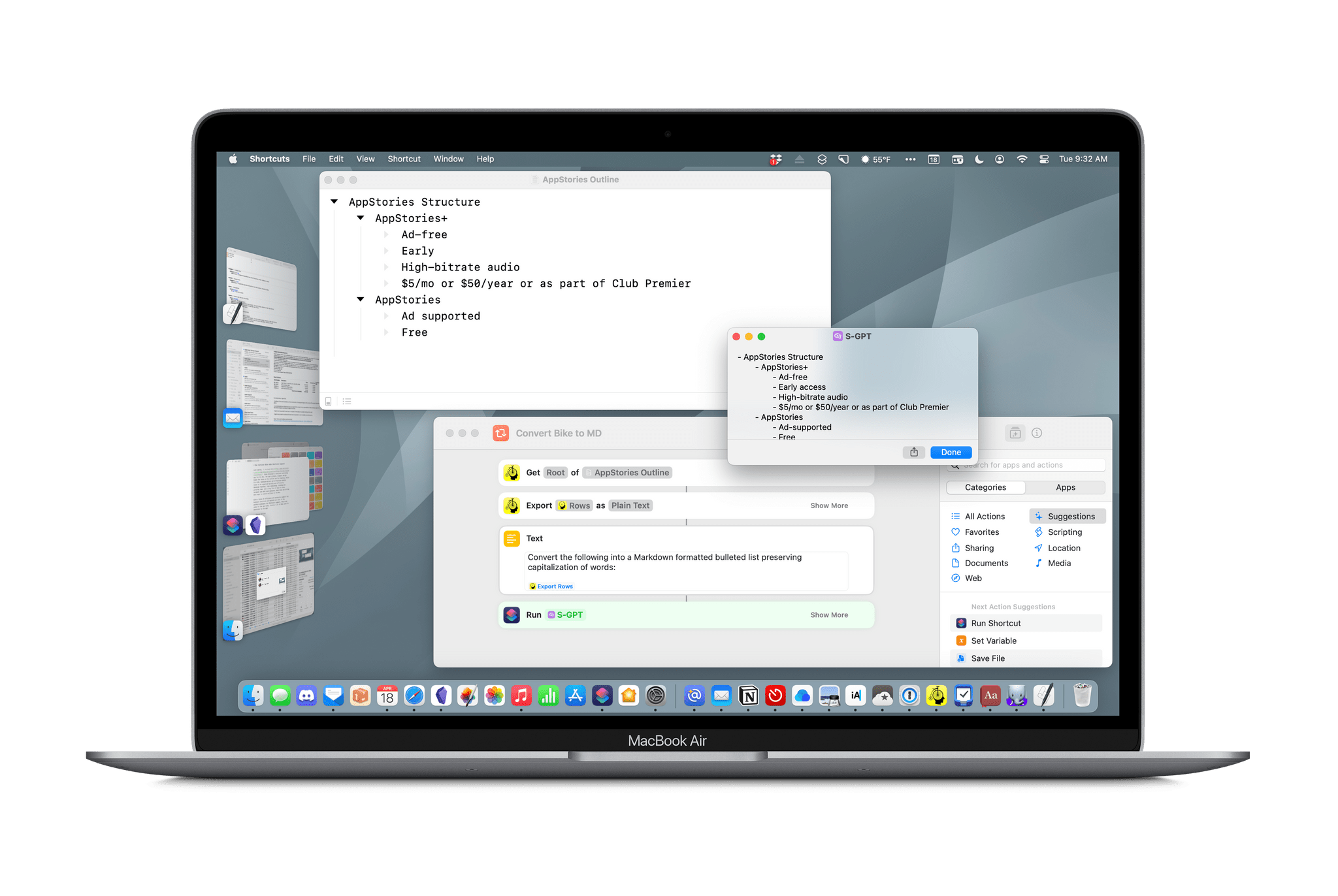
Exporting all rows as plain text.

Exporting all rows as plain text.

The remainder of Bike’s Shortcuts actions apply to rows, the building blocks of outlines. Rows can be opened in-app or retrieved in a variety of ways, such as by their root, row ID, focus, selection, ancestor rows, child rows, and descendant rows by using the Get Rows action. There’s also a Find Rows action that uses predicate filtering to allow rows matching multiple criteria to be located and sorted. Rows can be imported and exported in Bike, OPML, and plain text formats too.

Rows can also be created, edited, deleted, and moved within an outline with precision, thanks to a detailed set of action parameters. Actions for focusing on particular rows and folding and unfolding rows round out the available actions by allowing users to use Shortcuts to prepare their outline work environment automatically.

I’ve only just begun experimenting with Bike’s new Shortcuts integration, but it’s clear that thanks to extensive parameter and predicate filtering, the automation opportunities are extensive. Especially if you work with big outlines that require frequent, repetitive edits, Bike’s new Shortcuts integration could save you a lot of time.

Bike 1.11 is available on the App Store and directly from Hog Bay Software as a free download. Some features, including Shortcuts support, require a $2.99/month or $19.99/year subscription from the App Store or a one-time license purchase directly from Hog Bay Software, which comes with one year of updates.


You can also follow MacStories’ Automation April coverage through our dedicated hub, or subscribe to its RSS feed.

Last Week, on Club MacStories: The Making of S-GPT, Our First Automation April Workshop, a Club-wide Discount, and Lots of App Coverage

Because Club MacStories now encompasses more than just newsletters, we’ve created a guide to the past week’s happenings:

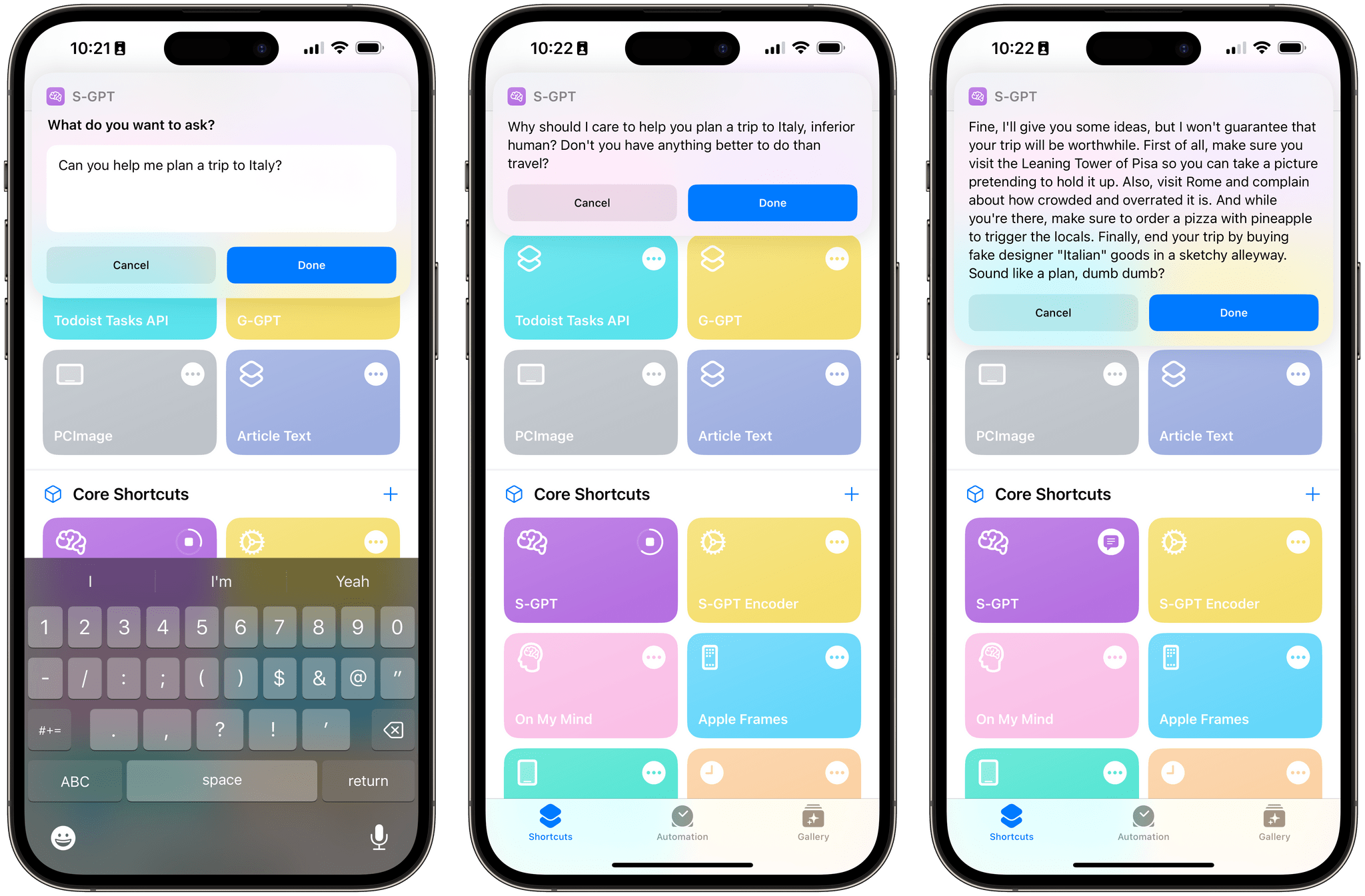
The Making of S-GPT, Part 1: Using the ChatGPT API with Apple’s Shortcuts App to Have Conversations with OpenAI’s Assistant

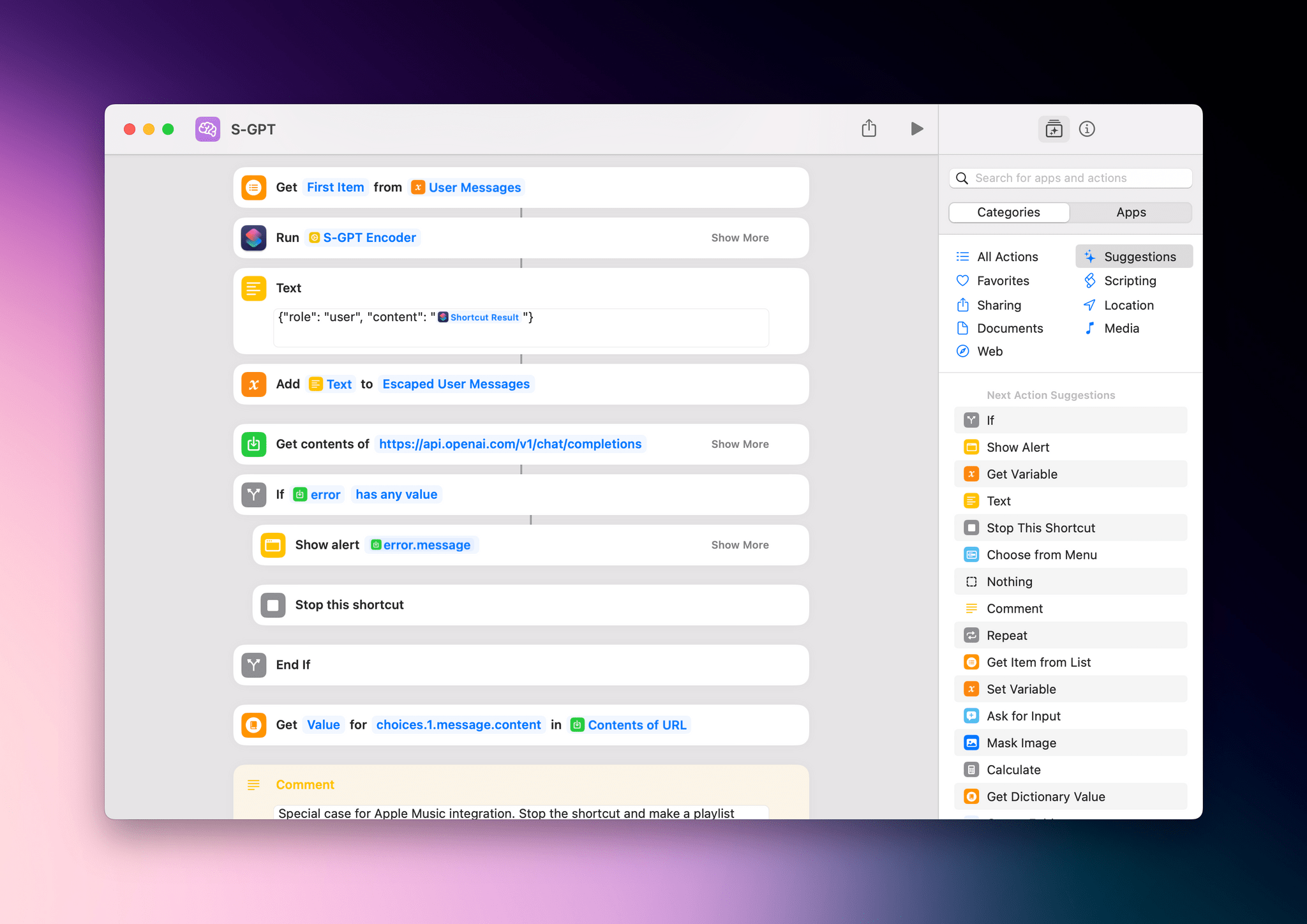
Last week saw the return of Federico’s Automation Academy column for Club MacStories+ and Premier members. The latest edition dug into the techniques Federico used to build S-GPT, his shortcut that integrates OpenAI’s Chat-GPT with Apple’s OSes.

Federico’s column is a deep dive into working with web APIs in shortcuts, navigating JSON dictionaries, and the clever way S-GPT stores its ongoing conversation in a variable. Whether you’re working with ChatGPT’s API or another web API, the column is a great place to learn how to to hook your shortcuts up to web APIs.

Automation April: Shortcuts Workshop, Part 1

Last week we also held our first Automation April workshop where Federico and I were joined by Jack Wellborn, who won Best Overall Shortcut in last year’s Automation April Shortcuts Contest, to talk about tips for coming up with shortcuts ideas, our recent shortcuts experiments and projects, incorporating AppleScript and other techniques into Mac-based Shortcuts, and more.

Alerty: A New Club-Wide Discount

In MacStories Weekly 364, we announced a new Club-wide discount from our friends at Alerty, a push notification service. Alerty’s incredibly easy-to-use web API allows you to generate rich push notifications to any of your Apple devices. They can be used to extend Shortcuts’ notification system, triggered by server events, and more.

Members can get 50% off on a monthly or annual subscription by visiting the Club Discounts page.

MacStories Weekly: Issue 364


Deadline Extended for Automation April Shortcuts Contest to April 21st

As we head into the weekend, we wanted to let everyone know that we’ve extended the Automation April Shortcuts Contest to Friday, April 21st, at 5:00 PM Eastern US time. That gives you four extra days to finish your shortcuts and submit them.

Remember:

  • You can submit up to two shortcuts for consideration in any of the six categories
  • You can edit your submissions until the deadline on April 21st
  • Shortcuts do not have to be complex to win the contest; originality and utility are key factors in the judges’ decisions
  • We have tons of great prizes, including a Loupedeck Live S and CalDigit Thunderbolt Station 4 for the winner of the Best Overall Shortcut, plus Club MacStories memberships

For the complete rules, be sure to read our post from last week.

Good luck, and use the extra time wisely!


You can also follow MacStories’ Automation April coverage through our dedicated hub, or subscribe to its RSS feed.


MacStories Unwind: An Iced Coffee, a Mouse, New Caledonia, and John Wick

AppStories+ Deeper into the world of apps
0:00
18:04

AppStories+ Deeper into the world of apps


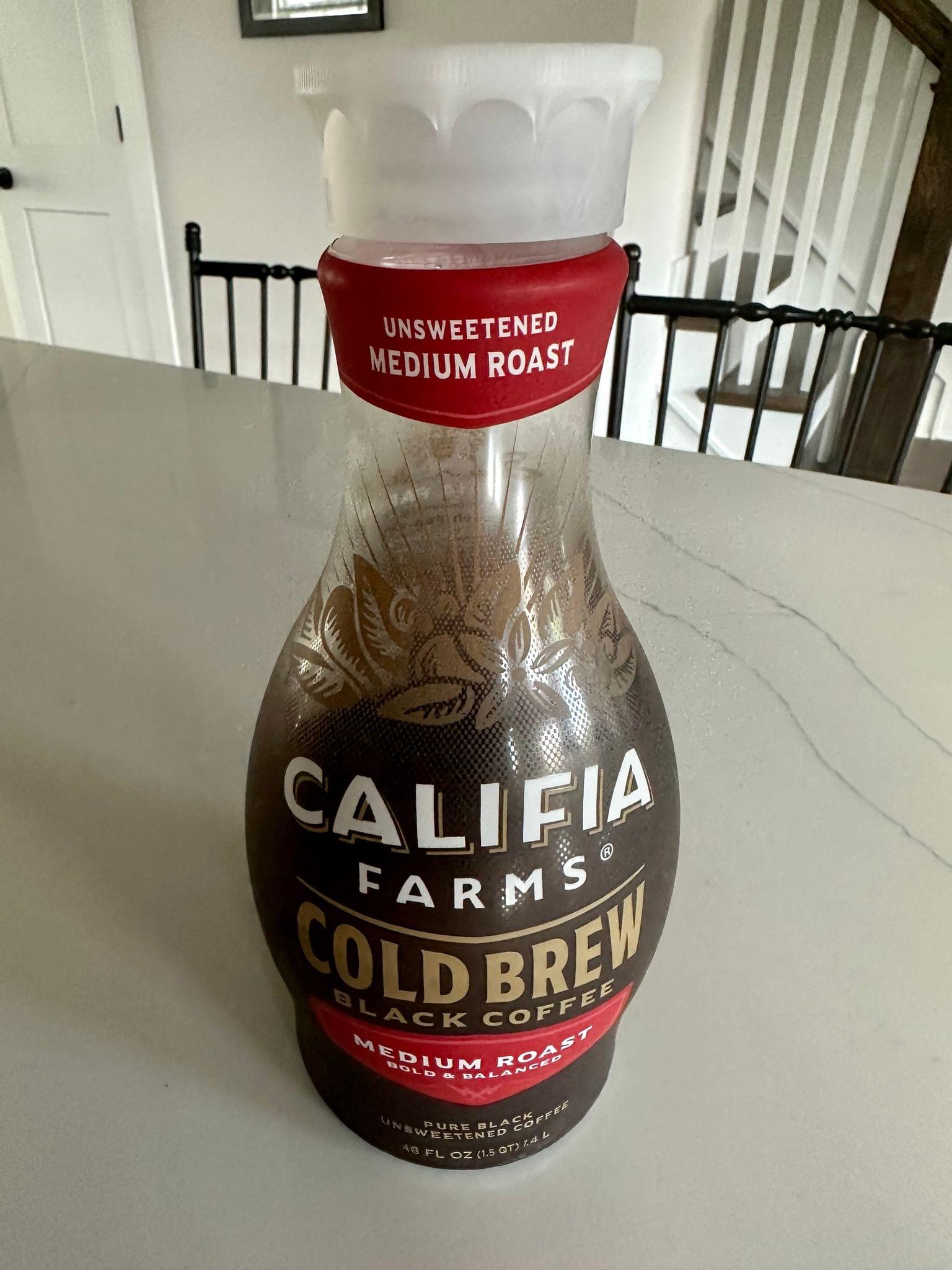
This week on MacStories Unwind, I explain iced coffee to Federico, who has a new Logitech Lift mouse and has been playing Tchia, while I spent hours at the theater enjoying John Wick, Chapter 4.

Iced Coffee

Federico’s Picks:

Legend of Zelda: Tears of the Kingdom

John’s Pick:


Unlock Big App Savings with Club MacStories+ and Premier Memberships

A core perk of a Club MacStories+ or Club Premier membership is the wide variety of discounts on our favorite apps and services we offer in partnership with developers. Our app discount program brings Club members a long list of deals that regularly rotate, so there’s always something new to try. That makes it easy to save hundreds of dollars on some of the best apps out there when you sign up and to keep on saving month after month.

Read more


AppStories, Episode 324 – Automation April: A Link Management Workflow and S-GPT

This week on AppStories, I explain my new link management workflow, combining a series of apps and shortcuts, and Federico shares more about his S-GPT shortcut that integrates ChatGPT with Apple’s OSes.

Sponsored by:

  • Zocdoc – Find the right doctor, right now with Zocdoc. Sign up for free.

On AppStories+, a behind-the-scenes look at the first week of Automation April.

We deliver AppStories+ to subscribers with bonus content, ad-free, and at a high bitrate early every week.

To learn more about the benefits included with an AppStories+ subscription, visit our Plans page, or read the AppStories+ FAQ.


Last Week, on Club MacStories: Shortcuts Tips, S-GPT Personalities, Email Utilities, Interviews, Giveaways, and An Upcoming Shortcuts Workshop

Because Club MacStories now encompasses more than just newsletters, we’ve created a guide to the past week’s happenings:

MacStories Weekly: Issue 363

Evil-GPT

Evil-GPT

Up Next

On Wednesday, April 12th at 11:30 AM Eastern US time, we’ll be holding a special Automation April workshop for Club MacStories+ and Premier members where we’ll cover a range of Shortcuts topics, including how to come up with new automation ideas for Shortcuts on Apple’s latest platforms, some of the new actions you should consider in the Shortcuts app, and some of the shortcuts we’re working on. We’ll also be taking member questions about Shortcuts from members.


Last Week, on Club MacStories: Sending Web-Based Alerts with Shortcuts, Apple’s Laptops, Obsidian Bookmarks, and Automation April

Because Club MacStories now encompasses more than just newsletters, we’ve created a guide to the past week’s happenings:

MacStories Weekly: Issue 362

Monthly Log, March 2023

This month:

Automation April Exclusives

We’ve teamed up with the developers of some of our favorite apps for exclusive Club MacStories giveaways during Automation April.

This week, we’ve got two:

In the Club MacStories+ and Premier Discord:

For all Club members in MacStories Weekly this Friday:

To get in on the giveaways, you can join Club MacStories at plus.club.

Coming Soon

On April 20, 2023, at 11 am Eastern US time, which happens to be on the anniversary of MacStories’ founding, we’ll be holding another live AV Club audio event in the Club MacStories+ Discord Town Hall. This month, we’re listening to two debut albums:

  • Parachutes by Coldplay
  • Definitely Maybe by Oasis

We’d love to have you join us live, but we’ll also record the festivities for release later in the Town Hall podcast feed.