Posts in news

Apple Introduces Transcripts for Podcasts

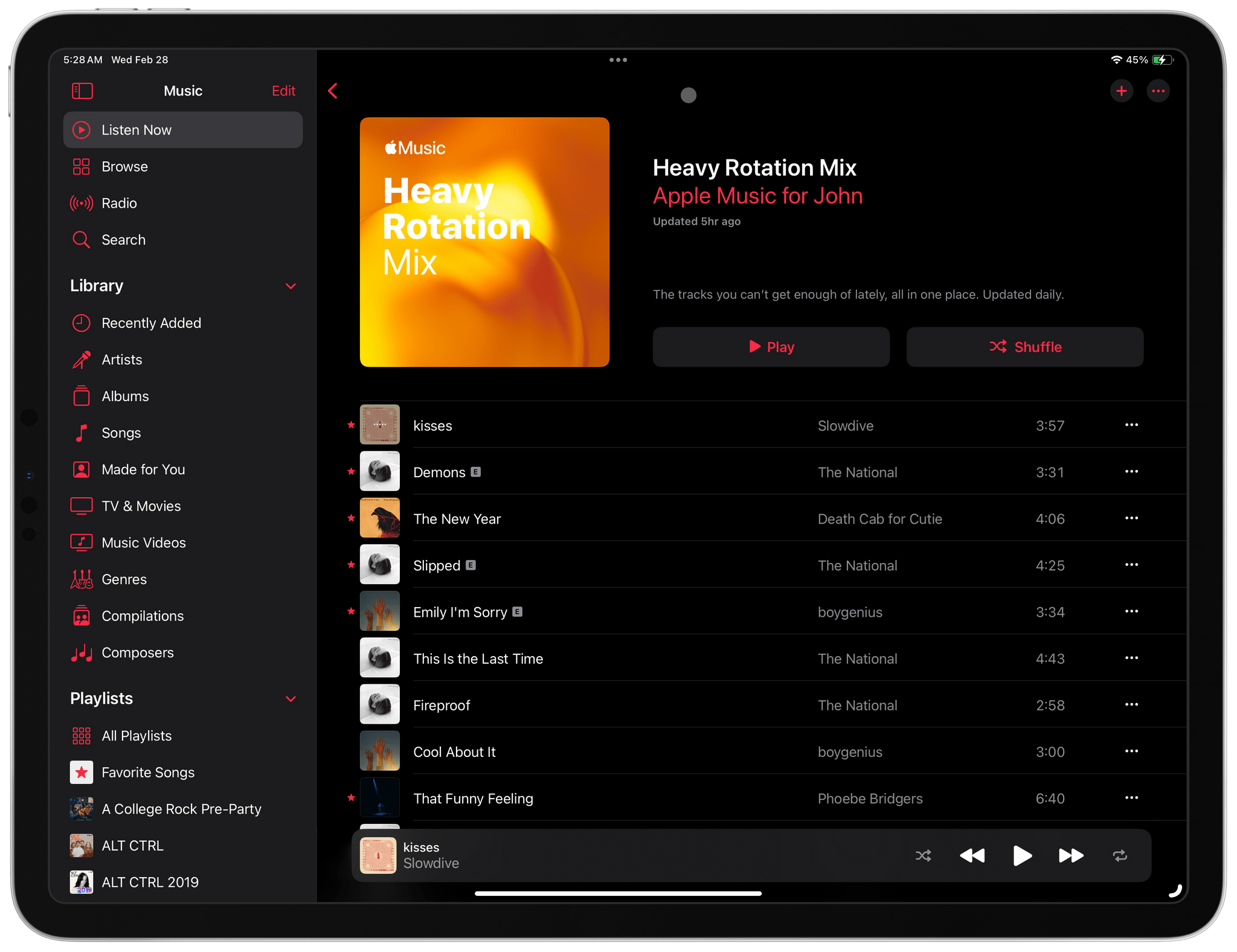
I switch to Apple system apps every summer to test the latest versions of the company’s OSes. I usually return to my favorite third-party apps over time, but Apple Podcasts has been an outlier since last summer for various reasons. The app has come a long way in recent years, and while it still doesn’t quite fit with how I like to listen to shows, it has stuck when many other system apps haven’t.

With other podcast apps struggling in recent months and Apple offering unique features that aren’t found elsewhere, Podcasts has become a compelling choice for a lot of listeners. And judging from the download numbers for AppStories, Unwind, and Magic Rays of Light, I don’t think I’m alone in this assessment.

An AppStories transcript.

An AppStories transcript.

Today, Apple added another reason to use its system app: transcripts. The new feature couldn’t be easier for podcast creators:

Apple automatically generates transcripts after a new episode is published. Your episode will be available for listening right away, and the transcript will be available shortly afterwards. There will be a short delay while we process your transcript. If portions of your episode change with dynamically inserted audio, Apple Podcasts will not display the segments of the audio that have changed since the original transcription. Music lyrics are also not displayed in the transcripts.

Listeners will be able to follow along with its transcript, much like how real-time lyrics work in Apple Music, with the text highlighting in sync with the audio for shows.

Viewing a transcript in Podcasts Connect.

Viewing a transcript in Podcasts Connect.

I’ve experimented with OpenAI’s Whisper for creating transcripts of MacStories’ podcasts, and although the results are good enough for creating a searchable episode database for our internal use, they haven’t been good enough to publish. As a result, I’m very keen to see how well Apple’s solution works. If they prefer, podcasters will be able to upload their own transcripts, too.

A downloaded transcript.

A downloaded transcript.

The transcripts generated by Apple are saved as VTT files, which is a W3C standard for displaying timed text using HTML 5’s track element. I looked at AppStories, and sure enough, there’s a transcript available for the latest episode already. As one of the show’s creators, I can access, download, edit, and re-upload the transcript. Based on my preliminary scan of the latest episode, though, the transcription is very good, including timestamps and identification of each speaker, although not by name, which isn’t surprising.

There was a lot of buzz surrounding the App Store changes coming to the EU next month. Those changes are important and will drive the story of the App Store for years to come, but there’s more to iOS 17.4, and Podcasts transcripts are a prime example of a feature that adds value and makes podcasts more accessible to everyone.


Magic Rays of Light: Apple Vision Pro Preorders, Masters Of The Air, HFR, And An Historic Oscar Nomination

This week on Magic Rays of Light, Sigmund and Devon share their experiences with Apple Vision Pro preorders, highlight Apple Original war drama series Masters of the Air ahead of its debut this weekend, and break down all of the Apple FYC news in the wake of BAFTA and Oscar Awards nominations.


Show Notes


Send us a voice message all week via iMessage or email to [email protected].

Sigmund Judge | Follow Sigmund on X, Mastodon, or Threads

Devon Dundee | Follow Devon on Mastodon or Threads

View our Apple TV release calendar on the web.

Subscribe to our Apple TV release calendar.

Read more


MacStories Unwind: Godzilla vs. Ticci’s Surprise, Part 2

AppStories+ Deeper into the world of apps
0:00
31:10

AppStories+ Deeper into the world of apps


This week on MacStories Unwind, I recommend Godzilla Minus One in honor of Magic Rays of Light joining MacStories and Federico shares part two of his big gaming surprise, explaining the hardware he’s using to emulate Switch games and more.

John’s Pick

Ticci’s Absolutely Bananas Gaming Tablet

Strap included.

Strap included.

The Ultimate lifestyle shots

The Ultimate lifestyle shots

Ticci and ACRNM.

Ticci and ACRNM.

Who doesn't love a kickstand?

Who doesn’t love a kickstand?


MacStories Unwind+

We deliver MacStories Unwind+ to Club MacStories subscribers ad-free and early with high bitrate audio every week.

To learn more about the benefits of a Club MacStories subscription, visit our Plans page.


Apple Releases a Guided Tour of Vision Pro and Shares a Making Of Video

Source: Apple.

Source: Apple.

Apple has released a guided tour of Vision Pro on its website that walks through a bunch of its features. Whether or not you’re planning to purchase Apple Vision Pro, this video is worth taking the time to watch. It’s about ten minutes long and covers many of the device’s core features from the perspective of someone using it for the first time.

I wish I’d seen this guided tour earlier. As someone who hasn’t had a hands-on demo of Apple Vision Pro, this video has done far more to get me excited to try it myself than anything else.

Tim Cook also shared a montage video on X/Twitter of the Vision Pro being manufactured, which can also be viewed on YouTube. The careful orchestration of robots milling parts and stitching bands together is mesmerizing to watch.


Every Apple Vision Pro Accessory Option

The Vision Pro Travel Case.

The Vision Pro Travel Case.

If you finished the Apple Vision Pro checkout process with any money left in your bank account, Apple has several accessories available for its new spatial computing headset.

The Vision Pro battery.

The Vision Pro battery.

At the $199 price point, you have three options:

The light seal.

The light seal.

The light seal cushion.

The light seal cushion.

However, if all you need is the light seal cushion, you can order that for $29. The Apple Vision Pro Solo Knit Band and Dual Loop Band are also available for separate purchase for $99 each.

The ZEISS lenses.

The ZEISS lenses.

If you forgot to order ZEISS lens inserts during checkout or your prescription changes, they can be purchased separately starting at $99 for non-prescription ‘reader’ lenses and $149 for prescription lenses.

The Dual Loop Band.

The Dual Loop Band.

The Solo Knit Band.

The Solo Knit Band.

As previously reported, Belkin is offering a battery clip that includes a case with a clip for the battery and a smaller clip for the power cable for $49.95. Apple also lists a 30W power adapter, USB-C charging cable, the Magic Keyboard, Magic Trackpad, and AirPods Pro (2nd generation) alongside the Vision Pro.

Oh hey, here's an accessory for less than $100. Thanks Belkin.

Oh hey, here’s an accessory for less than $100. Thanks Belkin.

Thankfully, it looks like Apple heard the critics of its AirPods Max case and built a polycarbonate protective case with a ‘ripstop outer shell’ and spots to tuck the device’s battery, optical lenses, and cover, along with ‘other accessories.’ The case looks nice, but I took a pass, figuring I can always pick one up in advance of my next trip if I decide to take the Vision Pro on the road with me.

I did, however, buy a spare battery. I expect that I’ll connect the battery that comes with the Vision Pro to power a lot of the time to get more than two hours of use out of it, but a spare battery will allow for greater portability.


A Survey of Popular Apps Currently Compatible With Apple Vision Pro

Source: Apple.

Source: Apple.

We’re excited about the Apple Vision Pro. In planning our coverage at MacStories, we’ve already collected a list of over 50 apps from some of our favorite developers who have been hard at work on visionOS versions of their apps. Soon after the Vision Pro ships, you’ll start seeing reviews of the best of those apps on MacStories.

However, as we surveyed the App Store, looking for the best examples of upcoming Vision Pro apps and heard the news that Netflix won’t be building a visionOS app or making its iPad app available on the new device, it got us thinking. What other popular apps aren’t coming to visionOS yet, and of those that are, which have gone to the trouble of creating native experiences?

Read more


What’s Next for Apple and Epic’s Legal Disputes?

Yesterday, the US Supreme Court told Epic Games and Apple, “No, thank you,” and Apple served up an ugly alert to developers who can now offer payment options outside the App Store. If you’re thinking, “Wait, didn’t this all get resolved ages ago?” I feel you. The legal system moves at its own pace, which is an order of magnitude slower than technology. However, what might feel like a lifetime ago to many MacStories readers is pretty typical. It also means that it’s time to put on my ‘former lawyer’ hat for a moment to revisit where things stand with Epic and Apple and consider what’s next.

Read more


New Apple Vision Pro Hands-On Accounts From Engadget and The Verge

Today’s announcement by Apple about the entertainment aspects of the Vision Pro was followed up by new hands-on stories from Engadget and The Verge. A lot of what they saw was similar to the WWDC demos, but there were some new highlights, including additional Environments, a beta of the Disney+ app, Apple’s Encounter Dinosaurs app, and the Vision Pro’s floating keyboard.

One of the big open questions about the Apple Vision Pro is how well its virtual keyboard works. Interestingly, Engadget’s Cherlynn Low and Dana Wollman had very different experiences with it:

Cherlynn: It’s not as easy as typing on an actual keyboard would be, but I was quite tickled by the fact that it worked. Kudos to Apple’s eye- and hand-tracking systems, because they were able to detect what I was looking at or aiming for most of the time. My main issue with the keyboard was that it felt a little too far away and I needed to stretch if I wanted to press the buttons myself….

Dana: This was one of the more frustrating aspects of the demo for me. Although there were several typing options – hunting and pecking with your fingers, using eye control to select keys, or just using Siri – none of them felt adequate for anything resembling extended use. It took several tries for me to even spell Engadget correctly in the Safari demo.

Engadget’s editors were also impressed with the Disney+ Avengers and Star Wars-themed environments.

The Verge’s Victoria Song and Editor-in-Chief Nilay Patel also spent some time with the Apple Vision Pro. According to Song’s story:

Nilay had shot some spatial videos where he’d intentionally moved the camera to follow his kid around the zoo and felt some familiar VR motion queasiness. Apple says it’s doing everything it can to reduce that, but it’s clear some shots will work better in spatial than others — like any other camera system, really.

Song describes the experience of seeing EyeSight demoed, too:

So we got to see a demo of EyeSight — what an onlooker would see on that front display when looking at someone wearing the Vision Pro. It’s a bit goofy, but you can see the wearer’s eyes, part of what Apple calls a “persona.” (We were not able to set up our own personas, sadly.) When Apple’s Vision Pro demo person blinked, we saw a virtual version of their eyes blink. When they were looking at an app, a bluish light appeared to indicate their attention was elsewhere. And when they went into a full virtual environment, the screen turned into an opaque shimmer. If you started talking to them while they were watching a movie, their virtual ghost eyes would appear before you. And when they took a spatial photo, you’d see the screen flash like a shutter.

What’s clear is that it’s one thing to read about these experiences with the Vision Pro and a completely different thing to live them. After reading several accounts, I still don’t know what to expect myself, except in the broadest sense. That’s both a little frustrating but also very exciting.