

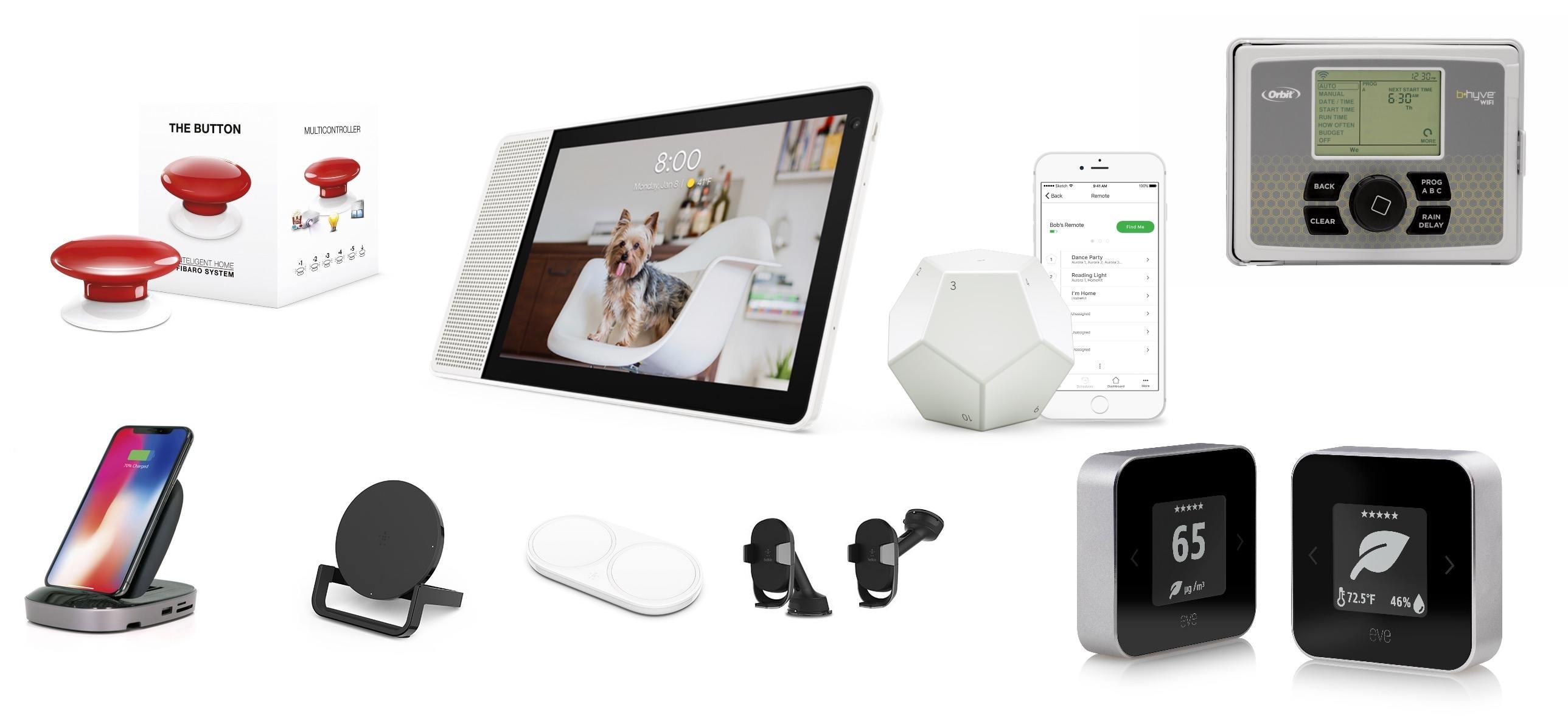
CES is a big, messy spectacle that has everything from vaporware and products you didn’t know you needed – and probably don’t – to truly cool new gadgets. We’ve been following the announcements this week and have rounded up a collection of the most interesting and promising gear we’ve seen so far. Many of these products have not shipped yet, so we haven’t had an opportunity to try them, but these are gadgets we will be watching closely throughout 2018 and that are likely to turn up again on MacStories later this year. CES doesn’t end until Friday, so be sure to check back for updates on any additional announcements that catch our eyes.
Posts in news
A Roundup of CES Home Automation and Apple Accessory Announcements
Jamf Now: Easily Set Up, Manage and Protect Your Apple Devices [Sponsor]
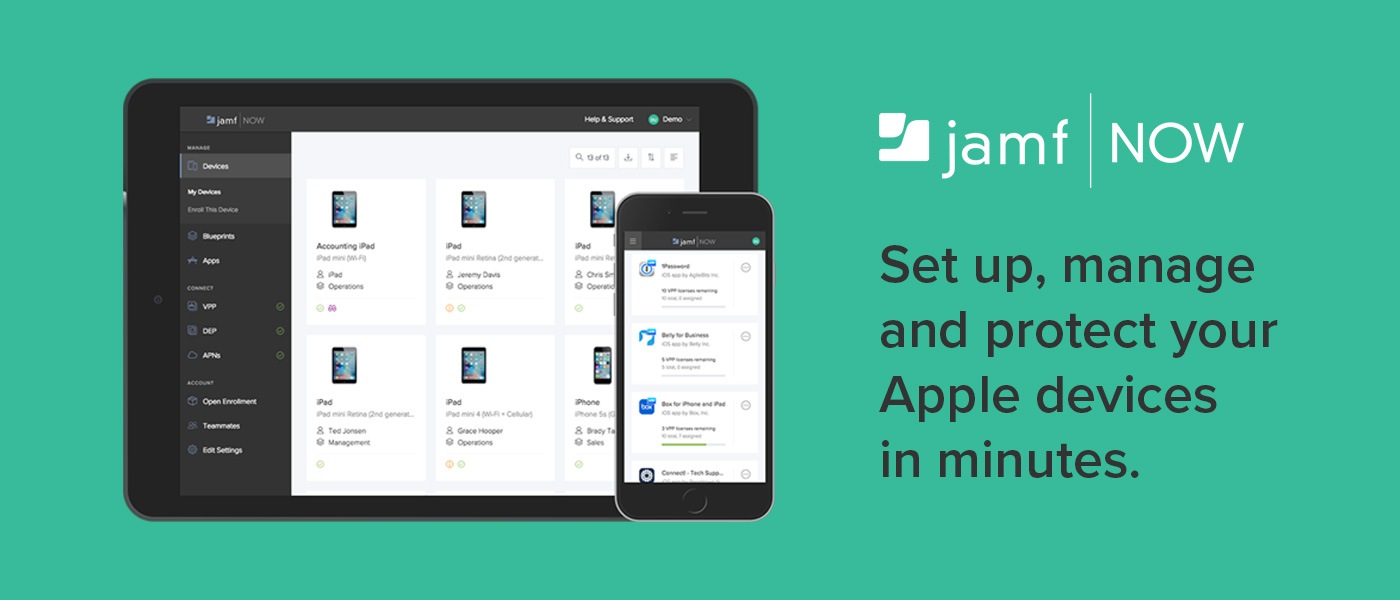
For some people, IT is a task and not a career. Jamf Now helps you manage and secure your iPad, iPhone and Mac devices at work.
For example, when a business is first starting out, it’s pretty easy to keep track of a couple of Apple devices. But as a company grows and it start to buy more tech for employees, it gets harder to keep track of everyone’s Mac, iPhone, and iPad. Figuring out how to secure an iPad that an employee lost can be tough — especially if they work remotely.
Jamf Now makes that, and much more, easier. You can check real-time inventory, configure Wi-Fi and email settings, deploy applications, protect sensitive company data, and even lock or wipe a device from anywhere. Jamf Now helps manage your devices so you can focus on your business. There’s no IT experience needed.
MacStories readers can start securing their business today — by setting up the first 3 devices for free. Add more, for just $2 a month, per device. Create your free Jamf Now account today.
Thanks to Jamf Now for supporting MacStories this week.
Remote Control for Mac: An iOS Controller for Your Mac [Sponsor]
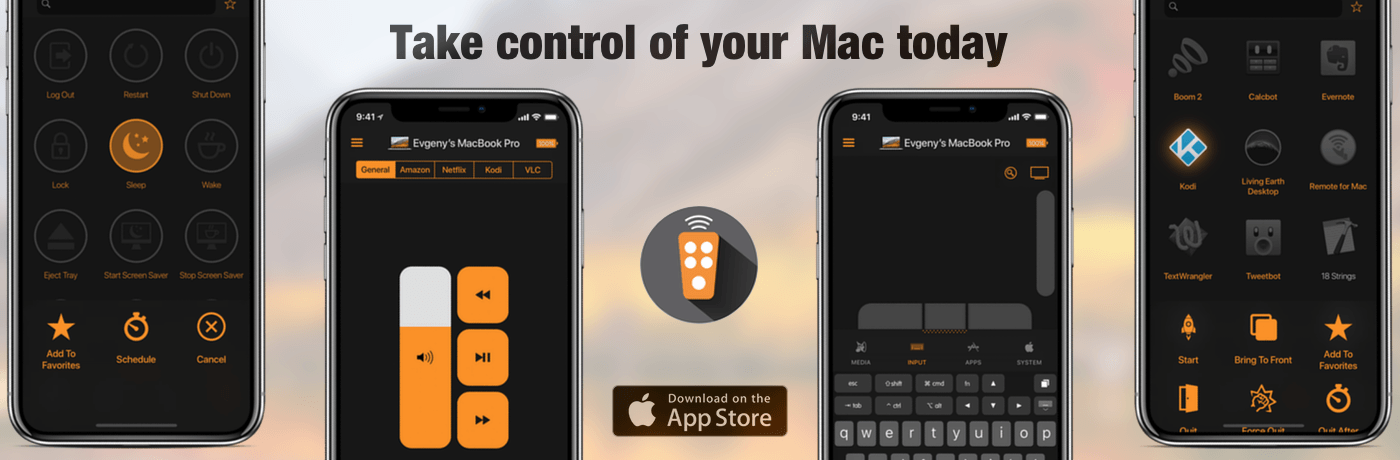
Remote Control for Mac is an iOS app that lets you use your Mac whether you’re sitting in front of it or not. Whether you’re running a Mac as a media center or just want to launch apps or control system settings on your Mac when you’re doing something else, Remote Control for Mac makes the process simple.
One of the greatest use cases for Remote for Mac is controlling a Mac that serves as a media center. A Mac mini makes a great media server, but it’s not comfortable to sit on the couch with a keyboard and trackpad or mouse. Remote Control for Mac cuts through the complications making it easy to control your media center. Just install a helper app on your Mac and use Remote Control for Mac to control system settings like volume and apps and services like iTunes, Amazon Prime Video, Netflix, YouTube, Plex, Kodi, SoundCloud, Spotify, and VLC.
Remote for Mac isn’t just for Mac media centers though. The uses are only limited by your imagination. You can just as easily use the app to browse the web or read email on a Mac connected to your TV. Using the app’s keyboard and virtual trackpad makes navigation a breeze. When you’re finished, Remote for Mac can turn off your display or shut down your Mac too.
Remote has a special giveaway for MacStories readers. The first 20 readers who visit this link will get a free copy of Remote for Mac.
Take control of your Mac today. Download Remote Control for Mac from the App Store.
Our thanks to Remote for Mac for supporting MacStories this week.
Apple Apologizes for Poor Communication About iPhone Throttling and Reduces Battery Replacement Price
In an open letter to customers, Apple has addressed how it handles the CPU performance of iPhones with older batteries.
We’ve been hearing feedback from our customers about the way we handle performance for iPhones with older batteries and how we have communicated that process. We know that some of you feel Apple has let you down. We apologize. There’s been a lot of misunderstanding about this issue, so we would like to clarify and let you know about some changes we’re making.
First and foremost, we have never — and would never — do anything to intentionally shorten the life of any Apple product, or degrade the user experience to drive customer upgrades. Our goal has always been to create products that our customers love, and making iPhones last as long as possible is an important part of that.
Since iOS 10.2.1 the CPU performance of iPhones with older batteries has been reduced by iOS to prevent device shutdowns. The CPU throttling was not communicated to customers, however, which led to accusations of planned obsolescence.
In response, Apple is taking two steps:
To address our customers’ concerns, to recognize their loyalty and to regain the trust of anyone who may have doubted Apple’s intentions, we’ve decided to take the following steps:
• Apple is reducing the price of an out-of-warranty iPhone battery replacement by $50 — from $79 to $29 — for anyone with an iPhone 6 or later whose battery needs to be replaced, starting in late January and available worldwide through December 2018. Details will be provided soon on apple.com.
• Early in 2018, we will issue an iOS software update with new features that give users more visibility into the health of their iPhone’s battery, so they can see for themselves if its condition is affecting performance.
In addition to the open letter to customers, Apple added a new support article called iPhone Battery and Performance, which explains how lithium-ion batteries chemically age and how this can lead to device shutdowns. The support article also lists some of the changes users can expect to experience if their iPhone’s CPU is slowed down.
It’s unfortunate that the kind of clear, reasonable explanation of why device CPUs are throttled wasn’t communicated to customers when it was first introduced in iOS 10.2.1. Battery chemistry and device shutdowns are not the easiest topics to explain to customers, but today’s letter shows Apple is capable of it and hopefully will be more likely to do so in the future.
PortraitCam: Portrait Mode for Everyone [Sponsor]

PortraitCam by BrainFeverMedia takes iPhone portrait photography to the next level. The app, which was featured by Apple in the App Store’s ‘New Apps We Love,’ uses the latest Depth APIs and Face Detection to bring an incredible level of control over portraits.
The app automatically detects faces and captures depth data for compatible devices using Apple’s latest camera technologies. For two-lens devices like the iPhone X, PortraitCam uses the depth information captured by your iPhone. For other devices though, PortraitCam uses Face Detection to generate a depth map.
But what’s most impressive is what PortraitCam does with depth information. The app takes that data and uses it to let you dial in exactly the portrait you want, regardless of whether you’re shooting live or editing an existing photo. You can control the amount of background blur and shape of the bokeh. You can add simulated lenses too. It’s a simple, sensible workflow that works perfectly for portraiture.
BrainFeverMedia has a deep catalog of photography apps. That experience shows in PortraitCam, which draws on its past work with filters and effects to help you create beautiful portraits.
When you get together with friends and family this holiday season, download PortraitCam from the App Store and wow them with a special year-end portrait.
Thanks to PortraitCam for supporting MacStories this week.
Apple Updates and Expands App Store Review Guidelines to Address Pre-Orders, Loot Boxes, VPNs, and More
Just before the annual holiday shutdown of the App Store, Apple has revised its App Store Review Guidelines to address new App Store functionality like Pre-Orders and clarify or expand a handful of existing guidelines, including the creation of apps from templates and how ’loot boxes’ and VPNs should be handled. Below is a summary of the major changes to the Guidelines. To see all the changes, check out Rich Hong’s App Store Review Guidelines gist on GitHub.
Pokémon GO’s ARKit-Powered Release Coming Soon
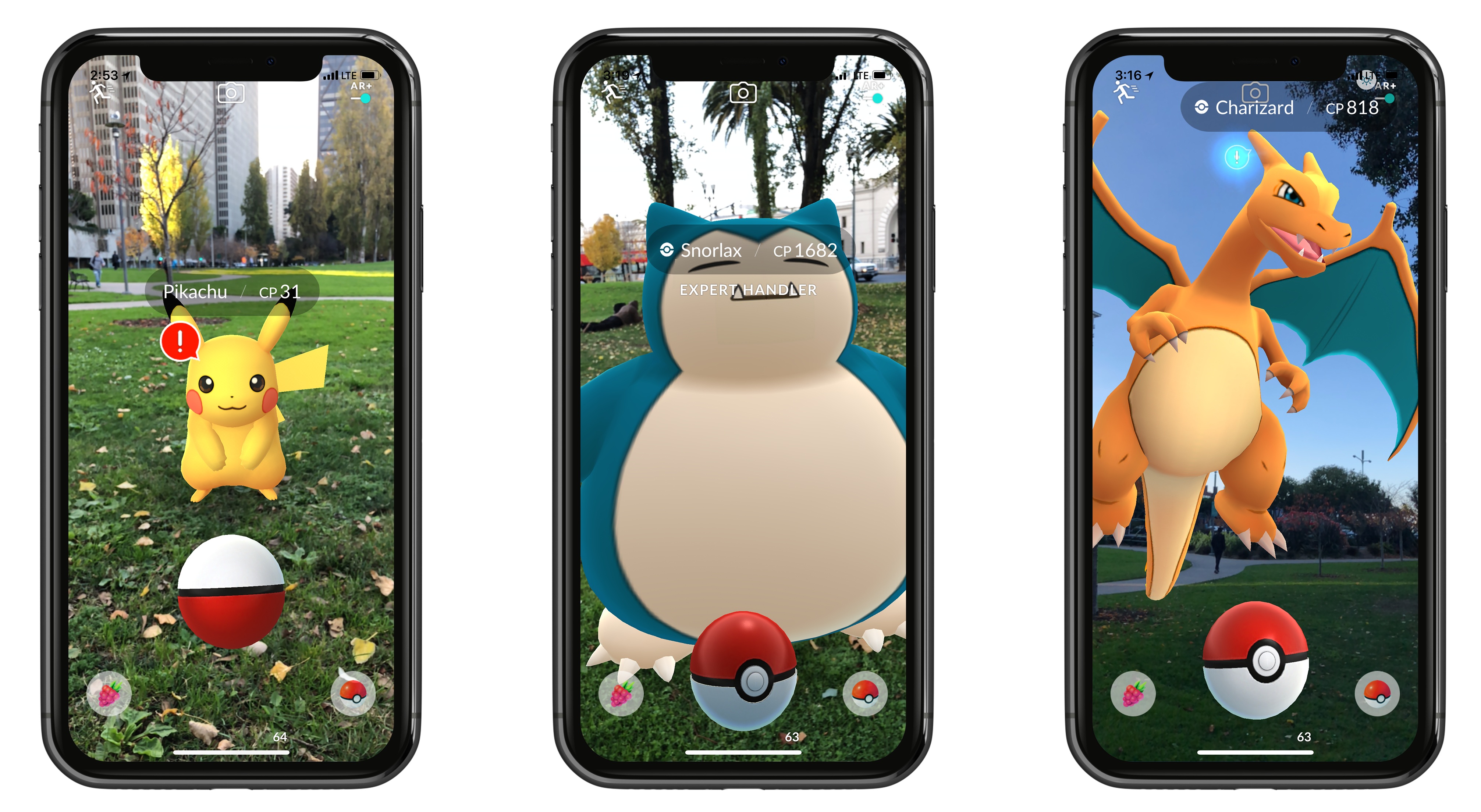
The most well-known augmented reality smartphone game will soon be better than ever. As was previously announced at WWDC, Pokémon GO is adopting Apple’s ARKit framework to provide a more true-to-life AR experience. The Pokémon GO website announced that this update, featuring what the post dubs ‘AR+’, is launching very soon.
AR+ will not only make Pokémon appear more accurately in space, but it also brings enhancements to actual gameplay. Because the game will be able to better measure distance and placement of objects, each Pokémon found in the wild will now have an awareness meter. The meter fills up as Pokémon grow more aware of your looming presence, and if the meter fills up completely, the Pokémon will run away. But if you sneak up carefully, not only will you prevent the Pokémon from fleeing, but you’ll earn some nice perks: an Expert Handler bonus that increases the amount of XP and Stardust you receive, and a better chance at earning Great and Excellent Throw bonuses. These additions are a clever way of using ARKit to not only improve the realism of the game’s visuals, but its mechanics too.
One either nice perk of AR+ is that, as a side benefit of being fixed to a precise point in space, Pokémon will display in an accurate scale, so you can walk up and see just how big or small a Pokémon truly is.
While Pokémon GO’s days as a worldwide phenomenon are over (at least for now), the game continues to receive important updates, and the adoption of ARKit appears to be a key one. The update’s exact release timeline is unclear, but by all indications it’s imminent.
Spark: The Future of Email [Sponsor]
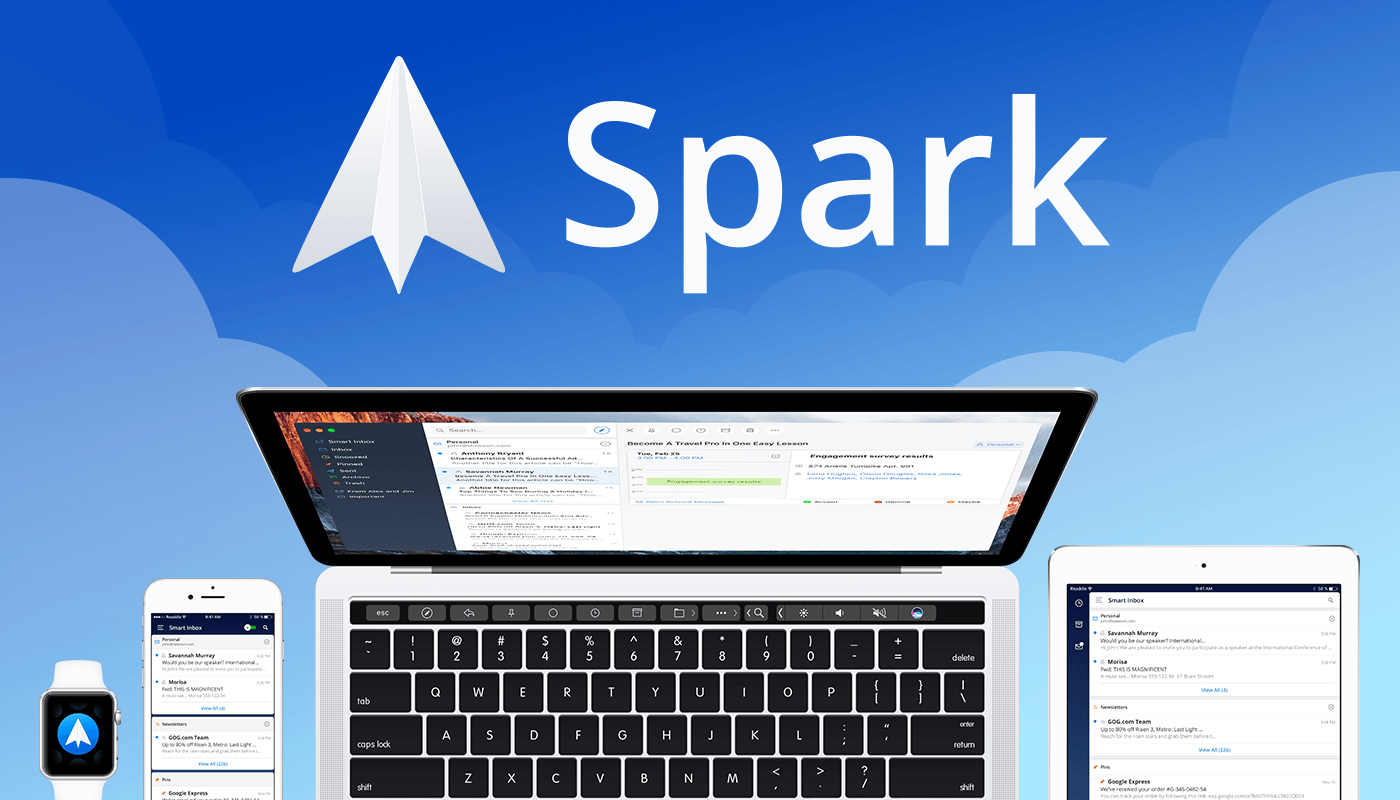
Email robs you of precious time. Spark recovers those lost moments by knowing what’s important and organizing it for you neatly and automatically.
Spark’s smarts start with its inbox. Messages that arrive in Spark’s Smart Inbox are automatically categorized as Personal, Notifications, and Newsletters, which makes it easy to focus on what’s important and return what’s not later.
Intelligent search makes it simple to find messages no matter where they are. Spark’s natural language algorithm thinks like you do. Just ask for messages the way you would if you were asking a friend.
Email notifications are a problem that can spin out of control quickly. Spark uses Smart Notifications to filter out the junk and only notify you what you need to know now.
In addition, Spark features beautifully designed card-style calendar invitations that can be accepted with just one tap, the ability to send later and set up reminders for messages that don’t receive a reply, message snoozing, and Quick Replies that let you acknowledge a message with a single tap. Spark also has customizable gesture actions and works with Dropbox, Box, iCloud Drive, and more. Spark is beautifully designed too with a threaded message view that makes following a conversation simple.
As if that weren’t enough, in just a few short months, Spark 2.0 will introduce Spark for Teams, which will change the way teams collaborate giving them the ability to do things like comment and discuss messages and write messages together.
The future is now. Download Spark today for free on iOS or on macOS and take control of your inbox.
Thanks to Spark for supporting MacStories this week.
Apple Introduces Podcast Analytics Beta
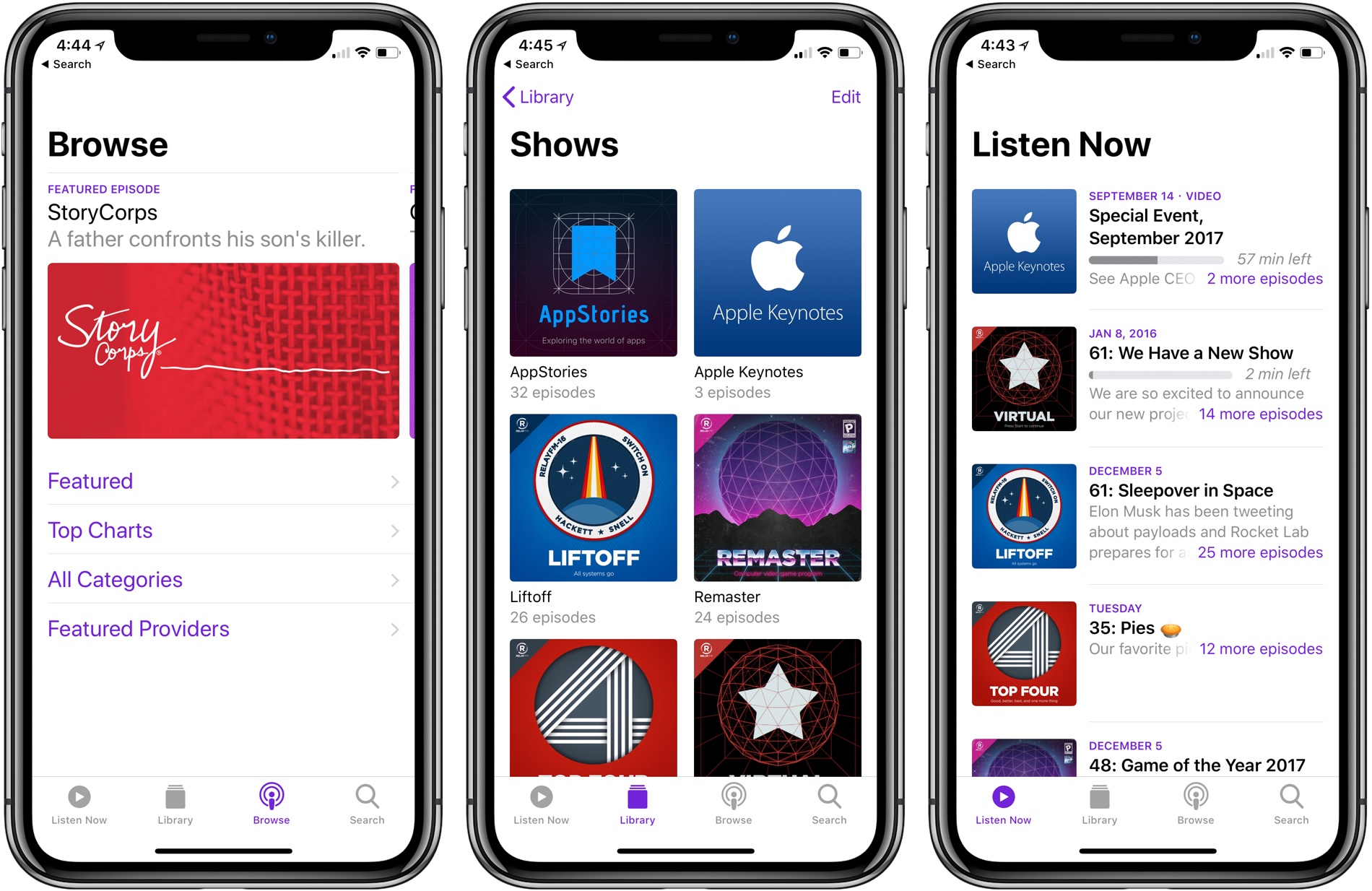
During as session about podcasts at WWDC in June, Apple announced that it would introduce podcast analytics later in the year. Today, the feature was rolled out as a beta service as part of iTunes Connect, Apple’s content creator portal. At release, the data available to podcast producers includes unique device downloads as well as playback metrics.
Historically, podcast analytics have been rudimentary. Producers could track downloads, but there was no way to tell how many users were behind those downloads or how long they listened. Those sorts of features are something that some podcast producers, especially those coming from the radio industry, have wanted Apple to add for a while.
With the beta introduced today, producers can track the number of unique device downloads and view graphs of how long listeners lasted before giving up on a show. The data is aggregated to protect user privacy, but it’s nonetheless substantially more information than podcasters have had in the past.
The data is limited to users using the Apple Podcasts app on iOS 11 and later or listening via iTunes 12.7 or later on macOS, which limits its utility for some show producers. For example, Apple Podcasts listeners account for barely over 5% of listeners of our podcast, AppStories, a number which counts users of the app on all versions of iOS.
One of the big proponents of these sort of analytics has been big brand advertisers who want to more closely measure the performance of podcast advertising. As podcasts have boomed in recent years and producers have looked to bring larger advertisers along for the ride, pressure has mounted for the kind of analytics that are employed on the web. It remains to be seen whether podcast analytics do to podcasts advertising rates what click-through and other metrics have done to other online media outlets’ advertising revenue.
The beta is available at podcastsconnect.apple.com/analytics.