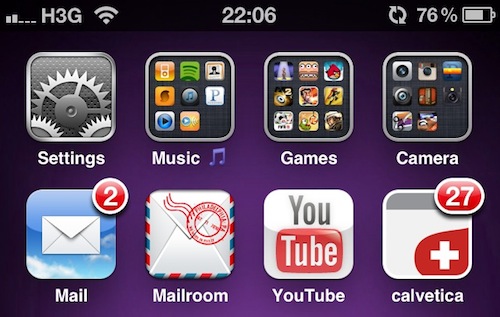
If you’re anything like me, you know how disappointing it iswhen you purchase an app from the App Store and you find out the icon hasn’t been updated for the Retina Display. Ok, it’s just an icon – but you know it looks bad and ruins the feng shui of your homescreen. If you care about your homescreen, you know what I’m talking about.
Now, this tutorial is about a tweak available for free in Cydia that does some kind of magic: it turns any App Store icon into a Retina Display-ready icon with just a few taps and a respring. How is this possible? I don’t know for sure, but from my understanding this tweak, iRetiner, takes the original icon and redraws it automatically at a higher resolution. Most of all, it just works.
So, jailbreakers, jump after the break and take a look at how you can get rid of those awful fuzzy icons with our guide. If you haven’t jailbroken your device yet, well, here are a few reasons why you should. Read more