

As I explained on AppStories earlier this week, we recently went through a reorganization phase in our household that resulted in embracing the Alexa ecosystem once again and getting rid of our three HomePods (which are temporarily sitting in storage, but it’s my intention to sell at least two of them). We now have...
 Automating Your Home
 John
John
 My Quick Action Setup in GoodTask
As I’ve shared on MacStories Weekly and AppStories before, for the past several months I’ve been using GoodTask – a third-party Reminders client for Apple platforms – as my primary task manager. I tested other apps (as I always do, since it’s part of my job), but I always come back to GoodTask for...
Workflows Revisited: Calendars, Communications, and a Surprise

AppStories Episode 200 - Workflows Revisited: Calendars, Communications, and a Surprise
0:00
53:45
53:45
This week, Federico and John conclude their miniseries on workflows with a look at what they’re using to manage calendar events and team communications. Plus, Federico springs a big app surprise on John and listeners.
Workflows Revisited: Task Management
AppStories Episode 199 - Workflows Revisited: Task Management
0:00
48:39
48:39
This week Federico takes listeners along on his recent tour of modern task managers, and he and John discuss the app they have settled on to keep track of their projects and to-dos.
Putting Different Toggl Reports on the Home Screen with Timery and Clear Spaces
As I mentioned on both AppStories and Connected, lately I’ve found myself spending more time dealing with administrative tasks for MacStories than creative projects. This is entirely normal since we’re wrapping up the year and working on some major new projects for 2021, but I still felt like I needed a proper way to...
WallCreator 2.0 Adds Ability to Set Wallpapers, Save and Restore Favorites, Plus Automation Support
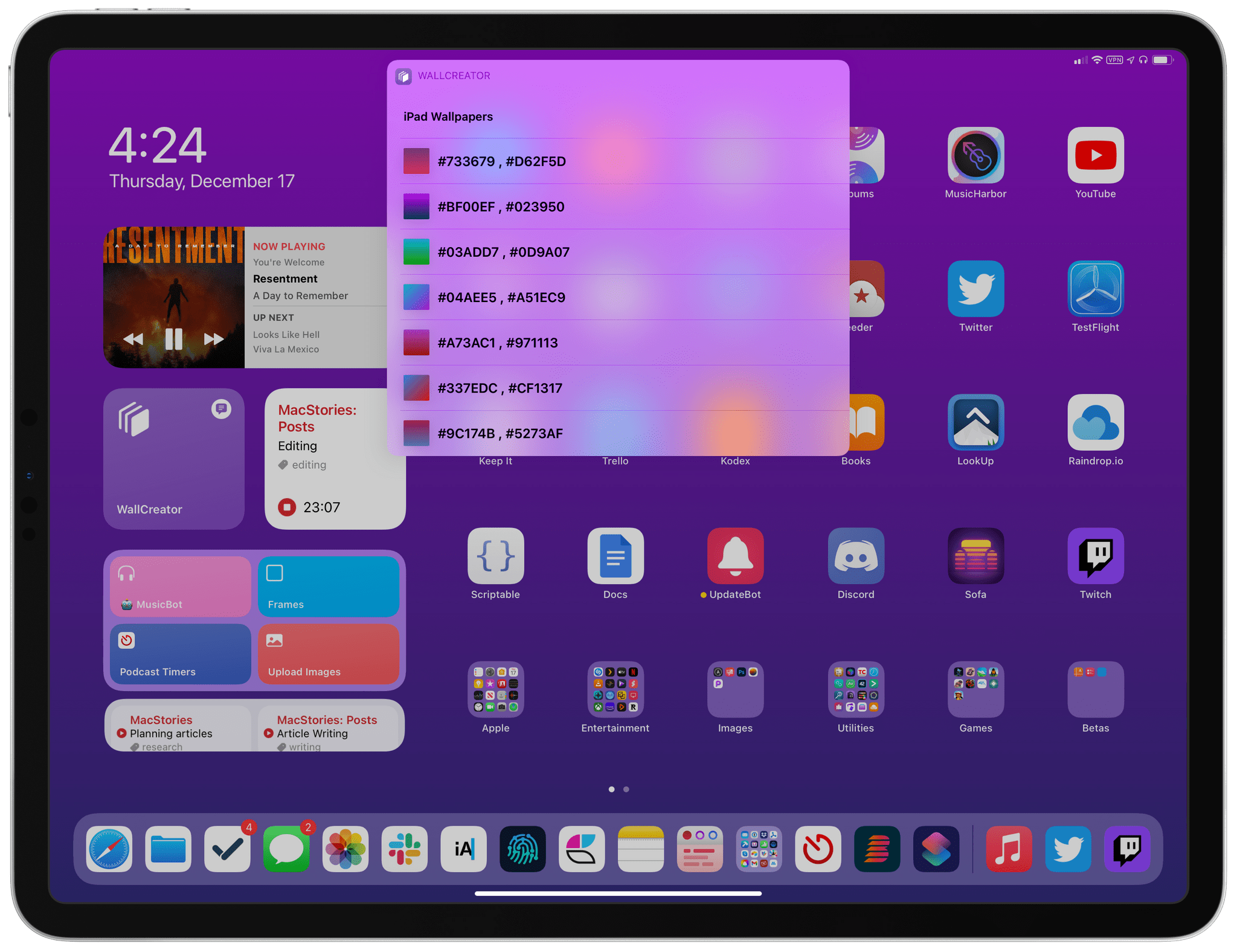
In September, I shared WallCreator, a shortcut to generate wallpapers for iPhone and iPad using gradients or solid colors. The first version of WallCreator allowed you to generate randomized wallpapers with just a couple taps from either the Shortcuts app or Home Screen widget. Because it was built entirely with native HTML and CSS actions, the shortcut had no external dependencies and didn’t require any third-party apps or connections to web servers. Here’s what I wrote:
Here’s the gist of what WallCreator can do: with just a few taps, you can either generate a wallpaper with a solid color or gradient. You can choose to enter your own colors (using their English names or Hex codes) or, even better, let WallCreator generate random solid colors or gradients for you.
You don’t need to worry about anything else: WallCreator will create the right version of a wallpaper for different iPhone and iPad models automatically, without having to specify any option; at the end of the shortcut, you can preview the newly-generated wallpaper and, if you like it, save it as an image to the Photos app. Otherwise, you can tell WallCreator you want to generate another image and start over.
Today, I’m pleased to announce the release of WallCreator 2.0, which has been updated for iOS and iPadOS 14.3 and Shortcuts’ new ‘Set Wallpaper’ action. Among other additions (which I’m going to detail below), WallCreator can now both save and install wallpapers on your device for you. Furthermore, thanks to the comeback of the ‘Set Wallpaper’ action, I’ve been able to create a WallCreator “spin-off” that runs as a headless automation and can change either your Home Screen or Lock Screen wallpaper (or both) on your behalf, with no manual interactions required. This is a pretty big update to WallCreator, so let’s dive in.
The 2020 MacStories Selects Awards
App Debuts
NotePlan 3 The latest version of NotePlan, which is described as a “calendar-driven note-taking app” is a major update that has brought NotePlan into the world of Zettelkasten with support for automatic backlinks, plus the ability to organize your notes in folders and sub-folders and access notes as Markdown files in Finder, which makes...