Federico Viticci

10864 posts on MacStories since April 2009

Federico is the founder and Editor-in-Chief of MacStories, where he writes about Apple with a focus on apps, developers, iPad, and iOS productivity. He founded MacStories in April 2009 and has been writing about Apple since. Federico is also the co-host of AppStories, a weekly podcast exploring the world of apps, Unwind, a fun exploration of media and more, and NPC: Next Portable Console, a show about portable gaming and the handheld revolution.

iOS 8.1 and iCloud Issues

Since upgrading to the first beta of iOS 8.1, I started noticing that a few apps were randomly hanging or crashing at launch. I thought that the problem would be fixed for the public release of iOS 8.1, but soon after updating to the stable version, it occurred again.

I then thought that a clean install of iOS 8.1 would be the solution, but both my iPhone 6 and iPad Air 2 on a clean install of iOS 8.1 (not restored from a backup) are still experiencing the iCloud hanging/crashing bug. For the past week, apps like MindNode, Twitterrific, Pixelmator, and (before the latest update) Drafts have been hanging or crashing at launch on my devices, forcing me to force-quit them, reboot (with a hard reset), or manually copy data because iCloud wasn’t syncing. Each app was tested with existing document libraries as well as an empty database.

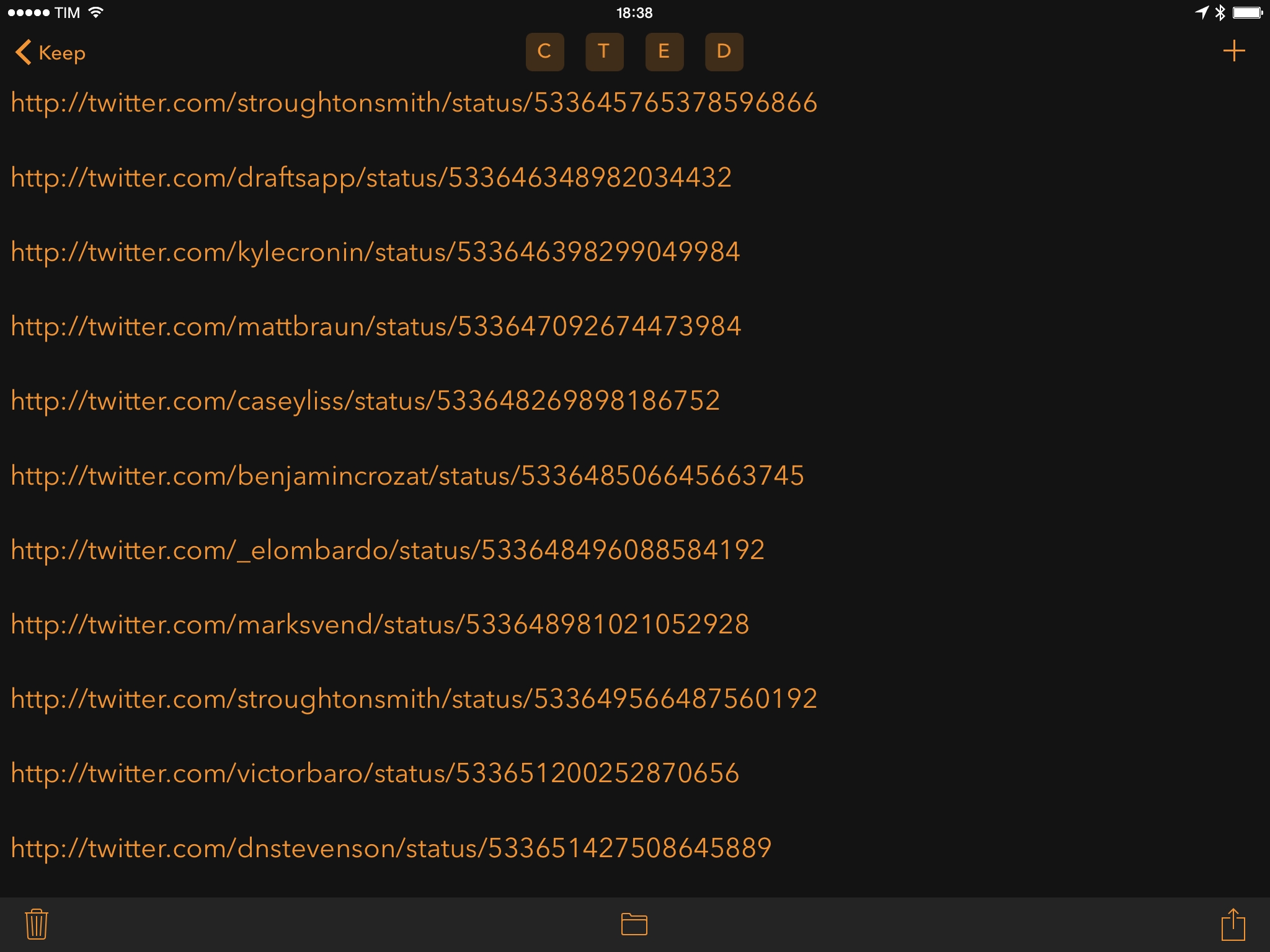
Greg Pierce has been investigating the issue with his app, Drafts 4, and he writes:

iOS 8.1 shipped with a serious bug affecting apps that use iCloud. If you have seen apps randomly hang, especially on launch, it’s likely you are seeing the effects of this issue. Many apps use iCloud for a variety of data storage needs, so even apps that you were not aware were using iCloud may exhibit issues related to this bug.

As he notes, there’s little third-party developers can do to fix the issue:

There is little developers can do to avoid this problem, so if you are a user seeing this issue, please be patient waiting on a fix and do not blame your friendly neighborhood app developer for this problem. Especially, do not blame them in an App Store review.

Greg managed to ship a workaround with Drafts 4.0.3, but that’s not a solution to the underlying problem of iCloud and iOS 8.1. Based on my informal polling on Twitter, the bug doesn’t affect all iCloud accounts but it is common, and even when an iOS device is affected the issue is intermittent and only partially “fixed” by rebooting or logging out of iCloud (read: it’ll happen again after a few hours or days). In short, there doesn’t seem to be a solution for affected accounts for now.

Hopefully the issue will be fixed soon by Apple, as it is a serious problem that makes apps with iCloud features unreliable and essentially unusable. If you’re developer, read Greg’s post for more technical details.


What Photographers Need to Know About iOS 8.1 and Yosemite

The new OS X and iOS jive better now than ever before. Both platforms are packed with new features and I’ve only touched on the aspects that are especially significant for photographers. I’m personally most excited about iCloud’s ability to give us access to our image archive at all times and AirDrop between Mac and iPhone.

Photographer Austin Mann (you may have heard of him before) has shared a good collection of tips and tricks for taking pictures and managing files on iOS 8.1 and OS X Yosemite. I’m trying iCloud Photo Library as my main photo management solution, and I’m positively (and surprisingly) impressed so far.

Permalink


Connected: An Italian Stephen

This week, the boys discuss the ever-expanding iPad line and Stephen yells about Yosemite.

This week’s episode of Connected was recorded before I got my iPad Air 2, and it includes some thoughts on moving from the iPad mini to the larger iPad as well as software we’re not seeing from Apple. You can get the episode here.

Sponsored by:

  • lynda.com: An easy and affordable way to help individuals and organizations learn. Free 7-day trial.
  • Hover: Simplified Domain Management. Use code ‘OLDSTEPHEN’ for 10% off your first purchase.
Permalink

distribute()

Created by Vlambeer (the indie studio behind Apple Design Award winner Ridiculous Fishing, Luftrausers, and other games), distribute() is a new tool to help game developers keep track of a press list. From the website:

distribute() is modelled to save you valuable development hours you’d otherwise have to spend on distributing builds and maintaining press lists. Simply send out a distribute() link for your game to your press contacts, and distribute() will organise all required information into a neatly organised list the system manages and maintains for you. Furthermore, distribute() will simplify numerous public data sources into a simple Reach statistic to help you decide how to prioritise your press strategy for your new release.

There are several interesting ideas in distribute(), but this one struck me as a genius addition:

Verified press contacts help you avoid fake requests from video content creators or people pretending to be from larger websites or YouTube personalities. Verified press contacts are manually vetted and constantly updated to reflect the ever-changing games press landscape. Additionally, distribute() can be set to handle requests from verified accounts automatically, so that you can be sure esteemed members from the press can get access to your game as soon as you flip the switch.

Properly maintaining a press list is hard, especially if you have to focus on other aspects of launching a game on the App Store or other platforms. If you’re a game developer, sign up for the distribute() alpha here. Vlambeer also made presskit(), a free tool to create press pages.

Permalink

Twitterrific 5.8 with Share Sheets

Twitterrific, the popular Twitter client by The Iconfactory, was updated this week with support for native iOS 8 share sheets, a new way to search for users when composing a tweet, and other improvements. I’ve always been impressed by The Iconfactory’s commitment to Twitterrific, so this week I took version 5.8 for a spin.

I like how share sheets have been implemented in the app. Like Tweetbot, you can tap & hold on links in the timeline and you’ll get action and share extensions in exchange for the ability to preview the full URL; you can also share directly from web views. What I like, however, is that you can tap & hold any tweet to instantly show the share sheet and pass its URL to extensions. I often use tweets as todos, and being able to save links to tweets with extensions in Twitterrific is fast, easy, and, overall, nice. Especially on the iPad – where Tweetbot hasn’t been updated and the Twitter app doesn’t support native share sheets – this aspect of Twitterrific is extremely welcome.

Twitterrific 5.8 is available on the App Store.

Permalink

Apple Launches TestFlight Beta Testing for Everyone

After unveiling TestFlight beta testing at WWDC and rolling it out for internal testers a few weeks ago, Apple has today opened up TestFlight beta testing for everyone. From the Developer News website:

You can now invite up to 1,000 testers to beta test your iOS apps by simply sending them an email invitation through iTunes Connect. Once they accept your invitation, testers can install your beta app on their iOS devices, get updated builds, and provide feedback, all within the TestFlight app.

I tried the TestFlight app (released last month), and while it doesn’t have all the features (from a tester’s perspective) of Hockey, it’s nicely integrated with iOS. You can receive push notifications for new beta builds, and beta apps installed from TestFlight get a special orange dot on the Home screen.

As someone who installs dozens of betas every week, I’m excited to see how this works in the real world.

Permalink

Nuzzel for iPad

I fell in love with Nuzzel earlier this year: I wanted an app to quickly understand what people I followed were talking about on Twitter, and I came across this simple utility to see popular links in my timeline. As I wrote in my original review:

Nuzzel aggregates links shared by people you follow on Twitter over a specific period of time. Tweets containing the same link shared by multiple people are coalesced into a single article recommendation in the app, which displays the title, a brief excerpt, the source, and a count with the number of “friends” who shared the story alongside their profile pictures. The useful aspect of this is the way Nuzzel lets you adjust time filters: you can find the most shared links for the past 1–8 hours, the past day, a specific day in past week, or links from last week. By hitting the date button in the upper right corner, you can change the date filter at any time and “travel back” into, say, Twitter from two days ago and see what your timeline was talking about without scrolling long lists of tweets.

Read more


24 Hours with Pixelmator for iPad

Announced and demoed last week on stage at Apple’s media event, Pixelmator for iPad is a powerful portable rendition of the popular (and award-winning) image editor for Mac. I’m no photographer, and I’m definitely no artist, but I wanted to get my hands (quite literally) on Pixelmator for iPad since I watched the demo video. As someone who works primarily from his iPad mini and is about to upgrade to a full-sized iPad Air 2 with faster hardware, I was eager to try this new portable version of Pixelmator for basic image editing and photo retouching needs. I’ve always wanted a lightweight but powerful image editor on my iPad: I could never get used to the interface oddities of Adobe’s Photoshop, and drawing-oriented apps such as Procreate didn’t fit my needs.

I’ve only spent 24 hours with Pixelmator for iPad, so don’t consider this a review. And even if I had more time with the app, my limited perspective and use case wouldn’t allow me to offer a comprehensive look at the app. For that, take a look at Pixelmator’s new website and tech specs webpage.

Below, you’ll find a brief collection of notes and thoughts on Pixelmator for iPad after 24 hours of testing.

Read more