

For reasons that will be more clear next week, I’ve been spending a lot of time lately using the 11” iPad Pro. It has become my main iPad, replacing the slot that was once filled by the 12.9” iPad Pro in the lineup of devices I use every day. I’ll have a lot more to...
 Apple Vision Pro Entertainment Apps
 John
John
 Turning a Things Task’s Notes into a Markdown Document
I shared my collection of advanced shortcuts for the Things app in the Automation Academy for Club Plus and Premier members yesterday, but as I was finalizing the story, I realized there was one more shortcut I wanted to build, which I could share here in MacStories Weekly. Lately, I’ve noticed that I’ve started taking...
Turning Minimizing Windows on macOS into Hiding Them Instead
As part of the process of using macOS more as a result of working with the Vision Pro (and thus using macOS as a companion “app” with Mac Virtual Display), I’m now bumping into a series of small roadblocks that I’m sure are nothing new to longtime Mac users. One of such issues I’ve encountered...
Automation Academy: My Collection of Advanced Shortcuts for Things
A few months ago, I decided to switch to Things as my default task manager. As I shared multiple times on AppStories and MacStories Weekly, I’m really happy with my decision: not only does the design of the Things app create a more relaxed environment for me to manage my responsibilities, but Cultured Code’s embrace...
Read moreBeautiful Things for Spatial Computing→
I came across this fun website while browsing the Vision Pro community on Reddit: beautifulthings.xyz is a curated collection of 3D USDZ files that you can download for free on any Apple device. On the Vision Pro, these models can be freely placed anywhere in your environment alongside other windows, allowing you to inspect up close, say, a Spider-Man model, a Lamborghini, or, should you feel like it, a first-gen iPod classic.
Here is, for instance, a screenshot of a nice-looking Italian pizza and a Hylian shield just floating around my living room:
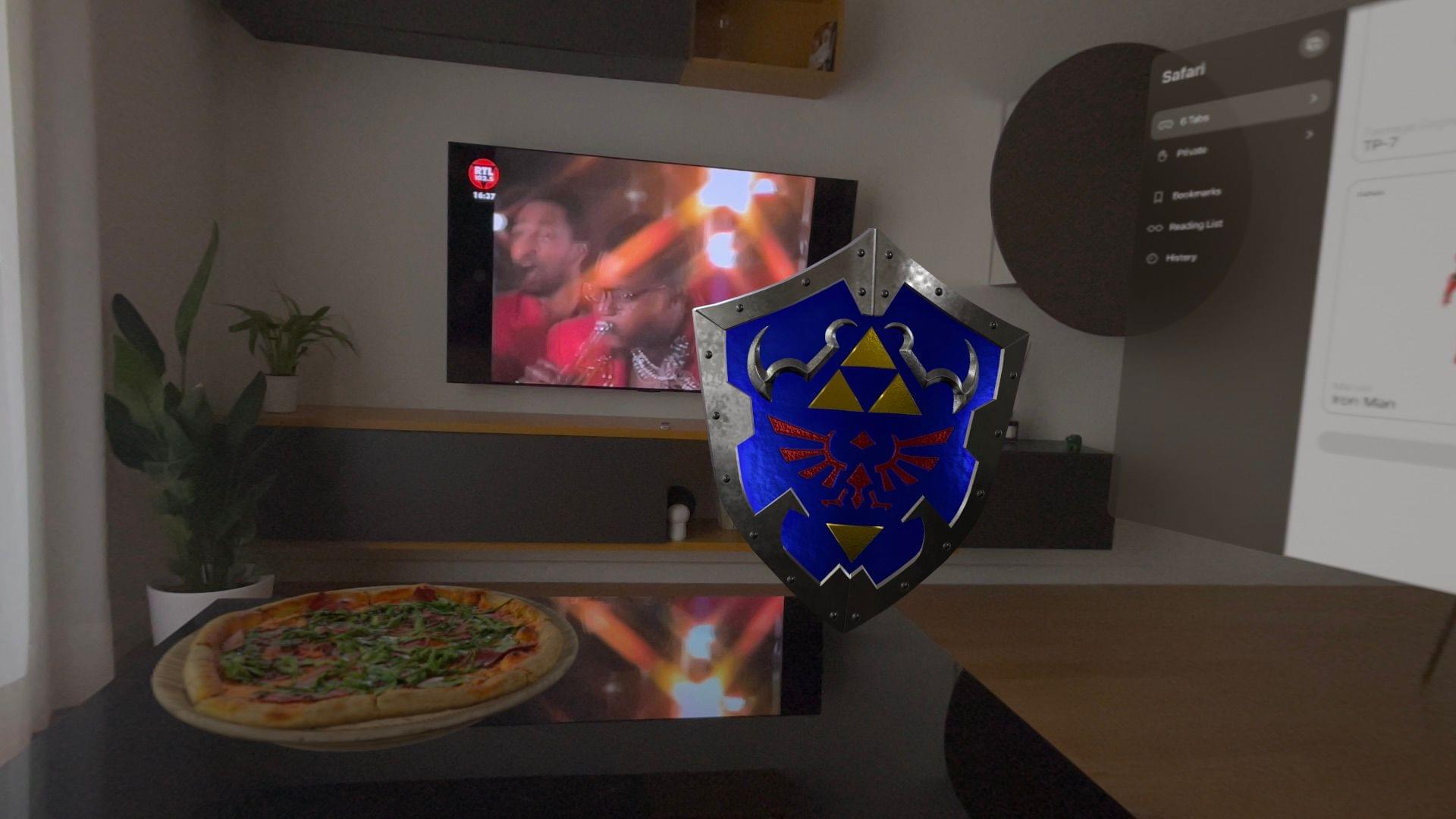
According to the website’s creator, more than 100,000 items have been uploaded to the site in the past week alone, and the developers are working on a curated daily feed to showcase the best objects you can view on a Vision Pro.
Fun project, well worth a few minutes of your time even just for opening 3D models of stuff you can’t afford in real life. I hope they’ll consider adding a search functionality next.
Six Colors’ ‘Apple in 2023’ Report Card
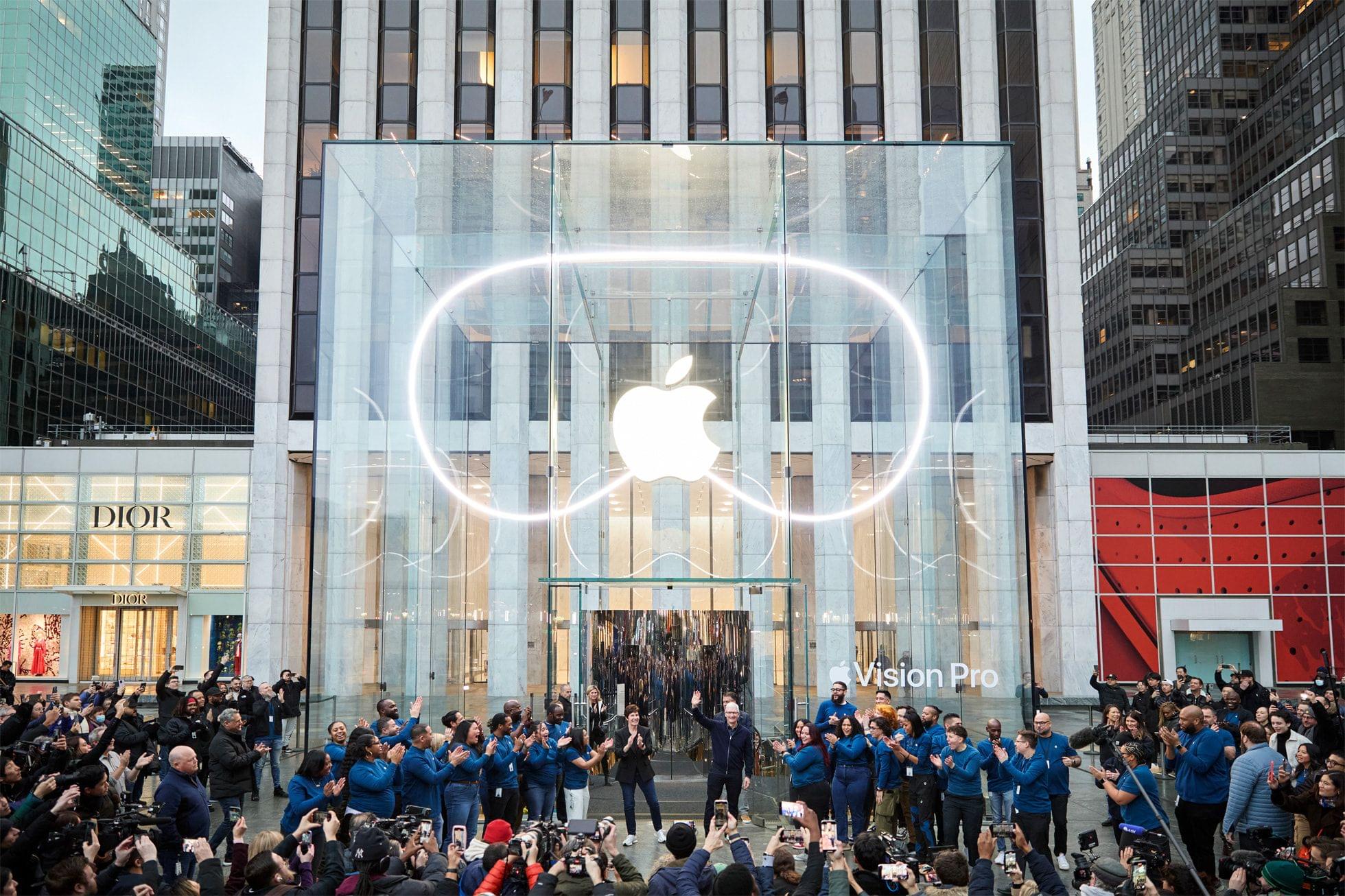
For the past nine years, Six Colors’ Jason Snell has put together an ‘Apple report card’ – a survey to assess the current state of Apple “as seen through the eyes of writers, editors, developers, podcasters, and other people who spend an awful lot of time thinking about Apple”.
The 2023 edition of the Six Colors Apple Report Card has just been published, and you can find an excellent summary of all the submitted comments along with charts featuring average scores for different categories here.
I’m happy that Jason invited me again to share some thoughts and comments on what Apple did in 2023. As you’ll see from my comments, I was very disappointed with the iPad – there was literally no new hardware last year and only minor changes in software – and more intrigued by what’s happening in macOS land. This, I think, will be a recurring theme on MacStories in 2024: as I move my workflow to the Vision Pro with the Mac as an accessory to it, I expect I’ll be using macOS a lot more as a result. In 2023, I was also very impressed with iPhone hardware, somewhat annoyed with the lack of changes to the AirPods line, and surprised by the updates in tvOS 17.
I’ve prepared the full text of my answers to the Six Colors report card, which you can find below.
Access Extra Content and Perks
Founded in 2015, Club MacStories has delivered exclusive content every week for nearly a decade.
What started with weekly and monthly email newsletters has blossomed into a family of memberships designed for every MacStories fan.
Club MacStories: Weekly and monthly newsletters via email and the web that are brimming with apps, tips, automation workflows, longform writing, early access to the MacStories Unwind podcast, periodic giveaways, and more;
Club MacStories+: Everything that Club MacStories offers, plus an active Discord community, advanced search and custom RSS features for exploring the Club’s entire back catalog, bonus columns, and dozens of app discounts;
Club Premier: All of the above and AppStories+, an extended version of our flagship podcast that’s delivered early, ad-free, and in high-bitrate audio.
Vision Accessibility on Apple Vision Pro→
I have low vision. A kind you can’t really correct for with glasses or contacts. I also bought Apple Vision Pro at launch. Why would I do this? Well because I’m a nerd who wants to see the future, but also because I was fascinated to see how Apple would handle accessibility for this new product. Apple’s track record on accessibility in the past decade has been stellar, in my opinion, with their teams adding powerful options every year and ensuring every new platform has accessibility support built in from the start.
After watching Apple’s WWDC23 session on visionOS accessibility, I knew accessibility on visionOS was an important point for them. But even after consuming as much information on the platform as I could, I knew I had to try it for myself to know the answer to the important question: how well does it work for me?
Terrific overview of the Accessibility features of visionOS and Vision Pro by Zach Knox.
It’s no surprise to learn that Apple’s Accessibility team did some amazing work for this new platform too, but it’s impressive to see that on day one of the Vision Pro there are already dozens of Accessibility features and accommodations in place. And keep in mind that these are Accessibility options that work with Apple apps and third-party ones, right out of the box. This is the kind of ecosystem advantage and platform integration that newfound tech reviewer Zuckerberg probably forgot to mention in his video.
See also: Tom Moore’s story on trying the Vision Pro with one eye only, Peter Saathoff-Harshfield’s Mastodon thread, Shelly Brisbin’s story for Six Colors, and Ryan Hudson Peralta’s fantastic overview (via 9to5Mac) of using the Vision Pro without hands, which I’m embedding below.
Sharing a Vision Pro with Someone Else Is Too Hard→
Adi Robertson writes for The Verge about the Vision Pro’s lackluster support for multiple users and how hard it is to share the device with someone else:
The Vision Pro is $3,499 and only one person in your household can ever use it fully, which makes no sense at all. The privacy issues are technically there on the Vision Pro — letting anyone else use it without setting restrictions in guest mode grants them access to everything you’ve got on the headset, including your messages. But as my experience demonstrates, they may not even be able to use it well enough to get that far. You can start a guest session by holding the Vision Pro’s left-side hardware button for four seconds, but you can’t store a second user’s information so they can log in quickly next time without calibration. Basically, imagine if every time you passed an iPad to somebody else in your family, they had to spend a minute poking colored dots.
The worst part of using the Vision Pro for the past two weeks has been trying to get someone else in my family to use it. As a novel type of computer that almost demands to be tried by different people in your life, the lack of multi-user support at launch is a major cause of friction for me right now. I’ve been able to get a separate set of light seal and cushion for Silvia and my mom, but the problem is visionOS. There is a guest mode, but every time someone other than me wants to try the Vision Pro, they have to do the eye setup process from scratch. It gets annoying quickly without the ability to save calibrated presets for other people.
In the demos I’ve conducted for people in my family over the past week, I’ve also realized how hard it is to guide someone else through visionOS for the first time. I wish Apple had built a dedicated “demo app” for new users who try the Vision Pro – sort of like a pre-installed (and interactive) version of Apple’s guided tour, which is also very similar to the demo I had at WWDC last year.