Federico Viticci

10775 posts on MacStories since April 2009

Federico is the founder and Editor-in-Chief of MacStories, where he writes about Apple with a focus on apps, developers, iPad, and iOS productivity. He founded MacStories in April 2009 and has been writing about Apple since. Federico is also the co-host of AppStories, a weekly podcast exploring the world of apps, Unwind, a fun exploration of media and more, and NPC: Next Portable Console, a show about portable gaming and the handheld revolution.

Watch OS Accessibility

As with every product we make, we want as many people as possible to enjoy using Apple Watch. That’s why it’s designed with assistive technologies and features that make it easy for people with disabilities to use. Accessing them is also simple, either through Settings on the device itself or through the Apple Watch app on your iPhone.

Apple launched a new webpage for Accessibility in Watch OS last night, highlighting different accessibility features that will be available in the first version of Apple Watch. As Steven Aquino wrote last month, the Taptic Engine could play an important role for the accessibility community.

Permalink


Instagram as a Publishing Platform

Fascinating read by Jenna Wortham on The Shade Room, an Instagram-first publication:

Angie explained to me that Instagram perfectly suited her vision for The Shade Room: image-centric and interactive. For her purposes, Instagram was the equivalent of WordPress. When she started the feed a year ago, her goal was to accumulate 10,000 followers in the first year. She accomplished that in only two weeks. Angie started by posting about people at the bottom of the celebrity hierarchy (minor reality stars, mostly) and worked her way up to bigger names, building her loyalties slowly. Eventually, readers started sending her tips and videos via Instagram’s direct-messaging feature. Now, The Shade Room has more than half a million followers on Instagram alone.

I wouldn’t recommend Instagram over WordPress to anyone, but it’s interesting to see how a business has been built on top of this.

Permalink

On Apple Watch Bands

Bani McSpedden (watch editor of the Australian Financial Review and watch-next.com) has a fascinating take on Apple Watch from the perspective of a watch expert and wearer (don’t miss the video).

This point about bands stood out to me:

Even little details like strap changes have been addressed in an ingenious way. The straps on Apple’s watch – in four styles from silicon to fine leather and metal versions – slide into the case rather than loop around a spring bar, making switching from one to another as simple as pressing a recessed button.

Why traditional watchmakers haven’t come up with something like this after all these years – well, a century – is a mystery.

David Chartier made a similar argument earlier today:

When I think about the innovative ease of swapping bands and Apple’s surprisingly low prices, I won’t be surprised if the bands become a sleeper hit of the Apple Watch. These deeply personal, and now incredibly useful, devices will finally join the rest of your wardrobe in being nearly effortless to adjust and re-personalize on a daily basis. That’s going to be powerful, convenient, and appealing.

I can’t wait to see which companies will get into the business of third-party Watch bands. Fortunately, it sounds like it’ll be easy to switch between multiple bands, which should help swapping them on a daily basis. John Gruber writes:

At first, I found swapping watch bands to be a bit fiddly. I can see why Apple wasn’t allowing anyone to do so in the hands-on areas at the press events. But once you do it a few times, you get the hang of it. They really are rather easy to remove, yet they feel very secure once clicked into place. My advice: pay attention to the angle of the slot as you slide them into place.

See also: CNET’s video on swapping bands.

Permalink

Microsoft + iPhone

Just a few years ago, there was a sharp divide between fans of Microsoft and fans of the iPhone. But in this “mobile first, cloud first” world, it’s now possible to combine Apple’s iPhone hardware with Microsoft’s best-in-breed productivity apps and not feel terrible about yourself. Things really have changed, and for the better.

Paul Thurrot as a good rundown of Microsoft’s apps for iOS. I remember a few years ago when it seemed unthinkable to have full Microsoft and Google ecosystems on iOS, and today not only is that completely normal – people expect Microsoft and Google to release their apps on the App Store. How things change.

Permalink

Wikipedia for iOS Gets ‘Textshot’ Support with Visual Fact Sharing

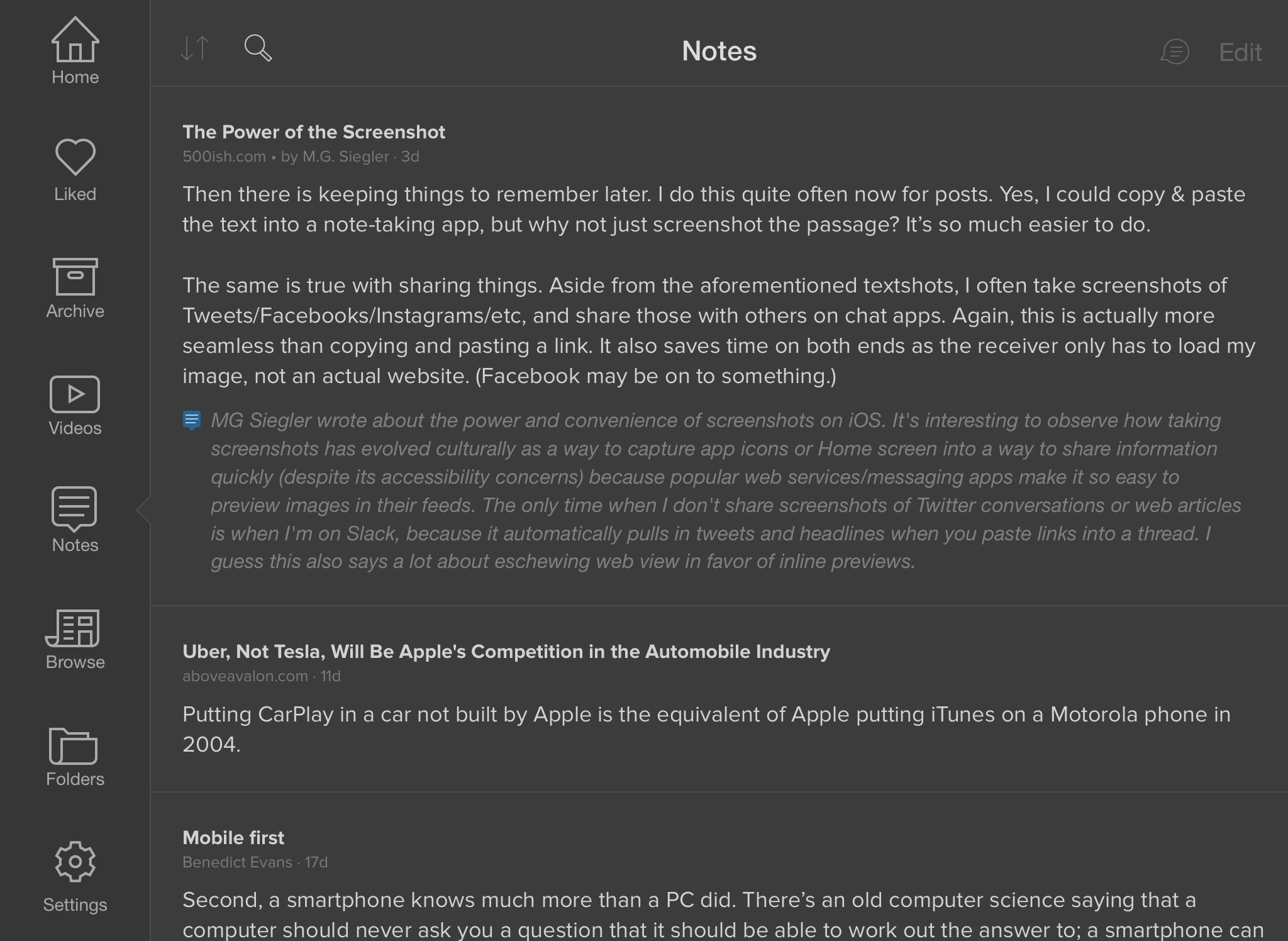
The practice of sharing ‘textshots’ – screenshots of text, as they’re often referred to – has taken off among certain tech niches for two reasons. First, turning text into a static image is a primitive but effective workaround to circumvent Twitter’s 140-character limitations. But more importantly, humans have a natural tendency for convenience and visual feedback, and these two aspects are combined in the art of well crafted textshots: they save you a click, and they make shared passages of text more visually appealing. There are several reasons as to why textshots are working well for some Twitter users, but the underlying idea is extremely simple: images can add flair to a tweet in a way that plain text can’t.

Wikipedia is hoping that this concept will also apply to their app, which, following a rollout on Android, is getting the ability to share facts as ‘cards’ on iOS today. I tried a pre-release version of the app, and, while far from Instapaper’s surprisingly advanced textshot implementation, the Wikimedia Foundation has put some nice touches in this feature.

Read more


Apple Acquires Israeli Camera Tech Company LinX Imaging

LinX Imaging is the latest in Apple acquisitions, as reported by MacRumors:

Apple has purchased Israeli camera technology company LinX Imaging for approximately $20 million, reports The Wall Street Journal. LinX specializes in creating multi-aperture camera equipment for mobile devices and it’s possible that Apple will use the company’s technology in upcoming iOS devices.

Reading through what LinX Imaging had developed, there’s lots of interesting possibilities for the future of iPhone cameras.

The simple truth is that Apple thinks portable cameras can still aspire to higher degrees of quality and convenience, edging towards SLR-like photos without the complexity, cost, and additional hardware of SLR cameras. The iPhone’s camera is one of the features that is improved every year, and it sounds like we’re going to see notable breakthroughs over the next iPhone iterations.

Permalink

1Password for Apple Watch Released

With an update to their iOS app released today, AgileBits has officially introduced 1Password for Apple Watch, which users will be able to install once the Watch launches this month.

On the Watch, 1Password will enable the creation of “bookmarks” to pin important information to the Watch app, where it’ll be easily accessible. From their blog post, an example:

After a couple months of diligently attending the gym, you’ve earned a coveted private locker. Of course, remembering your locker combination is probably not a priority when you’re counting reps. But if you store that combination in 1Password, it only takes a couple of taps for you to see the combination in 1Password for Apple Watch when you’re back at your locker.

Also interesting: AgileBits made the Apple Watch app a Pro feature, which can be unlocked through 1Password’s $9.99 In-App Purchase. I wonder if more developers will follow this route and try to monetize Watch apps as extra features of iPhone apps with IAPs.

Permalink