

I was recently optimizing my Wi-Fi network (as one does) and stumbled upon a fascinating challenge: I needed to check which wireless channels the Wi-Fi networks around my apartment were using so I could pick a different one. And since it was 1 AM and I was in bed, I wanted to get this done...
A Single Apple EarPod Has Become My Favorite Wired Earbud for Gaming
 controllers, Steam Deck OLED, and Ayn Odin 2. Also, [you should play UFO 50](https://wavelengths.online/posts/ufo-50-a-review).](https://cdn.macstories.net/img_0097-1727201828231.jpeg)
Nintendo Switch with Hori’s Split Pad Compact controllers, Steam Deck OLED, and Ayn Odin 2. Also, you should play UFO 50.
Picture this problem:
Because of my podcast about portable gaming NPC with John and Brendon, I test a lot of gaming handhelds. And when I say a lot, I mean I currently have a Steam Deck, modded Legion Go, PlayStation Portal, Switch, and Ayn Odin 2 in my nightstand’s drawer. I love checking out different form factors (especially since I’m currently trying to find the most ergonomic one while dealing with some pesky RSI issues), but you know what I don’t love? Having to deal with multi-point Bluetooth earbuds that can only connect to a couple of devices at the same time, which often leads to unpairing and re-pairing those earbuds over and over and over.

Access Extra Content and Perks
Founded in 2015, Club MacStories has delivered exclusive content every week for nearly a decade.
What started with weekly and monthly email newsletters has blossomed into a family of memberships designed for every MacStories fan.
Club MacStories: Weekly and monthly newsletters via email and the web that are brimming with apps, tips, automation workflows, longform writing, early access to the MacStories Unwind podcast, periodic giveaways, and more;
Club MacStories+: Everything that Club MacStories offers, plus an active Discord community, advanced search and custom RSS features for exploring the Club’s entire back catalog, bonus columns, and dozens of app discounts;
Club Premier: All of the above and AppStories+, an extended version of our flagship podcast that’s delivered early, ad-free, and in high-bitrate audio.
 macOS Sequoia: The MacStories Review
 John
JohnApple’s Definition of a “Photo”→
One of my favorite parts from Nilay Patel’s review of the iPhone 16 Pro at The Verge was the answer he got from Apple’s VP of camera software engineering Jon McCormack about the company’s definition of a “photograph”:
Here’s our view of what a photograph is. The way we like to think of it is that it’s a personal celebration of something that really, actually happened.
Whether that’s a simple thing like a fancy cup of coffee that’s got some cool design on it, all the way through to my kid’s first steps, or my parents’ last breath, It’s something that really happened. It’s something that is a marker in my life, and it’s something that deserves to be celebrated.
“Something that really, actually happened” is a great baseline compared to Samsung’s nihilistic definition (nothing is real) and Google’s relativistic one (everyone has their own memories). As Jaron Schneider wrote at PetaPixel:
If you have no problem with generative AI, then what Google and Samsung said probably doesn’t bother you. However, many photographers are concerned about how AI will alter their jobs. From that perspective, those folks should be cheering on Apple for this stance. Right now, it’s the only major smartphone manufacturer that has gone on the record to steer photography away from the imagined and back to reality.
I like Apple’s realistic definition of what a photo is – right now, I feel like it comes from a place of respect and trust. But I have to wonder how malleable that definition will retroactively become to make room for Clean Up and future generative features of Apple Intelligence.
Behind the Scenes of My iOS and iPadOS 18 Review
Working on this year’s review of the latest versions of iOS and iPadOS was different. I long debated how I wanted to approach Apple Intelligence and the way I felt about the upcoming arrival of generative features on iPhones and iPads, and I ended up writing a very personal conclusion to my review that, in...
iOS and iPadOS 18: The MacStories Review

AppStories Episode 403 - iOS and iPadOS 18: The MacStories Review
0:00
01:07:15
01:07:15
This week, Federico and John tackle Apple’s updates to iOS and iPadOS 18 and Federico’s review of both.
In a special AppStories+ segment available as a special review season perk to all listeners, Federico explains what led him to take a different approach to this year’s annual review.
iOS and iPadOS 18: The MacStories Review
There is still fun beyond AI.
There are two versions of iOS 18 coming out this year.
Or, think about it this way:
Inside Apple, there are two versions of iOS 18. The version I’ve been able to test since June, and which will be the focus of this review, is the debut of iOS 18, which emphasizes user customization and smaller app updates. The other one – and, arguably, the version most are anticipating since WWDC – is iOS 18.1, which will mark the launch of Apple Intelligence in the United States later this year as well as the beginning of a process to roll out more AI features over time.
Technically, iOS 18.1 is going to be a major update to iOS 18.0, which will introduce the first slate of AI features on iPhones and iPads; in spirit, it might as well be the version of iOS 18 that is going to steal the spotlight and become The Conversation in our community for months to come.
However, due to a mix of legal and political reasons, as an Italian citizen, I won’t be able to participate in that discourse just yet. Thankfully, there’s plenty to like in iOS 18 even without Apple Intelligence, especially if, like yours truly, you’re the kind of MacStories reader who cares about apps, minor system tweaks, and making your Home Screen look nice.
This is what my review will focus on this year. There are two versions of iOS 18: I’m going to cover the fun, nerdy one.
I’ve been writing annual reviews of iOS (and later iPadOS too) for ten years now. During this time, I’ve seen my fair share of mobile OS trends, and I’ve observed how Apple judiciously iterated on their post-iOS 7 design language and stoically ignored the majority of the tech industry’s fads, staying the course of their vision for what their ecosystem of devices and OSes should empower people to do.
Never have I been in the position to witness the company finding itself unable to ignore a major industry shift. That’s exactly what is happening with AI. As we saw back in June, Apple announced a roadmap of AI features that will be gradually doled out to users and developers over the iOS 18 cycle. Most of them won’t even be launching this year: I wouldn’t be surprised if we see them just in time before the debut of iOS 19 at WWDC 2025.
What’s even more fascinating is realizing just how much of a priority Apple Intelligence must have been for the iOS, iPadOS, and macOS teams. Let’s face it: if it weren’t for the handful of additions to iOS, which are also cross-compatible with iPadOS, I wouldn’t have much to cover today without Apple Intelligence. This is quite apparent in macOS Sequoia: as John will cover in his review, with no Apple Intelligence, there are only two main features worth analyzing in detail.
Thus, dear reader, don’t be surprised if this will be my shortest annual iOS review to date. Plus, it’s not like I was particularly looking forward to Apple Intelligence anyway.
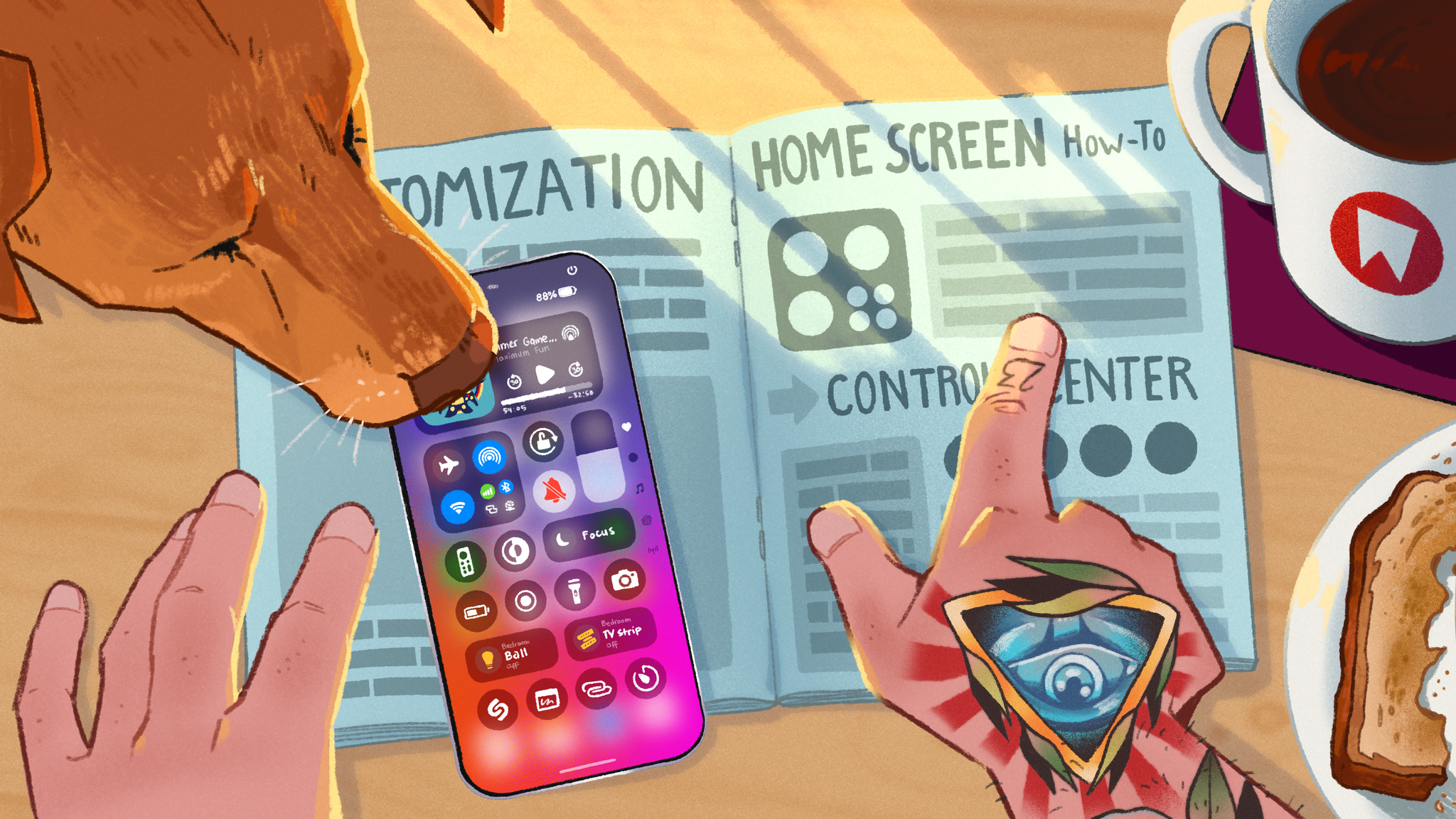
In any case, as I argued in my preview story back in July, the smaller features that found their way onto iOS and iPadOS this year are still interesting enough to justify a “traditional” review. And it’s not just that these are good features: they’re also my favorite kind, for they’re primarily about customization and apps. From more flexible Home Screens to Control Center finally becoming extensible with third-party controls, some big improvements to Notes and Journal, plus a brand new Passwords app, how could I not be excited about iOS 18?
This intrinsic duality of iOS 18 is the reason why I’ve never felt so ambivalent about a new version of iOS. Or, think about it this way:
Inside me, there are two takes. I fundamentally dislike generative AI tools and, from what I’ve seen so far, I don’t think I’m ever going to take advantage of Apple’s features that modify text or create images. At the same time, I’m excited about the prospect of a smarter Siri that is better integrated with apps; and today, with the version of iOS 18 that is shipping to customers, I think there are plenty of smaller features worth appreciating, especially if you’re into customization.
Today, we don’t need to reconcile those two takes. We don’t have to be grownups for this one. We’re just going to dive into what makes iOS 18 a smaller update than previous years, but a fun one nonetheless.
Access Extra Content and Perks
Founded in 2015, Club MacStories has delivered exclusive content every week for nearly a decade.
What started with weekly and monthly email newsletters has blossomed into a family of memberships designed for every MacStories fan.
Club MacStories: Weekly and monthly newsletters via email and the web that are brimming with apps, tips, automation workflows, longform writing, early access to the MacStories Unwind podcast, periodic giveaways, and more;
Club MacStories+: Everything that Club MacStories offers, plus an active Discord community, advanced search and custom RSS features for exploring the Club’s entire back catalog, bonus columns, and dozens of app discounts;
Club Premier: All of the above and AppStories+, an extended version of our flagship podcast that’s delivered early, ad-free, and in high-bitrate audio.