iA Writer 4 Adds Markdown Content Blocks
A major update to iA Writer, the popular Markdown text editor for iOS and macOS, has been released earlier today. I didn’t have enough time to test the beta of version 4.0, but I’m intrigued by the idea of file transclusion – effectively, a way to structure documents with content blocks based on local file references.
From the blog post:
We’ve made a swath of improvements in iA Writer 4. The meat on the bone is this new file referencing syntax. Every file reference you insert adds a block of content to your document, be it an image, table, or plain text file. These content blocks can then be ordered, stacked and chained with ease.
We think this syntax is a natural extension to Markdown, and it would please us to see other apps use it too. We’re a bit nervous since it’s a deviation, but we’d still like to try it out and hope it finds friends. We’ve published an introductory spec on GitHub to get the ball rolling. Hopefully, content blocks based on file transclusion will become a thing beyond iA Writer. One day all Markdown editors may work like that, but, as IBM famously said, why wait?
You can reference text files, images, and even .csv files to include in the compiled text output as MultiMarkdown tables. I think this is a genius way to handle file embeds in longer documents, and it’s something I would consider for future longform projects. I’m not aware of any other Markdown text editor for iOS that implements a similar option. I’d also like to see iA go beyond local file callbacks (which only work with iCloud) and allow documents to be comprised of files stored in iOS document providers. iA Writer is one of the few text editors that fully support opening and editing files from external document providers, so extending that integration to content blocks would be the next logical step.
There’s a lot to like in iA Writer; I don’t think it’s appreciated enough by iOS power users. The aforementioned integration with iOS document providers is solid, there are several editing tools such as writing statistics and parts-of-speech highlights, plenty of output options, support for iCloud versions, and more. I hope that iA will consider adding more features to the app’s basic URL scheme in the future – one area where iA Writer is considerably behind alternatives such as Ulysses and 1Writer.
I’m going to play around with iA Writer for a while – I feel like the app deserves more attention, and I want to experiment with document providers and content blocks for MacStories reviews and our newsletters.
Workflow 1.6 Brings Revamped Gallery, Better Tools to Share and Import Workflows
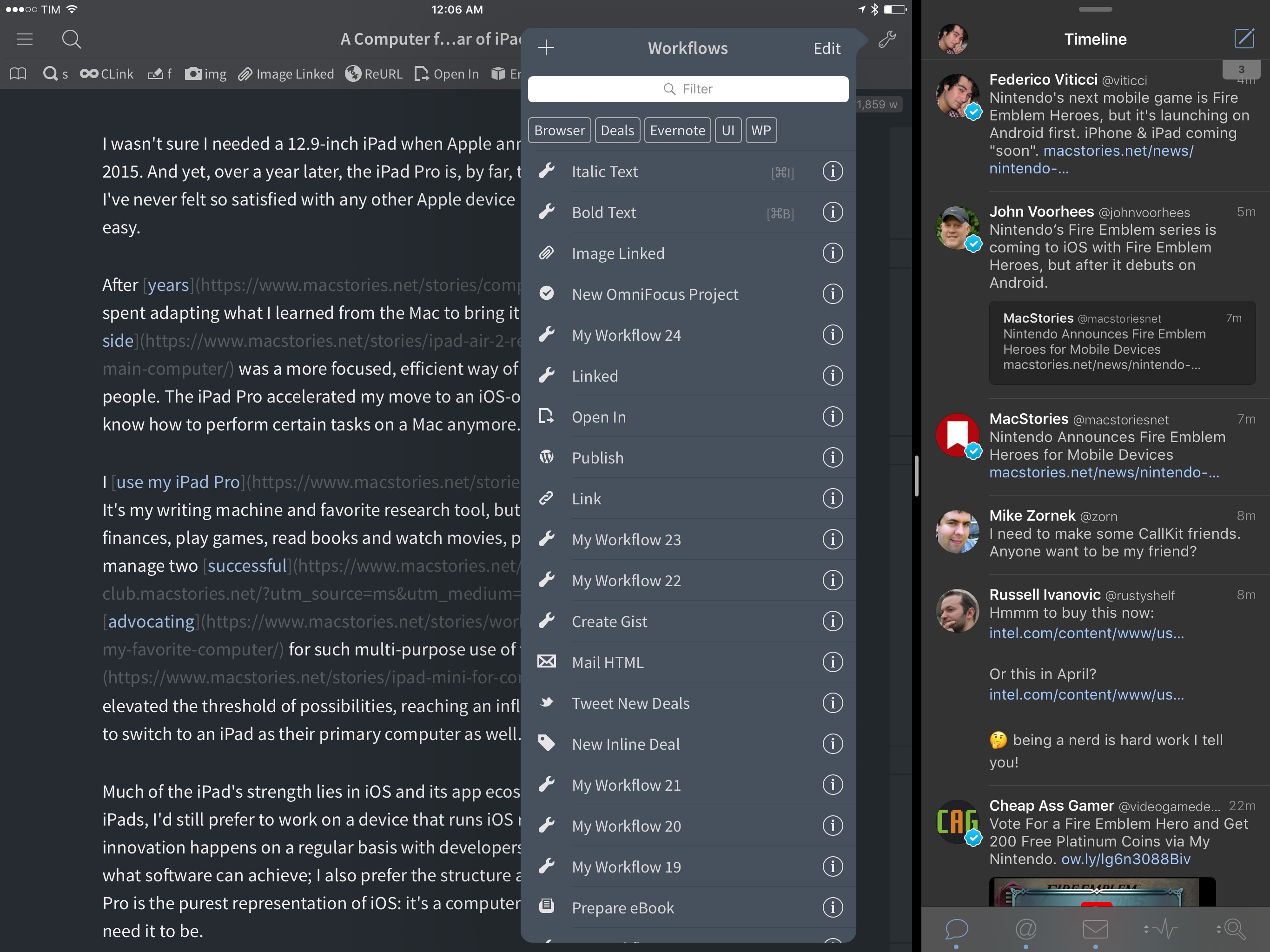
Since version 1.0 launched nearly two years ago, Workflow has always offered the ability to share workflows with others. While somewhat simplistic, Workflow’s ‘Copy Link’ button has allowed the proliferation of sites and communities aimed at sharing workflows with the app’s users – here at MacStories, workflows are one of the key aspects of our MacStories Weekly newsletter, for instance.
With version 1.6, launching today on the App Store, the Workflow team is revising some of the features that have been in the app since the beginning, starting with the Workflow Gallery and major updates to how workflows are shared, installed, and explained to other users.
Sal Soghoian Leaves Apple→
Sad news for the Mac automation community: Sal Soghoian, Product Manager of Automation Technologies since 1997, has left Apple. Details from Soghoian himself:
Q. I hear you no longer work for Apple; is that true?
A. Correct. I joined Apple in January of 1997, almost twenty years ago, because of my profound belief that “the power of the computer should reside in the hands of the one using it.” That credo remains my truth to this day. Recently, I was informed that my position as Product Manager of Automation Technologies was eliminated for business reasons. Consequently, I am no longer employed by Apple Inc. But, I still believe my credo to be as true today as ever.
Soghoian’s work on AppleScript and other macOS automation, scripting, and accessibility technologies has always been inspiring – we wouldn’t have apps like Workflow today hadn’t Soghoian pushed the boundaries of user automation at Apple.
I don’t know what this means for automation on macOS going forward, but it doesn’t feel like a good sign to me. I love his determination, though:
Q. Are you still upbeat about the future of user automation?
A. Absolutely. The need for user automation is a constant. I’ve seen the benefits and power of individuals being able to automate critical and repetitive tasks. Solution apps are great, emojis are fun, but there’s nothing like really great automation tools. I have faith in this community, and that makes me optimistic about what we can do together.
More than ever before, I’m going to keep an eye on Soghoian’s website and future projects.
See also: the transcript of Soghoian’s WWDC 2016 session on using macOS dictation to perform specific actions (unfortunately, Apple’s session video URL doesn’t seem to be working anymore).
Todoist Launches Smart Schedule, an AI-Based Feature to Reschedule Overdue Tasks
When Todoist’s data scientist Oleg Shidlowsky and his team started looking at aggregate task data earlier this year, they discovered an interesting pattern: despite tools to assign due dates and good intentions, most people tend to accumulate incomplete tasks and defer them indefinitely.
The result is a task manager overflowing with rescheduled tasks that not only defeat the entire purpose of GTD (or any other system) – they’re never going to be taken care of because their snowball effect lacks an action plan. You’ve probably done this with your tasks and emails, too: you keep snoozing and deferring some of them because you feel like you don’t have the time or patience to deal with them now. But is there ever a good time?
Instead of reinventing the way due dates and scheduling options should be presented – something that, admittedly, Todoist already does quite well thanks to its natural language support – the company is launching Smart Schedule, a feature powered by AI that wants to help users catch up on their todo list and regain control of overdue tasks.
The goal is simple, yet promising: Todoist is betting on algorithms to understand what’s most important to us and where we can find the time to get everything done without overcommitting to unrealistic deadlines.
Connected, Episode 117: A Friend of Your Uncle of Your Cousin→
This week, Stephen and Federico talk about Apple’s new book, the Touch Bar’s potential and Snapchat possibly paving the way for future Apple glasses.
On this week’s Connected, we also discussed rumors for upcoming iPad hardware refreshes and what Apple may be doing in AR. You can listen here.
Sponsored by:
Apple’s App Store Cleanup Now Underway→
Sarah Perez, writing for TechCrunch, on Apple’s previously announced App Store cleanup:
Earlier this year, Apple promised it would clean up its iOS App Store by removing outdated, abandoned apps, including those that no longer meet current guidelines or don’t function as intended. That great App Store purge now appears to be underway, according to new data from app intelligence firm Sensor Tower. The company found that app removals increased by 238 percent in October 2016, with mobile games seeing the most deletions.
And:
That seems to have changed in October, when 47,300 apps were removed from the App Store, Sensor Tower discovered.
And while it’s true that Apple does delete apps on a regular basis, this figure is around 3.4 times higher than the monthly average of 14,000 for the months of January through September. (See chart below).
I long wondered if Apple would provide alternative ways for developers to preserve their old games for posterity. The answer, sadly, is much simpler: if you don’t update your app, it’ll be removed. I’m afraid we’re going to lose some historic App Store titles because of this, but I also see why it’s good for the average customer and the right thing to do at this point.
Super Mario Run Launching on December 15
With a press release issued this morning, Nintendo has announced that Super Mario Run – the company’s first Mario game for iOS devices revealed at Apple’s September event – will be released in one month, on December 15.
From the press release:
The first-ever mobile game featuring the most iconic video game hero of all time goes on sale for iPhone and iPad on Dec. 15 in United States time zones. Super Mario Run can be downloaded from the App Store at no cost, and players can try elements of the game’s three modes for free.
“The wait is almost over for a Super Mario game that can be played on mobile devices,” said Doug Bowser, Nintendo of America’s Senior Vice President of Sales and Marketing. “Developed under the direction of Mario creator Shigeru Miyamoto,Super Mario Run brings a new take on the series’ beloved action-platforming gameplay to iPhone and iPad for the first time.”
Super Mario Run will be available in 151 countries next month, and it’ll be a free download from the App Store. A single $9.99 In-App Purchase will unlock all three game modes, which we previously detailed in our overview of Super Mario Run.
Super Mario Run will be modeled after the tradition of “endless runner” games for iOS that can be controlled with one hand by tapping on the screen to make Mario jump.
Update: You can watch a new gameplay video of Super Mario Run below.