Federico Viticci

10781 posts on MacStories since April 2009

Federico is the founder and Editor-in-Chief of MacStories, where he writes about Apple with a focus on apps, developers, iPad, and iOS productivity. He founded MacStories in April 2009 and has been writing about Apple since. Federico is also the co-host of AppStories, a weekly podcast exploring the world of apps, Unwind, a fun exploration of media and more, and NPC: Next Portable Console, a show about portable gaming and the handheld revolution.

Apple in 2018: The Six Colors Report Card

Jason Snell:

It’s time for our annual look back on Apple’s performance during the past year, as seen through the eyes of writers, editors, developers, podcasters, and other people who spend an awful lot of time thinking about Apple.

This is the fourth year that I’ve presented this survey to a hand-selected group. They were prompted with 11 different Apple-related subjects, and asked to rate them on a scale from 1 to 5, as well as optionally provide text commentary on their vote. I received 55 replies, with the average results as shown below:

It was my pleasure to participate (again) in the latest edition of the Six Colors Apple report card, which features average scores and answers on a variety of Apple topics. As usual, it is a solid, balanced overview of where Apple stands today in different areas of its business. Personally, I was positive about iPad Pro hardware, iOS 12, and Apple Watch, but I noted I’d like to see Apple do more on iPad software, iPhone camera, and HomeKit in 2019.

Permalink

For AirPods Early Adopters, Apple’s Hit Wireless Earbuds Are Showing Their Age

I found myself nodding in agreement with this post by Zac Hall about how AirPods purchased in December 2016 are starting to show their age in terms of battery life:

Apple rates AirPods for up to five hours usage at 50% volume, and early testing proved that rating was actually slightly conservative. In practice, brand new AirPods could last almost five and a half hours before their batteries depleted. The carrying case doubles as a charging case, too, providing over 24 hours of battery life without needing to recharge from the wall.

But batteries are consumable, we all know so well now, and that’s proven true for the tiny batteries inside AirPods after two years of daily use. Battery life that once exceeded five hours now struggles to power AirPods through three hours of continuous usage at the same volume. Battery life results can be cut in half if you need to play audio at a louder volume.

In practice, I used to never hear the low battery alert during usage. I rarely listened to audio with AirPods for five straight hours before charging in the carrying case without thought. More recently, I’ve heard the bloop sound much more regularly, frequently followed by AirPods dying before I’m ready to recharge.

I’ve been thinking about this a lot lately (in fact, I proposed it as a topic for this week’s Connected) and I feel like Hall and I have gone through the same process. When my AirPods were new, I could listen to a full episode of Upgrade or Cortex at max volume and still have plenty of battery life left; now I cannot get to the end of an episode (roughly 90 minutes in length) without hearing the low-battery alert. My AirPods can’t hold a charge like they used to and I’m not surprised.

I could buy a fresh pair of AirPods now, but that seems like a waste of money given the (possible?) upcoming release of a new model. I could buy a third-party wireless charging adapter to make charging the case more convenient, but I don’t feel comfortable with an unofficial, bulky add-on case, which wouldn’t fix the battery issue of the AirPods anyway. I love my AirPods – they’re one of my favorite Apple products in recent years alongside the iPad Pro and Apple Watch – but I’m reaching the point where I’m always charging them, and I really want Apple to release whatever they’ve been working on.

Permalink

Alternatives to Apple’s App Short List

AppStories+ Deeper into the world of apps

AppStories Episode 96 - Alternatives to Apple’s App Short List

0:00
36:57

AppStories+ Deeper into the world of apps

This week, Federico and John consider Apple’s latest iPad ads and provide suggestions of other third-party apps the company could use to show off its hardware.

Read more


Hands On with iOS 12.2’s HomeKit Support for Smart TVs

As I noted yesterday, the launch of the developer beta of iOS 12.2 has brought the necessary underlying APIs for manufacturers of smart TVs seeking to integrate their television sets with HomeKit. Originally announced at CES 2019, the initiative encompasses both the HomeKit and AirPlay 2 technologies, which the likes of Samsung, LG, Vizio, and Sony will roll out (albeit to varying degrees) in their upcoming smart TVs over the course of 2019. Thanks to the HomeKit Accessory Protocol and the work of enterprising third-party developers, however, it is already possible to get an idea of what the HomeKit part of these integrations will be like by installing unofficial plugins that add HomeKit compatibility to existing TV sets via software.

Thanks to developer (and homebridge contributor) Khaos Tian, I’ve been able to test native HomeKit integration with my 2017 LG TV running webOS, which does not currently support HomeKit out of the box and which, according to LG, will not receive an official software update for HomeKit support in iOS and tvOS 12.2. In this post, I’m going to share my first impressions of HomeKit’s new TV features in the iOS 12.2 beta, describe how it all works in practice, and share some suggestions for changes I’d like Apple to implement by the final release of iOS 12.2.

Read more


Developer Demos HomeKit’s New Integration with Smart TVs

Benjamin Mayo, writing for 9to5Mac:

Developer Khaos Tian hacked the HomeKit protocol to simulate adding a smart TV accessory to the Home app. He shared some screenshots and videos of these features ‘in action’ …

By essentially faking the existence of a HomeKit-compatible Smart TV accessory on his network, he was able to add a television tile into his Home app.

This reveals new interfaces for controlling the TV. You can tap on the tile to turn it on or off and access the Details menu to change input.

Tian has posted a series of examples of this new HomeKit integration on his Twitter account, including one where he was able to control his LG TV running webOS from the iPhone’s Home app.

Interestingly, Tian has already contributed an update to homebridge – the third-party plugin to add all kinds of different accessories and platforms to HomeKit – with support for HomeKit’s new TV control APIs. Here’s where this gets really interesting for me: despite the launch of an online petition, LG has only confirmed that their latest 2019 TV sets will receive official HomeKit support. Thanks to homebridge, however, it should be possible to add native HomeKit integration to older LG televisions (such as my 2017 model) with plugins that bridge the webOS API to HomeKit’s new endpoints. This is precisely what Tian is doing for his demo.

Now, as someone who’s been running homebridge and the homebridge-webos-tv plugin for the past few months (and I promise I will write about this eventually), I’m excited about the idea of having a native interface for controlling my TV from the Home app (and, ideally, Siri too). As you can see, the plugin I’m currently using can only “fake” controls in the Home app by adding switches. It can get…confusing:

Configuring homebridge plugins (left) requires working with a JSON document.

Configuring homebridge plugins (left) requires working with a JSON document.

But it works. I’ve been running homebridge and this plugin without issues for months now, and I’ve gotten so used to asking Siri to change inputs on my TV, I can’t imagine not having these integrations anymore. A recent update to homebridge-webos-tv even added support for individual channel input and more remote control buttons. For this reason, assuming that the folks at LG don’t change their mind and ship a HomeKit software update for older TV sets, I think I’m going to experiment with a dual setup for webOS TV support in HomeKit: some controls based on the official HomeKit API, and others provided as custom switches – both based on homebridge plugins. But that’s a story for another time.

Permalink

Q&A

Question: Using only your cellular Watch and leaving your phone behind when you don’t expect to work sounds really appealing, but what about photos? Do you find yourself missing photos you’d like to have? (Benjamin)

Yes, this has been one of the downsides of leaving the house iPhone-free with just my Apple Watch. I...


Connected, Episode 227: Caveats Ruin People

After Stephen ruins the intro, Federico finally gets around to talking about his second iPad Pro and Myke shares a secret.

On this week’s episode of Connected, I finally addressed why I bought a second (11”) iPad Pro last December. You can listen here.

Sponsored by:

  • TextExpander, from Smile: Multiply your team’s productivity.
  • Pingdom: Start monitoring your websites and servers today. Use offer code CONNECTED to get 30% off.
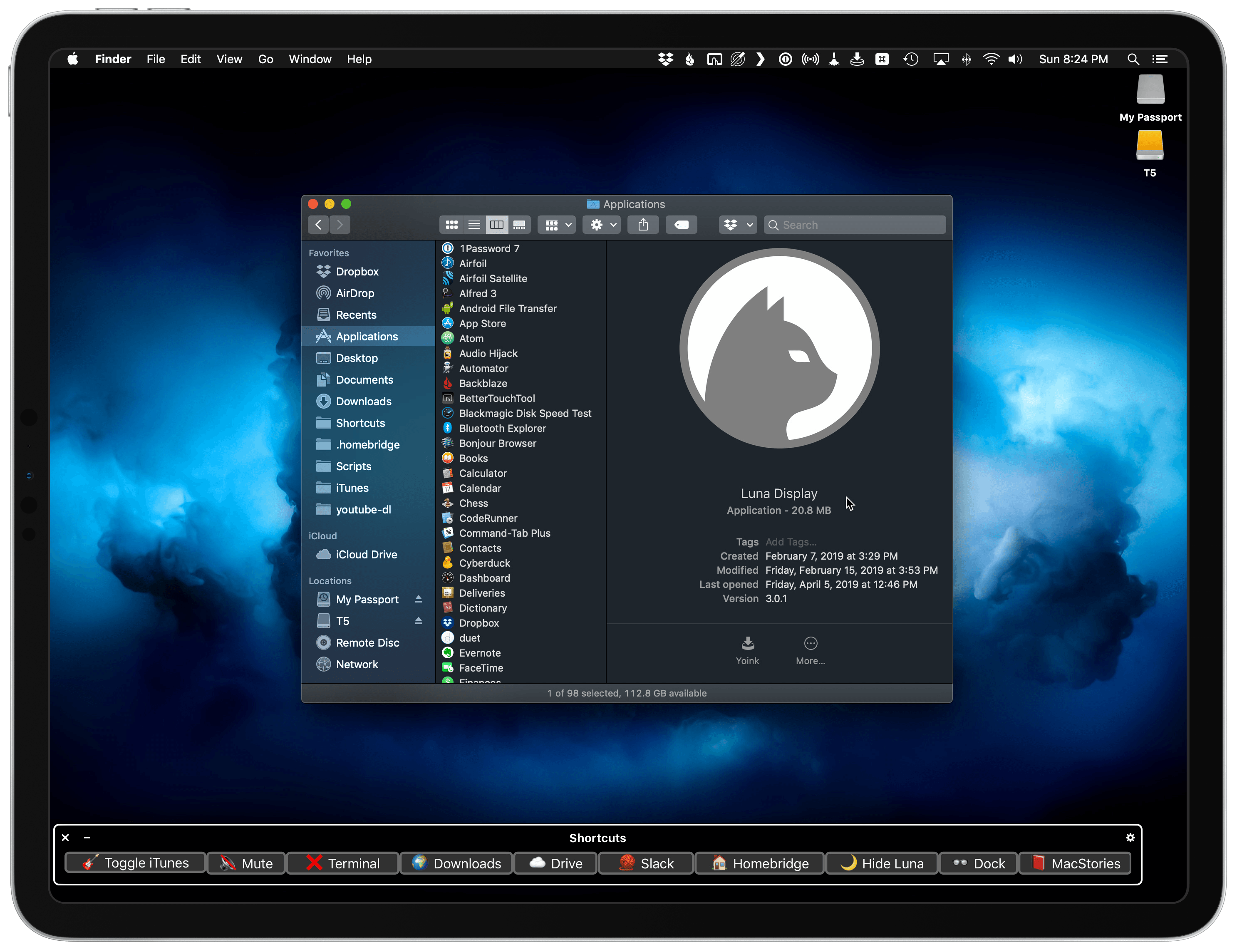
  • Luna Display: The only hardware solution that turns your iPad into a wireless display for your Mac. Use promo code CONNECTED at checkout for 10% off.
Permalink

Interview: Directing Animated Feature Films Using an iPad Pro with Yarrow Cheney

AppStories+ Deeper into the world of apps

AppStories Episode 95 - Interview: Directing Animated Feature Films Using an iPad Pro with Yarrow Cheney

0:00
44:15

AppStories+ Deeper into the world of apps

This week, Federico and John interview Yarrow Cheney, whose animated feature film credits include directing The Grinch and The Secret Life of Pets and production design for the Despicable Me movies and The Lorax, about the role the iPad plays in his filmmaking process.

Read more