Apple Confirms WWDC Keynote for June 4
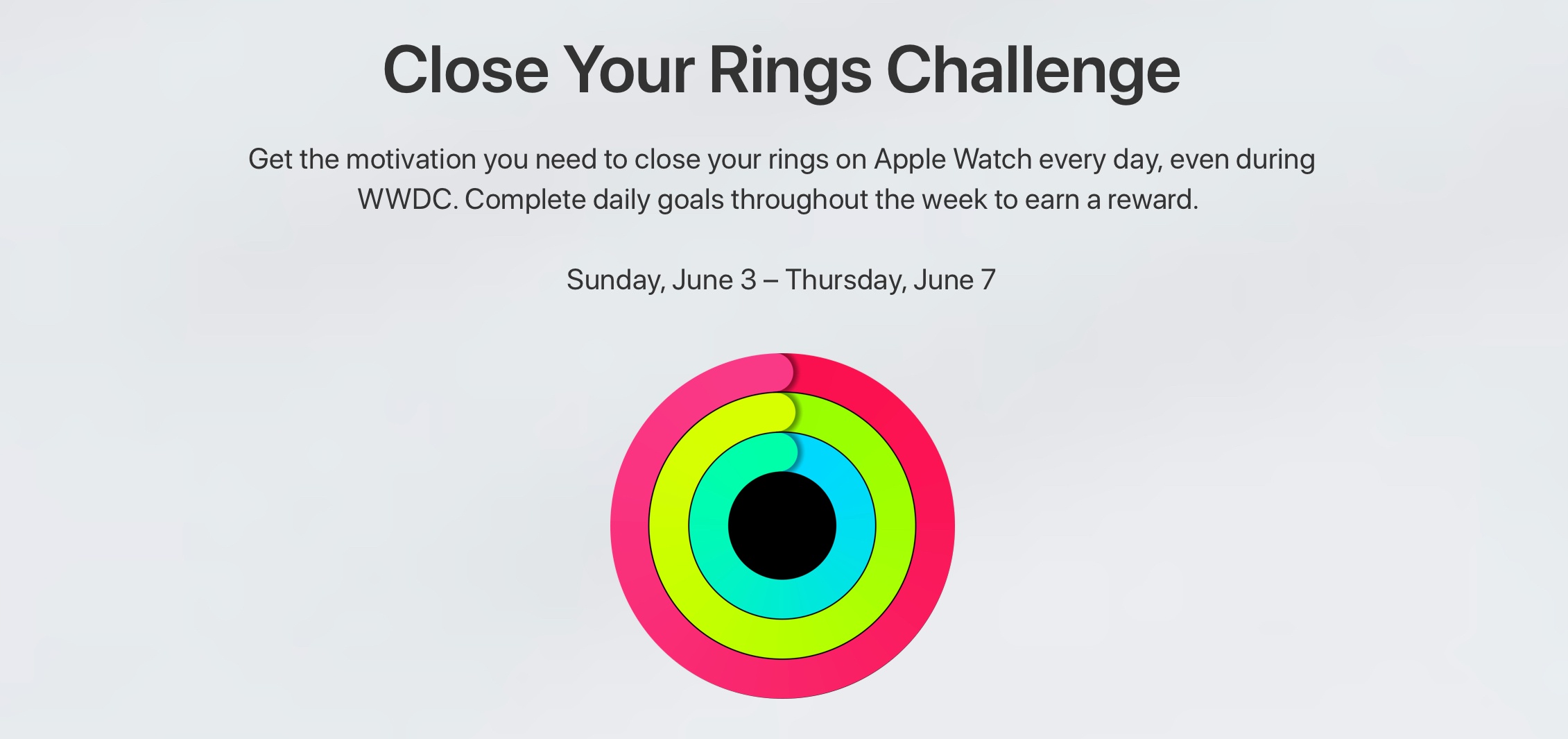
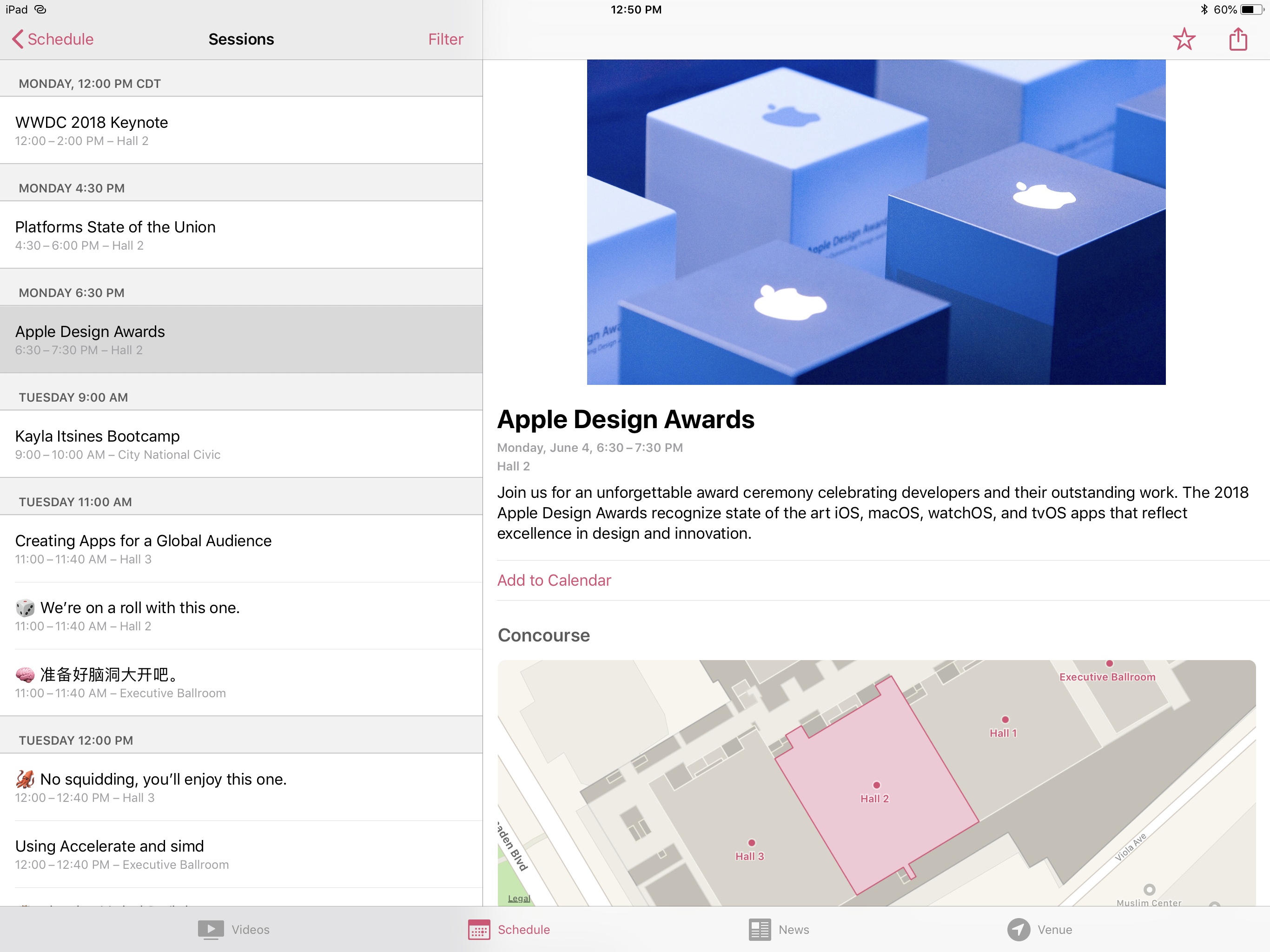
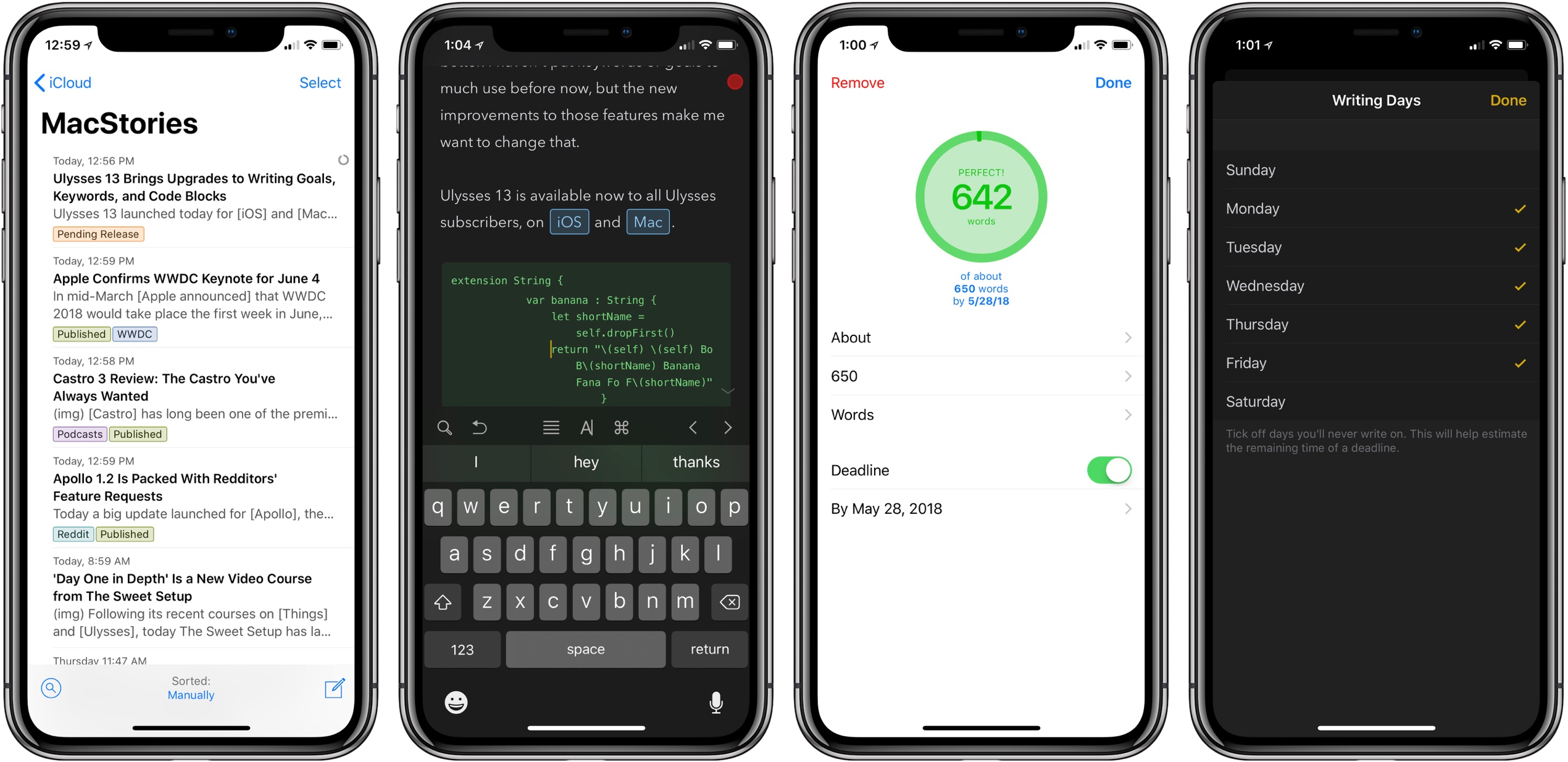
In mid-March Apple announced that WWDC 2018 would take place the first week in June, and today the company confirmed that, following past tradition, the keynote for that conference will take place on June 4 at 10:00am Pacific.
Apple is expected to unveil the latest versions of its major operating systems at WWDC, including iOS 12, watchOS 5, and macOS 10.14. If the keynote is anything like last year’s, we may see several hardware products announced too. A live stream for the keynote has not yet been confirmed, but it remains likely since WWDC is one of the prime Apple events of the year.
‘Day One in Depth’ Is a New Video Course from The Sweet Setup
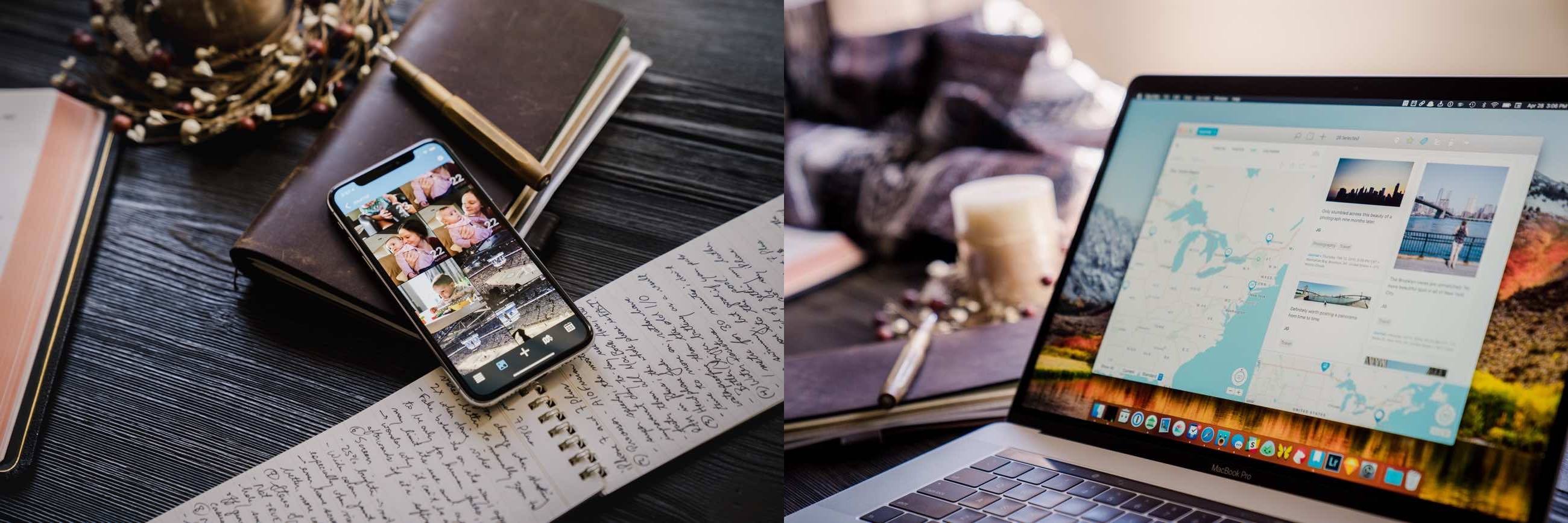
Following its recent courses on Things and Ulysses, today The Sweet Setup has launched a new ‘Day One in Depth’ video course aimed at helping you become an expert of the popular journaling app.
A major strength of Day One is its flexibility – it’s full-featured on both iOS and Mac, supports a host of both system-based and web-based methods for saving content, and therefore it can be used in a way that serves you best at any given moment. There’s a lot to cover about the app, and The Sweet Setup hits all the bases well in the eight videos of its new course, which are titled:
- Walkthrough of Day One on Mac
- Walkthrough of Day One on iPad & iPhone
- Elements of a Journal Entry
- All the Ways to Create New Entries
- How to Filter and Search in Day One
- How and Why to Use Multiple Journals
- Cloud Sync, Back Up, and Security
- Getting Things Out of Your Journal(s)
In addition to these videos, Day One in Depth provides access to nine exclusive articles from The Sweet Setup’s team, covering a wide range of subjects such as how journaling can change your life, a guide to all of Day One’s keyboard shortcuts, ideas for how you may want to use Day One, a 30-day journaling challenge, and much more. While the video course is presented as the main attraction, I found the articles included here invaluable.
I’ve used Day One only casually in my life for the most part – I knew the app had a lot of power to it, but I never took the time to dive in and get the most out of it. If you’re in a similar place and want to change that, this new course is an excellent way to equip yourself for a deeper investment into digital journaling.
‘Day One in Depth’ will normally be priced at $29, but it’s available now at a special launch week price of $23. You can purchase the course here.
Castro 3 Review: The Castro You’ve Always Wanted
Castro has long been one of the premier podcast clients on iOS, and its excellent version 2 – with an innovative triage system and delight-inducing design touches – helped solidify it as such. Those strengths in 2.0, however, were mitigated in part by the absence of a few key features that competing podcast apps tout. That changes with Castro 3.
If you’re unfamiliar with the app, Castro’s centerpiece feature is a triage system involving an inbox and queue. The premise is that, with the rising popularity of podcasting, there are more great podcasts available than ever before. If you subscribe to lots of shows, the standard episode management tools found in competing apps likely aren’t sufficient. With Castro, by default new episodes of shows land in your inbox, and can then be sorted to the top or bottom of your queue and downloaded, or archived if they’re not of interest to you. It’s an elegant solution to the problem of podcast overload, and, thanks to customization options that allow you to make certain shows populate the top or bottom of the queue automatically, it’s a system that works for you, tailored to your listening preferences.
Castro’s triage system clicked with me the first time I tried it, and I used the app daily for nearly a year. Eventually though, I became more selective about the portions of podcasts I listened to, and Castro’s lack of chapter support sent me elsewhere. I’ve seen comments from other prospective Castro users who were similarly turned off from the app due to one missing feature – and often, this feature was different for different people.
If an absent feature ever kept you from sticking with Castro 2, that almost certainly won’t be a problem anymore. Castro 3 addresses nearly all of those “one missing feature” requests in a single release. Trim Silence is Castro’s take on Overcast’s Smart Speed; full chapter support is now present, as is a new Apple Watch app; the player screen has been fully redesigned; Mix to Mono improves stereo mixes that are hard to hear; and finally, there are excellent new per-podcast controls in a variety of areas. Perhaps the only thing still missing is an iPad app.
Castro 3 is everything Castro already was, but better. It’s the app that Castro fans have always wanted.
iPads Around the World
Google Introduces YouTube Premium and YouTube Music Subscription Services, Retires YouTube Red Moniker
Google seems to have an affinity for constantly rebranding its products, and today is the latest example of that. Soon, YouTube Red will be replaced by the more costly $11.99/month YouTube Premium service – the good news is that Premium members will get all the benefits of YouTube’s new Music service thrown in too. And if you’re an existing Red subscriber, or sign up quickly before Premium launches, you can lock in the existing $9.99 monthly rate and still get all the benefits of Premium and Music.
YouTube Music is Google’s attempt at taking on streaming services like Apple Music and Spotify directly. Launching May 22nd, YouTube Music will have both a free tier and a paid, $9.99/month option. The main focus here is the paid plan though, as it will be the only way to enable background listening – a pretty important feature for music. Paid subscribers will also benefit from downloads and ad-free listening.
YouTube Music will launch with a new mobile app and desktop player, and use Google’s intelligence to power advanced search capabilities and an aggregation of different song versions you may not find elsewhere. In a confusing move, Google Play Music will continue to exist as a separate service from YouTube Music, but if you’re a subscriber to the former, you get the latter service at no extra cost.
As someone who uses YouTube regularly, but not enough to justify a Red subscription, the new Premium plan definitely seems like a more attractive all-around product, despite the price hike: you get a full-fledged music streaming service, YouTube Originals, and a better viewing experience on the largest video source in the world thanks to downloads, no ads, and background playback, all for $11.99. Spotify and Apple Music subscribers may be content with their chosen services for now, but if YouTube Music truly does become a legitimate contender in the streaming market, it will be hard to resist the allure of YouTube Premium for all the extra perks it offers.
At launch, YouTube Music and Premium will be available in the United States, Australia, New Zealand, and Mexico, and they’ll arrive shortly thereafter in Austria, Canada, Denmark, Finland, France, Germany, Ireland, Italy, Norway, Russia, Spain, Sweden, Switzerland, and the United Kingdom.
Google Assistant vs. Siri: A Tale of Two “Wow” Moments
Breaker
Apollo 1.2 Is Packed With Redditors’ Feature Requests→
Today a big update launched for Apollo, the Reddit client for iOS that I once said “may just be the best designed social feed app I’ve ever used.” Version 1.2 isn’t focused so much on major new features, but instead a huge wealth of small improvements based on feedback from the Reddit community that make for an even more delightful user experience.
Apollo’s new Jump Button is a quick way to jump between top-level comments and save yourself some scrolling. Progress bars for GIFs and video runtimes on thumbnails provide a better sense of context when browsing. There are new settings options to change which browser links open in, to view videos directly in the YouTube app, and more. And lots of under-the-hood tweaks simply make the app faster and more responsive than ever before.
For a visual peek at these changes and more, developer Christian Selig put together a great video, linked below. The full 1.2 release notes are available on the App Store, and in Selig’s launch post on Reddit.