Ryan Christoffel

984 posts on MacStories since November 2016

Ryan is an editor for MacStories and co-hosts the [Adapt](https://www.relay.fm/adapt) podcast on Relay FM. He most commonly works and plays on his iPad Pro and bears no regrets about moving on from the Mac. He and his wife live in New York City.


OmniFocus 3 Review: More Approachable and Powerful, All at Once

If you’re anything like me, you probably remain perpetually dissatisfied with your task management setup. You may have chosen an app and settled in with it, but some of its design choices don’t quite fit with your way of working, so you’re always keen to try the latest and greatest app that comes along. Realistically though, you’ve resigned yourself to the fact that the “perfect task manager” doesn’t exist, and likely never will.

Task management is a tough problem to solve, because every option out there is optimized for specific use cases, resulting in different complexity levels. Some aim to remain simple and user-friendly, while others try to put every tool at your disposal, endearing themselves to power users while scaring off prospective customers who need a bit less. On this complexity spectrum, OmniFocus has historically been the poster child for the weightier end: if you have a lot of complicated projects that need a high degree of structure, there’s no better place to start than OmniFocus; however, for lighter needs, I’ve always found its myriad of options too overwhelming to recommend.

OmniFocus 3, released today for iOS (and later coming to the Mac), adds even more power and options to the app’s existing toolset, yet rather than growing more complex in the process, it’s surprisingly become more approachable. This improved user friendliness is achieved thanks to a new level of flexibility that can, upon tweaking your ideal setup, obscure the app’s complexity in everyday use. In more ways than ever before, OmniFocus provides the tools to make the app your own.

Outside of a lovely new design, where icons and fonts are bolder and everything feels more fresh, my favorite changes in OmniFocus 3 are this increased flexibility, which encompasses a lot of new and updated features, and its excellent iPad improvements. Let’s dive in.

Read more


Apple Announces Activity Challenge for WWDC Attendees

Alongside the release of an updated WWDC app earlier today, Apple announced that developers attending the conference next week are invited to participate in an exclusive Activity challenge where they can earn a special reward.

Earn points each day, from Sunday, June 3 at 12:00 a.m. to Thursday, June 7 at 11:59 p.m., by wearing your Apple Watch and closing your Activity rings. Simply download the Challenges app on iPhone and allow Challenges to access Health app data, which includes data from your Activity rings. Work as a team of four with fellow WWDC18 attendees to earn as many points as you can. If everyone on your team closes their rings that day, you’ll get team bonus points (in addition to individual bonus points). Individuals who earn 200 points or more during the challenge will receive a reward on Friday, June 8 at McEnery Convention Center.

The Challenges app referenced has previously been used by Apple for internal employee fitness challenges, but this is the first time the company has utilized it with a broader group of participants.

Permalink

WWDC App Updated for 2018 Conference

Apple has updated the WWDC app ahead of its annual developer conference that begins June 4, 2018 in San Jose, California. Unlike last year, when the app received a new design inspired by apps like Apple Music and Apple News, this year the app has remained largely unchanged. Other than a new icon, the main change with this update is that the schedule for 2018 conference sessions is now included.

The most noteworthy news tidbit from browsing the app’s updated schedule is that the Apple Design Awards are making a return to public form this year. At WWDC 2017, Apple decided to eschew its normal tradition of a public ceremony, and instead honored ADA winners in a private ceremony, followed by an updated website. This year marks a return to form, with the ADAs being held the evening of the conference’s first day.

The WWDC app is a free download on the App Store.


HomePod Receiving AirPlay 2 and Calendar Support Today, Launching in More Countries Soon

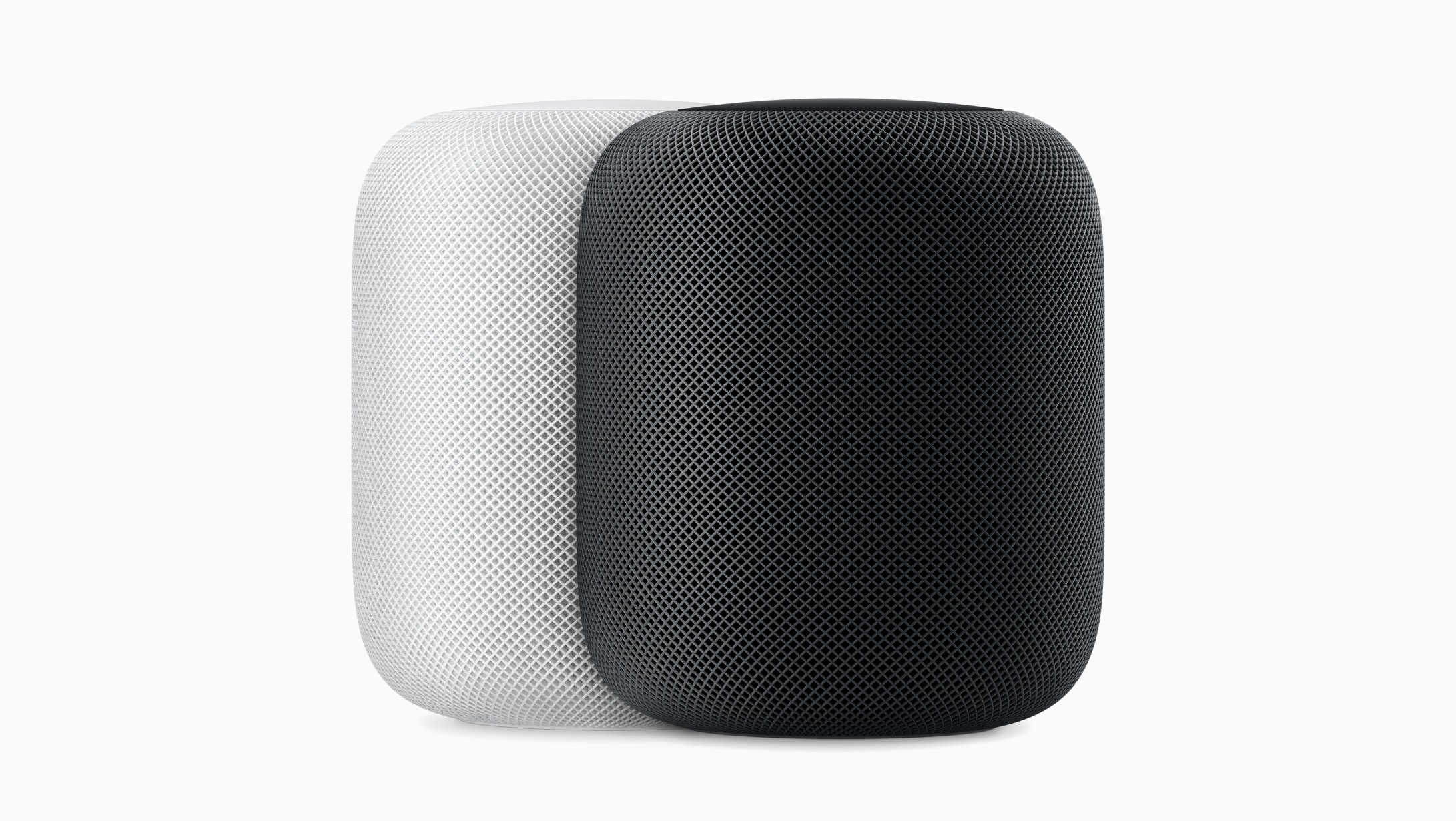
Apple is releasing iOS 11.4 today, alongside a companion 11.4 update for the HomePod. Ahead of that release, Apple Newsroom shared details on exactly what we can expect.

Today’s update will at last bring AirPlay 2 to iOS and, by extension, the HomePod. This will enable the multi-room audio and stereo pairing features that Apple first demonstrated on-stage at last year’s WWDC. More in-depth coverage of AirPlay 2 features will be available in our iOS 11.4 overview, publishing when that update launches. And look out for a hands-on story covering the HomePod’s new stereo pairing feature after it becomes available.

One other noteworthy feature coming to HomePod today is the addition of Calendar support. This works similarly to the other Personal Requests features of HomePod, which include Notes, Messages, and Reminders: only the Apple ID used to set up your HomePod will be able to share its Calendar information, and that data can only be accessed when you’re at home on the same Wi-Fi network as HomePod.

Finally, Apple has announced three countries where HomePod will be launching soon: Canada, France, and Germany. The smart speaker will be available beginning Monday, June 18th.

Permalink