
Om Malik explains the profound effect the iPhone has had on photography, comparing it to the impact of Eastman Kodak’s Brownie camera had on film photography over 100 years ago. (Link Nuts is a unique Apple Arcade title involving squirrels and a mystery, and Shacknews has a terrific in-depth interview with one of its creators,...
 Previously, On MacStories
CARROT Weather 5 Introduces New Design Elements, Custom Interface Builder, and More Apple Publishes ‘A Day in the Life of Your Data’ Case Study and Reveals That App Tracking Transparency is Coming in the Spring How Matt Birchler Is Using Hey Email, Almost One Year Later Apple Breaks Records with $111.4 Billion in Revenue for...
Up Next on MacStories’ Podcasts
Next week on AppStories, Federico and John talk about all the apps they use for writing, except text editors. This week on MacStories Unwind, Federico and John cover a busy week at MacStories, recapping news of executive changes at Apple, Black History Month, Data Privacy Day, OS updates, and Time to Walk, plus...
Re:Schedule: Meetings Made Easy [Sponsor]
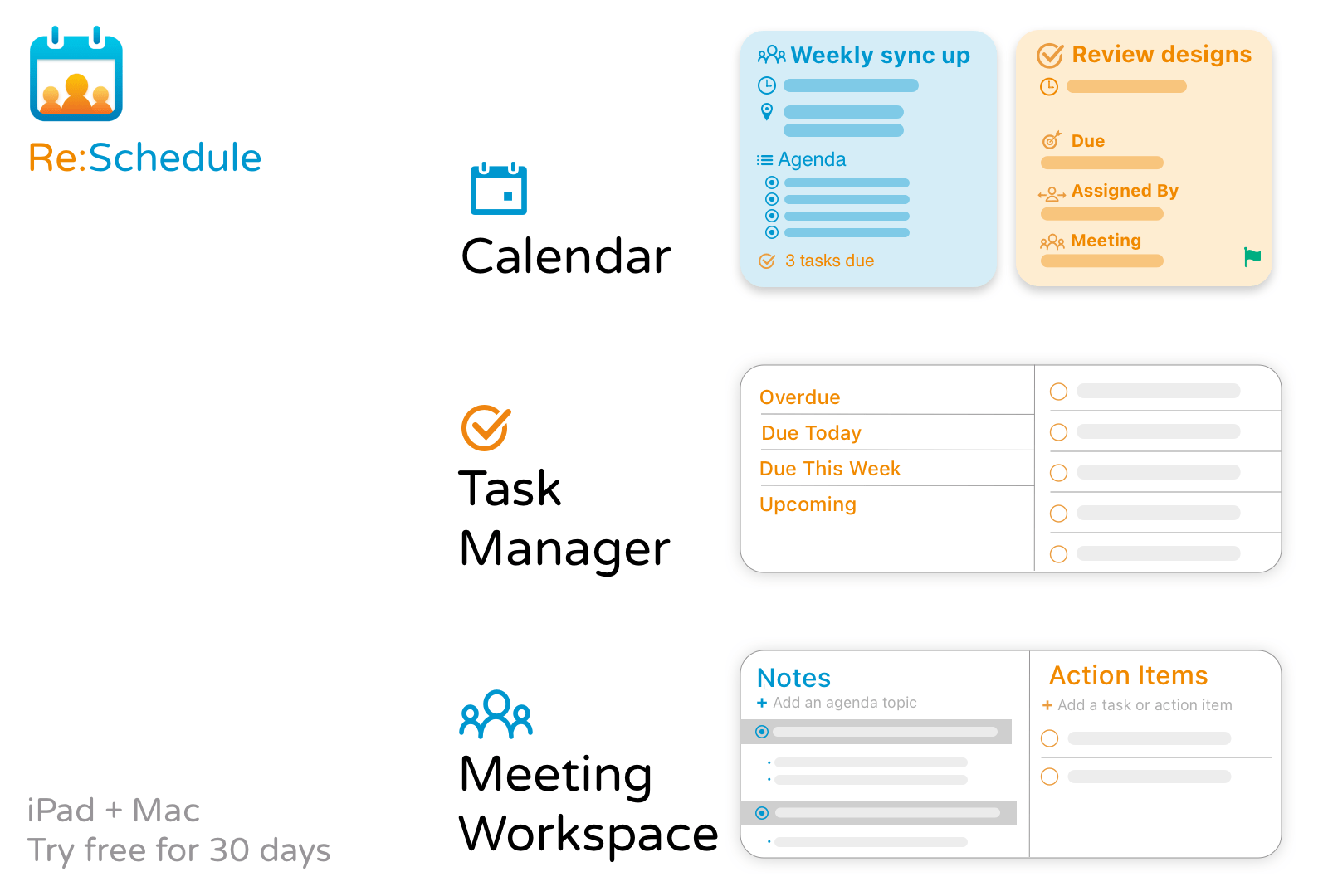
Re:Schedule is an iPad and Mac app that eliminates the frustration of organizing meetings. The trouble with meetings is that the information you need is spread across several apps:
- Meeting logistics are in your calendar
- Your agenda is probably in your email or a folder somewhere
- Action items are in your task manager
- Communications with your team are in your email client or Slack
- Your notes are probably in yet another app.
As a result, you probably find yourself hunting for what you need in several apps before every meeting.
Re:Schedule solves all of these problems with a calendar that can sync with Google Calendar and makes it easy to plan and run productive meetings. Meetings are shared workspaces on Re:Schedule. A meeting workspace is your one-stop destination to plan your agenda, review recurring meetings’ history, take organized notes, assign tasks, and so much more.
The app is a more natural, fluid way of organizing and running meetings because everything is automatically shared with the meeting’s participants. The overhead of managing folders, projects, teams, and permissions is eliminated. Even your team members who don’t use Re:Schedule can benefit from it thanks to email notifications.
The app accomplishes all of this in a unique and elegant agenda view that shows you details of your day’s events and open tasks. Never go to a meeting unprepared again. Follow along with the agenda, take notes to share with the other participants, assign tasks, and when the meeting is over, block out time using Re:Schedule to ensure you don’t fall behind.
Transform the way you work now by signing up for Re:Schedule’s 30-day free trial today.
Our thanks to Re:Schedule for sponsoring MacStories this week.
Interesting Links
Peer-to-peer transfer protocols were what made music sharing take off at the turn of the century, but now the same technique is being applied to decentralize web traffic with the IPFS protocol and has been adopted by the Brave browser as explained by The Verge. (Link) Bitcoin mining takes a lot of computing power, which,...
Previously, On MacStories
MindNode’s Newly-Editable Outline View Adds a Terrific New Dimension to the Mind Mapping App’s Mac Version Doodle Jump 2 Review: A Modern Take on a Classic Apple Partners with VolunteerMatch to Feature Local Volunteer Opportunities in Apple Maps Apple Podcasts Adds Spotlight Editorial Feature Apple Spotlights iPhone 12 Photography...
Up Next on MacStories’ Podcasts
Next week on AppStories, Federico and John consider app modularity and what it means for users of everything from single-purpose utilities to complex apps. This week on MacStories Unwind, Federico and John recap the week at MacStories with a discussion of MindNode’s new editable outline mode, the surprise Doodle Jump sequel, Apple’s expansion...
MacStories Unplugged
Food, Travel, and Very Good Dogs In this episode of MacStories Unplugged, Federico and John share the foods they miss from their past travels, discuss the frustrations with dining out and traveling with two very good dogs, and have some advice on stepping back from the brink before burnout takes hold....
Interesting Links
On Six Colors, Dan Moren explains how Apple’s latest service, Fitness+, could be improved. (Link) Evernote has introduced a new Home view for the Mac version of its app that is designed to surface important notes and other information, which the company says will come to the iPhone and iPad later. (Link) So far, only...