
Apple and Others Suspend Parler from Their Platforms Puppr Review: Teach Your Dog New Tricks Apple Announces Major Expansion of Its Racial Equity and Justice Initiative CES Rundown: Highlights of This Year’s Most Intriguing (and Bizarre) Announcements...
 Perks
Perks

Keep It for Mac Keep It is notebook, scrapbook and organizer, ideal for writing notes, saving web links, storing documents, images or any kind of file, and finding them again. Enter for a Chance to Win Keep It Mobile Keep It is notebook, scrapbook and organizer, ideal for writing notes, saving web links, storing documents,...
In This Issue
Bartender 4, Apps to get more out of your HomeKit setup, 16 productivity app giveaways, Federico’s GoodTask quick action setup, MacStories Unplugged returns with an episode about food and two very good dogs, plus Links, App Debuts, arecap of MacStories articles, and a preview of upcoming MacStories podcasts....
Up Next on MacStories’ Podcasts
Next week on AppStories, Federico and John do a deep dive into HomeKit devices. This week on MacStories Unwind, Federico and John talk about CES, the expansion of Apple’s Racial and Equity Justice Initiatives, and Puppr, an app for teaching your old (or young) dog new tricks....
Unite 4: Turn Websites into Apps on Your Mac [Sponsor]
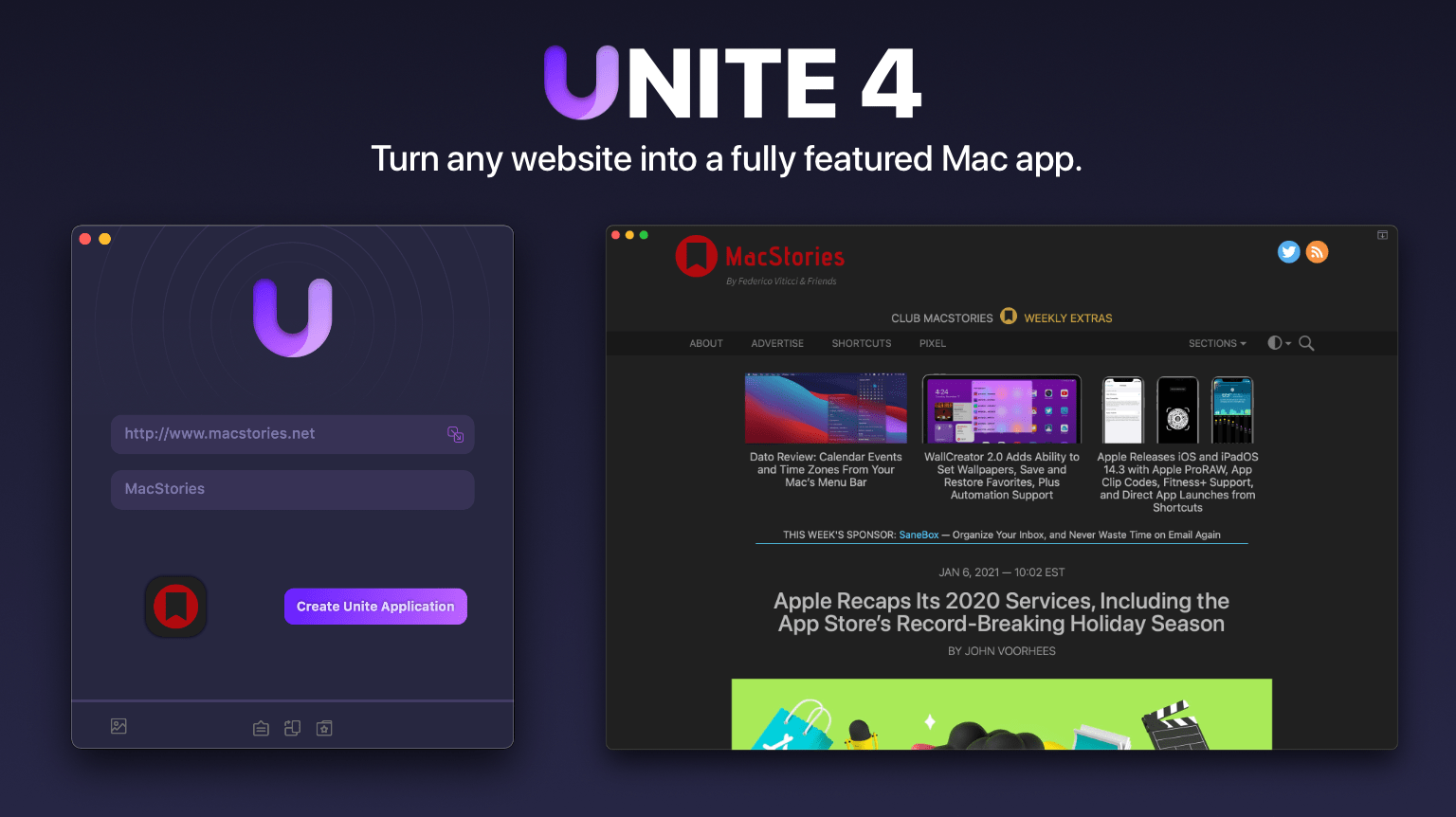
Unite 4 for macOS can turn any website into an app for your Mac. The app uses a lightweight, WebKit-powered browser as a backend, allowing you to easily create isolated, customizable apps from any site. It’s a terrific way to get those sites you visit every day out of a tab and into a dedicated, standalone app.
Unite 4 has dozens of features and customization options that make it a terrific alternative to resource-hogging Electron apps or uninspired Mac Catalyst implementations. The apps you create are easy to set up, fast, and only limited by your imagination:
- Create dedicated apps for your favorite streaming services like Netflix and Disney+
- Save your laptop’s battery by using Unite for Slack, Discord, and WhatsApp with full notification support
- Listen to music services like Apple Music or Spotify
- Enjoy podcasts with Overcast
- Organize your notes in a dedicated Roam Research app
- Never again lose your Figma design work among a sea of Safari tabs
- Limit the ability of apps like Facebook to track you across sites
- Check your Instagram feed
- Track your finances with Robinhood
No matter which sites you use, Unite can turn them into apps for your Mac with customizable colors, an icon that fits the version of macOS you use, dark mode, support for the macOS Keychain, floating windows, and even menu bar-based apps that appear with a single click.
This week only, MacStories readers can get 20% off when you purchase Unite 4 at bzgapps.com/macstories or by using the promo code ‘MacStories’ at checkout.
Unite is free to try for 14 days and is available as part of a Setapp subscription too.
Download Unite 4 today and turn your favorite websites into you favorite apps too.
Our thanks to Unite 4 for sponsoring MacStories this week.
Up Next on MacStories’ Podcasts
Next week on AppStories, Federico and John are back with episode 200 to conclude their miniseries on rethinking their workflows with a look at what what might change next. This week on MacStories Unwind, Federico and John catch up on the news you might have missed during our holiday break, including John’s HomePod...
Previously, On MacStories
Fitness Totals Review: Effortlessly Surface Fitness Data and Track Your Progress Scenecuts Adds Effortless Access to HomeKit Scenes in Your Mac’s Menu Bar Dato Review: Calendar Events and Time Zones From Your Mac’s Menu Bar Apple Recaps Its 2020 Services, Including the App Store’s Record-Breaking Holiday Season Two Months with the HomePod mini: More Than...
Perks

CardioBot Your Apple Watch measures your heart rate every four minutes during the day. With CardioBot, you can easily understand the data captured by the Apple Watch so you can improve your lifestyle and discover notable patterns. CardioBot is offering Club members a free 1-month subscription to the app’s premium features. Just click on the...
Organize Your Inbox (and Never Waste Time on Email Again) With SaneBox [Sponsor]

SaneBox is your personal email assistant that automatically organizes your inbox, saving you valuable time. SaneBox works with your existing email service, making sure that only the most important messages reach your inbox. The rest of your messages are neatly tucked away in designated folders like SaneLater and SaneNews for reviewing later. You can snooze emails, too, setting them aside to deal with when you have time.
Better yet, if there’s something you never want to see again, drag in into the SaneBlackHole folder. It’s far easier than the hit or miss process of unsubscribing from email lists.
SaneBox has a built-in reminders system too. SaneReminders are a terrific way to stay on task. Send yourself a reminder to do something later, or get a reminder when someone hasn’t responded to one of your messages. For example, bcc: [email protected] and the message will show up back in your inbox only if the recipient doesn’t reply within three days. SaneReminders is perfect for making sure that nothing falls through the cracks.
Also, because SaneBox works with your existing email setup, there’s no app to download or new email account to set up. You can use any email service and client you want.
Sign up today for a free 14-day SaneBox trial to take back control of your email. You’ll see big benefits immediately as the message count in your inbox drops, and you’ll be able to maintain control going forward with SaneBox’s help. MacStories readers can receive a special $25 credit automatically by using this link to sign up.
Our thanks to SaneBox for sponsoring MacStories this week.