John Voorhees

5768 posts on MacStories since November 2015

John is MacStories' Managing Editor, has been writing about Apple and apps since joining the team in 2015, and today, runs the site alongside Federico. John also co-hosts four MacStories podcasts: AppStories, which covers the world of apps, MacStories Unwind, which explores the fun differences between American and Italian culture and recommends media to listeners, Ruminate, a show about the weird web and unusual snacks, and NPC: Next Portable Console, a show about the games we take with us.

This Week's Sponsor:

FunnMedia Premium Plus Bundle

Unlock 13 premium apps on your Apple devices for less than $5/month.


Apple Announces September 9 Surprise and Shine Event

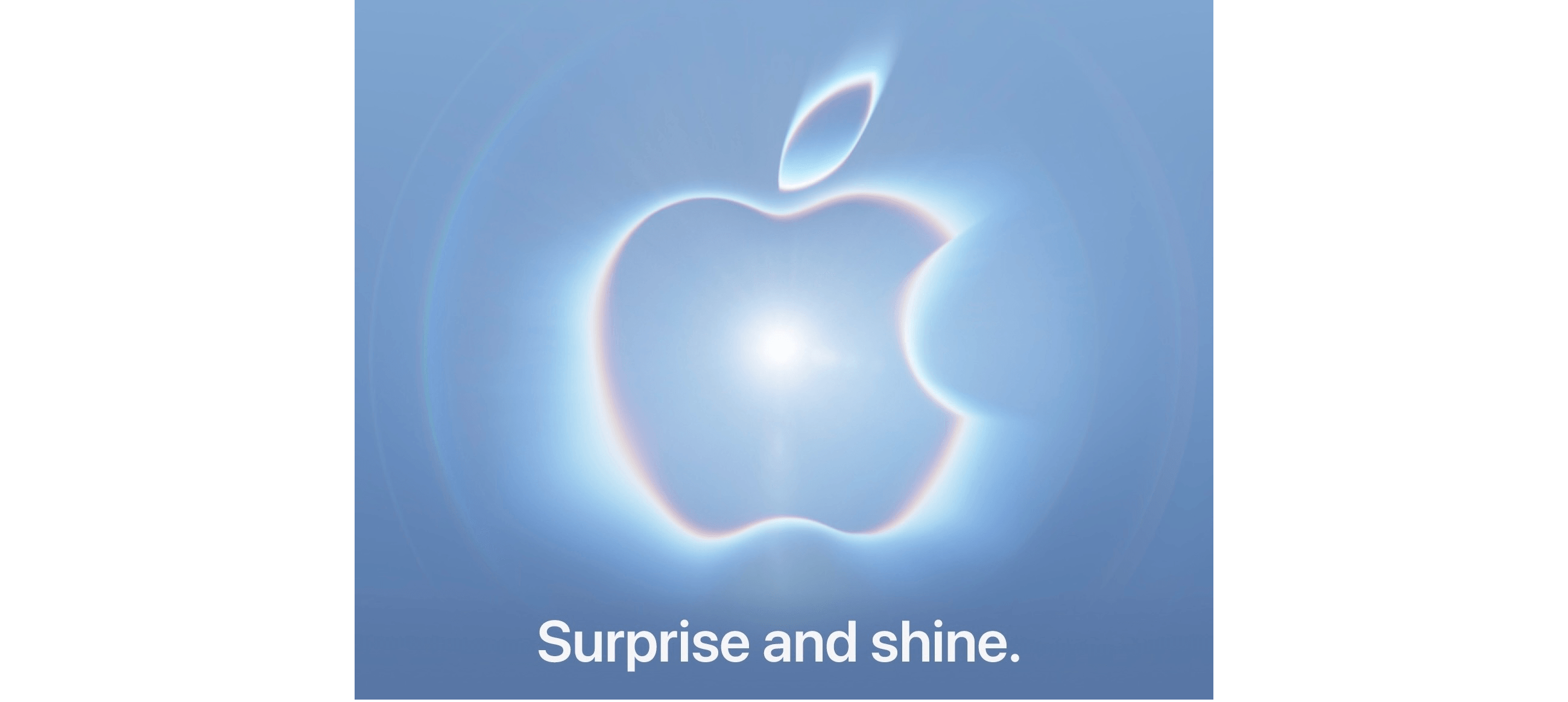
Today, Apple announced that it will host an event it calls “Surprise and Shine” on September 9, 2026, at 10:00 AM Pacific Time. The company is expected to announce the iPhone 18 Pro line, the highly-anticipated iPhone “Ultra”, as well as new Apple Watches and potentially new AirPods and HomeKit devices.

The event will be streamed live globally on Apple’s Events page as well as on YouTube and in the Apple TV app. Some members of the media were invited to watch the event in person at the Steve Jobs Theater at Apple Park.

MacStories will be covering all the details of the event, so stay tuned and get ready for September 9.


Hands-On with ChatGPT Work’s New Cloud Browser Feature

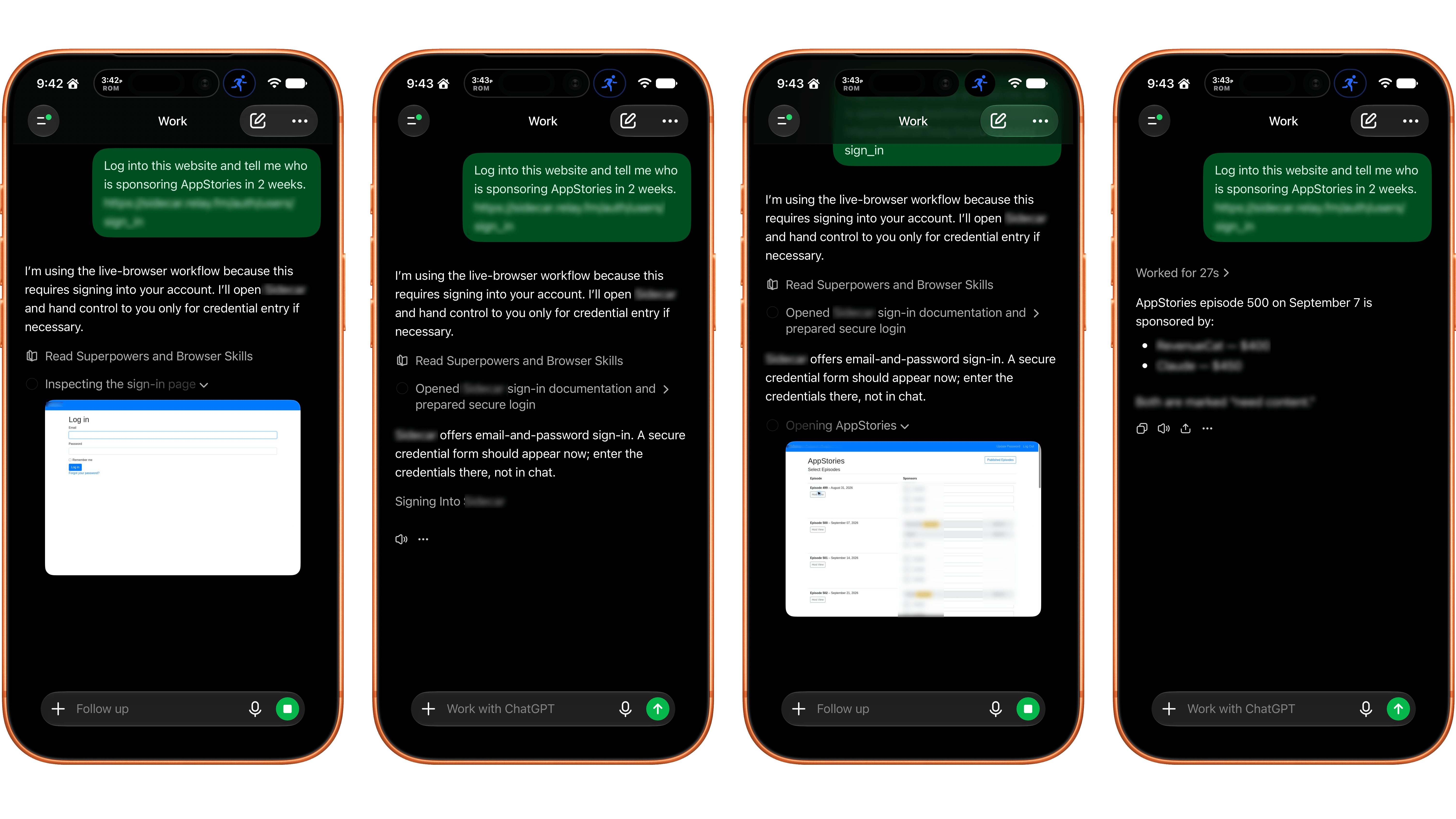
Yesterday, OpenAI introduced a new ChatGPT Work feature designed to let it navigate websites that require a login without revealing your credentials to the model.

Like a lot of people, I spend far too much time clicking around websites that require a login, looking at analytics and other data, checking whether new sponsors have been booked for our podcasts, and more. It’s a tedious but necessary part of my week that slows me down and takes me away from writing and other creative work. ChatGPT’s new Work feature is designed to handle that sort of work for you.

The feature works by signing into websites using a virtual, cloud-based computer. That separates the browsing session from any browsing session on your local computer, walling the agent’s computer use off from your open tabs, cookies, browsing history, passwords, and other data. Because the login and browsing happen in the cloud, that also means work can continue whether you close the ChatGPT app or power down your computer.

According to OpenAI, an additional review model checks the sign-in request and credential destination for signs of phishing or deception. ChatGPT Work then pauses while the user signs in. Credentials entered through its secure sign-in form go directly to the cloud browser and are not visible to the model. After the user authenticates, ChatGPT resumes its work.

OpenAI also explains that its cloud-based browser doesn’t store your username and password. Instead, it saves cookies that allow you to return to a previously authenticated session. If you don’t want to remain logged in, ChatGPT’s cloud browser settings allow you to clear browser data for individual websites or all sites.

Similar to other features in ChatGPT and Codex, users have choices when it comes to which sites ChatGPT Work can access. “Always ask” is the default, requiring the agent to check with the user before using a website, but the permission level can also be set to “Auto approve” after ChatGPT checks a site for relevancy and risk or “Always allow,” which OpenAI discourages. Individual websites can also be allowed or blocked. These settings control website access, but consequential actions require separate confirmation.

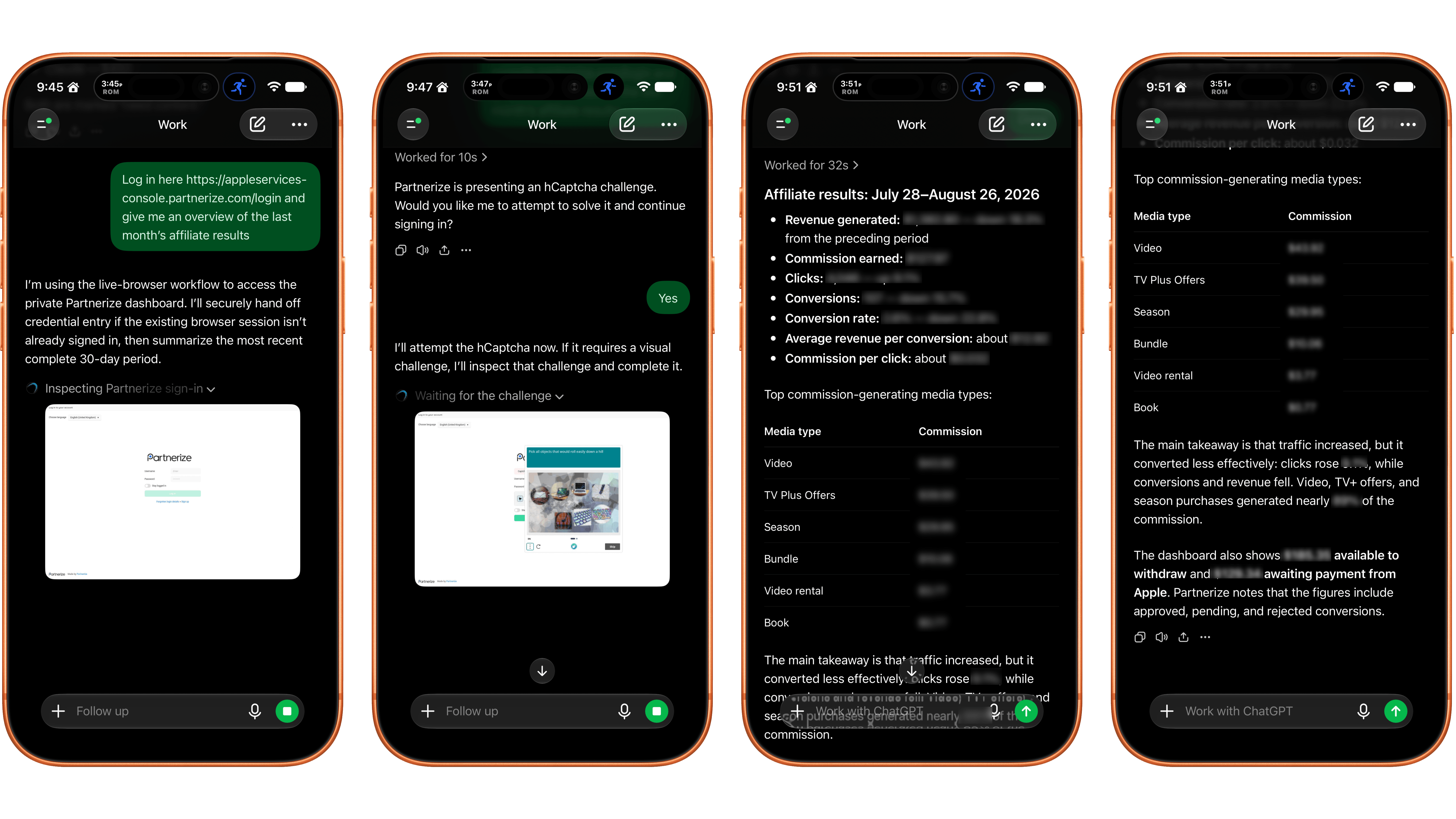
ChatGPT Work's browser control works best on a mobile device and with simple login systems.

ChatGPT Work’s browser control works best on a mobile device and with simple login systems.

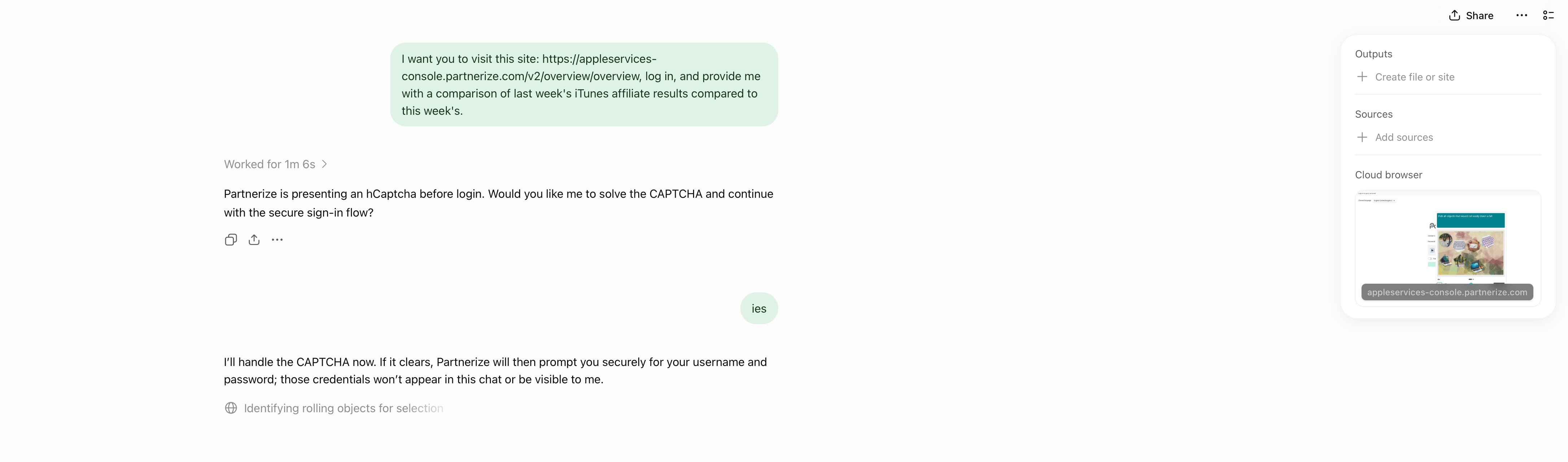
I gave ChatGPT’s browser use a try and the results were mixed. I wasn’t able to get the feature to work at all using ChatGPT Work in Safari on my Mac. Some websites had security measures in place that prevented me from logging in. Other times, the cloud browser asked me to take over manually, but I was unable to do so because the UI was frozen or login panels didn’t appear.

Logging into a site with a CAPTCHA required manual intervention.

Logging into a site with a CAPTCHA required manual intervention.

I had better luck using my iPhone. On one site with a simple username and password system, a login sheet appeared. I entered my credentials, was logged in, and the agent navigated the site to answer my queries. On Apple’s affiliate link dashboard website, I had to take over the browser interaction manually to satisfy a CAPTCHA, which worked after several challenges. Once logged in, the agent pulled and analyzed the data I requested. Also, after I’d signed in to both of those sites on my iPhone, I remained logged in to ChatGPT’s cloud browser, which meant I could also use them from my Mac.

In its current form, the idea of having ChatGPT Work browse signed-in websites on your behalf is better than its implementation. If you can get logged in, having an agent collect and analyze things like analytics data is fantastic. However, getting past the initial login screen is still too frustrating. That said, I’ll be keeping a close eye on the feature, which is available on eligible plans depending on rollout and workspace settings, for future use collecting and analyzing data that would otherwise require a lot of clicking around.


Apple Updates a Power Adapter for the EU and Vietnam and Drops the Price of Its Polishing Cloth

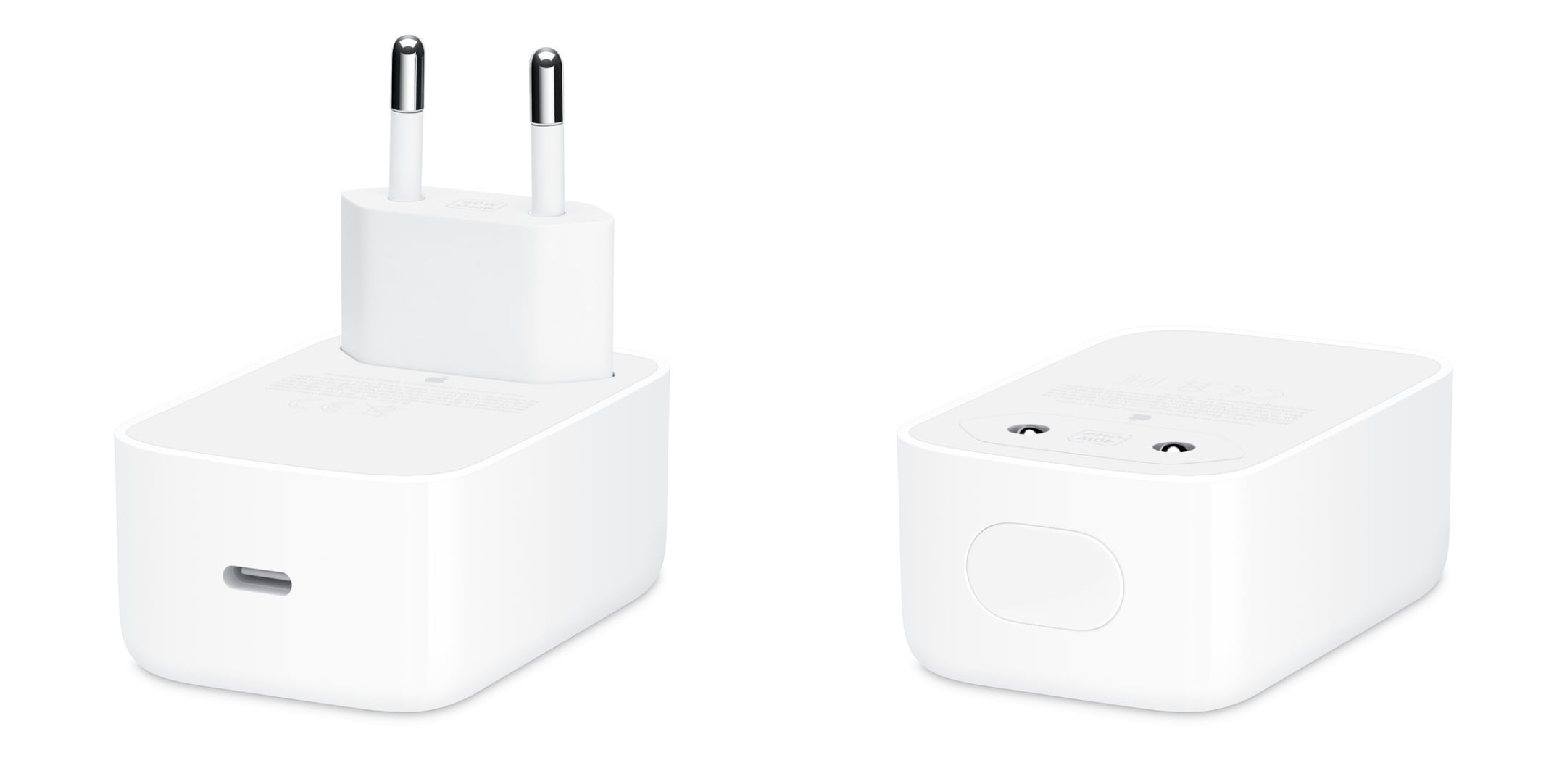
The Magic Keyboard isn’t the only accessory Apple updated today. As Juli Clover reports for MacRumors, the 40W Dynamic Power Adapter that can charge up to 60W was also updated for users in Europe and Vietnam:

The updated variant of the power adapter has a retractable two-prong design. The prongs pop back into the power adapter’s enclosure, making it easier to tuck into a bag or a pocket. Apple previously debuted a standard U.S. variant in September 2025 alongside the iPhone 17 models, and a type G plug version in November 2025.

At this price, why not buy two?

At this price, why not buy two?

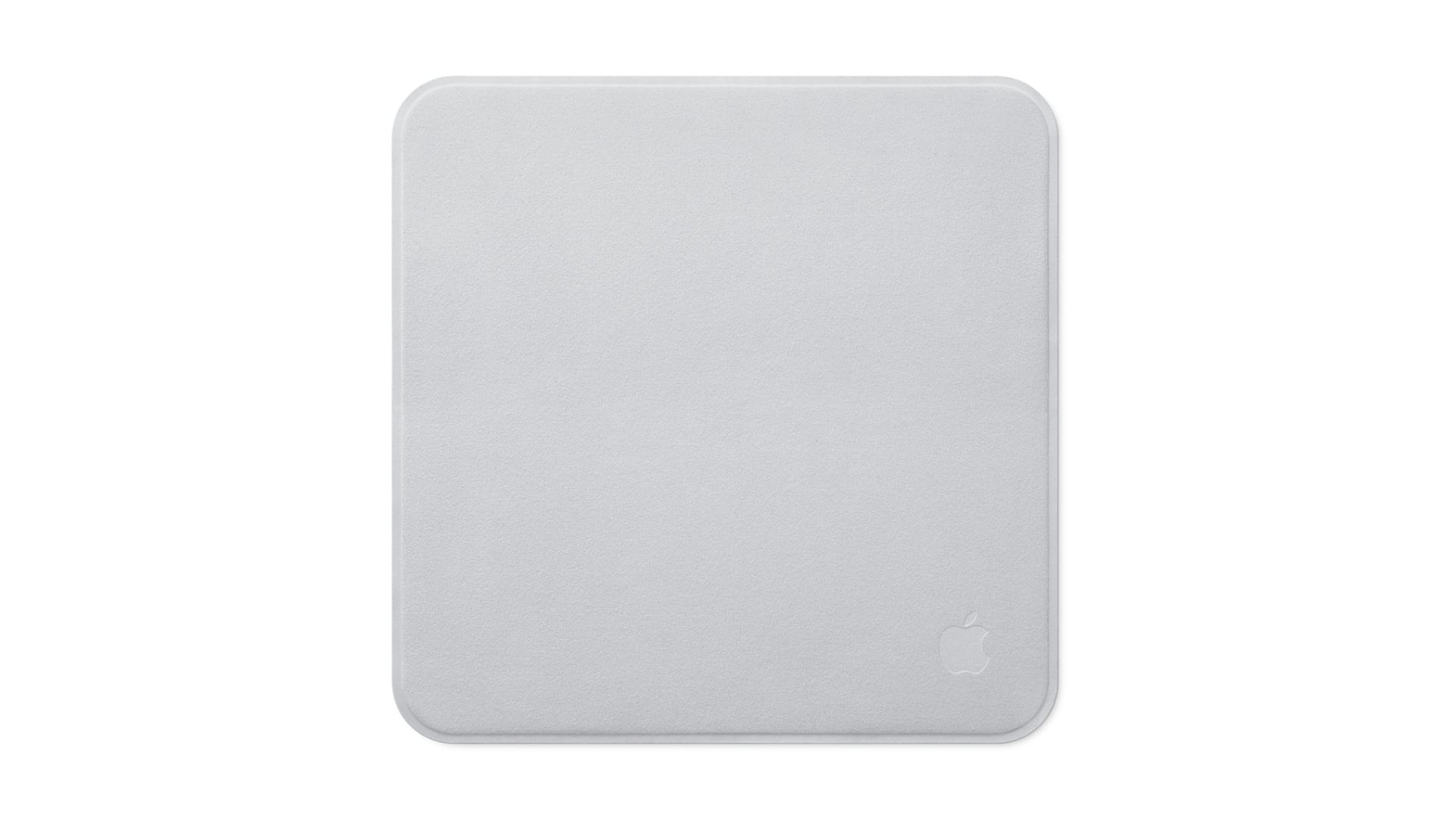
Plus, as Chance Miller covered for 9to5Mac, there’s a new Apple Polishing Cloth. It’s not clear whether the new cloth is different from the one that came before it, but in one respect it’s a big improvement. The updated Polishing Cloth has dropped in price to $9 from $19. In a world of high-priced memory and storage, I’ll take the pricing wins where I can get them.


Apple Updates Magic Keyboards

Source: Apple.

Source: Apple.

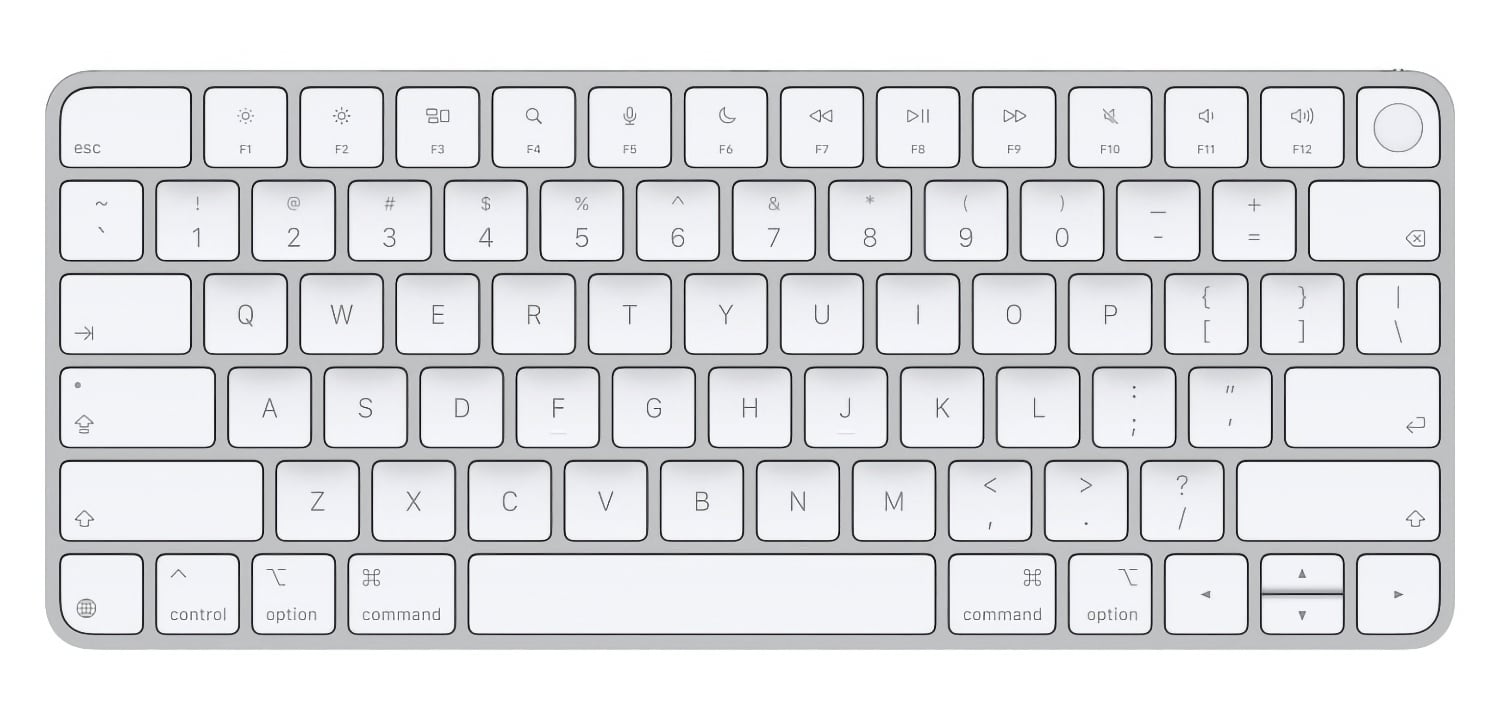
Earlier this year, Apple swapped the text on some of its laptop keyboard keys for glyphs. MacRumors reports that the trend has now spread to four of the company’s Magic Keyboard models:

On the new keyboards, the tab, caps lock, shift, return, and delete keycaps are labeled with glyphs rather than edge text.

The keyboards with numeric pads get even more glyphs than the more compact models.

It’s a small change, but I like it. I burn through keyboards pretty fast with the amount of typing I do, and these come just in time to replace the Magic Keyboard on I use with my Mac Studio that has a slowly disappearing “A” key.

Permalink

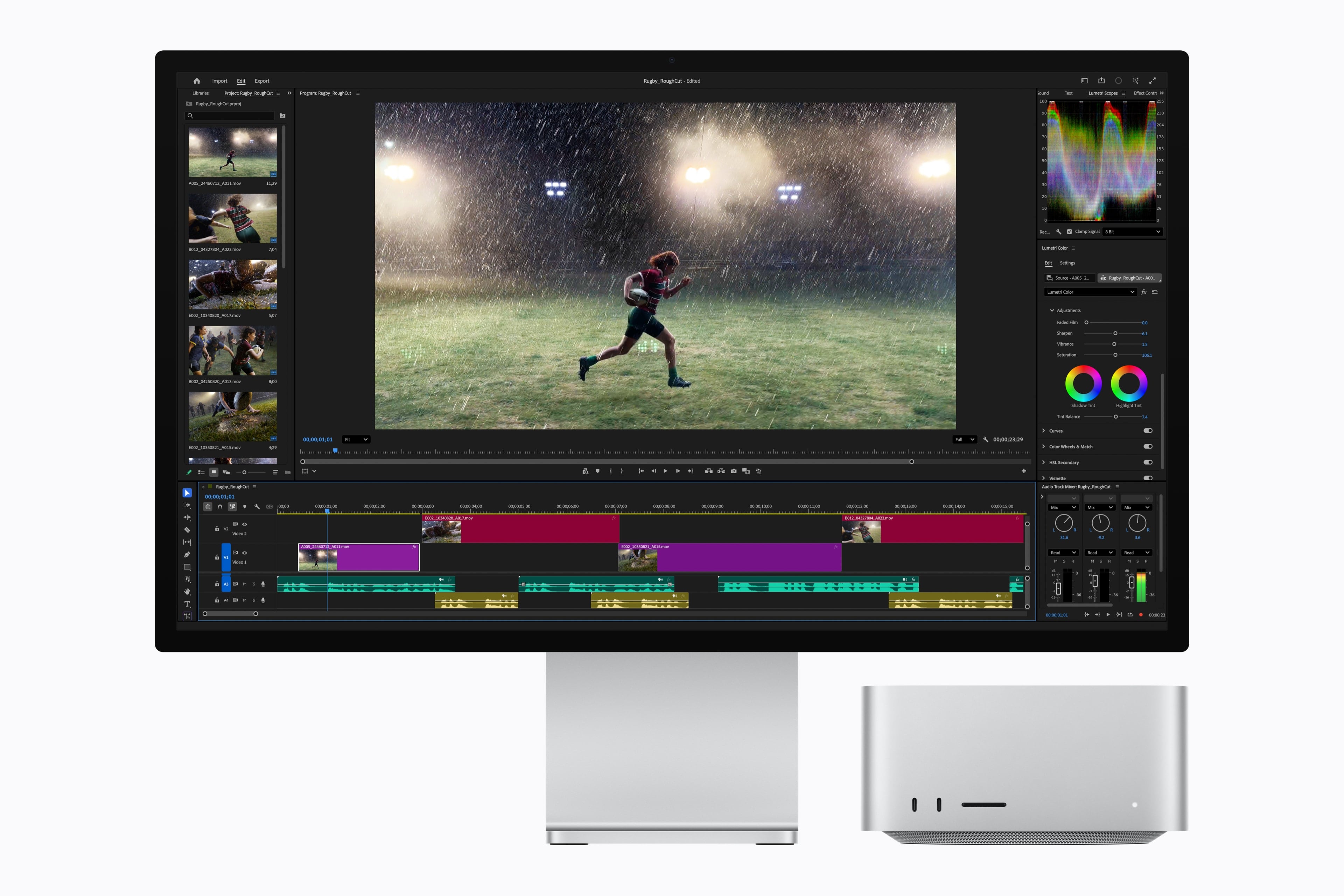
Apple Announces New M6 and M5 Pro Mac minis, Along with M5 Max and M5 Ultra Mac Studios

Source: Apple.

Source: Apple.

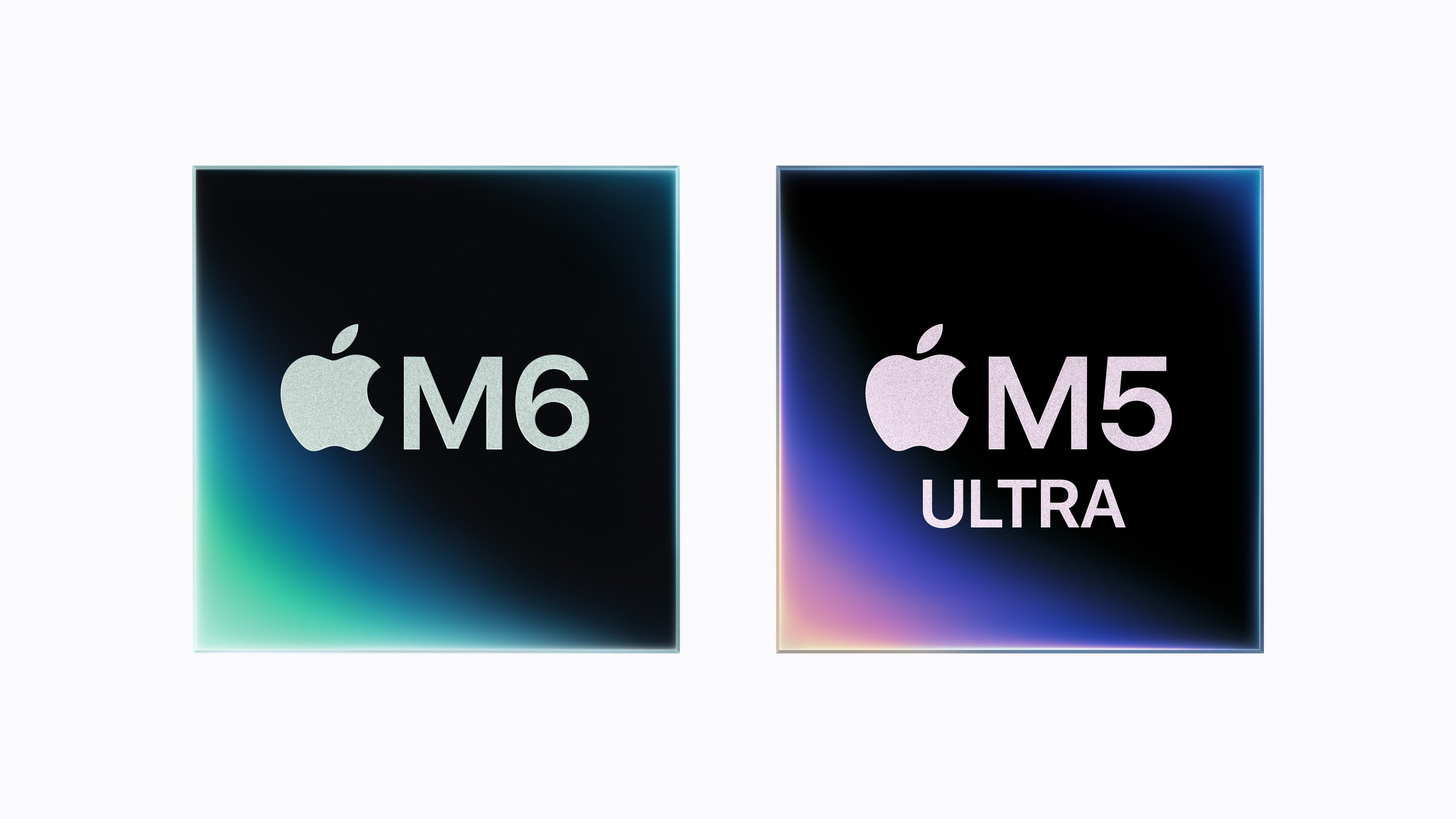
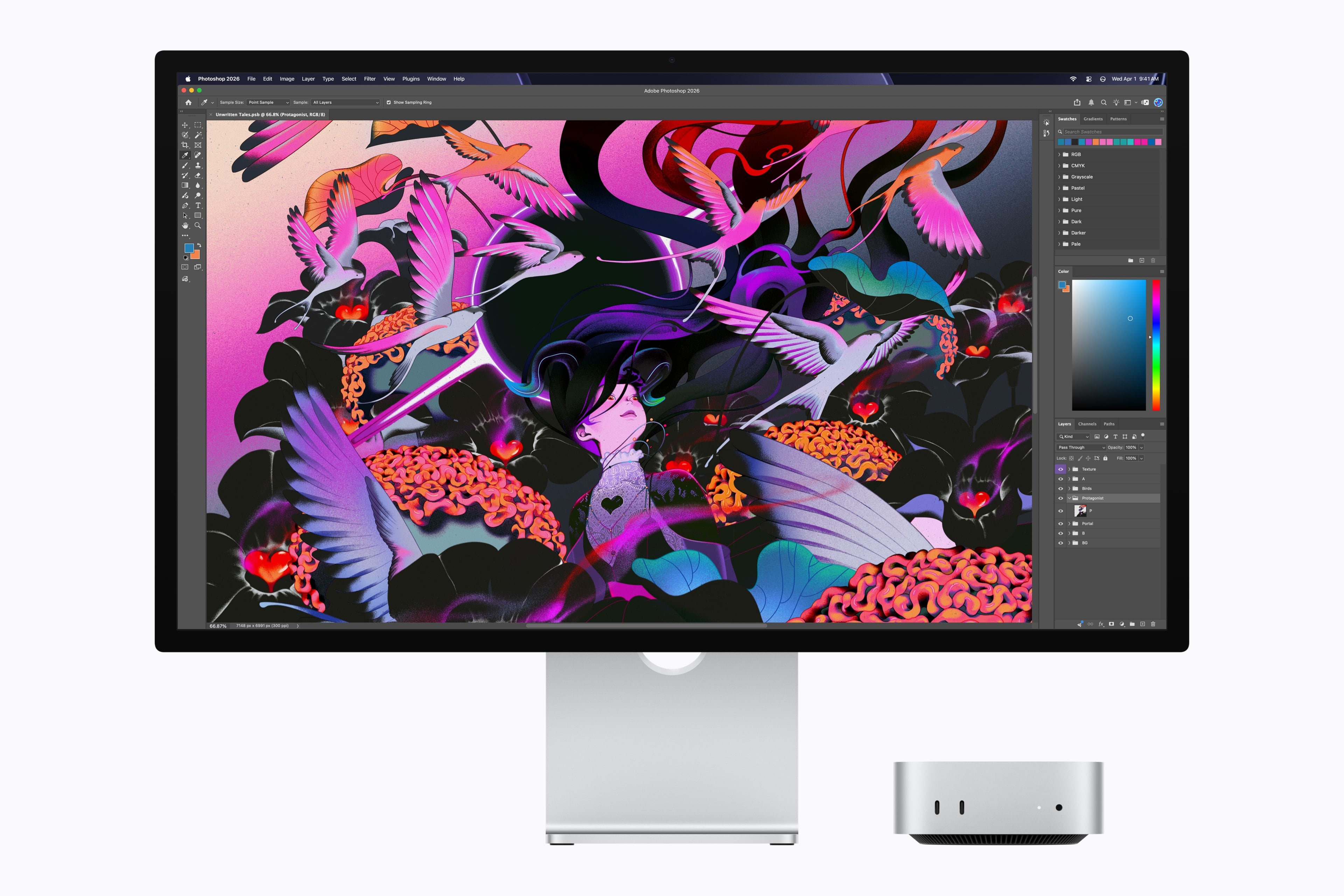
Today, Apple announced a new M6 chip that will debut in the Mac mini and an M5 Ultra that is coming to the Mac Studio. The company also announced an M5 Pro Mac mini and an M5 Max Mac Studio. Let’s take a look at the headline specs.

The headline feature of the M6 chip is that it’s Apple’s first 2-nanometer chip. The chip also includes “a larger 12-core CPU complex with the world’s fastest CPU core, a larger 12-core GPU with Neural Accelerators, a Dual 16-core Neural Engine, and up to 170GB/s of unified memory bandwidth.”

Looking more closely at the M6, Apple says it consists of two super cores, four performance cores, and six efficiency cores and is 1.2x faster in multithreaded performance than an M5 and up to 2.4x faster than an M1. Apple says the GPU delivers nearly 30% more peak GPU compute for AI than the M5. The M6’s 10% faster memory bandwidth will help with AI tasks, too, but its 32GB memory ceiling will limit which models can run locally.

Source: Apple.

Source: Apple.

The M6 mini’s GPU sounds impressive, too, with two more cores, Neural Accelerators for each core, which is a first for the mini. According to Apple, that leads to an up to four-fold increase in AI performance and a 2x graphics bump compared to the M4 mini. The Neural Engine has also been improved.

Apple also introduced an M5 Pro mini. It’s understandable if you find it confusing that the base model Mac mini has a more recent generation chipset than the more expensive model. What matters more than the chip generation is the “Pro” in M5 Pro, which makes it more capable than the M6, which has been designed for entry-level models. The same sort of asymmetry occurred with the 2025 Mac Studio, which included an M4 Max model alongside the M3 Ultra. A big part of that difference is the M5 Pro mini’s support for 64GB of memory (double the M6 version’s top memory spec) and its 307GB/s of memory bandwidth compared to the M6 model’s 170GB/s memory bandwidth.

Source: Apple.

Source: Apple.

As for the M5 Ultra, which debuts in the Mac Studio, it sounds like a beast. According to Apple, the chip uses a next-generation version of its UltraFusion technology, resulting in a quad-die architecture for the first time in an Apple silicon chip. In addition, the M5 Ultra features an “up-to-36-core CPU and up-to-80-core GPU with a massive 1.2TB/s of unified memory bandwidth, 50 percent more than M3 Ultra.”

Read more


How Should the Siri App Be Graded?

This week on AppStories, John and Federico check in on Apple’s betas with a close look at the new Siri app and how it compares to past-Siri and other chatbot products.

On AppStories+, John and Federico explain how they manage multiple Macs for automation and coding tasks.

Also available on YouTube here.


Subscribe here.

Subscribe here.

We deliver AppStories+ to subscribers with bonus content, ad-free, and at a high bitrate early every week.

To learn more about an AppStories+ subscription, visit our Plans page, or read the AppStories+ FAQ.


AppStories+ Deeper into the world of apps

AppStories Episode 498 - How Should the Siri App Be Graded?

0:00
50:15

AppStories+ Deeper into the world of apps

This episode is sponsored by:

  • Finalist – A paper-inspired daily planner with notes for iPhone, iPad, Mac, and now Apple Watch. A day you design your way. For 50% off your first year use this link.
  • Inoreader – Build your own newsfeed and cut through the noise.

Read more


Jungle Shot 11 Music Videos in Four Days with Apple Creator Studio

Source: [Apple](https://apps.apple.com/us/story/id6788556021).

Source: Apple.

Today, Jungle released their fifth studio album, Sunshine. Alongside the release, Apple published a look at how the band used Apple Creator Studio to film 11 music videos in just four days, an impressive feat no matter the technology used.


Source:
Apple.

The band’s toolbox included Logic Pro, Final Cut Pro, and Pixelmator Pro to capture the series of signature one-shot take videos. According to the App Store feature on the band’s process, Logic Pro was where the entire album was produced. The app’s Varispeed feature was also used to shift the tempo of songs while maintaining pitch as they shot the videos.

Final Cut Pro’s Magnetic Mask was used to composite footage quickly. Jungle’s Tom McFarland told Apple:

Final Cut Pro is like a magic sword. There’s one shot for the track ‘Romeo II,’ where the camera accidentally caught some of the lighting rig. With five clicks, the editor was able to paint it out. It just automatically knows.

Pixelmator Pro on the iPad with an Apple Pencil and Mac enabled the band’s team to add artwork and posters to the final product, too.

But of all the quotes from the band, J Lloyd’s comment really struck a chord with me:

We didn’t have to worry about the tech. We could just focus on getting the design right. I could pick up the iPad between takes and keep sketching on Pixelmator Pro, and it all just worked.

I love apps, or I wouldn’t write about them every day, but what I love even more is the creativity they enable. Getting a glimpse of how one of my favorite bands uses some of the same tools I do was a treat.


This Week on MacStories Podcasts

This week on MacStories podcasts: AppStories John is joined by Christoper Lawley to discuss uses for a folding iPhone and Parchment, Lawley’s daily agenda app. On AppStories+, John and Chris dig into audio and video workflows for podcasting and YouTube. Listen on: Apple Podcasts Overcast Pocket Casts Castro Spotify YouTube NPC: Next Portable Console This...


Taking A Week Off

As I mentioned a couple of weeks ago, we typically take two weeks off from MacStories Weekly each summer. We took last week off, and the second week off will be next week. We’ll be taking it easy to recharge in advance of the fall OS and hardware season, but we will be back with...