
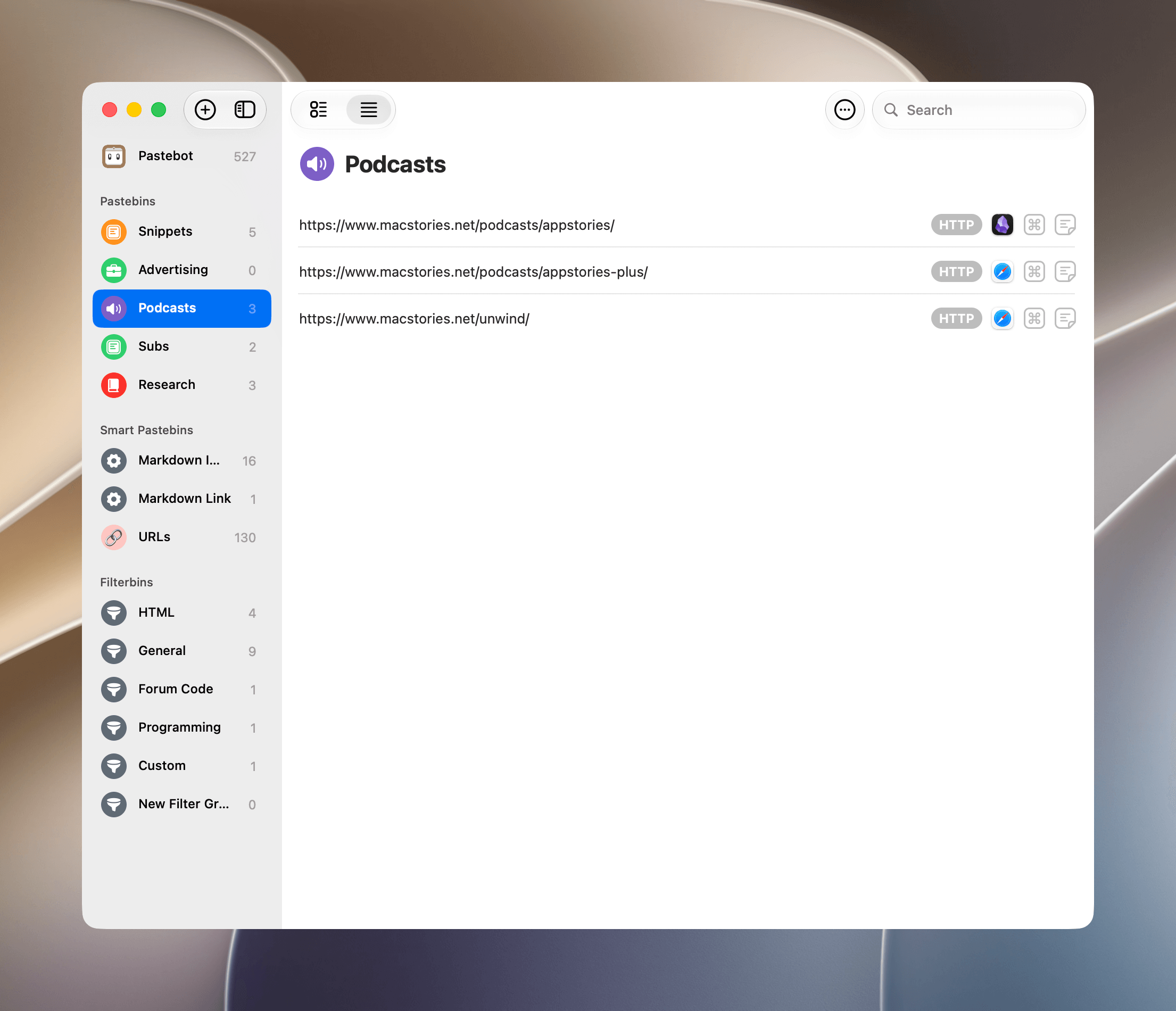
I recently covered Pastebot 3 on MacStories. It’s a great update that I’ve been using daily for months now. The only thing that bugs me about it is its lack of iOS and iPadOS versions. Most of the work I do that requires a clipboard manager happens on a Mac, so many days, that’s not...
 Previously, On MacStories
Hands-On with Computer History: OpenAI’s Take on Agent Memory Raising the Gates Is Not the Way to Improve the App Store Big Walk: A Good Hang with Friends Friday Night Baseball Goes Immersive August 28 on Apple Vision Pro...
Interesting Links
Reddit’s role in AI training and, now, the flood of bot-generated posts its moderators are combating is one of the most interesting epicenters of the tensions faced by websites and services as they contend with AI. (Link) Google’s AI leadership shakeup stunned the tech world. It remains to be seen what the fallout will...
App Debuts
MiniBar MiniBar is a Mac menu bar app with a modern design that manages to maintain its simplicity while remaining customizable. The app allows you to design Control Center-like windows that drop down from your menu bar to reveal a series of tiles. You can configure your tiles to launch apps, websites, and shortcuts....
Hands-On with Computer History: OpenAI’s Take on Agent Memory
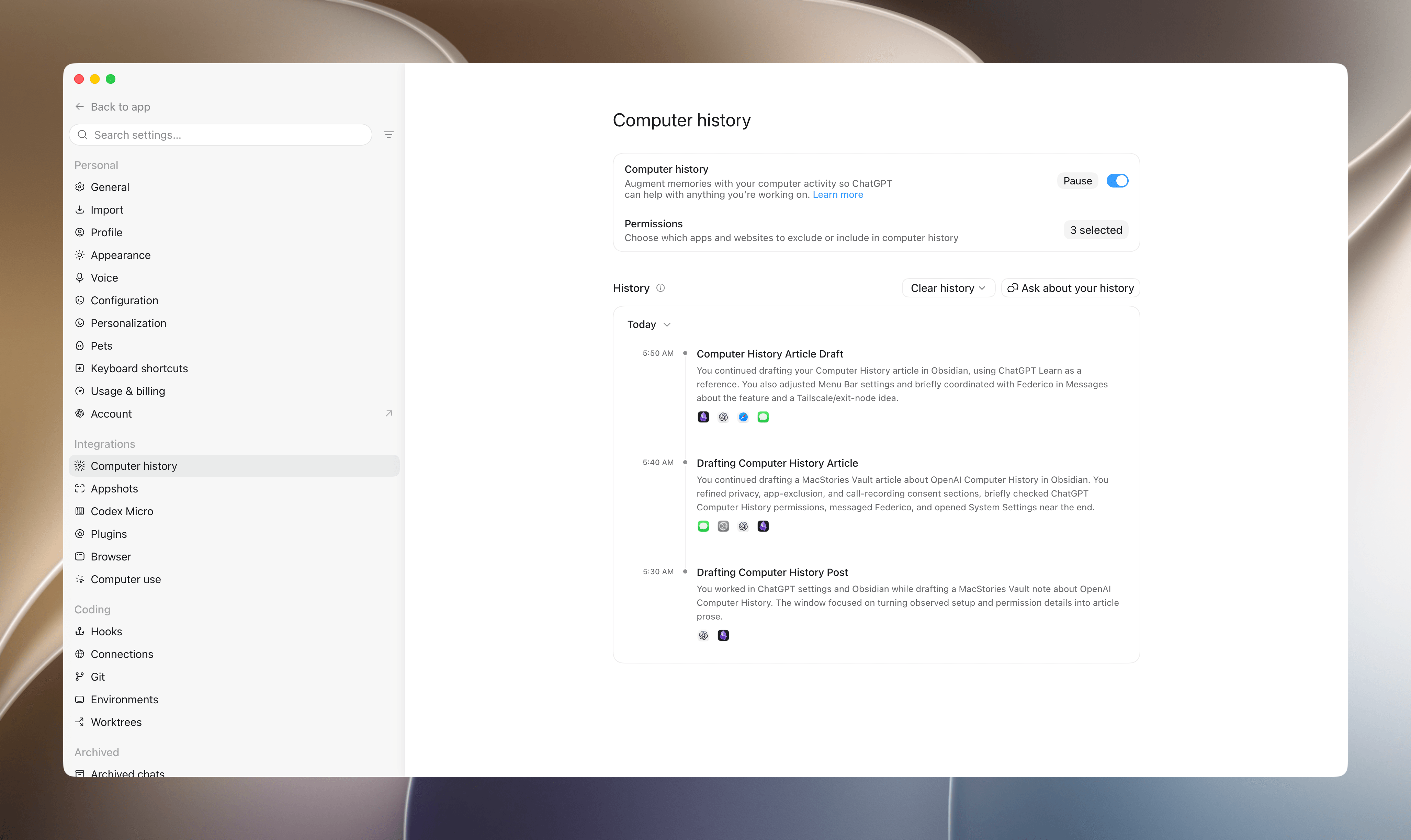
Late yesterday, OpenAI revealed the sort of automation catnip I love: Computer History. It’s a new feature for Pro, Business, and Enterprise subscribers that creates continuity for ChatGPT and Codex by converting the actions you take on your Mac into Markdown memory files that serve as context for subsequent interactions. The idea is that with the additional context, ChatGPT and Codex will better understand your requests, requiring you to provide less detail up front while getting better results. Anyone familiar with OpenClaw, Hermes Agent, and similar projects will know where this is going.
Here’s how it works.
Raising the Gates Is Not the Way to Improve the App Store→
Jeff Johnson has a knack for finding spam on the App Store. Yesterday it was review spam, and today it’s app submission spam. In a post where he called out an individual for releasing 41 apps, and presumably contributing to slow app review times, Johnson proposed a solution:
…bring back Apple Developer Program tiers and review app updates post-release for proven developers. Why should Marco Arment go into the same App Store review queue as AI slop? Does that make any sense for developers, for Apple users, or for Apple? Is there no way for developers to earn Apple’s trust, no matter how long they’ve been in the App Store, no matter how famous or beloved? Should professional software developers whose livelihood depends on the App Store go into the same review queue as hobbyists? Speaking for myself, I would be willing to pay a much higher developer program fee for improved service, including a separate review queue. I suspect that a much higher developer program fee might also deter scams and AI slop, typically looking for a fast, easy buck.
I’ve heard versions of this argument since before the App Store first opened its doors, and it’s never sat well with me. Maybe that’s because when I first heard someone argue that established developers or the ones who could afford it should get preferential treatment, I was an unknown hobbyist learning Objective-C and trying to build an app myself. It struck me as gatekeeping then, and it still does today.
There’s no doubt that there is spam on the App Store, but the way to remove it is to target the spammers, not new developers, students, and hobbyists looking to build their ideas. I know that being an indie developer isn’t an easy way to make a living, but erecting barriers to submitting apps is the surest way to starve Apple platforms of fresh, innovative ideas. That hurts everyone from users who would have fewer choices to the established developers who would find themselves writing apps for a stagnant platform.
Big Walk: A Good Hang with Friends
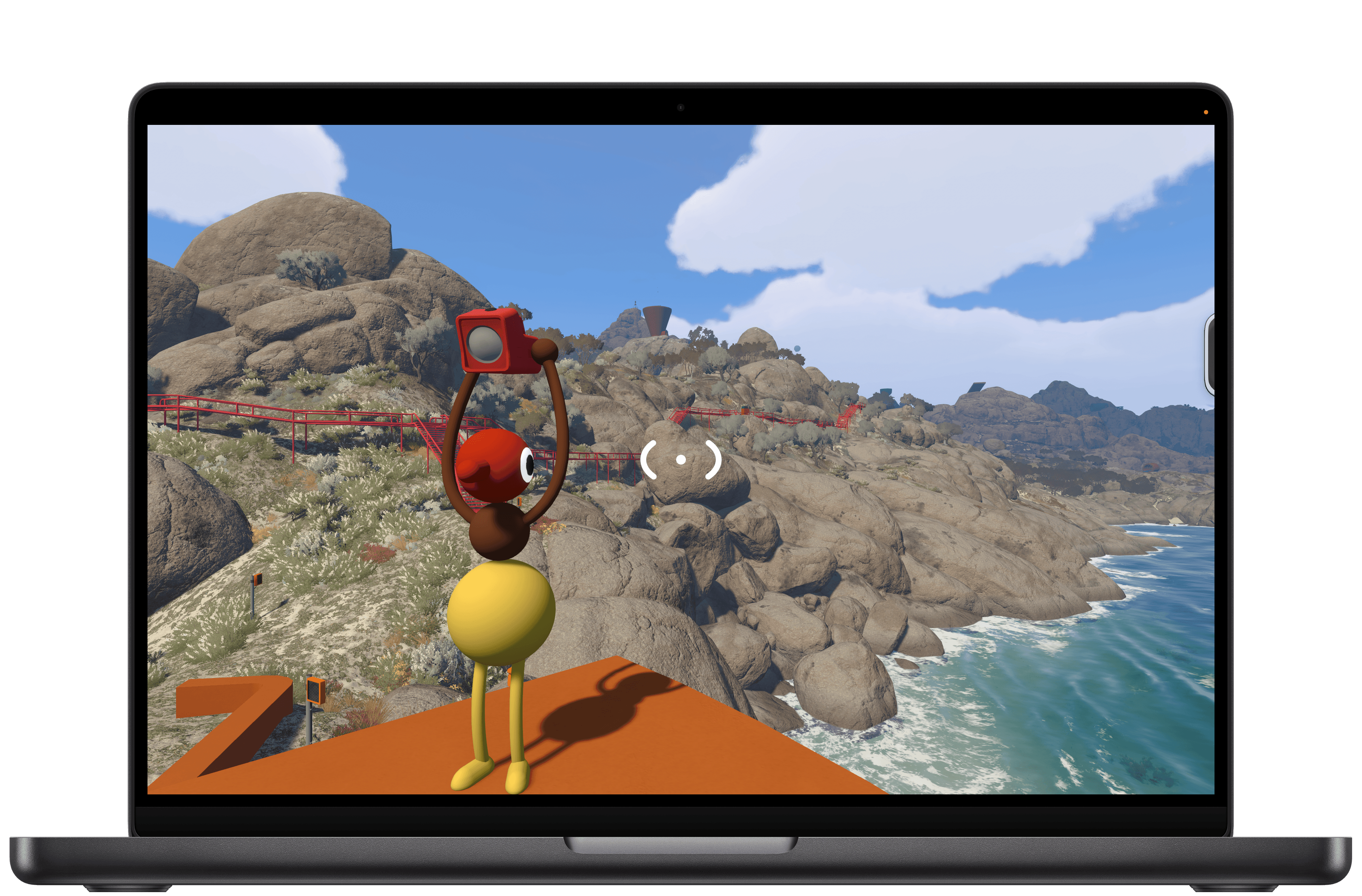
I dove into Big Walk with no expectations at all. I’d seen trailers leading up to the launch and knew that it was a co-op puzzle game from House House, the makers of Untitled Goose Game, but that was about it. And because most of my gaming is done solo, I initially tuned out most of the game’s post-launch headlines. Still, Big Walk is published by Panic, which has a great track record for finding and publishing great indie games, so I decided to give it a try earlier this week. And you know what? I love it.
Big Walk is about as low-key as a puzzle game gets in the best possible way. Co-op is the only mode, so you’ll need to coordinate a time to play it with a friend or group. One person takes the lead, setting up the session and inviting the others. The process is far simpler than trying to find a time that works for everyone in your group.
As players join, you’re dropped into a space to wait for the others and explore a little. This lobby space is where you’ll learn the game’s controls, too. Big Walk supports keyboard and mouse input as well as a controller, which is what I used, playing on an M4 Max MacBook Pro.
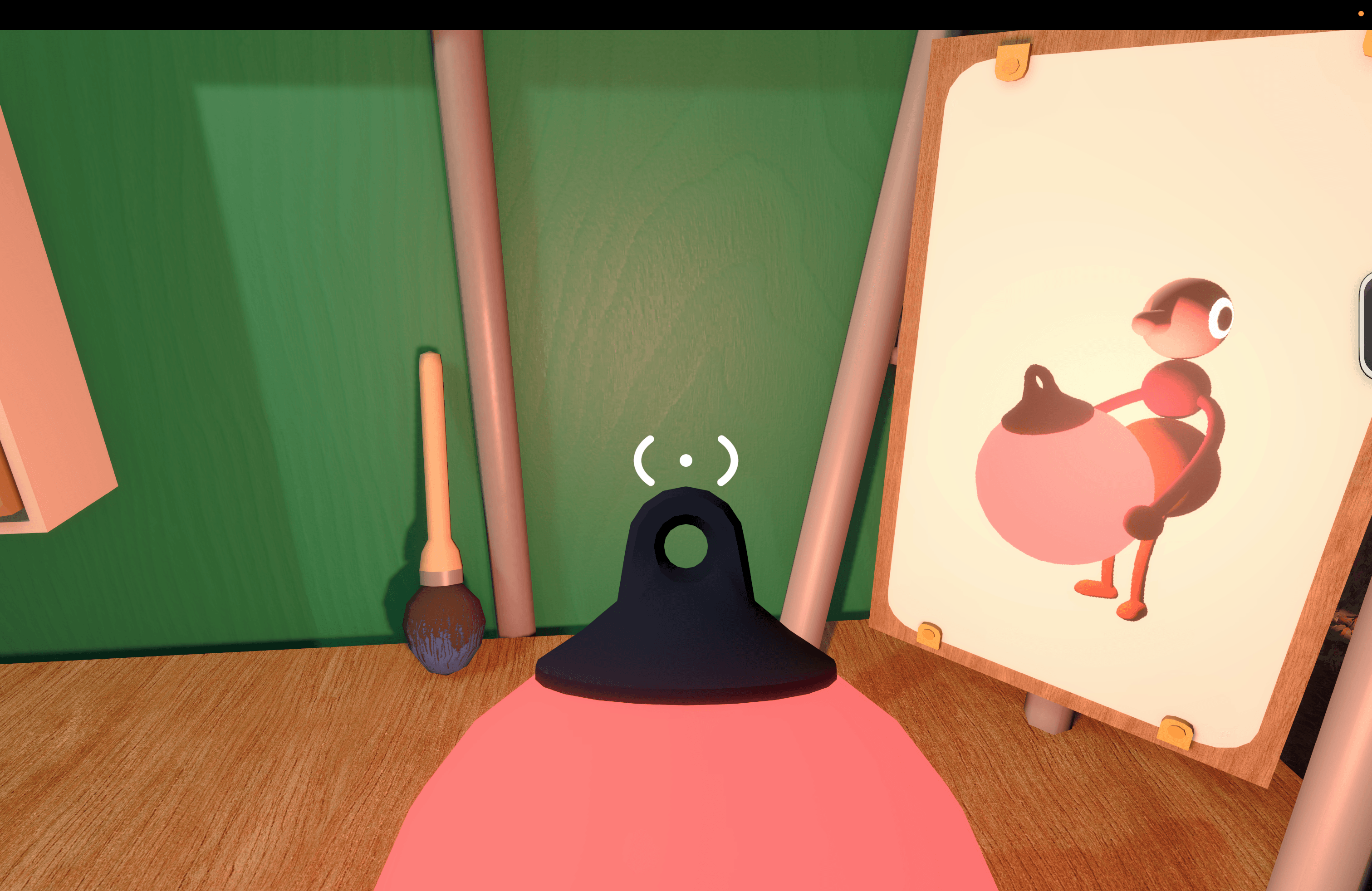
Once you get your bearings, it’s time to exit the lobby and start exploring. That exploration is core to what Big Walk is all about. You aren’t told what to do, but there are just enough clues to push you forward, figuring out the goals on your own without too much trouble.
I played using AirPods Pro 3, and the game made great use of their mics and speakers, simulating the environments we were in. Closed spaces were echoey, and speech was distant and faint when we were separated. Sound even becomes part of the mechanic in some puzzles, such as an early one where you have to look through an open window to hear each other properly and help guide the other player’s actions.
That cooperation is the key part of the game’s loop. You may see how to solve Big Walk’s puzzles on your own, but implementing the solution will require you and a companion to work together.
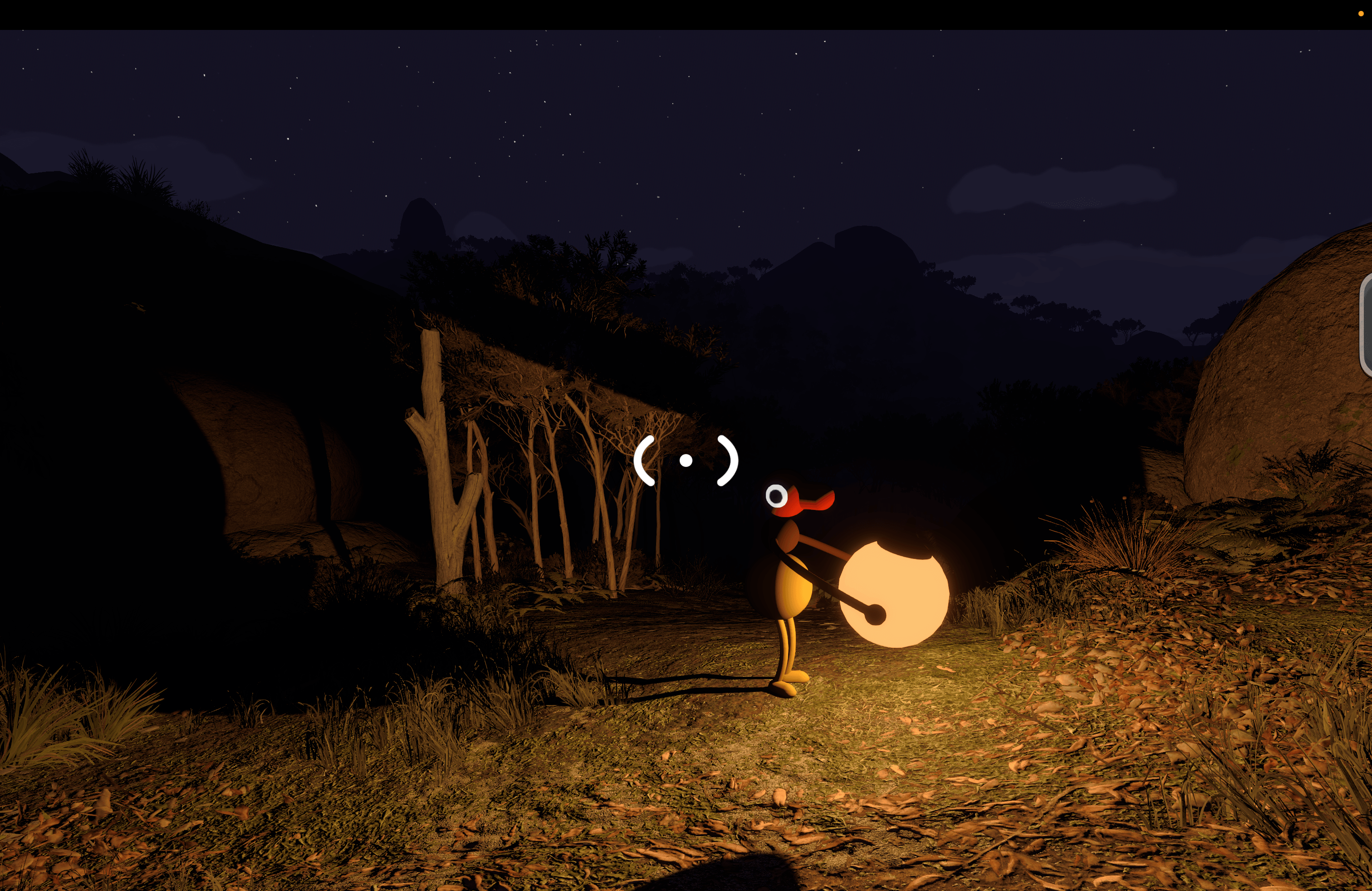
The togetherness of it all extends beyond the puzzles, too. Big Walk’s environment (at least in the early stages) is mountainous with large rocks and trees that make it possible to get separated from others. Add to that day and night cycles where it’s almost impossible to see where you’re going at night without a light, and you have every incentive not to wander off on your own without a plan for how to reconnect.
I’ve played through Big Walk’s first couple of sections, and it was a blast. The puzzles were clever and challenging without being frustrating, but most of all, I enjoyed working through them with someone else. There’s no time pressure or monsters lurking around corners – just puzzles and a chance to chat.
Ultimately, that’s what makes Big Walk work. It’s a good hang built against the backdrop of a beautiful landscape and low-key, fun challenges. I highly recommend giving it a try.
Big Walk, which supports crossplay and 2–12 players, is available on the Mac App Store for $14.99. The game is also on Steam, the Switch 2, and PS5.
 Folding the iPhone into the Creator Economy
 Federico
This week, on AppStories, John is joined by Christoper Lawley to discuss uses for a folding iPhone and Parchment, Lawley’s daily agenda app.
On AppStories+, John and Chris dig into audio and video workflows for podcasting and YouTube.
Also available on YouTube here.
We deliver AppStories+ to subscribers with bonus content, ad-free, and at a high bitrate early every week.
To learn more about an AppStories+ subscription, visit our Plans page, or read the AppStories+ FAQ.

AppStories Episode 497 - Folding the iPhone into the Creator Economy
0:00
53:41
53:41
This episode is sponsored by:
- Inoreader – Build Your Own Newsfeed and Cut Through the Noise
- Shipaton, from RevenueCat – The world’s biggest mobile hackathon for people who actually ship.
EA Sports Tailors Madden NFL 27 for Apple Arcade
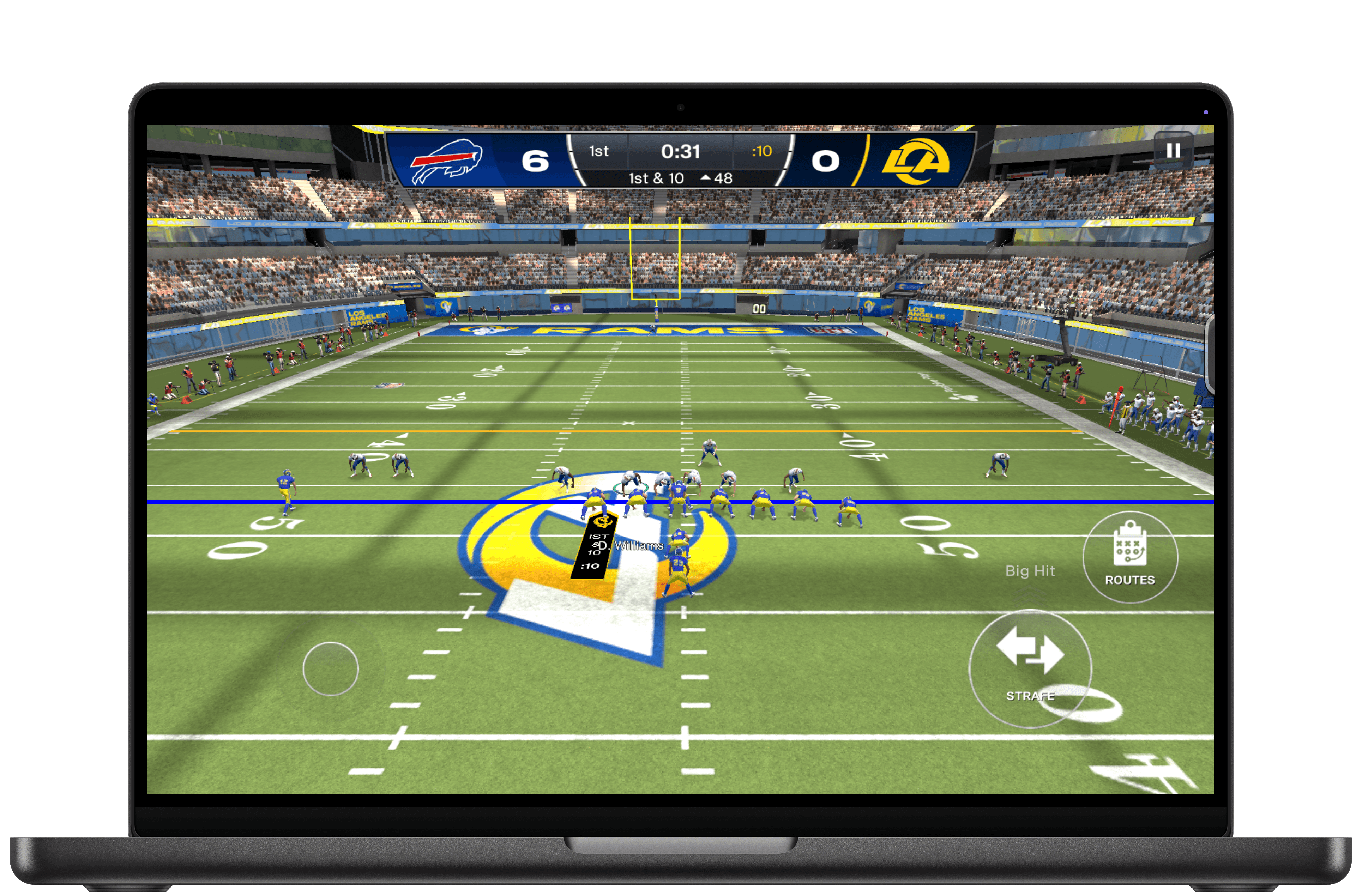
EA Sports has released Madden NFL 27 Arcade Edition, a version of the popular football simulation franchise that Apple Arcade subscribers can play on the iPhone, iPad, Mac, and Apple TV. It’s a big release built specifically to take advantage of Apple hardware, allowing players to play the game on a wide variety of hardware.
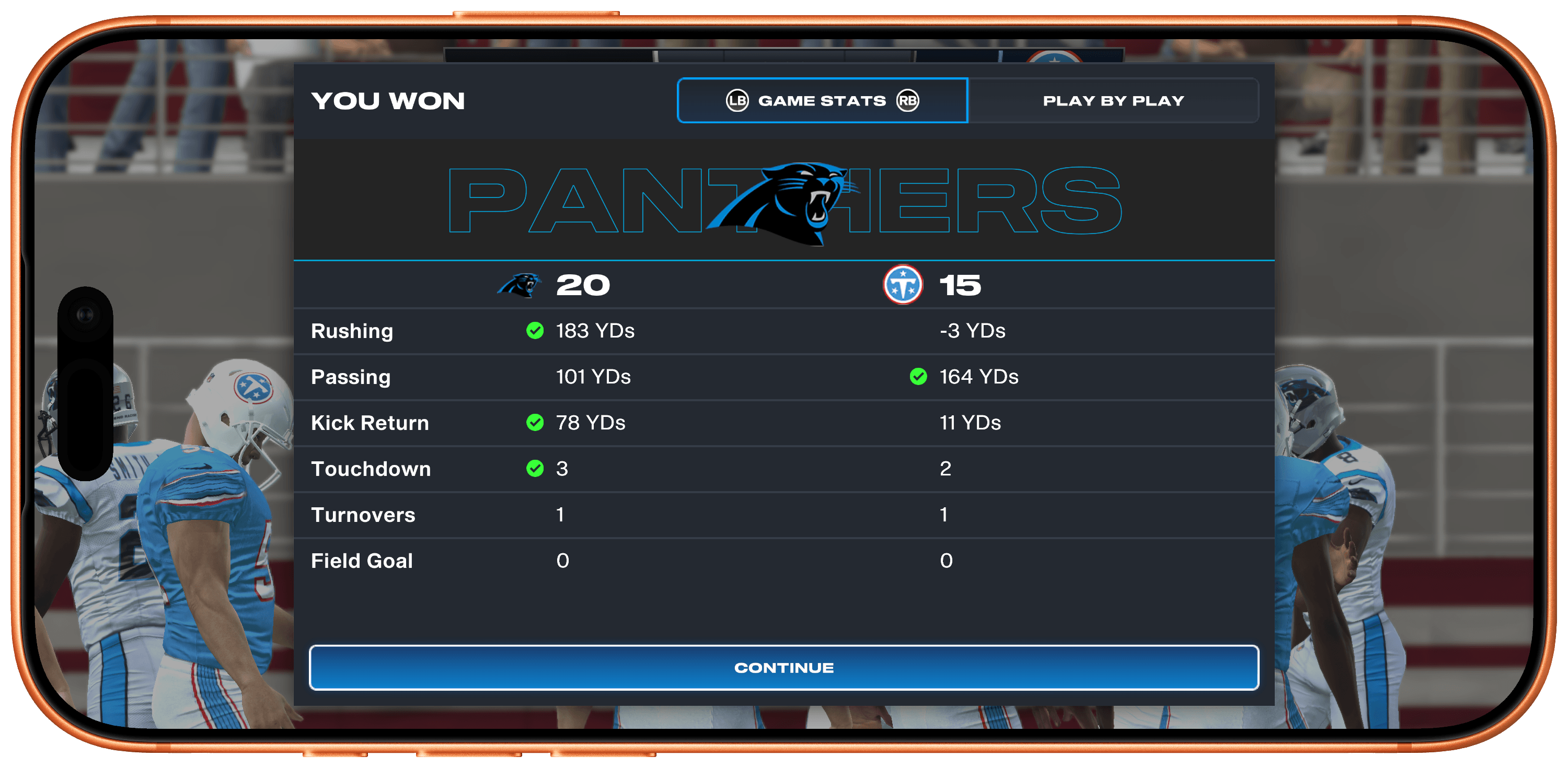
I was struck by how easy it is to pick up and play the game whether you’re a diehard NFL fan or not. I don’t follow football closely, but I was able to get the hang of the game and have fun right away, knocking out a Quick Play match when I had a few minutes to spare.
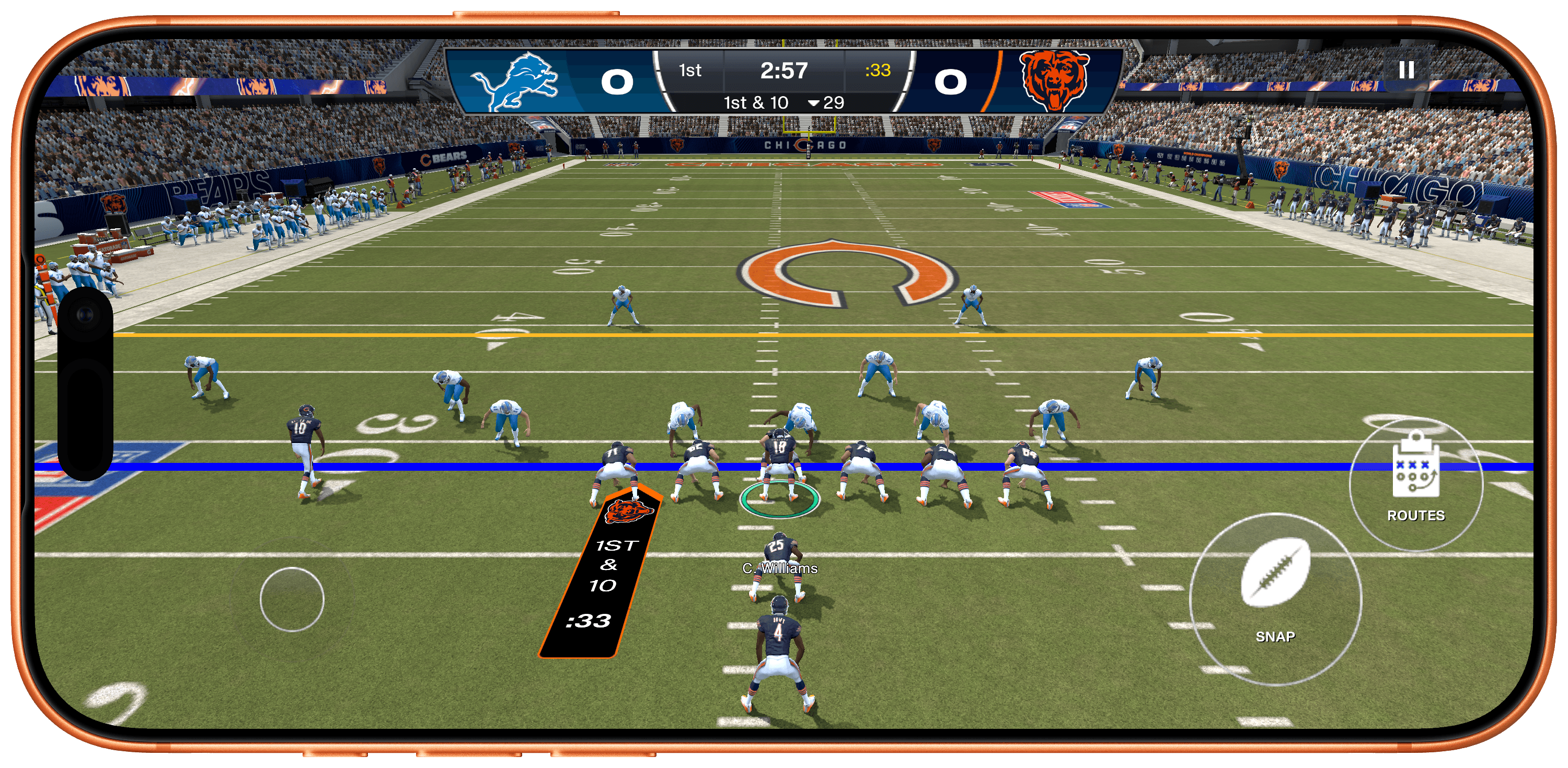
Quick Play tightly limits the overall time it takes to complete a matchup, but it doesn’t sacrifice depth in the process. There are long lists of plays you can run, including suggested plays, play types, formations, and recents, as well as a wide variety of statistics. And after a big play, you can replay it with total control over the camera angle, too.
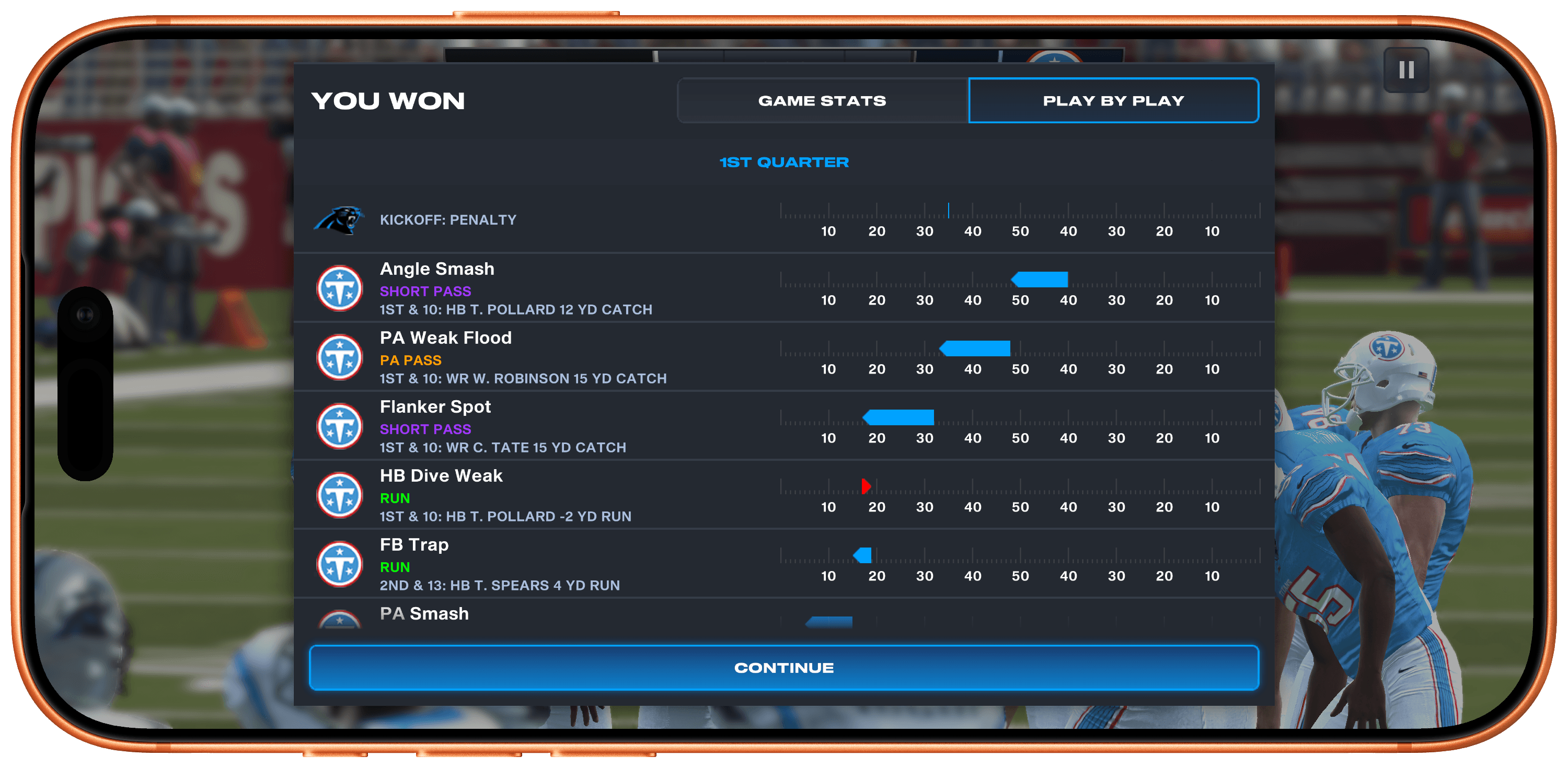
However, if you want to go really deep, the game’s Franchise Mode lets you play a full NFL season, managing your team all the way through the playoffs. You can also draft your dream team from the game’s huge catalog of real-world NFL stars. Plus, during the real-world NFL season, player attributes shift based on their actual performance.
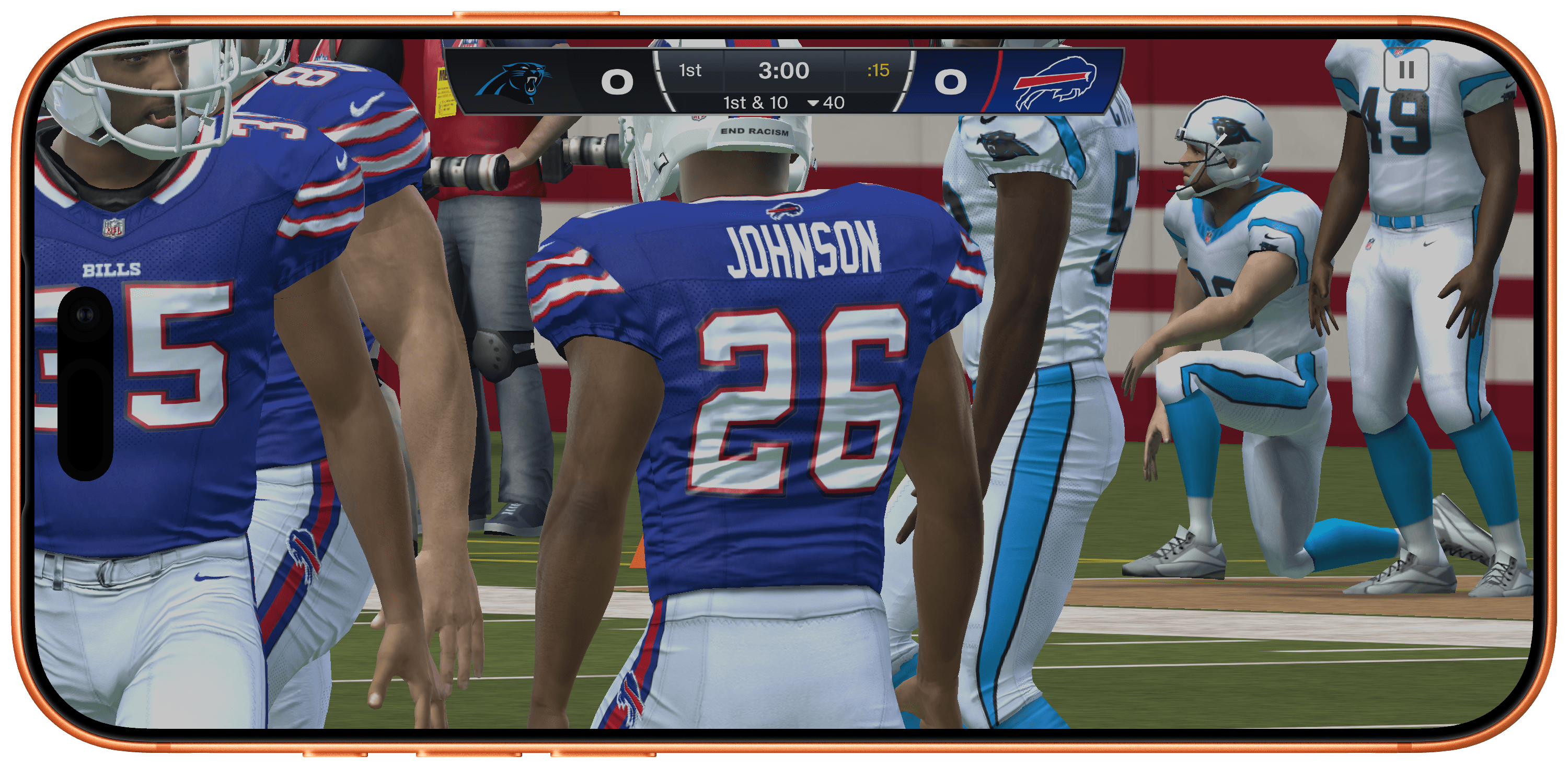
Madden NFL 27 also looks terrific. The 120Hz playback is smooth on the iPhone, where I spent most of my time with the game, and even nicer on a bigger screen like my 14” M4 Max MacBook Pro, making for an immersive experience.
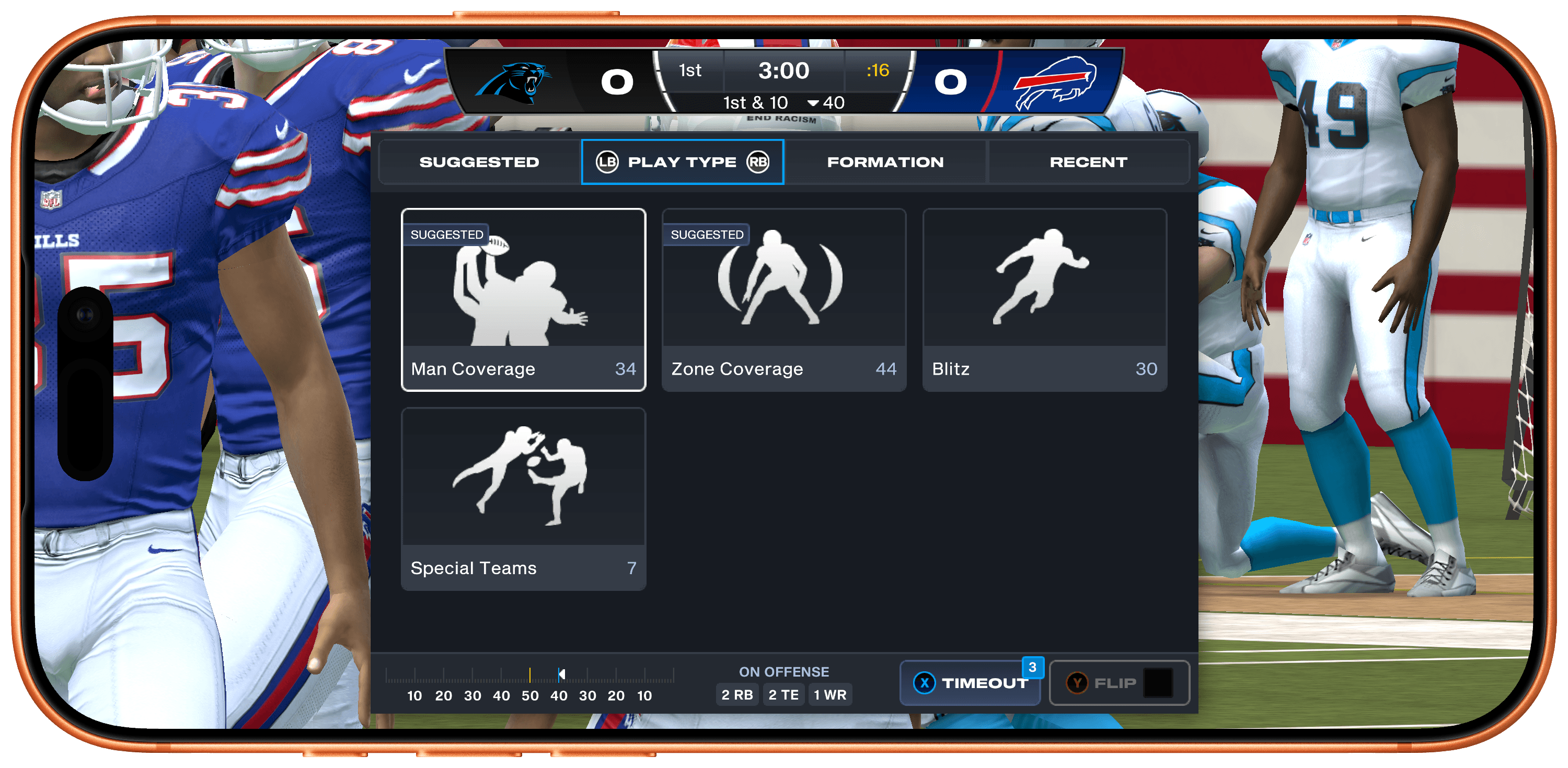
What impresses me most about Madden NFL 27, though, is how well it makes use of the Apple hardware and technologies at its disposal. Too often, those sorts of details get left behind when a big release is published on Apple platforms.
To its credit, EA has done an excellent job adapting Madden NFL 27 for Apple Arcade subscribers. You can play across every device mentioned above, leaving off on one device and picking up on another seamlessly because saves sync across devices. Every device supports game controllers and touch where applicable, and those devices with 120Hz displays support that, too.
Madden NFL 27 Arcade Edition is available now on the App Store as part of an Apple Arcade subscription. The game is debuting on other platforms next week.