
Tadam Sometimes the simplest tool is the best. If all you want is a way to quickly set a timer to focus on the task at hand, Tadam is a great solution. The app was inspired by the Pomodoro technique. By default, Tadam suggests a 25-minute timer, but you can set it to...
 Album
Album
Culinary Stickers Food stickers are one of my favorite categories. This pack features a wide variety of foods with bold colors and a cool, chunky style. Fries Animated Stickers This animated fry-guy has lots of personality and has a knack for getting into trouble with birds and ketchup. Chunk Chunk is a delightful hand-drawn...
Roll Your Own Toggl Mac App
You know from Federico’s workflows that he’s been using Toggl to track his time for a while now. I’ve been using the service too, but, like Federico, I’m not that happy with its iOS app, or, in my case, its Mac app. When I’m working on my Mac, I usually use the web interface...
Q&A
Question: I use the iPhone’s Clock app every day. I was wondering how to add it to Launch Center Pro or a widget? (Samuel Cheng)
 Federico
I don’t see any Clock shortcuts in Launch Center Pro, but I tried with Magic Launcher (which I recently started using on both my iPhone and iPad), and the...
App Debuts
Puff Puff is an insanely difficult, pixelated nightmare arcade game. Depending on your gaming disposition, that’s either a great thing or a recipe for frustration. Despite the difficulty, I like this game a lot. You control ‘Puff’ who is launched from a tube at the bottom of the screen. To stay aloft, you need...
The Elegance of Single-Purpose Tracking Apps
Since the end of last year, I have been trying a variety of health and fitness apps. In December’s Monthly Log, I considered some of the parallels between health and fitness apps and productivity apps. As I was only starting to realize then, the variety of health and fitness apps available to accomplish any...
Mozilla Acquires Pocket
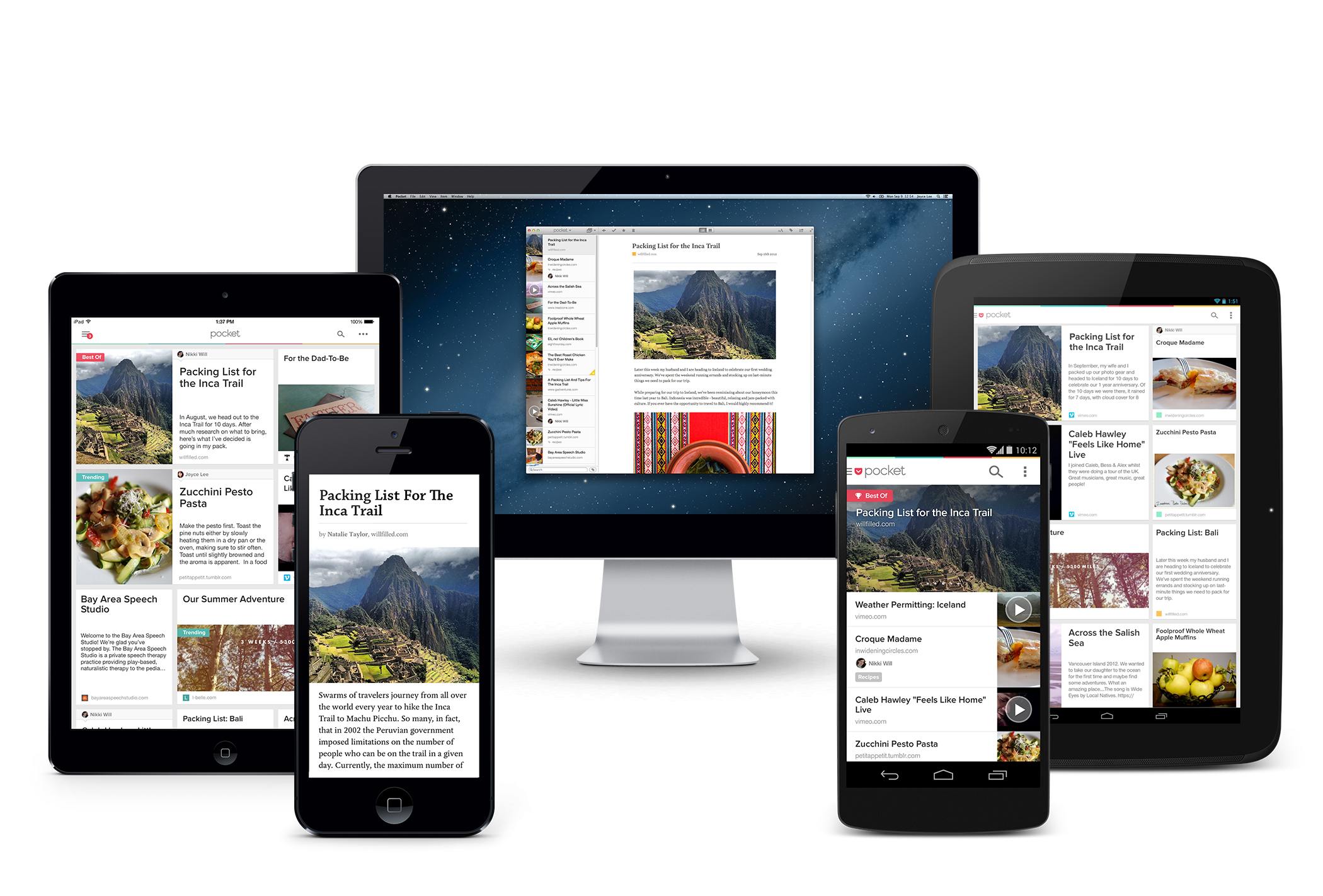
Mozilla Corporation announced today that it has acquired read-it-later service Pocket. Saving stripped down, ad-free versions of articles from the web for reading later has been around for a long time. Pocket and Instapaper were two of the first and have shared a similar trajectory. Both started out as web services that evolved into apps. Most recently, both have been sold to larger companies.
Instapaper was sold by developer Marco Arment to Betaworks in 2013 and then to Pinterest in 2016. Today, Pocket took a similar path by being acquired by Mozilla, maker of the Firefox web browser.
Pocket says that it:
will continue on as a wholly-owned, independent subsidiary of Mozilla Corporation. We’ll be staying in our office, and our name will still be on the wall. Our team isn’t changing and our existing roadmap has been reinforced and is clearer than ever. In fact, we have a few major updates up our sleeves that we are really excited to get into your hands in the coming months.
For its part, Mozilla says:
Pocket will join Mozilla’s product portfolio as a new product line alongside the Firefox web browsers with a focus on promoting the discovery and accessibility of high quality web content.
The evolution of read-it-later services is interesting. If the acquisitions of these services by bigger corporations is an indication of anything, it’s that they are features more than standalone products. As Casey Newton of The Verge highlights, Pocket’s recommendation engine is likely what interests Mozilla, which has launched what it dubs its ‘Context Graph’ initiative that uses browser activity to enhance web discovery. What that means for Pocket’s long-term viability as a standalone app and service remains to be seen, but for now, it remains a separate product.
Game Day: Evergrow

Many of the best games I’ve played on iOS recently remix elements of existing genres in new and unexpected ways. Evergrow by Imagility does just that, mixing puzzle, action, and tower defense elements into a fun, colorful game that keeps things interesting by throwing new details at you throughout the game.
RAW Power Review
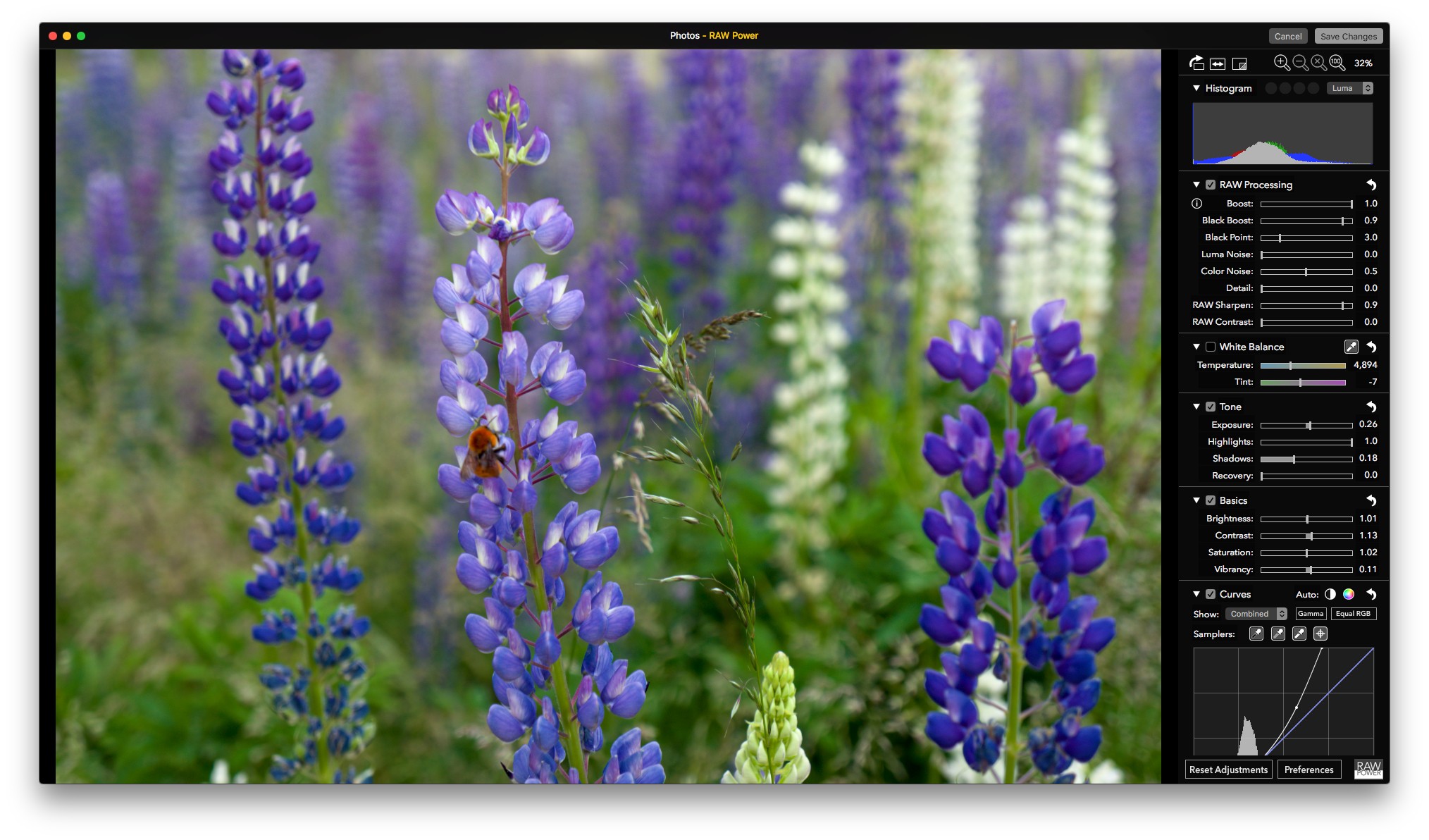
RAW Power is a powerful image editor reminiscent of Aperture that takes Apple’s discontinued pro photo editing tool a step further than Apple ever did. Whether you use RAW Power as a standalone image editor or as a Photos extension, what strikes me most about it is that with a little experimentation and patience, it’s accessible regardless of whether you consider yourself a pro user.
Before Photos, Apple had two photography apps: iPhotos for average consumers and Aperture for pros. In 2014, Apple discontinued Aperture. Around the same time, Apple evolved iPhoto into Photos, bringing the macOS and iOS apps that go by that name closer together from a feature set standpoint. That left pros and ‘prosumers’ who relied on Aperture in a bind. There are alternatives like Adobe’s Lightroom, but if you preferred Aperture, you were out of luck, until now.
RAW Power, by Gentlemen Coders, has a stellar pedigree. Its lead developer, Nik Bhatt, was Senior Director of Engineering for Aperture and iPhoto, so it’s safe to assume he understands Apple’s RAW engine. What sets RAW Power apart from something like Aperture, though, is its flexibility. Images can be edited non-destructively either in the standalone RAW Power app or from within Photos because RAW Power’s full functionality is also a Photos extension.
Like many people, my photo library is a mixture of thousands of images taken over many years that were shot with a variety of hardware, including old point-and-shoot digital cameras, a variety of iPhones, and a Sony NEX-5N I got in 2011 for a trip to Patagonia. I enjoy photography and have improved beyond taking simple snapshots, but I’ve never gone too deep into the technical side of it. Nonetheless, for special occasions I still shoot RAW images on my Sony camera to give myself maximum editing flexibility when I process my photos. RAW Power’s Photos extension fits my mix of photos and approach to editing perfectly by offering pro tools that are available on my command as an extension from within Photos when I need them, but stay out of the way when I don’t.