
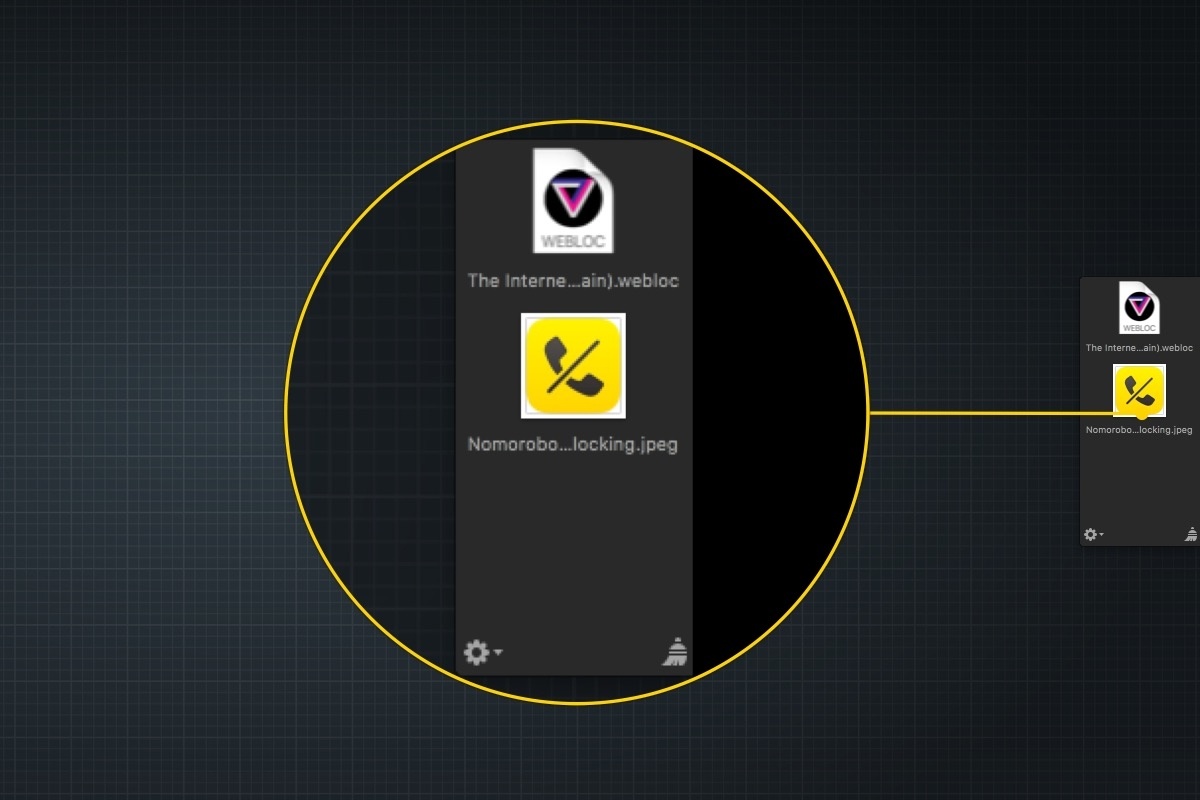
At WWDC, I was disappointed that the iOS 11 announcements didn’t include a shelf where content can be temporarily parked. When Federico and Sam Beckett made an iOS 11 concept video earlier this year they included a shelf, which felt like a natural way to make touch-based drag and drop simpler. I found the omission in the iOS 11 beta somewhat surprising. On the Mac, people use the Desktop as a temporary place to stash items all the time, and without a Desktop on iOS, a shelf that slides in from the edge of the screen seemed like a natural solution. In fact, it’s a solution that has an even more direct analog than the Desktop on macOS that makes a solid case for implementing something similar on iOS: Yoink, from Eternal Storms Software.
 App Debuts
Sticky AI Sticky AI is a simple iOS app with an iMessage app component. All you need to do is open the iOS app and take a selfie or a picture of someone else. The app crops out everything except you. Add some text and a sticker-like border if you want and then tap...
Q&A
Question: Is there any way to generate a Home screen icon that will take me directly to a specific Google Sheet? Or would one of the Launcher apps be able to create such a shortcut in the widget view? (Jacob)
 Ryan
RyanYou can’t create a Safari Home screen shortcut to do this, but as you...
Album
OMGmoji This sticker pack has undergone a significant expansion since it first debuted. There are over 5,500 hand drawn stickers that feature a light-hearted doodle style. The stickers are grouped into categories to make it easier to navigate this vast collection, which requires a monthly or annual subscription to access. Yam Fam The playful...
Nomorobo

Earlier this year, the volume of junk phone calls I got on my iPhone started to increase. At first, it was a couple per week, but it wasn’t long before it became a couple per day, which became disruptive and annoying. I remembered I’d seen a post on Marco Arment’s blog about robocall blocking...
AppStories, Episode 13 – Interview: Rehearsal Pro with David H. Lawrence XVII→
On this week’s episode of AppStories, we chat with actor David H. Lawrence XVII about his app Rehearsal Pro, which helps actors rehearse for parts, the intersection of the performing arts and apps, how David’s experience as an actor has helped his app find a large following among other professional actors, and how some of the app’s more famous users have become its best marketing.
Sponsored by:
- Trails - Your outdoor GPS tracker and logbook for iPhone and Apple Watch.
- Set up a free Trails account and email Trails support with the subject ‘AppStories’ for a free month of Trails Pro service.
- Big Keys - Finally, an iOS keyboard and emoji you can see.
- On sale for $0.99 for this week only.

AppStories Episode 13 - Interview: Rehearsal Pro with David H. Lawrence XVII
0:00
34:05
34:05






OmniGraffle 3.0 Brings the Power of Its macOS Counterpart to iOS
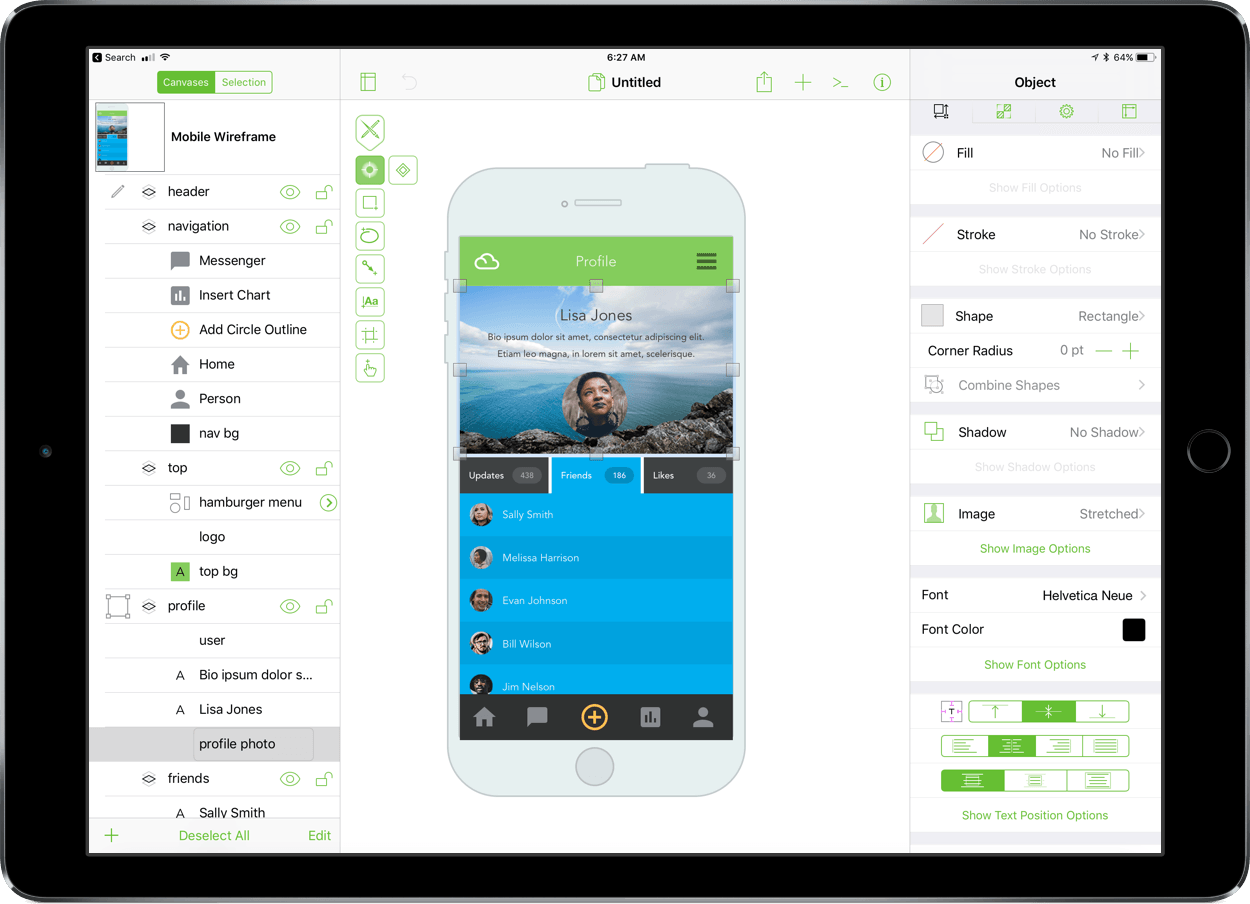
OmniGraffle got a major upgrade on macOS last fall, and now, it’s the iOS version’s turn. Today, The Omni Group released OmniGraffle Standard and Pro 3.0 for iOS. What I said in my review of OmniGraffle 7 for macOS is equally true for its iOS equivalent:
…the power of OmniGraffle lies as much in the flexibility of its tools as anything else. By giving users the ability to tweak virtually any property of a shape, line, or other graphic element on its canvas, OmniGraffle works equally well for prototyping an iPhone app as it does for laying out an addition to your house or creating a corporate organization chart.
The iOS version of OmniGraffle adopts the paneled design found on the Mac, which should make fans of that version feel right at home with the update. The app also brings the iOS version in line with the core functionality of the macOS version including features like artboards.
PayPal is Rolling Out to the App Store, Apple Music, iTunes, and iBooks→
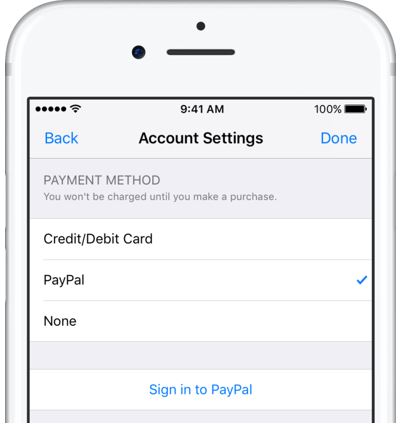
PayPal announced that its payment service is coming to the App Store, Apple Music, iTunes, and iBooks on iOS devices and Macs today, starting in Canada and Mexico with the US and other countries to follow soon. Setting up PayPal works the same as adding a credit card:
Paying with PayPal is simple. Customers with a new or existing Apple ID can select “PayPal” as their payment method from their account settings in the App Store, Apple Music, iTunes [and iBooks] from their iPhone, iPad, iPod touch and Mac, or on iTunes from their PC.
After PayPal is enabled, purchases from the selected Apple ID will be made from the customer’s PayPal account.
Adding PayPal should expand the universe of customers making purchases from Apple’s stores by creating an alternative for people who don’t have or don’t want to use a credit card.
Mindscope Review
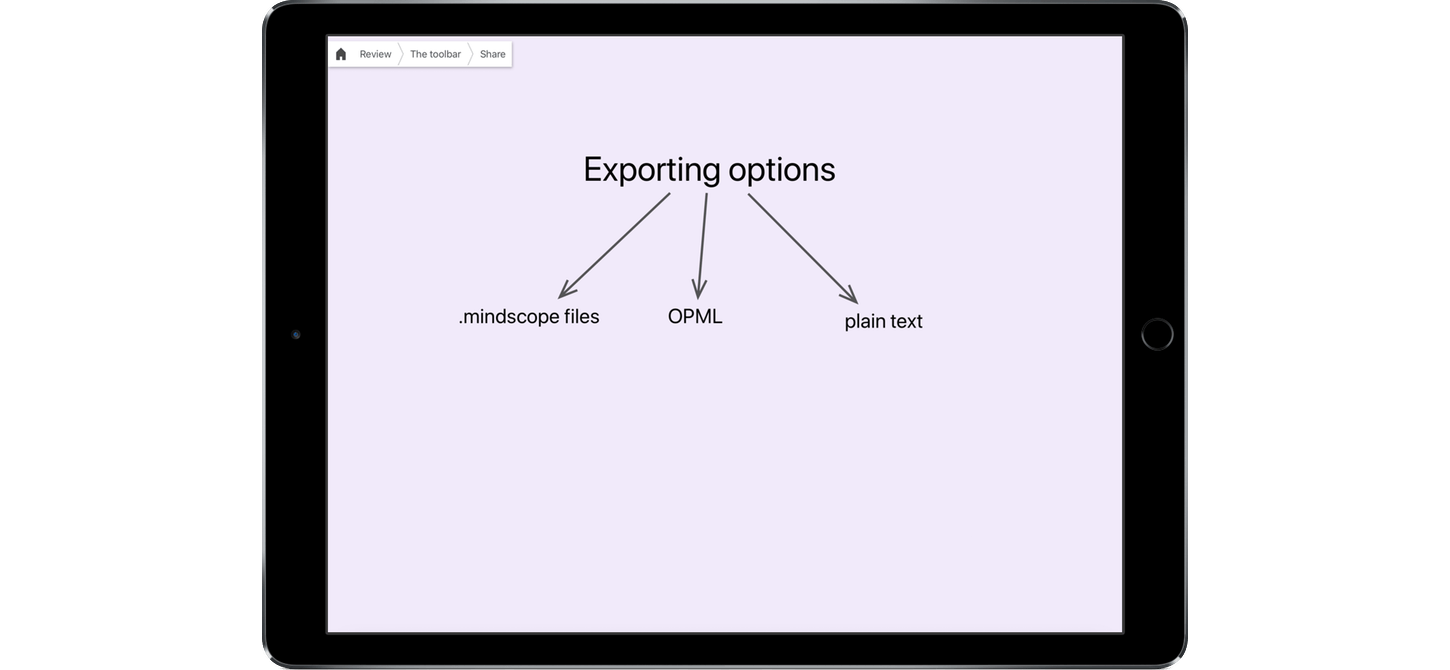
The first thing that came to mind when I saw Mindscope for iOS was Literature and Latte’s Scapple for macOS. Both apps are designed to get text onto a screen in a way that is easily manipulated and organized with as little fussing with formatting as possible. John Goering, the developer of Mindscope, describes the app as a magnet board for your brain. That’s a good description as far as it goes, but it doesn’t entirely capture what is possible with his app. With wiki-like cross-links and the hierarchical depth of an outliner, Mindscope offers a dimensionality to organizing text that isn’t possible with tools like Scapple.