Federico
AppStories Episode 47 - Apple App Acquisitions
0:00
35:28
35:28
Federico and John look at the apps Apple has acquired over the years and where they are now.

The first alarm app for families.
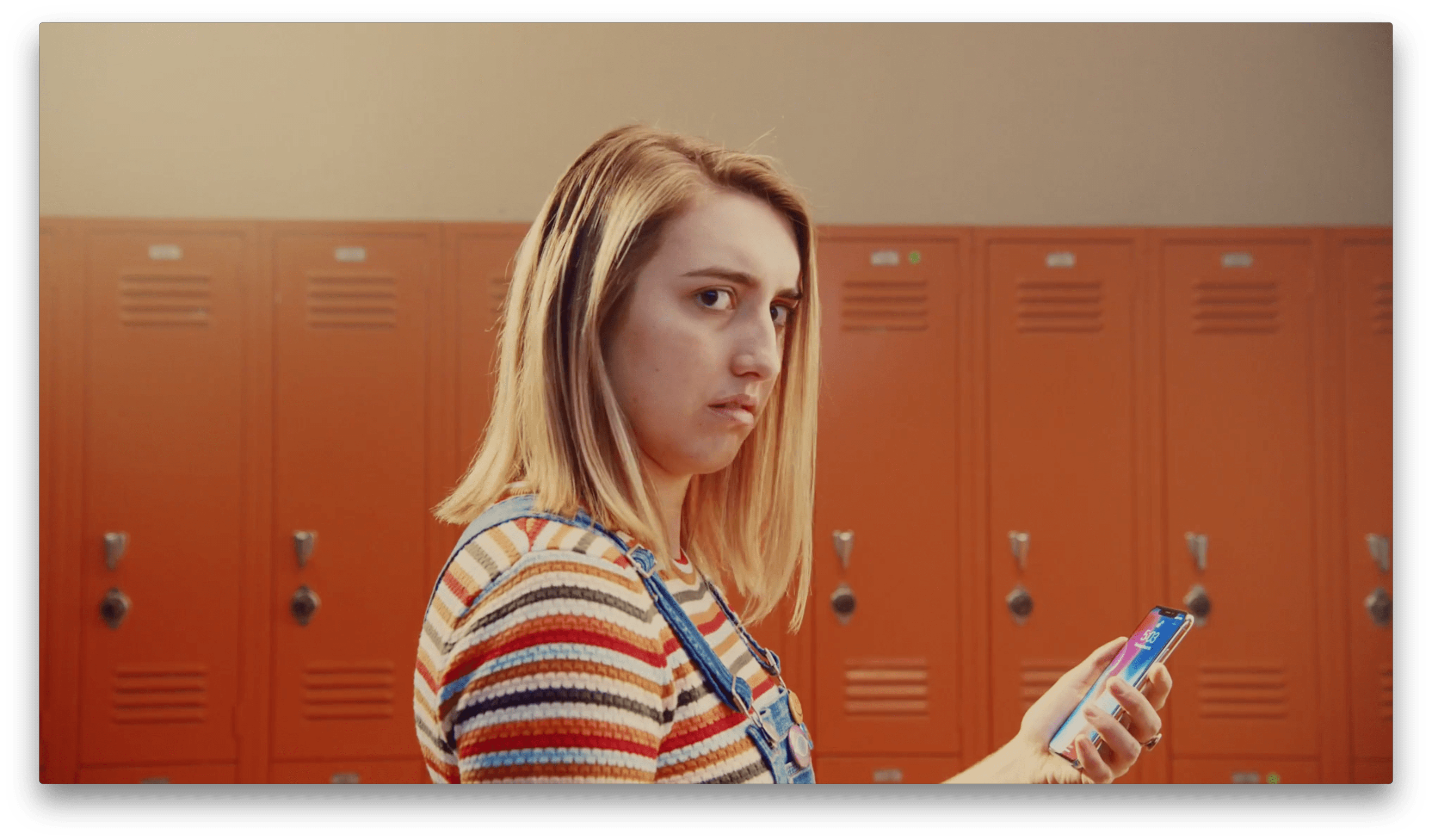
A new tongue-in-cheek ad from Apple highlighting the power of Face ID has been published on YouTube. The ad begins with a girl walking through the halls of a high school who looks startled when she unlocks her iPhone X by looking at it. Next, she looks at a locker in the hallway that unlocks too, spilling its contents onto the floor. From there, the girl runs through the school unlocking and opening everything in sight, wreaking havoc to the beat of Bang Bang by Pete Cannon, a single that was released on Apple Music today.
The video is fun way of promoting Face ID by imagining what it would be like if you could unlock anything with just a glance.
Last December, Apple announced a partnership with the Chicago Public Schools to bring Apple’s Everyone Can Code program to the city’s students. Today, Apple sent invitations out to members of the press about an event that will be held at Lane Tech College Prep High School in Chicago. The invitation, which is titled ‘Let’s Take a Field Trip,’ says ‘Join us to hear creative new ideas for teachers and students.’ The event is scheduled for March 27, 2018 at 10:00 a.m.
https://twitter.com/reckless/status/974640632697368576
The invitation doesn’t provide details of what Apple has in store for the event, but the debut of iOS 11.3, a new Apple Books app, and new entry-level iOS hardware targeted at the education market are all possibilities.
 App Debuts
 Simple Scales This simple weight tracker primarily consists of two elements: a large circle at the top displaying the latest value that’s been logged for the Weight category in HealthKit, plus a slider at the bottom to enter your current weight and a log a new entry. That’s it. On modern iPhones, moving the...
Q&A Question: I keep my notes in Bear, but often use other apps, like OmniOutliner, to start a new note. Unfortunately, OmniOutliner cannot export Markdown to Bear. I have been exporting my outlines to MindNode and then importing them to Bear as a workaround. Is there a better solution? (Marc, @marcmagn1)
Unfortunately, no. Although The...
Apps for Controlling Your Philips Hue Lights Philips makes many different lights in its Hue line from lightbulbs to lamps that are HomeKit compatible. It also offers an SDK which has resulted in a rich collection of third-party apps. Although Philips makes white Hue bulbs, all of the apps below, except for HueMenu, are designed to be used with the...
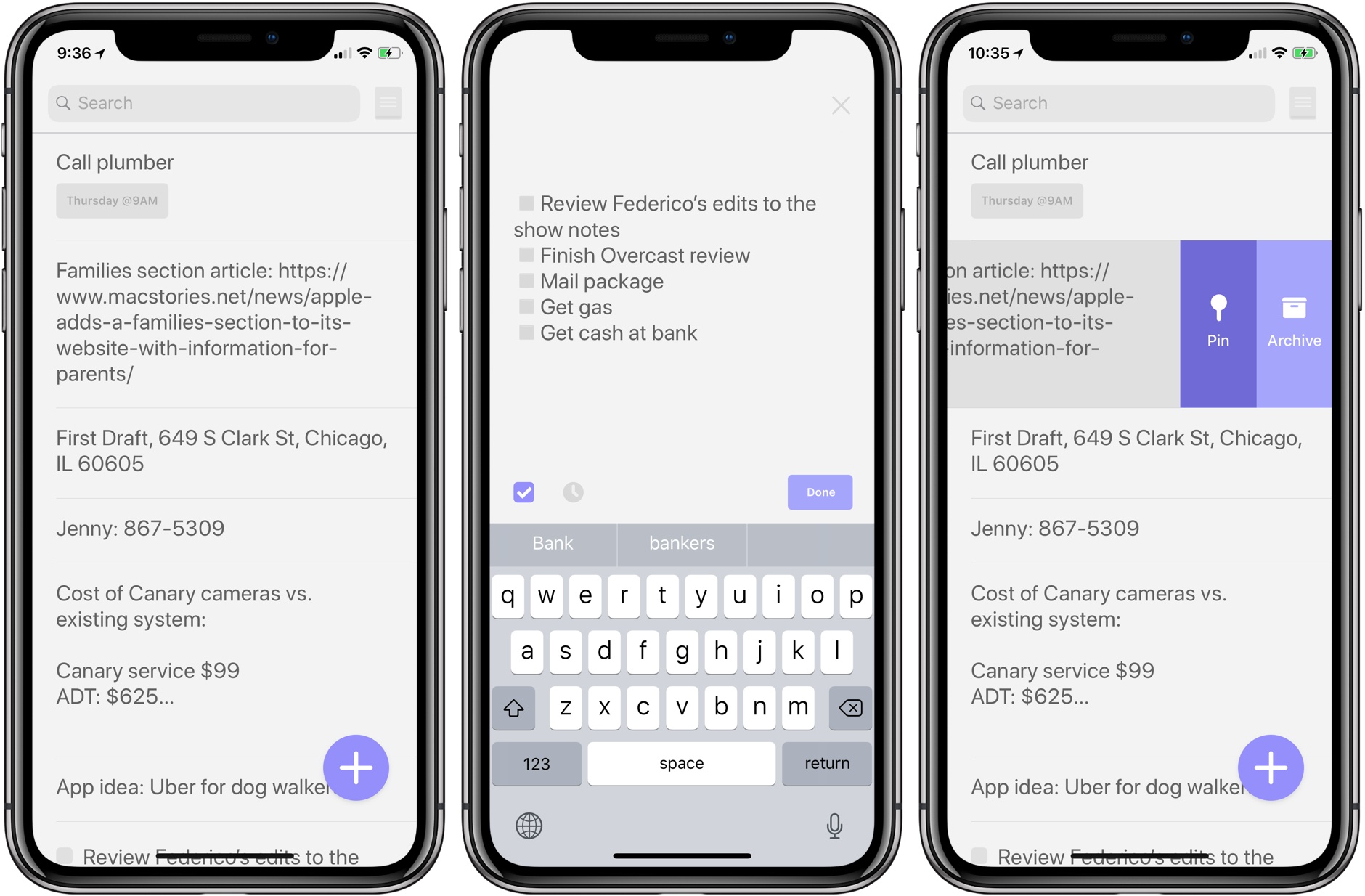
Jot is a simple note taking app that collects the little bits of textual ephemera that come at you throughout the day. True to its name, Jot makes it easy to take down notes quickly. Although I think there’s room for a few more features that would enhance the app without compromising its simple approach, anyone with basic note taking needs that is looking for an app that focuses first and foremost on the words captured should appreciate Jot.
Apple has introduced a new webpage that highlights the tools it makes for parents to limit kids’ use of the company’s devices, keep them safe, and make sure they are viewing appropriate content. The page provides an overview of:
Each section links to additional resources on Apple’s website.
Apple was recently criticized by certain institutional shareholders in advance of its annual shareholders’ meeting for doing too little to help parents protect children that use their devices. The company responded swiftly with a statement:
“We think deeply about how our products are used and the impact they have on users and the people around them,” Apple said in the statement. “We take this responsibility very seriously and we are committed to meeting and exceeding our customers’ expectations, especially when it comes to protecting kids.”
Apple’s new Families webpage doesn’t include any new features. Instead, it’s a useful one-stop resource for parents looking for guidance about the tools already at their disposal. Apple has said, however, that additional features and enhancements to parental controls in the works.
Apple has published a trailer and six short films by artists showcasing the power of the new iMac Pro. Apple also posted six behind-the-scenes videos explaining how each artist used the iMac Pro to create their film.
The videos each begin with the tagline ‘The Most Powerful Mac Ever’ followed by ‘Pushed to the Limit.’ The artists were tasked with creating a project that put the iMac Pro’s hardware through its paces. The six shorts combine CG effects, animation, and bring other techniques to bear using professional-grade apps with stunning results.
The behind-the-scenes videos explain how each film was created along with commentary by the artists who all walked away impressed by the iMac Pro’s capabilities.
Below is the trailer for the film series. The full videos and behind-the-scenes features are available after the break.