
John Avec Avec is a relatively new iPhone-only Gmail app worth keeping an eye on. The app is free and plans to make certain new features paid eventually, but the free version is very capable. One of my favorite features is the ability to scroll through messages quickly by swiping left and right to mark...
Designed in California Makes Its Official Debut→
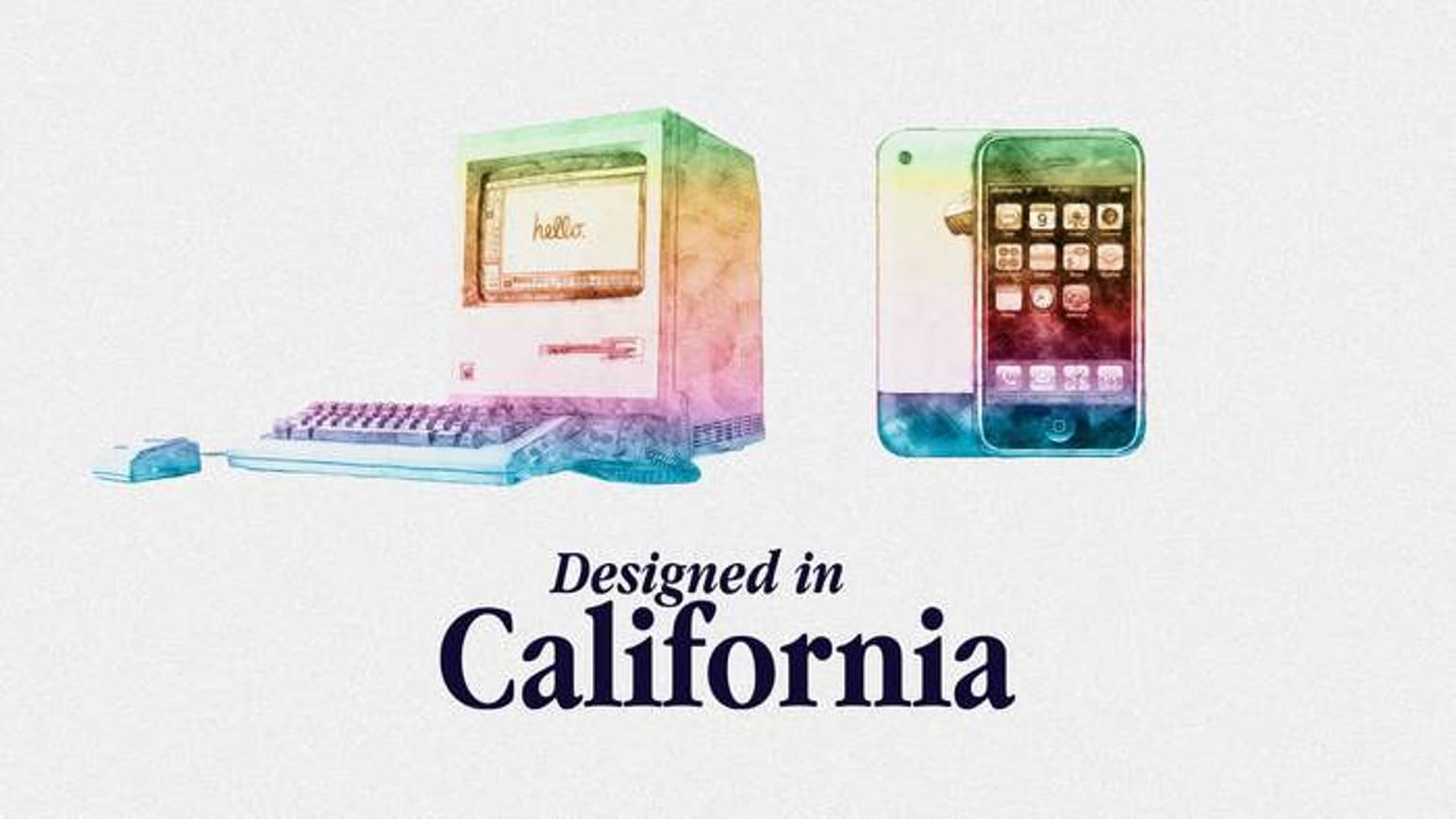
Designed in California, the Apple history podcast from Myke Hurley and Jason Snell, is now live on Relay with two new free episodes, plus more for Kickstarter backers and Relay subscribers.
Over the summer, Myke and Jason ran a successful Kickstarter campaign for the new show, which will be released as topical series. The first series about the Apple II was released over the summer as part of a preview for the Kickstarter campaign.
Now, the first two episodes of Apple’s Mac OS Crisis are out and available to listen to for free. Those episodes will be followed by five more weekly installments. However, if you backed the Kickstarter or if sign up to support the show via Relay’s website, you get all seven episodes of the series immediately.
The latest series is about:
Apple’s Mac OS crisis in the ’90s, leading to the company acquiring NeXT and bringing Steve Jobs back.
Apple’s Mac OS Crisis also features special guest John Siracusa, who knows a thing or two about ’90s Apple. In addition to the audio-only version of Designed in California, the show is available on YouTube.
It’s been great to see this show come together over the summer. I know it’s been a lot of work, which is clear from the depth and quality of the episodes. I fully expect Designed in California to become the definitive podcast for Apple history nerds.
Perplexity Introduces ‘Hybrid Compute’ for Computer Agent on Apple Silicon Macs
Perplexity has announced hybrid compute for Personal Computer on Apple silicon Macs. Personal Computer already combined cloud-based Computer tasks with access to local files and apps, but its AI processing was primarily cloud-based. Recently, Perplexity also introduced Portable Computer, a local-first version of Computer that can escalate work to the cloud with a user’s permission.
Hybrid compute approaches the problem from a different direction. Tasks start in the cloud but if a new local classifier detects potentially sensitive information, the user is alerted and asked whether they want to route it to a local model, although users also have the option to let the flagged data be used by a frontier cloud-based model. Gemma E4B, Qwen3.6 35B-A3B, and a Perplexity post-trained version of Qwen3.6 35B are available at launch for that local work, with more models to come in the future.
Tasks that don’t require sensitive information are handled in the cloud by frontier models that also orchestrate the cloud and local tasks. Users select the cloud orchestrator and Perplexity chooses the helper frontier models used.
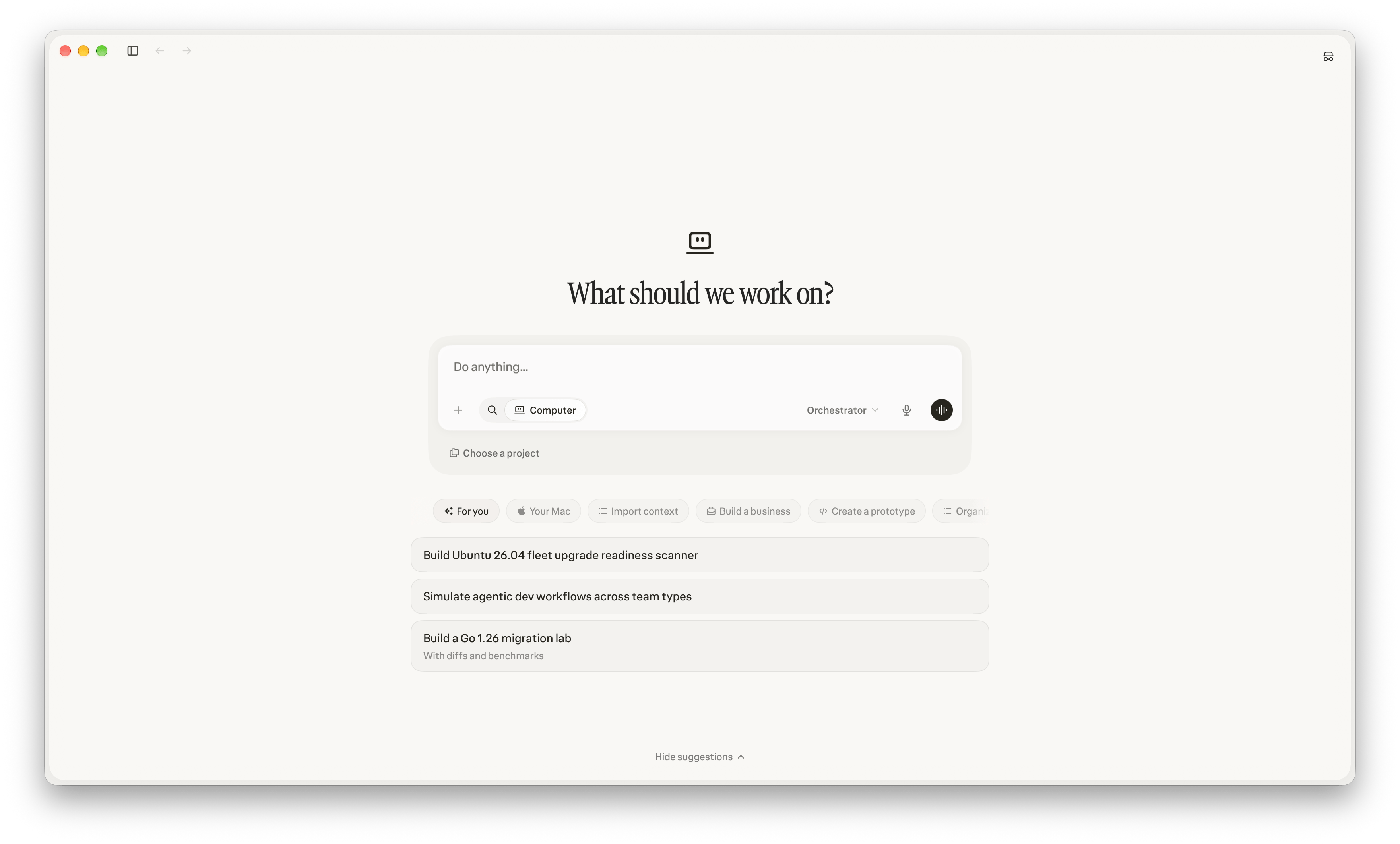
Another key feature is that hybrid compute works with tasks begun from an iPhone or iPad, too. Those devices could already kick off a session, but now they can also run tasks that use sensitive information locally if your Mac is turned on and running Perplexity.
Yesterday, I got a demo of the feature that walked through three scenarios:
- an attorney researching a legal brief, with sensitive client data on their Mac, allowing them to update it locally,
- an analyst using web-based data to update a confidential slide deck for a presentation about a company’s financials, and
- a small business owner kicking off pricing research from her iPhone that was combined with private pricing data for her business that never left her Mac.
I haven’t tried hybrid compute myself yet, but if it works as advertised, it’s a big step forward for Perplexity, and one that a lot of its competitors are also chasing. AI agents are only as good as the tools and data to which they have access. Tool calling has been a big focus over the last year and more, but data privacy is an equally important issue that needs to be solved before more companies, especially those in regulated industries, adopt agentic tools like Personal Computer. It’s good to see Perplexity tackling this head-on.
A Trio of Ternus Tales→
Myke Hurley writing on The Enthusiast covers three themes from John Ternus’ new CEO bio that was updated today on the Apple Leadership page:
Number 2:
John has led much of the company’s focus in areas like reliability and durability, introducing new techniques that have made Apple products remarkably resilient
I would not have predicted this angle being so prominent, so I can only assume it’s something that’s important to Ternus. Ultimately, it’s good for customers too — you want your computers to last. Apple has also made inroads into the repairability of its products, which I feel goes hand in hand with this.
Of the three, this is the most interesting to me. I wouldn’t have expected durability to be so prominent either, but in addition to Apple’s repairability push in recent years that Myke highlights, I think this is Apple telegraphing something about the future of its products.
In a world where memory and storage prices have skyrocketed and show no signs of coming down to Earth anytime soon, durability becomes a differentiator that’s more important than ever. When you combine that with the system-level stability and performance efforts Apple has made across its OSes this year, I expect we’ll be hearing a lot more about the long-term value of Apple’s devices this fall.
Inside OpenAI’s Codex with Andrew Ambrosino→
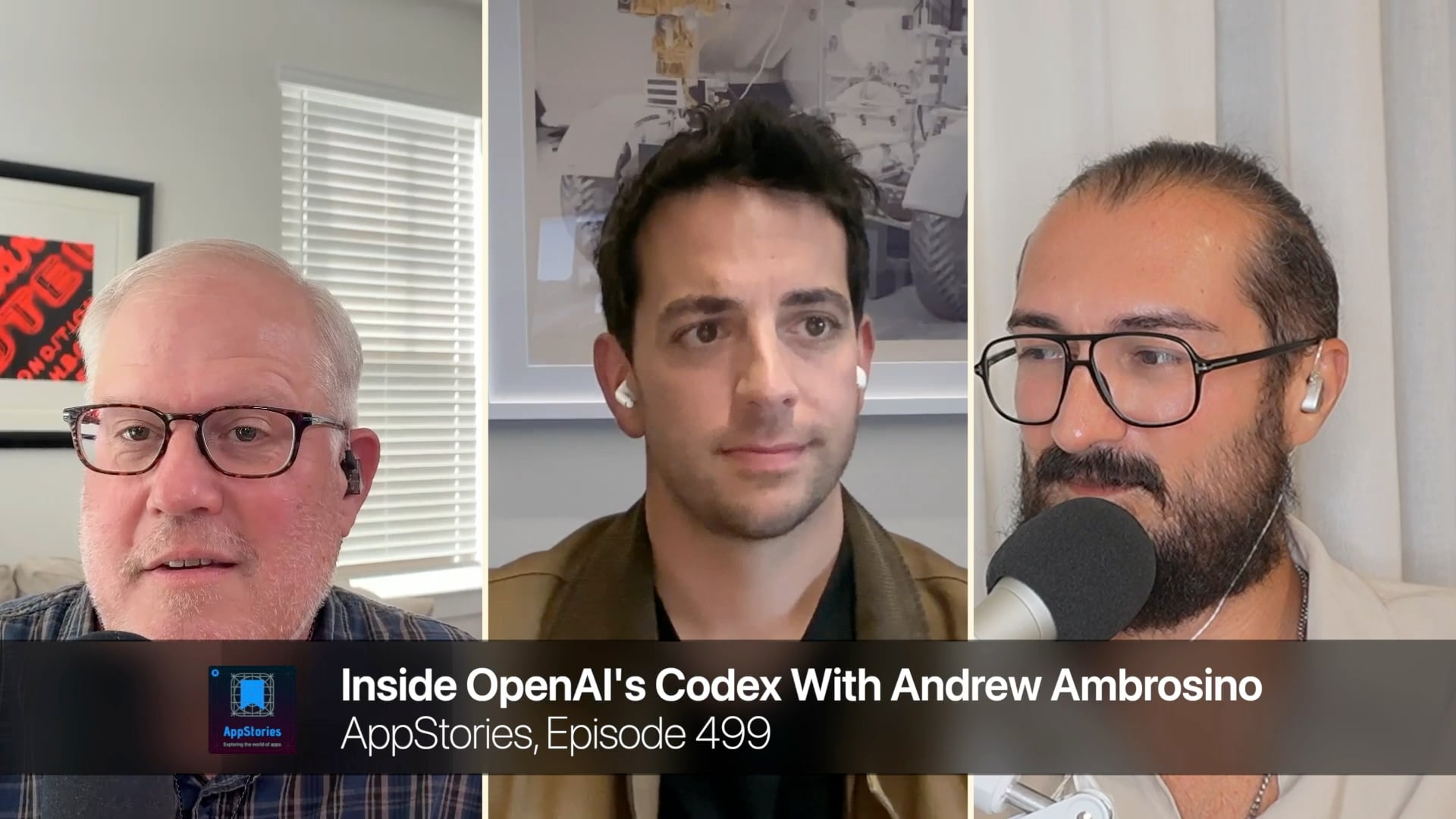
On today’s episode of AppStories, Federico and I interview Andrew Ambrosino, the project lead for Codex. It’s a great conversation that covers a lot of ground, including:
- the long history and many iterations of Codex,
- the merging of Codex into a new version of ChatGPT based on web technologies,
- Computer Use and Computer History, which came along with OpenAI’s acquisition of Sky last year, and
- what goes into designing for user trust.
Then for AppStories+ subscribers, we dug into Andrew’s Mac origin story and some of his favorite Mac apps.
AppStories is available on Apple Podcasts and all your favorite podcast players, as well as YouTube. AppStories+ is a special ad-free, extended version of AppStories that’s delivered a day early in high-bitrate audio for $5/month or $50/year by itself or as part of a Club MacStories Premier membership that adds our weekly and monthly newsletters, app discounts, and other perks for $12/month or $120/year.
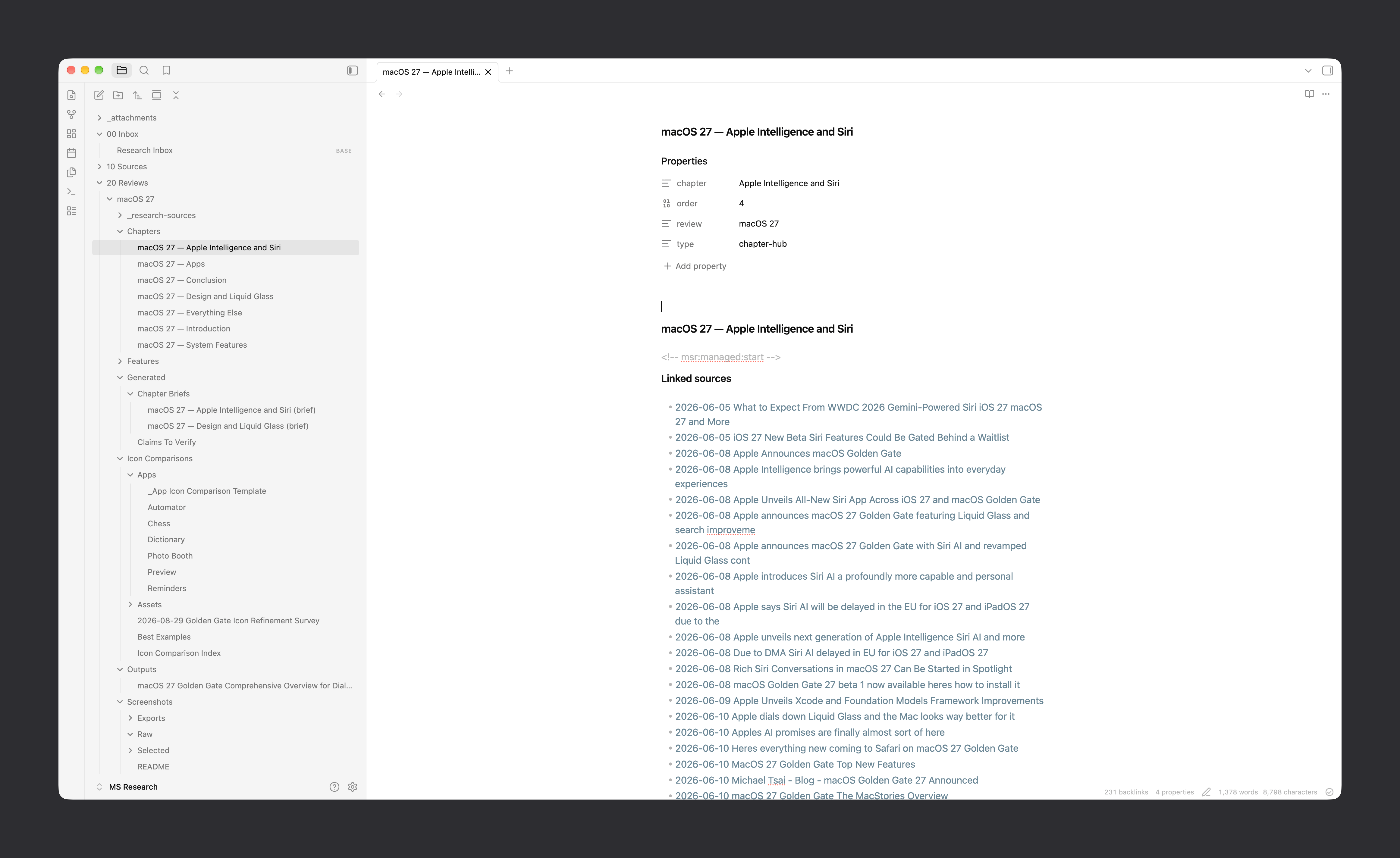
 Evaluating My macOS Review Research System
Parker Ortolani’s First Impressions of the Pebble Index AI Smart Ring→
Parker Ortolani on the Pebble Index, the recently released AI smart ring:
Ambient computing is here at home on speakers and in the workplace with apps like Wispr Flow, it’s only a matter of time before we carry it with us everywhere.
The Pebble Index is the best preview of that future. The simple gesture of pressing your thumb to your index finger is unbelievably natural. Especially for quick interactions. I’ve found myself setting more reminders, recording ideas, and keeping lists up-to-date. And I know that everything is being logged on my phone in the Pebble app. Better yet, you can connect the Pebble Index to your other AI tools using MCP. There’s also no reason for skeptics to fret, it’s not always listening for hot words or logging everything it hears.
As Ortolani explains, the device ticks a lot of boxes that other AI gadgets just don’t:
The thing that I think strikes me hardest with the Index is that it’s just so socially inoffensive. It’s a form factor people already love, it’s not distracting, it’s not always listening, and it’s affordable. It could be the first truly noncontroversial AI-first hardware.
I ordered a Pebble Index months ago and it should be coming within the next week or so. I bought it for many of the features Ortolani mentions. It’s on-demand, discreet, and a form factor that doesn’t look out of place. The hardware and software matter a lot with a device like this, but if Pebble has nailed it, I can see it becoming my go-to way to jot down brief notes. I’m excited to give it a try and report back.
 Inside OpenAI’s Codex With Andrew Ambrosino
 Federico
This week on AppStories, Federico and John are joined by Andrew Ambrosino, the Codex team lead at OpenAI, to talk about the evolution of Codex, the unification of ChatGPT and Codex, Computer Use and Computer History, designing for user trust, and more.
On AppStories+, Andrew shares some of his favorite Mac apps and his Mac origin story.
Also available on YouTube here.
We deliver AppStories+ to subscribers with bonus content, ad-free, and at a high bitrate early every week.
To learn more about an AppStories+ subscription, visit our Plans page, or read the AppStories+ FAQ.

AppStories Episode 499 - Inside OpenAI’s Codex With Andrew Ambrosino
0:00
45:27
45:27
This episode is sponsored by:
Experiencing Apple’s Live Yankees–Red Sox Immersive Baseball Broadcast

Last night, I sat down with my Vision Pro and caught the first part of the Yankees–Red Sox game live in Immersive Video. I wouldn’t call myself a baseball fan these days, but I have fond memories of many summer evenings at Tiger Stadium and Wrigley Field, and I was keen to see how Apple’s immersive broadcast compared.
Having sampled Apple’s other Immersive Video content, but very little of its sports coverage, I wasn’t sure what to expect. Sitting down to watch, I was surprised by how much it felt like I was at Yankee Stadium. Before the first pitch was thrown, the broadcast focused on the Yankees’ starting pitcher as he warmed up. Periodically, the camera angle switched, giving viewers other angles on the pre-game preparations, while the announcers chatted about each team’s season leading up to the game.
Once the game started, the camera switched to positions near each team’s batting circle depending on which team was at bat, occasionally switching to shots behind home plate and in right-center field. During each at bat, a virtual scoreboard showed a 2D feed of the game like you’d see on a regular broadcast bounded by statistics. The additional angle and information were useful for fans, but as someone who was there primarily for the experience, it took away from the immersiveness a little to see a fake scoreboard floating in the sky over the stadium’s right field wall.
That said, the immersiveness was impressive. I found myself looking all around the stadium taking in the sights and spatial audio sounds. The detail was incredible. Fully surrounded by the stadium, I watched as a family walked by with popcorn and drinks and could even read the Poland Spring label on a water bottle in the bullpen.
Then, as I watched the Yankees at bat, I could see someone off camera spitting sunflower seeds in the dirt along the dugout. That sort of minute detail added to the immersiveness of the experience every bit as much as being surrounded by the video feed and soundscape, to the point that when a player entered my view from off camera, I instinctively tucked my legs under me to avoid him tripping over me.
At times, though, I also felt a little too close to the action. It was like I had slipped into a restricted area, an invisible participant, spying on unsuspecting people on the field, waiting for security to discover me and kick me out of the stadium. That feeling was probably driven by the combination of knowing that the broadcast was live and not having watched a lot of Apple immersive sports content, but it was still a little unsettling at first.
As for the game, I didn’t pay very close attention. I don’t follow either team, but it was still fun to watch the game unfold from up close. The dugout camera angles made it slightly harder to see the pitches as they were thrown than it would be from a more traditional outfield camera viewpoint, but it really didn’t take away from the experience.
Ultimately, I only lasted about a half hour. The experience was excellent, but baseball’s pace is just too slow for my taste, so ultimately, I packed up my Vision Pro and caught up on Silo instead.
If you missed the game, it’s available to replay in full along with highlights in the TV app on Vision Pro.