John is MacStories' Managing Editor, has been writing about Apple and apps since joining the team in 2015, and today, runs the site alongside Federico.
John also co-hosts four MacStories podcasts: AppStories, which covers the world of apps, MacStories Unwind, which explores the fun differences between American and Italian culture and recommends media to listeners, Ruminate, a show about the weird web and unusual snacks, and NPC: Next Portable Console, a show about the games we take with us.
Federico and John interview Marco Arment, the creator or Instapaper and Overcast and David Smith who has many apps including health and fitness apps such as Pedometer++, Workouts++, Activity++, and Sleep++ about building sustainable businesses over the past decade of the App Store.
The case for native third-party apps on the iPhone was apparent immediately. By creating a device that blends into the background – with functionality entirely driven by software – Apple built a mobile computing platform that could become anything, so long as there was an app to drive the experience. The idea that the iPhone might be limited to a handful of stock Apple apps felt like a horrible waste to developers who were hungry to build their own apps.
Fortunately, Apple’s flirtation with web apps was short-lived. By the fall of 2007, Steve Jobs confirmed that the company was working on an iPhone SDK for third-party developers, which was released in March 2008.
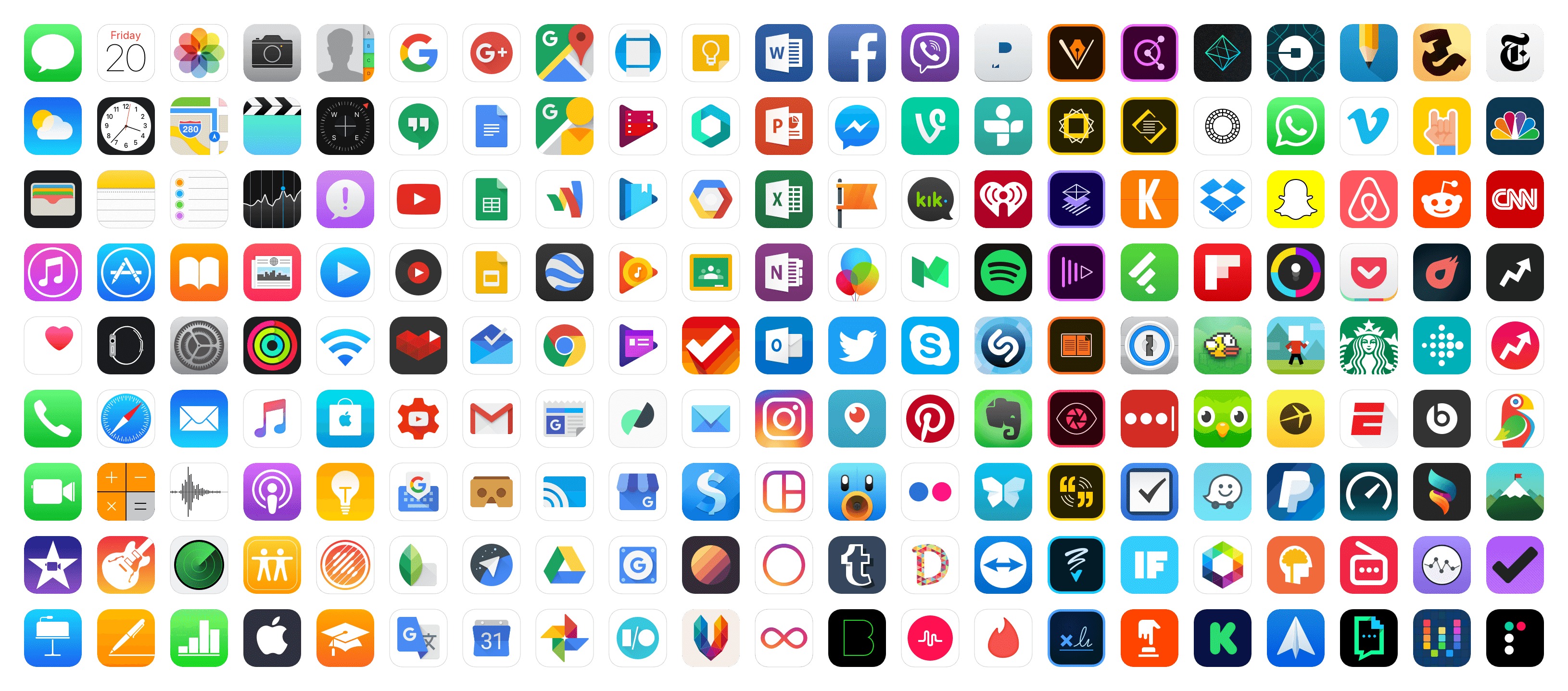
About four months later, the App Store launched on July 10, 2008, with around 500 apps. Ten years later, the Store offers over 2.1 million. Of course, a lot has happened in between too:
2008: The App Store was launched with roughly 500 free and paid apps and games.
2009: In-App Purchases were added for paid apps, followed by free apps a few months later.
2010: Apple launched its iAd in-app advertising platform.
2013: By its 5th anniversary, the App Store featured over 900,000 apps.
2015: Apple Senior Vice President Phil Schiller took over responsibility for the App Store.
2016: Apple expanded the categories of apps that can use auto-renewing subscriptions, discontinued iAd, and launched a search ads program. Free, time-limited In-App Purchases were also used for the first time to approximate free trials of apps.
2017: Apple redesigned the App Store with daily editorial content.
2018: As of WWDC, the App Store offered over 2.1 million apps and had paid developers over $100 billion in 10 years.
It’s hard to overstate the meteoric growth of the App Store as a marketplace. Over the course of a decade, the App Store’s history has been dominated by rapid growth and constant change that’s been highlighted by spectacular successes, failures, and controversies. Nowhere has that change been more pronounced than the economics of the App Store. It’s a story that has had a profound effect on the way software is sold and how users relate to the apps they use.
Federico and John interview Craig Hockenberry of The Iconfactory and James Thomson, the creator of PCalc and DragThing, about the earliest days of the App Store.
As Federico explained yesterday, we knew from the earliest planning stages of our coverage of the App Store’s 10th anniversary that we wanted to include interviews with the developers and designers of apps and games we love. We do interviews periodically on AppStories and knew it would be the perfect way to let the people whose lives have been affected by the App Store tell their stories in their own words. Over the course of this week, we will post one episode of AppStories each day featuring interviews on a wide variety of topics that complement the in-depth stories you can read here on MacStories.
If you haven’t subscribed to AppStories yet, you can do so with the links at the bottom of this post or listen here in your browser using the embedded players below. As new episodes are published this week, we will update this post with the latest interviews.
I hope you enjoy these conversations as much as we did recording them.
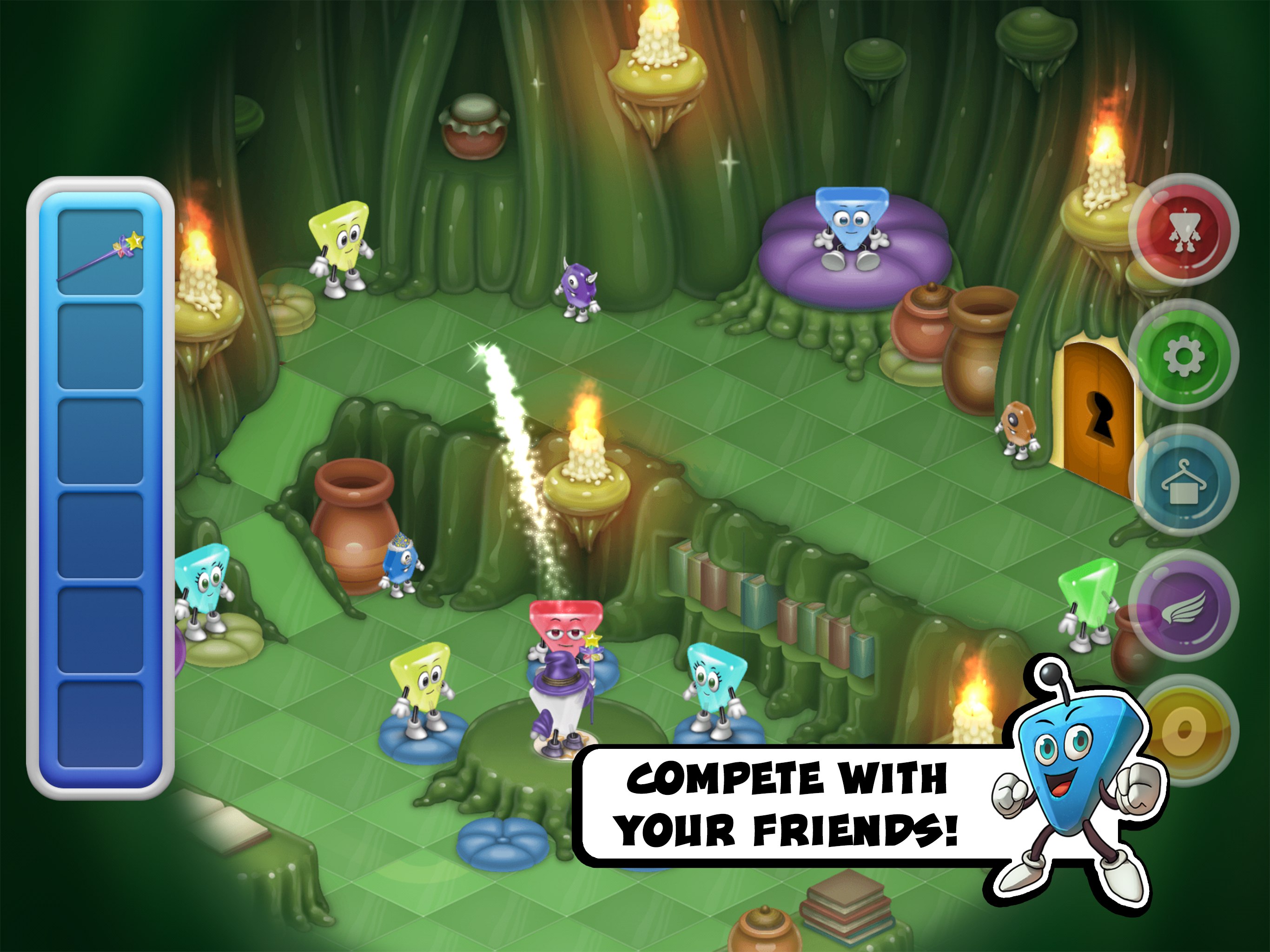
Variety has an in-depth profile of Steve Demeter, the former Wells Fargo software developer who created Trism, one of the App Store’s earliest hit games.
Demeter became the face of the App Store gold rush for many people. His game, Trism, was one of the 500 apps that debuted on the App Store 10 years ago next Tuesday. The game, which incorporated the iPhone’s accelerometer, earned $250,000 in its first two months. With 3 million lifetime downloads, many at $4.99 each, Demeter quit his job as a developer at Wells Fargo to work on a sequel, eventually pouring all of the original game’s earnings into the effort:
Lost in the shadow of his initial success and worrying about a sophomore slump, the development of “Trism 2” became a nightmare cycle of starting and restarting, creating and destroying.
Eventually, Trism’s earnings dried up and Demeter got a job at Storm8 and later, FoxNext Games. Now, 10 years after Trism’s release, Demeter is releasing its sequel, Trism 2 to coincide with the 10th anniversary of the App Store with the help of FoxNext.
After all these years, it’s great to see Trism 2 launch, and the tenth anniversary of the App Store feels like the perfect time given it’s unique spot in App Store history. We’ve got special coverage of the App Store’s 10th anniversary coming from the entire MacStories team next week, so be sure to check back then.
It’s easy to forget that you can install third-party fonts on iOS; it’s a feature that feels unusual for an OS that generally can’t be tweaked in many respects. But you can, and many apps, especially text editors, can display fonts you add to iOS. Word, Pages, PowerPoint, and Keynote all support imported fonts, for...
Textastic 7 Version 7.0 of Textastic is a major update to the popular code editor for iOS that introduces several features that make the app even more powerful for web developers who work from iOS. Textastic now supports opening multiple files in tabs, which you can reorder with drag and drop. The syntax highlighter...



 Federico