John Voorhees

5641 posts on MacStories since November 2015

John is MacStories' Managing Editor, has been writing about Apple and apps since joining the team in 2015, and today, runs the site alongside Federico. John also co-hosts four MacStories podcasts: AppStories, which covers the world of apps, MacStories Unwind, which explores the fun differences between American and Italian culture and recommends media to listeners, Ruminate, a show about the weird web and unusual snacks, and NPC: Next Portable Console, a show about the games we take with us.

Clean Up Your Inbox Today (and Keep It That Way Forever) with SaneBox [Sponsor]

What if you had someone who would sort through your email and find only the important messages? That is exactly what SaneBox does. After you set it up, SaneBox leaves your important messages in your inbox and moves the rest to a SaneLater folder for reviewing later. That initial inbox purge is powerful because it reduces your inbox to a manageable number of messages. With additional training to tell SaneBox what’s important to you, it only gets better at dealing with the daily deluge of messages.

There’s much more to SaneBox than shuffling unimportant messages into a designated folder, though. If there’s something you never want to see ever again, send it to the SaneBlackHole, which is much easier than unsubscribing to unwanted messages.

You can also set up SaneReminders by sending messages to an address that sends a reminder to you at a later date if the recipient of your message hasn’t responded after a certain amount of time. Or forward messages to SaneReminders to have them pop back into your inbox at a later date when you are ready to deal with them.

SaneBox works on top of your existing email setup. There’s no app to download or new email account to set up. It all works server-side so you can use any email client you want.

Sign up today for a free 14-day SaneBox trial to take back control of your email. MacStories readers can receive a special $25 credit automatically by using this link to sign up.

Our thanks to SaneBox for sponsoring MacStories this week.


Bridging iOS Apps Back to the Mac

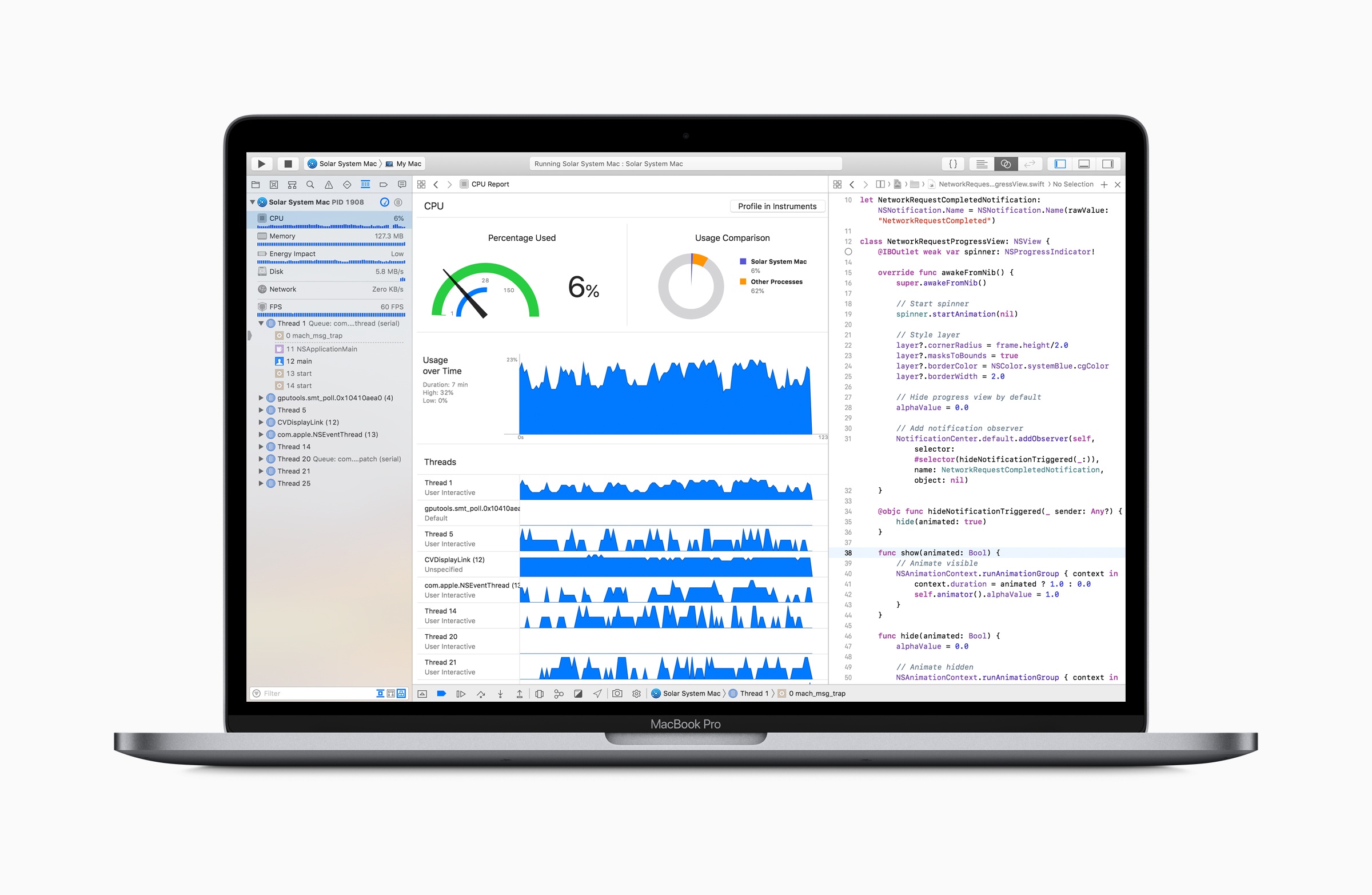
Even before the iPhone SDK was released in 2008, Mac developers had an advantage over other developers. The iPhone firmware, as it was called before being dubbed iOS, was based on OS X. There were differences in the frameworks, but iPhone apps could be built in Objective-C, using similar APIs to the ones available...


Q&A

Question: Is there a way to easily create flashcards or mind maps on iOS without using a clipboard manager to move information to a mind mapping or flashcard app? (Anonymous)

This is a great use case for drag and drop on the iPad. With your source information and a mind map app or flashcard...


App Debuts

Super Hexagon Two years after the last update, Terry Cavanagh’s popular (and incredibly difficult) iOS game has received a substantial refresh for version 3.0. The updated Super Hexagon supports the iPhone X, 120 FPS on ProMotion-enabled iPad Pro models, and iOS 11.3. In addition, you can now play the game with an external keyboard...


Apple Marks Earth Day with Donations, Daisy the Recycling Robot, and an Apple Watch Challenge

Apple has issued a press release announcing that from today through April 30th, the company will make a donation to Conservation International for each device turned in for recycling through Apple’s GiveBack program. The company also took the opportunity to introduce Daisy, its next-generation iPhone recycling robot.

Through Apple GiveBack, devices can be recycled in person at an Apple Store or using apple.com. In exchange for eligible devices, customers will receive in-store credit or an Apple gift card and Apple will donate to Conservation International, which:

…uses science, policy and partnerships to protect the natural world people rely on for food, fresh water and livelihood. Founded in 1987, the organization works in more than 30 countries on six continents to ensure a healthy, prosperous planet.

Apple introduced the world to its iPhone disassembly robot dubbed ‘Liam’ in 2016. According to Apple, its successor Daisy:

…is the most efficient way to reclaim more of the valuable materials stored in iPhone. Created through years of R&D, Daisy incorporates revolutionary technology based on Apple’s learnings from Liam, its first disassembly robot launched in 2016. Daisy is made from some of Liam’s parts and is capable of disassembling nine versions of iPhone and sorting their high-quality components for recycling. Daisy can take apart up to 200 iPhone devices per hour, removing and sorting components, so that Apple can recover materials that traditional recyclers can’t — and at a higher quality.

Apple’s press release includes a video showcasing Daisy in action too.

Finally, notifications are being sent to Apple Watch users today announcing an Earth Day fitness challenge. Users who complete a 30-minute workout this Sunday, April 22nd will earn a special badge in the Apple Watch and iOS Activities apps and iMessage stickers.


Tim Cook Doesn’t Believe Users Want Apple to Merge the Mac and iPad

Peter Wells has an interesting story in The Sydney Morning Herald about the much-rumored merger of Macs and iOS devices. Wells interviewed Apple CEO Tim Cook at the education event that was held late last month in Chicago. During the conversation, Wells asked Cook about Microsoft’s convertible Windows 10 strategy and how it compared to Apple’s approach to OSes. Cook responded:

“We don’t believe in sort of watering down one for the other. Both [The Mac and iPad] are incredible. One of the reasons that both of them are incredible is because we pushed them to do what they do well. And if you begin to merge the two … you begin to make trade offs and compromises.

”So maybe the company would be more efficient at the end of the day. But that’s not what it’s about. You know it’s about giving people things that they can then use to help them change the world or express their passion or express their creativity. So this merger thing that some folks are fixated on, I don’t think that’s what users want.”

Especially since Mark Gurman of Bloomberg reported on rumors of an Apple initiative codenamed Project Marzipan designed to bring aspects of iOS to the Mac, there has been speculation about whether it might be the first step in an eventual merger of the two operating systems. Although Cook’s comments are interesting in the context of the rumors that have circulated, he was asked about Microsoft’s Windows 10 strategy, not Apple’s plans for its platforms. I think it’s safe to say that Cook believes iOS devices and Macs are good for different tasks, which suggests that the Mac’s form factor isn’t at imminent risk, but I don’t think you can draw any conclusions from his comments about the chipsets or operating system that may drive Macs in the future.

Permalink

Game Day: Trick Shot 2

Trick Shot 2 is a physics puzzle game from Jonathan Topf, the lead designer of Monument Valley 2. This isn’t a game that breaks new ground, but it’s one that is executed wonderfully on all levels and has some great extras, instantly endearing itself as a fun diversion.

The goal is simple: shoot a ball into a box. You launch the ball by sliding your finger back inside an outlined launch area and releasing. The action is similar to the slingshot mechanic used in Angry Birds. The trick is to get the perfect angle, velocity, and timing to land the ball in the box. The process is complicated by the fact that the ball is incredibly bouncy and there is often a maze of household and other objects between you and the ball’s destination.

Trick Shot 2 is one of those casual games that works extremely well on a mobile device. The game is easy to play in short spurts, and it can serve as a way to pass idle time, like a sort of digital fidget spinner. However, that sells Trick Shot short because it has more to offer than similar games.

First, Trick Shot looks and sounds fantastic. Everything from the beautifully rendered 3D obstacles and smooth animations to the jazzy soundtrack is top notch. The game is split across 9 chapters each of which are made up of multiple levels. As the chapters unfold, the game introduces new mechanics like switches and teleportation machines that keep the gameplay challenging. If you get stuck, you can spend coins to get a hint from a helpful robot. When you run out of the coins that come with the game, you can purchase more as an In-App Purchase, but they aren’t necessary to complete the game.

Second, and most critical, is that you can build your own levels. The level builder drops you into a blueprint-style view where you can place, move, and rotate all 48 game elements into your own Rube Goldberg creation. If starting with a blank slate is too intimidating, you can copy and adapt an existing level. It’s a wonderful addition that creates an extra dimension and sophistication to the game.

I imagine that almost anyone who’s played iOS games has tried physics-based games like Trick Shot 2, but not all such games are created equal. The trouble is finding the best examples of the genre. Trick Shot 2 qualifies hands down as one of my favorites and one I recommend to anyone looking for a new low-key iOS game to try.

Trick Shot 2 is available on the App Store.


Rethinking iOS Notifications

Dieter Bohn at The Verge has some fantastic observations about notifications on Android and iOS, concluding that the iPhone’s notification system needs to be reworked. Bohn believes both OSes offer too many ways to tweak notifications, but he sees a broader issue with iOS in particular:

On both of those platforms, the question isn’t (or isn’t just) whether or not there are too many options. It’s whether or not the end state of those options are any good. The difference, I’ve found, is that Android has a way of doing things that make notifications more “humane” than what’s possible on the iPhone.

In his video and accompanying article, Bohn points to a handful of critical areas where Android does a better job with notifications than iOS:

  • Notifications can be set to appear silently in Android’s notification tray and on the lock screen.
  • Text messages and other notifications from actual people are prioritized.
  • Similar notifications are grouped so they’re only a couple of lines long and can be dismissed together.
  • Users can jump to an app’s notification settings from the notification itself.

Of those features, I agree with Bohn that adding the ability to jump directly to an app’s notification settings from the notification itself would go a long way on iOS. As Federico and I discussed recently on AppStories, periodically evaluating and adjusting notifications is essential to avoiding notification overload on iOS, but it’s also something that becomes a project because it requires a lot of hunting and tapping. With a system like Android’s, I can imagine making fine-tuned adjustments to notifications more frequently because doing so would be less likely to disrupt what I was doing when I’m interrupted.

Permalink