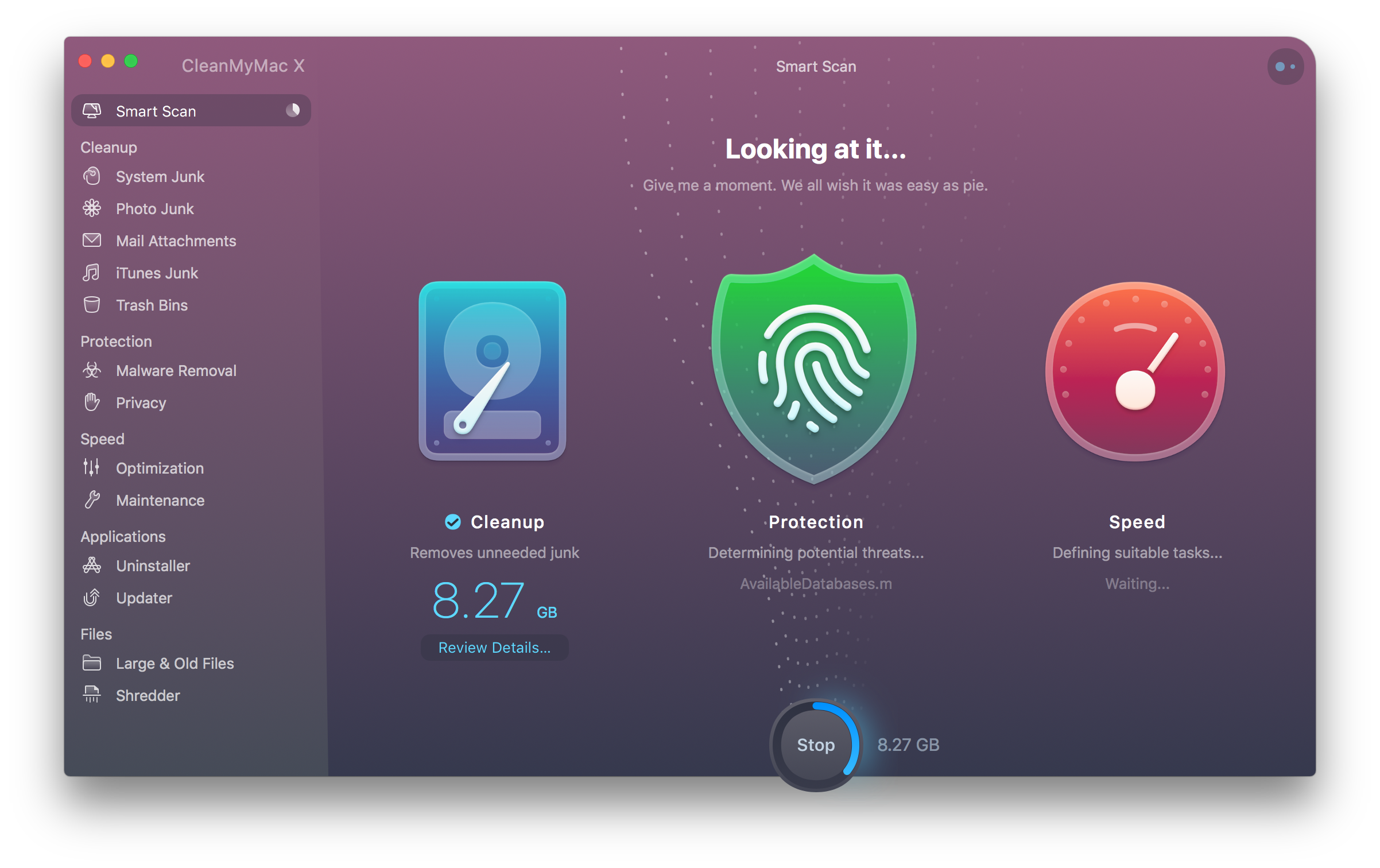
Question: I have an iMac and MacBook Pro. I mirror data using iCloud, Dropbox, and other cloud services, but I want to mirror my application environments across both Macs so my app settings and programming environments are the same on both computers. I’m afraid to try it and damage something but is there any chance...
App Debuts
Stationery Stationery is an iPad-only app that lets you design digital stationery. The app comes with three free templates, with more available via In-App Purchase. After you have a design you like, you can write a handwritten note or draw on your stationery and send it to someone as an email attachment. It’s not...
Something More than Finder for iOS
The combination of the Files app and file providers in iOS 11 has become one of my favorite features of iOS. It took a while to get used to and it’s not perfect, but it’s had one of the most meaningful impacts on how I use my iOS devices. However, I want more, of...
Retrobatch from Flying Meat Brings Nodal Batch Processing of Images to the Mac
Retrobatch is a new batch photo processing app for the Mac from Flying Meat, the maker of Acorn. Batch processing of photos isn’t new. There are plenty of apps available that let you manipulate collections of photos. What’s different about Retrobatch is how it goes about processing images.
If you’ve ever used Audio Hijack from Rogue Amoeba, you’ll understand the power of Retrobatch immediately. The app is based on the idea of linking individual nodes together to create complex workflows. Point your new workflow at a batch of images, hit go, and Retrobatch goes about its work, delivering your processed photos to wherever you specify. The power is in abstracting complex actions into simple building blocks that can be strung together and branched as though you were building a flowchart.
That last point is the essential distinction between Retrobatch and other batch processors. Most image processors are linear, moving through a series of steps that outputs modified images. Retrobatch’s nodal structure allows you to start with a folder of images, perform actions on them, and then branch off to different actions at any point in the process.
AppStories, Episode 57 – Pick 2: Spark 2 and 1Password 7 for Mac→
On this week’s episode of AppStories, we go in-depth on two recently updated apps. In this installment of Pick 2, Federico covers Spark 2, which has added app integrations into the iOS version and team collaboration to the iOS and Mac versions while John covers 1Password 7 for the Mac, a significant redesign that expands the functionality and flexibility of features like Watchtower and Vaults.
Sponsored by:
- Lambda School - A revolutionary new school that invests in you. Take the free two-week iOS development course.
- Inoreader - The place to discover, organize, and monitor the web.
AppStories Episode 57 - Pick 2: Spark 2 and 1Password 7 for Mac
37:06
Agenda for iOS Review
Agenda, which launched on iOS today, is one of the most interesting note-taking apps I’ve used. The app is simultaneously structured around projects, like a task manager, and dates, like a calendar app.
Agenda immediately caught my eye with its beautiful design and unique approach to notes when it launched on the Mac in January. At the time, I was intrigued by Agenda, but the lack of an iOS version was a deal-breaker. Notes apps are one of those categories that benefit immensely from being available everywhere. When I tested Agenda in January, I found myself on my iPad wanting to refer notes that were locked inside Agenda on my Mac almost immediately, so I put Agenda away and waited for the promised iOS version.
With today’s release of Agenda for iOS, which syncs between platforms, that’s no longer an issue. The Mac and iOS versions are virtually identical in their designs, interaction models, and feature sets. I won’t repeat the details here. You can learn more about the app’s structure and design from my review of the Mac version. Instead, I want to focus on the ways I’ve begun to integrate Agenda into my work over the past week that I’ve had the beta; with an app as flexible as Agenda, concrete examples of how it can be used are more useful than a list of features.
Philips Hue App Update Enhances Light Management and Adds 30 New Designer Scenes
Philips has released an update to Hue, the companion app for its line of smart lightbulbs. The user interface will be familiar to existing users, but the update introduces a refreshed design that looks better than the prior version and surfaces features that used to be harder to find. Philips has added a bunch of new built-in lighting scenes too.
Pick 2: Spark 2 and 1Password 7 for Mac
AppStories Episode 57 - Pick 2: Spark 2 and 1Password 7 for Mac
37:06
Federico and John go in-depth on two recently-updated apps. In this installment of Pick 2, Federico covers Spark 2, which has added app integrations into the iOS version and team collaboration to the iOS and Mac versions while John covers 1Password 7 for the Mac, a significant redesign that expands the functionality and flexibility of features like Watchtower and Vaults.
Discover, Organize and Monitor your Favorite Places on the Web with Inoreader [Sponsor]
Inoreader is your one-stop portal for information. Unlike sites that spoon-feed you news algorithmically, Inoreader puts you in control helping you quickly and easily navigate and manage vast amounts of information.
Subscribe to your favorite channels in Inoreader, and they’ll be automatically delivered in chronological order, so you never miss a story that matters. With your sources in place, use filters control what you see, and rules to get real-time push notifications or emails.
Add Feeds from Anywhere
Inoreader tracks RSS feeds, includes an extensive catalog of suggested feeds, and a browser extension for detecting available feeds on sites. The service works with other sources too, like:
- Twitter, Facebook, and YouTube; and
- Email newsletters using Inoreaer’s “Mail-2-tag” feature, which lets you create collections of newsletters that de-clutter your inbox.
Who is Inoreader For
A wide variety of professionals use Inoreader. Bloggers love Inoreader’s 30+ tools and save material to Evernote, OneNote, and Dropbox for where they can be edited. You can even publish your curated list of news straight to WordPress and other CMSes.
Marketers use Inoreader to stay on top of their clients’ business. PR agencies can collate every mention of their clients online by using global active searches. Inoreader’s saved searches are also invaluable to research institutions that can track specific areas of interest.
Upcoming Features
Soon Inoreader will add a daily email digest of the most popular articles from among your subscriptions to help you stay on top of the most relevant posts, even when you don’t have time to review everything.
Check out Inoreader, and take control of the web today.
Our thanks to Inoreader for sponsoring MacStories this week.