

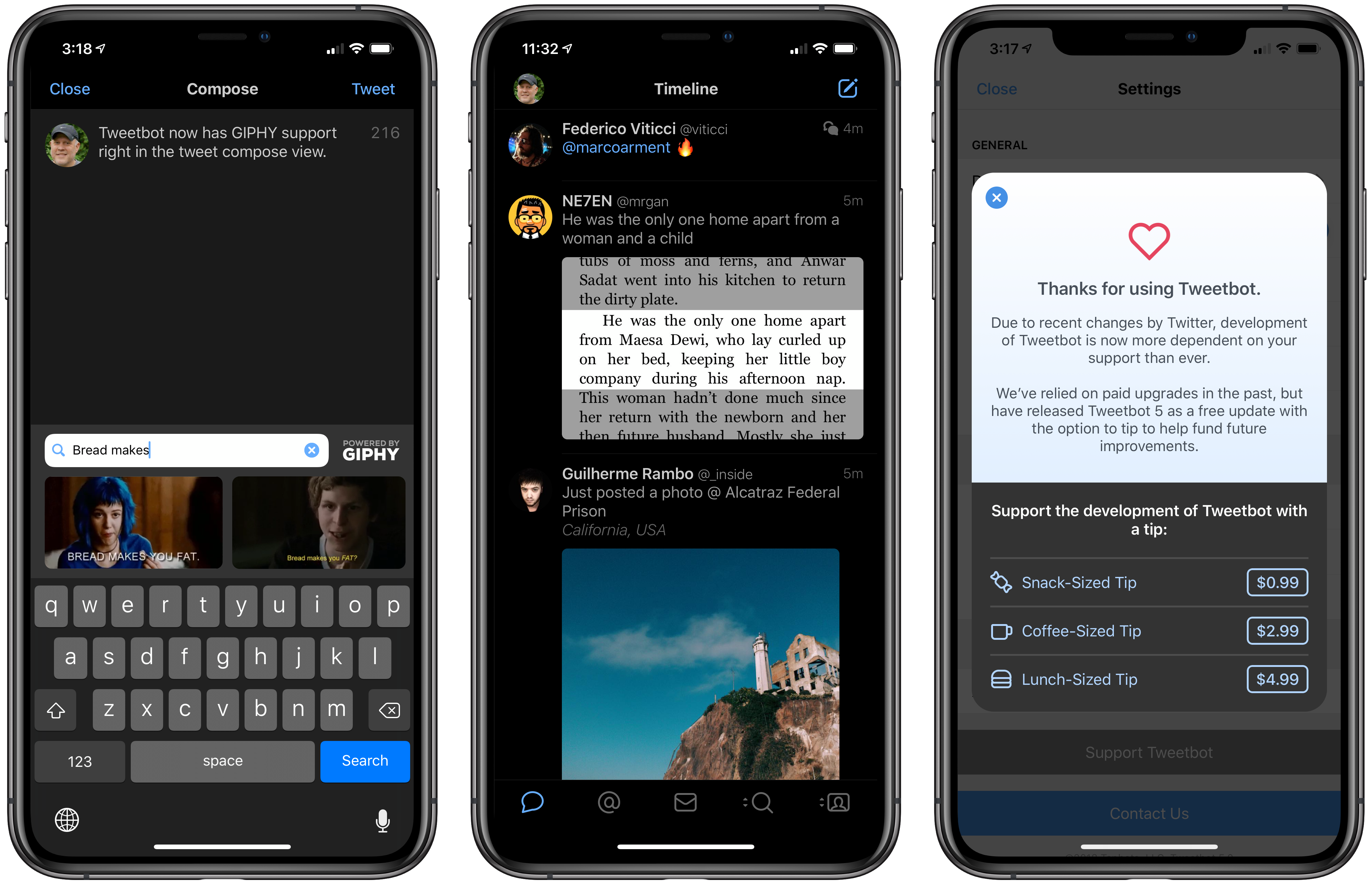
Tweetbot 5 for iOS is out with a new look that more closely resembles the latest Mac version, which was redesigned in May. Tapbots has also added a handful of additional features, some of which mirror additions to the Mac version and others of which are unique to iOS.
Apple Announces October 30th Event
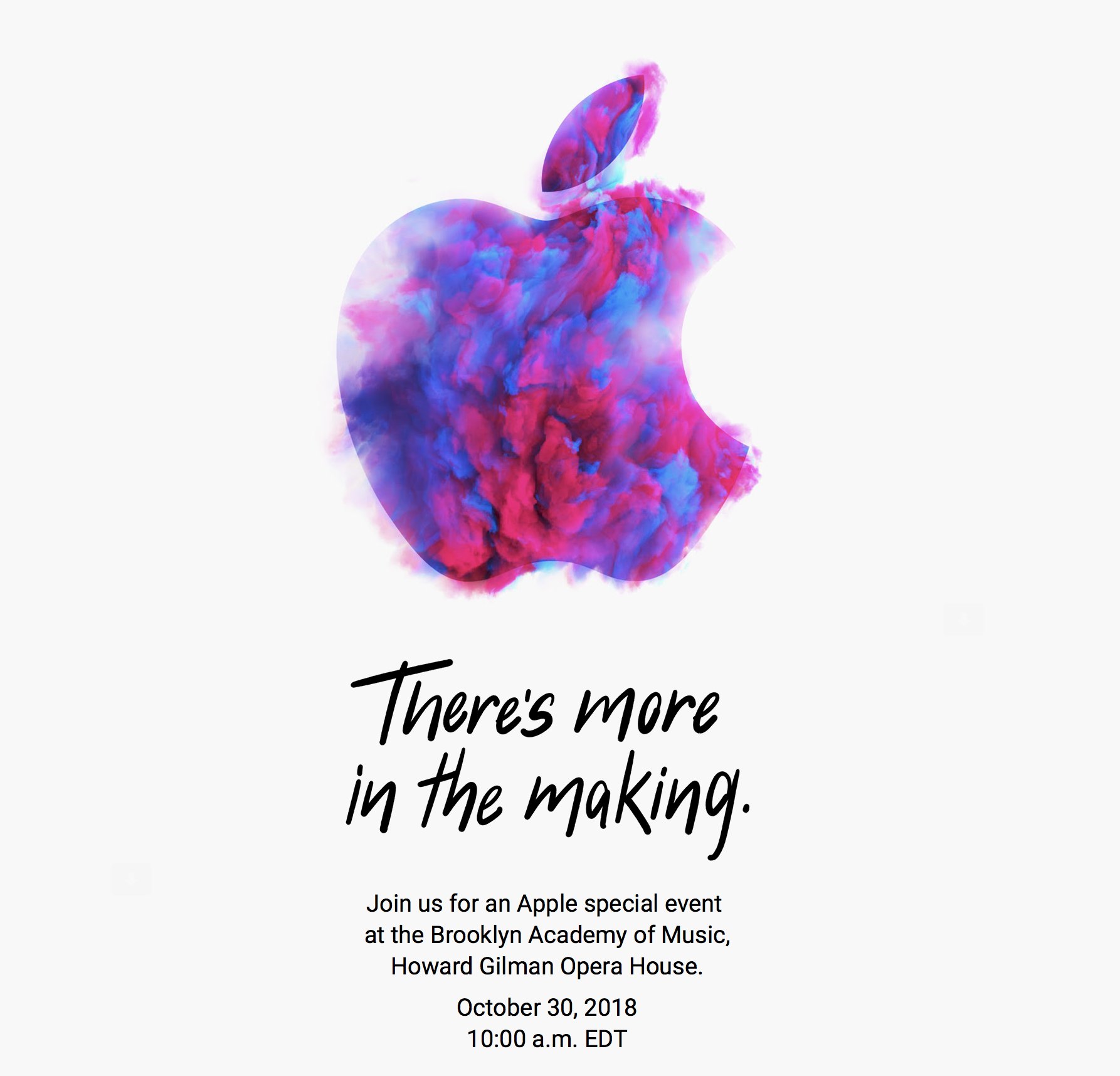
As first reported by Neil Cybart, Apple has announced a media event for October 30, 2018 at 10:00 am Eastern. The event will be held at the Brooklyn Academy of Music, Howard Gilman Opera House.
To announce the event, Apple sent invitations to members of the press with a wide variety of artistic renderings of the Apple logo. The designs are also used on Apple’s event website. Here’s a sampling collected by Sebasiaan de With on Twitter:
Based on rumors that have circulated for months, Apple is expected to introduce new iPad Pros with edge-to-edge screens and Face ID and external display support. There has also been speculation of a redesigned Apple Pencil that will pair with the new iPads using proximity sensing technology and a redesigned magnetic connector on the back of the iPad. It’s possible Apple might use the event to introduce the long-expected AirPower charging mat and new Mac hardware too.
Reigns: Game of Thrones Review

With Game of Thrones on hiatus before its eighth and final season, fans can get their fix of their favorite characters and join in the intrigue with Reigns: Game of Thrones, which was developed by UK-based Nerial and published by Devolver Digital. The announcement of the game in August came as something of a surprise because it’s not often that a media company the size of HBO entrusts the characters and story behind one of its most popular shows to a small independent game studio. At the same time, however, the combination felt like a perfectly natural evolution of the Reigns series. Reigns: Game of Thrones, which was released today, doesn’t disappoint.
Pixelmator Pro Updated with Machine Learning Auto Enhancement, Light and Dark Modes, and Automator Actions
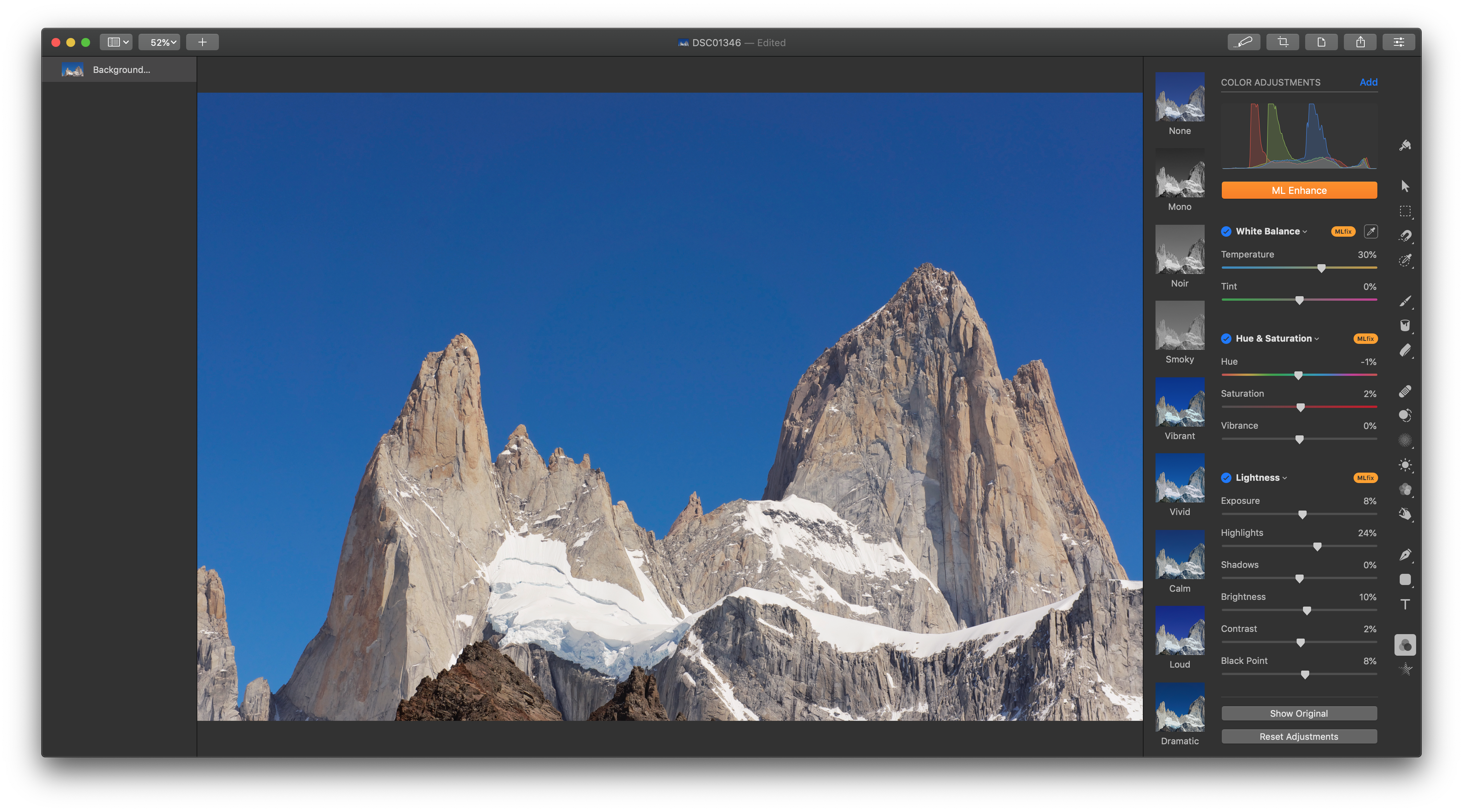
Pixelmator Pro for the Mac was updated to version 1.2 today with a handful of enhancements centered around macOS Mojave.
The update includes light and dark modes, which can be set in Preferences to follow the mode picked in System Preferences or full-time light or dark mode. Dark mode closely resembles Pixelmator Pro’s existing UI, but its light mode is brand-new.
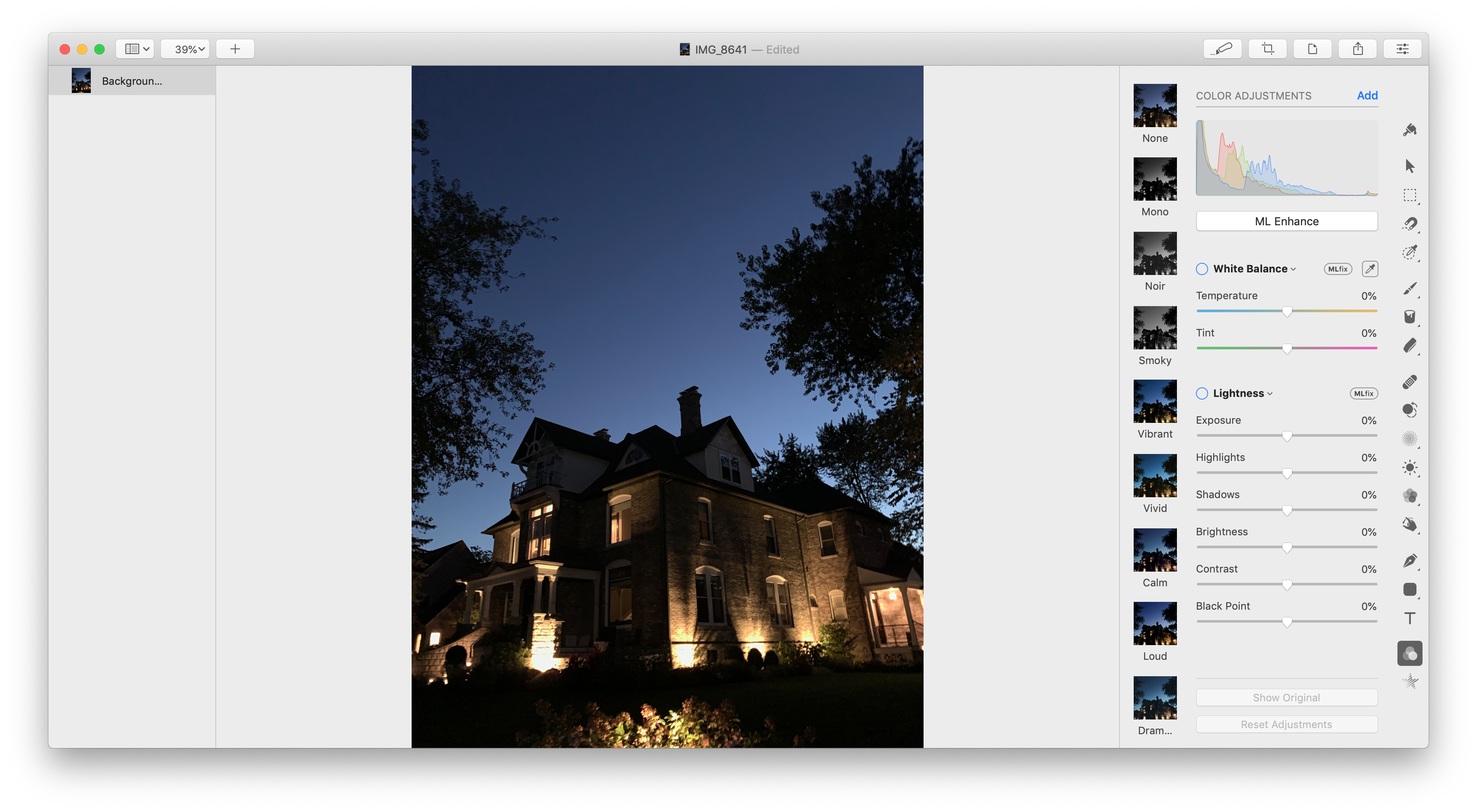
Pixelmator Pro 1.2 has also added a new auto-enhance feature for images that applies machine learning to automatically adjust white balance, exposure, hue and saturation, lightness, color balance, and selective color. Previously auto-enhancement was available individually for some of the categories in Pixelmator’s Adjust Colors tab. The new ML Enhance feature, which the Pixelmator team says was trained with millions of professional photos, adjusts all of the categories listed above at once. If you don’t like the results, the adjustments can be turned off on a per category basis or adjusted manually.
BestPhotos Offers Streamlined Photo Management
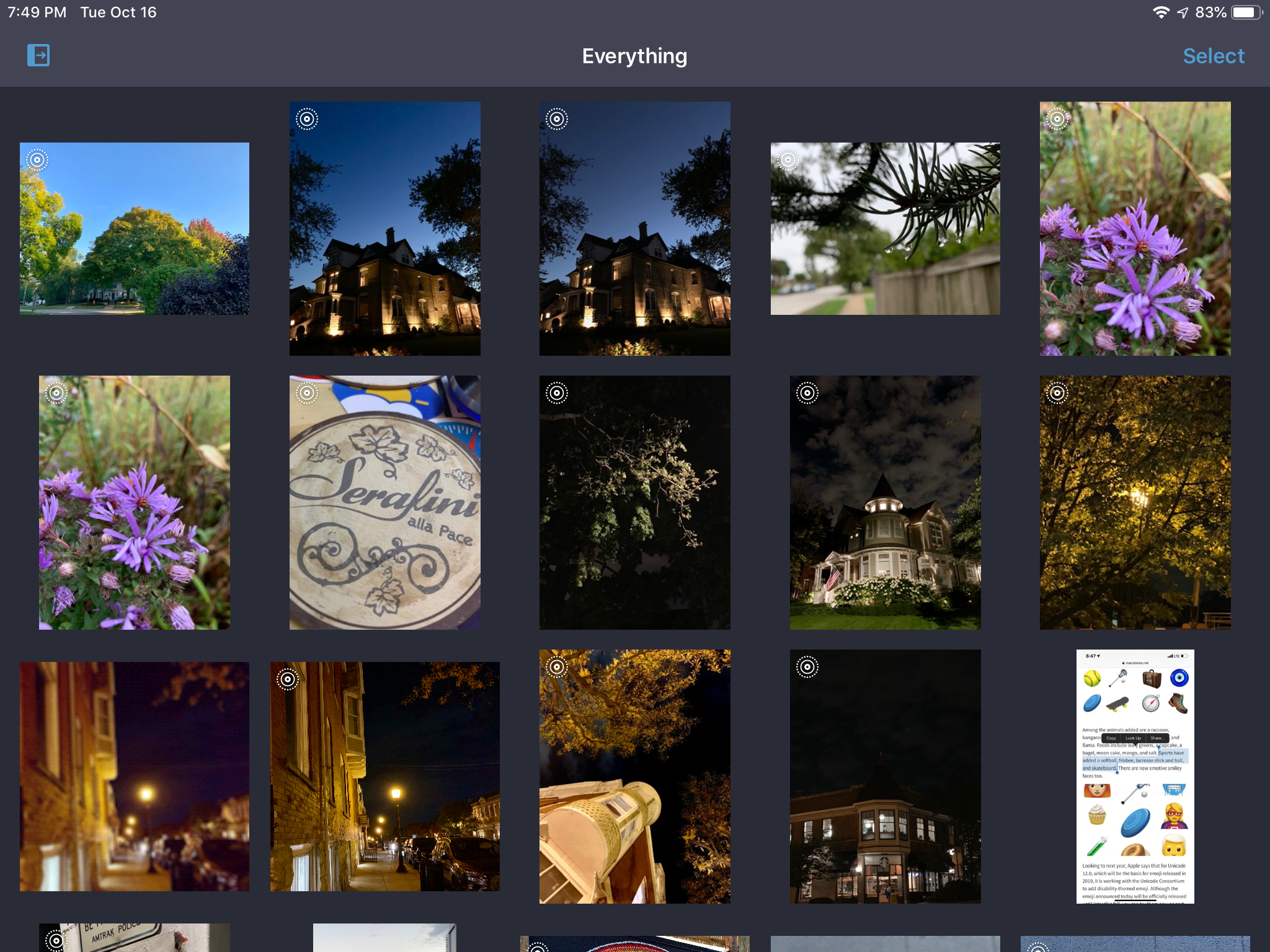
BestPhotos, a photo management app from Chicago-based Windy Software that we’ve covered on Club MacStories before, was updated today with new features for quickly and efficiently organizing your photos. I take thousands of pictures each year and sometimes it feels like I take even more screenshots. Sifting through to find the best shots and discard old screenshots, duplicates, and just plain bad photos takes a lot of tapping and time in Apple’s Photos app. BestPhotos is a better solution that streamlines the whole process.
App Bundles Are Coming to the Mac App Store→
In a brief post on Apple’s Developer news site, the company announced that it is adding support for app bundles to the Mac App Store. According to the post:
…now, you can create app bundles for Mac apps or free apps that offer an auto-renewable subscription to access all apps in the bundle.
The post points to developer documentation on creating app bundles that that has been revised to mention Mac apps. The process for setting up a bundle, which will allow developers to offer up to 10 Mac apps as a single purchase, appears to be the same as it is for iOS developers. Unfortunately for those developers with iOS and macOS apps, it does not appear possible to create a mixed bundle of iOS and Mac apps.
AppStories, Episode 83 – Frequently-Used Shortcuts, Part 1→
On this week’s episode of AppStories, we discuss some of our most frequently-used shortcuts for work and our personal lives.
Sponsored by:
- Luna Display - The only hardware solution that turns your iPad into a wireless display for your Mac. Use promo code APPSTORIES at checkout for 10% off.
- CleanMyMac X - Your Mac. As good as new.

AppStories Episode 83 - Frequently-Used Shortcuts, Part 1
0:00
35:05
35:05






Developers Show What They Could Make if Apple Opened Up Watch Face Development
Last week we linked to Marco Arment’s article critiquing Apple’s watch faces and calling for Apple to open up watch face design and development to third parties. By the next day, Steve Troughton-Smith had an Xcode project up and running that uses SpriteKit to simulate custom watch faces. Troughton-Smith posted pictures of the watch faces he created on Twitter, which drew a lot of interest from other developers.
Troughton-Smith uploaded his watch face project to GitHub, and in the days that followed, developers, including David Smith, who’s been making Apple Watch apps for his health and fitness apps since the Series 0 was introduced, began playing with Troughton-Smith’s code. Writing about the experience on his website Smith said:
There is something delightful about solving a problem that is superficially so simple and constrained. The constraint leads to lots of opportunities for creative thinking. Ultimately you just need to communicate the time but how you do that can take countless different forms. It reminds me of the various ‘UI Playgrounds’ that have existed in app design. For a while it was twitter clients, then podcast players and weather apps.
I spent the weekend following along as Troughton-Smith, Smith, and others designed all manner of personalized watch faces. The experience reminds me of the flurry of activity and excitement during the first months after the iPhone was released when developers reverse-engineered Apple’s APIs to create the first jailbroken apps even before there was an App Store. Let’s hope that history repeats itself and Apple opens up watch face development to third parties like it did with apps.
Below and after the break, we’ve collected tweets following Troughton-Smith’s work and showing off some of the designs that have been created over the past several days.
https://twitter.com/stroughtonsmith/status/1049733933175369729
https://twitter.com/stroughtonsmith/status/1049739746967203840
https://twitter.com/stroughtonsmith/status/1050010561151475712
https://twitter.com/stroughtonsmith/status/1050022867738484736
Running a Mac from an iPad or iPhone with Remote Control for Mac
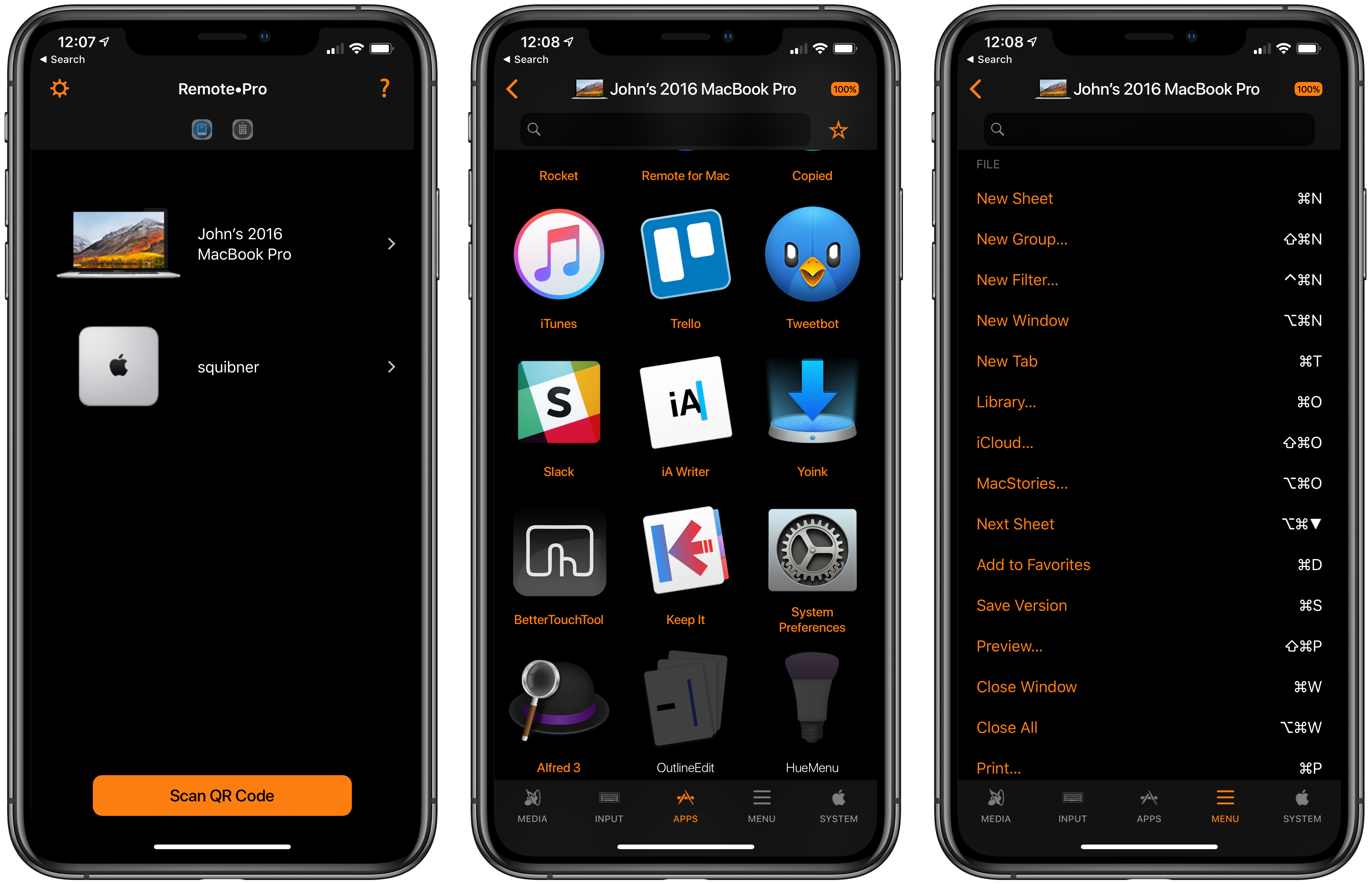
Evgeny Cherpak’s iOS app, Remote Control for Mac, has been updated with Siri shortcut support, which opens up some interesting ways to control a Mac with shortcuts. I’ve been using the app’s new Siri shortcuts for about a week and, as I covered on AppStories today, the shortcuts I’ve created that incorporate Remote’s functionality are already ones that I use every day.