John is MacStories' Managing Editor, has been writing about Apple and apps since joining the team in 2015, and today, runs the site alongside Federico.
John also co-hosts four MacStories podcasts: AppStories, which covers the world of apps, MacStories Unwind, which explores the fun differences between American and Italian culture and recommends media to listeners, Ruminate, a show about the weird web and unusual snacks, and NPC: Next Portable Console, a show about the games we take with us.
We’ve all been there. You’re signing up for a new service or creating an account for a new app, and you’re asked to pick a password. You know you should use a strong, random password, but in a rush to get started, you take the easy path and choose a weak, memorable password instead because it’s the path of least resistance.
Apple has been pushing back against those bad habits with new iOS features designed to combat password reuse by flipping the calculus on its head. In an excellent presentation given at PasswordsCon 2018 in Stockholm, Sweden last week, Apple engineer Ricky Mondello explains the iCloud Keychain features implemented in iOS since iOS 11 and the thinking behind them. He also provides tips and resources for web and app developers who want to integrate better with those features.
What I especially like about Mondello’s talk is the insight into the thought and effort that’s gone into making good passwords easy to create. It’s not something I’ve thought about much before, which I take as a sign that Apple’s Safari and iCloud Keychain engineers are succeeding.
The presentation is also fascinating from a design and user experience standpoint. As Mondello explains, people are ill-suited to create and remember random passwords. It’s a problem that’s right in a computer’s wheelhouse, but one that also requires users’ trust and an understanding of their habits to solve.
I recommend watching Mondello’s talk. There are a lot of interesting implementation details throughout the talk and insights into the thinking behind them, which are approachable whether you have a background in the topics covered or not.
The company also introduced Swift Coding Club materials to help teach coding outside of the classroom with Swift, Apple’s easy-to-learn programming language used by professional developers to create world-class apps. And to help prepare and develop students for the workforce, the company unveiled new Advanced Placement curriculum and App Development with Swift certification.
This is the sixth year that Apple has participated in the Hour of Code. Participants from 6 - 12 years old will learn to code with robots, while kids 12 and up will use Swift Playgrounds and the iPad.
The Hour of Code is just a small part of Apple’s Everyone Can Code initiative, which has dramatically expanded in recent years. The program now reaches children from their earliest years in school through college graduates.
My kids have participated in past Hour of Code sessions and had a great experience. They are an excellent introduction to coding for any kid who is curious about programming. I suggest signing up soon if you’re interested though because in past years, the sessions, which should go live soon, have filled quickly.
Question: Is there an easy way to see the current price of In-App Purchases you’ve already bought? I quite often hear about sales in other countries for apps or games that I’d want to recommend, but can’t work out how to check if the sale applies in my region. (James McAdams)
Not long ago, I wanted to provide design feedback to Federico on a few aspects of the MacStories website. I took a screenshot of the homepage and started marking it up with my Apple Pencil on my iPad, but I wasn’t happy with the results. My scratchy notes didn’t do a good job of...
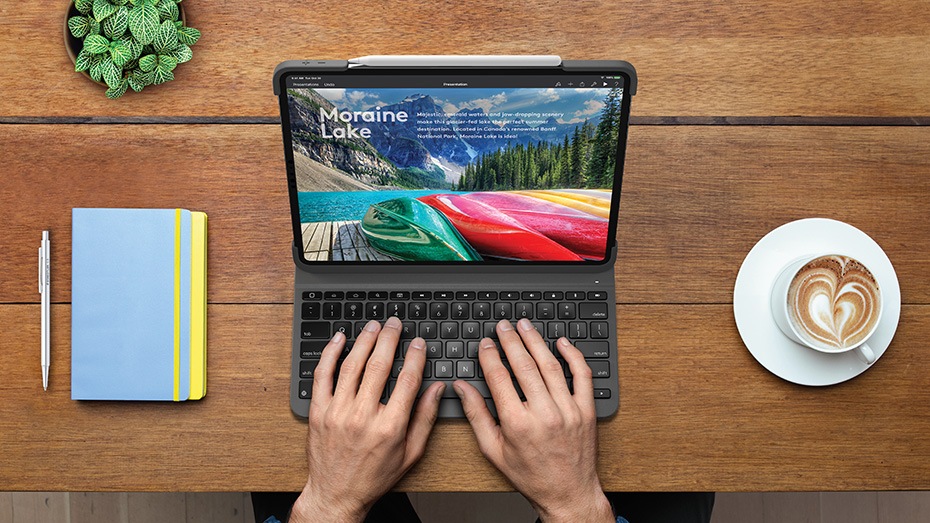
PDF Viewer Pro PDF Viewer, my favorite app to edit PDFs on iOS thanks to its support for the Files app and other modern iOS technologies, was updated this week with even deeper Apple Pencil integration. On the new iPad Pros with the second-generation Apple Pencil, PDF Viewer now takes advantage of the double-tap...
Spending too long in the sun can damage your skin. By the time you have a painful sunburn, it’s too late; you’ve already overdone it. You can plan your day based on the UV forecast in a weather app, but forecasts are no guarantee of the actual conditions and can’t account for how long you’re exposed to harmful UV-A and UV-B rays.
The awkwardly-named My Skin Track UV sensor by La Roche-Posay is designed to pick up where forecasts leave off by measuring your actual exposure to harmful UV rays throughout the day without needing to be charged. It’s a remarkably small wearable sensor with a companion app that reports other environmental data too.
The My Skin Track UV sensor performed well in my testing, and I felt like it provided useful, actionable data about potentially harmful conditions that would be hard to judge without the device. The lack of charging and diminutive size makes the My Skin Track UV sensor easy to carry with you all day too. The trouble is, the My Skin Track UV is so small and light, and the clip is just slippery enough, that it’s easy to misplace or lose altogether, which I promptly did. Here’s what happened.
Apple has released its annual holiday ad titled ‘Share Your Gifts.’ The video tells the story of Sophia, a creative young woman who uses a MacBook to write but puts her finished work in a box where no one can see it. Set to ‘come out and play’ by Billie Eilish, the story follows Sophia over time as she continues to write and pursue other creative avenues always hiding them from others.
In the heart-warming conclusion of the video, Sophia’s dog pushes her window open causing the pages of her printed writing to blow out the window into the streets. Sophia races outside after the sheets of paper, but can’t retrieve them before townspeople pick them up and start reading with smiles on their faces as they enjoy her writing.
The video was released with an accompanying ‘making of’ video that shows how much went into the piece, which combines hand-built miniature sets and CG graphics. It’s a fascinating look at how much care and work went into making the nearly three-minute video.
I’ve always enjoyed Apple’s holiday ads and this year’s is no exception. The message of sharing your creativity as a way of connecting with others is a great message for the holiday season that also fits well with the company’s products.