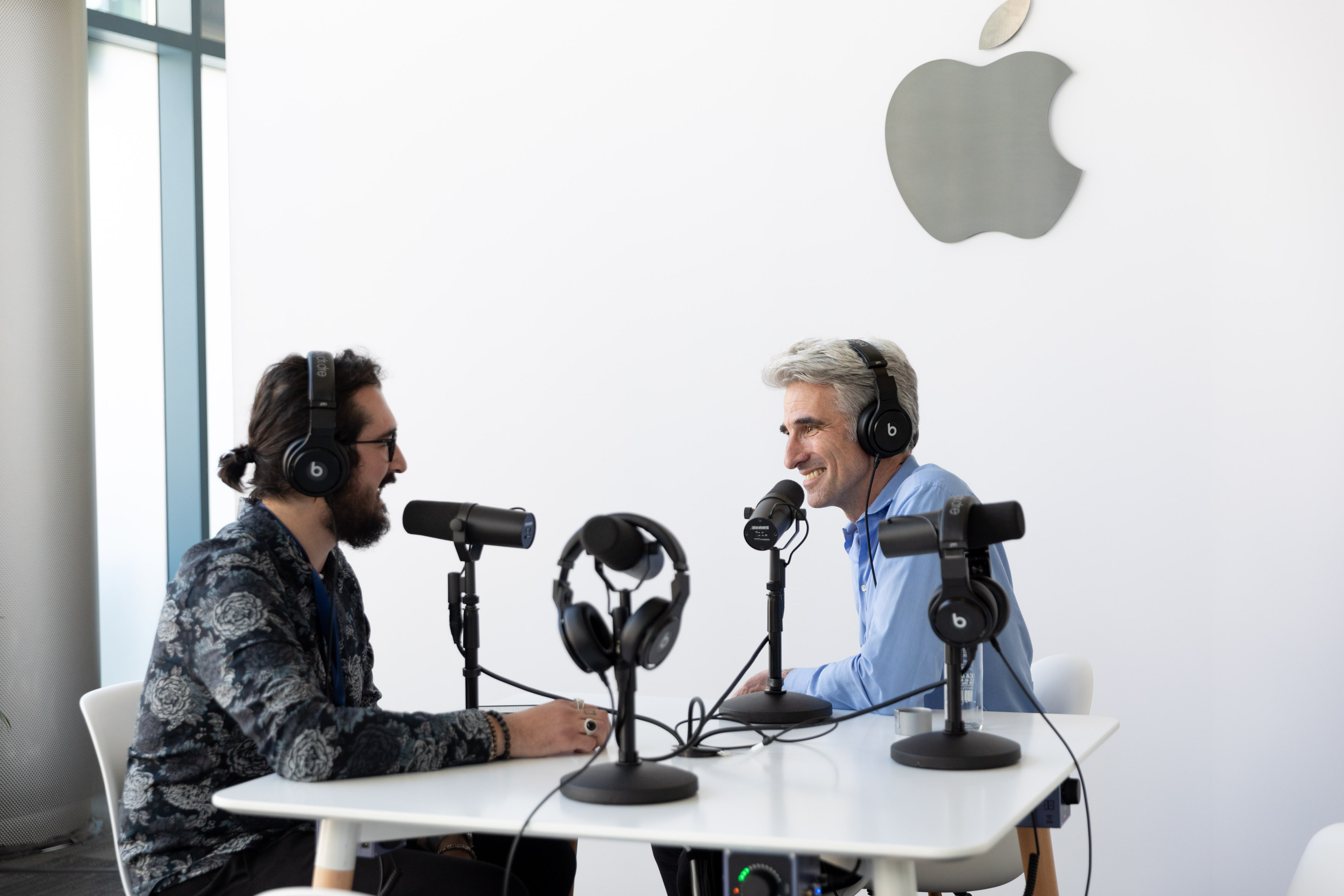
Today, we published the second part of our Dialog interview with John Gruber of Daring Fireball. You can find the episode here or listen in the Dialog web player below.
Like Federico, John Gruber was one of the first people I thought of when we began planning this first season of Dialog about writers and writing. Daring Fireball was an inspiration for me too, but in a slightly different way.
I first met Gruber in 2012 at the first Úll conference in Dublin, Ireland, where he was a surprise speaker. That was before I built my first iOS app or was writing or podcasting. I went to Úll on a lark to get a closer look at the iOS developer community I’d been following as I started to teach myself Objective-C. By the end of three days chatting with Gruber and other writers and developers at Úll, I knew I wanted to be part of that scene, creating my own apps. It would be almost three years before I launched Blink, my first app that drew any attention, and five before I could quit my old job, but that’s precisely why this second part of our interview with Gruber resonated with me.
Daring Fireball started like many indie businesses: as a labor of love that Gruber wrote on the side while working another job. The site didn’t earn enough to make it a full-time job at first, but over time it grew, and Gruber was faced with a choice. Daring Fireball had reached a point where it had a shot at supporting him and his family, but not unless he quit his day job, which he did.
In the latest installment of Dialog, we continue our conversation about the difficulty of making it as an indie writer online today. Gruber discusses how his priorities have shaped Daring Fireball, the audience for whom he writes, and maintaining the site’s relevance long-term.
Of course, no interview with Gruber would be complete without talking about Markdown. Although we nearly forgot to ask about it, I’m glad we did because it’s not easy to remember that Markdown, which debuted 15 years ago, took a while to catch on. Markdown’s human-readable syntax may not have clicked with writers on the web in 2004, but as more people who didn’t have experience with HTML started their own websites, Markdown gained momentum. Today, it’s used on all sorts of platforms and in text editors, blogging tools, and even Apple’s own Xcode IDE.
As we conclude our first Dialog interview, I want to thank John Gruber for taking the time to be our first guest on Dialog. Next week, we’ll begin a two-part interview with singer-songwriter Frank Turner, who we caught up with as he passed through Madison, Wisconsin on tour last month. I’m excited to share those episodes for a couple of reasons. First, it was a personal thrill to interview Turner, whose music I love. Second, while the conversation is a departure from what you likely hear on a lot of your favorite tech podcasts, there are fascinating parallels between John Gruber’s writing on Daring Fireball and Turner’s songwriting, which is precisely what we’d hoped for when we began this season.
Finally, thanks for listening. If you missed the first part of our interview with John Gruber you can listen to it here, and you can subscribe to the podcast here. Also, if you’re enjoying the show, please take a moment to rate it in iTunes or recommend it in Overcast to help others discover it.










 Federico