
Undoubtedly, the greatest strength of Obsidian is the extensive number of plugins available that extend the app’s functionality. The community of developers creating and actively maintaining plugins is huge, and with new plugins being released every week, there’s always something new to try. By far, the plugins that I use most are those that remove...
MacStories Unwind: Never Let Me Go by Placebo, Magic Rays of Light, and Slow Horses







This week on MacStories Unwind, Federico provides a detailed look behind the making of Placebo’s latest album, Never Let Me Go, and John recommends the podcast Magic Rays of Light and the Apple TV+ show Slow Horses.
Sponsored by:
Kolide: Endpoint security for teams that Slack. Try Kolide for 14 days free; no credit card required.
This Week on MacStories Unwind
Automation April Update
Federico’s Pick:
- Never Let Me Go by Placebo
- More about Never Let Me Go and Placebo
John’s Picks:
- Magic Rays of Light hosted by Sigmund Judge and Devon Dundee of Screen Times
- Slow Horses on Apple TV+
Automation April: A Three-Part Shortcuts Workflow for Syncing Timestamped Research Notes with Videos
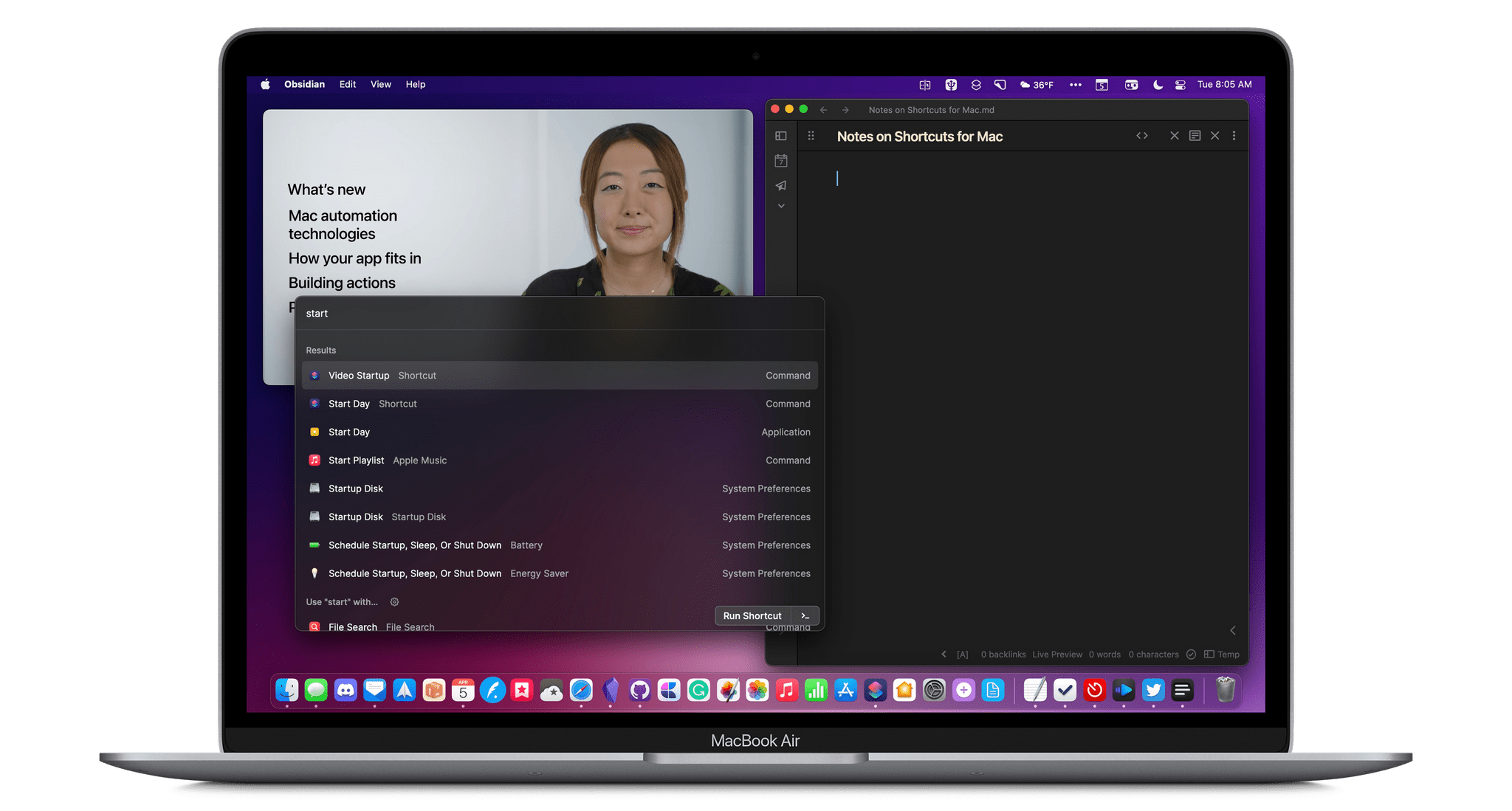
Whenever I review notes I’ve taken on a video, I inevitably want to go back to rewatch parts of it. However, finding the right segment is a slow, cumbersome chore, which is why I’ve created Timestamped Notes, a trio of shortcuts that are optimized for the Mac, but adaptable to iPadOS, to automate the process of creating timestamped notes without interrupting your typing.
There are two scenarios where I use or plan to use these shortcuts a lot. The first is during Apple events when I’m under time pressure to get stories out and don’t have the luxury of scanning through large sections of a presentation as I write. Timestamped Notes got its first real-world test with Apple’s March event and passed with flying colors.
The second scenario where I’ll use Timestamped Notes a lot is during WWDC. I take lots of notes as I watch recorded presentations, but I often don’t revisit the notes I take for days or weeks later. If I need to refresh my memory of what was said during the session by skipping back through the session, Timestamped Notes will be what I use. No matter what kind of video or audio you take notes on, though, if there’s a chance you’ll want to go back to the source material, Timestamped Notes makes finding what you took notes on much easier.
Part of the inspiration for this shortcut came from a series of articles by Jason Snell and Dan Moren on Six Colors. They built a Stream Deck-powered shortcut for taking timestamped notes to highlight portions of podcast audio that needed editing. I built a similar shortcut at the time but abandoned it because it didn’t fit with the way I edit podcasts. However, the experience got me thinking about other ways to use timestamped notes that might fit better in other scenarios, which is what led to Timestamped Notes.
Timestamped Notes addresses three problems:
- Creating a clean starting point, so your timestamped notes line up properly with the start of the video you watched
- Providing a simple and fast way to create a timestamp that doesn’t interrupt the note-taking process
- Converting clock-based timestamps, so they line up with a video’s timeline, which starts at 00:00:00.
The solution was to create three separate shortcuts, which I’ll cover in turn.
AppStories, Episode 268 – Automation April: Our Shortcuts Setups→
This week on AppStories, we introduce Automation April, a month-long community celebration of automation on Apple’s platforms and share our Shortcuts library setups.
Sponsored by:
- Kolide – Endpoint security powered by people. Try Kolide for 14 days free; no credit card required.
- Things – The award-winning to-do app
- Sourcegraph – Universal Code Search. Move fast, even in big codebases. Try it now.
](https://cdn.macstories.net/banneras-1629219199428.png)
On AppStories+, we take listeners on a behind-the-scenes look at the origins of Automation April.
We deliver AppStories+ to subscribers with bonus content, ad-free, and at a high bitrate early every week.
To learn more about the benefits included with an AppStories+ subscription, visit our Plans page, or read the AppStories+ FAQ.
Apple Announces That WWDC 2022 Will Be Online-Only June 6 - 10
Apple has announced that WWDC will be an online-only event again this year, running from June 6-10, 2022, but with a limited in-person event for developers and students. The company also opened submissions for the Swift Student Challenge from now through April 25.
In a press release issued by today, Susan Prescott, Apple’s Vice President of Worldwide Developer Relations and Enterprise and Education Marketing said:
At its heart, WWDC has always been a forum to create connection and build community. In that spirit, WWDC22 invites developers from around the world to come together to explore how to bring their best ideas to life and push the envelope of what’s possible. We love connecting with our developers, and we hope all of our participants come away feeling energized by their experience.
Here’s what Apple has to say about a special day planned at Apple Park during the conference:
In addition to the online conference, Apple will host a special day for developers and students at Apple Park on June 6 to watch the keynote and State of the Union videos together, along with the online community. Space is limited and details on how to apply to attend will be provided soon.
Although there are benefits to a fully in-person event that can’t be replicated online, the past two years were both widely considered to be successes. In 2020 and 2021, Apple released dozens of excellent videos about its latest APIs and conducted online lab sessions for developers that received high marks. Although Apple hasn’t released details about this year’s online format yet, it’s a safe bet that it will be similar to last year. It’s also nice to see an in-person component added, though limited in scope.
I still hold out hope that WWDC will be a fully in-person event again someday, but this year clearly isn’t the right year. Still, it’s been far too long since I’ve seen many of the developers and friends I’ve made at the conference over the years. It would be a shame if people who have never been to WWDC never get to experience it in person.
Of course, MacStories readers can expect the same kind of comprehensive WWDC coverage we do every year. We’ll have extensive coverage on MacStories and AppStories, which will extend to Club MacStories too.
Last Week, on Club MacStories: Automation April, MacStories Unplugged, a Developer Interview, a Reader Setup
Because Club MacStories now encompasses more than just newsletters, we’ve created a guide to the past week’s happenings along with a look at what’s coming up next:
Automation April

Last Friday marked the launch of Automation April, a month-long celebration of automation on Apple’s platforms. Each week during April we’ll be doing giveaways in MacStories Weekly and in our Club MacStories+ Discord community. Between the two, we have over 20 participating apps.
Last week we kicked things off with a MenuBar Stats giveaway in MacStories Weekly and 50% off the first year of Ulysses discount for Club MacStories+ and Premier members that is available throughout April by visiting the Club Discounts page.
MacStories Weekly: Issue 314
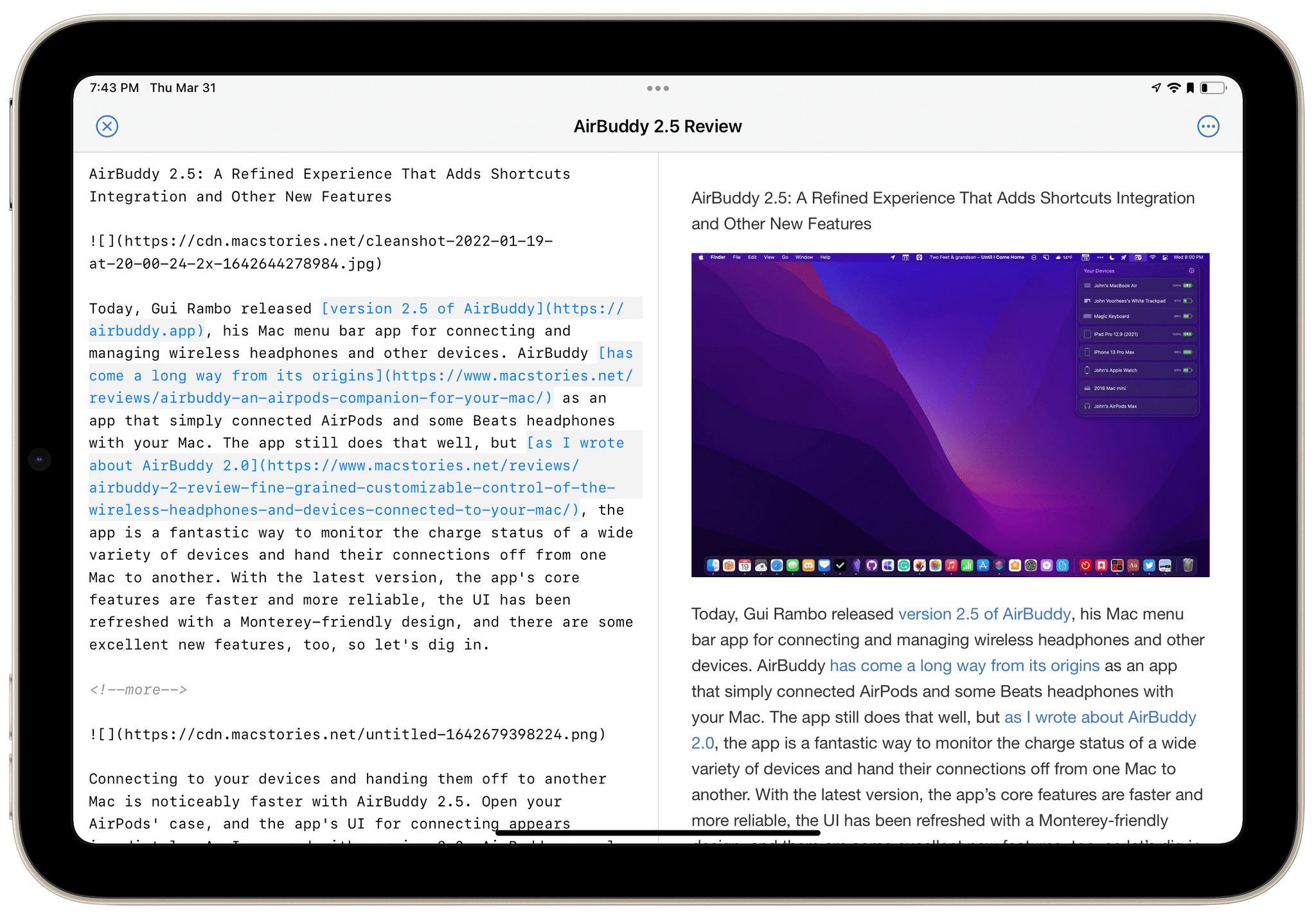
- Typewriter
- Federico has a tip on rescheduling tasks to a specific day using GoodTask
- A new episode of MacStories Unplugged all about Federico and John’s shifting videogame setups and the web-based design tool Excalidraw
- A MenuBar Stats giveaway
- An interview with Mario Guzman about Music Widget and his other projects
- Robb Knight’s videogame setup
- Plus:
- App Debuts
- Highlights from the Club MacStories+ Discord
- Interesting links from around the web
- A sneak peek at what’s next on MacStories’ podcasts
- and more
Monthly Log: March 2022

- Federico explained his new approach to Reminders, which dispenses with due times in favor of dates only
- John tackled the notion of value and the role it plays in evaluating personal tech purchases and reviews
Up Next
Today at 12:30 PM Eastern US time, we’ll do the first Shortcuts Town Hall Workshop live in the Club MacStories+ Discord Town Hall Voice Chats channel.
We’ll also continue giveaways in the Club Discord community this week and on Friday in MacStories Weekly.
Enter Your Shortcuts in the Automation April Shortcuts Contest
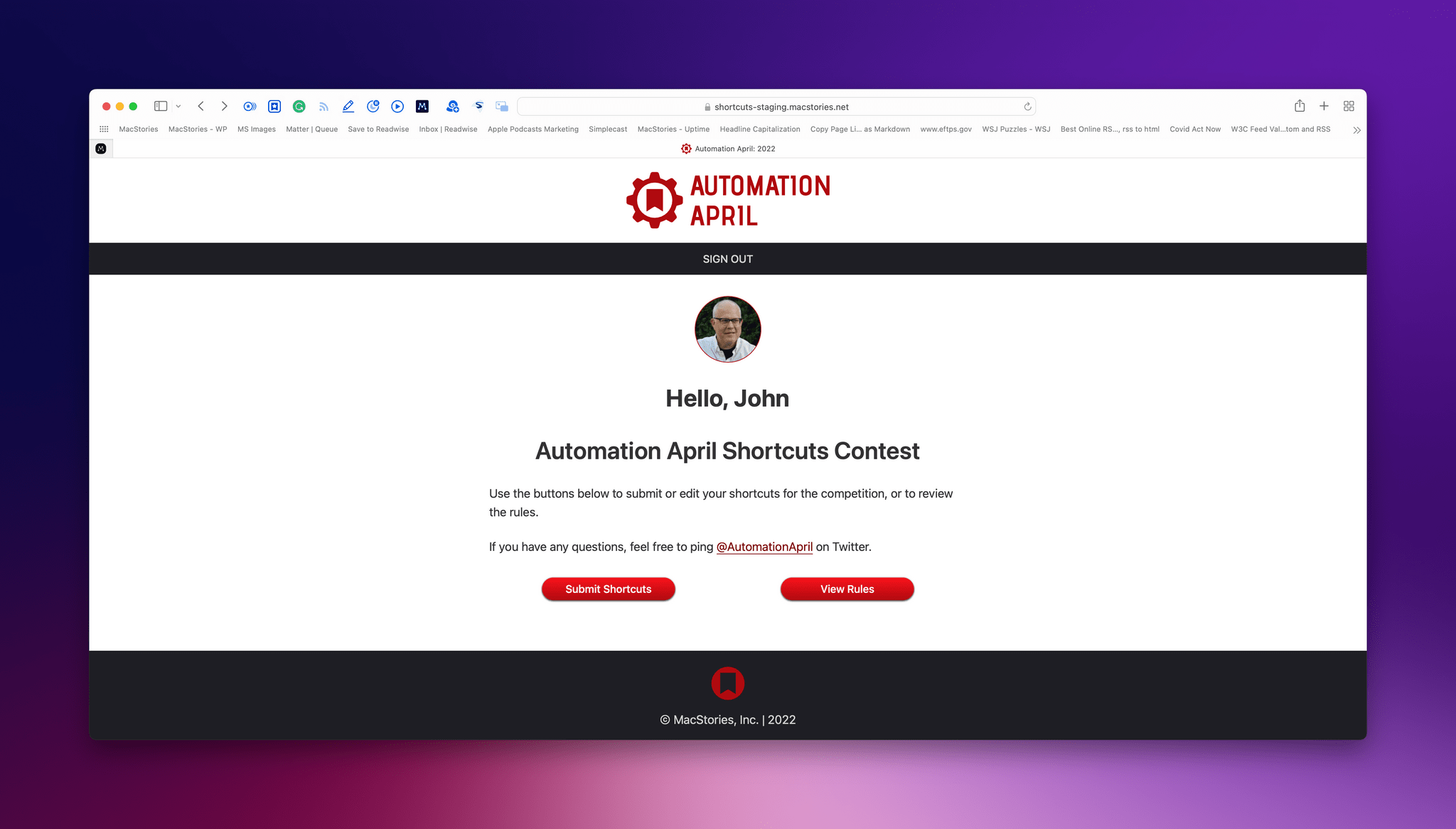
We’re very excited to announce the inaugural Automation April Shortcuts Contest.
When Federico and I hatched the idea for the contest last fall, it quickly became the centerpiece of Automation April. As Shortcuts tinkerers ourselves, we know that the best way to learn automation techniques is by doing, and with the contest, we hope to give the automation community a place to show off their best work and, perhaps, win some fun prizes along the way. The contest is a way to encourage people to explore what’s possible with automation, allow others to benefit and learn from that work, and recognize the best automations in several categories.
Whether you’re a Shortcuts expert or just starting out, we encourage you to participate in the contest. Shortcuts do not need to be complex to win in one of contest’s categories.
Our panel of judges will be evaluating submissions based on originality, performance, design, user experience, and usefulness. Pushing the boundaries of what is possible with Shortcuts is certainly a factor that will be considered in originality, but, at the same time, usefulness doesn’t require complexity, which is something we’ve emphasized often in our writing about Shortcuts. So, no matter your level of experience, we’d love to see what you build.
Entries must be submitted by 5:00 PM Eastern US time on April 20, 2022, so let’s dig into the details.
 Automation April: Our Shortcuts Setups
 Federico
 Typewriter
I use more than one text editor. These days, I write in Obsidian most of the time, but I switch to other editors for specific tasks. When it comes to editing someone else’s work or previewing Markdown files, my go-to app is often Typewriter, a lightweight Markdown editor for the Mac, iPhone, and iPad with...