 App Debuts
...

 App Debuts






This week on MacStories Unwind:
This week on AppStories, we dive back into our favorite iOS and iPadOS 15 and macOS Monterey tips.
On AppStories+, John is back home, which means we’re resuming our normal routines, John covers the gear relied on while traveling to Rome, and Federico shares his first impressions of the M1 MacBook Pro and Shortcuts for Mac.
We deliver AppStories+ to subscribers with bonus content, ad-free, and at a high bitrate early every week.
To learn more about the benefits included with an AppStories+ subscription, visit our Plans page, or read the AppStories+ FAQ.
Apple announced today that its customers will be able to order tools, parts, and manuals to make repairs to iPhones, and later, M1 Macs beginning early next year:
Available first for the iPhone 12 and iPhone 13 lineups, and soon to be followed by Mac computers featuring M1 chips, Self Service Repair will be available early next year in the US and expand to additional countries throughout 2022.
The initial phase of the program will focus on the most commonly serviced modules, such as the iPhone display, battery, and camera. The ability for additional repairs will be available later next year.
Repair materials will be offered in a new store:
The new store will offer more than 200 individual parts and tools, enabling customers to complete the most common repairs on iPhone 12 and iPhone 13.
Also, the company will offer a credit toward new part purchases when used parts are sent back to encourage recycling.
It’s excellent to see Apple expanding customer repair options. As the company notes in its press release, the number of authorized repair providers has expanded in recent years, but not everyone has easy access to existing alternatives. More repair options also address complaints that Apple’s devices are too hard to repair, although there remains room to make more kinds of repairs easier. Still, today’s move is a step in the right direction and one that will be interesting to follow in the coming year.
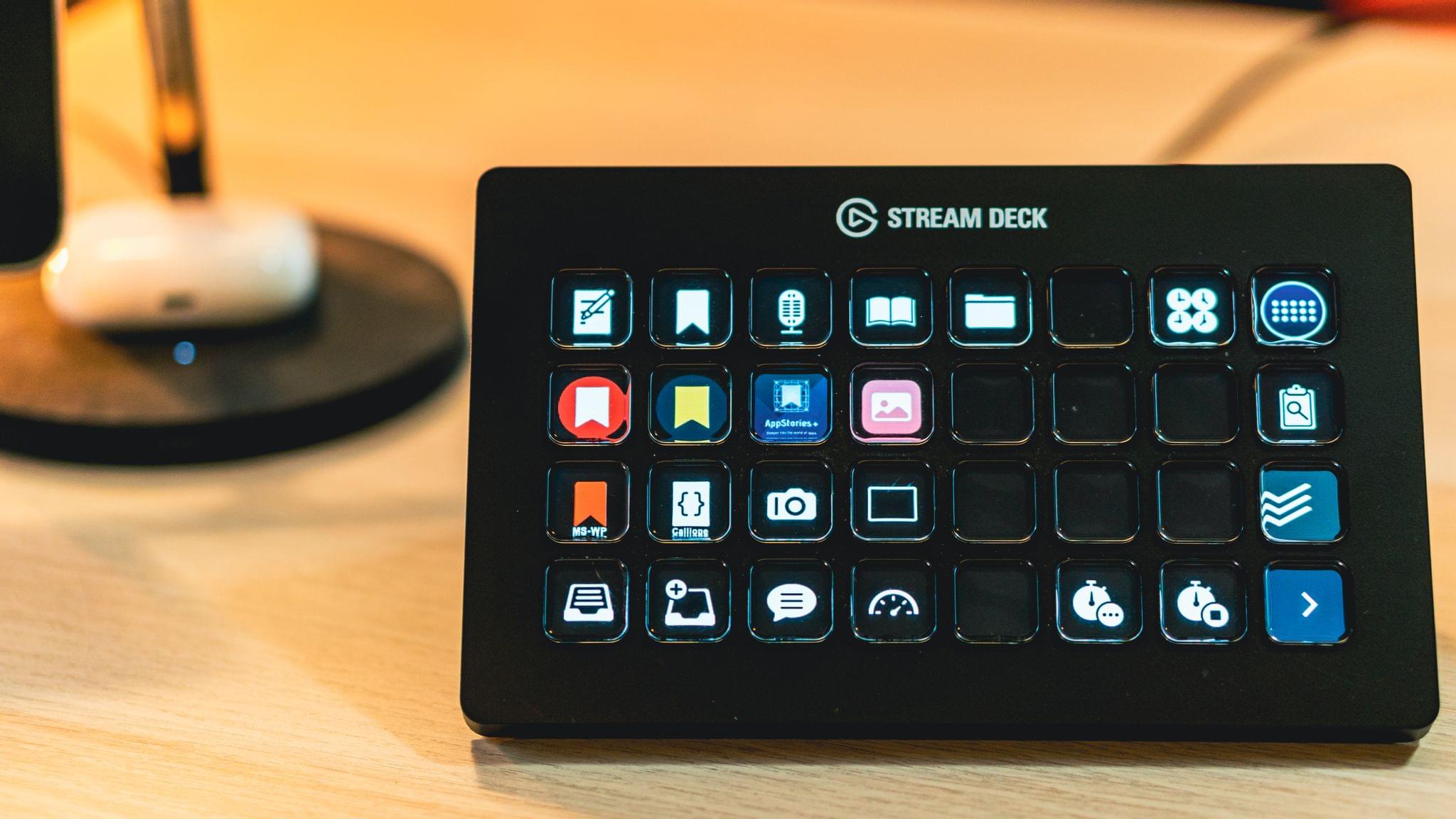
The Stream Deck has been a favorite of Mac users who are into automation for a while now, but the device’s utility has grown substantially for a couple of reasons. First, you can use the Stream Deck to run Shortcuts, which expands the device into an entirely new realm of automation.
Second, the Stream Deck opens up new ways to approach all automation on your Mac that aren’t possible with any single Mac app, allowing you to mix and match different kinds of automation in one interface. It’s a powerful combination that unlocks the ability to organize the automation tools you use to fit with the way you think and work.
To get you started, I’m going to cover:
Let’s dig in.
 More iPhone, iPad, and Mac Tips
Interesting Links
A Downloads Folder Cleanup Shortcut
App Debuts
More iPhone, iPad, and Mac Tips
Interesting Links
A Downloads Folder Cleanup Shortcut
App Debuts 
](https://cdn.macstories.net/banneras-1629219199428.png)

 Federico