 Interesting Links
...

 Interesting Links
App Debuts
Interesting Links
App Debuts






This week on MacStories Unwind:
Albums:
- Screen Violence by CHVRCHES
- If I Can’t Have Love, I Want Power by Halsey
- 30 by Adele
- An Evening with Silk Sonic by Silk Sonic
- Who Am I? by Pale Waves
- SOUR by Olivia Rodrigo
- Knebworth 1996 by Oasis
- Draw Down the Moon by Foxing
- Futures: Phoenix Sessions by Jimmy Eat World
- XOXO: From Love & Anxiety In Real Time by The Maine
- Pressure Machine by The Killers
Album of the Year:
Singles:
Song of the Year:
Albums:
Album of the Year:
Singles:
Songs of the Year:
MacStories and Club MacStories Highlights
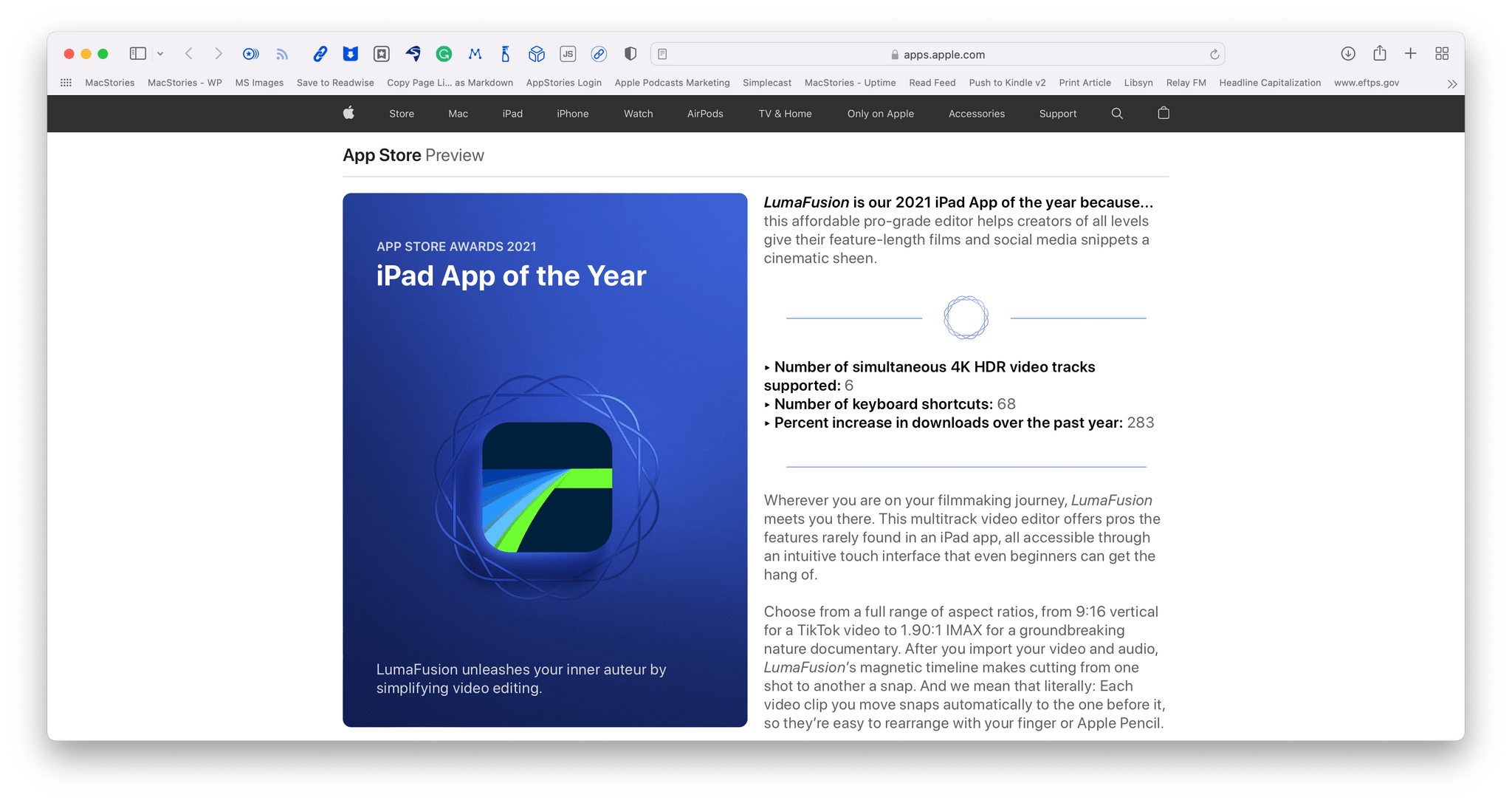
Apple has revealed its annual App of the Year winners. This year, the company picked a collection of 15 apps and games from among the millions available on the App Store, naming them the Apps of the Year. In recent years, Apple has also used its App of the Year awards as an opportunity to highlight trends on the App Store. This year, the company’s App Store editorial team picked just one trend, Connection, sharing a collection of 5 apps that span a wide spectrum of genres.
Just like last year, Apple has honored 15 apps and games as the App of the Year winners from a wide variety of categories. According to Apple’s press release:
“The developers who won App Store Awards in 2021 harnessed their own drive and vision to deliver the best apps and games of the year — sparking the creativity and passion of millions of users around the world,” said Tim Cook, Apple’s CEO. “From self-taught indie coders to inspiring leaders building global businesses, these standout developers innovated with Apple technology, with many helping to foster the profound sense of togetherness we needed this year.”
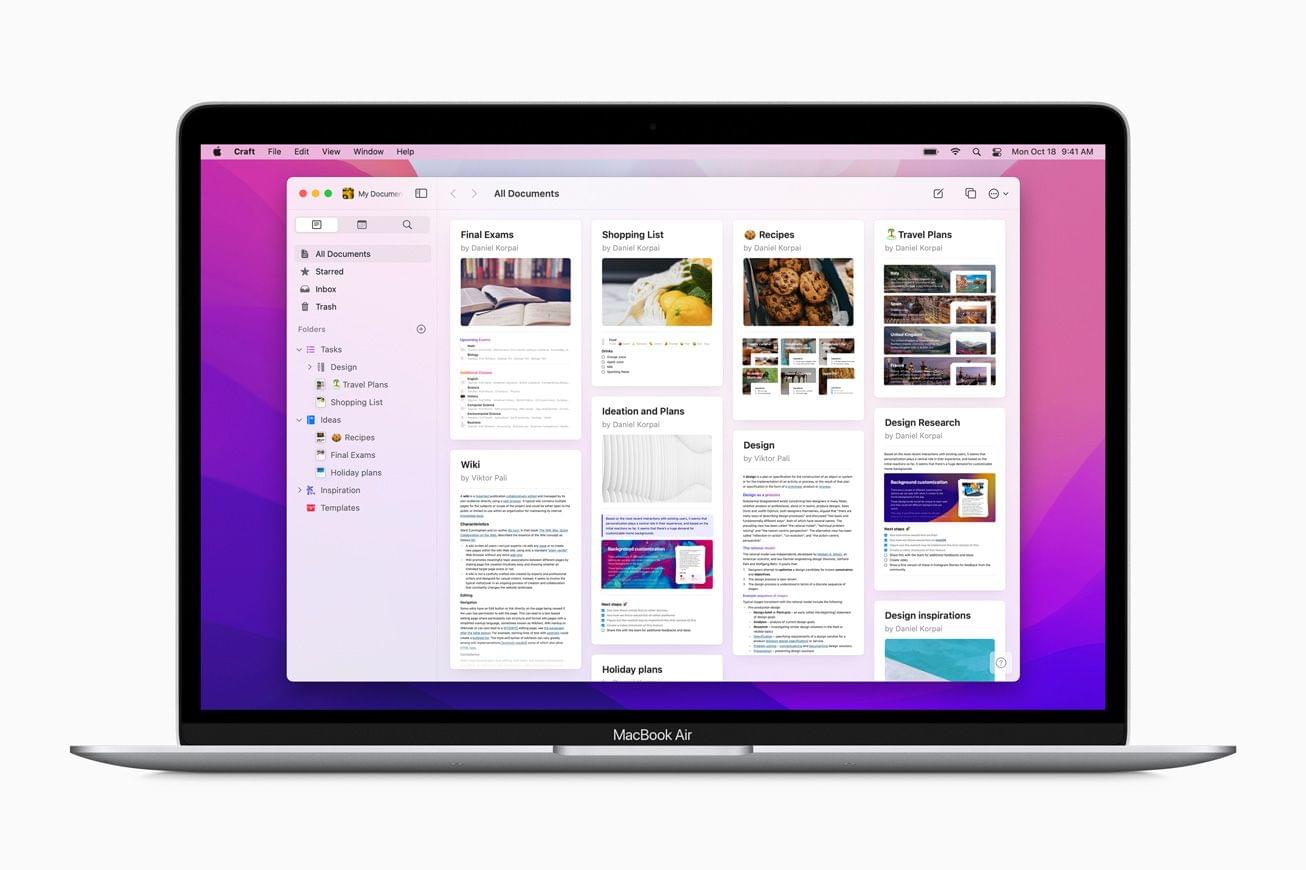
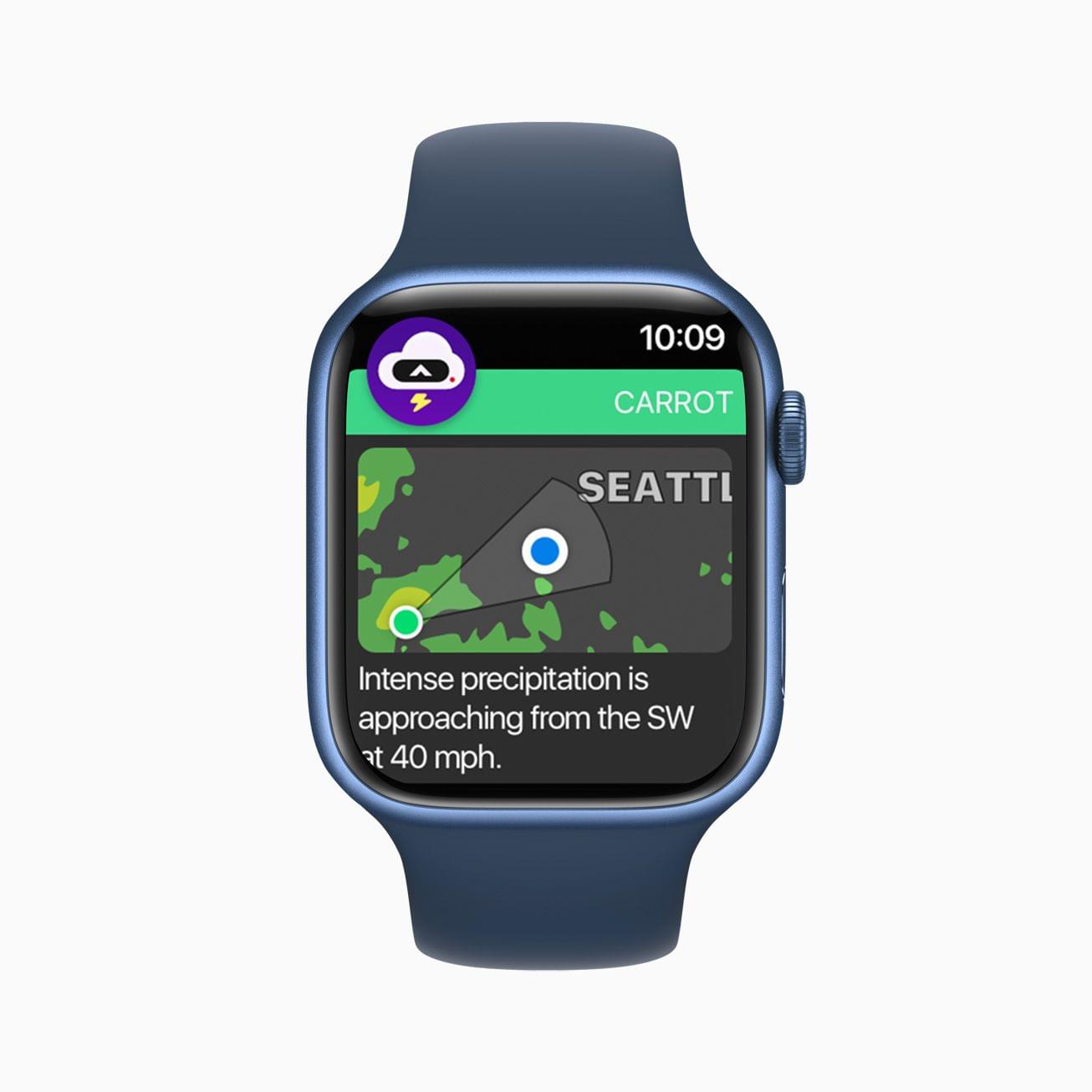
This year’s app winners are:
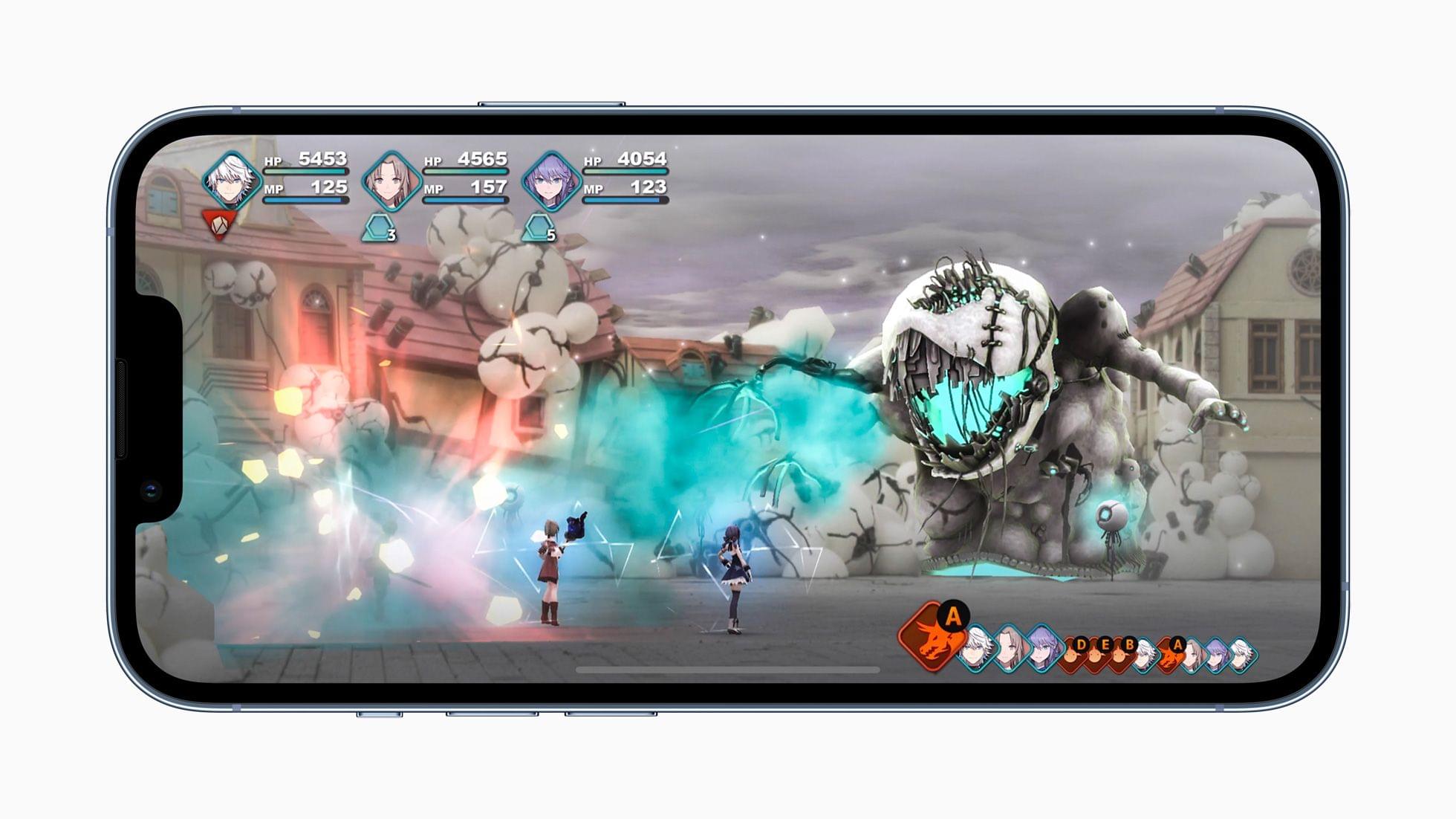
Apple also recognized games on each of its platforms, plus its Arcade service:
The App Store editorial team sees a lot of apps every year, and the trend it saw emerge in 2021 was ‘Connection,’ a theme embodied in the following apps:
In addition to naming this year’s winners, Apple called out each of the developers of the apps and games in a special ‘Developers make all the difference’ story, which links to profiles of each app and game. You’ll also find features on each app and game in Apple’s App Store apps.
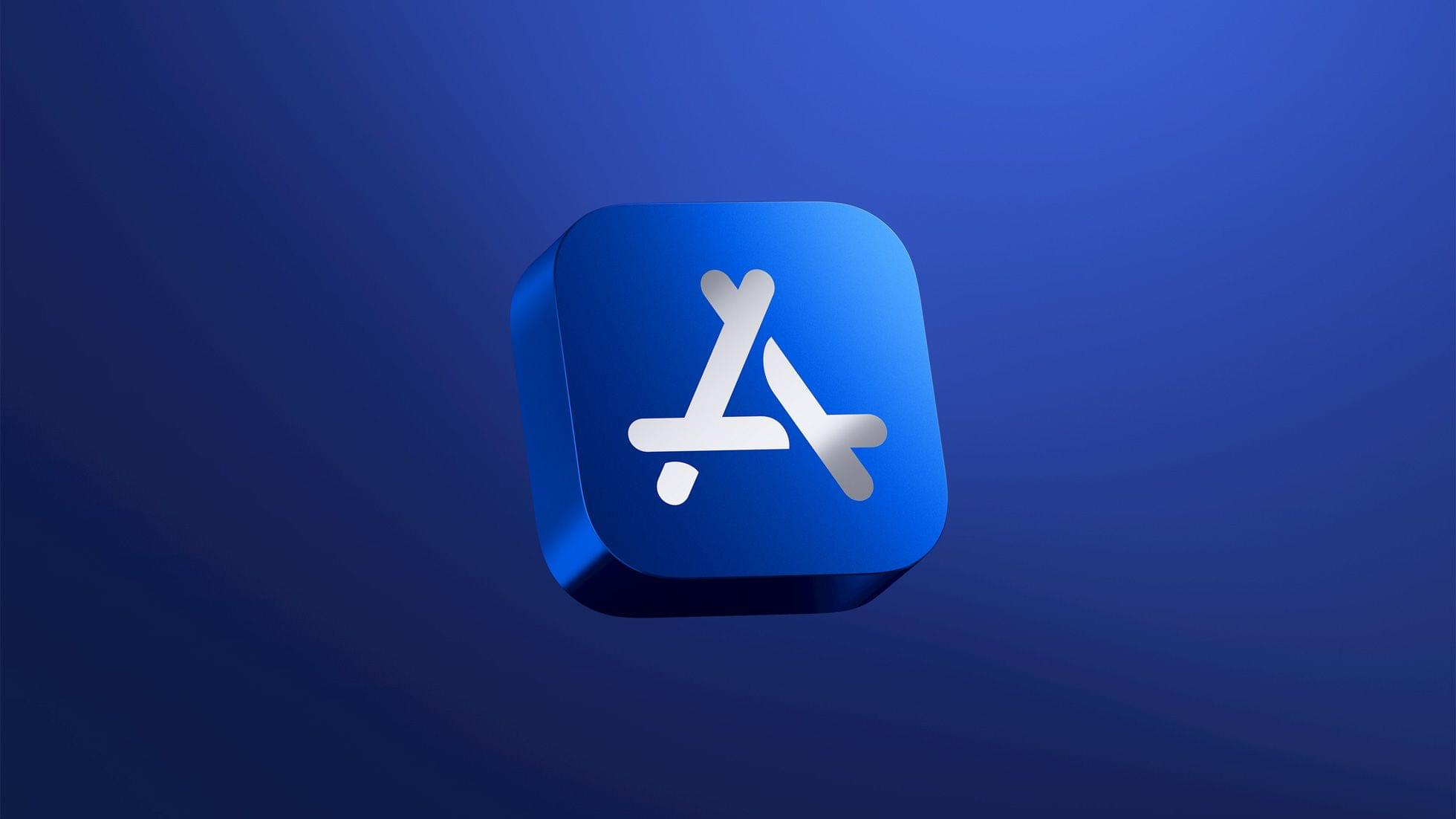
To commemorate this year’s App of the Year winners, Apple’s designers created physical awards, which made their first appearance last year. The blue awards resemble the App Store’s icon and are made from 100% recycled aluminum with the winner’s name engraved on the back.
Picking the best apps of the year isn’t easy, which makes it easy to quarrel with individual picks. However, I think the choices by Apple’s editorial team this year do an excellent job of capturing a wide range of the best that the App Store has to offer.
Congratulations to this year’s Apple App of the Year award winners. I always enjoy seeing developers’ hard work and contributions to Apple’s platforms recognized.
Earlier today on Six Colors, Jason Snell wrote about running Shortcuts from the command line:
I was reminded by Simon Støvring, maker of the excellent Mac and iOS utility Data Jar (which is a persistent data store that’s accessible via Shortcuts), that people may not be aware of just how well integrated Shortcuts is into macOS.
Jason has put his finger on something I think has gone unnoticed by a lot of users. The deep integration of Shortcuts with macOS is its superpower, especially because it’s bidirectional. You can run your shortcuts from the command line and run command line scripts in your shortcuts. The same goes for AppleScript.
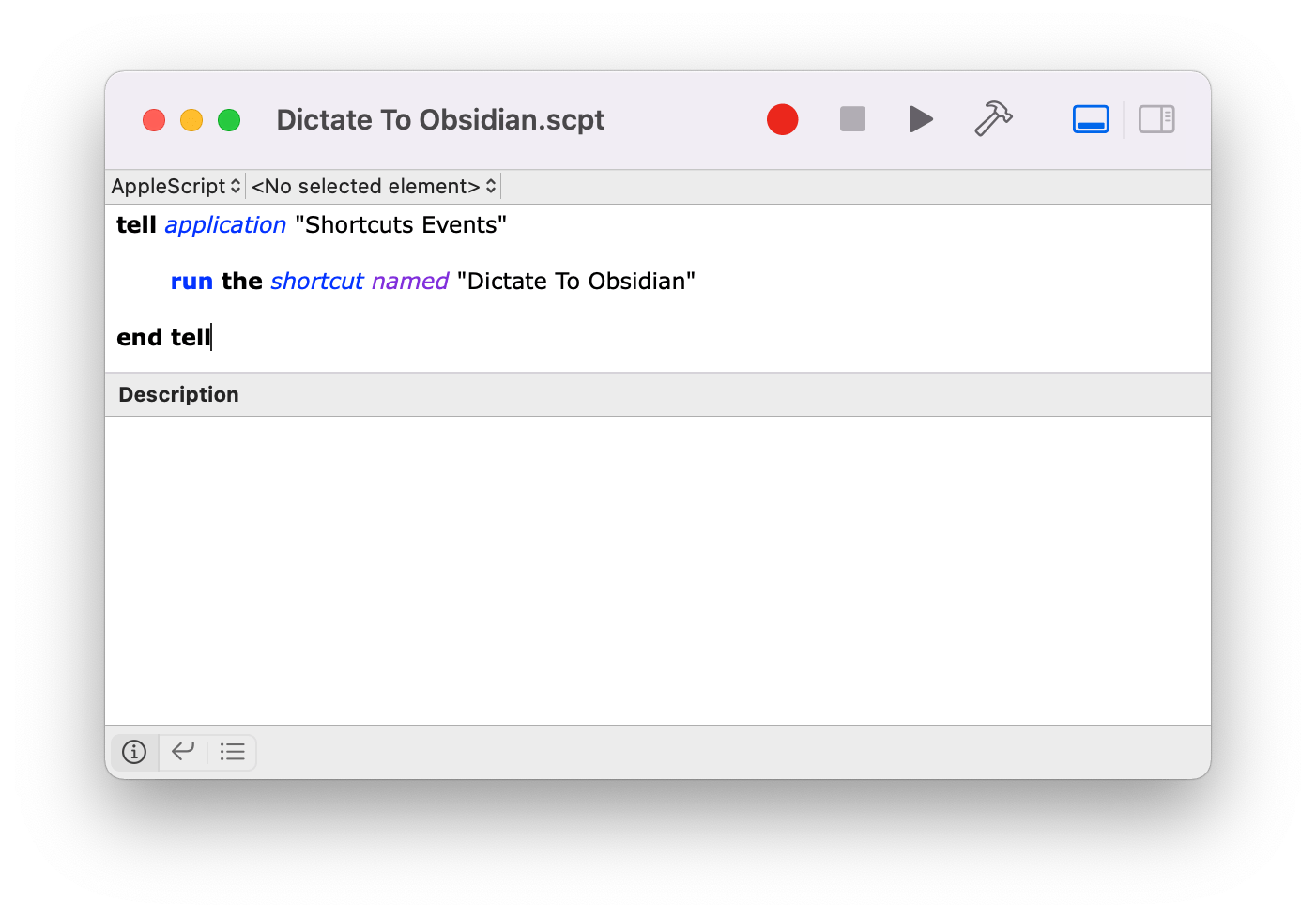
Add to that the ability to run shortcuts via AppleScript files, as applets, or with third-party apps, and there’s an incredible amount of room for creativity in bringing tools built into macOS and third-party automation apps together in new ways. It’s what led me to build the utility shortcuts I wrote about on MacStories and Club MacStories today and Federico to explore new ways to pass input into shortcuts earlier this week.
Be sure to check out Jason’s story for examples of the way shortcuts can be run from the command line and the results passed to other apps or used by macOS in various ways.
The Macintosh Desktop Experience: Building Script Applets and PopClip Extensions for Shortcuts on Mac My latest Shortcuts experiments began in earnest on my way back from Rome. I stopped in Ireland for a few days to deal with COVID testing and start ramping back up to my normal work routine. I wasn’t quite ready to tackle the day-to-day yet, so I decided to revisit a Shortcuts experiment I had started back in June.
I’ve been a fan of PopClip for years and have played around with creating my own extensions for the app occasionally. So, shortly after WWDC, I tried building a PopClip extension that triggered a shortcut that had been saved as a Service. PopClip works with services, and the extension I built came tantalizingly close to working, but it had too many issues to be useful, so I set it aside.
Sitting in Dublin with the released version of Monterey and a new version of PopClip that had been updated to work with Shortcuts, I revisited my early experiments. The updates to macOS and PopClip made adding shortcuts as PopClip extensions trivially easy, as Federico demonstrated recently in MacStories Weekly. Then, when I got home, my Stream Deck was waiting for me, which led to another round of experimentation and an in-depth story on the many ways it can run shortcuts.
Since then, I’ve been incorporating Mac shortcuts I’ve built into my workflows using multiple third-party apps like BetterTouchTool, Alfred, and, of course, PopClip. It wasn’t long before I wished there was a way to batch process shortcuts, so I could use them in multiple ways across Monterey and in third-party apps.
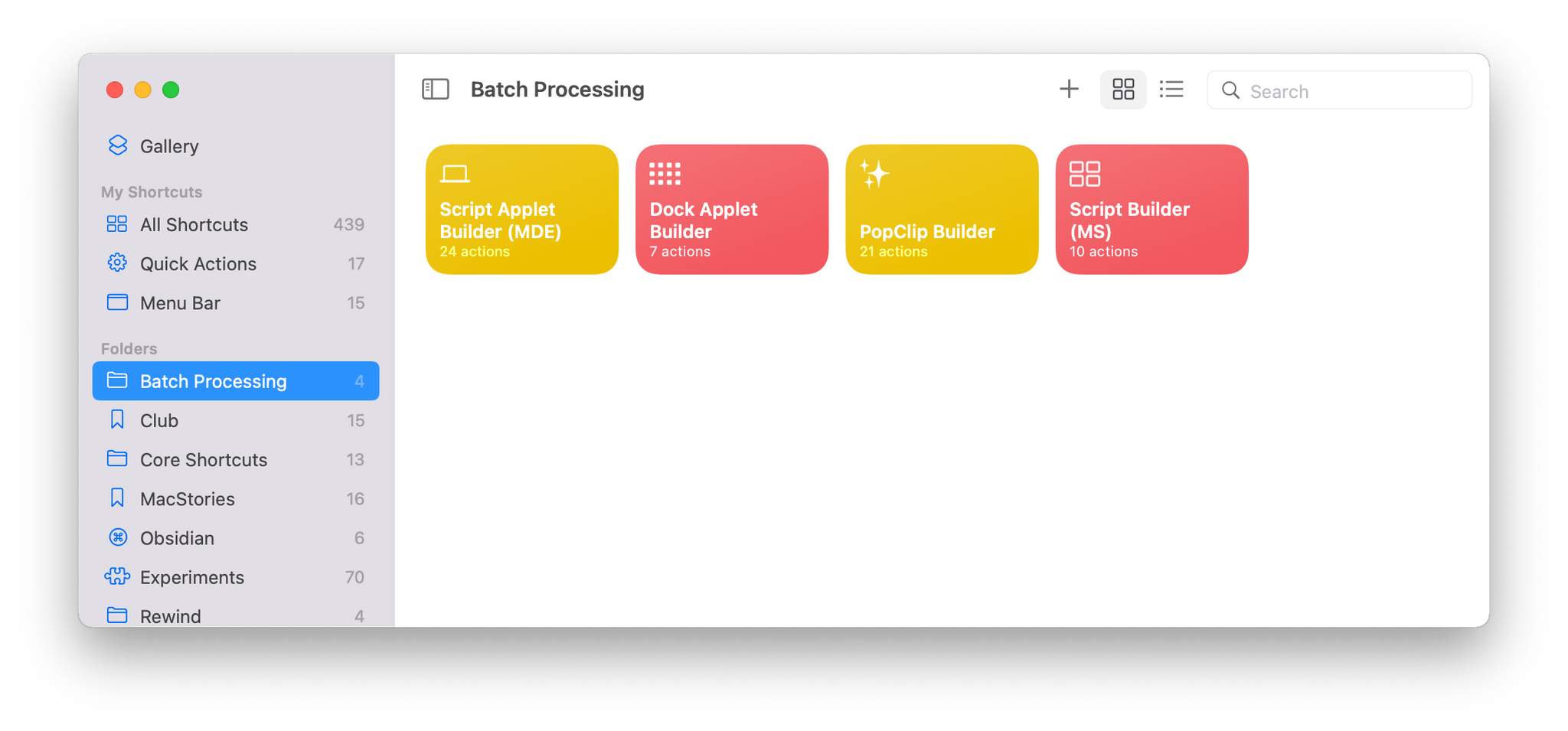
To streamline the process, I turned, of course, to Shortcuts itself. In total, I’ve created four shortcuts to help me deploy my favorite shortcuts across macOS:
.scpt files that can be incorporated in other apps from multiple shortcuts using AppleScriptI’ll cover the first two shortcuts here. Script Applet Builder and PopClip Extension Builder are included in The Macintosh Desktop Experience, my column for ClubMacStories+ that explores new ways to make your Mac work for you.
Saying Goodbye to the M1 iMac and Considering My Next Mac This week on AppStories, we introduce part one of a new series on Obsidian, explaining what the app is and does, why it’s important, the compromises that come along with using a non-native app, and how we are using it.
On AppStories+, John says goodbye to his M1 iMac review unit and reflects on how it has changed the way he uses the Mac, and Federico explains how he’s using Spark with Apple’s Reminders app.
We deliver AppStories+ to subscribers with bonus content, ad-free, and at a high bitrate early every week.
To learn more about the benefits included with an AppStories+ subscription, visit our Plans page, or read the AppStories+ FAQ.



](https://cdn.macstories.net/banneras-1629219199428.png)