John is MacStories' Managing Editor, has been writing about Apple and apps since joining the team in 2015, and today, runs the site alongside Federico.
John also co-hosts four MacStories podcasts: AppStories, which covers the world of apps, MacStories Unwind, which explores the fun differences between American and Italian culture and recommends media to listeners, Ruminate, a show about the weird web and unusual snacks, and NPC: Next Portable Console, a show about the games we take with us.
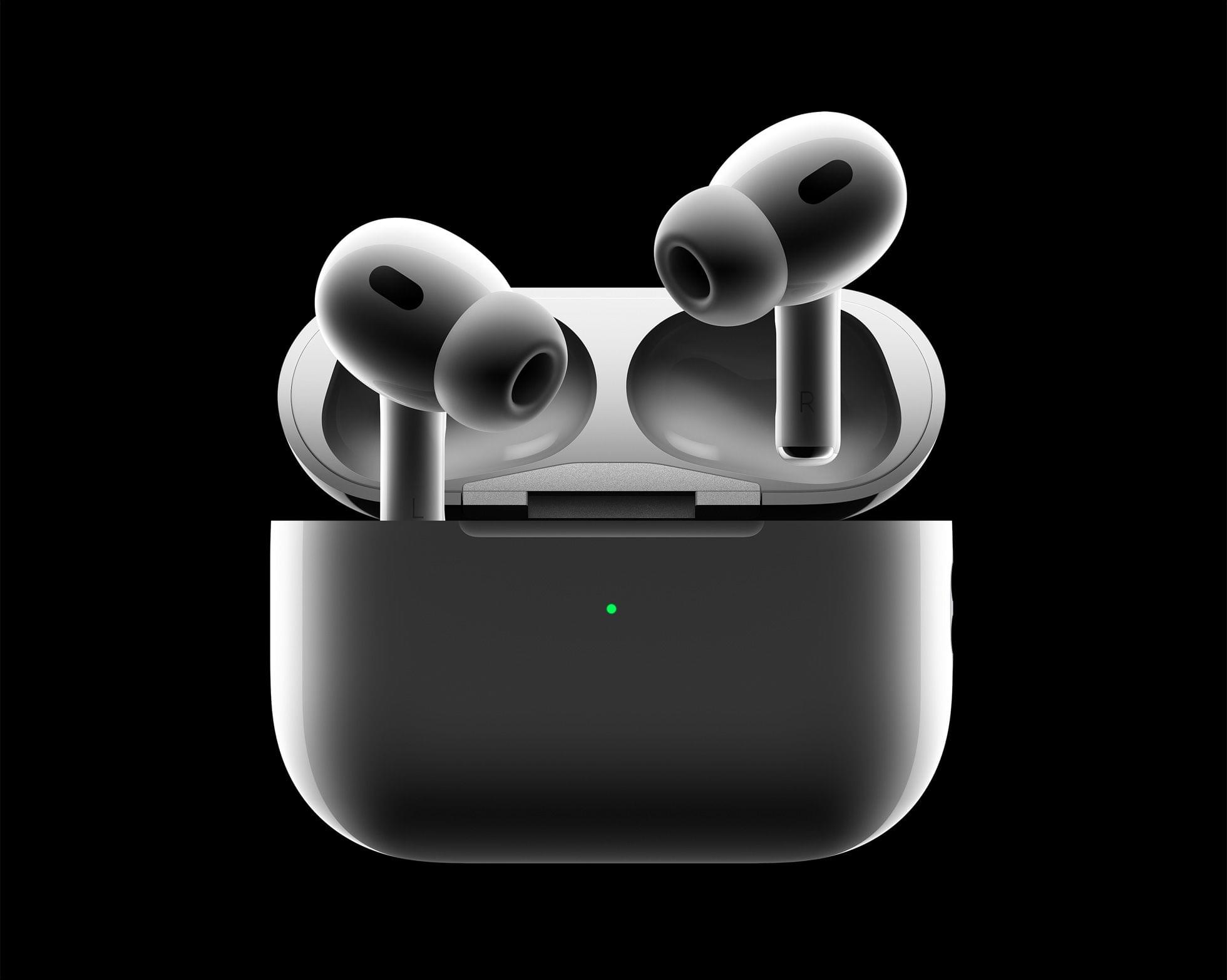
As rumored, Apple announced a next-generation version of AirPods Pro today. The new AirPods feature a new Apple-designed H2 chip, improvements to sound and battery life, and more.
On the outside, the new AirPods Pro look just like the original model, coming in with exactly the same dimensions but with a case that weighs only about 5 grams more. But don’t let those looks deceive you. There are changes both to the inside and outside of Apple’s popular wireless earbuds.
This week on AppStories, I’m joined by special guest Jason Snell to talk about macOS Ventura, including iCloud Shared Photo Library, Stage Manager, Shortcuts, and System Settings.
On AppStories+, Jason and I go behind the scenes to talk about how they cover Apple events and consider the narrative Apple might build around the rumored ‘pro’ Apple Watch.
Over the years, I’ve shared family photos with my wife Jennifer in three ways: iMessage, AirDrop, and Shared Albums. However, of those, iMessage won hands down, not because it’s the best way to share photos, but because Messages is an app we already use every day to communicate. Plus, sharing photos with Messages is easy whether you’re already in the app and using the Photos iMessage app or in the Photos app itself and using the share sheet. From conversations with friends and family, I know I’m not alone in my scattershot approach to sharing photos with my family.
It’s into that chaotic, ad hoc mess and all of its variations that users have improvised over the years that Apple is stepping in with iCloud Shared Photo Library, its marquee new Photos feature for iOS and iPadOS 16 and macOS Ventura. And you know what? It just works.
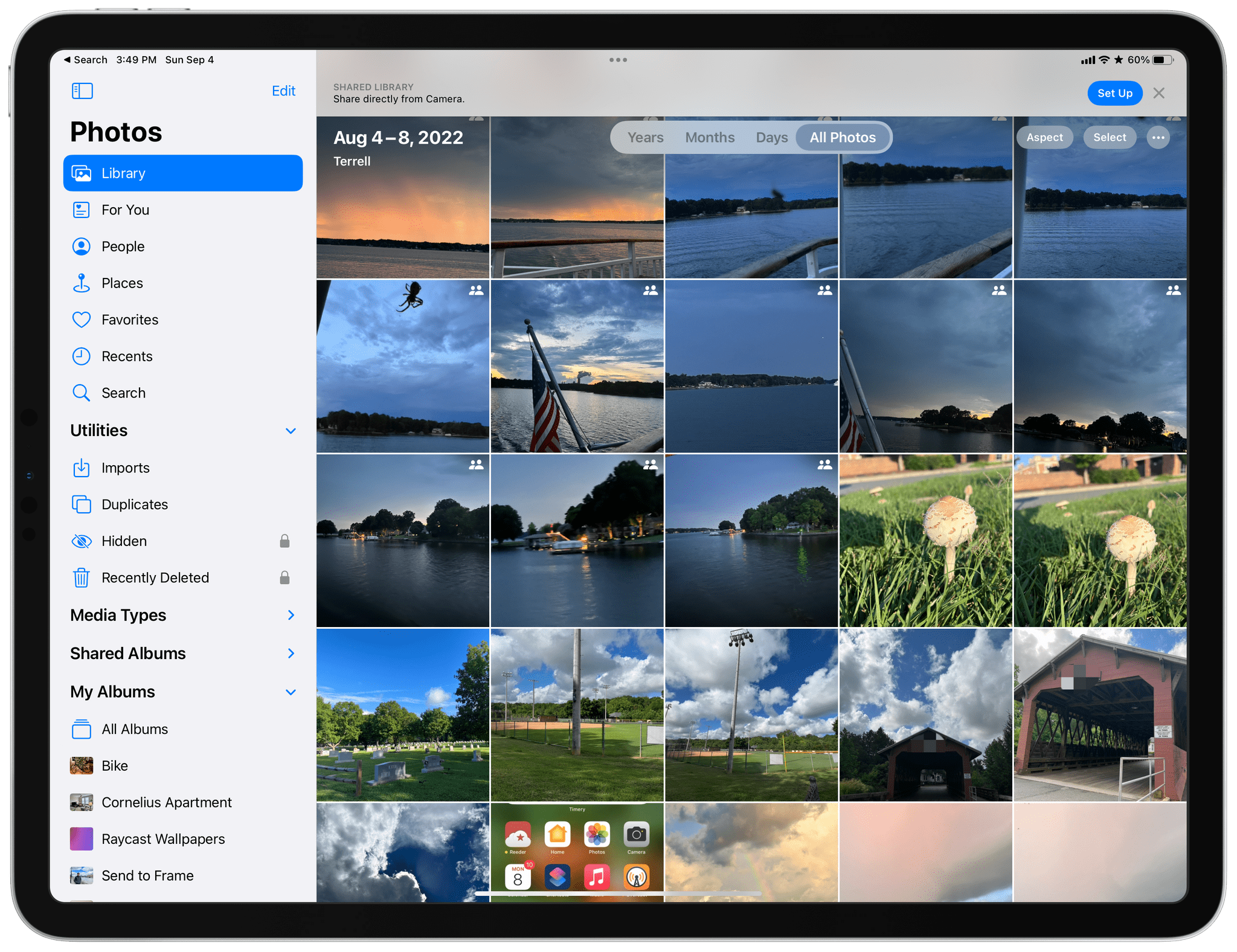
The feature lets anyone with an iCloud photo library share part or all of their photo library with up to five other people. Once activated, a new library is created that sits alongside your existing one and counts against the iCloud storage of the person who created it.
One critical limitation of iCloud Shared Photo Library is that you can only be a member of one shared library, a restriction that is designed to limit the library to your immediate household. That means I could share photos with my wife and kids because there are fewer than six of us, but I couldn’t set up another library with my siblings or parents for our extended families. Nor could I invite one of my extended family members to use the extra slot I’ve got in my family library unless they were willing to forego being part of any shared library their own family created.
Unwinding a shared library.
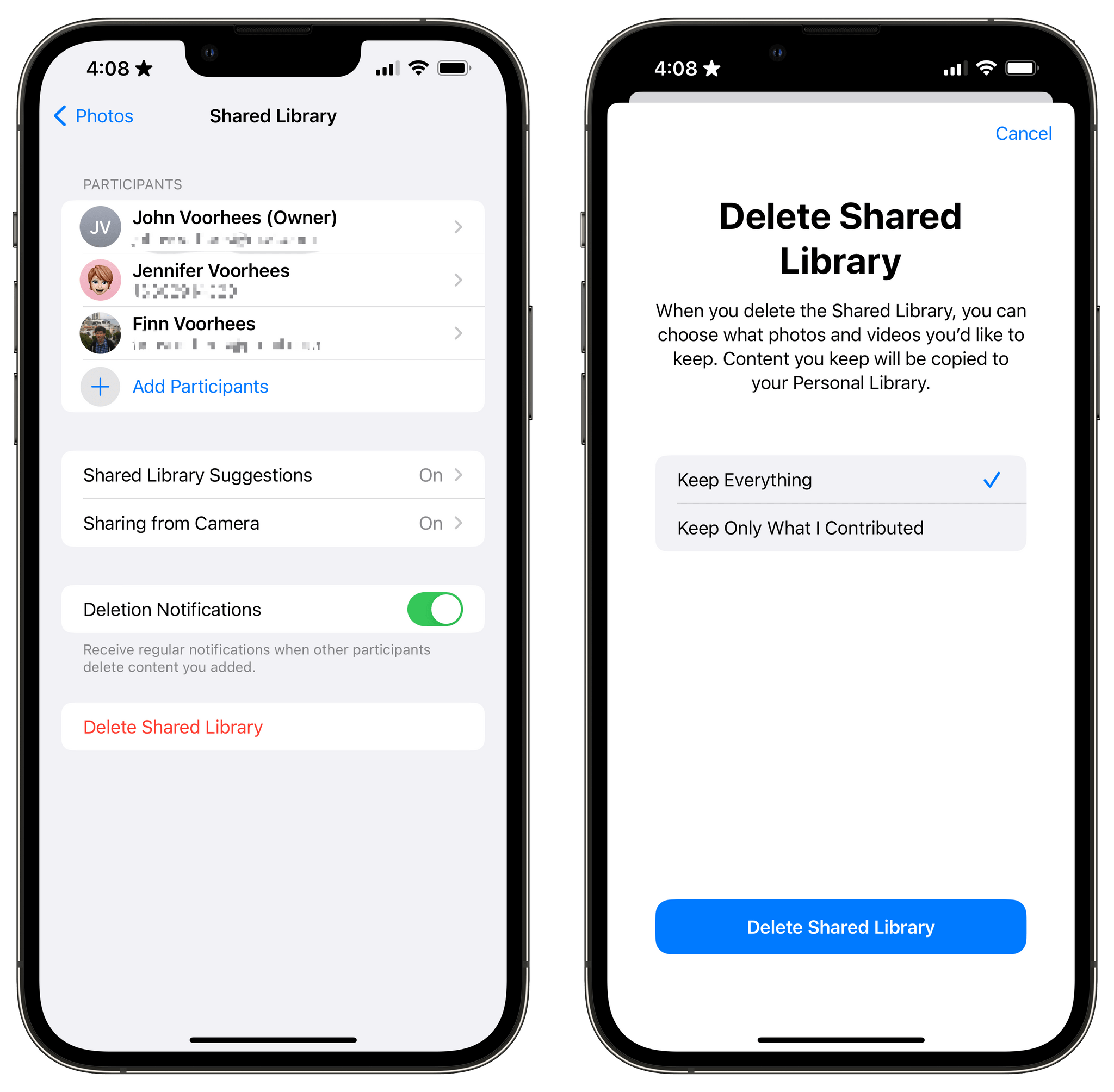
So, what do you do if you’re in a shared library and want to join a different one? There’s a button in the Photos section of Settings to leave a library, so you can do so with one tap, saving all of the photos in the shared library to your personal library or keeping just those you originally contributed to the shared pool. Deleting libraries is possible too, but only by the person who created them, who is given the choice of keeping all images or just the ones they contributed when they do so.
Because Club MacStories now encompasses more than just newsletters, we’ve created a guide to the past week’s happenings along with a look at what’s coming up next:
I suggested that Focus modes point to a larger trend in Apple’s OSes: an activity-based computing model that has its origins in so-called contextual computing
Tomorrow, September 7th, at 4:30 pm Eastern US time, Federico, Alex, and I will host a live Town Hall audio event in the Club MacStories+ Discord community, recapping Apple’s Far Out event and sharing our initial thoughts about everything that’s announced. For Club members who can’t join us live, we’ll publish the event audio in the Town Hall podcast feed.
This week, John is joined by special guest Jason Snell to talk about macOS Ventura, including iCloud Shared Photo Library, Stage Manager, Shortcuts, and System Settings.











](https://cdn.macstories.net/banneras-1629219199428.png)



 Federico