The Next Thing Is So Creepy
...

 The Next Thing Is So Creepy
Focused Work
Interesting Links
The Next Thing Is So Creepy
Focused Work
Interesting Links






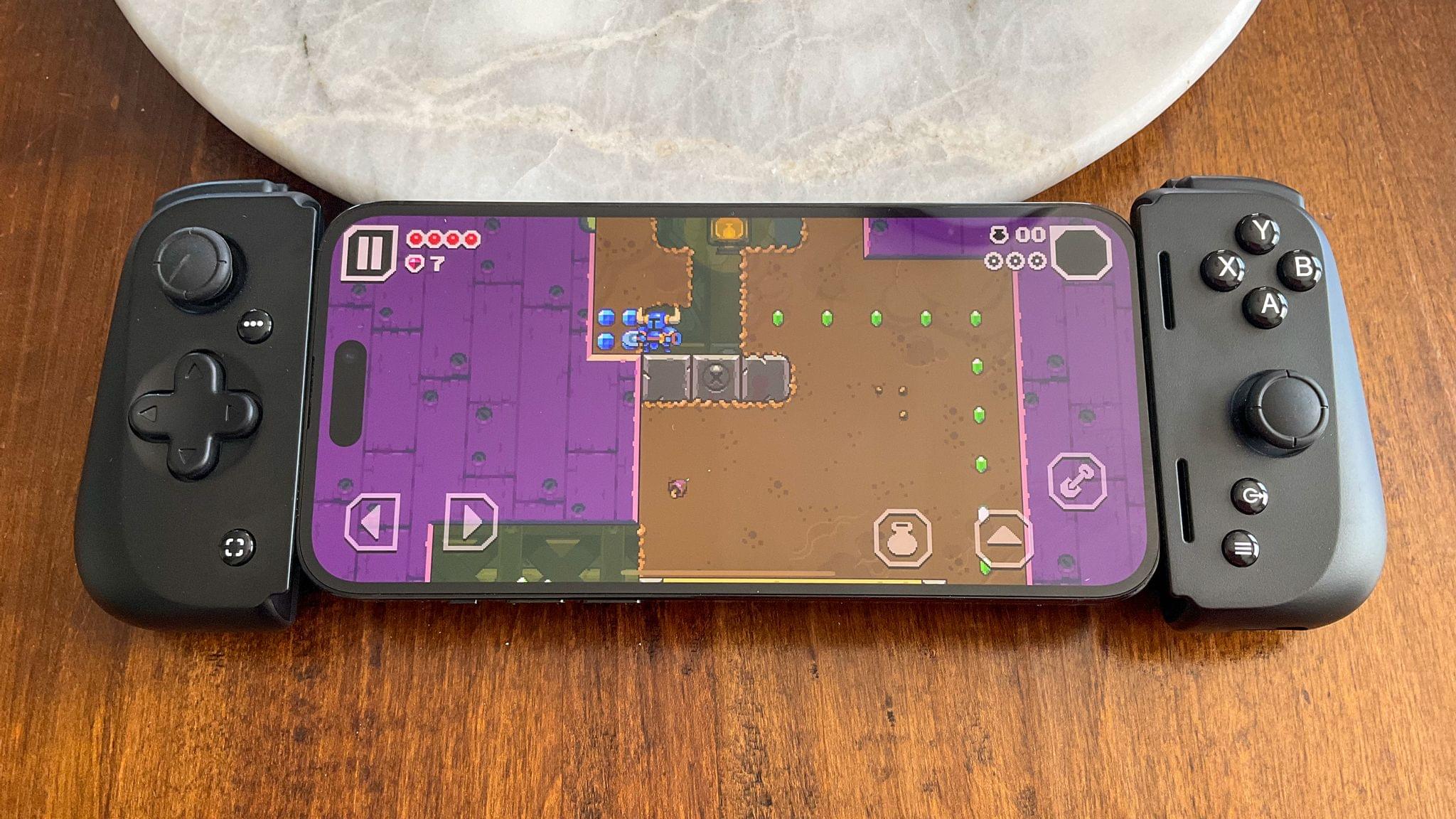
This week on MacStories Unwind, Federico’s been playing Cyberpunk 2077 on his PC, while I’ve been enjoying Shovel Knight Dig on my iPhone using the Razer Kishi V2 controller that I reviewed earlier this week.
Sponsored By: Kosmik – For All Mindkind
Federico’s Pick:
John’s Pick:
Stage Manager’s iPad Bugs Are A Problem for the Mac Too Today, Adobe announced the release of Photoshop Elements 2023 and Premier Elements 2023, its photo and video editing apps for the Mac that guide users through a wide variety of creative projects and support for Apple silicon. The paid-up-front apps, which don’t require a Creative Cloud subscription, have been updated with an extensive list of new features and projects designed to help users get the most from their photos and videos.
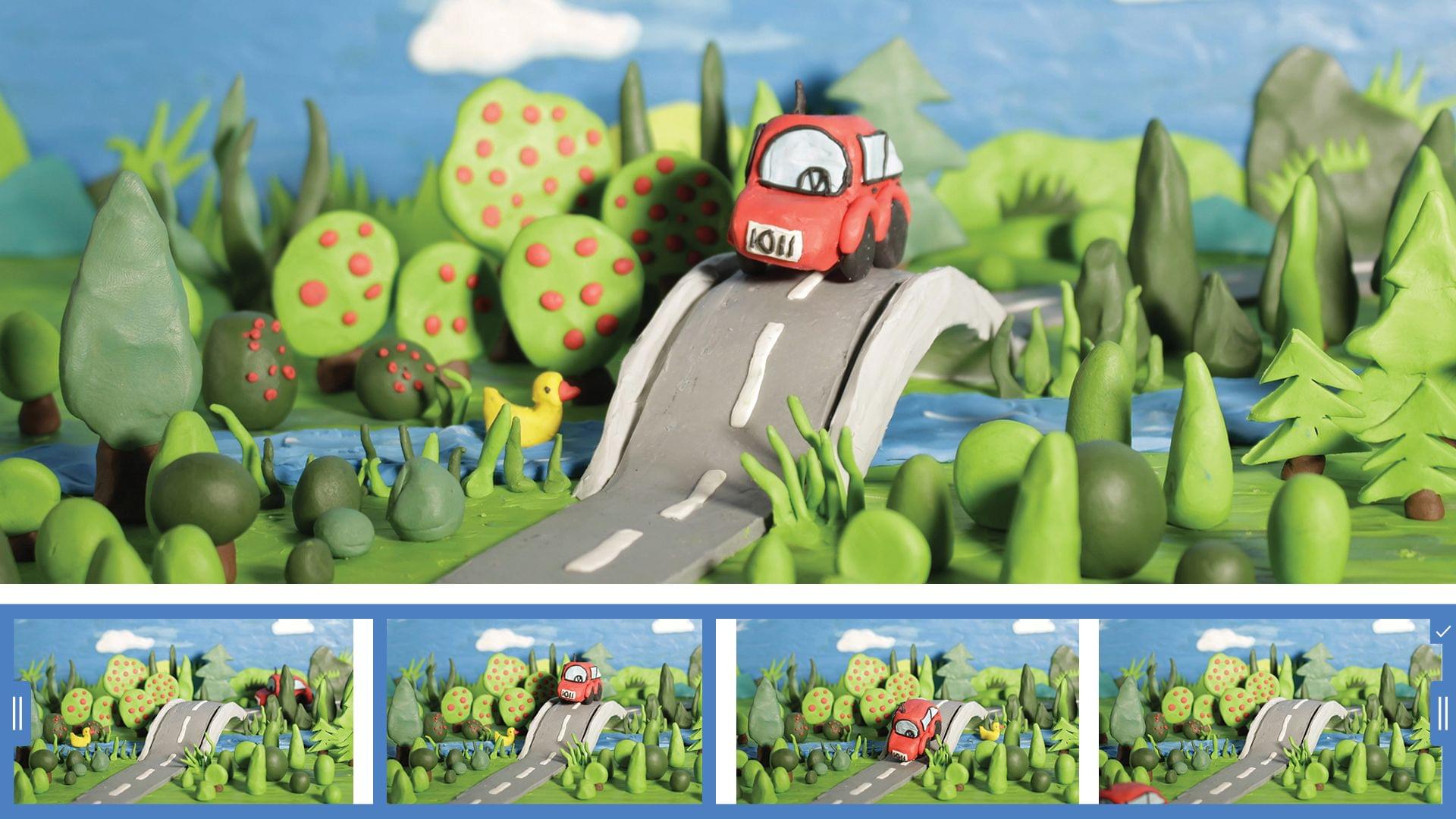
Photoshop Elements 2023, which focuses on photo editing projects, features a long list of new features. The centerpiece of the update is the ability to select an area of a photo and animate it, applying a dynamic effect to parts of an otherwise static image. The update to Elements also allows users to add photo overlays that can be used to frame shots, replace image backgrounds and skies, and brushes to add patterns to images.
Premier Elements 2023, Adobe’s video creation app, includes new effects that can be applied to video to add artistic effects to video. The app also has new collage and slideshow templates with modern designs and more than 100 new soundtrack options.
Both apps have been rebuilt to take advantage of Apple silicon Macs. Adobe also announced a browser-based beta version of Elements.
Both apps are available now for $99.99 or as a bundle for $149.99 from Adobe’s website and other retailers.
David Smith, the developer of Widgetsmith, Watchsmith, Pedometer++, and many other apps, put the new Apple Watch Ultra through its paces on a three-day hike through the Scottish Highlands. Dave confirmed what I’ve suspected all along. The Apple Watch isn’t so much an extreme sports watch as it is an Apple Watch with expanded capabilities that make it work better for strenuous activities like a three-day hike but also make it the best Apple Watch for the things an Apple Watch already does. As he puts it:
While I was putting together this review I kept coming back to the analogy that the Ultra is like a pick-up truck. Useful in regular, daily life but capable of heading offroad or carrying gravel from the garden store. It still drives like a regular car, but can do more.
Dave’s post is accompanied by a video journal of his trip shot on an iPhone 14 Pro. The video is full of great insights into the Ultra’s hardware, a couple of criticisms of its software, and loads of beautiful footage of the Scottish Highlands.
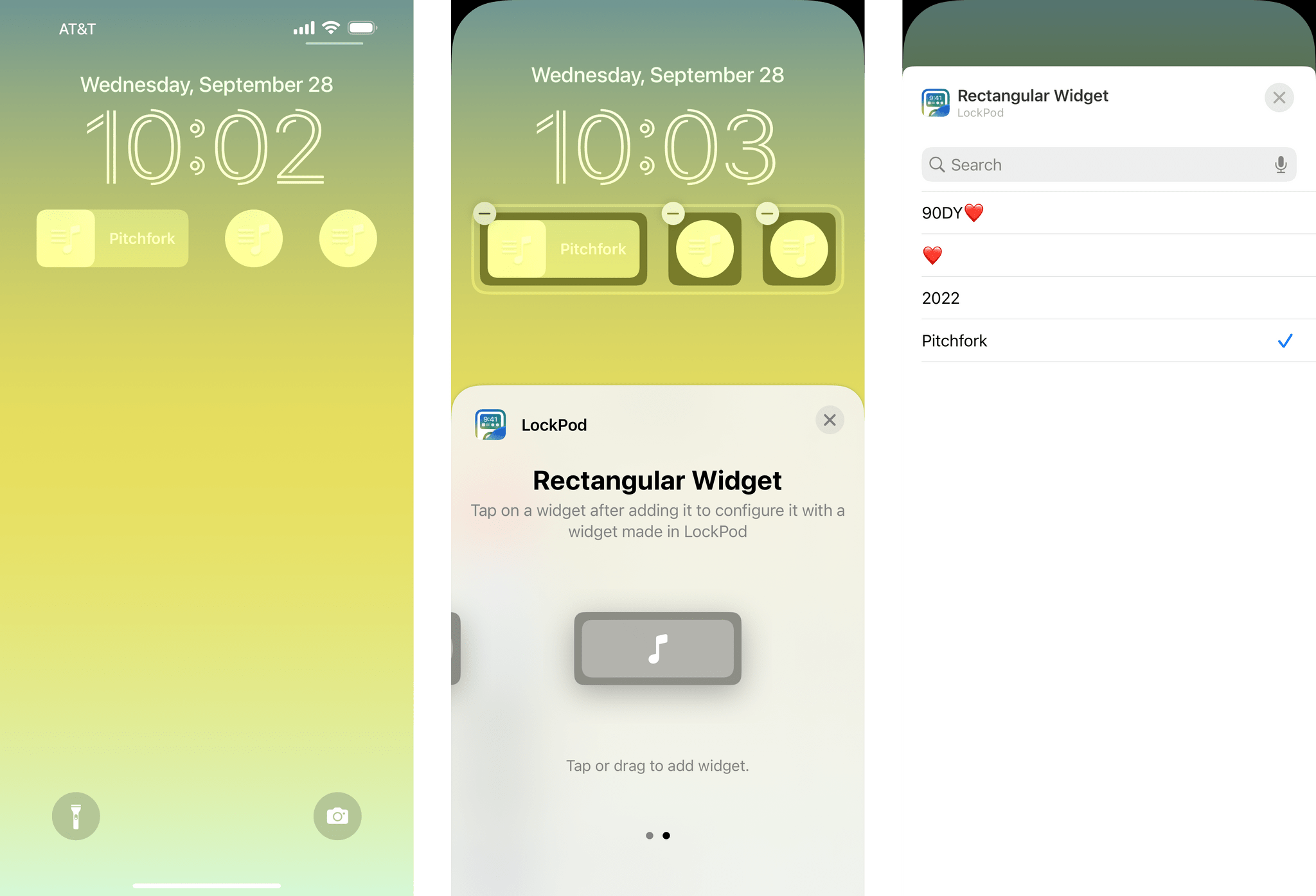
So far, the big players in music streaming are leaving it to indie developers to create iOS 16 Lock Screen widgets that tie into their services. One of my favorite examples is LockPod, by Rishi Malhotra, which was released this week.
The app works with both Apple Music and Spotify, allowing users to create circular and rectangular Lock Screen widgets that serve as shortcuts to their favorite music. The details are a little different depending on whether you’re using Apple Music or Spotify, so let’s take a closer look.
When I look at the innovation happening in handheld gaming at all levels with devices like the Analogue Pocket and Steam Deck, I can’t help but wonder, “What if Apple really jumped into the videogame market and put the power of its hardware and software design teams behind devices that could play everything from Candy Crush Saga to Elden Ring?” Apple hasn’t, and I don’t expect it will, but every time I use my iPhone, I look at its gorgeous ProMotion OLED display and want to use it for more than the gaming experiences that the App Store offers.
That said, there is still gaming fun to be had on the iPhone. For me, that occasionally takes the form of an Apple Arcade game like the excellent Shovel Knight Dig that was released on the service last week, and I’ll cover this week on MacStories Unwind. Other times, it’s an indie platformer like the Dadish series or a classic Nintendo handheld game via Delta. With a fast enough WiFi connection, I’ve even found myself streaming games from my Xbox Series X, Microsoft Game Pass, and PlayStation 5. It’s not everything I think gaming could be on the iPhone, but it’s not bad either.
Despite Apple’s perplexing relationship with videogames, the last few years have seen the company expand controller support, which has gradually led to an increase in support among developers. That, in turn, has prompted me to try a lot of different controllers and conclude that with the iPhone, nothing beats an integrated Nintendo Switch-style controller solution.