John Voorhees

5783 posts on MacStories since November 2015

John is MacStories' Managing Editor, has been writing about Apple and apps since joining the team in 2015, and today, runs the site alongside Federico. John also co-hosts four MacStories podcasts: AppStories, which covers the world of apps, MacStories Unwind, which explores the fun differences between American and Italian culture and recommends media to listeners, Ruminate, a show about the weird web and unusual snacks, and NPC: Next Portable Console, a show about the games we take with us.

AppStories, Episode 323 – Automation April: Shortcuts Check-In→

This week on AppStories, we check in on the shortcuts we use the most and the types of tasks we get the most bang for the buck from by automating.


On AppStories+, Federico tours the world of wireless earbuds and shares his favorite AirPods Pro replacement tips, while I ship a single AirTag halfway around the world.

We deliver AppStories+ to subscribers with bonus content, ad-free, and at a high bitrate early every week.

To learn more about the benefits included with an AppStories+ subscription, visit our Plans page, or read the AppStories+ FAQ.

Permalink

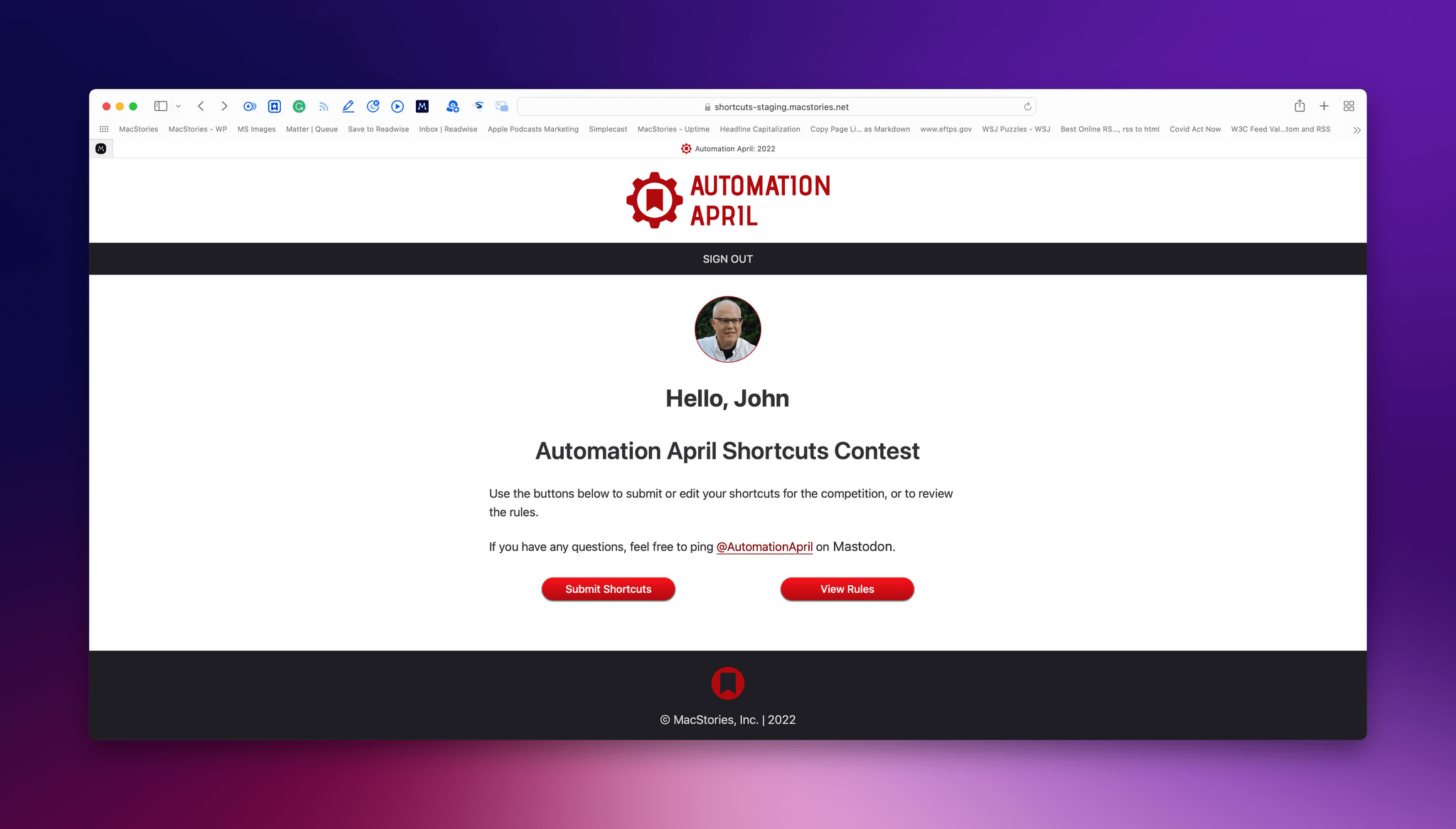
Enter Your Shortcuts in the 2023 Automation April Shortcuts Contest

We’re very excited to announce the second annual Automation April Shortcuts Contest, which, along with all of Automation April is dedicated to the memory of Alex Hay, the developer of Toolbox Pro and other apps.

As we had hoped when we introduced Automation April last year, the Automation April Shortcuts Contest became the centerpiece of Automation April. Last year, we had over 200 contest submissions across six categories of shortcuts. We received some remarkable shortcuts that showed just how creative and clever this community can be. But best of all, we saw the automation community come together to help each other when they got stuck and share the shortcuts they made.

Like last year, we encourage to you build a shortcut and submit it to the contest whether you’re a Shortcuts expert or just starting out. Shortcuts do not need to be complex to win in one of contest’s categories. That’s true for all the categories, but especially true for the Best Everyday Shortcut category, which we created because we know from experience that some of our most valuable and frequently-used shortcuts are among the simplest.

Our panel of judges will be evaluating submissions based on originality, performance, design, user experience, and usefulness. Pushing the boundaries of what is possible with Shortcuts is certainly a factor that will be considered in originality, but, at the same time, usefulness doesn’t require complexity, which is something we’ve emphasized often in our writing about Shortcuts. So, no matter your level of experience, we’d love to see what you build.

Entries must be submitted by 5:00 PM Eastern US time on April 17, 2023, so let’s dig into the details.

Read more


Last Week, on Club MacStories: Sending Web-Based Alerts with Shortcuts, Apple’s Laptops, Obsidian Bookmarks, and Automation April

Because Club MacStories now encompasses more than just newsletters, we’ve created a guide to the past week’s happenings:

MacStories Weekly: Issue 362

Monthly Log, March 2023

This month:

Automation April Exclusives

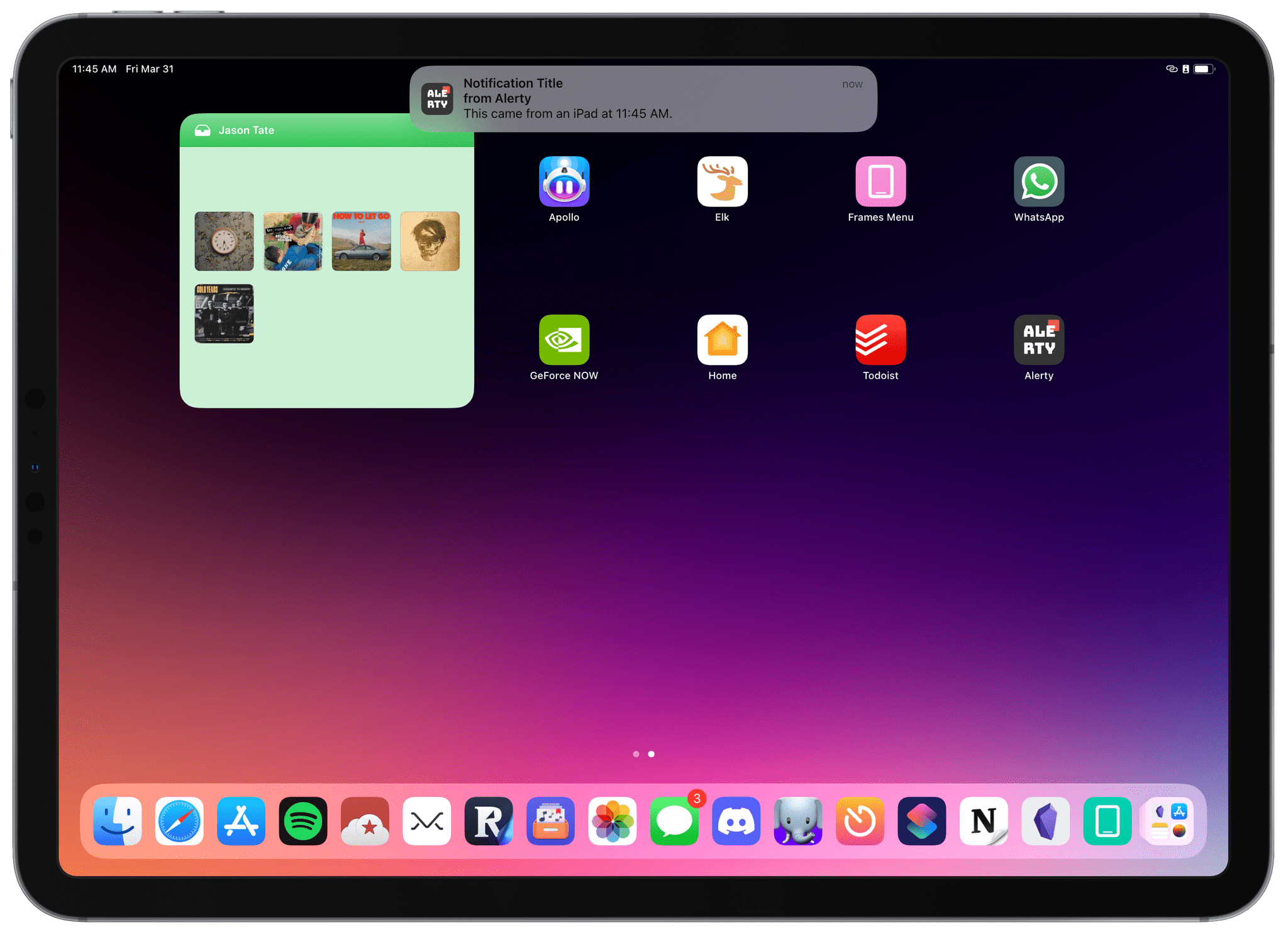
We’ve teamed up with the developers of some of our favorite apps for exclusive Club MacStories giveaways during Automation April.

This week, we’ve got two:

In the Club MacStories+ and Premier Discord:

For all Club members in MacStories Weekly this Friday:

To get in on the giveaways, you can join Club MacStories at plus.club.

Coming Soon

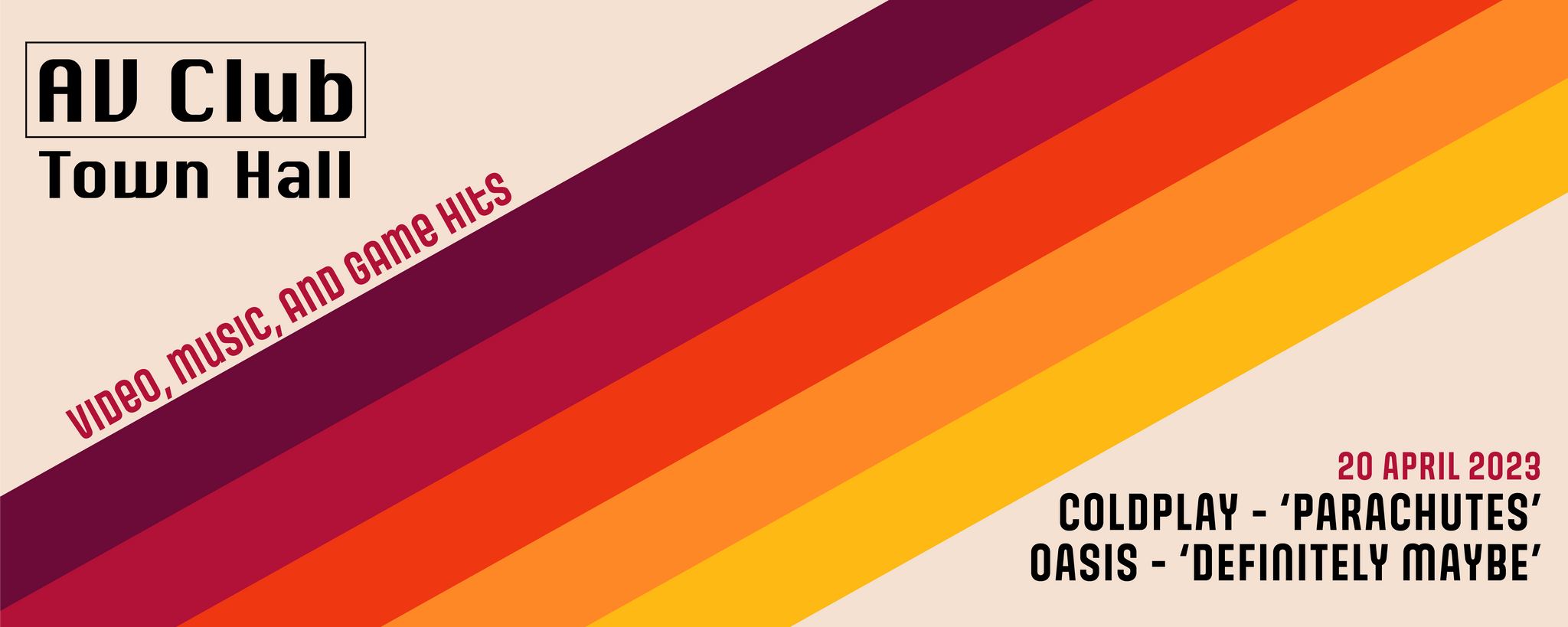
On April 20, 2023, at 11 am Eastern US time, which happens to be on the anniversary of MacStories’ founding, we’ll be holding another live AV Club audio event in the Club MacStories+ Discord Town Hall. This month, we’re listening to two debut albums:

  • Parachutes by Coldplay
  • Definitely Maybe by Oasis

We’d love to have you join us live, but we’ll also record the festivities for release later in the Town Hall podcast feed.


Dark Noise 3.0 Has a New Business Model and A Few Other Updates

Today, Charlie Chapman released Dark Noise 3.0, his iOS, iPadOS, and macOS ambient noise app, with a new business model, some remastered sounds, and other updates.

The biggest change to Dark Noise 3.0 is its new business model. Historically, Dark Noise has been a paid-up-front app, but with 3.0, the app is now free with an optional subscription that unlocks certain features.

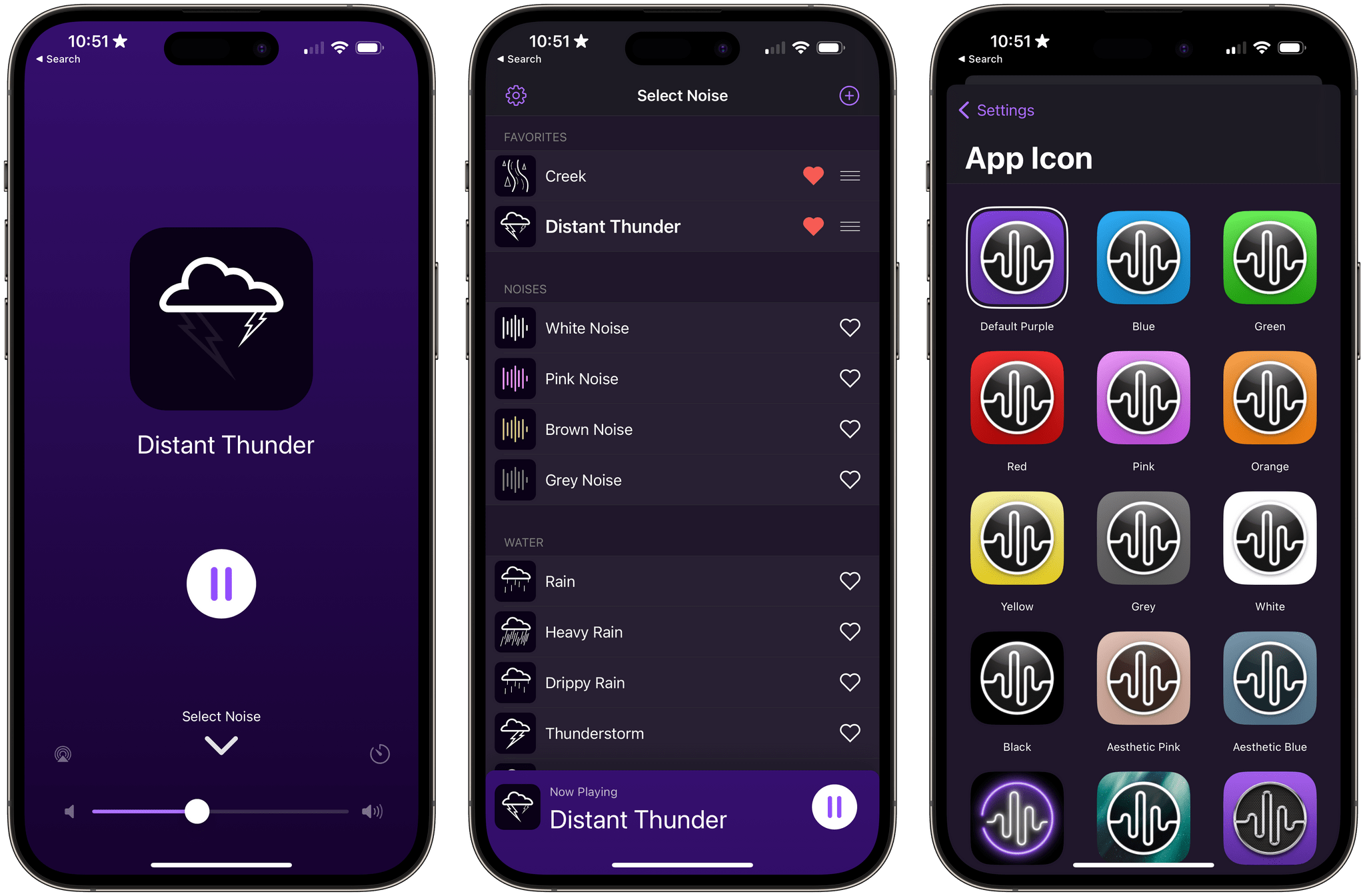
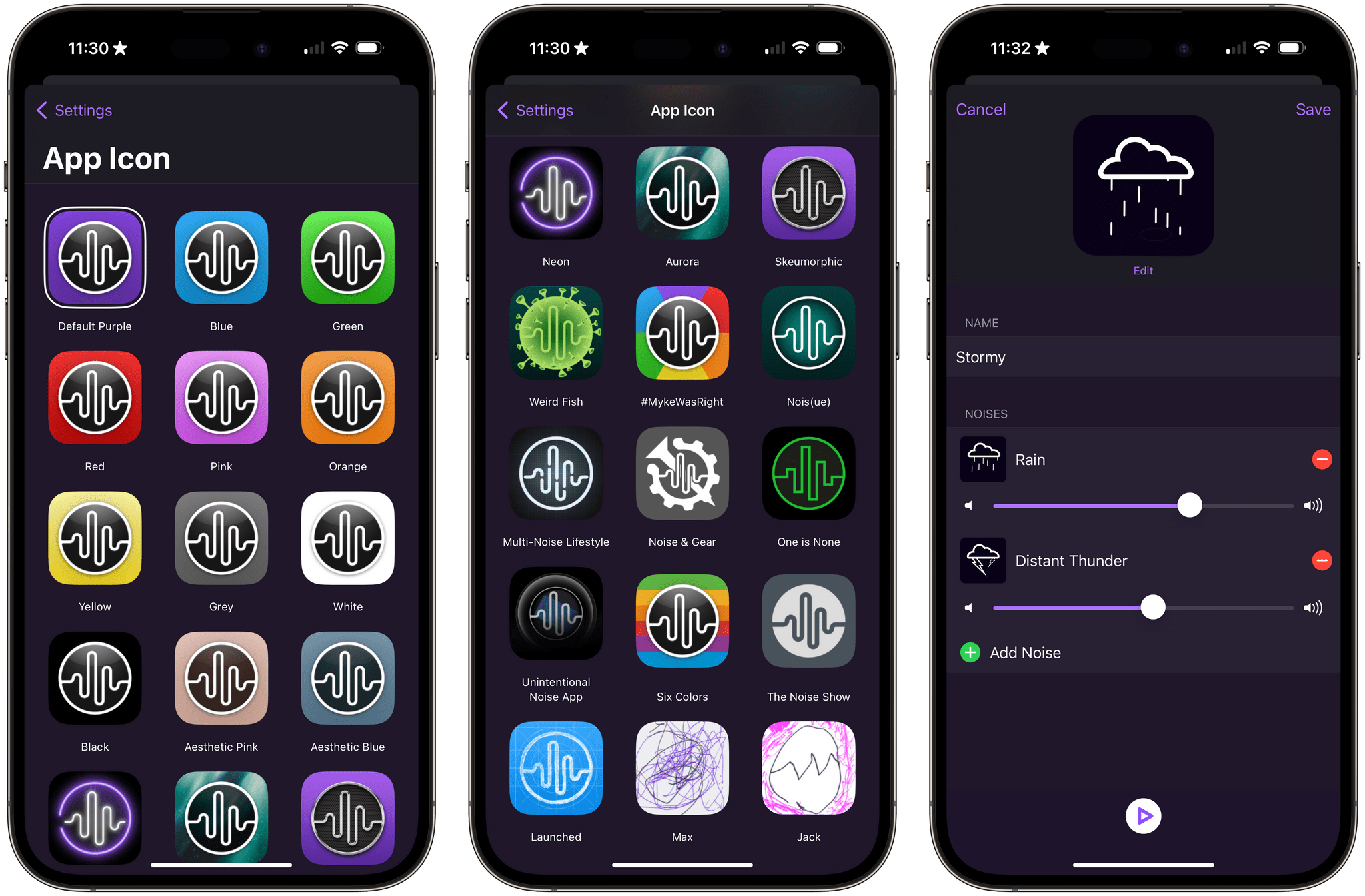
The free version of Dark Noise includes eight sounds, continuous sound looping, Shortcuts support, Siri integration, and a timer. The Pro subscription increases the number of sounds to over 50 and adds custom sound mixes, alternate app icons, themes, and Family Sharing. The Pro features are also available as a one-time purchase.

Alternative icons and sound mixing are two of the features available to Dark Noise Pro subscribers.

Alternative icons and sound mixing are two of the features available to Dark Noise Pro subscribers.

If you previously purchased Dark Noise, which included many of the features that are now part of a Pro subscription, you’re covered. Anyone who bought Dark Noise prior to the release of version 3.0 gets all of the features included in the Pro subscription. Pro subscribers may get new features in the future, but as of the release of version 3.0, existing users and subscribers have access to the same features, which I think is a fair way to transition to a subscription model.

I’m also glad to see that the core features of Dark Noise will be available for free for the first time. There are a lot of ambient sound apps on the App Store, but a lot aren’t very good. Dark Noise is excellent, and I expect having a free tier to show off what the app can do to new users will result in more paid users in the long run. I’m also a fan of the one-time payment option, which is a nice option for fans of the app who just don’t like paying subscriptions.

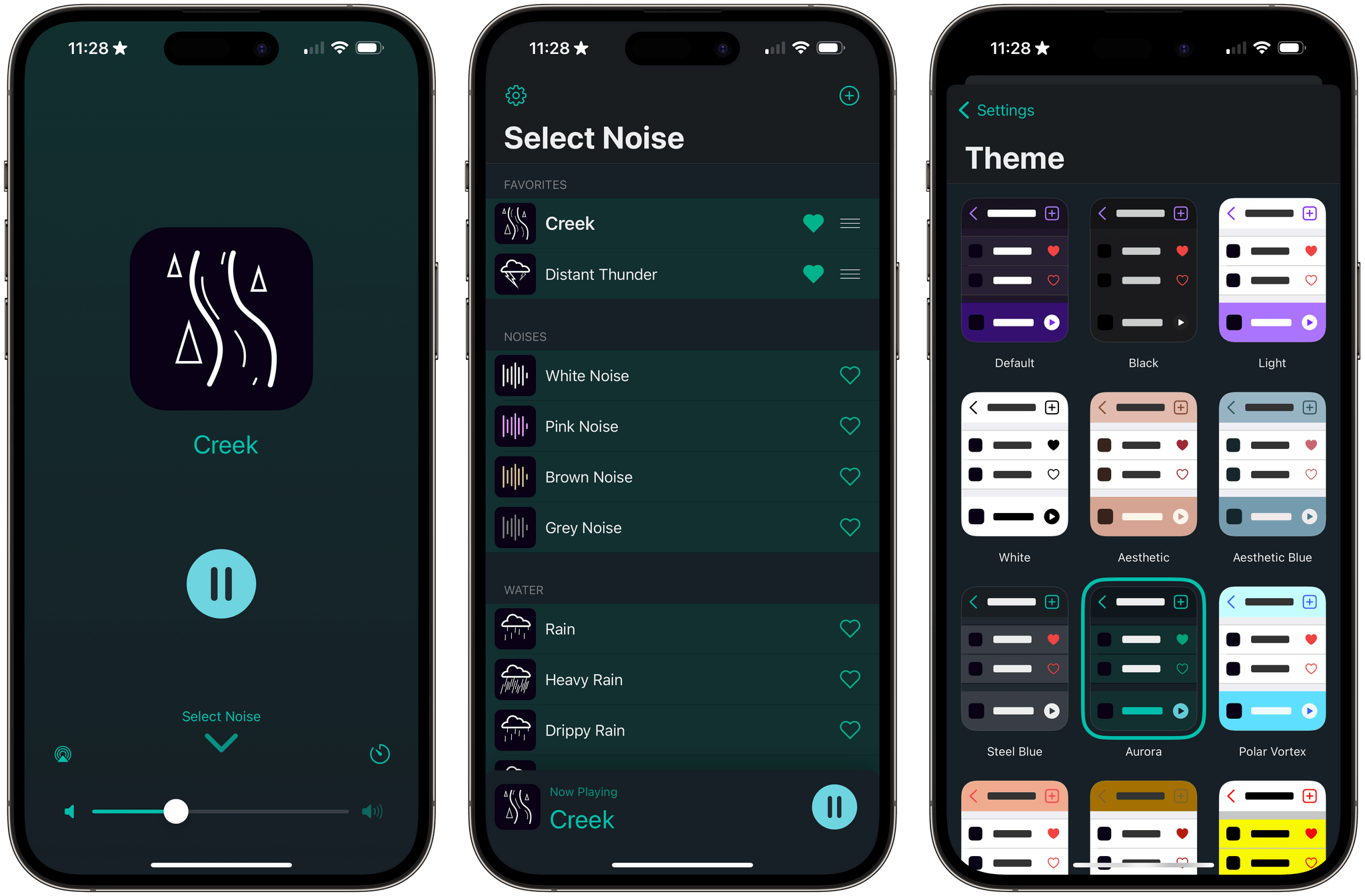
Dark Noise has a new green theme called Aurora.

Dark Noise has a new green theme called Aurora.

Version 3.0 also introduces remastered Rain, Beach, Airplane Interior, and Thunderstorm sounds that sound better when used with stereo speakers. The app’s icons have been tweaked a little, and there’s a new theme that uses shades of green called Aurora.

For more on everything Dark Noise can do, be sure to check out our reviews of version 1.0 and 2.0.

Dark Noise 3.0 is available as a free download on the App Store. The Pro subscription unlocks the features described above, for $2.99/month or $19.99/year with a three-day trial. Dark Noise 3.0 is also available as a one-time purchase for $49.99.



Automation April: Shortcuts Check-In

AppStories+ Deeper into the world of apps

AppStories Episode 323 - Automation April: Shortcuts Check-In

0:00
36:32

↓

AppStories+ Deeper into the world of apps

This week, Federico and John check in on the shortcuts they use the most and the types of tasks they get the most bang for the buck from by automating.

Read more


Steve Jobs Archive to Release Digital Book of Materials Drawn from Jobs’ Life on April 11th→

Today, the Steve Jobs Archive said it will publish a digital book called Make Something Wonderful: Steve Jobs in his own words on April 11th. The Archive, an online repository of historical material from Steve Jobs’ life, was announced at the Code Conference last fall.

According to the Archive’s website, the book will include:

A curated collection of Steve’s speeches, interviews and correspondence, Make Something Wonderful offers an unparalleled window into how one of the world’s most creative entrepreneurs approached his life and work. In the pages of this book, Steve shares his perspective on his childhood, on launching and being pushed out of Apple, on his time with Pixar and NeXT, and on his ultimate return to the company that started it all.

Featuring an introduction by Laurene Powell Jobs and edited by Leslie Berlin, this beautiful handbook is designed to inspire readers to make their own “wonderful somethings” that move the world forward.

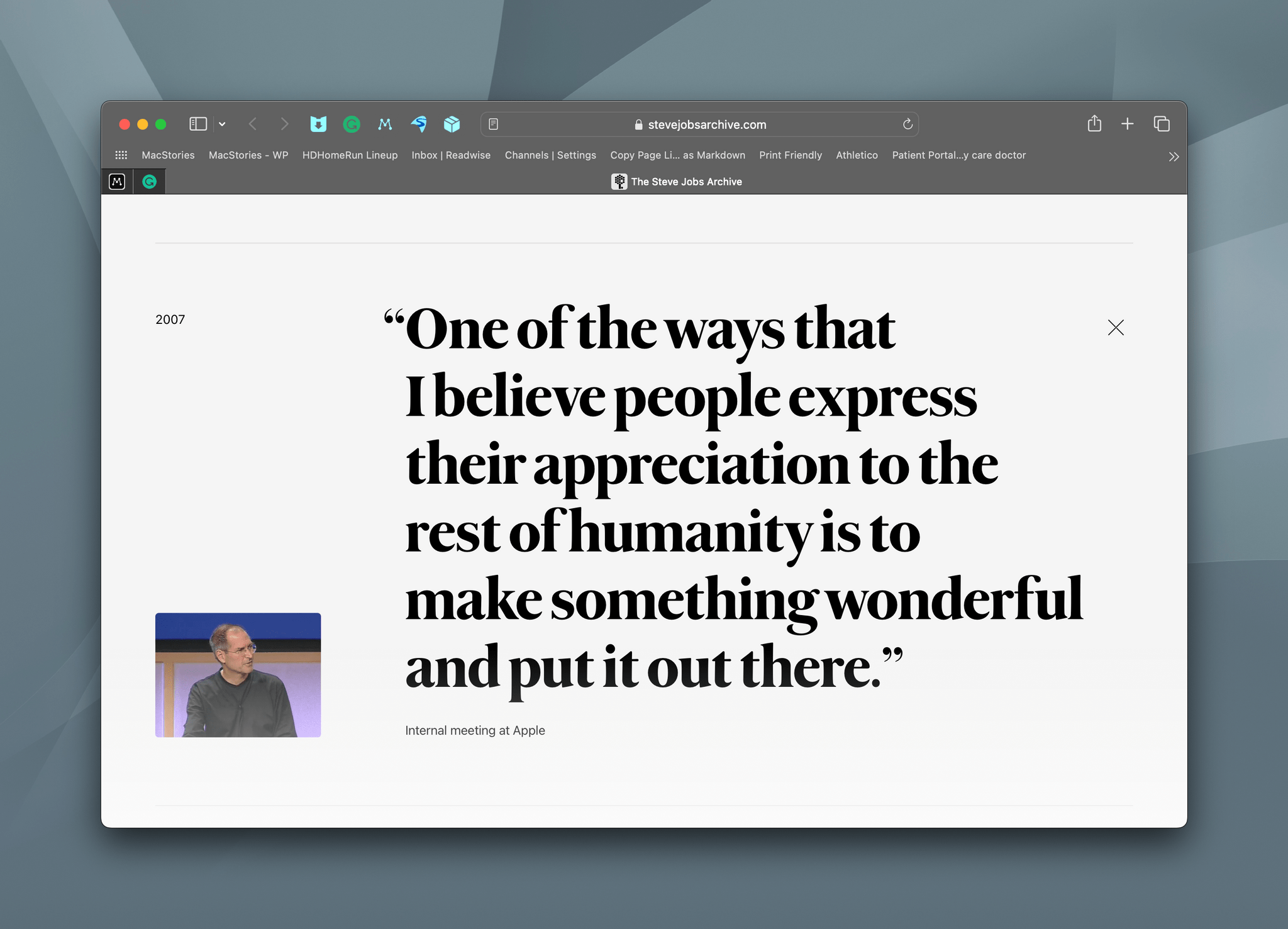
The title of the book is drawn from a Jobs quote of something he said in 2007 at an internal Apple meeting that’s featured on the Archives’s website:

One of the ways that believe people express their appreciation to the rest of humanity is to make something wonderful and put it out there.

According to an email sent by the Archive to subscribers to its mailing list, the book will include familiar sources as well as photos and quotes that have never been published before.

News of Make Something Wonderful was a great way to start a Saturday morning. I’ve always found Jobs’ musings on art and building things inspiring, so I can’t wait to read this book.

Permalink

Lights, Links, and Email

[[unplugged_artwork]] In this episode, Federico and John talk about how Philips Hue’s app works in comparison to Apple’s Home app, John is frustrated with his link saving setup, and Federico is being crushed by spam. Show Notes Lights Philips Hue Links Matter Readwise Reader Reeder ReadKit GoodLinks Anybox Raindrop.io Email SaneBox Clean Email Missive [[include:...


Interesting Links

In addition to the features I covered earlier this week, iOS 16.4 has added support for the new PlayStation 5 DualSense Edge wireless controller. Now you can finally play Apple Arcade games with customizable pro-gamer triggers. (Link) I covered the highlights of what’s new in Shortcuts for iOS and iPadOS 16.4 already, but don’t...


Solving the Portability Puzzle

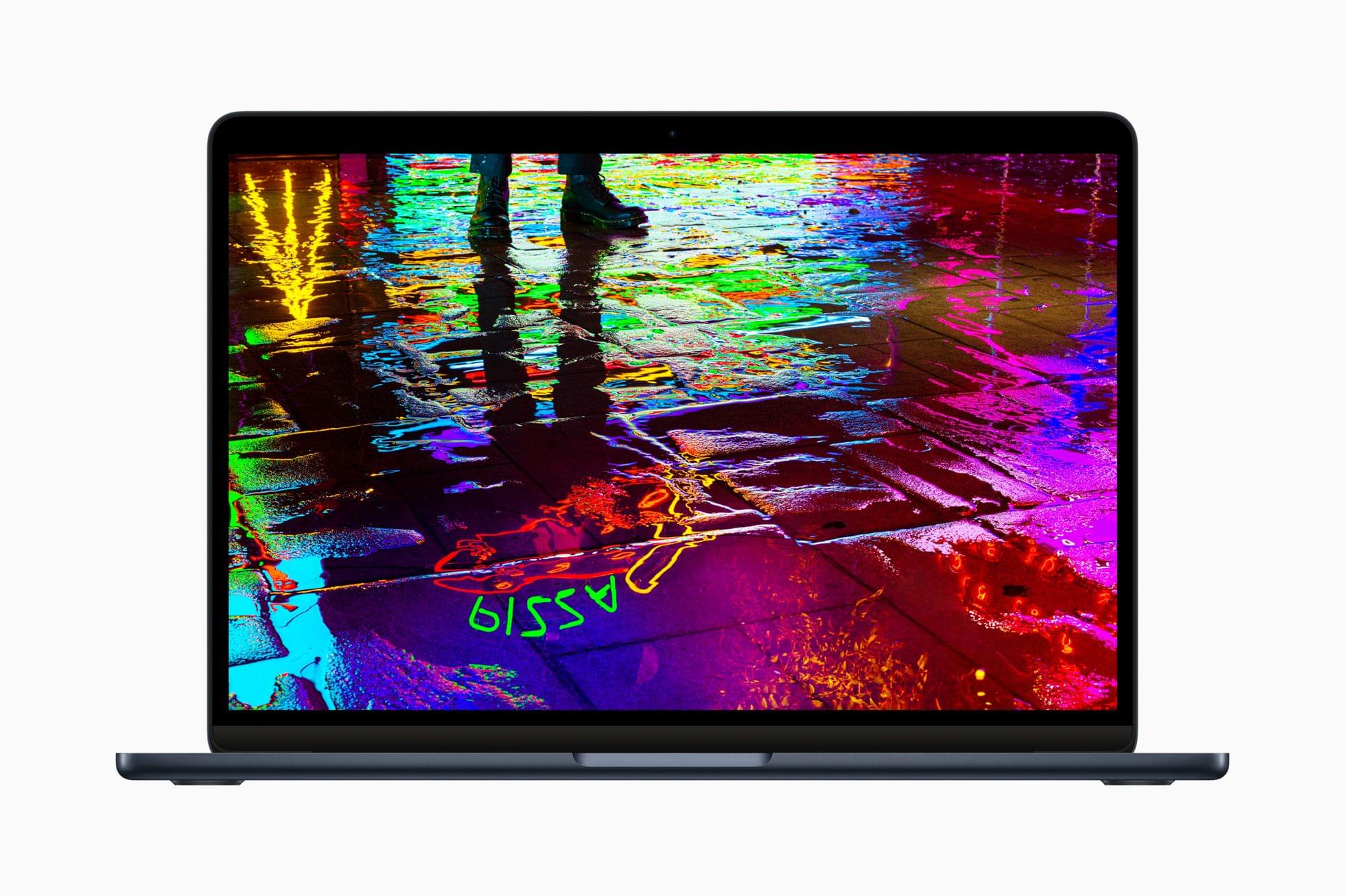
Imagine an Air with a bigger, brighter screen and more memory.

Imagine an Air with a bigger, brighter screen and more memory.

Most days, I work at my Mac Studio. It’s the perfect Mac for me. It runs quiet and cool, has a ton of storage and memory, and all the ports I need. Paired with my Studio Display, it’s the ultimate home base for the bulk of the work I do. However, I can only sit...