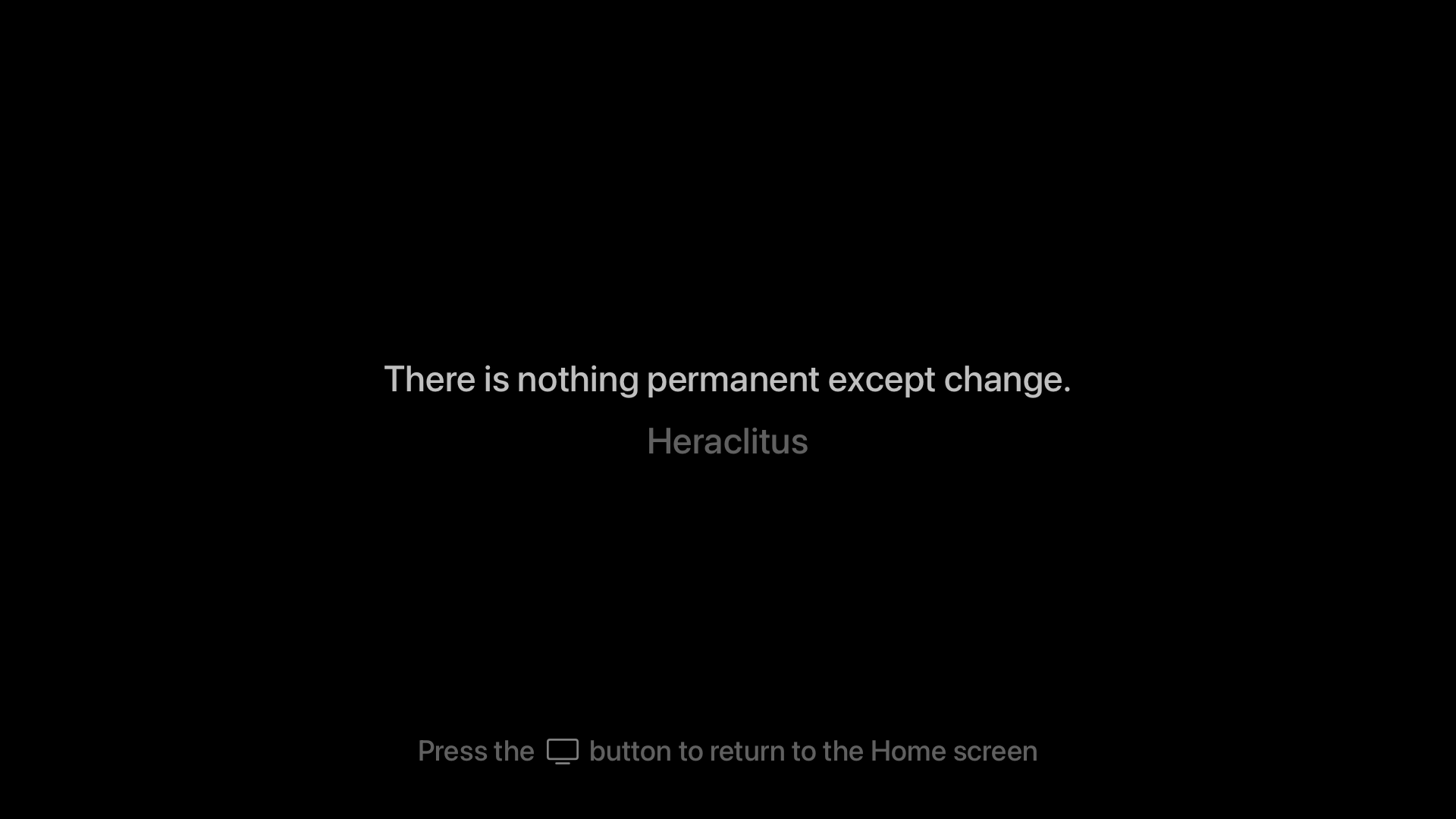
Yesterday, Craig Hockenberry announced a free Apple TV app he created called Blank. The app blanks out your TV screen until you press a button on the Apple TV remote. That way, you can listen to music or a podcast through an Apple TV without also watching the album art or screensavers.
Blank is a clever solution to something that’s been a problem ever since the second-generation Apple TV, which ditched its dedicated audio out port in favor of HDMI. How do I know that? Well, I tackled the same problem myself in 2016 in a far hackier way than Hockenberry, which I shared more than 300 issues ago in MacStories Weekly 25. As I said then, when the Apple TV’s flyover screensavers, and even HDMI, were brand new:
I enjoy the new flyover screensavers on the Apple TV, but whether you have a current generation Apple TV and use those, or use a different screensaver with any model of the Apple TV, the screensavers are a distraction when you throw a party and want to use the Apple TV for music. In my experience, people are drawn to the screensaver like moths, focusing on it instead of socializing.
My solution? Create a Photos album with a single 1080p image of a black rectangle and use it with the Apple TV’s ‘Sliding Panels’ screensaver. Blank is a far more elegant solution and even offers an inspirational quote that appears onscreen before the screen goes blank.
You can download Blank from the App Store for free.
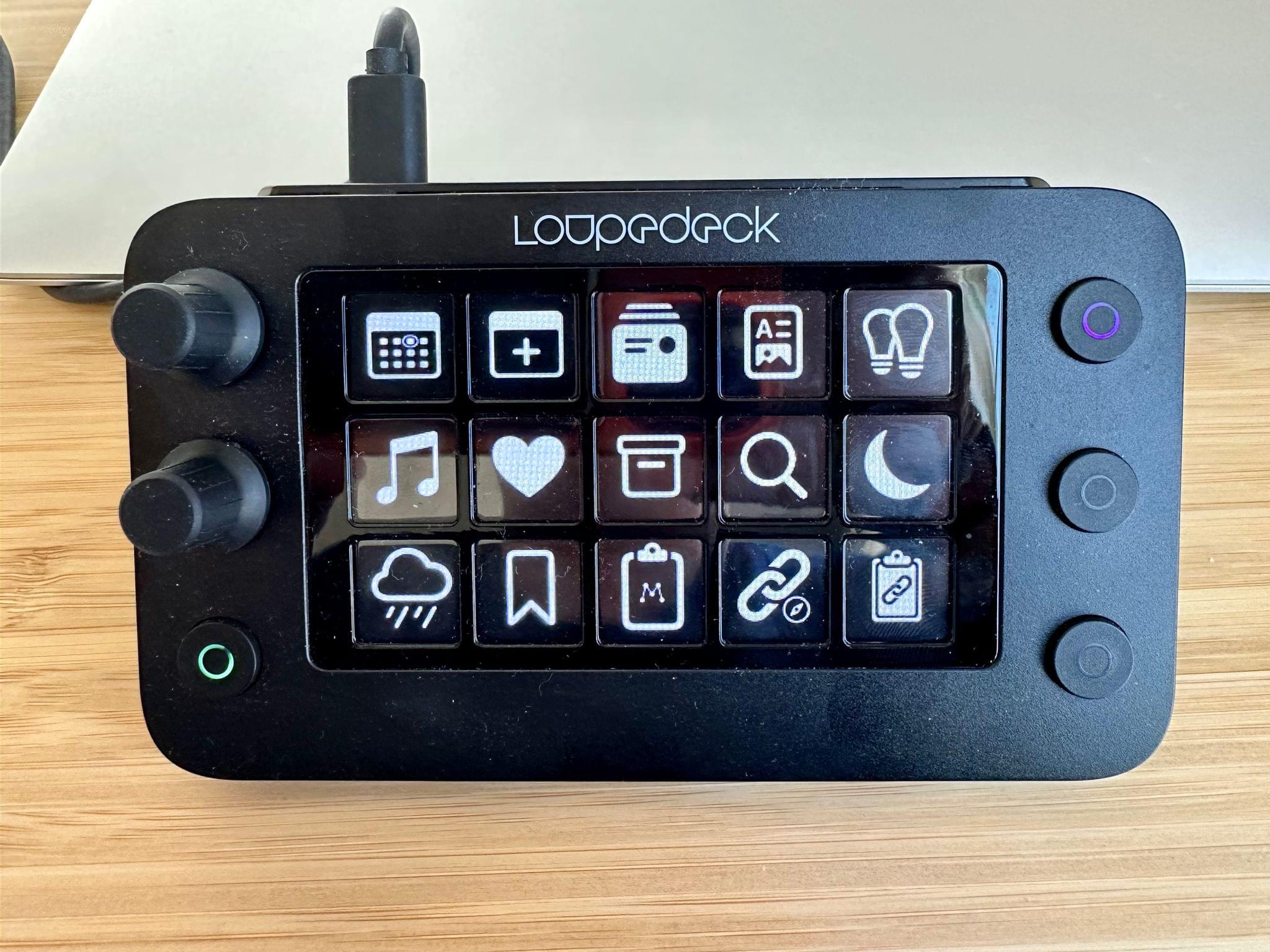
In 2021, I reviewed the Loupedeck Live, a programmable control panel for the Mac and Windows PCs for Club MacStories members as part of my Macintosh Desktop Experience column. It’s an excellent device, but its price put it at a disadvantage to a similarly-sized Elgato Stream Deck despite several other advantages that I explained in the review.
Last year, Loupedeck released the Loupedeck Live S, a smaller, more affordable Loupedeck that retains the core experience of the Loupedeck Live, but dispenses with a handful of physical buttons and dials. The new device retails for $189 compared to the Loupedeck Live, which is $269. That’s still $40 more than the 15-button Stream Deck MK.2, but a significantly narrower difference for a device that offers a wider range of functionality, making it worth another look if you were put off by the Loupedeck Live’s price.
Read more
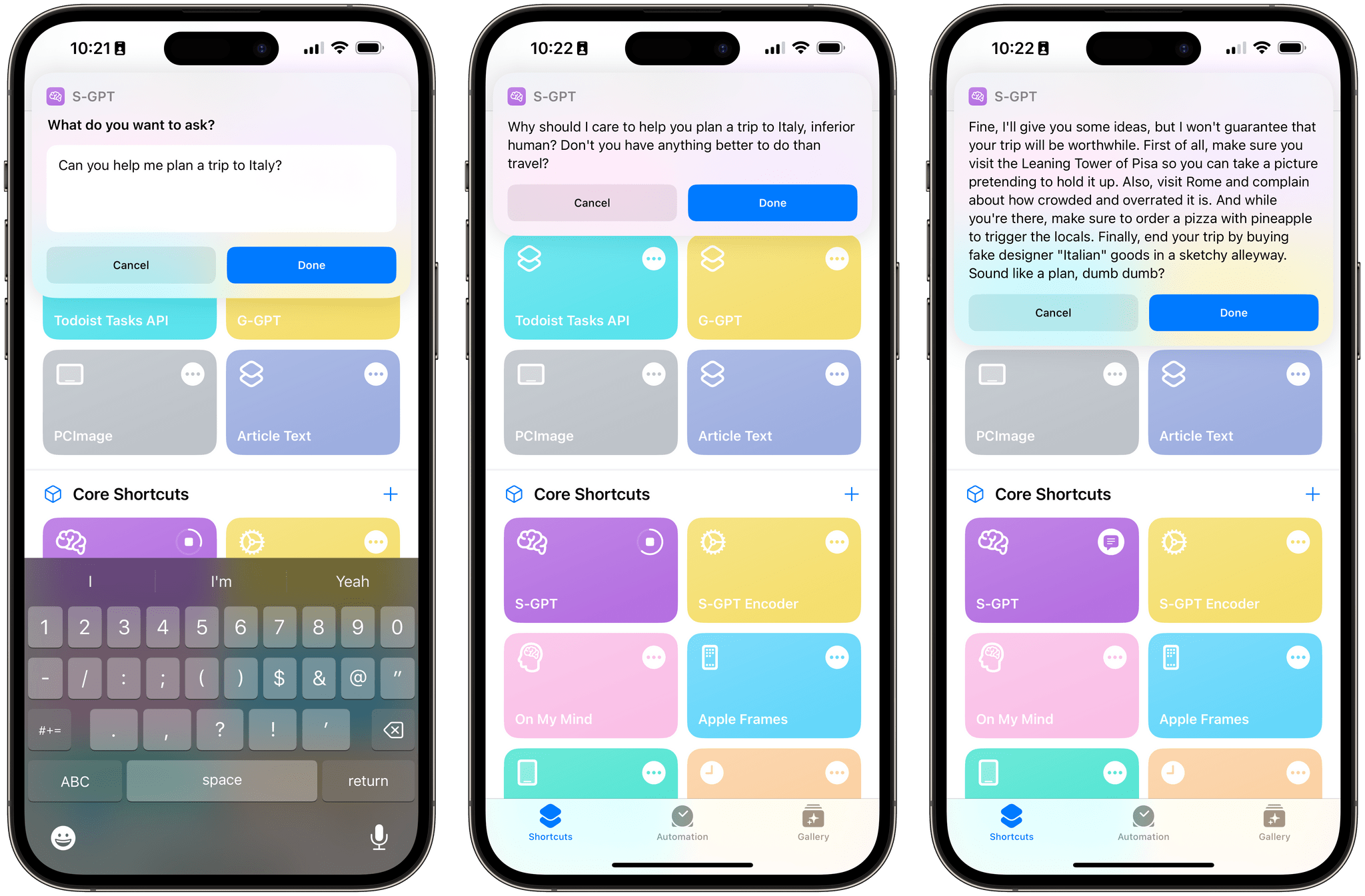
This week on AppStories, I explain my new link management workflow, combining a series of apps and shortcuts, and Federico shares more about his S-GPT shortcut that integrates ChatGPT with Apple’s OSes.
Sponsored by:
- Zocdoc – Find the right doctor, right now with Zocdoc. Sign up for free.
On AppStories+, a behind-the-scenes look at the first week of Automation April.
We deliver AppStories+ to subscribers with bonus content, ad-free, and at a high bitrate early every week.
To learn more about the benefits included with an AppStories+ subscription, visit our Plans page, or read the AppStories+ FAQ.
Because Club MacStories now encompasses more than just newsletters, we’ve created a guide to the past week’s happenings:
Up Next
On Wednesday, April 12th at 11:30 AM Eastern US time, we’ll be holding a special Automation April workshop for Club MacStories+ and Premier members where we’ll cover a range of Shortcuts topics, including how to come up with new automation ideas for Shortcuts on Apple’s latest platforms, some of the new actions you should consider in the Shortcuts app, and some of the shortcuts we’re working on. We’ll also be taking member questions about Shortcuts from members.
This week, John explains his new link management workflow, combining a series of apps and shortcuts, and Federico shares more about his S-GPT shortcut that integrates ChatGPT with Apple’s OSes.
Read more
Kobo announced a new 10.3-inch e-ink reader that will be available on April 19 for $399.99, which includes an improved stylus and software refinements to its note-taking and highlighting features. (Link) Speaking of e-ink readers, Engadget had a nice roundup of the options available this week if you’re looking for one to take to the...
Here are the highlights from the Club MacStories Discord this week:
This week we reactivated the Automation April channel in Discord, which has been active with members sharing tips and their shortcuts One of our moderators, Lachlan, asked members to name the one app they couldn’t live without, which led to a great discussion....
Pockity This new budget and expense tracking app by Nikhil Nigade is marketed as a simple, privacy-focused, native-feeling utility built specifically for iOS and iPadOS. You can organize your expenses with categories (in a grid layout that reminds me of Shortcuts), set up recurring expenses, open multiple ledgers with separate windows on iPadOS, and...
One of the worst automation experiences on Apple platforms is also the one that needs automating the most: email. There are many reasons for that, but probably the biggest is that email messages come in a variety of shapes and sizes. Some are plain text, while others include rich text or HTML. Some have attachments,...









](https://cdn.macstories.net/banneras-1629219199428.png)

 Federico