

It was a big week at MacStories. We welcomed Magic Rays of Light, Federico was busy modding his iPad Pro, I reviewed new hardware and an app, plus the Vision Pro launched. So, to close out the week, we invited Sigmund and Devon to share media-themed stories in this issue, and Marcos Tanaka generously offered...
 Interesting Links
[[John]] Andy Baio chronicles the demise of Ello, a social network started nearly a decade ago that tried to do things differently, but failed. (Link) In 2022, Notion acquired Cron, a design-focused calendar app for people who use Google Calendar. This week, Notion released Notion Calendar, which is based on Cron and integrates with your...
Federico’s Evolving Setup→
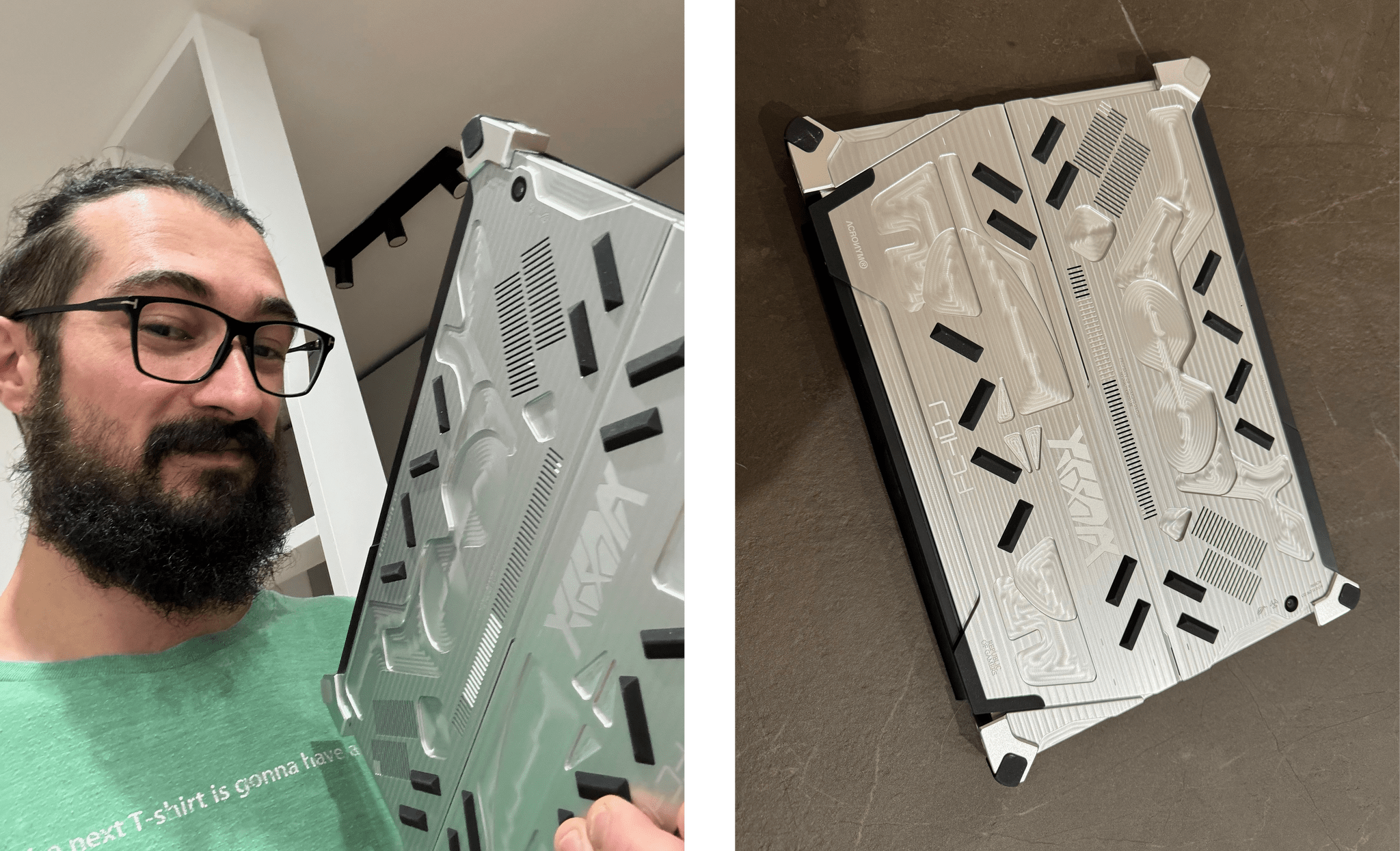
Just like the App Store Review Guidelines, our Setups page is a living document. Federico and I are always tweaking and refining the gear we use, so it should come as no surprise that today, Federico updated his sections of the Setups page with new items, including his Asus gaming tablet from this week’s episode of MacStories Unwind and the accessories he used to mod his iPad Pro. He dropped a few items too.
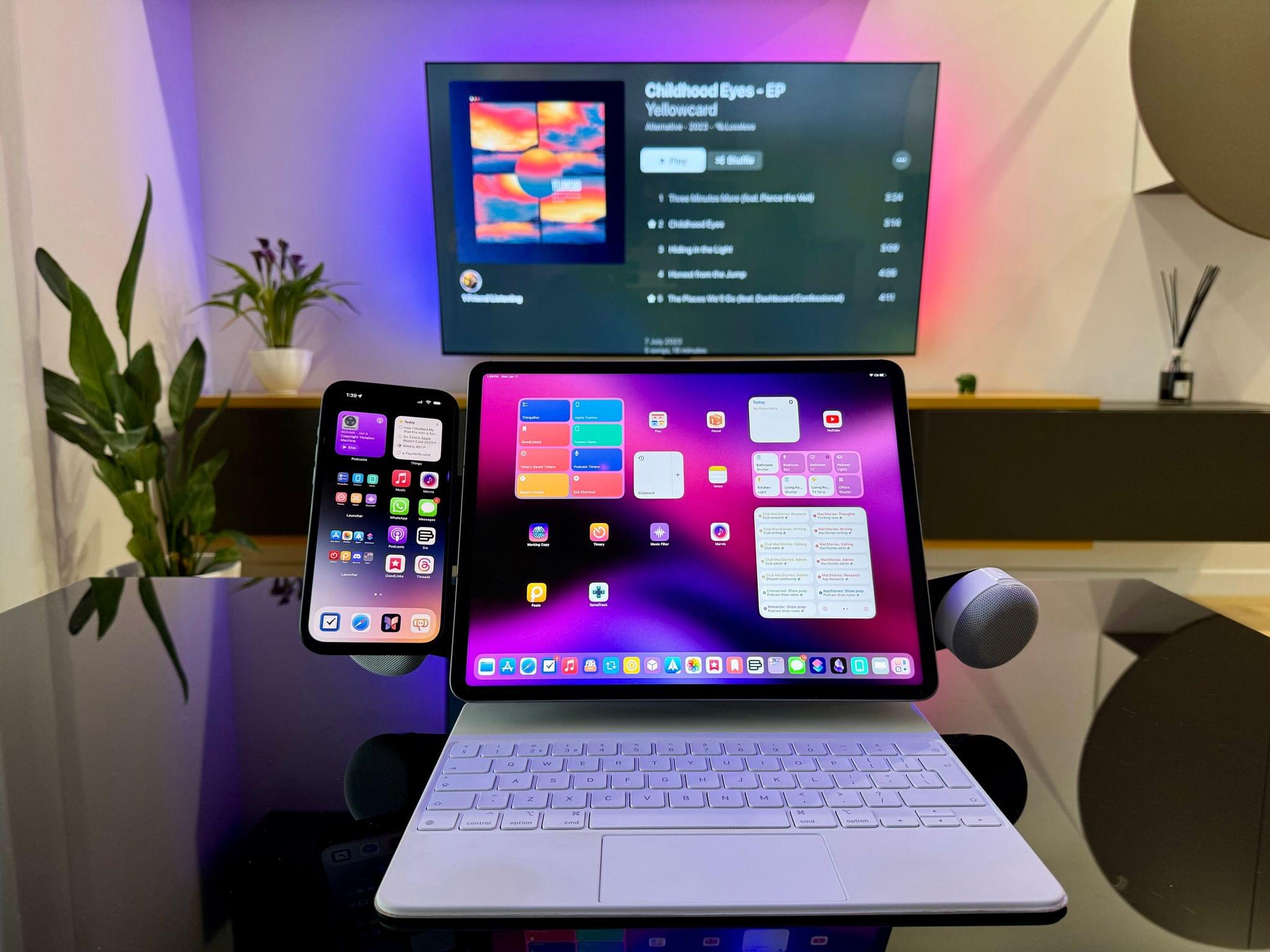
We’ve included a handy changelog at the top of the Setups page if you want to see the latest changes and will be linking updates here on the homepage to make it easy to follow along. I’ll have some updates soon too, but I’ve been waiting for a package for over a month that got stuck in Cologne, Germany. I’d love to spill the beans today, but what fun would that be? I’ll reveal what I’ve been up to soon enough.
Until then, here are the latest changes to Federico’s setup:
- Added Z13 Acronym to Videogames section (Unwind episode)
- Removed Raikiri Pro game controller and replaced with FlyDiGi Vader 3 Pro and GuliKit KingKong 2 Pro
- Added Hall effect joysticks to ROG Ally section
- Added Edge Pro MagSafe holder and BoomCan MS from How I Modded My iPad Pro with a Screen Protector, iPhone Holder, and Magnetic Stereo Speakers
- Removed mentions of velcro and replaced with AllyMate and DeckMate in ROG Ally and Steam Deck sections
- Apps section: updated entries for media tracker, read later, podcast, weather, and team communication apps
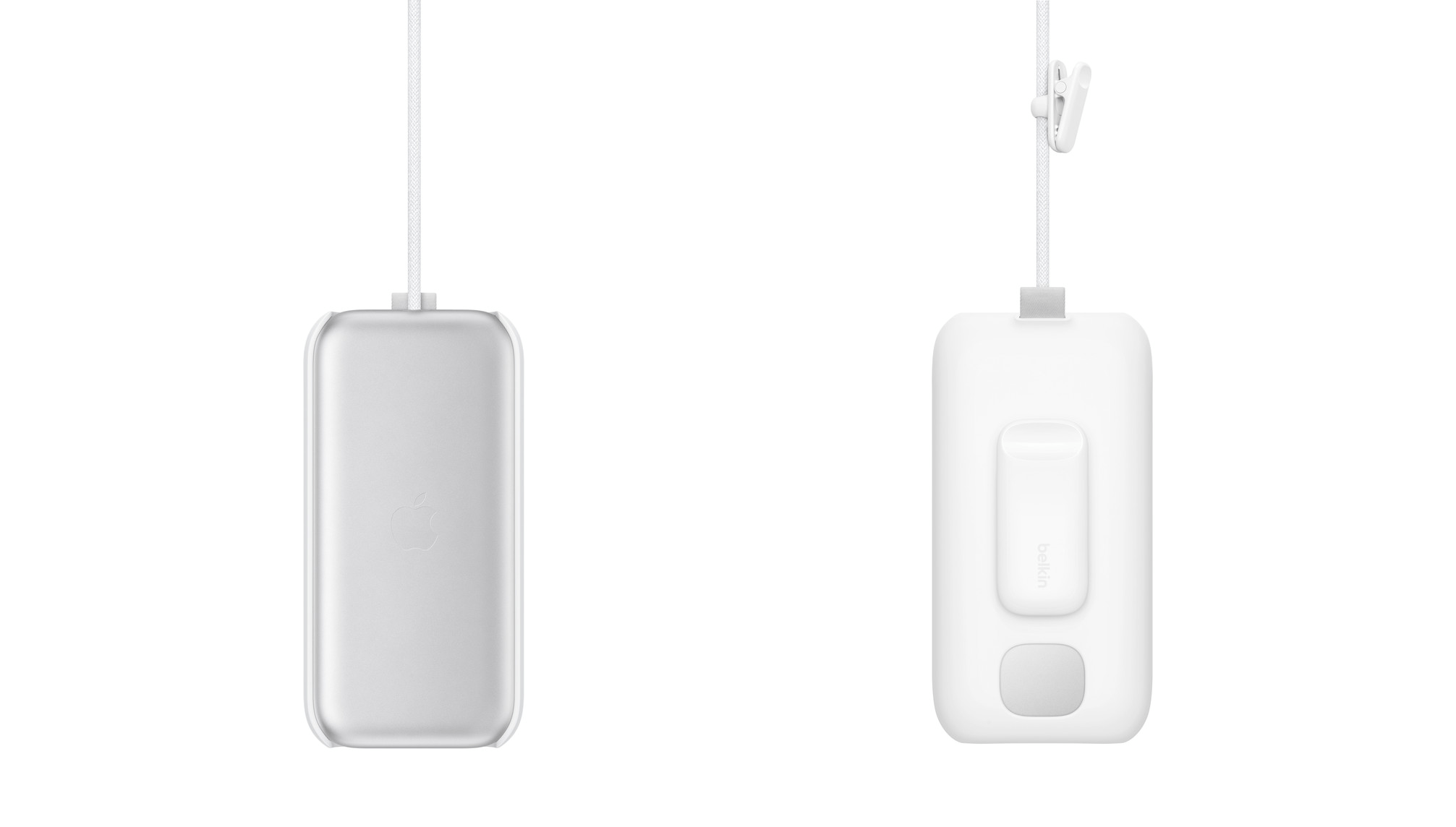
- Added new Belkin charger
MacStories Unwind: Godzilla vs. Ticci’s Surprise, Part 2







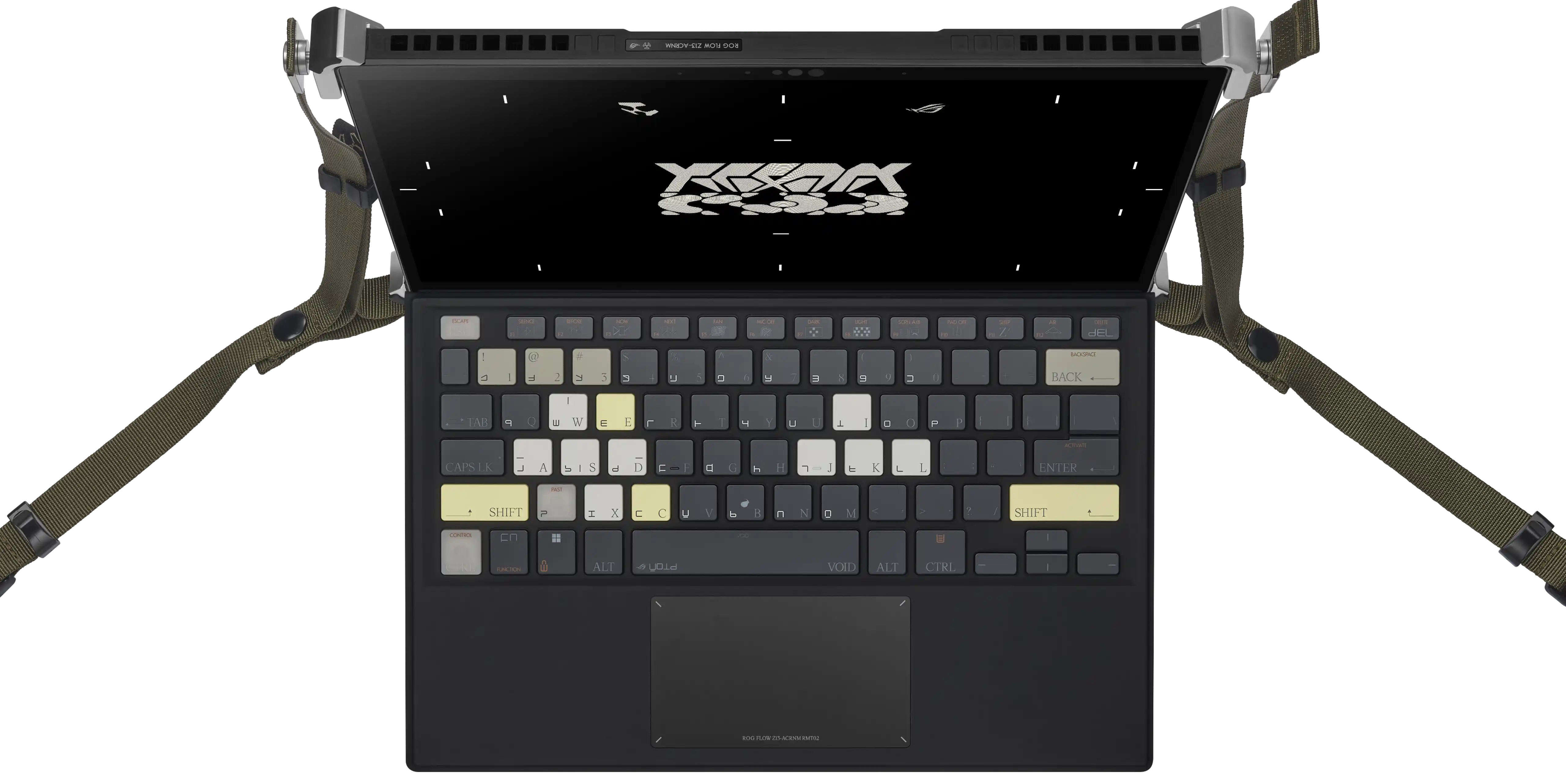
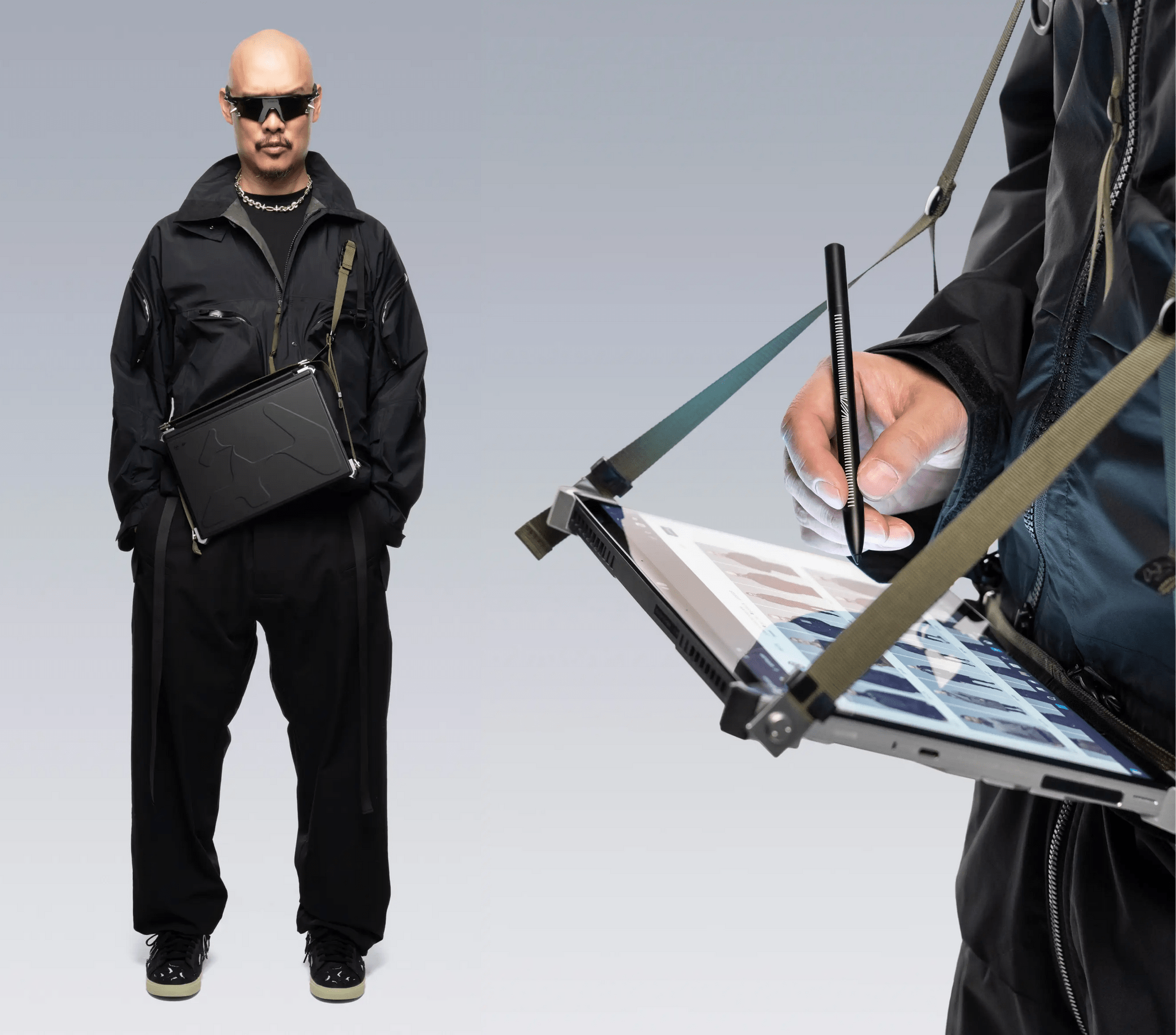
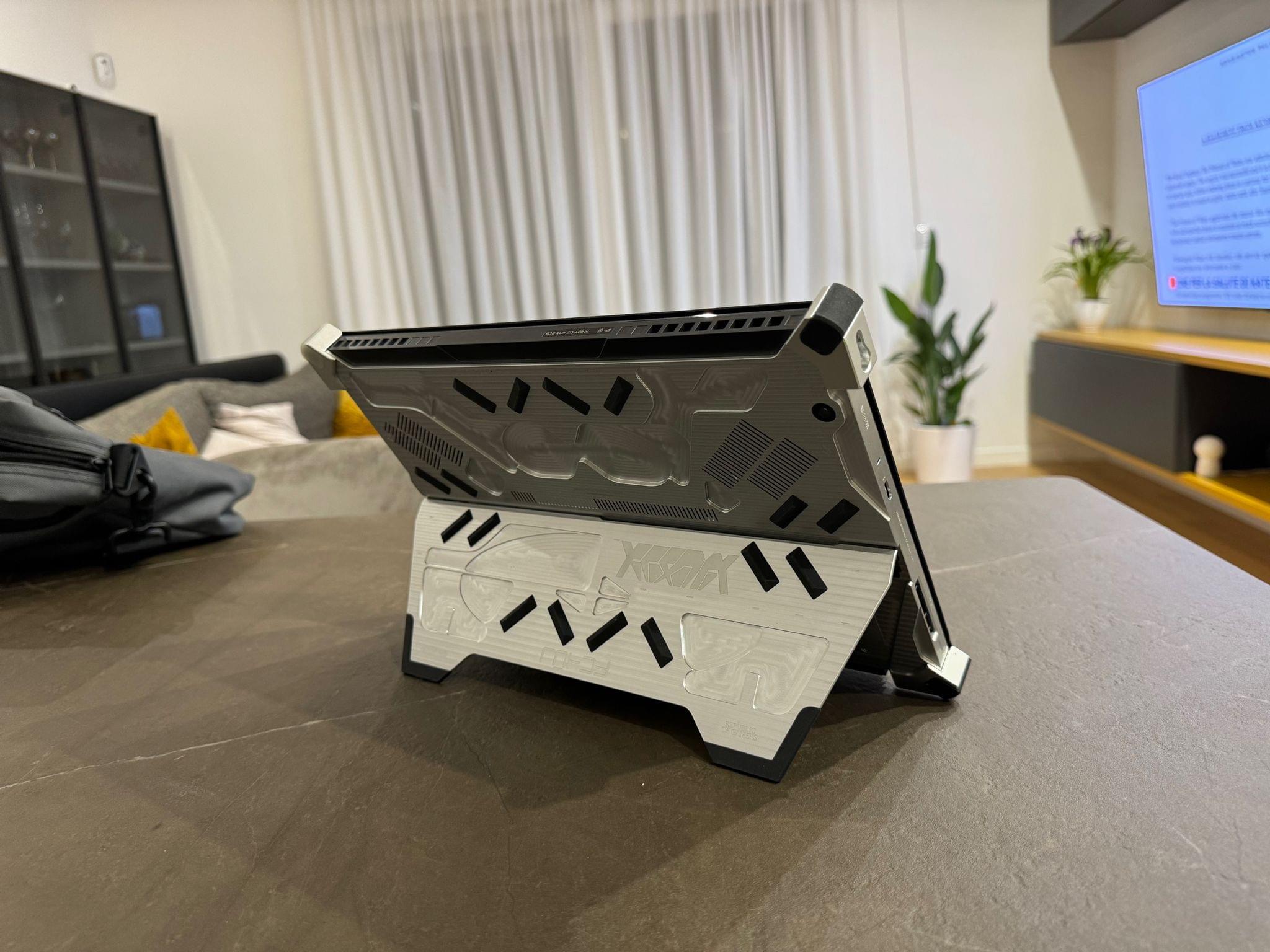
This week on MacStories Unwind, I recommend Godzilla Minus One in honor of Magic Rays of Light joining MacStories and Federico shares part two of his big gaming surprise, explaining the hardware he’s using to emulate Switch games and more.
Links and Show Notes
John’s Pick
Ticci’s Absolutely Bananas Gaming Tablet
MacStories Unwind+

We deliver MacStories Unwind+ to Club MacStories subscribers ad-free and early with high bitrate audio every week.
To learn more about the benefits of a Club MacStories subscription, visit our Plans page.
Apple Releases a Guided Tour of Vision Pro and Shares a Making Of Video

Apple has released a guided tour of Vision Pro on its website that walks through a bunch of its features. Whether or not you’re planning to purchase Apple Vision Pro, this video is worth taking the time to watch. It’s about ten minutes long and covers many of the device’s core features from the perspective of someone using it for the first time.
I wish I’d seen this guided tour earlier. As someone who hasn’t had a hands-on demo of Apple Vision Pro, this video has done far more to get me excited to try it myself than anything else.
Tim Cook also shared a montage video on X/Twitter of the Vision Pro being manufactured, which can also be viewed on YouTube. The careful orchestration of robots milling parts and stitching bands together is mesmerizing to watch.
Every Apple Vision Pro Accessory Option
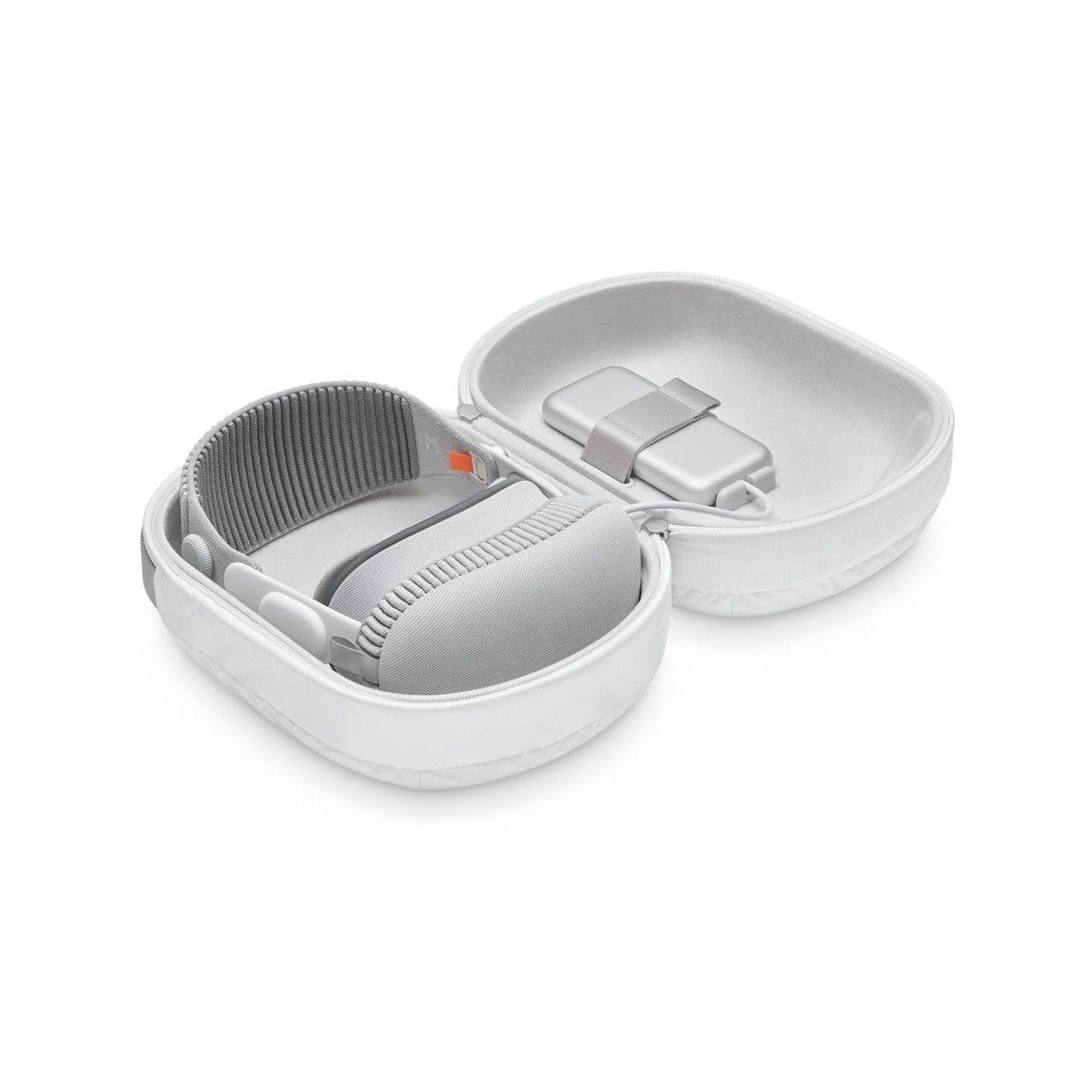
If you finished the Apple Vision Pro checkout process with any money left in your bank account, Apple has several accessories available for its new spatial computing headset.
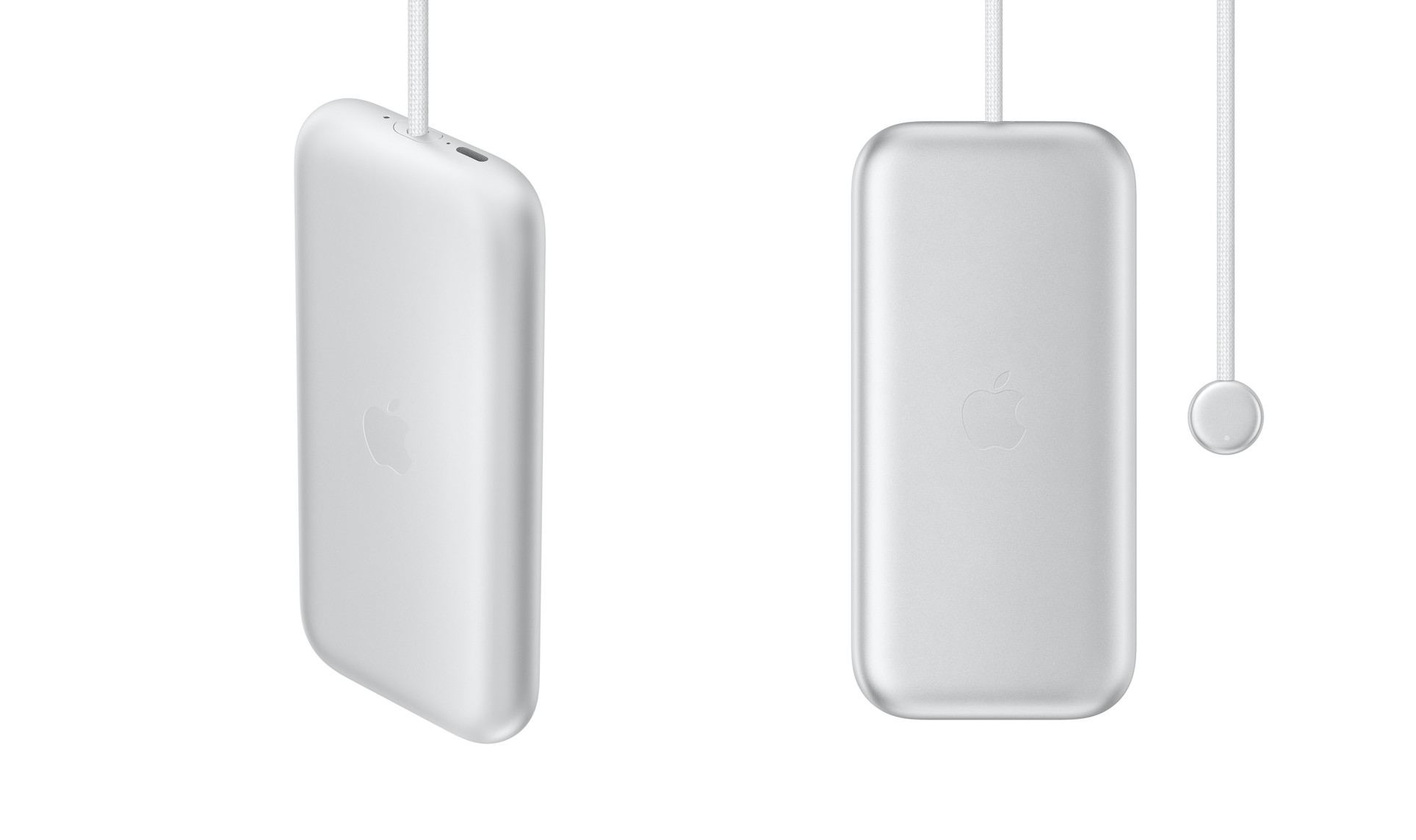
At the $199 price point, you have three options:
- A spare battery
- A travel case
- An extra light seal
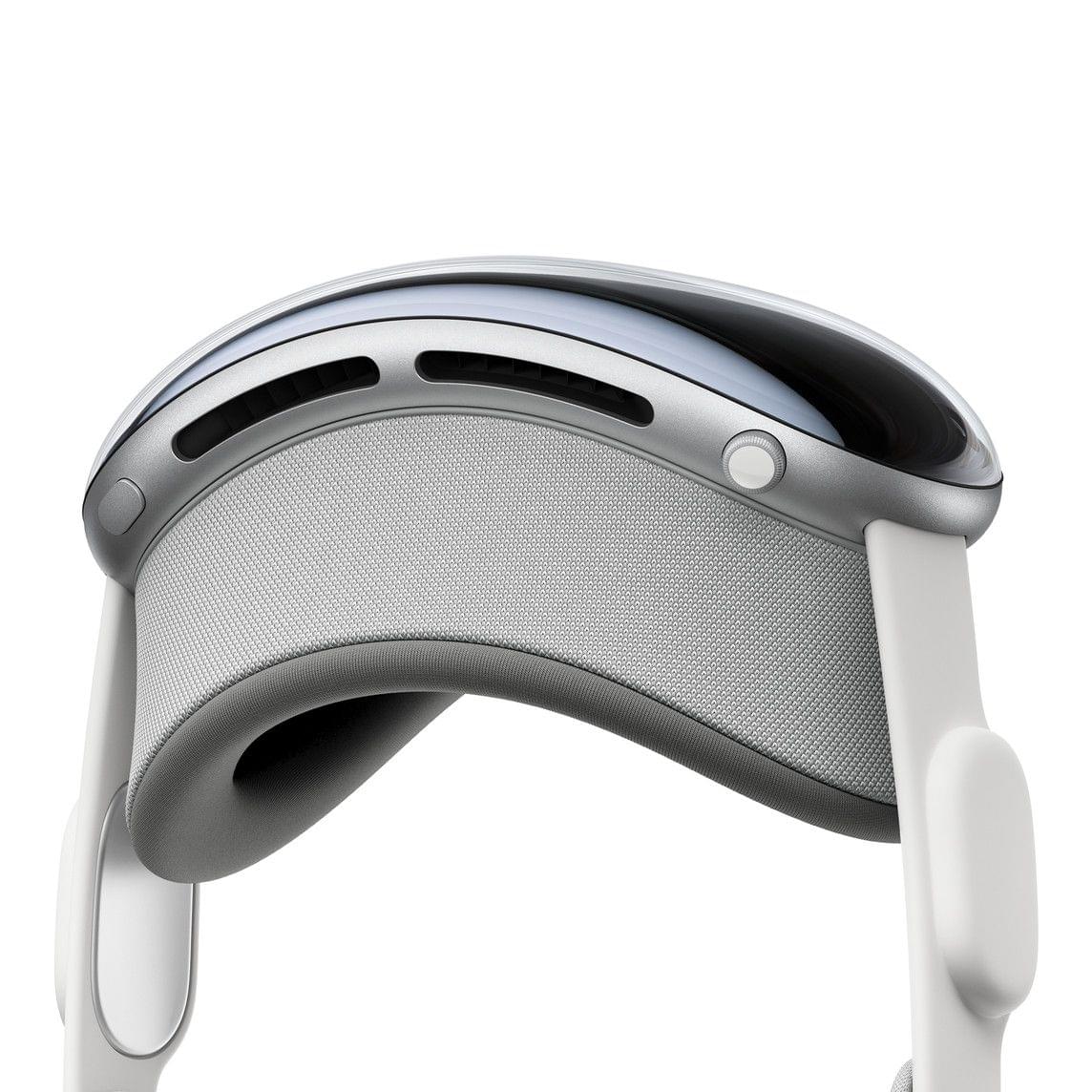
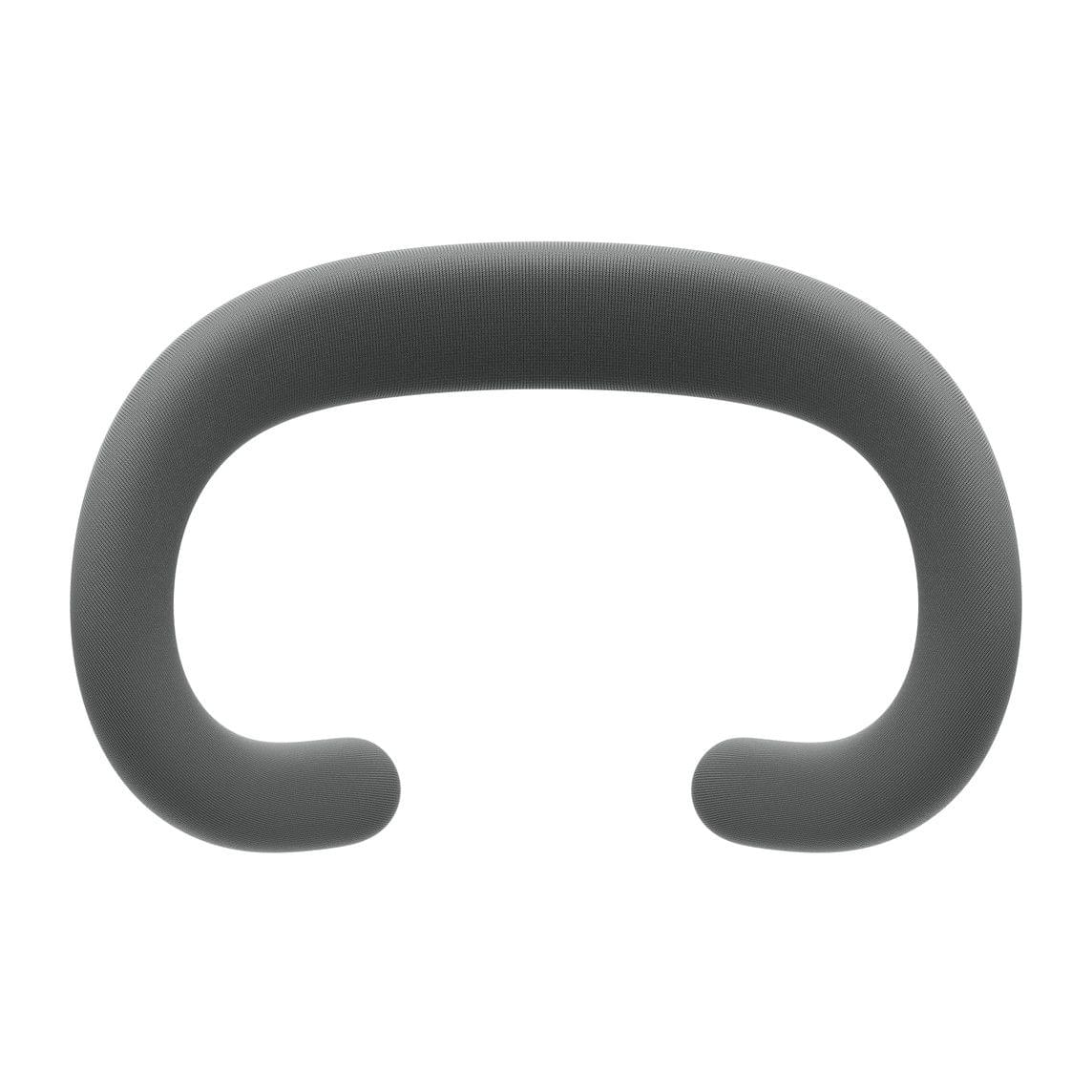
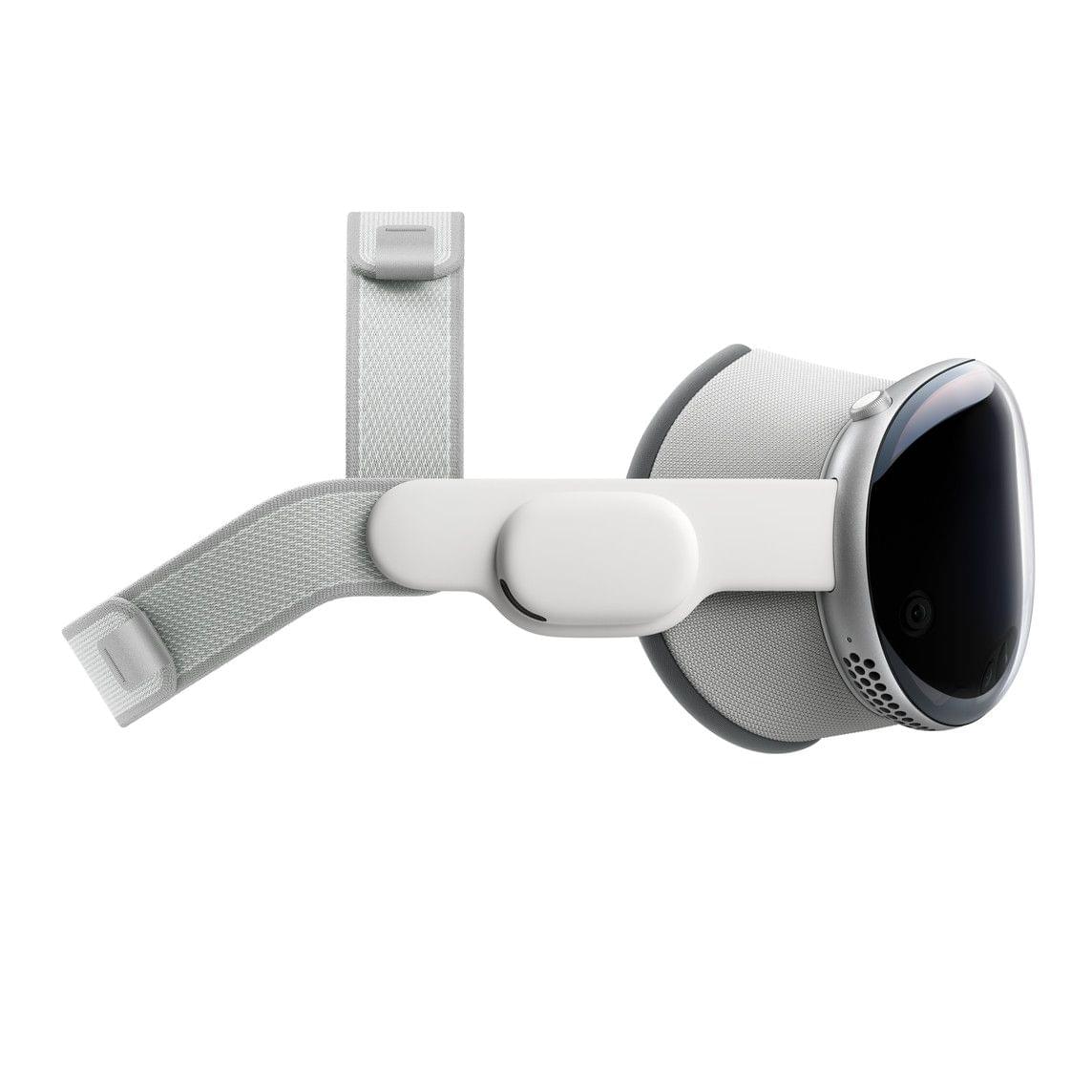
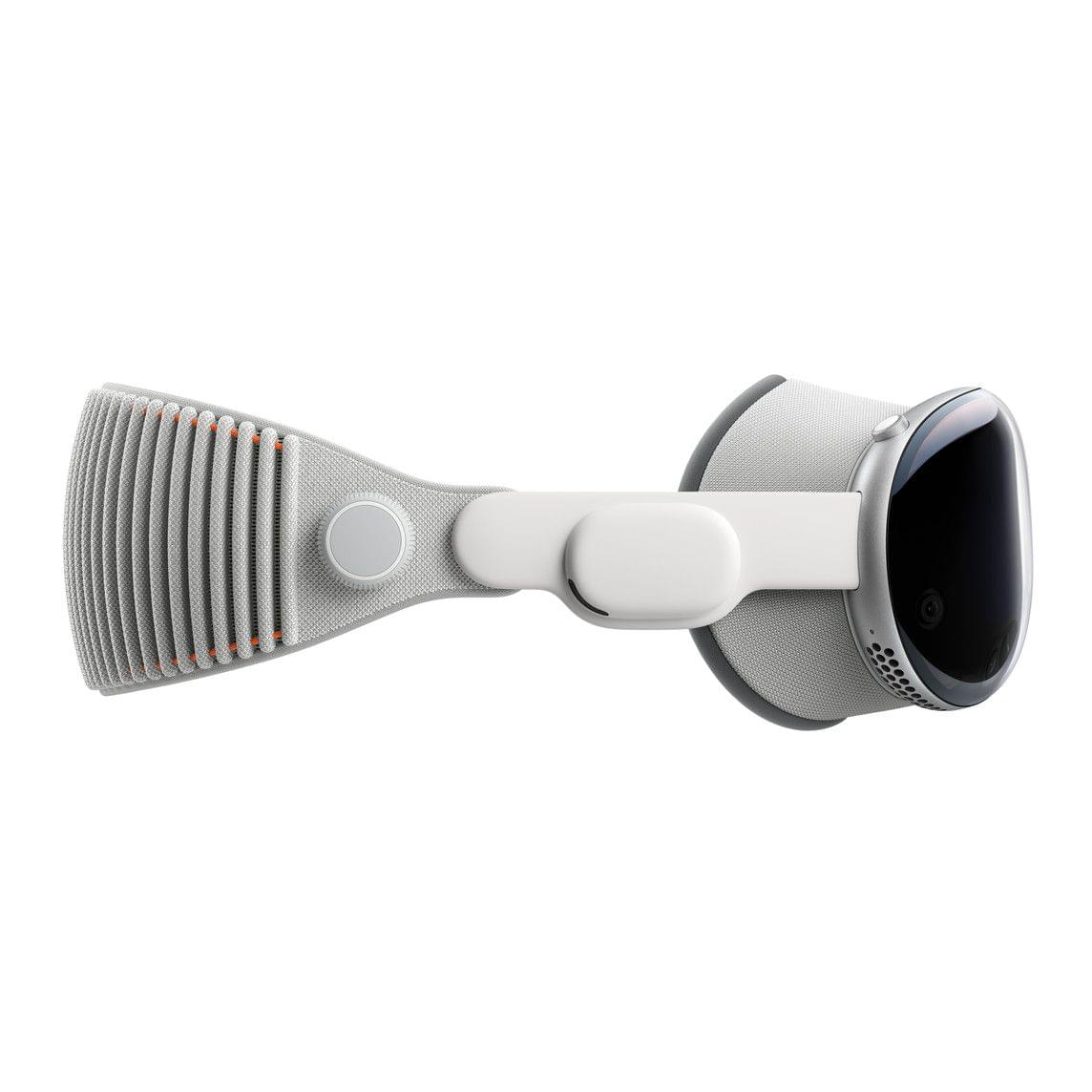
However, if all you need is the light seal cushion, you can order that for $29. The Apple Vision Pro Solo Knit Band and Dual Loop Band are also available for separate purchase for $99 each.
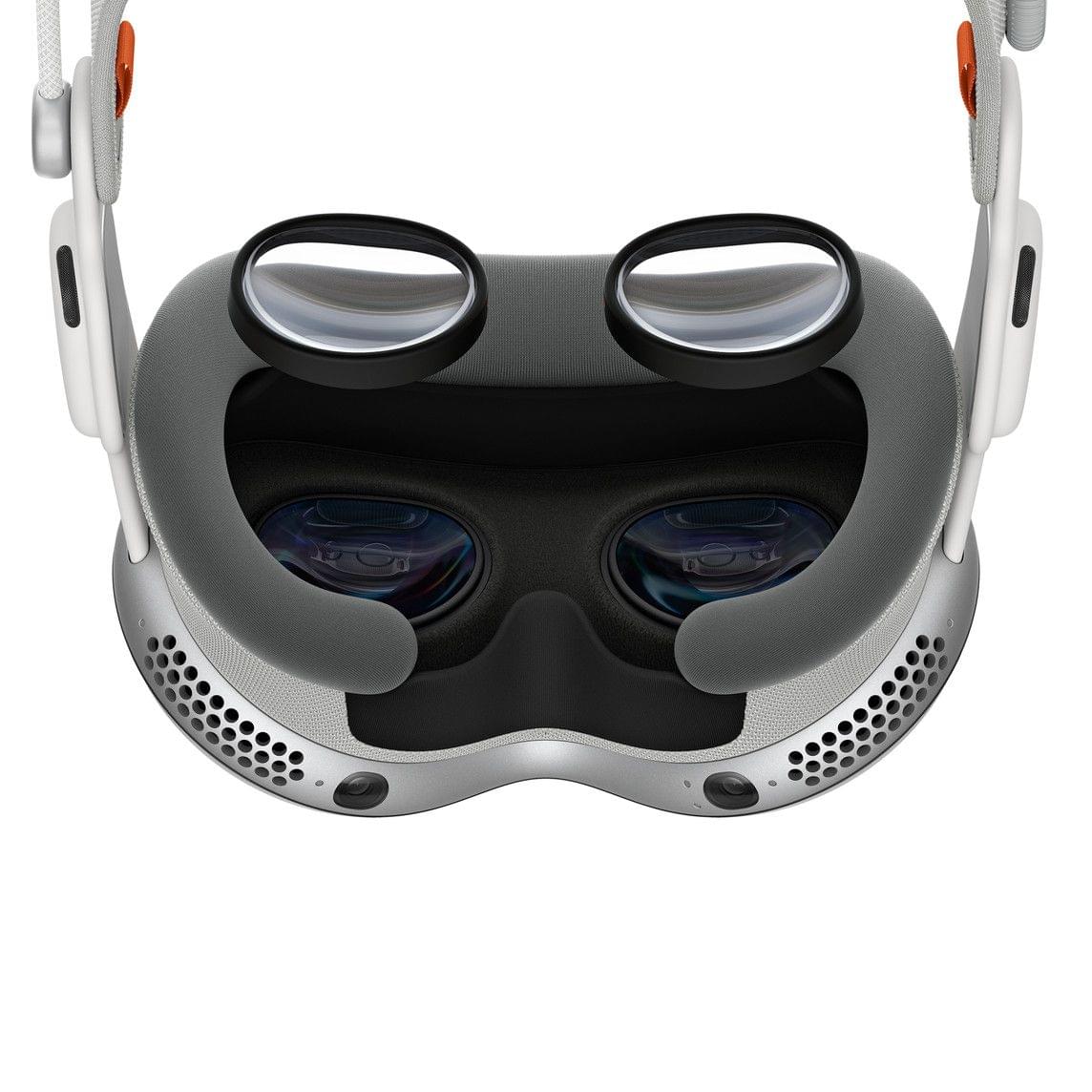
If you forgot to order ZEISS lens inserts during checkout or your prescription changes, they can be purchased separately starting at $99 for non-prescription ‘reader’ lenses and $149 for prescription lenses.
As previously reported, Belkin is offering a battery clip that includes a case with a clip for the battery and a smaller clip for the power cable for $49.95. Apple also lists a 30W power adapter, USB-C charging cable, the Magic Keyboard, Magic Trackpad, and AirPods Pro (2nd generation) alongside the Vision Pro.
Thankfully, it looks like Apple heard the critics of its AirPods Max case and built a polycarbonate protective case with a ‘ripstop outer shell’ and spots to tuck the device’s battery, optical lenses, and cover, along with ‘other accessories.’ The case looks nice, but I took a pass, figuring I can always pick one up in advance of my next trip if I decide to take the Vision Pro on the road with me.
I did, however, buy a spare battery. I expect that I’ll connect the battery that comes with the Vision Pro to power a lot of the time to get more than two hours of use out of it, but a spare battery will allow for greater portability.
A Survey of Popular Apps Currently Compatible With Apple Vision Pro
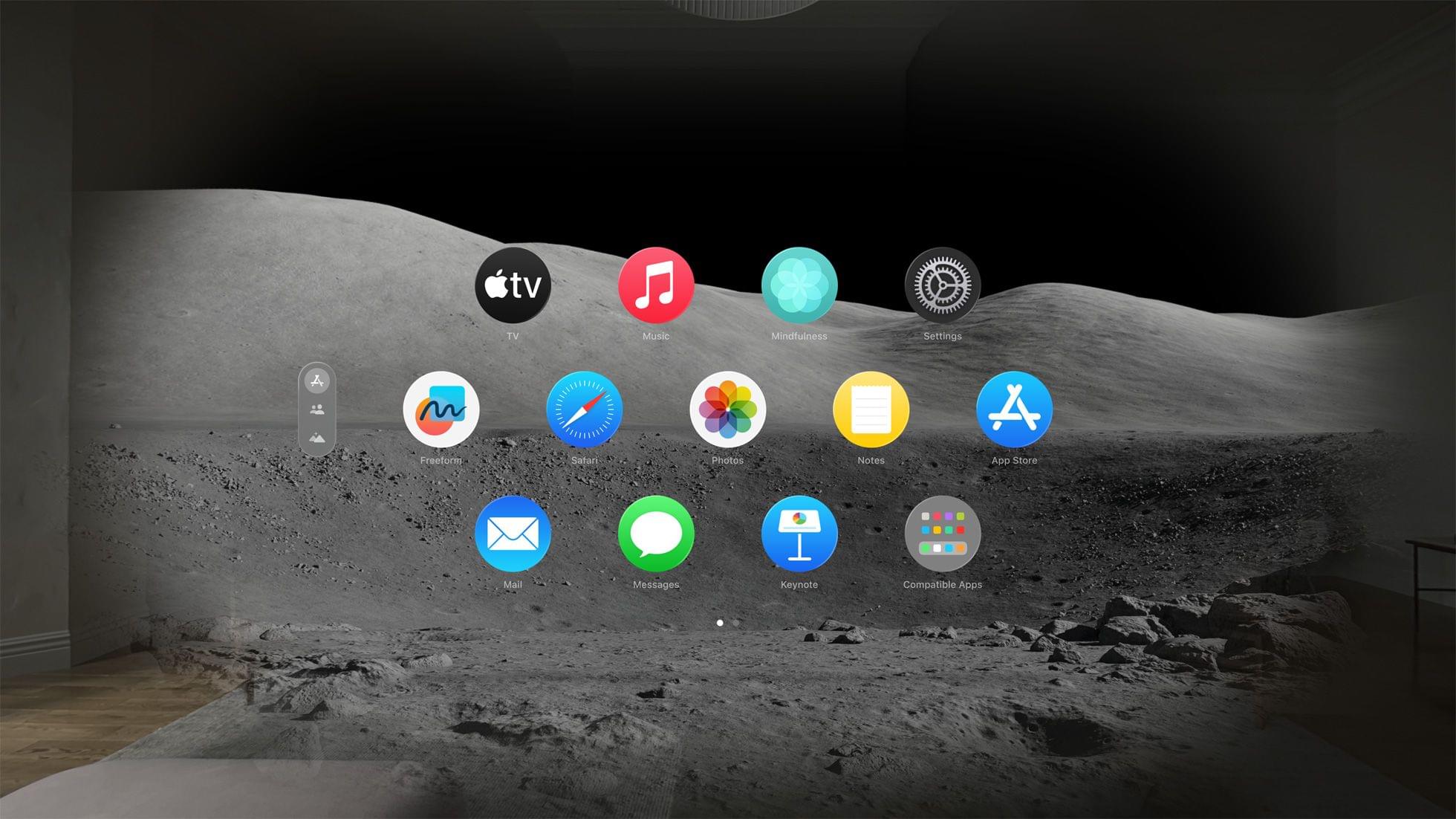
We’re excited about the Apple Vision Pro. In planning our coverage at MacStories, we’ve already collected a list of over 50 apps from some of our favorite developers who have been hard at work on visionOS versions of their apps. Soon after the Vision Pro ships, you’ll start seeing reviews of the best of those apps on MacStories.
However, as we surveyed the App Store, looking for the best examples of upcoming Vision Pro apps and heard the news that Netflix won’t be building a visionOS app or making its iPad app available on the new device, it got us thinking. What other popular apps aren’t coming to visionOS yet, and of those that are, which have gone to the trouble of creating native experiences?
BenQ ScreenBar Halo: Lighting Your Entire Desk Setup
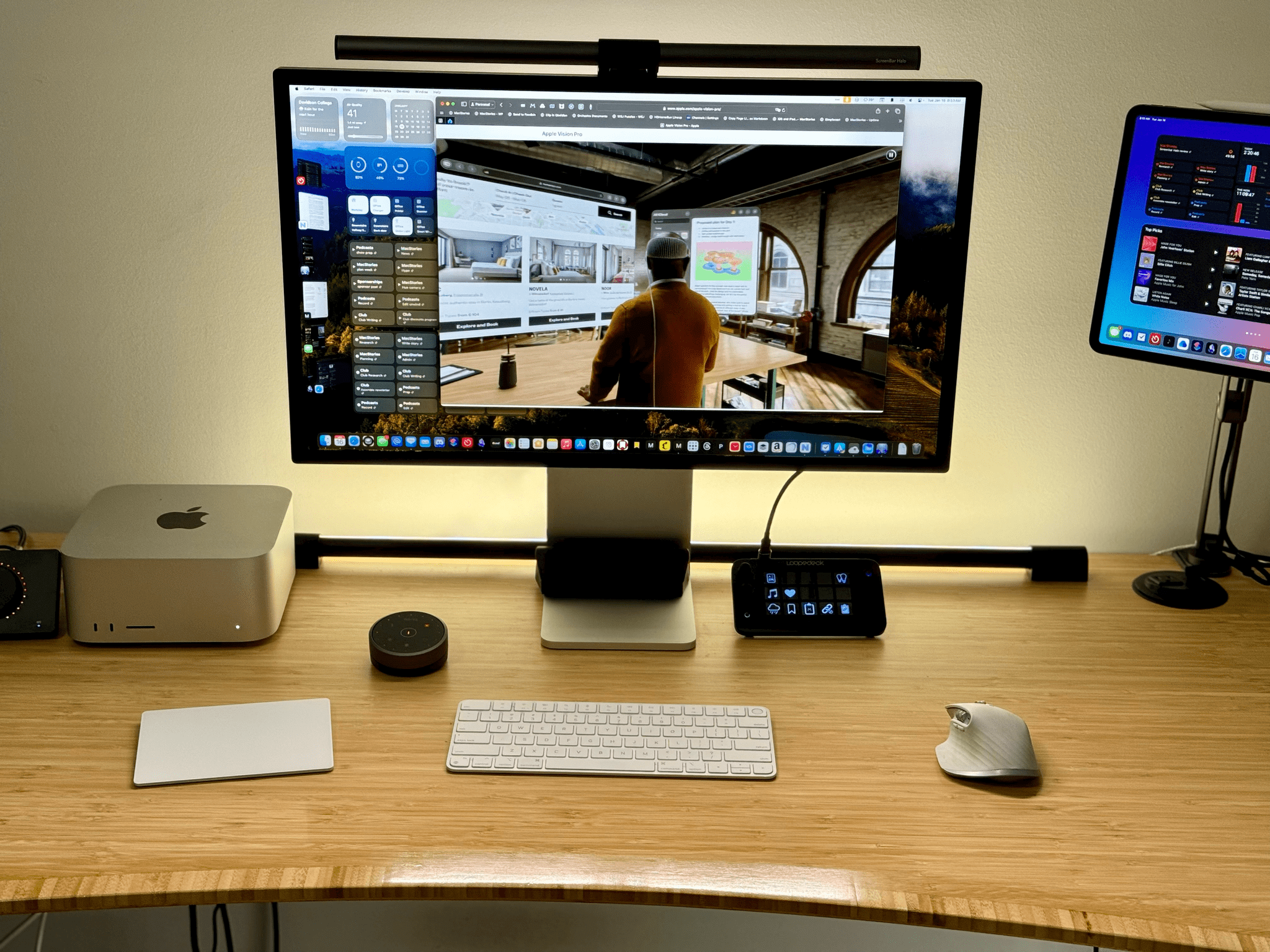
Years ago, I bought a BenQ ScreenBar with Dial. It sat perched on top of my display, bathing my desk in light. I loved it, except for the cables that snaked down the back of my monitor: one to power it via USB-A and the other leading to a knob for turning it on and off and adjusting brightness and light temperature.
I stopped using the BenQ ScreenBar when I moved my desk to an area of my old house where the back of my screen was exposed. The wires hanging off of the ScreenBar were just too messy looking, no matter what I did.
Not long ago, I pulled the ScreenBar out of storage and began using it again. I still wasn’t a fan of the wires, but with my Studio Display facing a wall, it was usable again. That’s why I was interested in trying the ScreenBar Halo when BenQ offered to send me one to test. It’s similar to the older model I was using but with a couple of crucial differences.
What’s Next for Apple and Epic’s Legal Disputes?

Yesterday, the US Supreme Court told Epic Games and Apple, “No, thank you,” and Apple served up an ugly alert to developers who can now offer payment options outside the App Store. If you’re thinking, “Wait, didn’t this all get resolved ages ago?” I feel you. The legal system moves at its own pace, which is an order of magnitude slower than technology. However, what might feel like a lifetime ago to many MacStories readers is pretty typical. It also means that it’s time to put on my ‘former lawyer’ hat for a moment to revisit where things stand with Epic and Apple and consider what’s next.