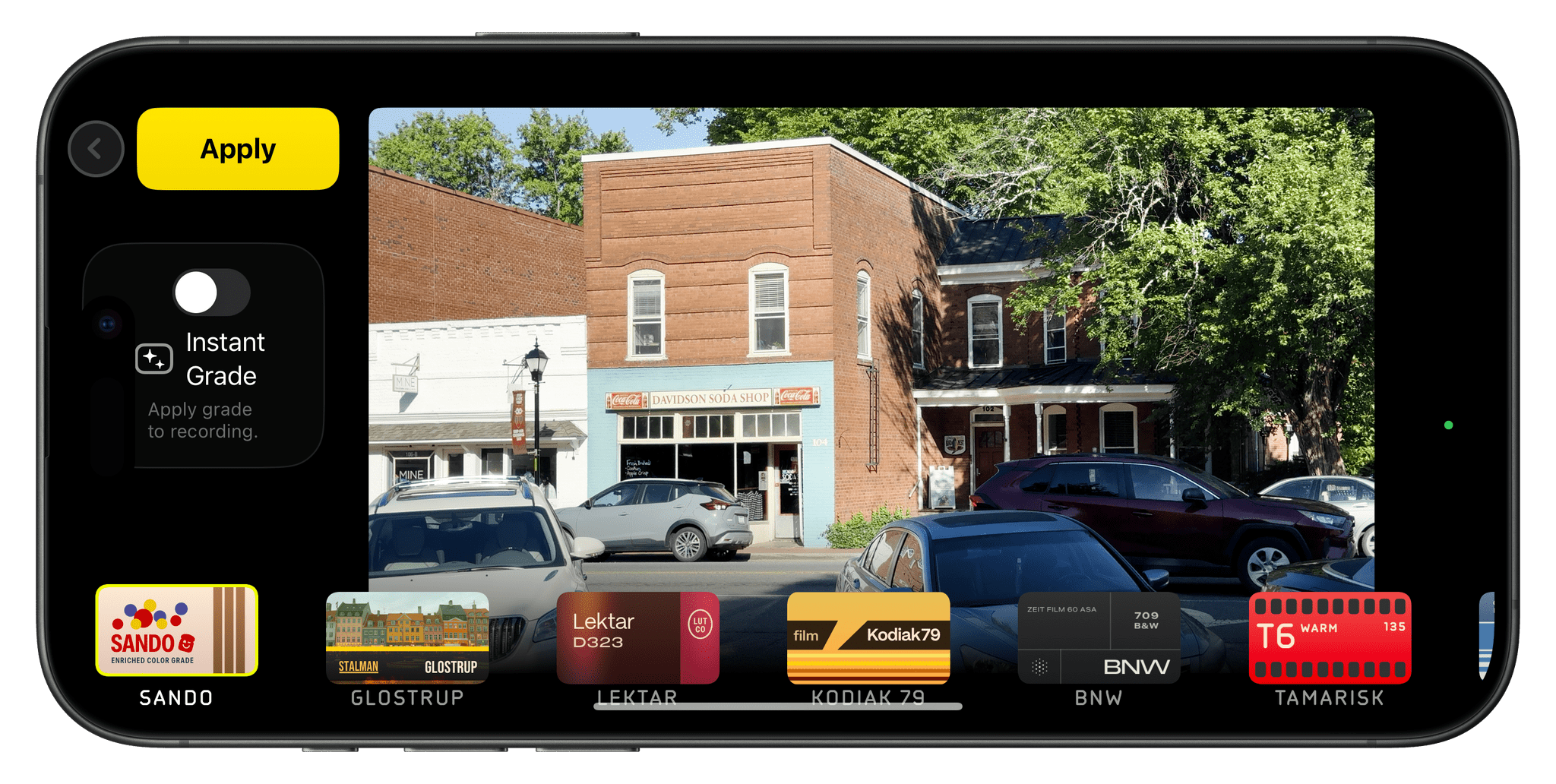
When you download a utility for a specific purpose, it’s easy to use it for that and nothing else. That’s what happened to me with Dropover. I wanted an easy, temporary place to put files as I move them around on my Mac. Dropover is great for this because you simply grab a file, shake...
App Debuts
Deckset Deckset, an app for creating presentations from Markdown files, has been around for a long time. This week, after a decade as a Mac-only app, Deckset debuted on the iPhone and iPad. The benefit of a text-based presentation app is it allows you to build a slide deck from an outline, which, for...
MacStories Unwind: A Videogame Doubleheader→
This week on MacStories Unwind, spring is in the air, the cicadas are coming, and Federico is teasing a bigger and better MultiButton shortcut. That makes it the perfect time for a videogame doubleheader with Balatro and Final Fantasy VII Rebirth.
This episode is sponsored by:
- Kolide – Ensure that if a device isn’t secure it can’t access your apps. It’s Device Trust for Okta. Watch the demo now.
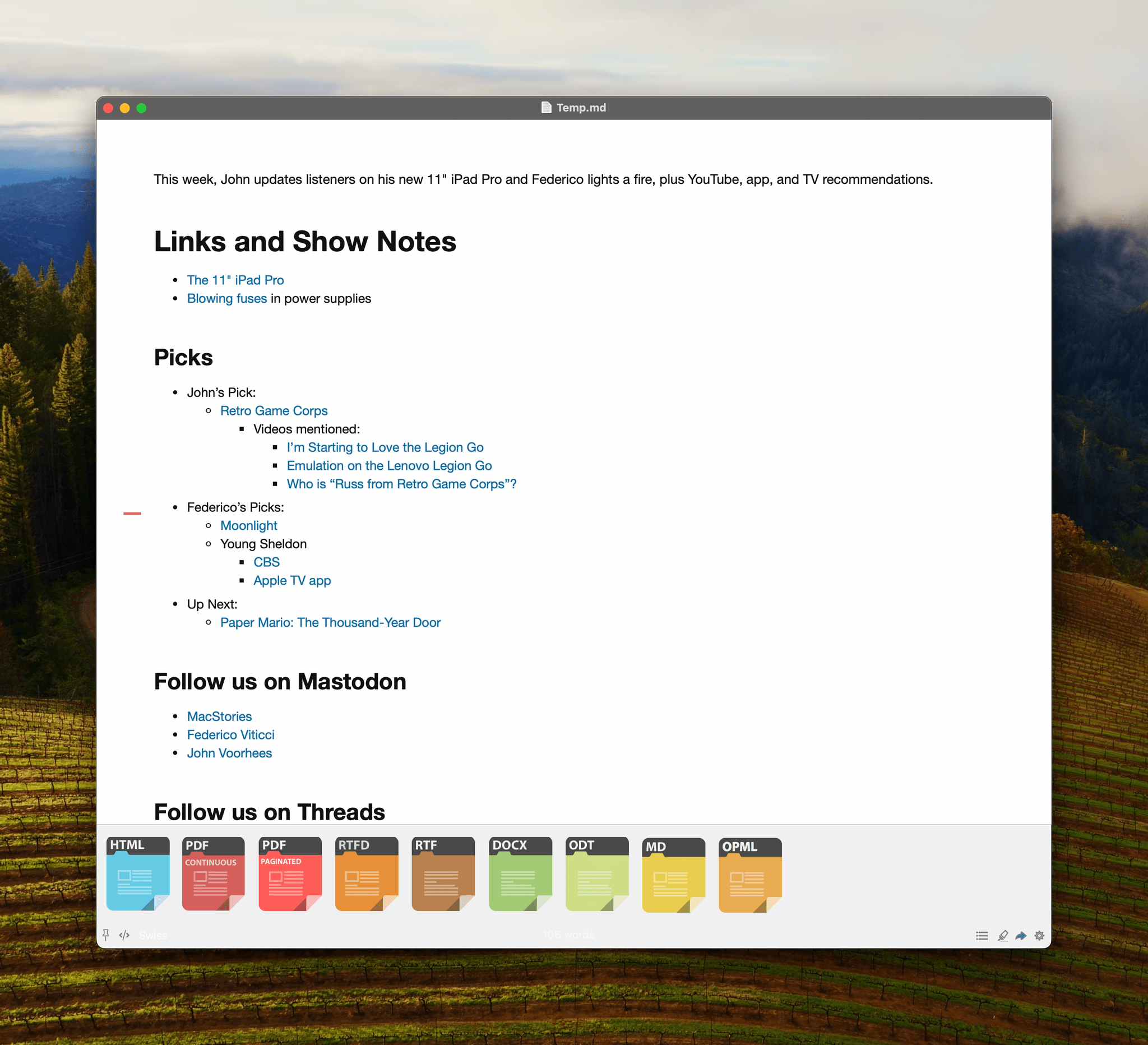
Links and Show Notes
Double Brood Invasion Imminent
MultiButton 1.1 and CAPS
Picks
- John’s Pick:
- Federico’s Pick:
MacStories Unwind+
We deliver MacStories Unwind+ to Club MacStories subscribers ad-free and early with high bitrate audio every week.
To learn more about the benefits of a Club MacStories subscription, visit our Plans page.
Logitech’s Casa Pop-Up Desk Elevates Your MacBook for More Comfortable Computing
When I’m sitting at home in my office, the ergonomics are perfect. I have a comfortable chair with plenty of back support, my keyboard is at the right height, and my Studio Display is at eye level. The trouble is, that’s not the only place I work or want to work. As a result, I spend time almost daily using a laptop in less-than-ideal conditions. That’s why I was eager to try the Logitech’s Casa Pop-Up Desk that debuted in the UK, Australia, and New Zealand last summer and is now available in North America, too.
Logitech sent me the Casa to test, and I’ve been using it on and off throughout the past 10 days as I work at home, away from my desk, and in various other locations. No portable desktop setup is going to rival the ergonomics of my home office, but despite a few downsides, I’ve been impressed with the Casa. By making it more comfortable to use my laptop anywhere, the Casa has enabled me to get away from my desk more often, which has been wonderful as the weather begins to warm up.
Building Games for Playdate in Swift→
Panic’s Playdate has been in the news again recently. The company has caught up with pre-orders, so anyone can order one, and it will ship within 2-3 days. Also, Lucas Pope, the creator of beloved games like Papers, Please and Return of the Obra Dinn just released Mars After Midnight, a game I plan to dig into this weekend. The Playdate catalog is also running its first-ever sale, but there’s just one day left, so check it out today.
Most recently, I saw Panic’s Cabel Sasser link on Threads to a post by Rauhul Varma on the Swift.org blog. The Playdate’s developer SDK supports Lua and C, and as Varma explains, “the typical Swift application and runtime exceed the device’s tight resource constraints.”
However, Varma, who is an engineer in Apple’s Advanced Prototyping in the Platform Architecture group, had an idea for building Playdate games that would fit on the device:
Recently, the Swift project began developing a new embedded language mode to support highly constrained platforms. This mode utilizes generic specialization, inlining, and dead code stripping to produce tiny binaries, while retaining the core features of Swift…
These defining characteristics make the embedded language mode a great solution for shrinking Swift to fit the Playdate’s constraints.
To demonstrate the approach, Varma shares two games built in Swift: Conway’s Game of Life, which is a sample included in the Playdate SDK, and a Breakout-like game called Swift-Break. For developers who are interested in building games for the Playdate using Swift, Varma’s post includes a detailed explanation of the process, and the code and documentation are available on GitHub.
I love this project because it lowers the barrier to getting started for Swift developers who may not be as comfortable or familiar with Lua or C. I hope this leads to even more great releases for Panic’s awesome little handheld game platform.
Over 250 Apps from Indie Developers Are On Sale Now
The folks at Indie App Sales are back with another big sale featuring apps from some of your favorite indie developers. This time around, they have over 250 apps in the lineup, including MacStories favorites like:
- Bridges
- Cardiobot
- Classifier
- Countdowns
- Everlog
- Focused Work
- FoodNoms
- Glucomate
- HomePass
- Kaleidoscope
- Longplay
- Mango Baby
- Paku
- Pestle
- ReminderCal
- TV Remote
The sale periods vary by app, but most are offering discounts today and tomorrow, so check it out and grab a great deal on these excellent apps and support indie development.
Apple Announces New Distribution Options for iOS Developers in the EU→
Apple has announced a trio of additional changes related to iOS developers in the EU where it is subject to the Digital Markets Act. The changes, which are outlined on Apple’s developer website, include:
- Effective immediately, developers that offer alternative marketplaces will no longer be required to offer apps from other developers, meaning that a company like Meta could open a store with just its apps in the EU.
- Also effective immediately, Apple has relaxed the requirements surrounding linking out to external webpages from an app. Developers are no longer required to use Apple’s templates, and instead, can design their own interfaces that link out to promotions, discounts, and deals that can be completed outside of the App Store.
- Later this spring, developers in the EU will be allowed to offer their apps directly from their websites instead of through an alternative marketplace. There are eligibility requirements in Apple’s developer documentation, but this is a significant change that should open up a wider range of storefronts to users.
Whether it’s the result of feedback from developers or pressure from the European Commission, watching the app landscape transformed in very public fits and starts is fascinating.
AppStories, Episode 374 – Examining Apple App and OS Design Trends→
This week on AppStories, we examine Apple’s Sports and Journal apps and visionOS for clues to what their designs may mean for the next major revisions of Apple’s OSes.
Sponsored by:
- Memberful – Help Your Clients Monetize Their Passion
Examining Apple App and OS Design Trends
- Sports
- Journal
- visionOS
On AppStories+, I tackle whether Federico needs an Apple Studio Display and offer a more portable solution.
We deliver AppStories+ to subscribers with bonus content, ad-free, and at a high bitrate early every week.
To learn more about the benefits included with an AppStories+ subscription, visit our Plans page, or read the AppStories+ FAQ.


](https://cdn.macstories.net/banneras-1629219199428.png)