Federico
AppStories Episode 387 - Final WWDC 2024 Preparations and Predictions
0:00
38:55
38:55
Recorded live in the Club MacStories Discord, Federico share their final preparations and plans for WWDC 2024 along with some last-minute predictions.

It helps you take regular breaks from your Mac to rest your eyes, without breaking your flow.
 Final WWDC 2024 Preparations and Predictions
  Interesting Links
 Sebastiaan de With, the designer at Lux behind Halide, Spectre, and Kino has begun blogging again at sdw.space with a story about Siri and Apple Intelligence. (Link) Bloomberg has an in-depth profile on Sam Altman that looks back at his career in the tech industry and his fondness for bending rules. (Link) TechCrunch takes...
App Debuts Golf Quartz I’m not a golfer, but I love the design of Golf Quartz by Creaceed, the maker of the excellent Prizmo scanning app and other other great apps. Golf Quartz, which is running a 30% off launch sale for the summer, is an iPhone and Apple Watch companion for golfers. The app includes...
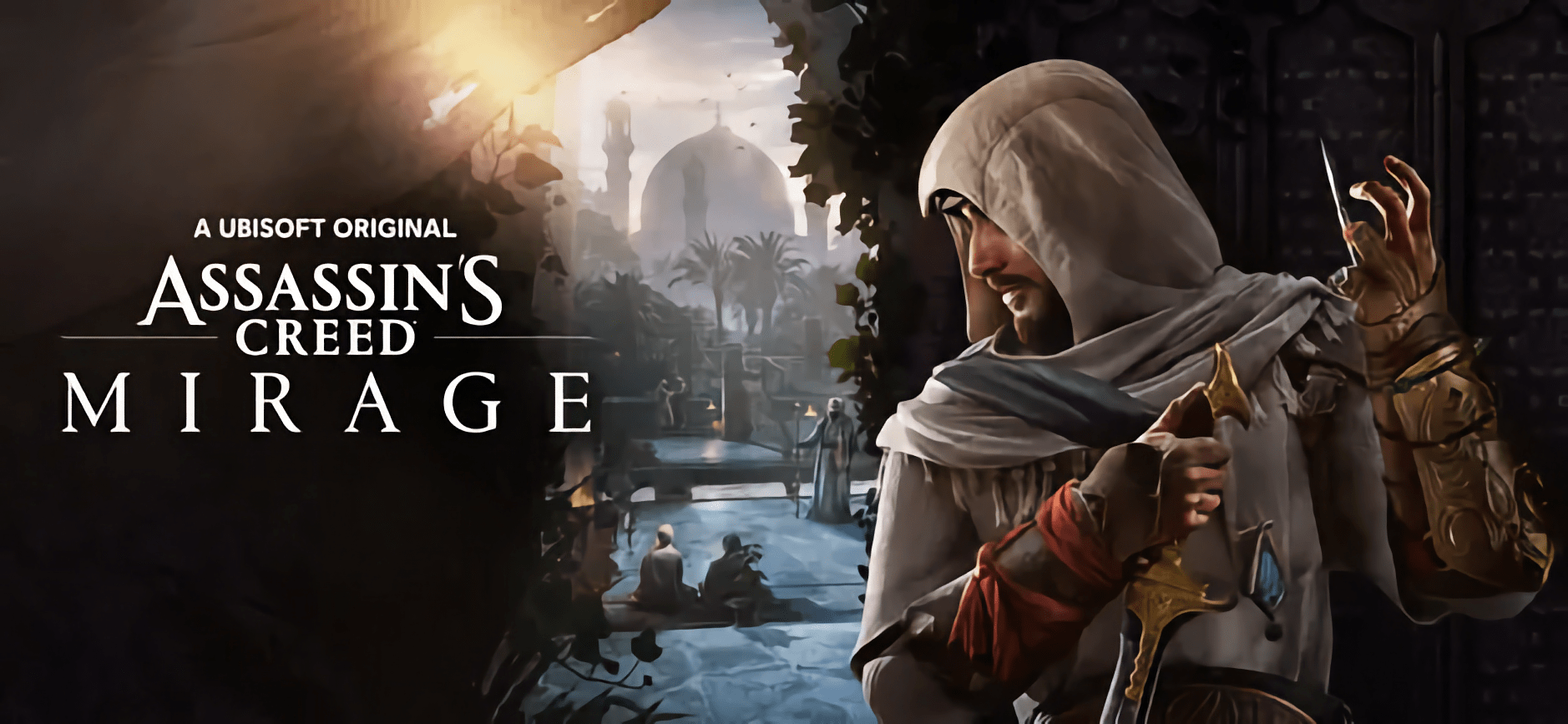
An Interview with Krasimira Yakovlieva, Producer of Assassin’s Creed Mirage at Ubisoft Sofia Assassin’s Creed Mirage, which originally launched on consoles and the PC, rolled out this week to iPhone and iPad users. In addition to the iPhone 15 Pro and Pro Max, Mirage is compatible with iPads that have an M1 chip or later. As explained on the App Store: In Assassin’s Creed® Mirage, you are Basim,...
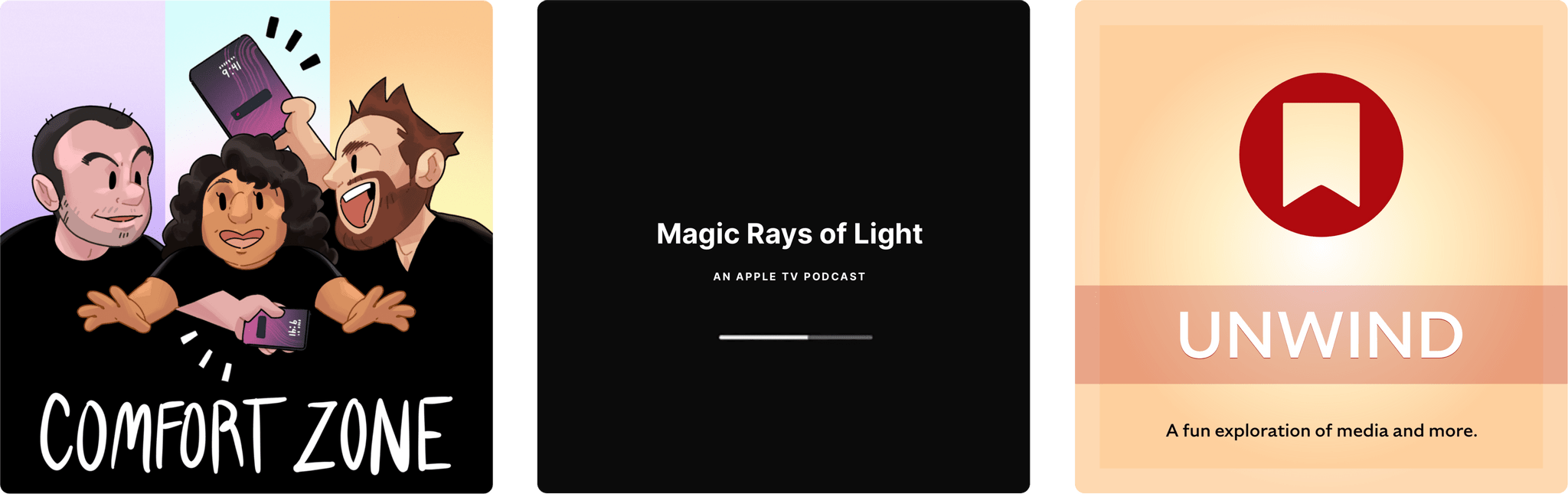
Enjoy the latest episodes from MacStories’ family of podcasts:






In this debut episode, the Comfort Zone crew talks about what Apple should steal from the Meta Quest 3, how an iPad enthusiast takes advantage of a new Mac, and how precious family photos were saved from being lost to time.
Then there’s the challenge! We all spent a few weeks using Apple Reminders for task management, and our challenge for week 2 is something none of us saw coming…
This week on Magic Rays of Light, Sigmund and Devon reveal an Apple TV project Sigmund’s been working on, share their WWDC predictions, and recap Loot.
This week, I’m off to WWDC, our MacStories Unwind playlist gets updated, two new podcasts join the MacStories podcast family, and a sad story about the USPS and Anbernic’s RG35XXSP. Plus an immersive video pick for the Vision Pro and a music pick.
 backpack.](https://cdn.macstories.net/img_6224-1717759614943.jpg)
My Tom Bihn Synapse 25 backpack.
It’s time to get packed for WWDC, and like most years, my carry-on bag will be stuffed with everything I need to cover the event for MacStories. This year, I’ve focused on streamlining my podcast recording setup after some problems that slowed me down last year. Built around my everyday ‘away from home’ setup that I’ve been using for several months, I think I finally have a simple yet powerful writing and podcasting travel setup that should serve me well on the trip.
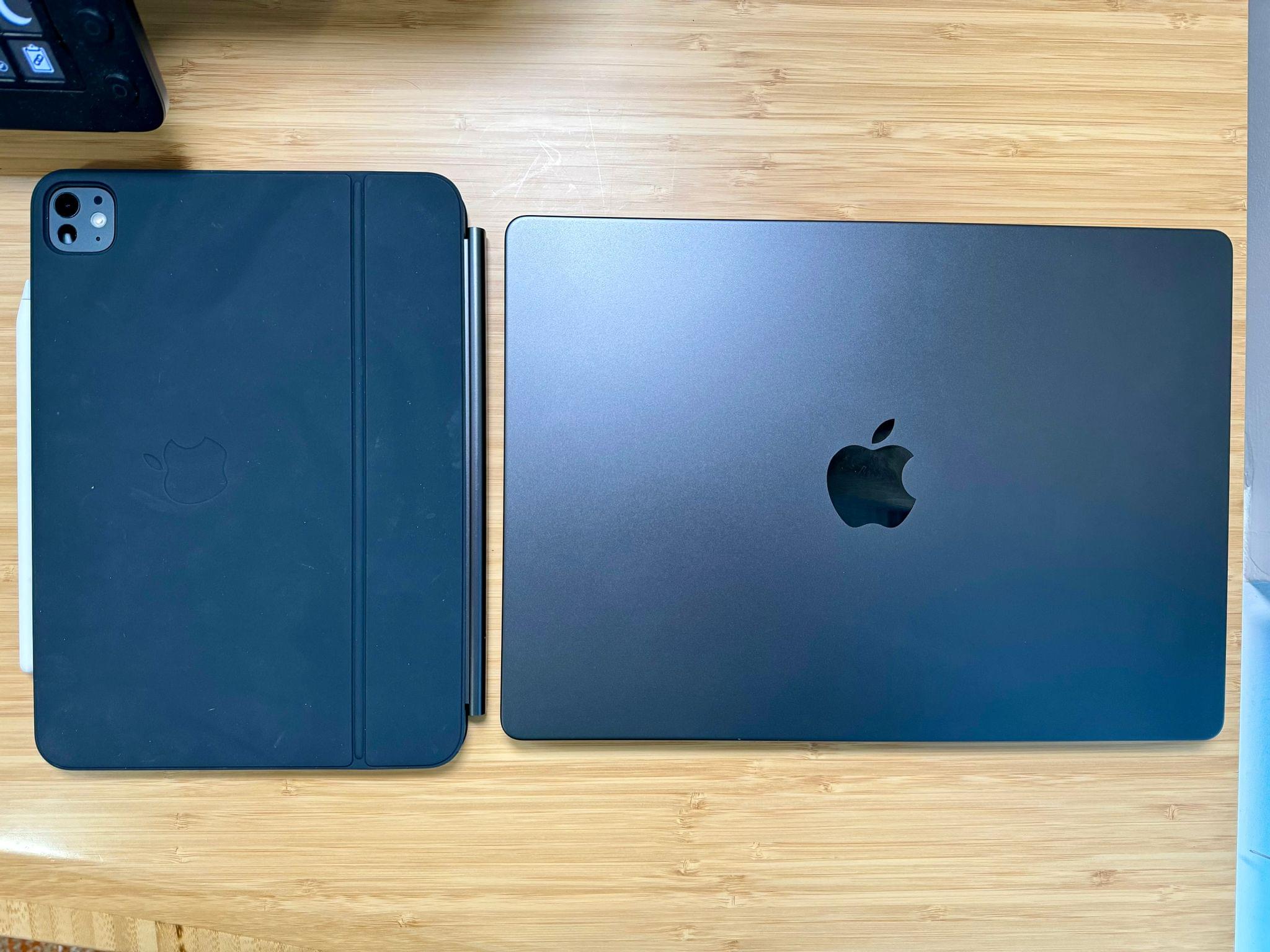
The center of my setup will be a 14” M3 Max MacBook Pro that Apple sent me for testing. It’s a fantastic computer that’s more than capable of handling the research, writing, and audio production work I’ll be doing, along with any video taken during the week.
I’ll also take my new 11” iPad Pro, which should help lighten my bag when I’m traveling back and forth from my hotel to Apple Park. Swapping my old 12.9” iPad Pro for the new 11” model will be perfect for this sort of trip. I plan to use it for getting some work done on the flight to California and for taking notes at the WWDC keynote. It’s hard to jot much down during the event while you’re sitting outside in the sun, so anything more than my iPad would be overkill.
Every year, Apple recaps the programs and other services it has launched for developers. Ever since I started covering Apple, there’s been a certain amount of tension between it and its developers. This year, that strain is running higher than I’ve ever seen, at least among the solo and small developer teams we typically cover.
However, it can simultaneously be true that Apple provides valuable resources for developers that are constantly changing. In a press release today, Apple highlights the following developer programs from 2023:
This year, Apple has also updated the Apple Developer Forums in advance of WWDC and rolled out Pathways, a collection of videos, documentation, and other resources focused on core topics like Design, Swift, SwiftUI, Games, visionOS, and App Store distribution.
There are a lot of great resources here. Far more than when I was learning to code around 2015. I’m particularly intrigued by Pathways, which looks as though it does an excellent job of pulling together materials that would otherwise require developers to consult multiple sources.
WWDC begins next week, and it’s one of the best times of the year for Club MacStories members. To celebrate, we’re offering 20% off all annual Club MacStories plans from today though Friday, June 14, so as many people as possible can get in on the special things we do during Apple’s annual developer event.
To take advantage of the discounted plans, please use the coupon code WWDC2024 at checkout or click on one of the buttons below.
Join Club MacStories:
Join Club MacStories+:
Join Club Premier:
 for more details on each Club option.](https://cdn.macstories.net/ivborw0kggoaaaansuheugaac50aaajwcayaaaakgq9xaaaacxbiwxmaaastaaaleweampwyaaam-1629596463664.png)
Visit our Plans page for more details on each Club option.
This year, for WWDC, we are kicking things off today with a live recording of AppStories in the Club MacStories Discord community. The community is a feature of Club MacStories+ and Premier memberships and has grown into a vibrant, respectful place to hang out with app and automation fans who help each other get the most out of their technology. The live episode of AppStories will cover final predictions for Apple’s WWDC keynote and a behind-the-scenes look at our preparations and plans for the week. The episode will be released later on the usual schedule, but Discord members will have the chance to participate live and ask questions for the AppStories+ segment.
Then, during WWDC itself, we’ll record three extra episodes of AppStories live in Discord during the conference, covering the keynote, State of the Union, and other announcements. We’ll also publish a special issue of our MacStories Weekly newsletter for Club members packed with more WWDC coverage and details.
The support of Club MacStories members is the foundation of MacStories. Without it, projects like the new podcasts we introduced this week wouldn’t be possible. The Club has given us the freedom to work with a growing group of writers, focus on our in-depth stories and reviews, and build a closer relationship with readers, too. With Club members’ support, we’re not slowing down, either. We have even more projects in the pipeline for later this year.
We know that folks are inundated with subscriptions these days, which is why we work hard to offer what we think is a great value at every tier of the Club. Our eight-year track record of consistency and content, including more than 500 issues of our newsletters, speaks for itself, but we also realize that committing to an annual plan is still a lot, which is why we’re offering this discount.
Here’s a breakdown of each tier and the discounts we’re offering through June 14, 2024:
| Normally | Through June 14 | |
|---|---|---|
| Club MacStories | $50/year | $40 |
| Club MacStories+ | $100/year | $80 |
| Club Premier | $120/year | $96 |
If you’re not familiar with the Club, you can learn more and compare plans side-by-side here and read our FAQ page.
These discounts are available to anyone signing up for one annual Club membership for the first time, reactivating an expired plan, or upgrading a current plan.
To take advantage of the discounted plans, please use the coupon code WWDC2024 at checkout or click on one of the buttons below.
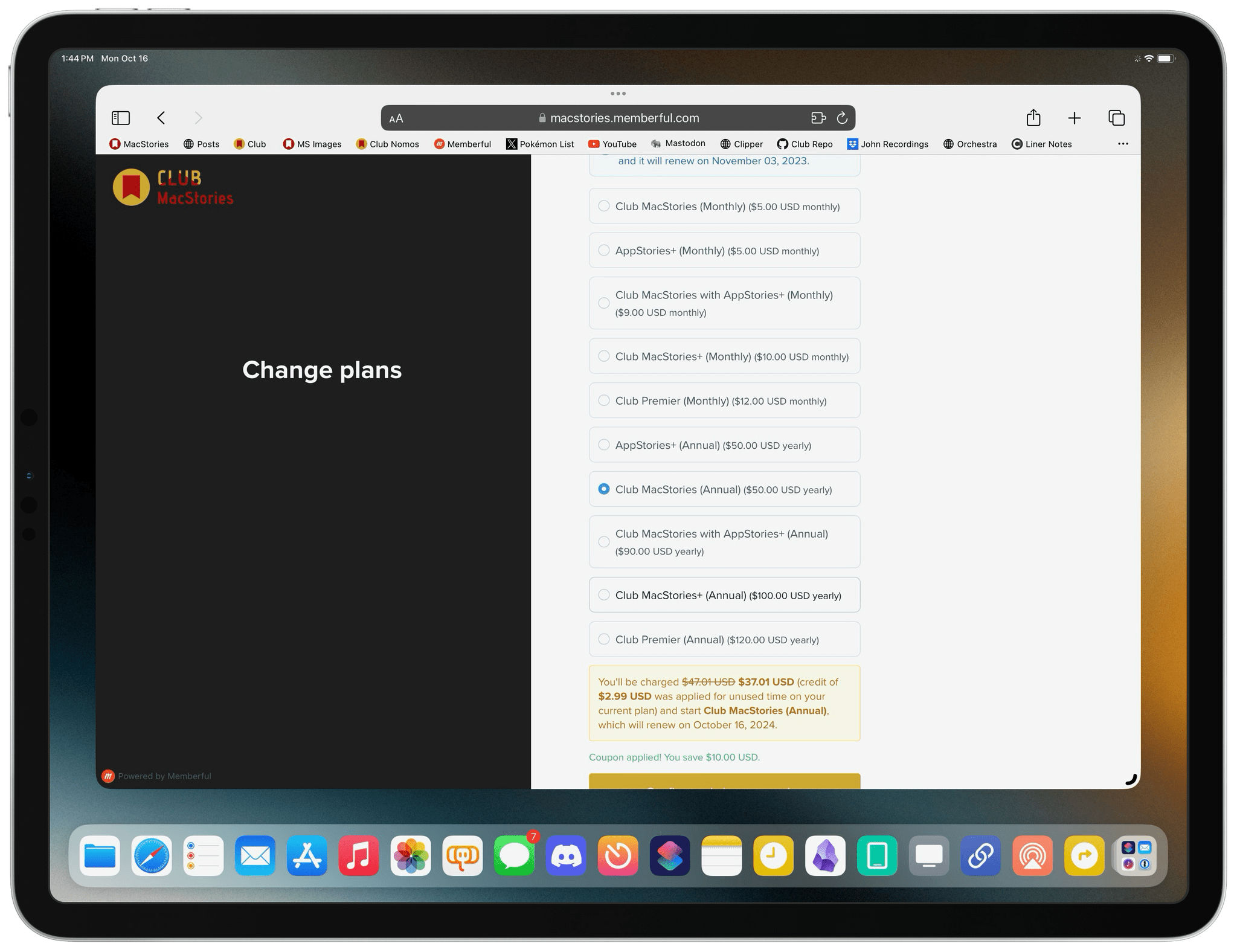
When you change a monthly plan to an annual one, you’ll get credit for the remainder of your current month’s subscription.
Join Club MacStories:
Join Club MacStories+:
Join Club Premier:
Thanks as always to our many loyal Club MacStories members, and welcome to everyone joining for the first time. You’ve all helped us grow, launch new projects, and build MacStories on a strong foundation while staying independent and true to our editorial values. We look forward to bringing you even more of what makes MacStories special for a long time to come.
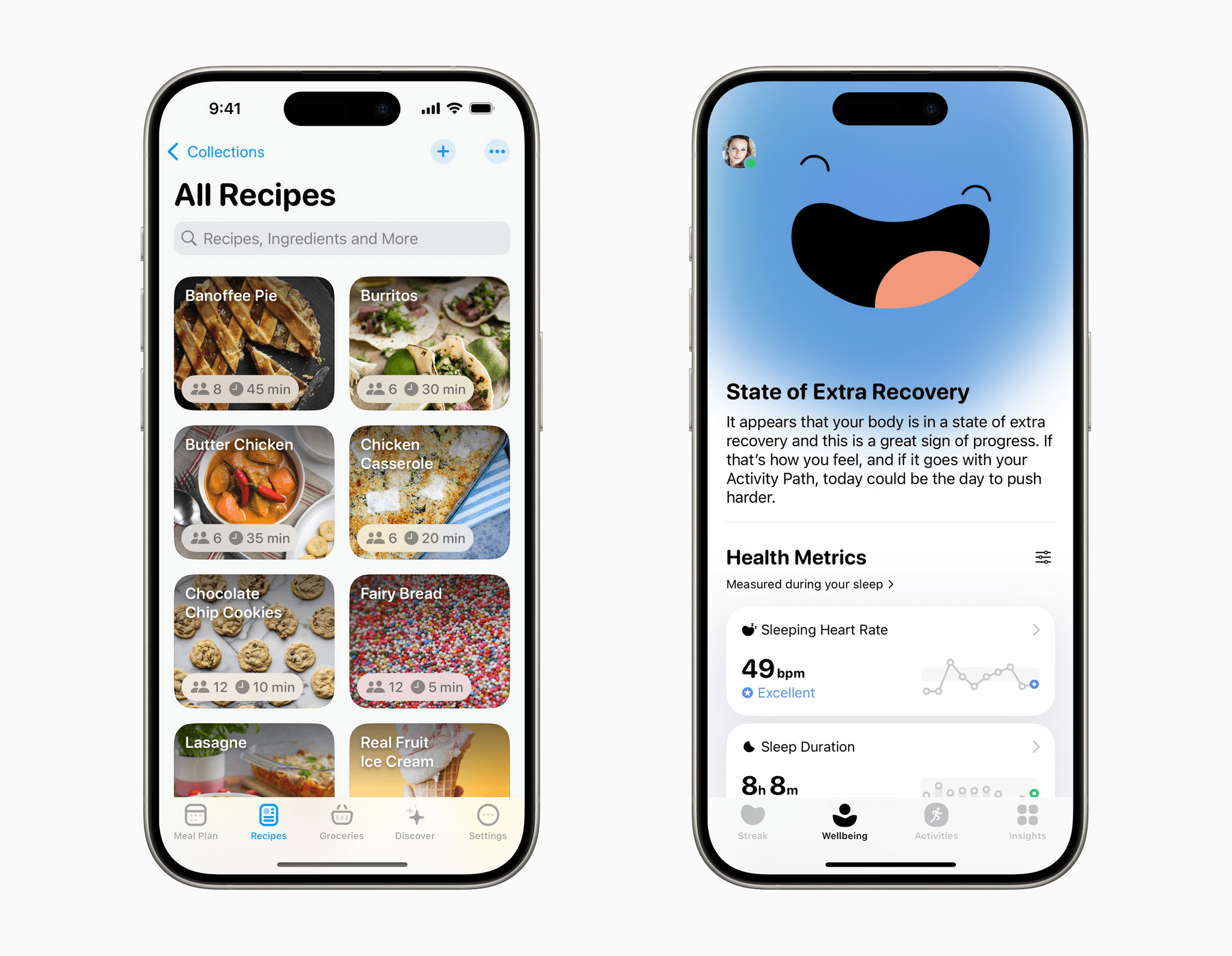
Apple has announced the winners of the 2024 Apple Design Award. Just over one week ago, Apple revealed six finalists in each of seven categories.
This year’s winners include an app and game in each category for a total of 14 winners, including MacStories favorites like Crouton, Gentler Streak, and Blackbox:
This year’s ADAs represent a wide cross-section of apps, from solo developers to large corporations. Of course, I’m partial to the indies on the list, but overall, I think Apple’s choices this year are excellent.