Jake Underwood

128 posts on MacStories since December 2015

Former MacStories contributor.

Shutter Remote Review: Photography with Alexa

It was the day of my sister’s high school graduation and my mom, being the opportunist she is, wanted to make sure we got a family photo before taking off for the ceremony. One problem was quickly apparent, though – there was no one around to take the photo of my entire family. In a public location, a couple minutes of a stranger’s time eliminates the problem; at my house, however, it was impossible to get someone to hold the phone, pose my family, and snap the shot.

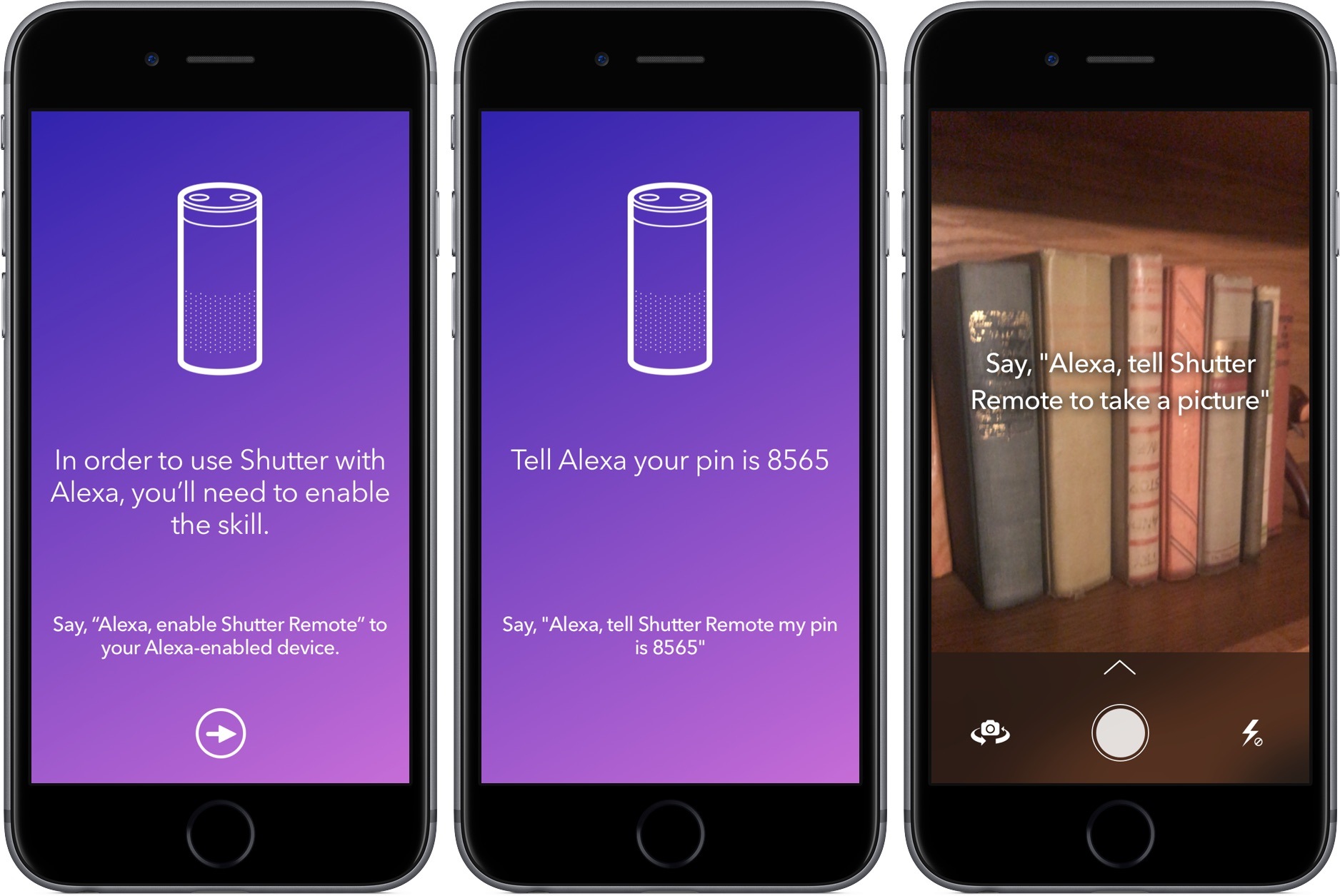
Shutter Remote provides one of the most unique solutions to this issue: asking Alexa to take a photo using your iPhone’s camera.

To start, download the app on the App Store, launch it, and follow the on-screen instructions. Throughout the process, you’ll tell your Echo to add the Shutter Remote skill, provide it a PIN, and get the two devices synced up. Once these steps are complete, Shutter Remote on the iPhone will let you know the exact phrase to shout at Alexa and you’re on your way to taking photos by voice.

When I put it to the test, Shutter Remote did exactly what it advertised – and quickly. Almost immediately after I told Alexa to take a photo using Shutter Remote, it snapped the picture and dropped it into Photos. It felt like magic, especially considering the setup was painless.

Shutter Remote’s uses are limited, but the times you’ll invoke it will make picking it up for $0.99 worth it. If you having a family gathering coming up or want to take a daily selfie, give Shutter Remote a try.

Feedly

After picking up the newest Apple device, I go through the same routine: set up the iPhone, head over to the “Purchased” tab, and download apps one-by-one to guarantee my phone has as little bloat as possible. One app I remember to download – lest I lose my mind – is Feedly, my news...


Apple Releases and Teases New Mac Hardware

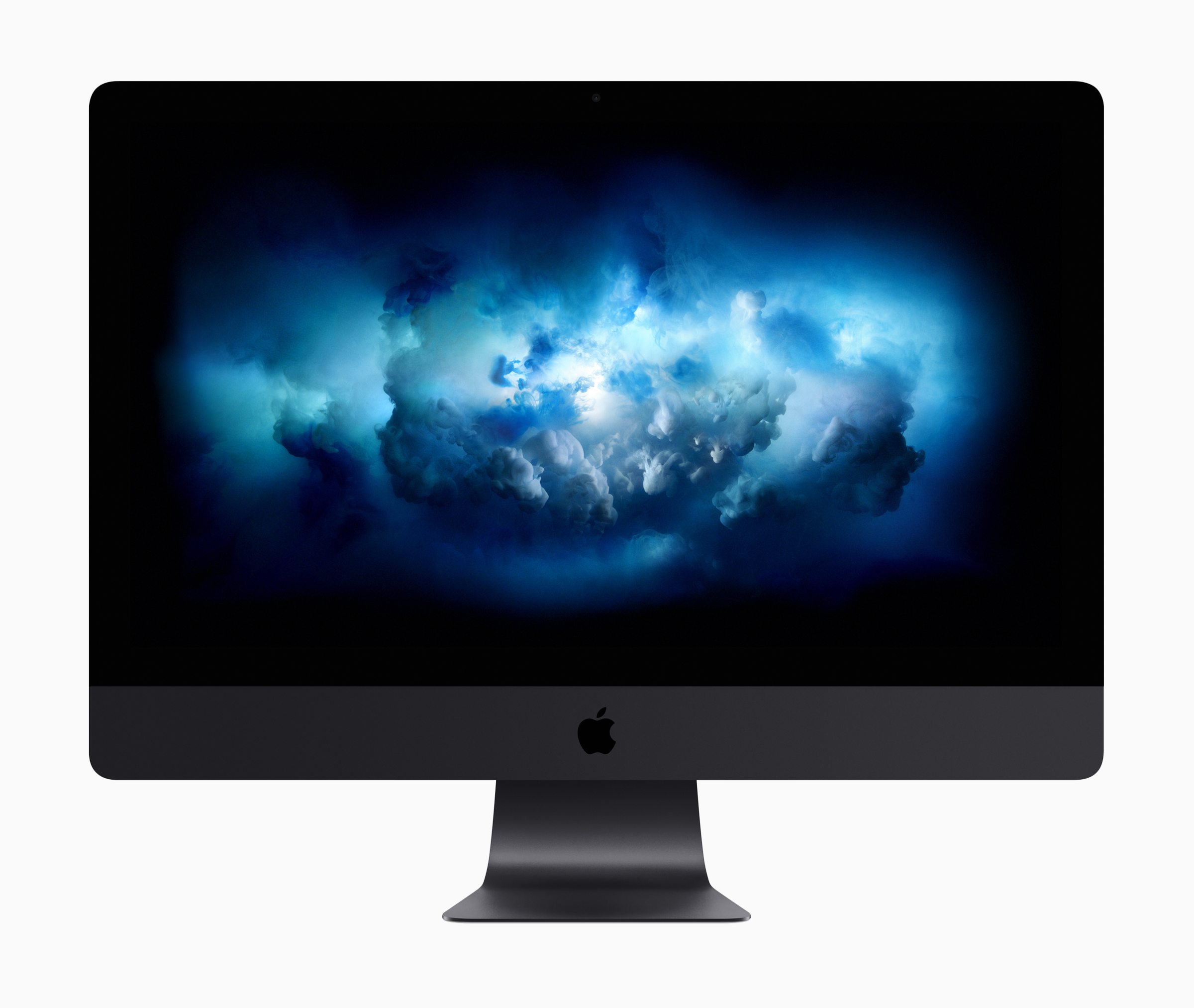
While macOS High Sierra brought relatively small changes to the Mac’s operating system, WWDC featured big news for the Mac: new hardware.

Headlined by the iMac Pro, over half of all Mac models received updates, ranging from speed bumps to a full-on introduction of a new desktop model. Although WWDC was anticipated as an iPad-heavy presentation – and delivered on that front – here’s why it was larger than life for the Mac as well.

Read more


macOS High Sierra Brings Current Improvements, Future Developments

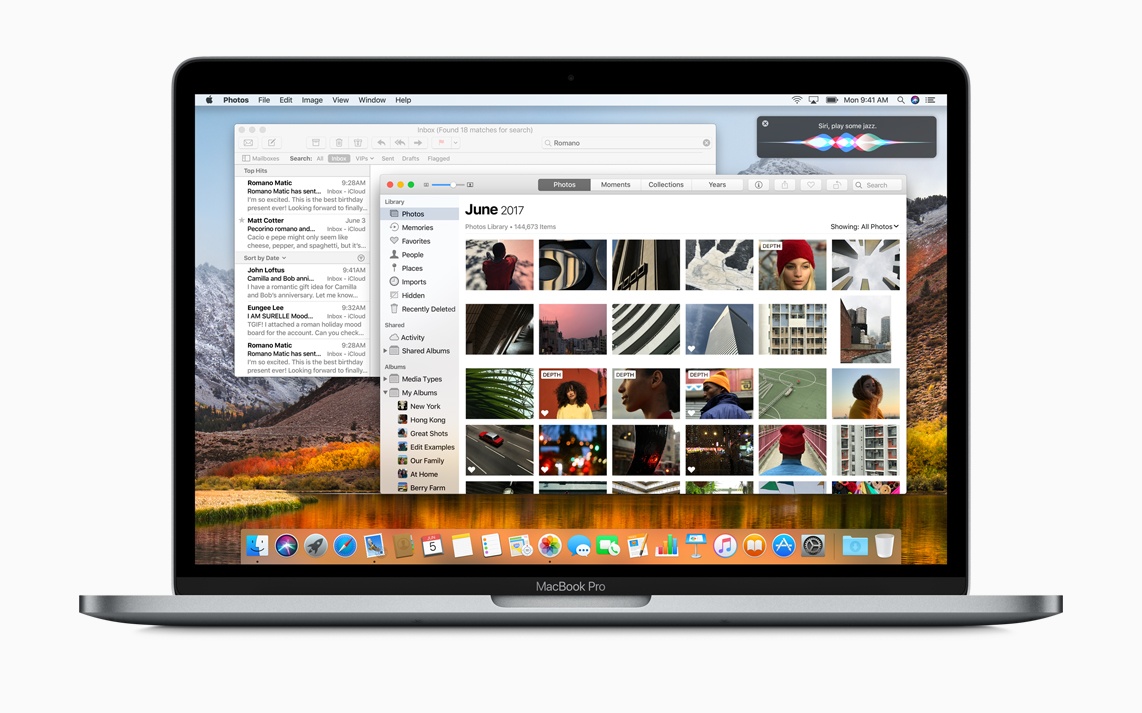
As its name may suggest, Apple’s latest Mac operating system, macOS High Sierra, was billed today as a performance update for macOS. Packed deep with improvements to macOS apps and system-level functionality, High Sierra brings welcome changes to the Mac.

Additionally, Apple introduced important new technologies in macOS, including support for virtual reality, its new file system APFS, and Metal 2.

Read more


Funnel Brings News Updates to Your Ears

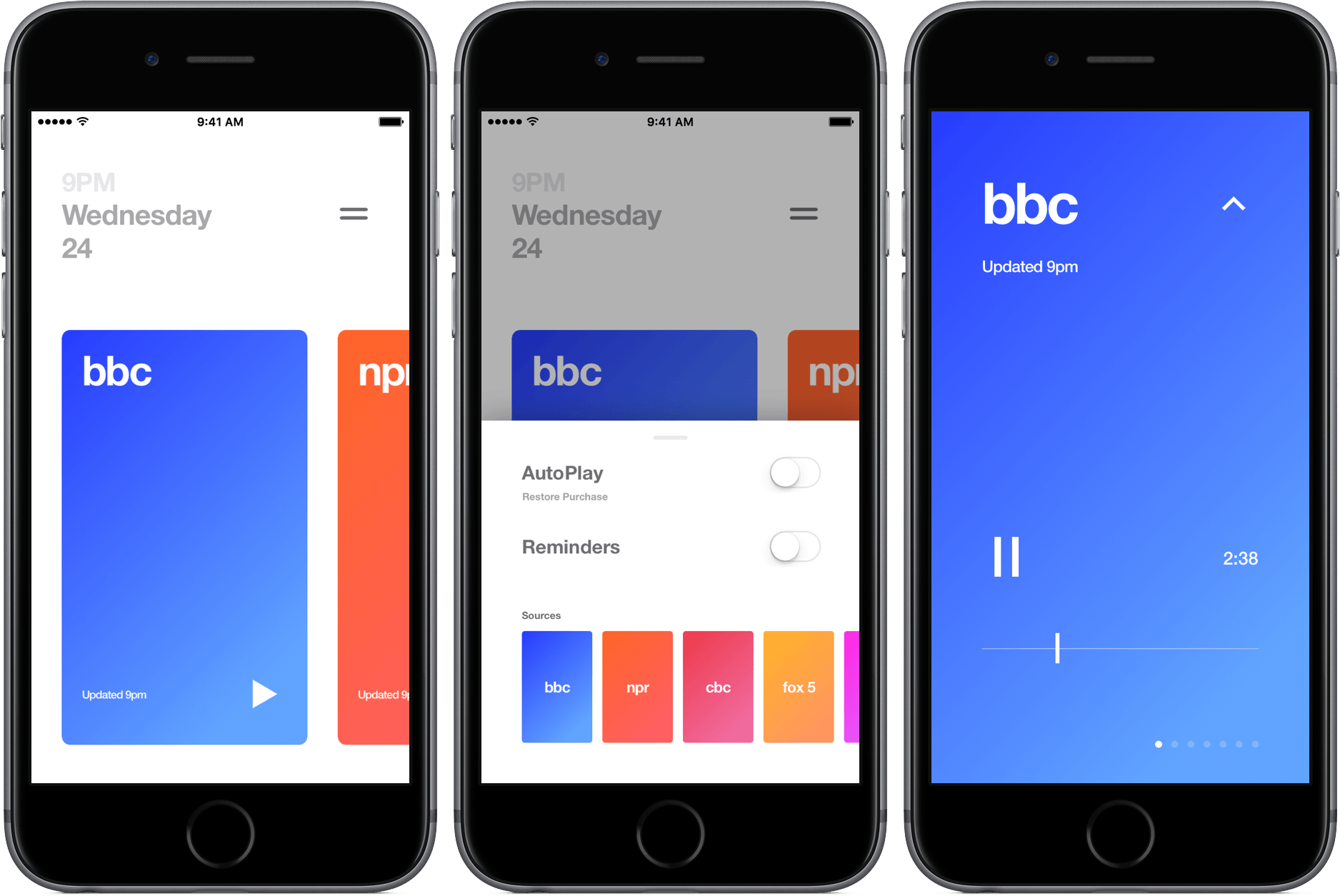
I don’t need to tell you how crazy the news cycle is. Between world and tech news, I’m often drowning in a sea of headlines and big stories, confused about what’s really important. The result is a time consuming attempt at finding the best information that ends up being more of a hassle than its worth.

Funnel aims to cut through the chaos and bring you the most recent news through audio segments that are only a couple of minutes long. The app includes seven news outlets that refresh at the top of the hour so they’re always up-to-date.

Read more


Mitch Brings Better Twitch Viewing to the Mac

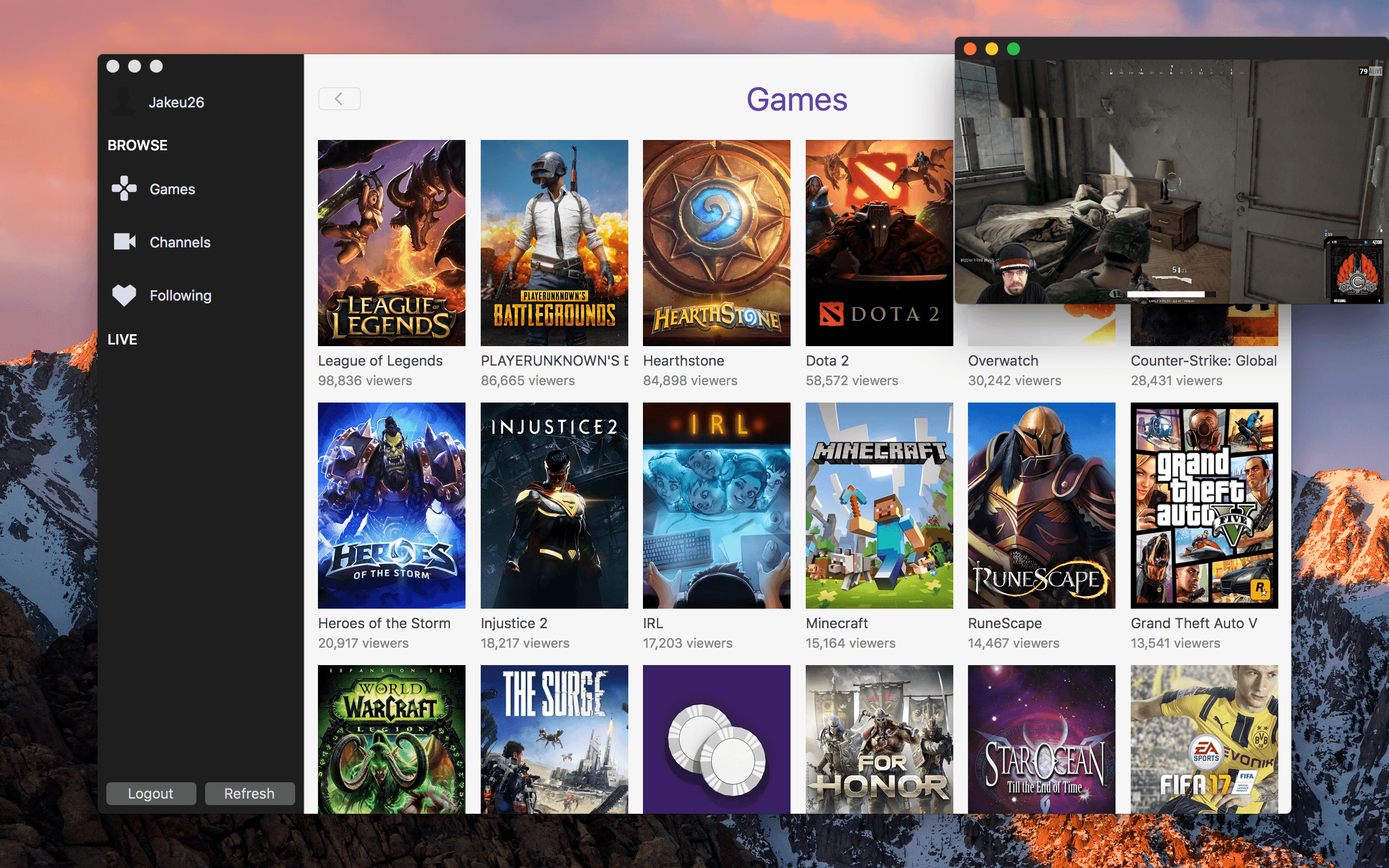
Twitch, the platform for video game live streamers and personalities, has become an integral part of my online entertainment, joining sites like Netflix, YouTube, and HBO. Just last weekend, I joined in with 70,000+ other viewers to watch Grand Finals of Super Smash Bros. Melee at Royal Flush as I streamed the tournament from my browser.

For future Twitch viewing, though, I’ll be watching in Mitch, a lightweight client for macOS that offers small but appreciated benefits over the website.

Read more


FocusList Review: A Minimalist, Pomodoro To-Do App

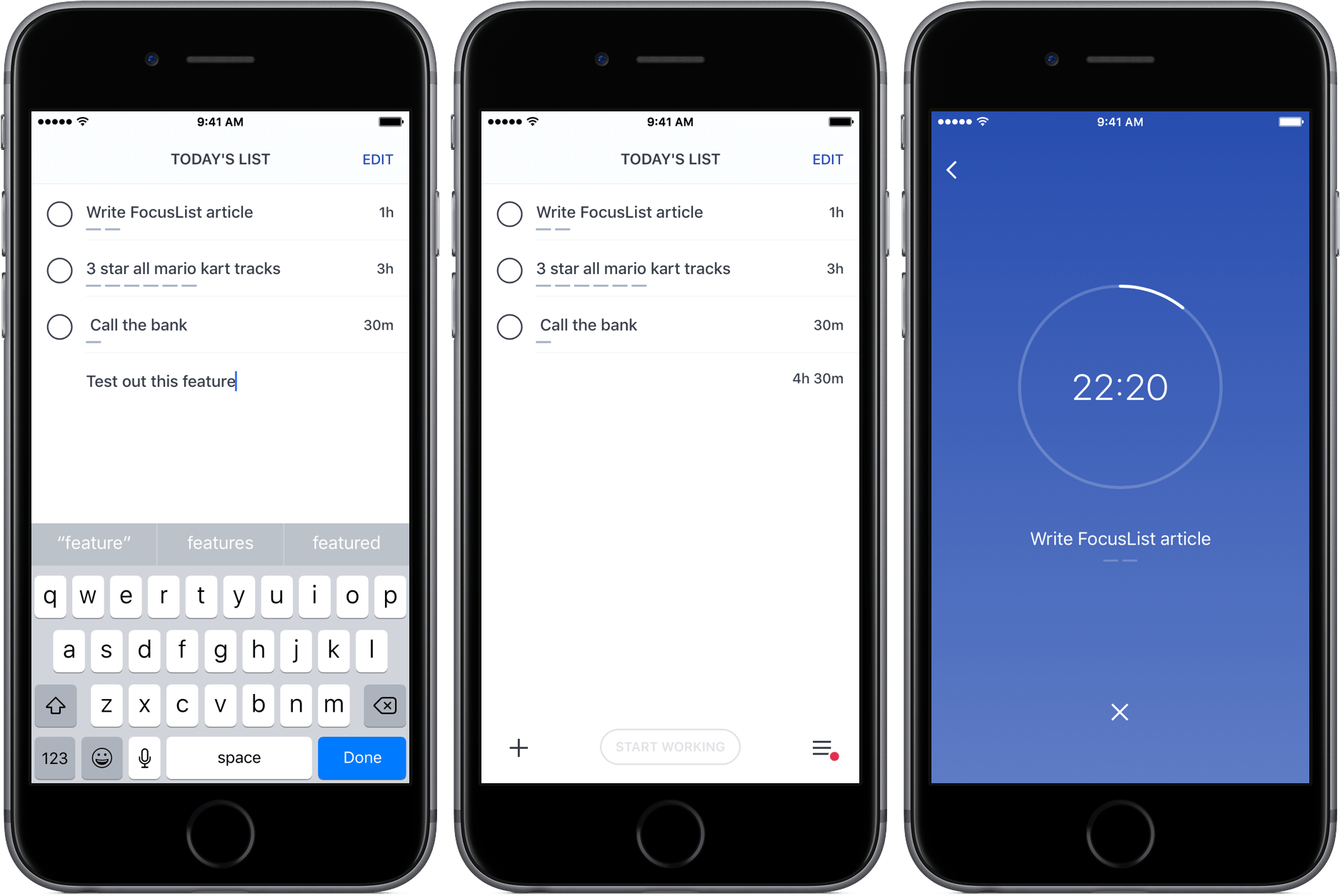
Through testing productivity apps like Doo and Time, my to-do preferences have changed; while I was once a fan of feature-rich task managers, I’ve learned to appreciate the simplicity of apps that just focus on helping me get stuff done.

FocusList is a great example of that sort of minimalism in action, an unadorned display of your tasks, their estimated completion time, and, on occasion, a timer. Its content is driven by your list of tasks, but no more – its one goal is to focus you on your work.

Read more


Oilist Review: A Painter in Your Phone

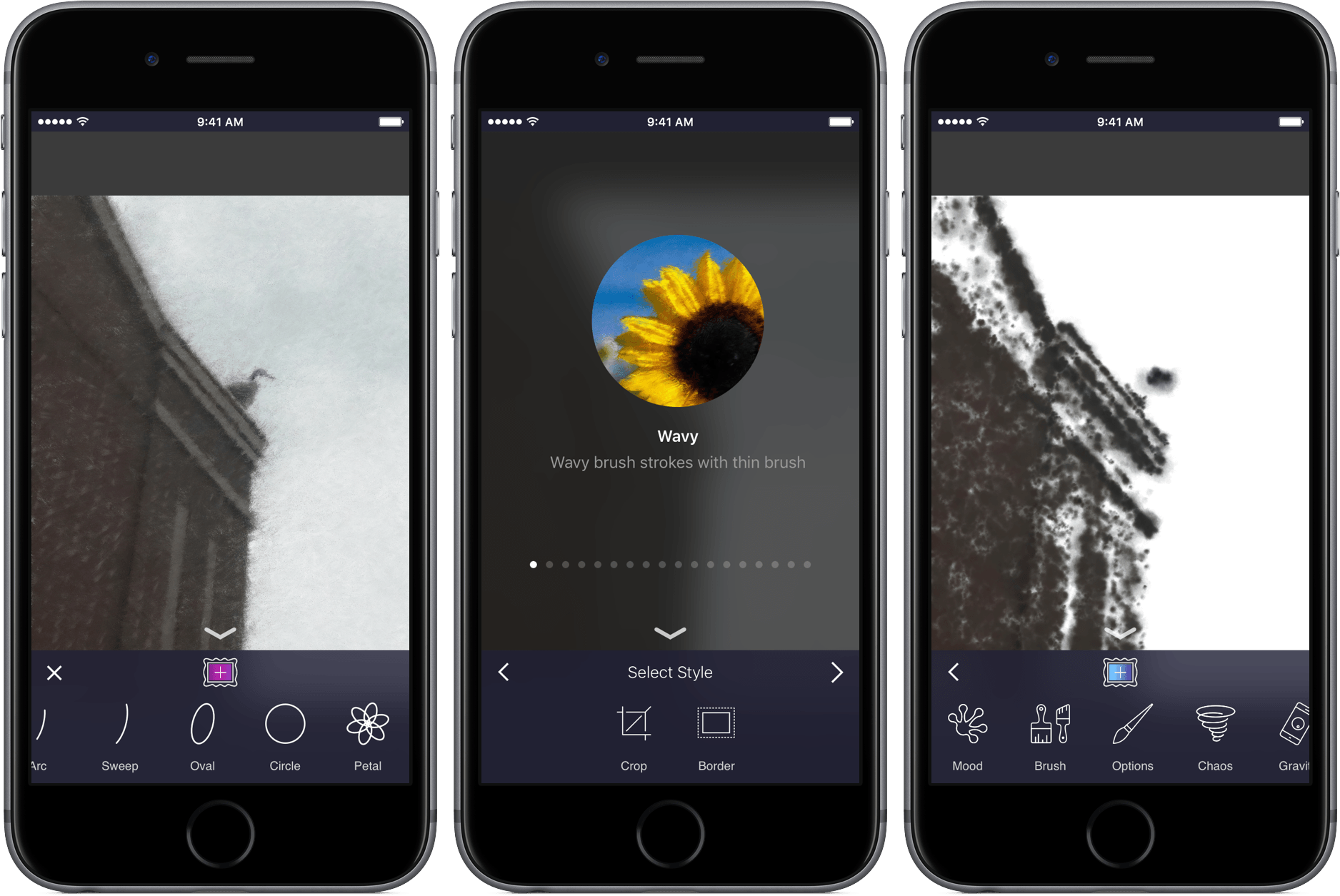
If you’ve ever been to a fair or amusement park, you’ve likely stood and watched as a caricature artist drew a goofy picture while the subject sat completely still. As the artist’s hand glides across the page, you begin to see the bigger picture, and watch the artist’s style come to life in the form of a cartoonized version of a stranger. When the drawing is finished, the final product is not only a representation of the subject itself, but also one of the creator’s personality.

Oilist is an artist in your phone, one that you watch sketch, paint, and craft a unique version of a photo you’ve shot. The app uses AI – and your creativity – to turn pictures into works of art. Through creating with its own personality, you’ll get a new take on your old images in a fun and original way.

Read more