Jake Underwood

128 posts on MacStories since December 2015

Former MacStories contributor.

Timepage Introduces Proactive ‘Assistant’ for Smarter Notifications

Back in January, I wrote a review of Moleskine Timepage, lauding it for its beautiful design and robust feature set.

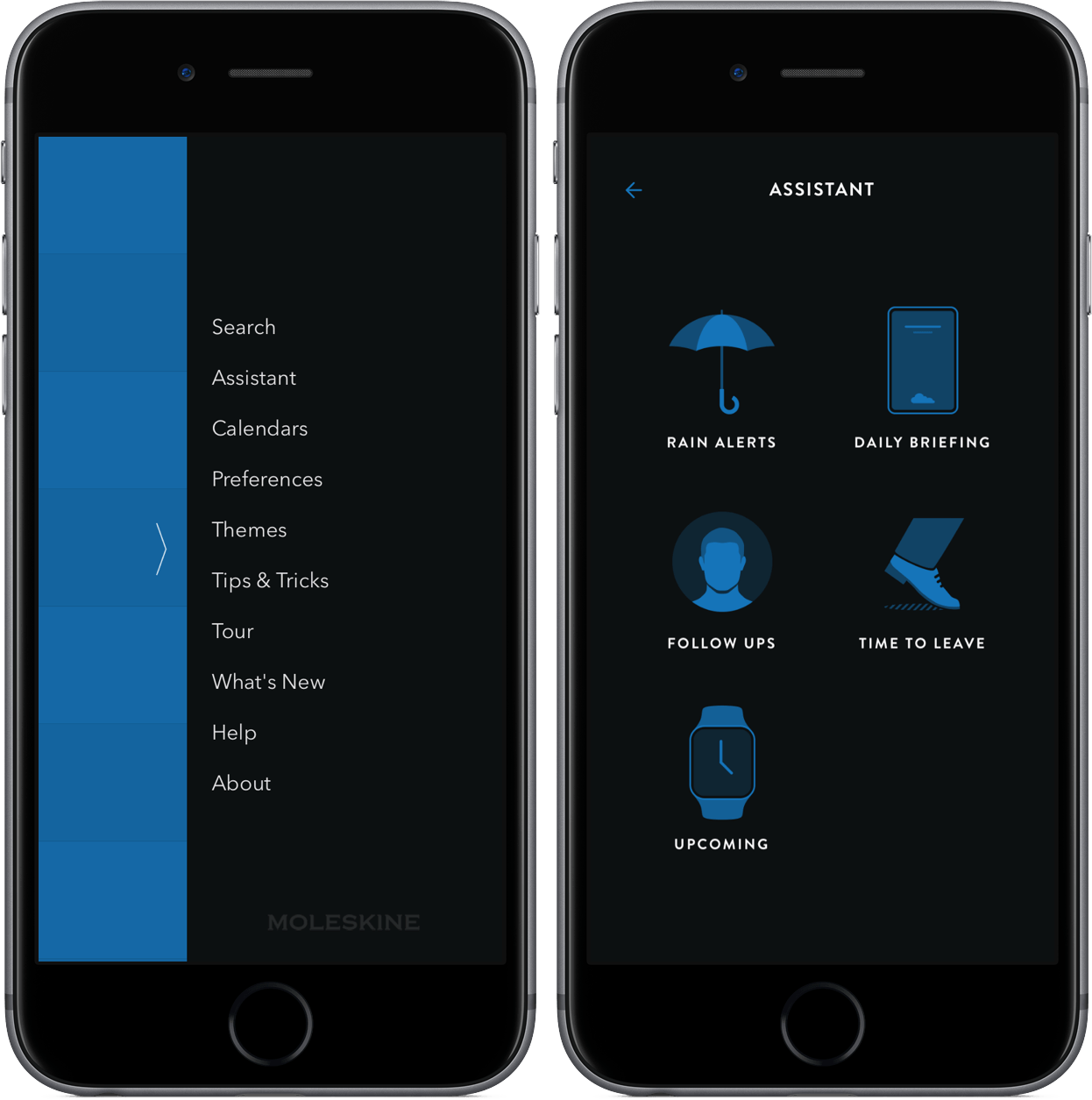
After receiving other significant updates throughout the year, Timepage updated yesterday with a new Assistant, a contextually aware tool for keeping your schedule as organized as possible.

Through Assistant, Timepage can:

  • Provide a summary of your day’s events;
  • Alert you when you should leave for a meeting;
  • Encourage you to follow up with a contact;
  • Send weather alerts when it detects potentially significant climate events;
  • Notify you before an event starts.

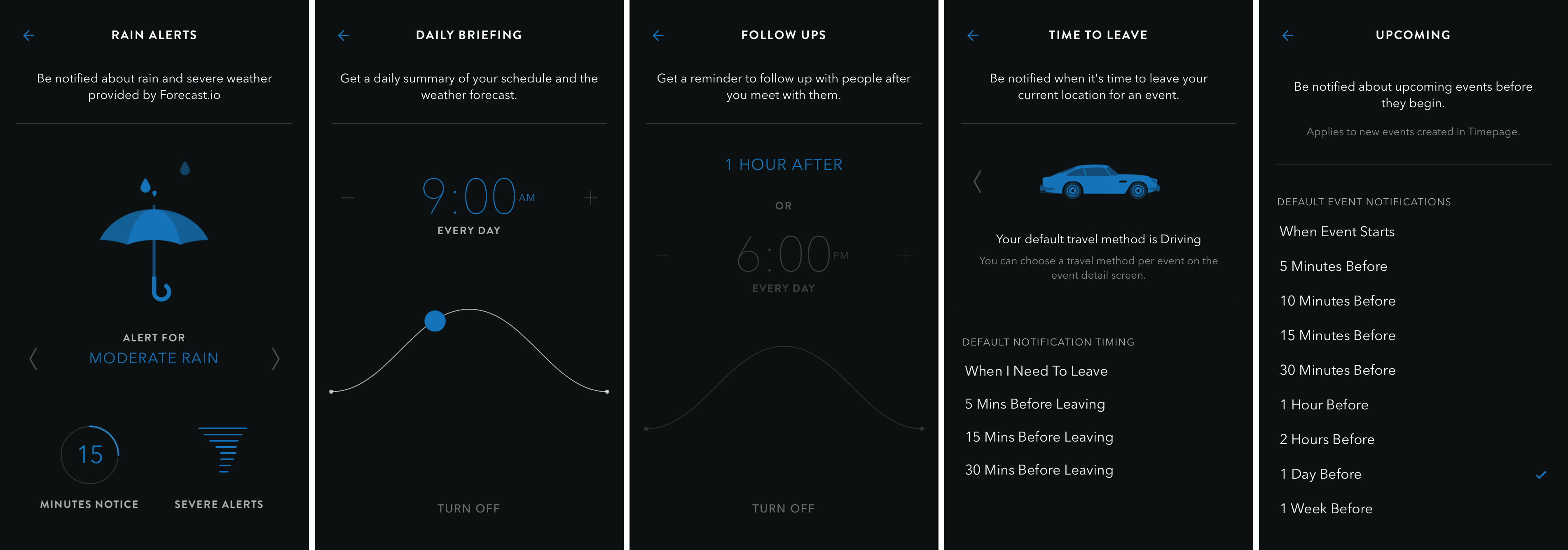
Each of these five notifications can be configured by heading into Assistant’s settings. From there, you can tap on the desired alert system and adjust items such as the time of your daily briefing or the prior notice for moderate or heavy rain. Included below are screenshots of the varying options under each piece of Assistant.
With the addition of Assistant, Timepage further stands out as a top calendar app for your iPhone. If you’ve yet to make the jump to Timepage, I strongly encourage you to check it out on the App Store for $4.99.
Permalink

Blyss Review: Dots, Combos, and Relaxation

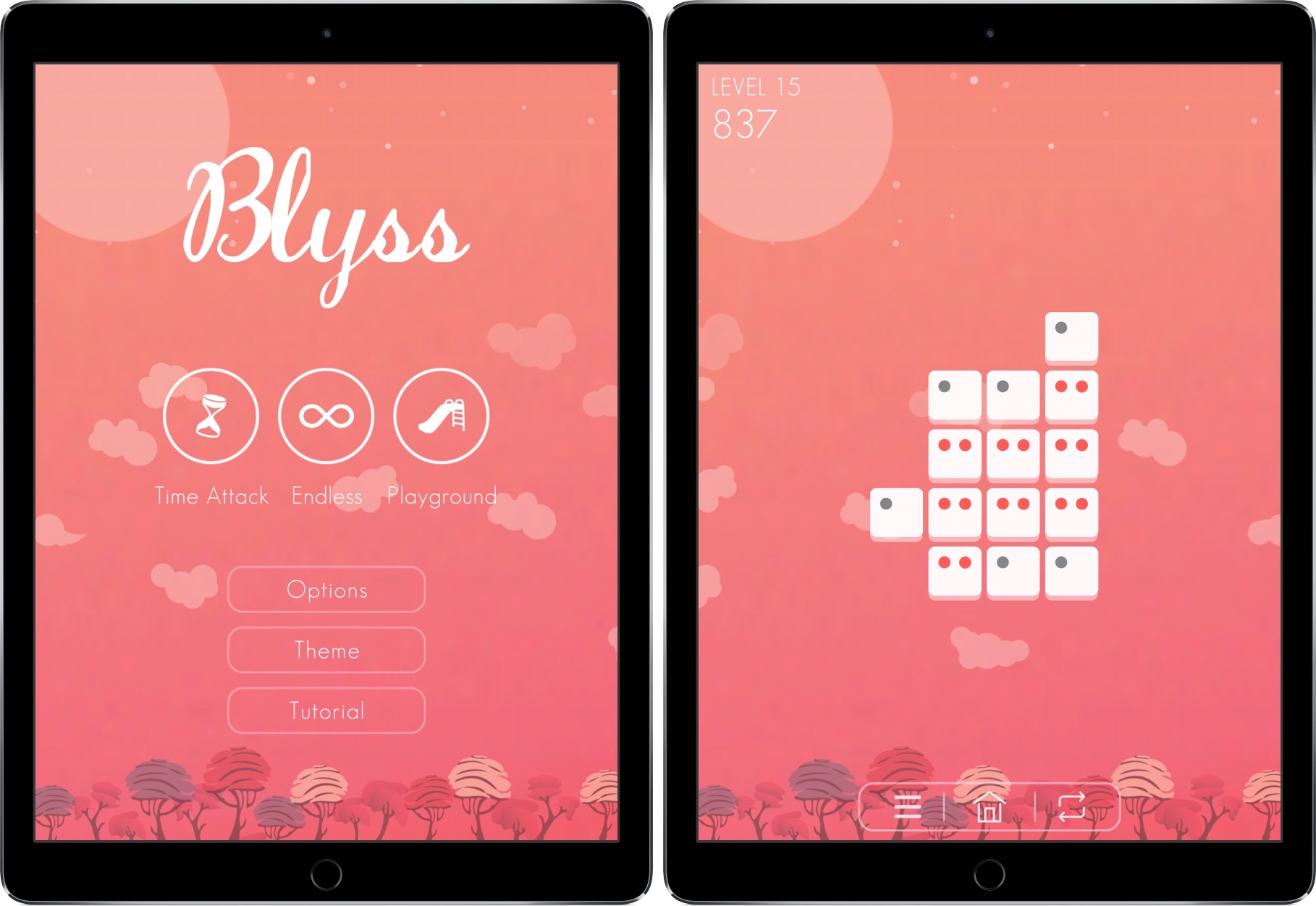
Late at night, I’m listening to a soft, ambient piano tune while sitting in my bed. I’m not sleeping, though – in fact, I’m far from completely relaxed. I’m swiping feverishly on my iPad’s screen, wiggling my fingers between every gesture as I try to find patterns in a group of tiles. Points rack up in the upper left corner of my screen and I anxiously look to get a set of combos so I can complete a challenge I’m stuck on.

I mess up and create a pattern I can’t escape from. Amid music that could put a baby to sleep, I loudly criticize myself.

How could I fail on level 2?

The game I’m playing is Blyss, a title whose name is often representative – but not always. Created by Dropout Games, Blyss has the potential to be the next big puzzle game, like Two Dots or Flow Free before it.

Read more


Teeter Review: A Beautiful, Challenging Momentum Puzzler

In the broadest sense, I feel like there are two categories of games: quick fixes and time sinks. The former, built on the foundation of quick-to-play casual hits like Paper Toss and Angry Birds, dominate the market. With the latter, including games like Infinity Blade or Bastion, the time it requires to complete the story lends itself to a more tradional gaming market. Both have their place, of course, but short, level-based games often translate into a more universal and better mobile experience.

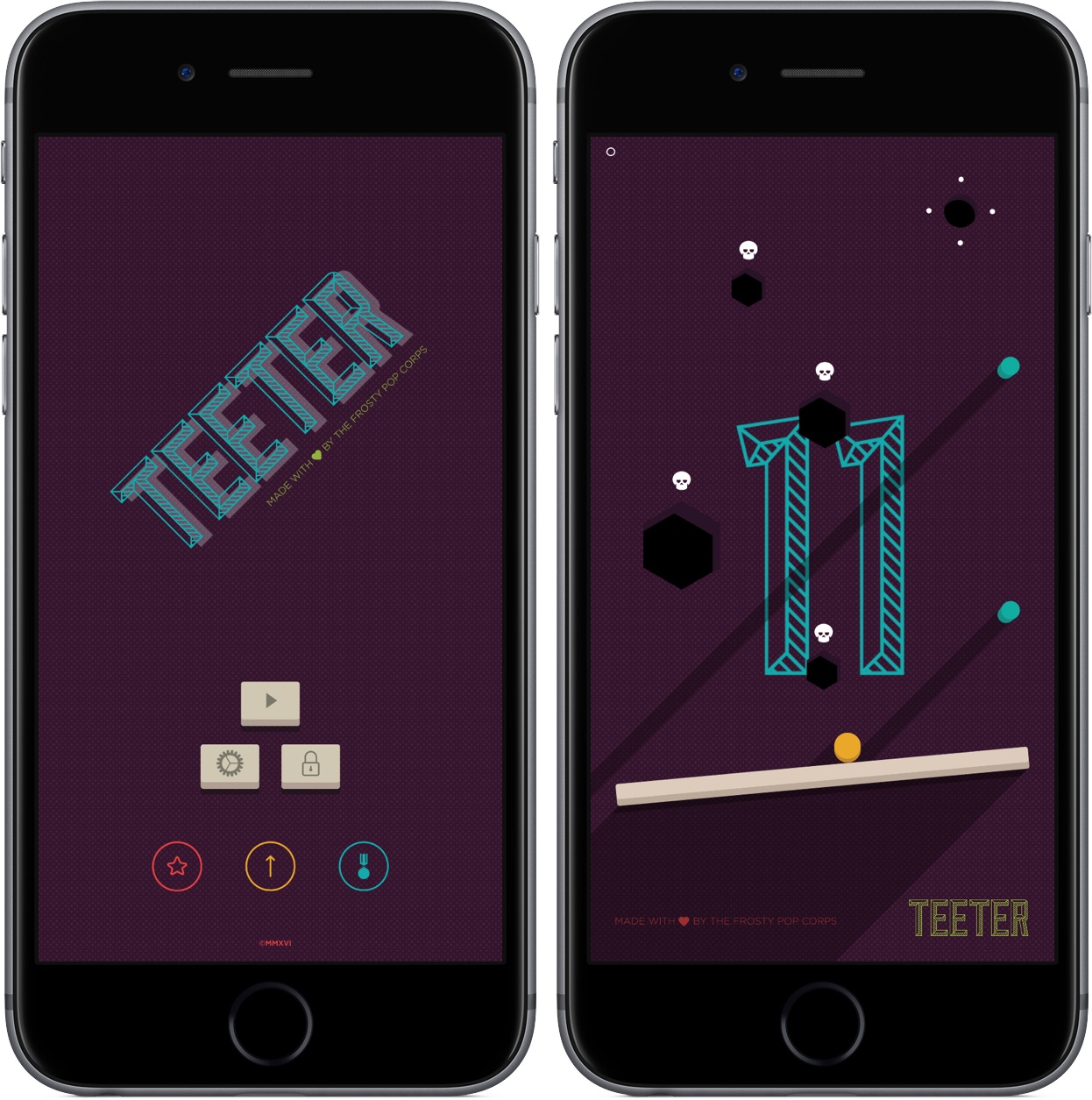
A quick game of Teeter can be about as short as they come. If you play the game right, you’ll get through a level in a couple of seconds. The problem, however, is that each of Teeter’s levels is immensely challenging, which makes it really difficult to advance. Despite failing levels hundreds of times, I’ve stuck with Teeter for its whimsy, level design, and overall gameplay.

Read more


Camera+ for iPad 2.0 Includes Enhanced Editing and New Design

After releasing the eighth iteration of hit app Camera+ for iPhone last month, developers tap tap tap are back with version 2.0 of Camera+ for iPad.

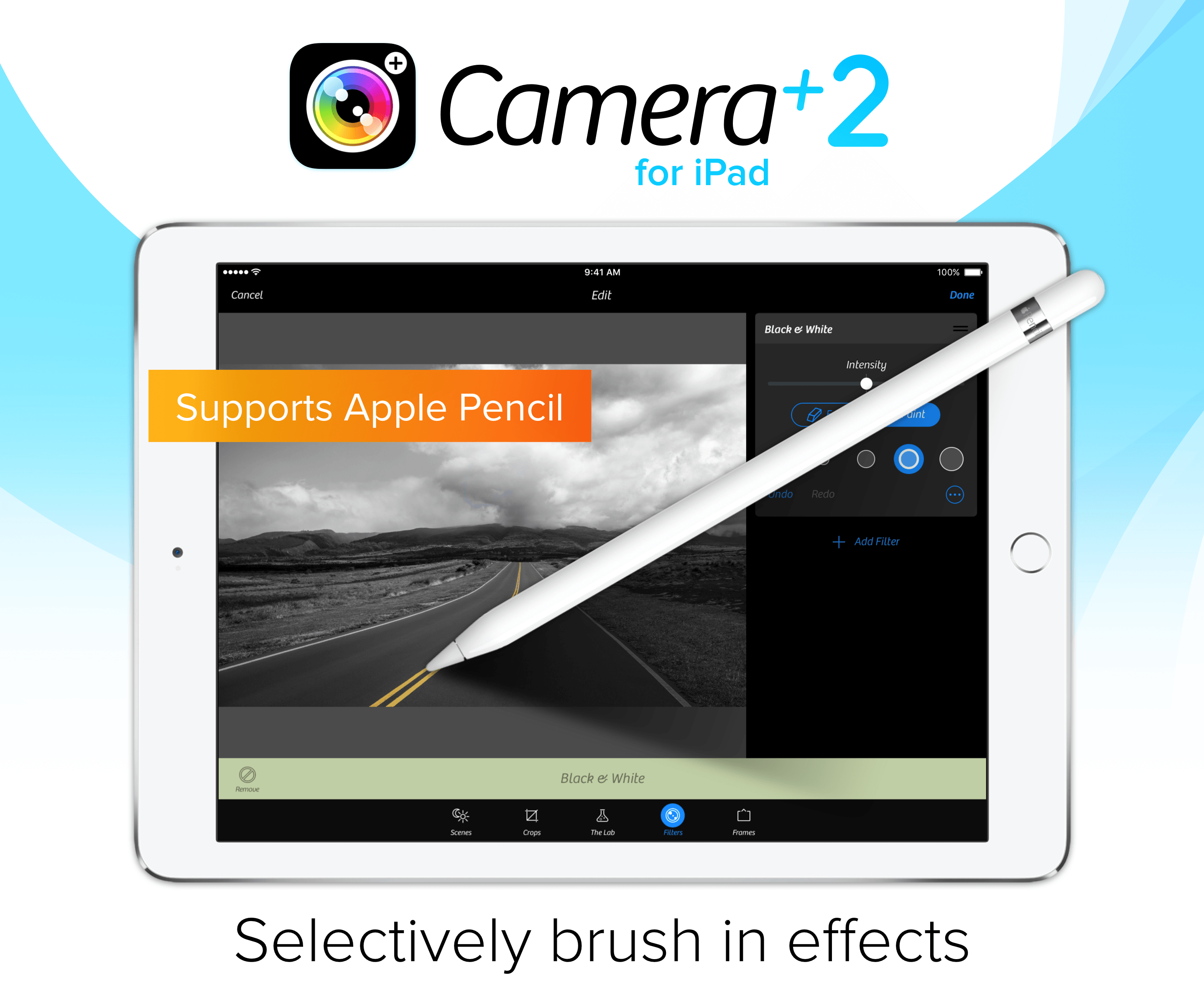
The most notable change is a major redesign – Camera+ for iPad now matches the design language of its iPhone counterpart. If you’re already a user of the iPad app, the transition from skeuomorphic buttons to a modern design is worth going to the App Store and upgrading immediately.

Version 2.0 also takes a big step forward in its editing prowess with improvements to The Lab, Camera+’s suite of photo enhancement tools. On iPad, you’re now able to use your finger or, for more precise input, an Apple Pencil to brush filters and make edits. To enable brushing, move the effect slider to your desired location in The Lab and tap “brush”.

By wrapping up the improvements with multitasking support, Camera+’s update pushes the app past mediocrity and into a serious photo editor.

You can find Camera+ for iPad on the App Store for $4.99.

Permalink

WeatherTunes Lets the Climate Choose Your Music

To provide you with the right music, services like Apple Music and Spotify aim to provide playlists based on certain moods or activities. A lot of the time, these collections offer a variety of curated selections that, while good, don’t consider other contextual factors such as location or time.

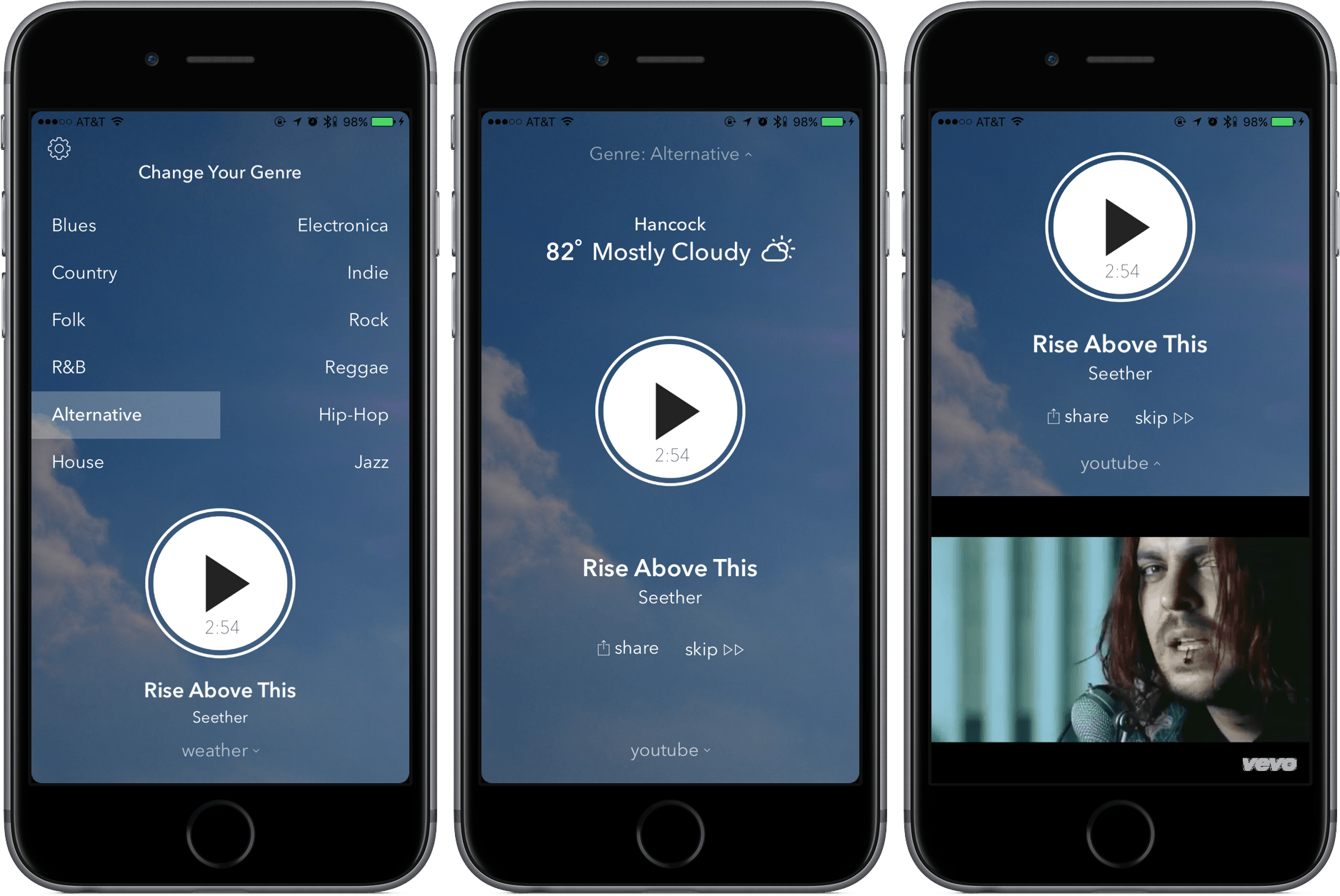
weatherTunes is a divergence from the normal discovery music service, offering suggestions that are based on the weather in your current location. By pulling weather data like temperature, humitidy, and cloudiness, the app can provide a selection of songs that it believes fits the conditions.

To guarantee that it plays the best songs for you, weatherTunes will ask for a genre of music – and that’s it. After you hit play, the app will play you a continuous stream of music from YouTube, the videos showing if you swipe up. If you’re concerned that streaming YouTube videos may eat up your data, here are your numbers to note: developer Ari Amanatidis told me that he estimates that each song takes up around 3-5 MBs, with an hourly rate between 60-80 MBs.

From my testing, weatherTunes does exactly what it claims; with the weather nice today, I was able to get upbeat songs that fit the environmental mood. Other than the occasional back-to-back song, I haven’t had any issues using weatherTunes for listening to music.

Coupled with a well-designed interface, weatherTunes’s functionality makes this tool a winner. You can pick it up in the App Store for $0.99 (iPhone only).


Take Your Writing Further with Hemingboard

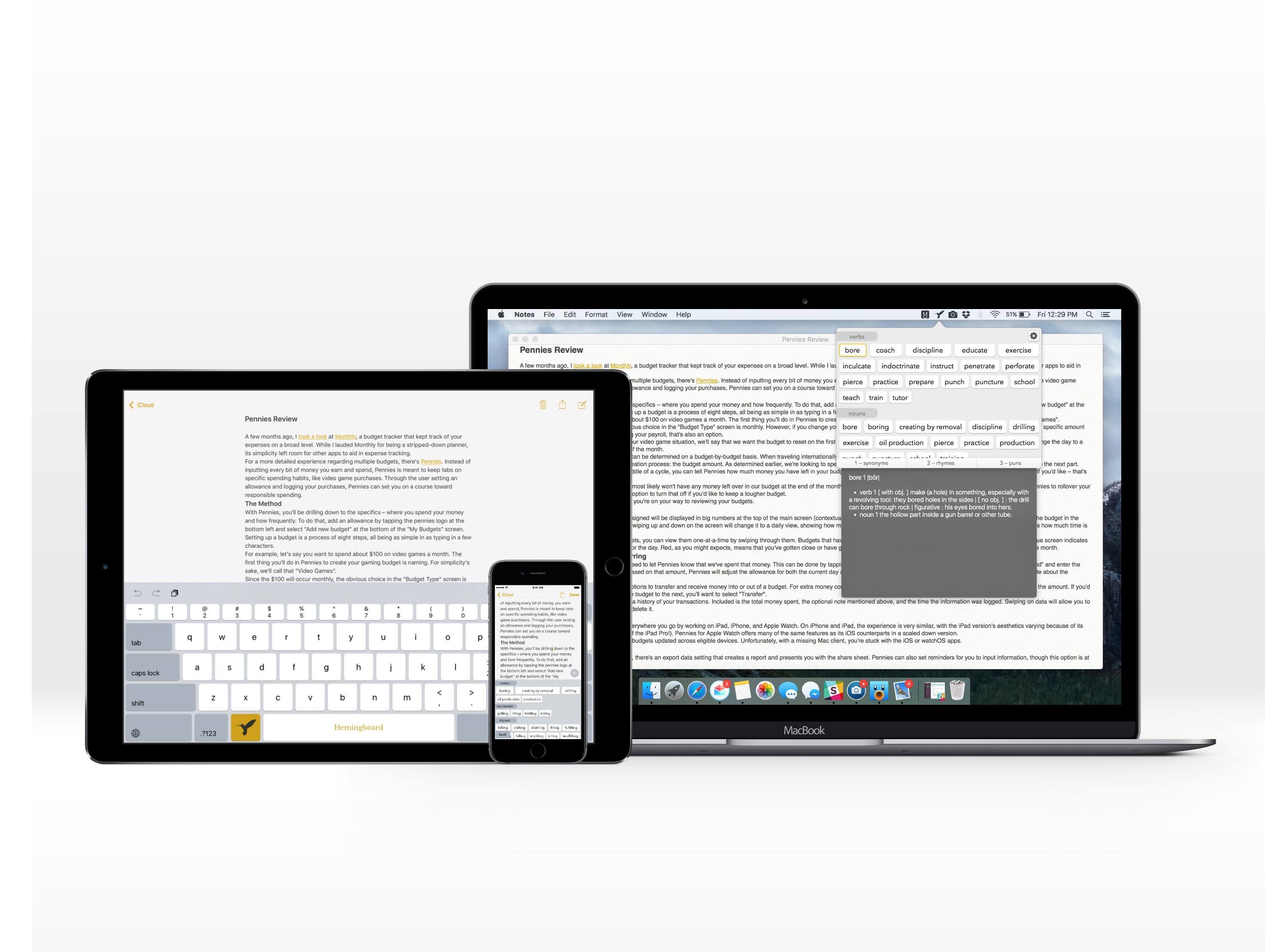
Hemingboard is the kind of app that will inevitably invoke a “Back in my day…” response. Created by the adorably-named Puppy Ventures, Hemingboard is an in-line digital thesaurus in the form of an add-on to the iOS stock keyboard or a keyboard shortcut on the Mac.

But the app is more than that – it’s actually a resource for improving your writing. In addition to providing synonyms to spice up your copy, it also gives suggestions for rhymes and puns. By providing an experience that doesn’t require you to stop what your writing, Hemingboard is able to make its impact directly – and do a phenomenal job at it.

Read more


Pennies Review: Spend Wisely

A few months ago, I took a look at Monthly, a budget tracker that kept track of your expenses on a broad level. While I lauded Monthly for being a stripped-down planner, its simplicity left room for other apps to aid in expense tracking.

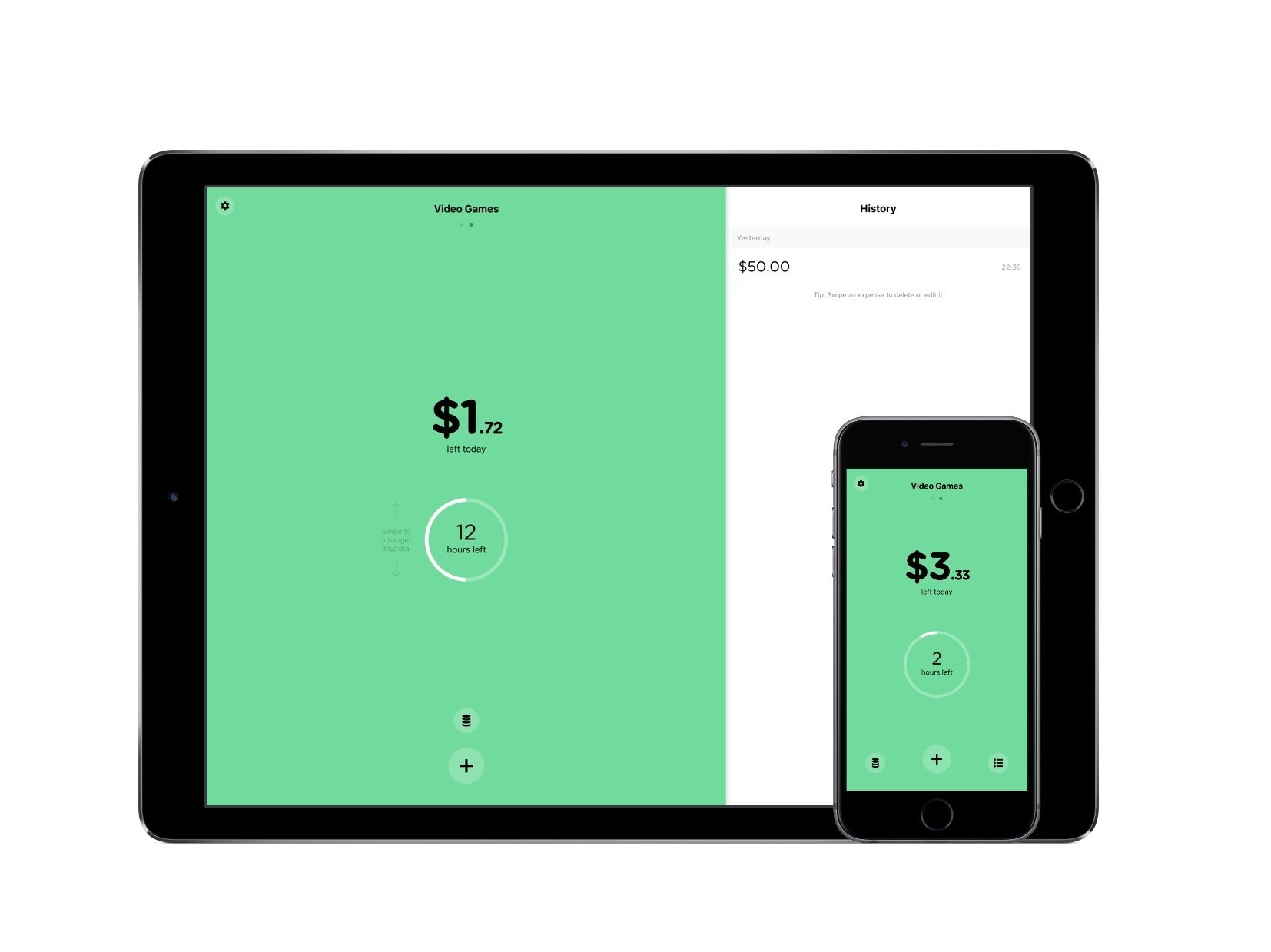
For a more detailed experience regarding multiple budgets, there’s Pennies. Instead of inputting every bit of money you earn and spend, Pennies is meant to keep tabs on specific spending habits, like video game purchases. Through the user setting an allowance and logging your purchases, Pennies can set you on a course toward responsible spending.

Read more


Camera+ Updates with Slow Shutter, Deeper iOS Integration

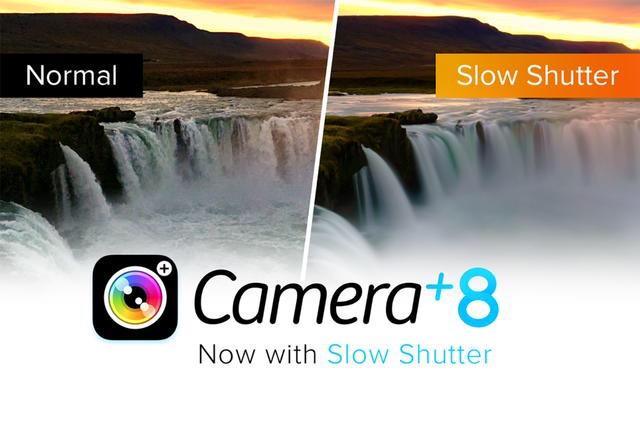
A mainstay in iPhone photography, Camera+ was left without an update for over half a year – until today. With version 8.0, developers tap tap tap bring together new camera features and deep iOS integration, including:

  • Slow shutter with “ultra-low” ISO, with shutter speeds up to 30 seconds in manual mode and customizable ISO range
  • Import options for the last photo taken or a whole “moment” from Photos
  • Importing from Notification Center Widget, which brings a way to quickly bring a photo to Camera+’s lightbox without the need for launching an app

  • An action extension in the iOS Share Sheet, for sending a photo to Camera+ from “most apps” to start the editing process

  • The What’s New section, an all-new, in-detail summary of everything involved in the latest releases of Camera+.

Merged with the functionality presented in the previous seven versions, Camera+ 8 is the next great chapter in the app’s story – and, by the way, one that is free for current owners.

Those looking to try out Camera+ for the first time can purchase it in the App Store for $2.99.


Improve Your Speeches with Ummo

It’s a scene I’ve been a part of too many times: standing up in front of a group of people, I stumble through a speech while asking myself why I hadn’t prepared more. You may know how it feels – discomfort, regret, and even fear.

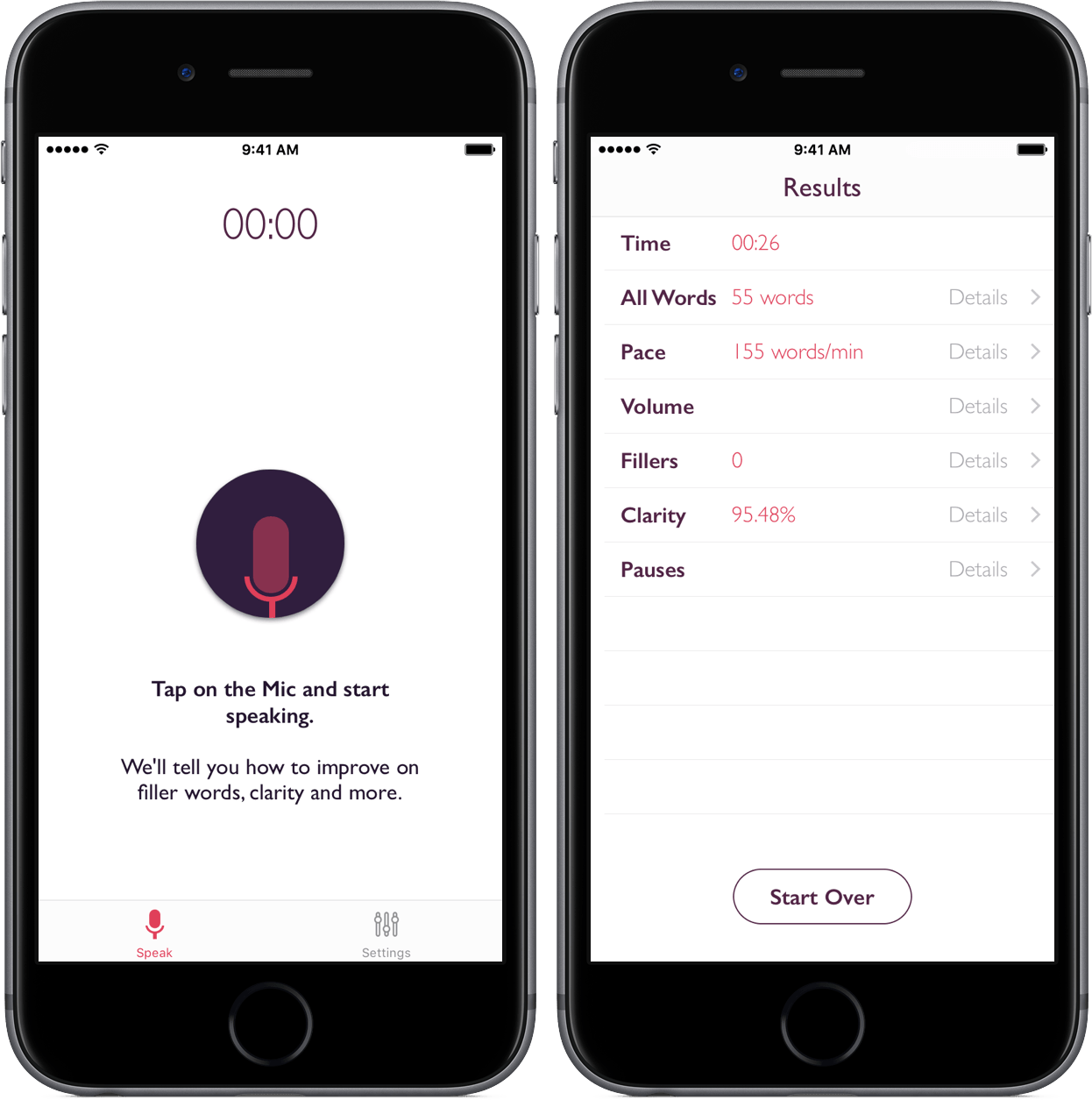
Ummo, described by the developer as “your personal speech coach,” is here to make the process significantly more comfortable by providing key data on your presentation. Paired with a feature that annoys you every time you use a filler word, the functionality of Ummo is enough to make you wish you had it sooner.

Read more