Alex Guyot

152 posts on MacStories since January 2014

Alex has been writing for MacStories since 2013. As a MacStories contributor he covers Apple and related technology on the site and for [Club MacStories](https://www.macstories.net/club/). Alex also keeps the site running smoothly and works on new technology as MacStories' senior software engineer. Mastodon: [@[email protected]](https://mastodon.macstories.net/@alex)

Activity Trends in iOS 13

We touched on most of this year’s changes to iOS in our iOS 13 overview earlier this summer, but one feature that has mostly flown under the radar is the debut of Activity Trends.

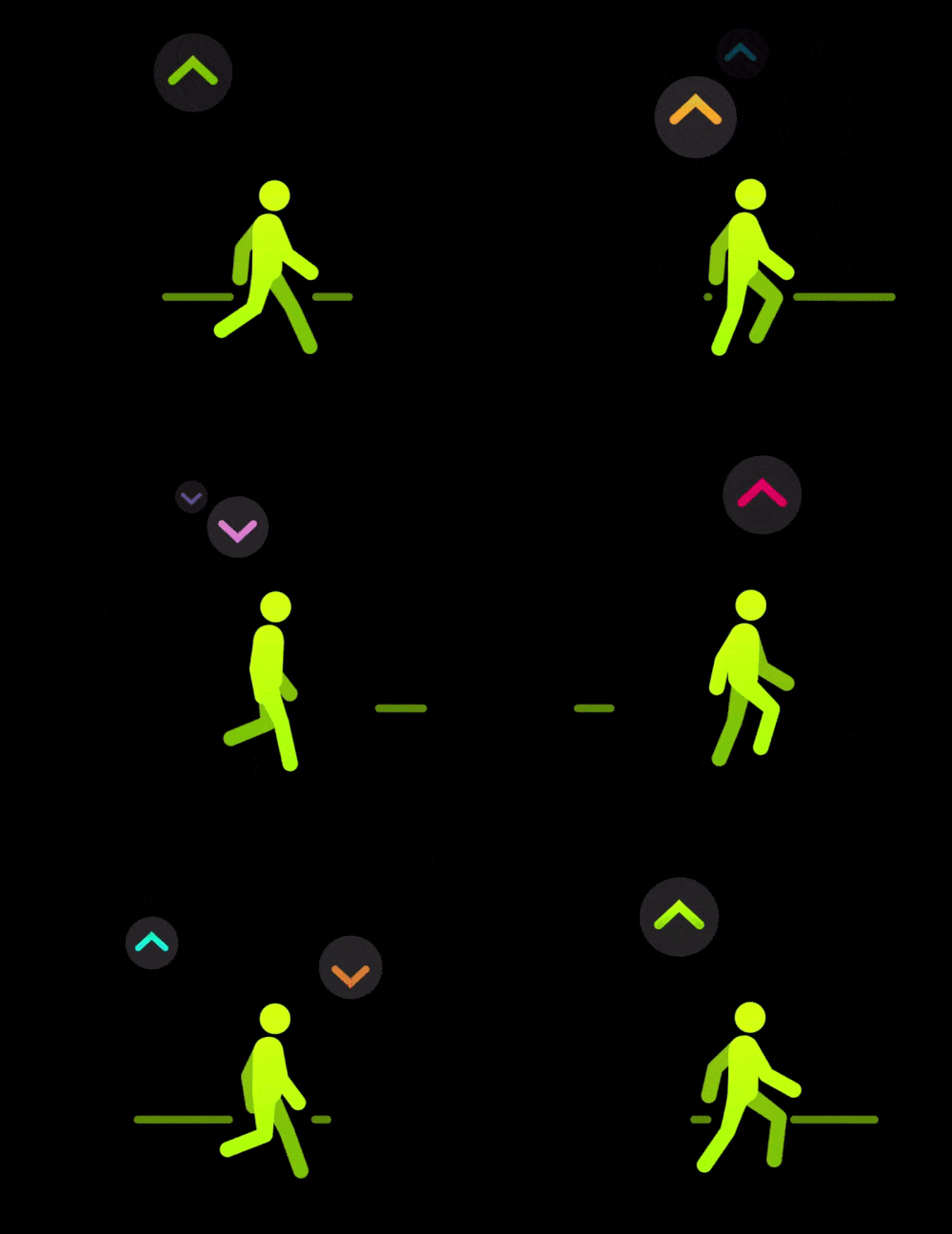
True to its name, Activity Trends is a new way to monitor the progression of your daily activity over time. The feature is exposed via a new tab in Apple’s Activity app in iOS 13, and it breaks down your activity over the last 90 days compared to the previous 365.

In the main view, Trends are broken down by a variety of metrics, with each metric displaying your 90 day average as well as a simple up or down arrow to indicate whether it has improved or diminished over that time period in comparison to the average of your last year. The goal is to give you actionable information and goals to bring these metrics up. Goals are applied on a weekly basis, and hitting them consistently will result in an increase of your 90 day averages over time.
Read more


Safari on iPadOS is Living Up to the Hype

Dieter Bohn at The Verge spent some time with the new and improved Safari on iPadOS:

Google Docs has long been a huge problem on the iPad, for two reasons. First, Google’s own iPad app is god-awful and the company seems hell-bent on not updating it to work better. Second, Google Docs in Safari on the iPad right now redirects you to that app even if you “Request Desktop Site.”

On iPadOS, however, Google Docs in Safari seems great.

Admittedly, I only spent about five minutes poking around, but I went straight for the stuff I didn’t expect to work at all — and it worked. Keyboard shortcuts for formatting and header styling, comments, cursor placement, and even watching real-time edits from another person in the doc all worked.

In iPadOS, Apple is setting the Safari user agent to the desktop version (previously, Safari on iPad has used a mobile user agent), but that’s only the tip of the iceberg. Setting the user agent will cause websites to display their desktop varieties, but those were built with the expectation of mouse interactions rather than touch. There’s a lot more details to uncover here, but it looks like Apple has done a huge amount of work under the hood to make touch interactions work intuitively in the desktop browser paradigm.

We’ll have many more details on the new Safari changes over the coming weeks and months, but at first glance it’s great to see that Apple wasn’t kidding about iPadOS Safari being truly desktop-class.


You can also follow all of our WWDC coverage through our WWDC 2019 hub, or subscribe to the dedicated WWDC 2019 RSS feed

Permalink

watchOS 6: The MacStories Overview

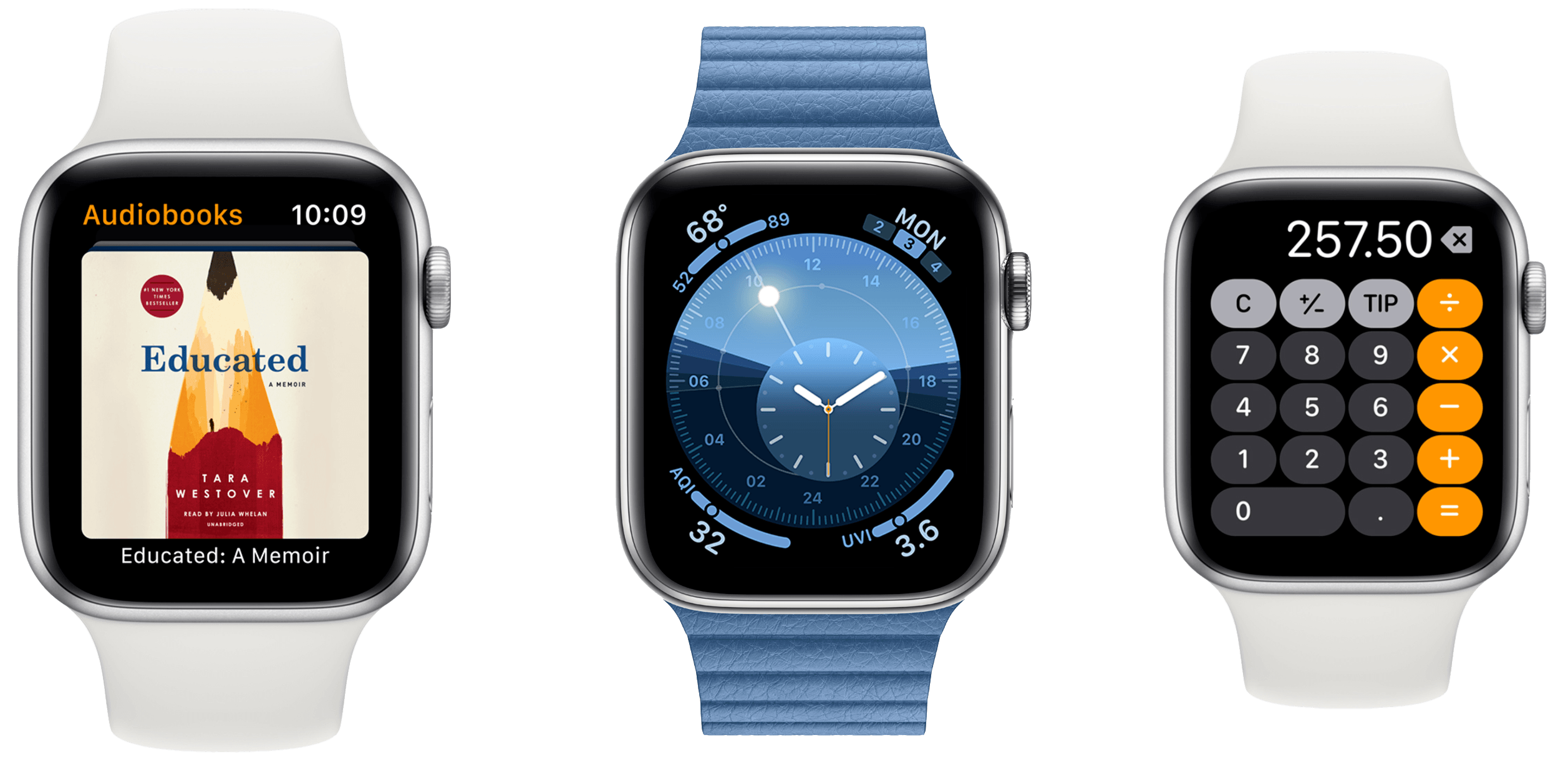
Today at Apple’s annual WWDC keynote address in San Jose, California, Tim Cook took the stage to announce the latest update to Apple’s smartwatch operating system. watchOS 6 is coming this fall, and boasts a number of big changes. Most significantly, watchOS 6 makes progress on the independence of the Apple Watch from the iPhone, adds a number of new APIs and health features, and includes an all-new native UI framework for developers.

Read more


Apple Releases Memoji Makeup Tutorial Video with YouTube Stars

YouTube stars Patrick Starrr and Desi Perkins joined forces with Apple to create a makeup tutorial video using only this year’s huge iOS 13 Memoji update. The new Memoji appear to be massively more customizable, and can be used to create Bitmoji-like stickers. Starrr and Perkins’ video premiered during Apple’s WWDC keynote address, and you can watch it below.

We’ll have more on the new Memoji updates and all of the changes coming in iOS 13 later today.


You can also follow all of our WWDC coverage through our WWDC 2019 hub, or subscribe to the dedicated WWDC 2019 RSS feed


Apple Publishes “For All Mankind” Apple TV+ Trailer

At this year’s WWDC keynote address, Apple dropped the first trailer for their upcoming Apple Original drama series For All Mankind. The series will follow an alternate timeline in which the space race never ended, and is set to premier this fall.

We’re actively at work on in-depth coverage for all of today’s announcements, and will be reporting on any additional news that trickles out in the coming days as WWDC 2019 continues.


You can also follow all of our WWDC coverage through our WWDC 2019 hub, or subscribe to the dedicated WWDC 2019 RSS feed


Apple Publishes Goodnight Developers Video from WWDC 2019 Keynote

Apple kicked off this year’s WWDC keynote address with a black and white video of developers hard at work in the middle of the night. The video, titled Goodnight Developers, showed a variety of iOS developers struggling and eventually succeeding in getting their apps to build. Check out the video below.


You can also follow all of our WWDC coverage through our WWDC 2019 hub, or subscribe to the dedicated WWDC 2019 RSS feed


My MacStories Story: How iOS Automation Changed My Life

Six years ago I was a senior in high school – a laughably short timeline compared to the immensity of growth and change which took place within it. Graduation, all of college, and a lonely move across the country; a career imagined, pursued, and achieved; friends and relationships come and gone. Not many threads of life make it all the way from the start of your late teens through the end of your early twenties, but those that do feel special in a way not much else can. MacStories is one of mine.

This week we’re celebrating MacStories’ 10th anniversary, and this year marked the fifth anniversary of my first article on the site. It boggles my mind to think that I’ve been part of this incredible team for more than half of MacStories’ life, but that’s nothing compared to the feeling of when it all began.

Read more


Apple Card: The MacStories Overview

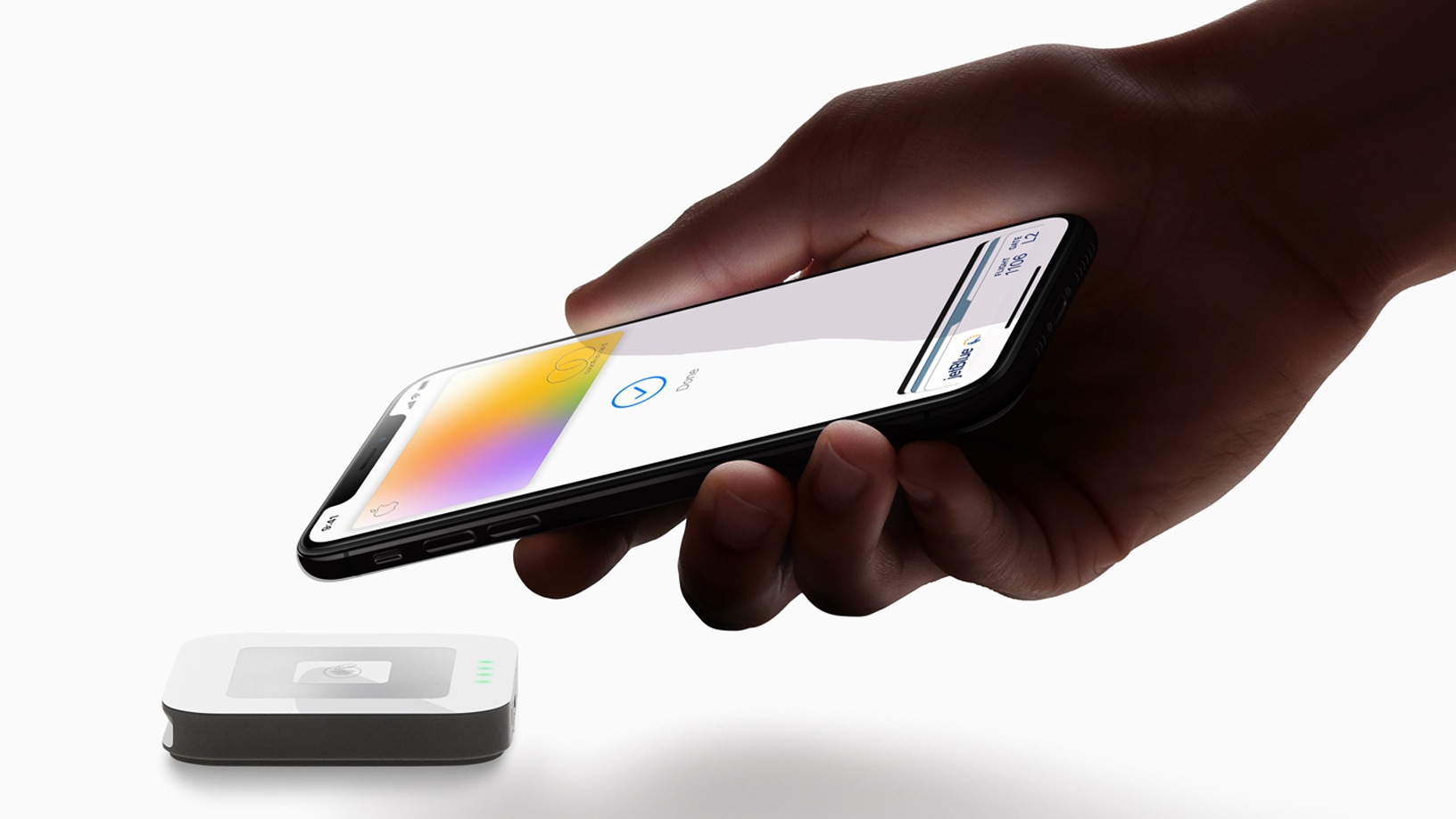
This morning at Apple’s special event in the Steve Jobs Theater at Apple Park, Vice President of Apple Pay Jennifer Bailey took the stage to announce Apple Card. These “Apple” name prefixes are growing tedious, but Apple Card is looking to reduce the tedium which permeates the credit card industry. Apple is championing its credit card as a new industry leader in a variety of areas, including privacy, security, transparency, lack of fees, and fair interest rates. Apple Card gives rewards in cash rather than points, and these “Daily Cash” rewards are distributed to your Apple Cash account every day. If Apple Card can deliver on its promises, it shows real potential to be a disruptor in the often exploitative credit card industry.

Read more