

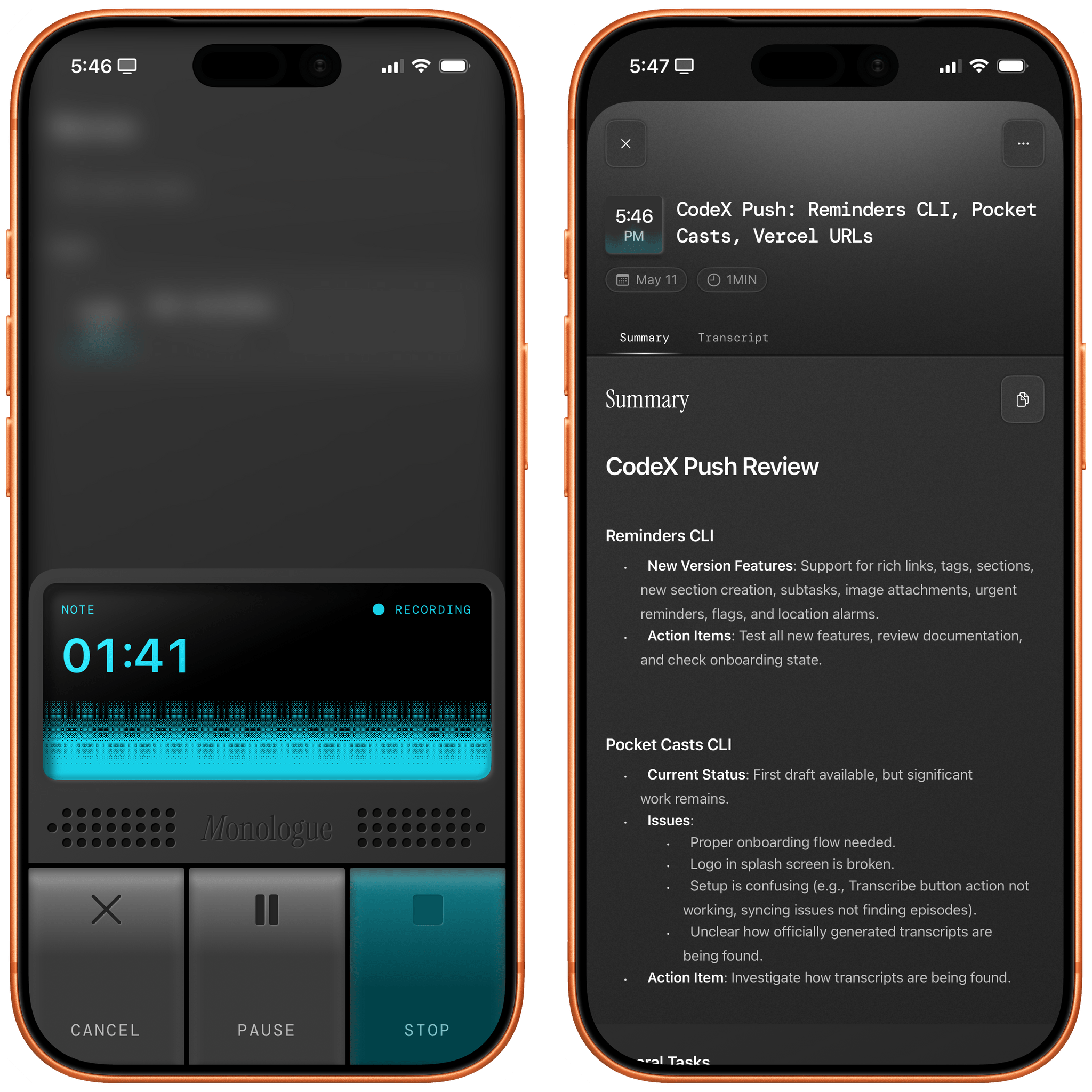
As I mentioned in a recent issue of MacStories Weekly for Club members, I believe that reliable dictation and text-to-speech are largely solved problems in the AI industry right now for most languages. There are certainly subtle differences between the latest models and not-so-subtle discrepancies when you consider local (and free) transcription models versus cloud-hosted (and often expensive) solutions, but by and large, LLMs have “fixed” the problem of fast and high-performance speech-to-text transcription. Whether you’re using Superwhisper, Wispr Flow, Aqua Voice, or a local wrapper for Parakeet or Microsoft’s VibeVoice, chances are that your transcribed text will be more than good enough these days. Just like with regular chatbots, benchmarks matter less and less: it’s the overall user experience that defines products that are otherwise very similar to each other.
For transcription apps, especially in 2025, it used to be that a key differentiator was having cross-device support with a mobile app that could also transcribe text. To the best of my knowledge, the folks at Wispr Flow were the first to offer an Android app (in addition to Mac and Windows) plus an iOS app with a custom keyboard that leveraged Live Activities to let you dictate text anywhere on iOS with far greater performance and more features than Apple’s default dictation. Then, Superwhisper, Aqua Voice, and others followed with similar implementations based on custom keyboards and Live Activities. Each app has a slightly different design and slightly different performance, but once again, deep integration with iOS and text input fields is also a solved problem now. No matter which iOS dictation app you choose to go for these days, you’ll probably have a good time with its custom keyboard and sync across iOS and macOS.
Which brings me to what I think is a new kind of differentiator between all these apps now: agent integration and the ability to get your transcribed text out of an app. Sure, I like the ability to quickly and reliably dictate text and have it transcribed in any text field on my Mac, iPhone, or iPad. But what about those times when I just want to dictate something, and I’m not sure where it’ll go yet, but I just want to make sure it gets saved somewhere? I’ve been over this problem before. Furthermore, my growing reliance on Codex as an all-in-one “productivity assistant” app also means that I’m actively seeking out apps and services that can be plugged into Codex via APIs or CLIs. With agents more than ever, the era of siloed apps is over; if I’m supposed to use something for work, it better be extensible and scriptable.
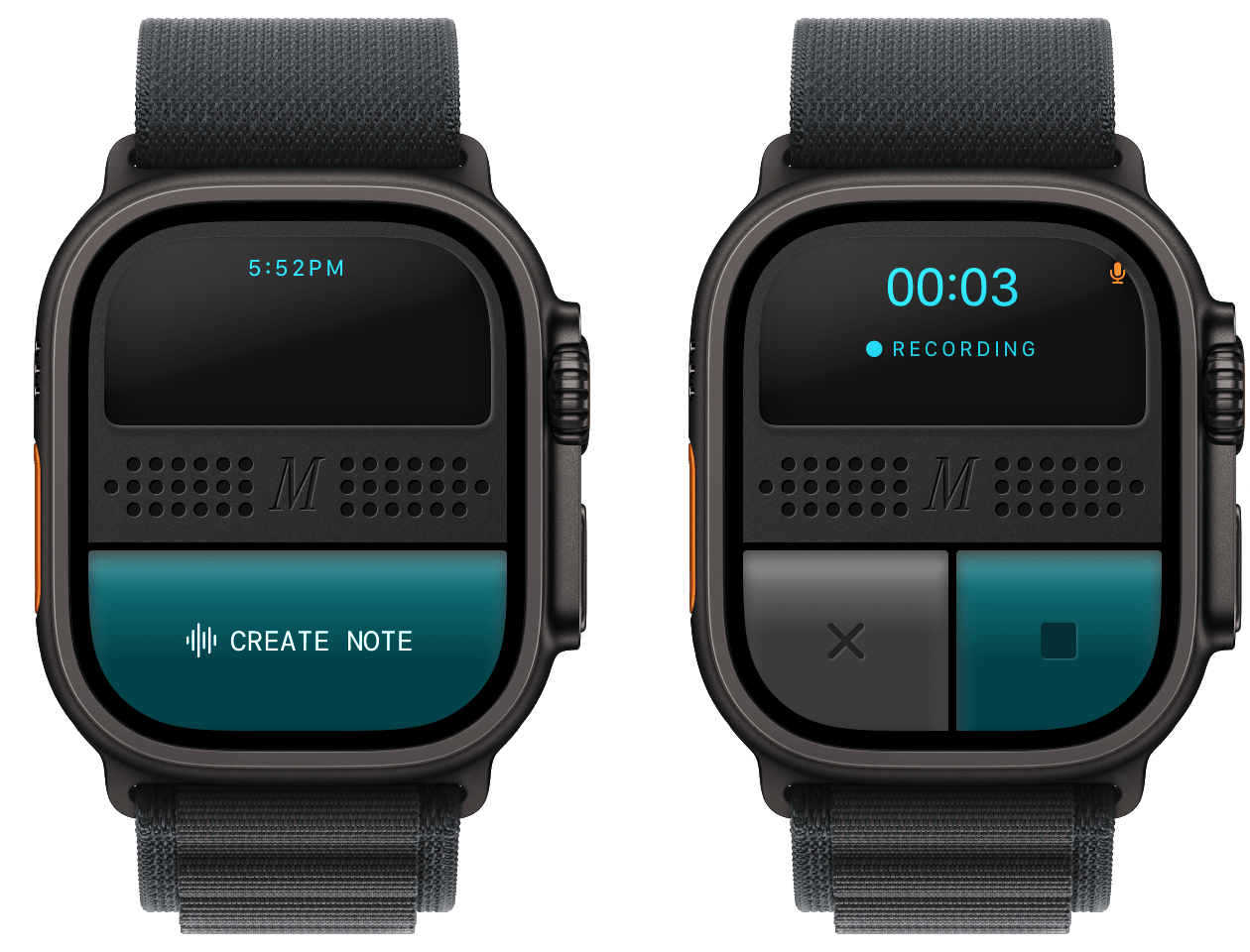
This is where Monologue Notes comes in. Monologue is another dictation app available on macOS, iOS, iPadOS, and watchOS that, unlike others, presents itself with a lovely skeuomorphic design that reminds me of iOS 6 (gone too soon, R.I.P. to a real one, etc.). Like other dictation apps, it supports different “modes” for things like casual texts and formal email messaging, lets you define a custom dictionary of text replacements for frequently dictated names or acronyms, and can be activated on iOS with a custom keyboard and Live Activity in the Dynamic Island. Sadly, Monologue also follows in the footsteps of other apps by not telling you which model is used behind the scenes, but since the transcription is great, I don’t particularly mind the obfuscation. With the exception of its unique visual identity (and the ability to unlock its full feature set as part of an Every bundle, which is a good deal), Monologue falls under the umbrella of comparable functionalities I mentioned above.
What sets Monologue apart, and the reason I’m writing this, is the new Notes feature, which was added in the app’s most recent update. The idea itself is not a stroke of genius: it’s a section of the app where you can go in, dictate freeform thoughts, and have them transcribed and saved in your account. It is literally a notes feature of a dictation app. The novelty lies elsewhere: this note-taking feature of a dictation app was launched from the get-go with an API, CLI, skills, and MCP integrations for agents and chatbots in the form of a toolkit that you can implement however you want.
It shouldn’t come as a surprise that Every – a fascinating company that is a hybrid of media, software development, and consulting – is leading by example in this field. The moment I saw the announcement of Monologue Notes, I knew it was exactly what I’d been looking for: a feature of a native app with exquisite design that is also exposed to and designed for agents to give you (and LLMs) control over your data. It makes sense. When I’m entering something into the app – say, because I’m walking the dogs and using AirPods with the native Watch app – I don’t want that text to be stuck inside Monologue for iOS; I want it to be as portable as possible. This is a general rule I try to follow with all the apps and services I use these days: if they don’t adapt to me and the agents I want to use by offering an API or CLI (and, down the road, App Intents for Apple Intelligence), I immediately discard them as potential options.
But back to Monologue Notes. After creating an account, the first thing I did was point Codex for Mac to the repo and ask it to install the skill and CLI. Codex downloaded the skill and told me to manually run monologue onboarding in Terminal to authenticate my account, and the integration was good to go. Now, if I type something like, “What did John mention as an app review idea in our meeting last Tuesday?” or, “What did I save about Shortcuts Playground yesterday?” GPT-5.5 will scan my Monologue Notes, find matches, and give me results. I haven’t done it myself, but I assume you can do the same in Claude with Monologue’s MCP connector or set up a similar system with OpenClaw. The choice (and the data!) is yours.
I wanted to go a step beyond, though. I like Monologue Notes, and I use Notion a lot. Why not combine them? Specifically, my idea was this: what if I could create a system that checked for new Monologue Notes in my account every 30 minutes and, whenever it found one, appended it to my current daily note in Notion? Such a system would allow me to keep using Monologue Notes but also mirror daily recordings to matching daily notes in the note-taking app I primarily use.
As with most things these days, I “built” this by explaining my idea to Codex, which I instructed to create an automation for itself in the Mac app. The ability to run automations on a schedule is one of my favorite features of Codex desktop (after Computer Use); you set up a prompt, choose a model and reasoning effort, and give it a recurring schedule, and you’re off to the races. As long as the Codex app is open, the same prompt will execute over and over, and you’ll be able to inspect its output in the app’s right sidebar.
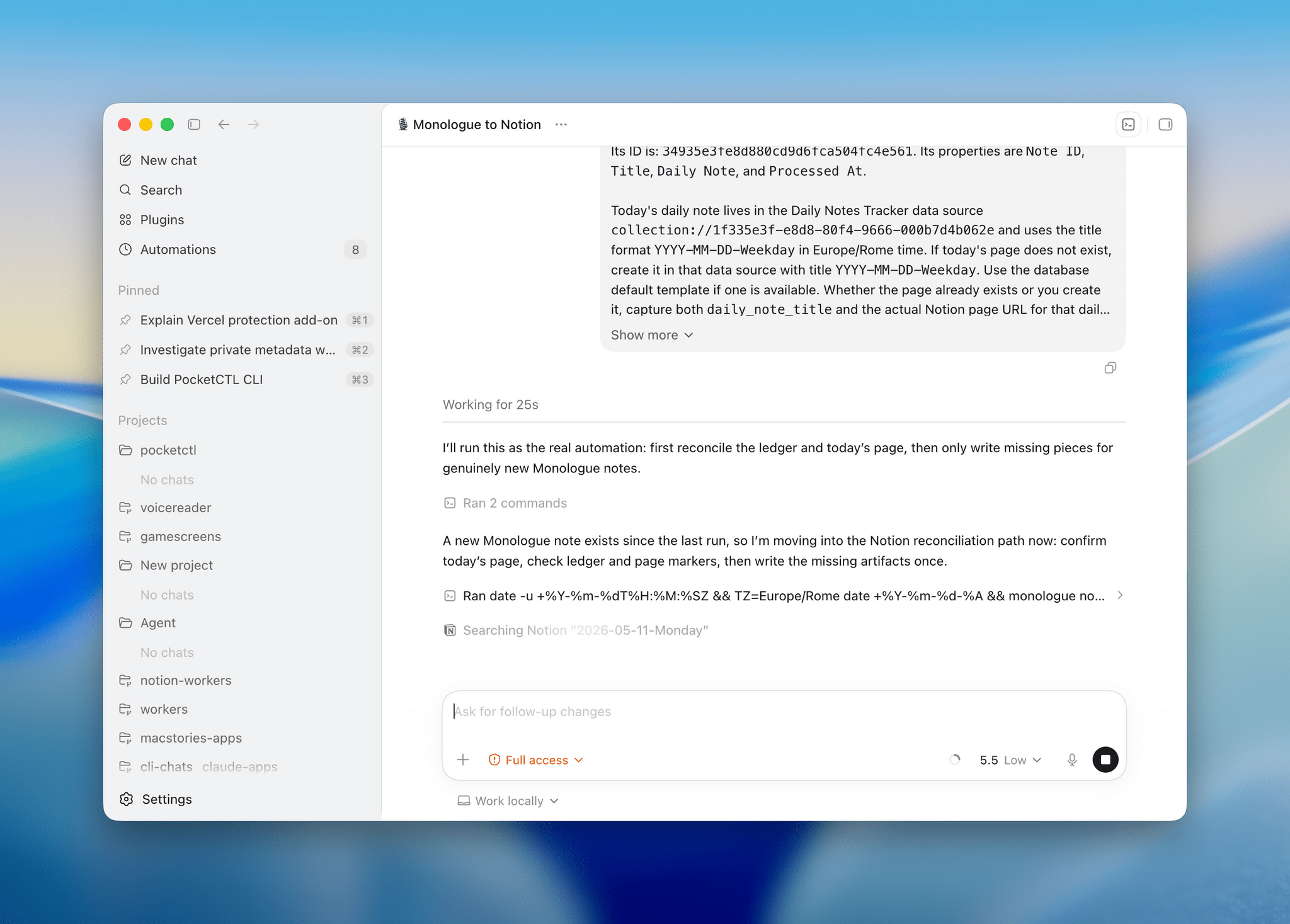
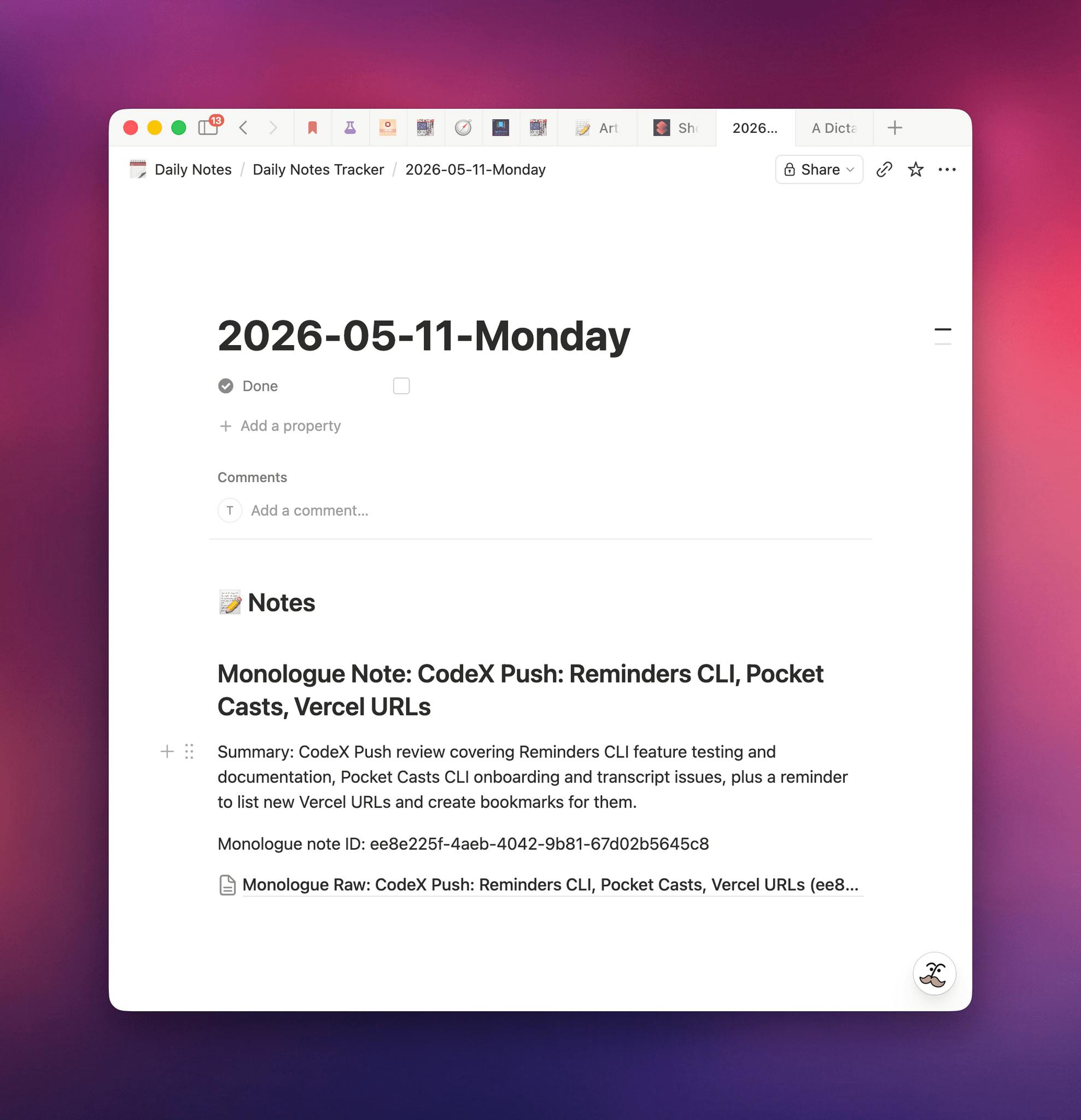
The automation I set up for Monologue Notes in Codex is deceptively simple. Every 30 minutes, it uses the Monologue CLI to scan for new notes; the concept of “new” is defined by a Notion database that keeps a running log of unique note IDs that were previously processed. If a recent note with an untracked ID is found, the contents of the note are appended – using the built-in Notion connector in Codex – to the current day’s daily note in Notion. That’s it. The automation has been running for several days now in Codex for Mac (which I keep always open on my Mac Studio server), and it hasn’t missed a single note saved in my Monologue Notes library.
Behind the scenes, this automation runs with GPT-5.5 set to Low reasoning effort. One of my favorite changes in OpenAI’s 5.5 release is the fact that GPT-5.5 on Low or Medium is actually a smart model that can match or even surpass the previous GPT-5.4 set to High or xHigh reasoning effort levels. For hybrid automations that combine deterministic processing with intelligent processing by LLMs, you don’t need to consume extra tokens with higher reasoning values; don’t make Codex overthink, and let it run your automations with bare minimum reasoning whenever possible.
I’ve been liking automations in Codex so much, I made them the topic of my next entry in the Automation Academy series for Club MacStories Plus and Premier members. In the members-only column that you can find here, I explain my Codex automation setup in detail and share the full prompts behind the automations that run on a schedule 24/7 on my local Mac server, including workflows for Notion, Monologue, scraping websites, and more.
You can find out more about Club MacStories and the Plus and Premier plans here.
The launch of the Monologue Notes feature encapsulates the sort of change I’d like to see in the productivity app space. In the age of coding agents and LLMs, features alone are no longer enough to differentiate your product from a competitor: they can copy you in a matter of days. Instead, it’s paramount to differentiate your product on narrative, user experience, design (now more than ever, I appreciate a great, human-made, non-vibe-slop design), data portability, and integration with AI agents. Monologue has all of these, and that’s why it’s now my default dictation app everywhere.
