This Week's Sponsor:

GoodLinks

Save articles for later and enjoy them when you have time


Posts tagged with "M5 Ultra"

M5 Ultra Mac Studio Review: The Dream Mac for Local AI Agents

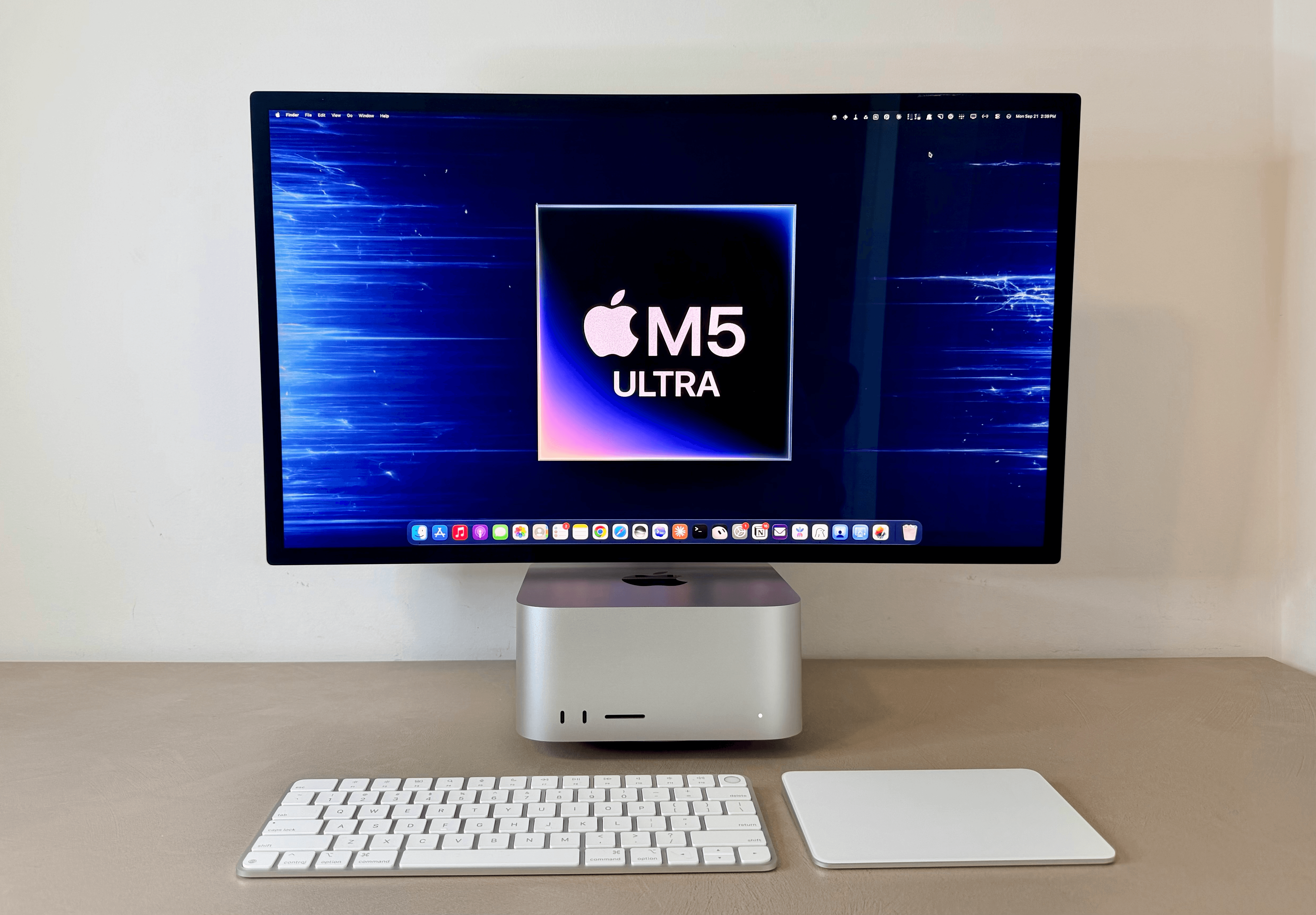
The M5 Ultra Mac Studio.

The M5 Ultra Mac Studio.

For the past few days, I’ve been testing the (currently) top-of-the-line M5 Ultra Mac Studio with 256 GB of RAM.

I’ll cut to the chase: the M5 Ultra Mac Studio is a dream machine for local AI agents. This computer makes it possible to run personal assistants powered by local models with great performance and no additional cloud costs. If you’ve been skeptical of testing OpenClaw or Hermes Agent with local models because they’d never be even remotely near the intelligence and speed of cloud ones, this Mac will change your mind about that.

Since last Thursday, I’ve been comparing this Mac Studio to its predecessor, the M3 Ultra with 512 GB of RAM, as well as my own desktop gaming PC with an RTX 5090 inside. For its size, price, thermal performance – not to mention Apple’s approach to unified memory – the M5 Ultra Mac Studio has fundamentally changed how I think about models running locally and what they can enable now. A 5090, of course, still has an edge over the M5 Ultra thanks to its higher memory bandwidth. But considering the sheer size of my PC build, as well as its heat and noise, I would prefer an M5 Ultra Mac Studio any day. It also happens to be a Mac, with an operating system that looks nice and doesn’t suck, plus a vibrant app ecosystem. (Windows fans, I’m sorry, but Microsoft software will never get my sympathy.)

As I’ll explore in this article, running the latest Qwen3.8-Flash-Next model on the M5 Ultra Mac Studio has been so nice and fast, I’ve made it my default in both Open Minis for iOS and Hermes Agent. That’s right: the personal assistants I use the most – more than Siri AI, in fact – are now entirely powered by a model running locally on a Mac Studio. Furthermore, thanks to the M5 Ultra’s faster GPU and higher memory bandwidth, these agents start responding more quickly, stay fast at larger context windows, and can run long, multi-turn loops without slowing to a crawl as the session grows. Because of this, I’ve also been using local models in the Codex app on my Mac – either as main threads or subagents orchestrated by GPT-6 Astra – and I’ve had a great experience doing so.
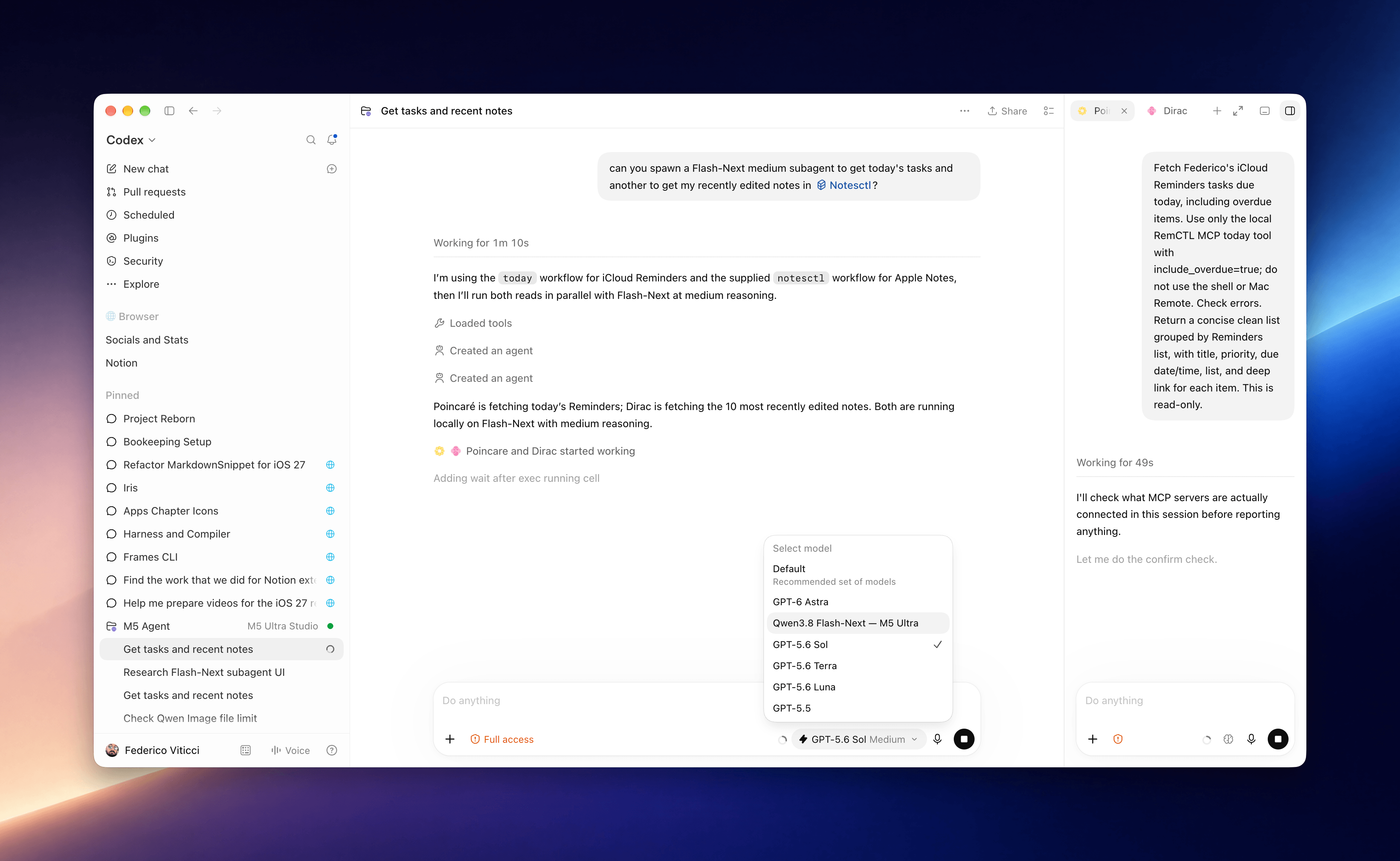
Local subagents running in Codex on the M5 Ultra Mac Studio.

Local subagents running in Codex on the M5 Ultra Mac Studio.

I should note upfront that I’m not an AI developer by trade: I do not train or fine-tune models. I’m a tinkerer at heart, and I’ve been playing around with local AI models for over a year at this point. This summer, I went all-in on local AI usage for a big project I was working on, which I will explain in the following section.

My goal with this article is to provide you with a mix of two things: numbers and visualizations based on the (many) tests I’ve run over the course of four days, and an explanation of my practical use cases for local AI applied to my workflow and how I get things done for MacStories.

Let’s dive in.
Read more


Apple Announces New M6 and M5 Pro Mac minis, Along with M5 Max and M5 Ultra Mac Studios

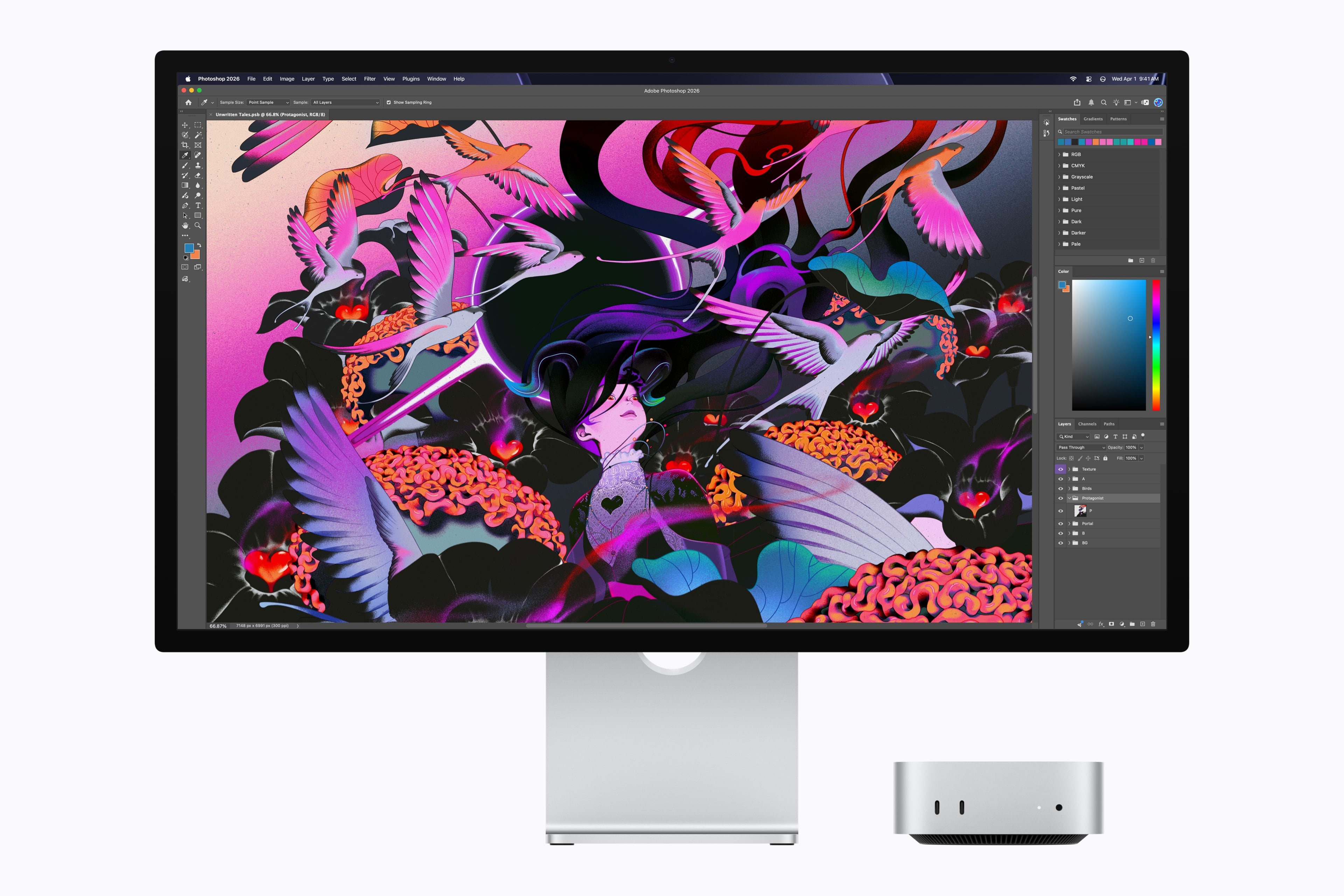
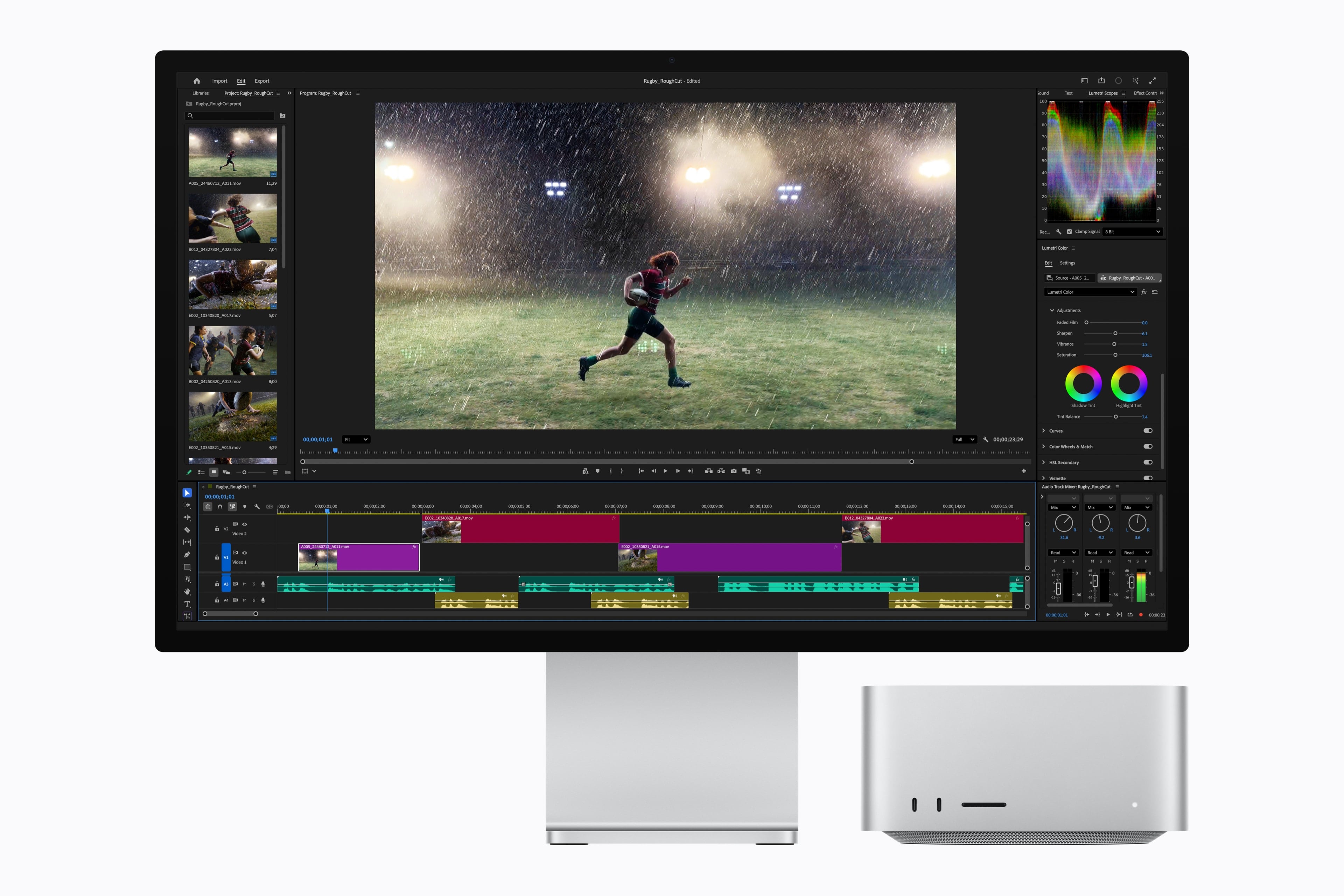
Source: Apple.

Source: Apple.

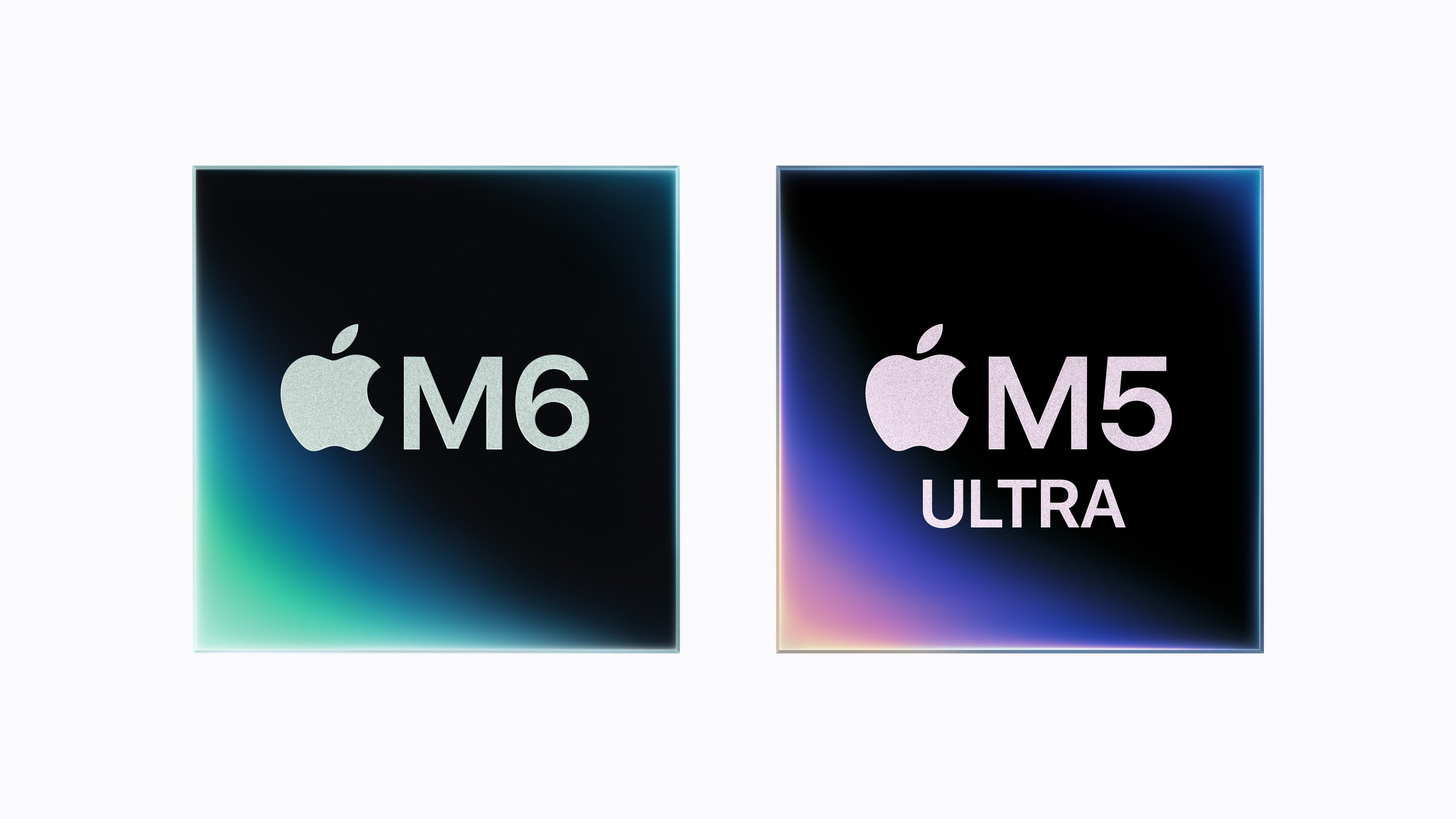
Today, Apple announced a new M6 chip that will debut in the Mac mini and an M5 Ultra that is coming to the Mac Studio. The company also announced an M5 Pro Mac mini and an M5 Max Mac Studio. Let’s take a look at the headline specs.

The headline feature of the M6 chip is that it’s Apple’s first 2-nanometer chip. The chip also includes “a larger 12-core CPU complex with the world’s fastest CPU core, a larger 12-core GPU with Neural Accelerators, a Dual 16-core Neural Engine, and up to 170GB/s of unified memory bandwidth.”

Looking more closely at the M6, Apple says it consists of two super cores, four performance cores, and six efficiency cores and is 1.2x faster in multithreaded performance than an M5 and up to 2.4x faster than an M1. Apple says the GPU delivers nearly 30% more peak GPU compute for AI than the M5. The M6’s 10% faster memory bandwidth will help with AI tasks, too, but its 32GB memory ceiling will limit which models can run locally.

Source: Apple.

Source: Apple.

The M6 mini’s GPU sounds impressive, too, with two more cores, Neural Accelerators for each core, which is a first for the mini. According to Apple, that leads to an up to four-fold increase in AI performance and a 2x graphics bump compared to the M4 mini. The Neural Engine has also been improved.

Apple also introduced an M5 Pro mini. It’s understandable if you find it confusing that the base model Mac mini has a more recent generation chipset than the more expensive model. What matters more than the chip generation is the “Pro” in M5 Pro, which makes it more capable than the M6, which has been designed for entry-level models. The same sort of asymmetry occurred with the 2025 Mac Studio, which included an M4 Max model alongside the M3 Ultra. A big part of that difference is the M5 Pro mini’s support for 64GB of memory (double the M6 version’s top memory spec) and its 307GB/s of memory bandwidth compared to the M6 model’s 170GB/s memory bandwidth.

Source: Apple.

Source: Apple.

As for the M5 Ultra, which debuts in the Mac Studio, it sounds like a beast. According to Apple, the chip uses a next-generation version of its UltraFusion technology, resulting in a quad-die architecture for the first time in an Apple silicon chip. In addition, the M5 Ultra features an “up-to-36-core CPU and up-to-80-core GPU with a massive 1.2TB/s of unified memory bandwidth, 50 percent more than M3 Ultra.”

Read more