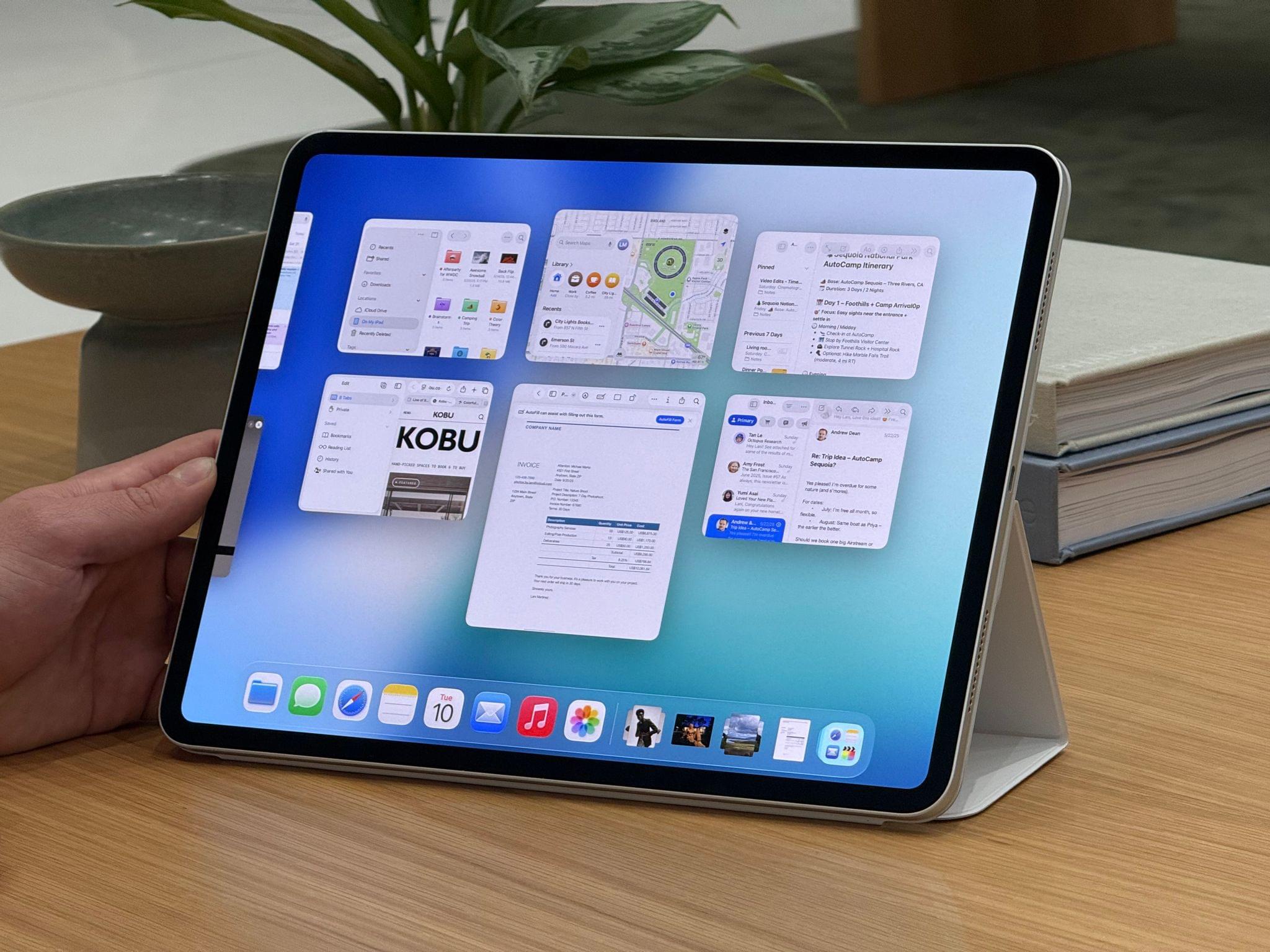
Now this is what I call follow-up: six years after I linked to Jason Snell’s first experiments with podcasting on the iPad Pro (which later became part of a chapter of my Beyond the Tablet story from 2019), I get to link to Snell’s first impressions of iPadOS 26’s brand new local capture mode, which lets iPad users record their own audio and video during a call.
First, some context:
To ensure that the very best audio and video is used in the final product, we tend to use a technique called a “multi-ender.” In addition to the lower-quality call that’s going on, we all record ourselves on our local device at full quality, and upload those files when we’re done. The result is a final product that isn’t plagued by the dropouts and other quirks of the call itself. I’ve had podcasts where one of my panelists was connected to us via a plain old phone line—but they recorded themselves locally and the finished product sounded completely pristine.
This is how I’ve been recording podcasts since 2013. We used to be on a call on Skype and record audio with QuickTime; now we use Zoom, Audio Hijack, and OBS for video, but the concept is the same. Here’s Snell on how the new iPadOS feature, which lives in Control Center, works:
The file it saves is marked as an mp4 file, but it’s really a container featuring two separate content streams: full-quality video saved in HEVC (H.265) format, and lossless audio in the FLAC compression format. Regardless, I haven’t run into a single format conversion issue. My audio-sync automations on my Mac accept the file just fine, and Ferrite had no problem importing it, either. (The only quirk was that it captured audio at a 48KHz sample rate and I generally work at 24-bit, 44.1KHz. I have no idea if that’s because of my microphone or because of the iPad, but it doesn’t really matter since converting sample rates and dithering bit depths is easy.)
I tested this today with a FaceTime call. Everything worked as advertised, and the call’s MP4 file was successfully saved in my Downloads folder in iCloud Drive (I wish there was a way to change this). I was initially confused by the fact that recording automatically begins as soon as a call starts: if you press the Local Capture button in Control Center before getting on a call, as soon as it connects, you’ll be recording. It’s kind of an odd choice to make this feature just a…Control Center toggle, but I’ll take it! My MixPre-3 II audio interface and microphone worked right away, and I think there’s a very good chance I’ll be able to record AppStories and my other shows from my iPad Pro – with no more workarounds – this summer.