Posts tagged with "games"

Big Walk: A Good Hang with Friends

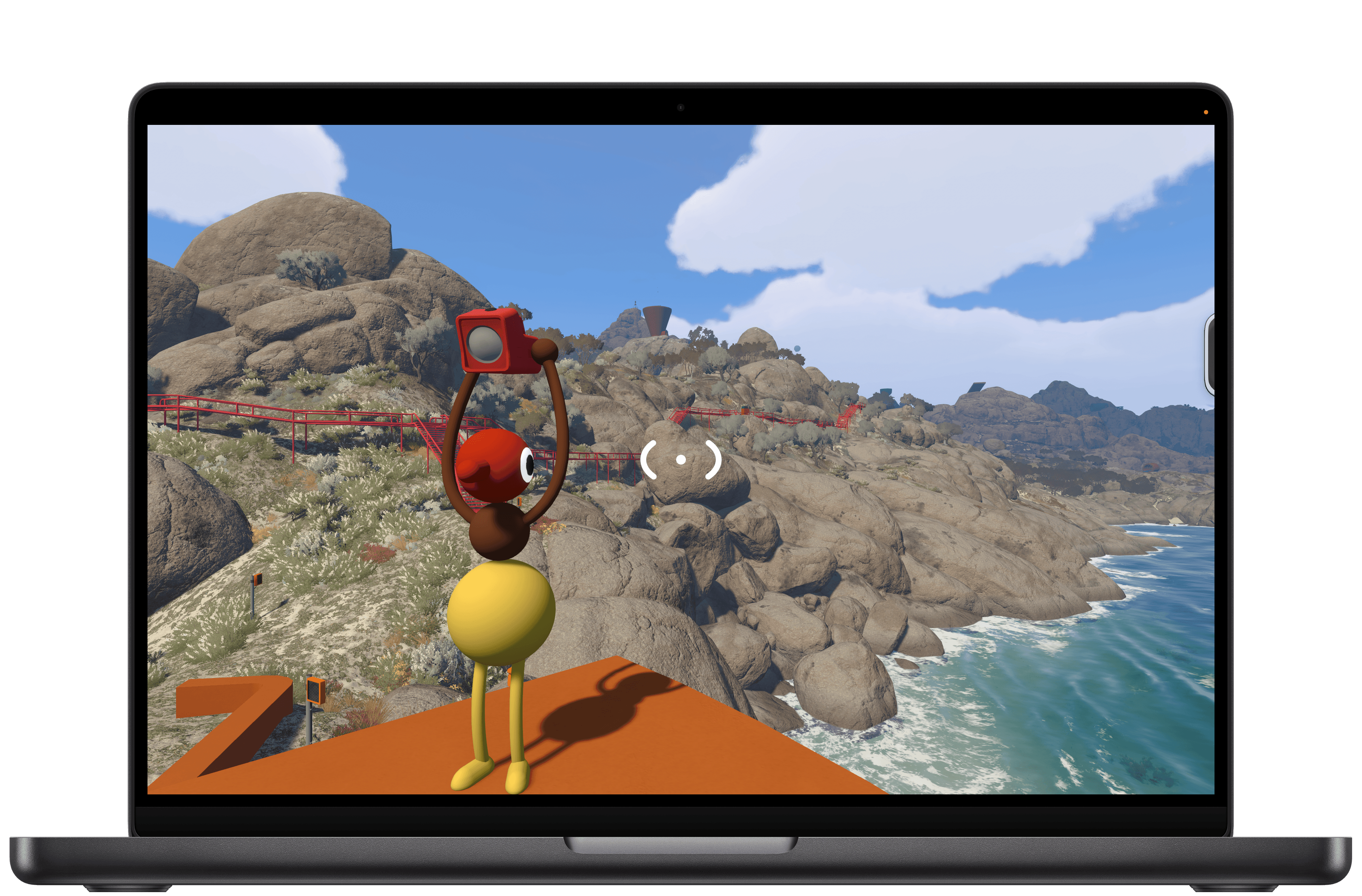
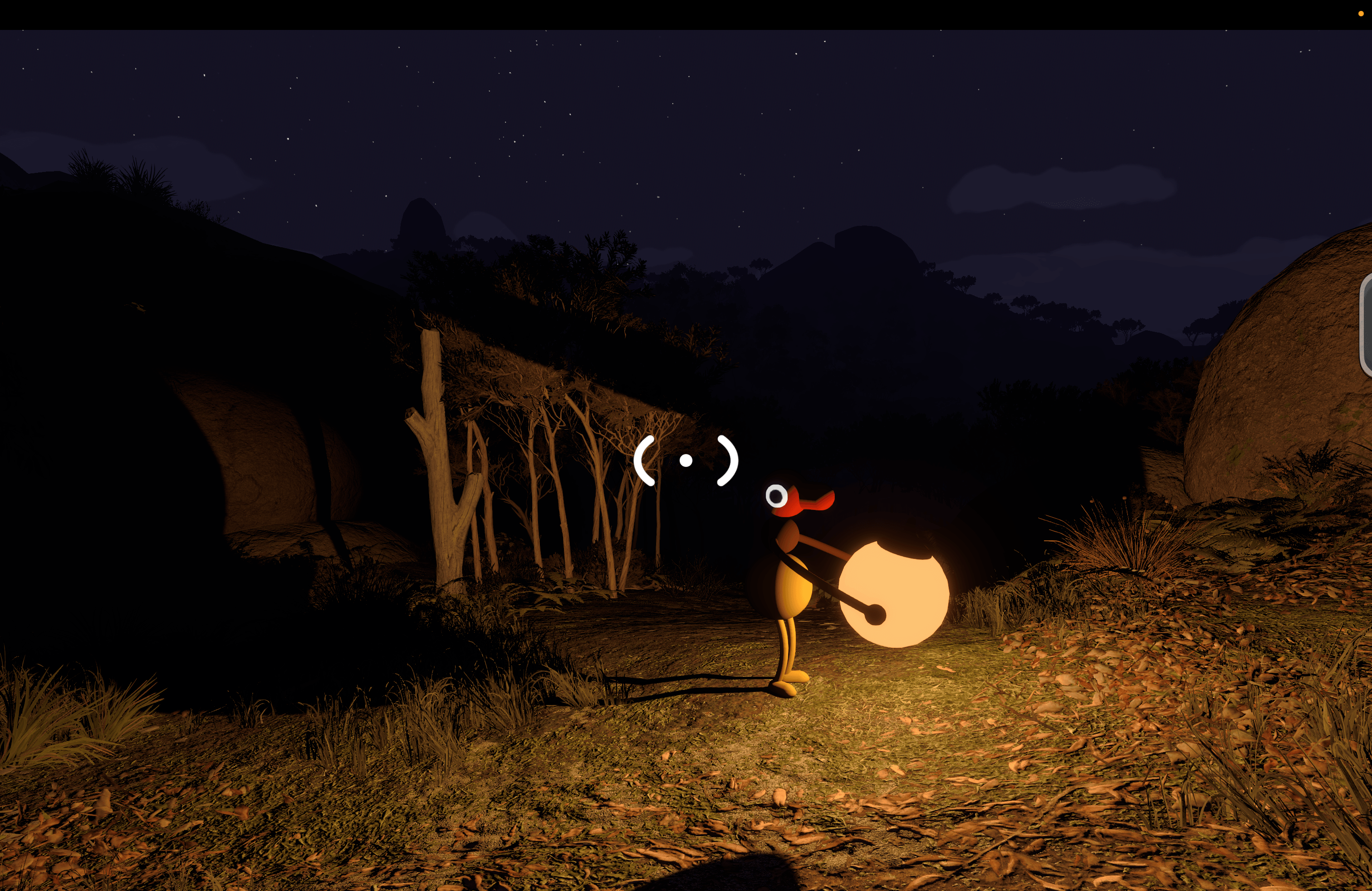
I dove into Big Walk with no expectations at all. I’d seen trailers leading up to the launch and knew that it was a co-op puzzle game from House House, the makers of Untitled Goose Game, but that was about it. And because most of my gaming is done solo, I initially tuned out most of the game’s post-launch headlines. Still, Big Walk is published by Panic, which has a great track record for finding and publishing great indie games, so I decided to give it a try earlier this week. And you know what? I love it.

Big Walk is about as low-key as a puzzle game gets in the best possible way. Co-op is the only mode, so you’ll need to coordinate a time to play it with a friend or group. One person takes the lead, setting up the session and inviting the others. The process is far simpler than trying to find a time that works for everyone in your group.

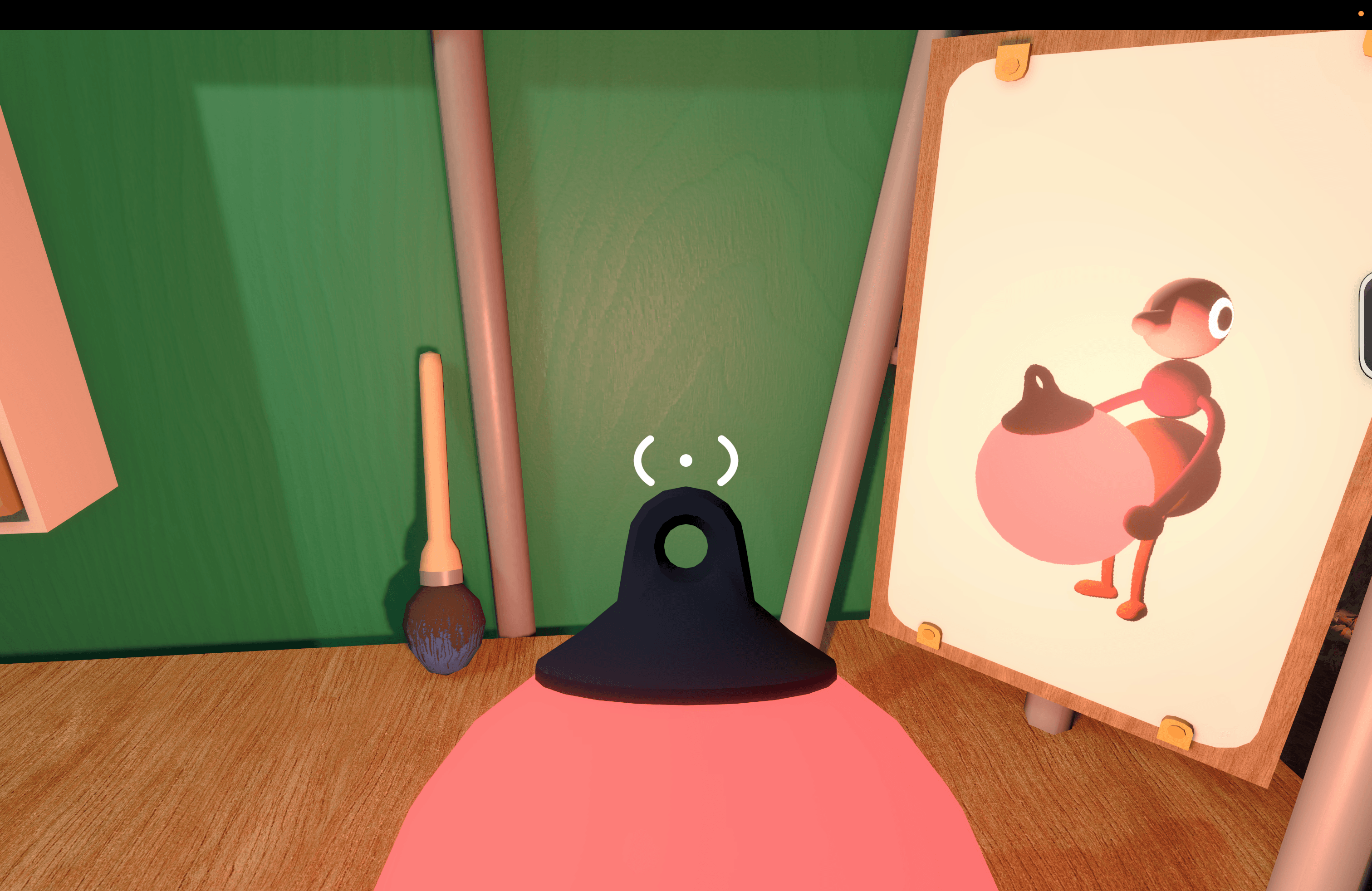
As players join, you’re dropped into a space to wait for the others and explore a little. This lobby space is where you’ll learn the game’s controls, too. Big Walk supports keyboard and mouse input as well as a controller, which is what I used, playing on an M4 Max MacBook Pro.

Once you get your bearings, it’s time to exit the lobby and start exploring. That exploration is core to what Big Walk is all about. You aren’t told what to do, but there are just enough clues to push you forward, figuring out the goals on your own without too much trouble.

I played using AirPods Pro 3, and the game made great use of their mics and speakers, simulating the environments we were in. Closed spaces were echoey, and speech was distant and faint when we were separated. Sound even becomes part of the mechanic in some puzzles, such as an early one where you have to look through an open window to hear each other properly and help guide the other player’s actions.

That cooperation is the key part of the game’s loop. You may see how to solve Big Walk’s puzzles on your own, but implementing the solution will require you and a companion to work together.

The togetherness of it all extends beyond the puzzles, too. Big Walk’s environment (at least in the early stages) is mountainous with large rocks and trees that make it possible to get separated from others. Add to that day and night cycles where it’s almost impossible to see where you’re going at night without a light, and you have every incentive not to wander off on your own without a plan for how to reconnect.

I’ve played through Big Walk’s first couple of sections, and it was a blast. The puzzles were clever and challenging without being frustrating, but most of all, I enjoyed working through them with someone else. There’s no time pressure or monsters lurking around corners – just puzzles and a chance to chat.

Ultimately, that’s what makes Big Walk work. It’s a good hang built against the backdrop of a beautiful landscape and low-key, fun challenges. I highly recommend giving it a try.

Big Walk, which supports crossplay and 2–12 players, is available on the Mac App Store for $14.99. The game is also on Steam, the Switch 2, and PS5.


EA Sports Tailors Madden NFL 27 for Apple Arcade

EA Sports has released Madden NFL 27 Arcade Edition, a version of the popular football simulation franchise that Apple Arcade subscribers can play on the iPhone, iPad, Mac, and Apple TV. It’s a big release built specifically to take advantage of Apple hardware, allowing players to play the game on a wide variety of hardware.

I was struck by how easy it is to pick up and play the game whether you’re a diehard NFL fan or not. I don’t follow football closely, but I was able to get the hang of the game and have fun right away, knocking out a Quick Play match when I had a few minutes to spare.

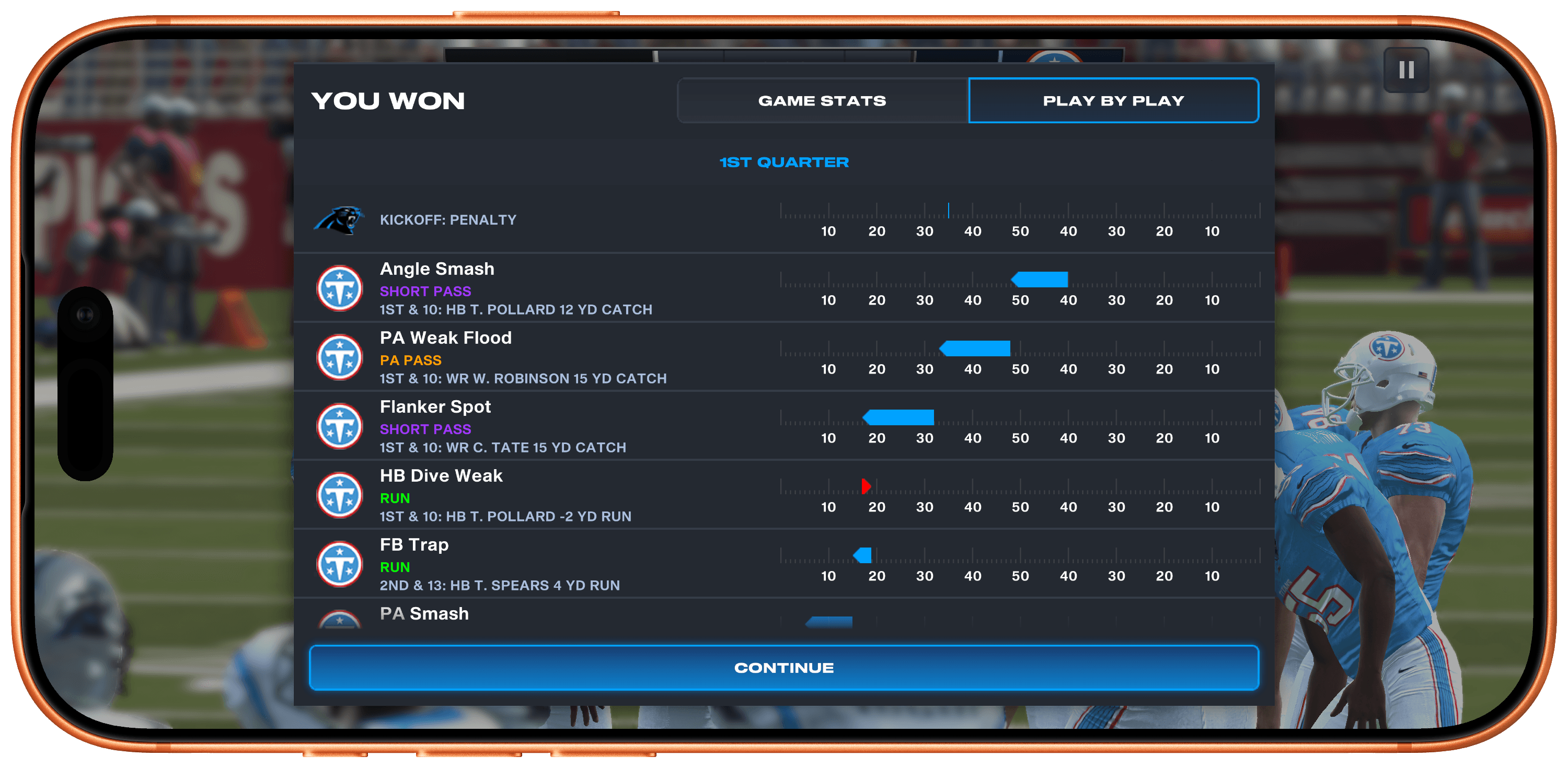
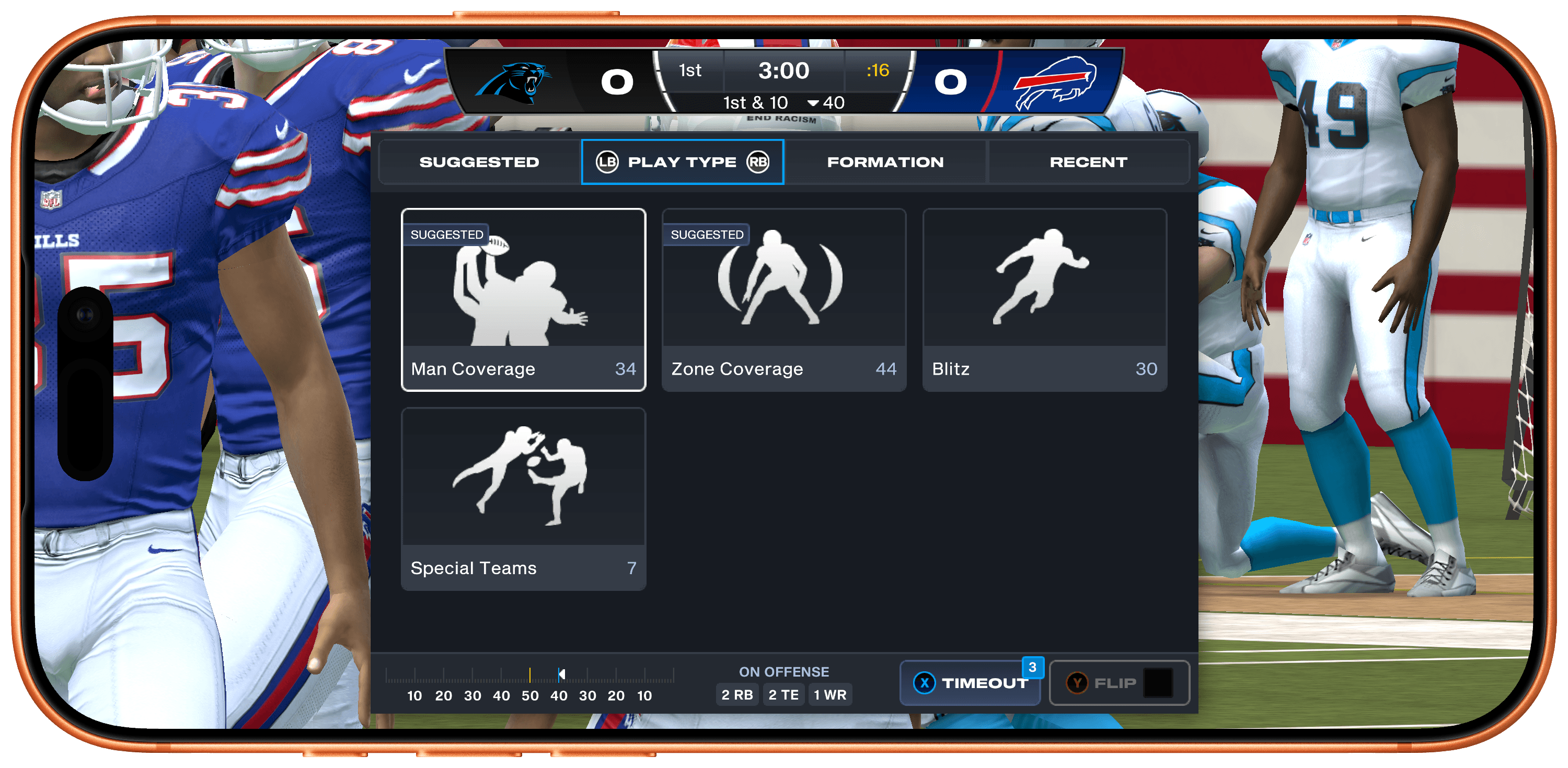
Quick Play tightly limits the overall time it takes to complete a matchup, but it doesn’t sacrifice depth in the process. There are long lists of plays you can run, including suggested plays, play types, formations, and recents, as well as a wide variety of statistics. And after a big play, you can replay it with total control over the camera angle, too.

However, if you want to go really deep, the game’s Franchise Mode lets you play a full NFL season, managing your team all the way through the playoffs. You can also draft your dream team from the game’s huge catalog of real-world NFL stars. Plus, during the real-world NFL season, player attributes shift based on their actual performance.

Madden NFL 27 also looks terrific. The 120Hz playback is smooth on the iPhone, where I spent most of my time with the game, and even nicer on a bigger screen like my 14” M4 Max MacBook Pro, making for an immersive experience.

What impresses me most about Madden NFL 27, though, is how well it makes use of the Apple hardware and technologies at its disposal. Too often, those sorts of details get left behind when a big release is published on Apple platforms.

To its credit, EA has done an excellent job adapting Madden NFL 27 for Apple Arcade subscribers. You can play across every device mentioned above, leaving off on one device and picking up on another seamlessly because saves sync across devices. Every device supports game controllers and touch where applicable, and those devices with 120Hz displays support that, too.

Madden NFL 27 Arcade Edition is available now on the App Store as part of an Apple Arcade subscription. The game is debuting on other platforms next week.


Apple Announces Its 2026 Apple Design Award Finalists

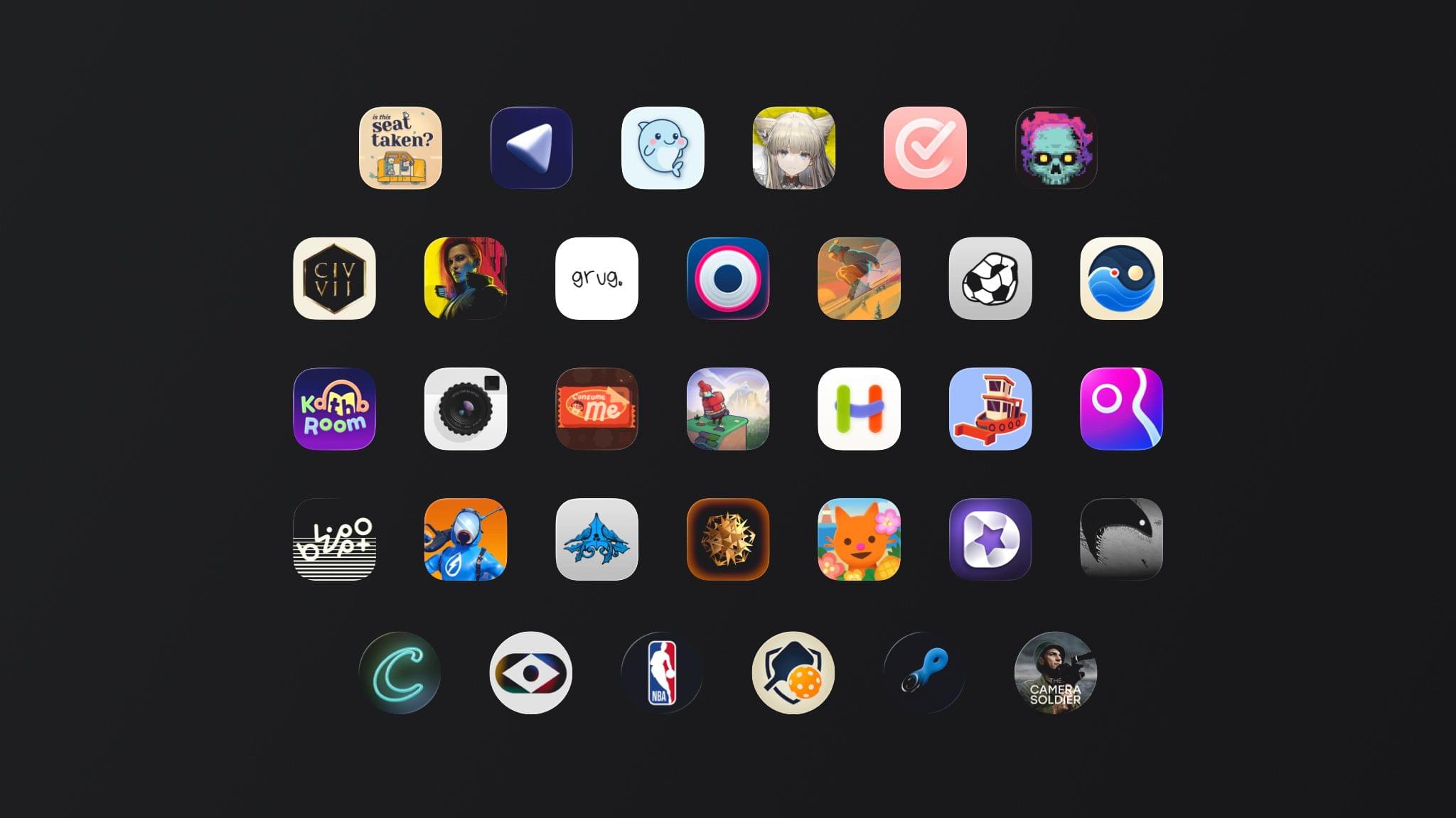
Today, Apple announced the finalists for the Apple Design Awards in six categories:

  • Delight and Fun
  • Inclusivity
  • Innovation
  • Interaction
  • Social Impact
  • Visuals and Graphics

Each category includes three finalists for a total of 18 apps and games from across Apple’s platforms:

Delight and Fun

Finalists in this category provide memorable, engaging, and satisfying experiences enhanced by Apple technologies.

Apps

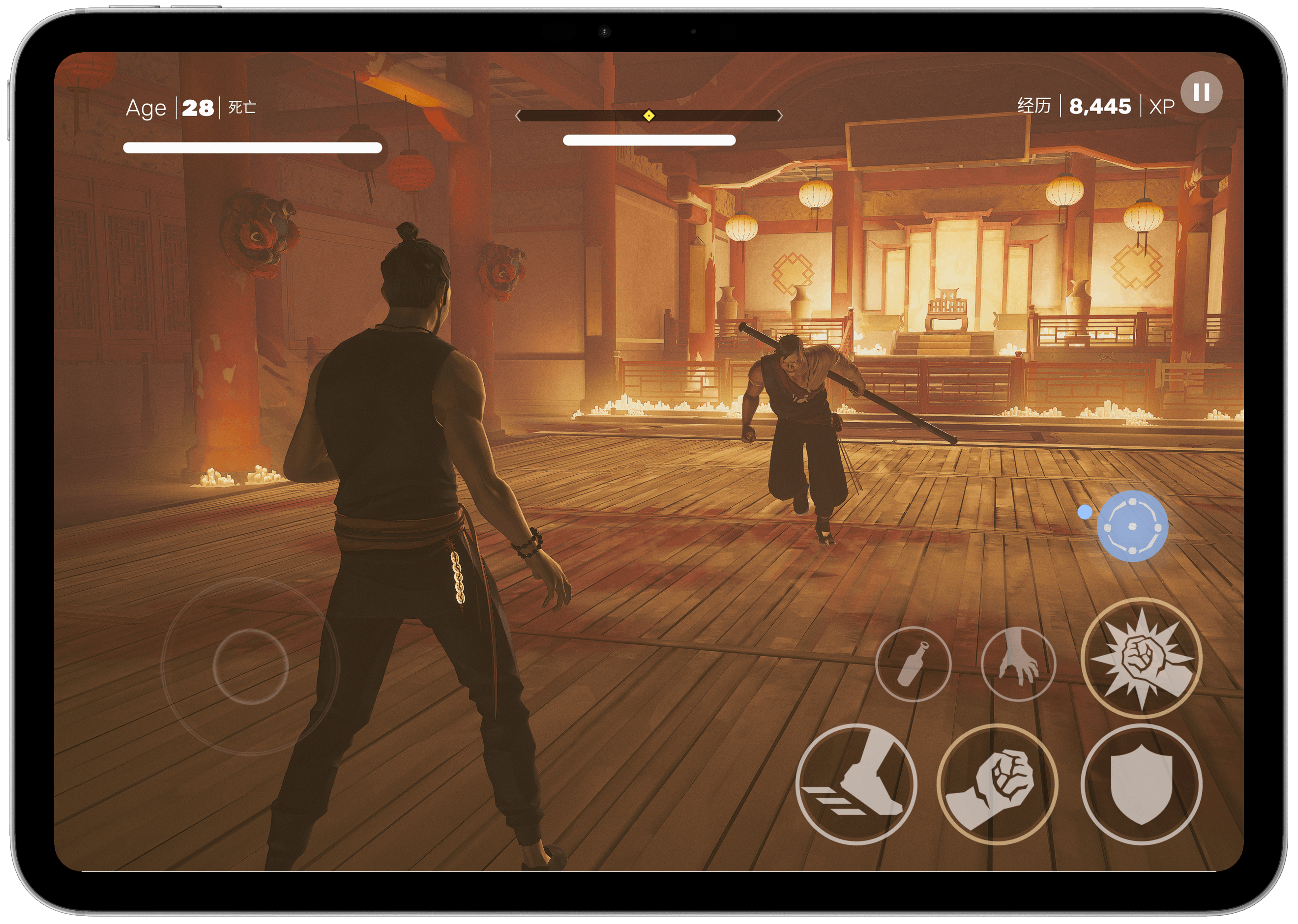
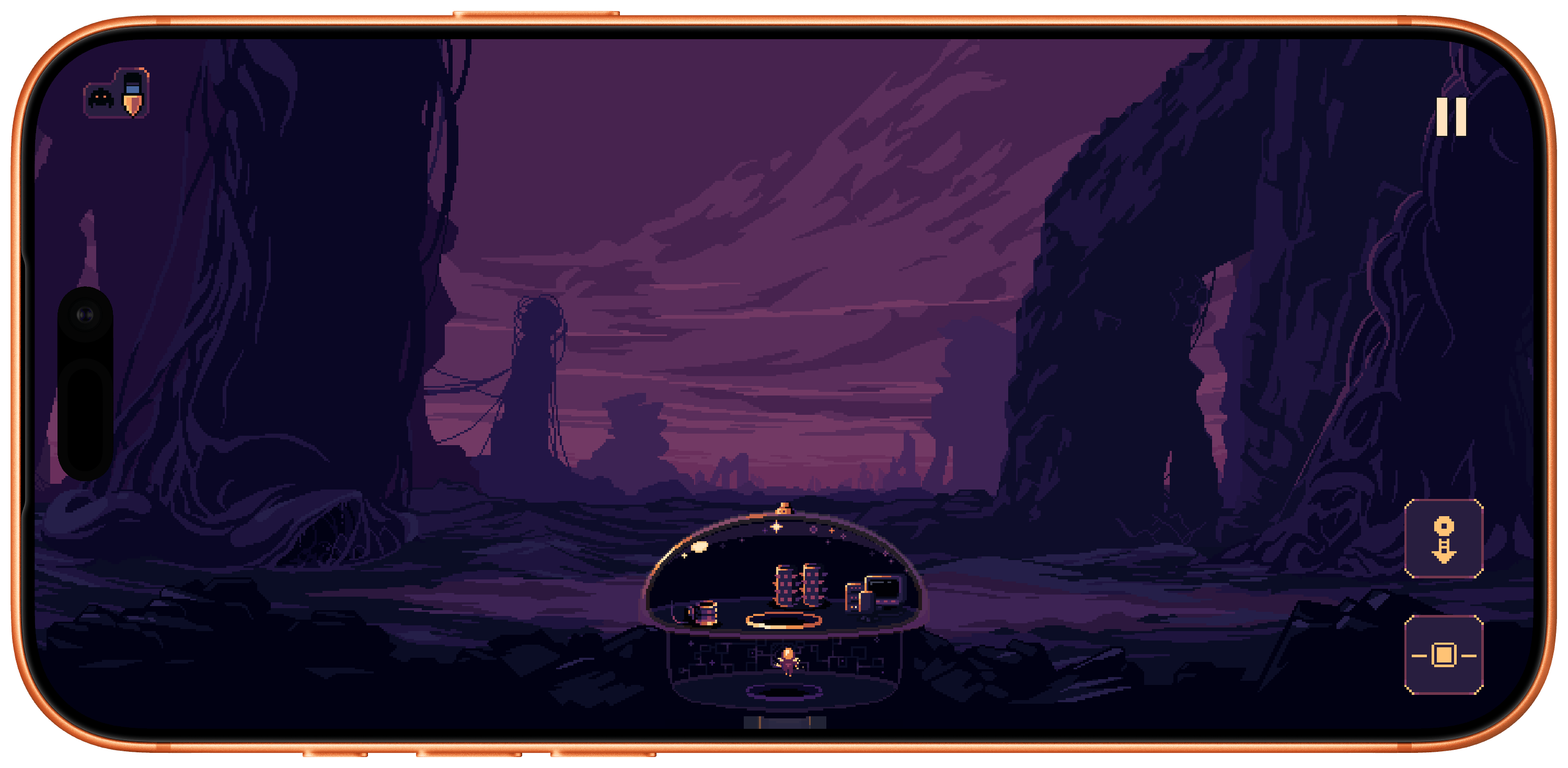
Games

Read more


GameHub’s Desktop Beta Promises to Expand Mac Gaming

If you follow our show NPC: Next Portable Console, you probably know about GameHub, an app from controller maker GameSir. GameHub first appeared on Android, where it has become one of the hottest recent developments in handheld gaming because it lets you play Windows PC games on Android devices. That’s not something that’s possible on iOS or iPadOS, which Apple tightly controls through the App Store, but macOS is a different story altogether, which is why GameSir is bringing GameHub to the Mac.

Currently in beta, GameHub isn’t the first to bring PC games to the Mac using a software compatibility layer, but it’s one of the more user-friendly implementations, thanks to tight integration with Steam and the Epic Games Store. In fact, GameHub itself is a fork of the Winlator open-source project. And, while it’s still early days for PC games on Android and even earlier for PC games on the Mac, GameHub’s beta is making steady progress as Russ Crandall of Retro Game Corps showed off in his most recent YouTube video:

Of the 20 games Crandall tried, none of which are otherwise available on the Mac, about 60% were playable. As on Android, some games required some tweaking to get them working, but overall, the results were impressive, especially when it comes to games like Pragmata, which has only been out for about a week.

What GameHub for Mac demonstrates is just how capable Apple silicon is. The compatibility layers built to run Windows games on Android, and now the Mac, are complex, but at its core, it’s the sheer horsepower of ARM-based processors that makes this possible, regardless of the OS they run. It also makes me wonder why Apple doesn’t turn its Game Porting Toolkit that helps developers translate PC games to the Mac into a consumer product. It’s been done before with Whisky, a SwiftUI wrapper around the Game Porting Toolkit and Wine, but that project is no longer maintained. It strikes me as a great way to expand the gaming universe on the Mac and encourage more developers to support macOS directly. Maybe we’ll hear something from Apple on the topic at WWDC in June.

In the meantime, you can visit the GameHub website and join its Discord server where you’ll find instructions on joining the beta. And, if you’re interested in learning more about how GameHub and similar solutions work on Android and Mac, a good place to start is with NPC, Episode 48, Steam Emulation on Android Gets Real.

Permalink

The MacBook Neo Takes on Retro Gaming

I love when my interests collide, and today, thanks to Russ Crandall, that’s exactly what happened. You see, Crandall runs Retro Game Corps, a YouTube channel covering the world of videogame emulation, handheld consoles, mini PCs, and more. It’s an excellent channel that we’ve covered multiple times on NPC: Next Portable Console, and yesterday, Crandall made a video exploring the MacBook Neo’s emulation capabilities.

It turns out that the Neo pulls its weight with more than productivity apps. It’s also does quite well with game emulation, some Steam titles, and streaming, with a couple of caveats.

Seeing is believing when it comes to emulation, so it’s worth seeing how your favorite systems fare before diving into emulation on the Neo yourself, but I was surprised to see how well the Neo did even on systems as recent as the Nintendo Switch 1. Beyond the GameCube, it’s hit or miss what will run well, but older systems like NES, Game Boy, GBA, SNES, PS1, PSP, 3DS, PS2, Dreamcast, and Saturn games all ran well and in most cases at upscaled resolutions and with shaders applied.

Probably the biggest limitation Crandall ran into is when he tried running games from more recent systems on external storage over the Neo’s USB-C 2 port, while using the USB-C 3 port for a capture card. Games from more recent systems are larger, so for anyone who wants to stream their gameplay, the Neo’s 256GB or optional 512GB internal storage could be a limitation.

That said, I was pleased to see how well the MacBook Neo handled emulation. Paired with lighter-weight Steam games, streaming on services like GeForce NOW, thanks to the Neo’s Wi-Fi 6E, and the App Store’s own catalog of native games, the Neo offers a lot of options for your downtime too.

Permalink

The Iconfactory Launches Kickstarter to Expand Ollie’s Arcade with Frenzic

Ollie’s Arcade was launched in 2023 by The Iconfactory with three mini-games reminiscent of beloved classic videogames. Today, the company launched a Kickstarter campaign with the goal of raising $20,000. If reached, The Iconfactory will make Ollie’s Arcade free and bring its game Frenzic to the bundle. Frenzic was one of the earliest iOS game and a fan favorite that was later adapted for Apple Arcade, but has since left Apple’s subscription gaming service.

The Ollie’s Arcade campaign is about more than just its games though. As The Iconfactory explains:

From a bigger perspective the Kickstarter is yet another way we’re trying to sustain ourselves and keep the Iconfactory up and running. We all know times are tough, especially for small, non-investor driven businesses like ours. We’ve struggled to pay our salaries, keep up with the rising cost of health care and to compete against the onslaught of AI driven design solutions. The new KS won’t be enough to solve all our revenue problems, but it will help give us runway to keep the lights on while we find new ways to stick around and serve you. The more we raise now, the longer and safer that runway gets.

The Iconfactory has a long and stories history since it was founding in 1996. Since then they’ve produced some of the most thoughtfully designed apps and icons around. The Iconfactory isn’t the only company whose business has been hurt by generative AI, but I sincerely hope it isn’t one of the fatalities too. Check out the Kickstarter campaign and chip in to help them and make some great games free for everyone. And while you’re at it, don’t miss all the other great apps they have on the App Store like Tapestry, Tot, Triode, xScope, and many other.


Coming Soon: What’s Next on Apple TV and Apple Arcade in January 2026

To ring in the new year, Apple has a great lineup of returning Apple TV shows and brand-new Apple Arcade games on the way, with everything kicking off later this week. Here are the highlights.

Apple Arcade Games (January 8)

On January 8th, Apple will release four new games:

  • True Skate+: a skateboarding simulator with realistic physics that’s set in more than 20 real-world locations. The game has been available on the App Store for years, but now Arcade subscribers can play on their iPhone and iPad, or even stream a game via AirPlay to an Apple TV without the In-App Purchases.
  • Sago Mini Jinja’s Garden: a family game that lets preschool-aged kids explore gardens, cook, and harvest ingredients in three distinct 3D areas.
  • Cozy Caravan: another family-friendly game where kids can create and play as an animal character, make meals, and enjoy activities like fishing and games, all while preparing for the Whizz Bang Fair.

  • Potion Punch 2+: a restaurant management simulator where you manage a variety of shops like the Potion Café or Enchantment Shop. The app features a fantasy theme filled with magic and monsters with an amusing storyline.

Then starting this Friday, a host of new Apple TV shows will begin to appear:

Tehran, Season 3 (January 9)

The International Emmy Award-winning Israeli spy thriller returns for its third season with Hugh Laurie, who joins the cast as a South African nuclear inspector. Created by Moshe Zonder, Dana Eden, and Maor Kohn, the series follows Mossad agent Tamar Rabinyan (Niv Sultan) as she takes on dangerous missions deep inside Iran. After going rogue at the end of season two, Tamar fights to win back the Mossad’s support and survive, with the eight-episode season directed by Daniel Syrkin.

Add to your Calendar:

Hijack, Season 2 (January 14)

I loved season one of this series starring Idris Elba, who returns as corporate negotiator Sam Nelson in this real-time thriller. After saving a hijacked flight last season, Sam finds himself at the center of a new crisis on a Berlin underground train. The eight-episode season includes new cast members Toby Jones, Lisa Vicari, and Clare-Hope Ashitey, with returning stars Christine Adams, Max Beesley, and Archie Panjabi.

Add to your Calendar:

Read more


Digital Foundry Documents the iPhone 17 Pro’s Major Gaming Gains

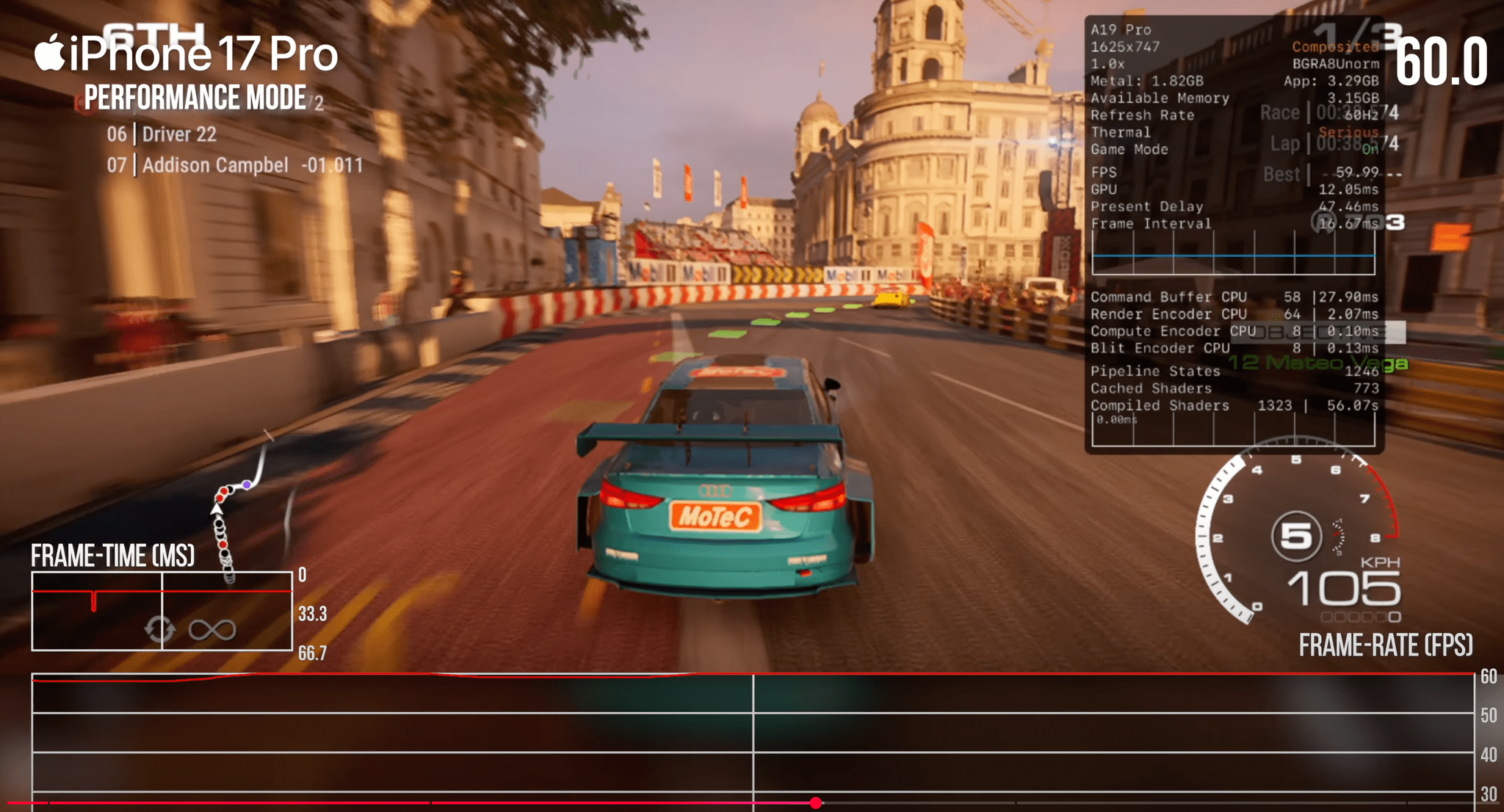
Yesterday, Digital Foundry published their review of the iPhone 17 Pro, which as you’d expect, focuses on the Pro model’s gaming capabilities. Tested against iPhone 13 and 15 Pros and using a series of benchmark tests as well as real-world gameplay, Digital Foundry’s tests revealed significant improvements in several areas, including:

  • GPU performance;
  • Ray tracing capabilities;
  • Second-generation dynamic caching; and
  • Improved thermals.

Benchmarks are one thing, but Digital Foundry’s tests also revealed real-world benefits to the iPhone 17 Pro, such as:

  • a 60% performance increase over the iPhone 15 Pro on Resident Evil Village,
  • the elimination of freezing and big frame rate drops in Assassin’s Creed Mirage,
  • more reliable 30 fps gameplay in Death Stranding.

Those are significant improvements in just two generations of the A-series chips.

What really caught my eye, though, was the impact of cooling. The iPhone 17 Pro uses a vapor chamber and aluminum chassis to help cool the device and keep its chips running at full speed longer. When Digital Foundry placed the 17 Pro on a desk fan, it became clear just how important that cooling is.

Running a benchmark stress test with air blowing across the back of the iPhone 17 Pro reduced the performance drop by roughly 50%. With those sorts of results, I expect external cooling solutions like this X5s telescopic controller and FX5 Cooler combo from GameSir to become a popular accessory in the coming year, so of course, I’ve ordered one and will report back soon.

Permalink

The Clickwheel Games Preservation Project Completes Its Efforts to Preserve All 54 iPod Games

Almost a year ago, Federico linked to a story on Ars Technica by Kyle Orland about efforts to preserve iPod games; now, the process has been completed. Yes, iPod games, not iPad. For a brief period of time in the late 2000s, Apple offered a selection of 54 iPod games for sale through the iTunes Store. The collection included titles from notable developers like Square Enix (Crystal Defenders and Song Summoner), Sega (Sonic the Hedgehog), and Namco (Pac-Man). Those games are long since gone, having been removed from the iTunes store in 2011, and are just one of many examples of a part of videogame history becoming inaccessible to fans and researchers due to neglect.

However, thanks to the efforts of the Clickwheel Games Preservation Project led by GitHub user Olsro, every iPod game has been preserved. As Orland explains:

[Olsro] lucked into contact with three people who had large iPod game libraries in the first month or so after the project’s launch last October.

After that, though, things got tough:

Getting working access to the final unpreserved game, Real Soccer 2009, was “especially cursed,” Olsro tells Ars. “Multiple [people] came to me during this summer and all attempts failed until a new one from yesterday,” he said. “I even had a situation when someone had an iPod Nano 5G with a playable copy of Real Soccer, but the drive was appearing empty in the Windows Explorer. He tried recovery tools & the iPod NAND just corrupted itself, asking for recovery…”

Not only has the project preserved the entire library of games, but now, they’re available to anyone who still has a working iPod that supports them. Sonic on iPod will never be considered the definitive version of Sega’s classic, but if you ask me, it’s still worth preserving the memories of people like Reddit user Mahboishk for whom, “The iPod version of Sonic the Hedgehog was my introduction to the franchise as a kid, and it got me into speedrunning.” That 2000s version of Sonic is an important link in the story that has helped Sonic endure as a franchise from its ’90s origins to today. Now you too can try your hand at navigating the Green Hill Zone with a click wheel.

Permalink