
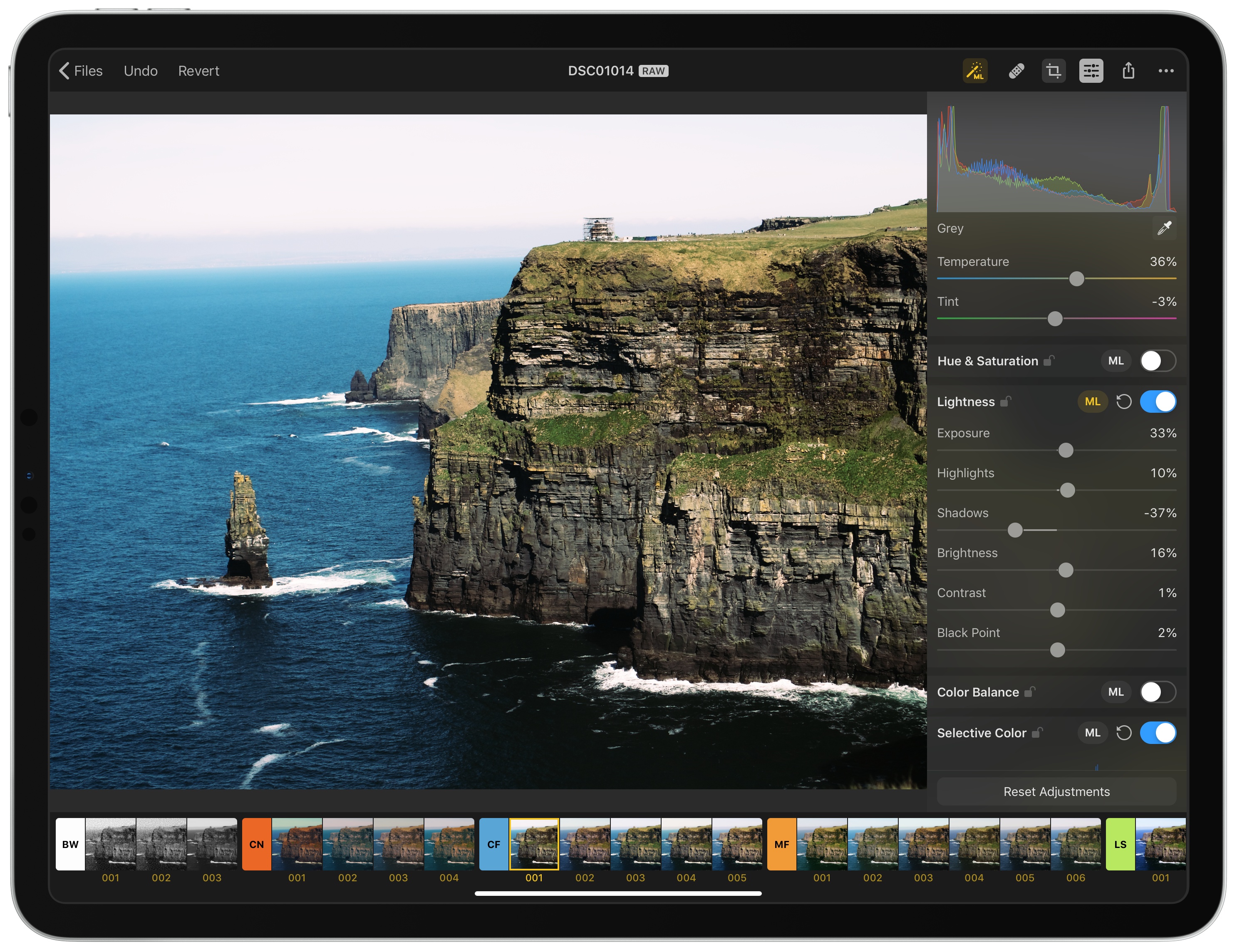
The Pixelmator team has released Pixelmator Photo, a pro-level photo editing tool that couples the core functionality of Pixelmator Pro for the Mac with the strengths of the iPad. The result, though not without a few caveats, is a sophisticated set of image editing tools wrapped in a straightforward UI that, with its support for RAW and other image formats, makes Pixelmator Photo my new favorite photo editor.
Posts tagged with "featured"
Pixelmator Photo: The MacStories Review
New AirPods First Impressions: Wireless Magic
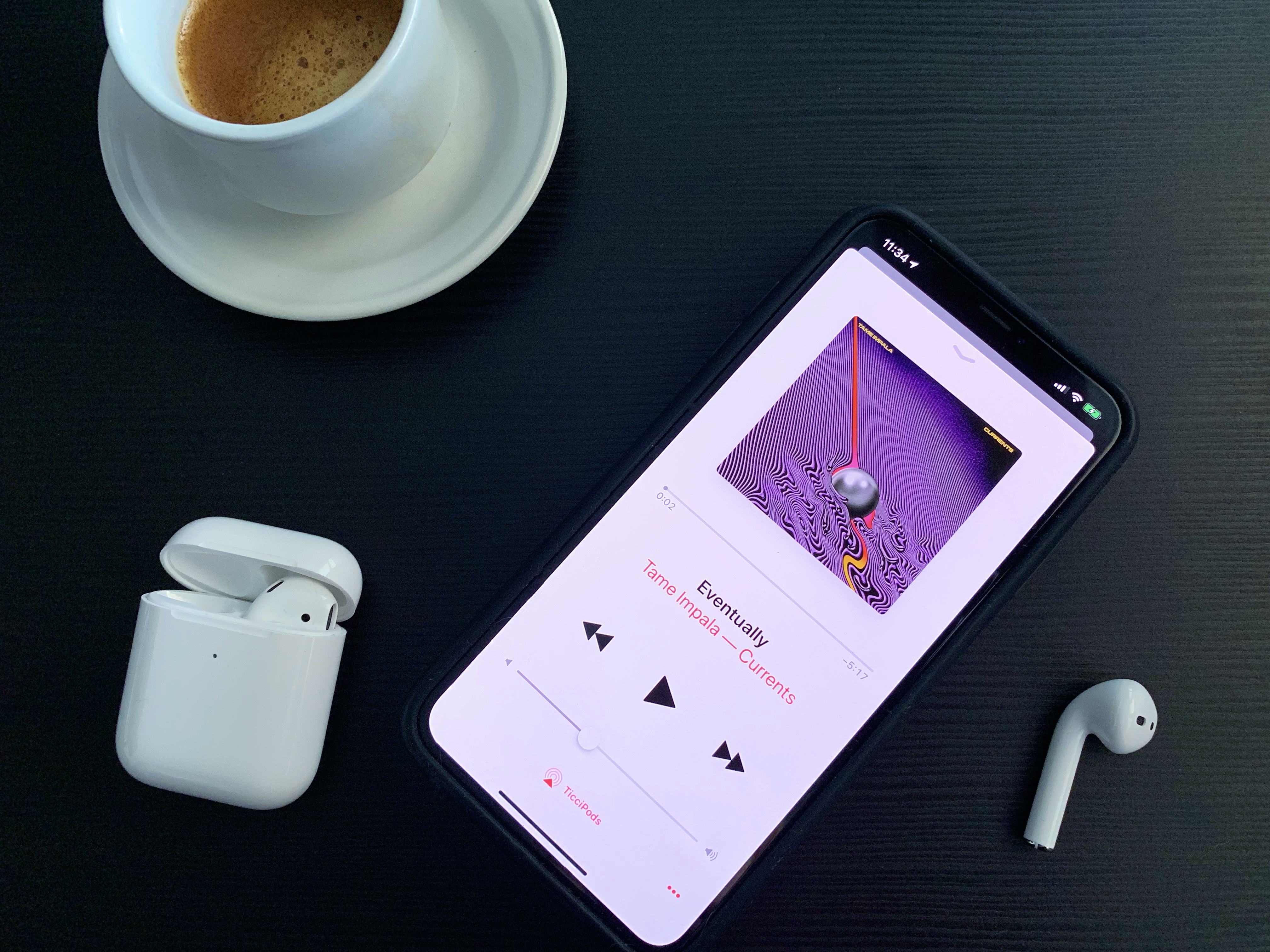
I don’t think I need to extol the virtues of AirPods in 2019. Over two years after their debut, Apple’s truly-wireless earbuds, in addition to providing users with a convenient, seamless way to stream music and podcasts to their ears, have become a cultural phenomenon that has spurred some of the greatest memes of Tech Twitter in recent history. Everybody loves AirPods – provided their unique size and design fit their ears – and, most of all, everybody likes to say how much they love their AirPods.
This article is no different, but there’s a small twist in the usual narrative that prompted me to write this story after receiving my second-generation AirPods yesterday.
Apple Announces Apple News+ Service for Magazines: Our Overview and First Impressions

At the “It’s Show Time” media event held earlier today at the Steve Jobs Theater in Apple Park, Cupertino, Apple took the wraps off the highly anticipated Apple News+ subscription service, which will allow users to gain access to over 300 magazines inside Apple News for a single monthly fee of $9.99. Unlike the other services announced by the company at the event, Apple News+ is available now in the United States and Canada as part of the iOS 12.2 and macOS 10.14.4 software updates.
Apple TV+, Channels, and the Redesigned TV App: Our Complete Overview

Today during Apple’s “It’s Show Time” event, the company took the wraps off its long-brewing new efforts in the realm of TV. There was a sneak peek at Apple’s own video streaming service launching this fall, Apple TV+, as well as a newly redesigned TV app that’s coming in May, and a new component being added to that app alongside the redesign: Channels.
Apple Announces New AirPods with ‘Hey Siri’ Support, New H1 Chip, Wireless Charging Case Option
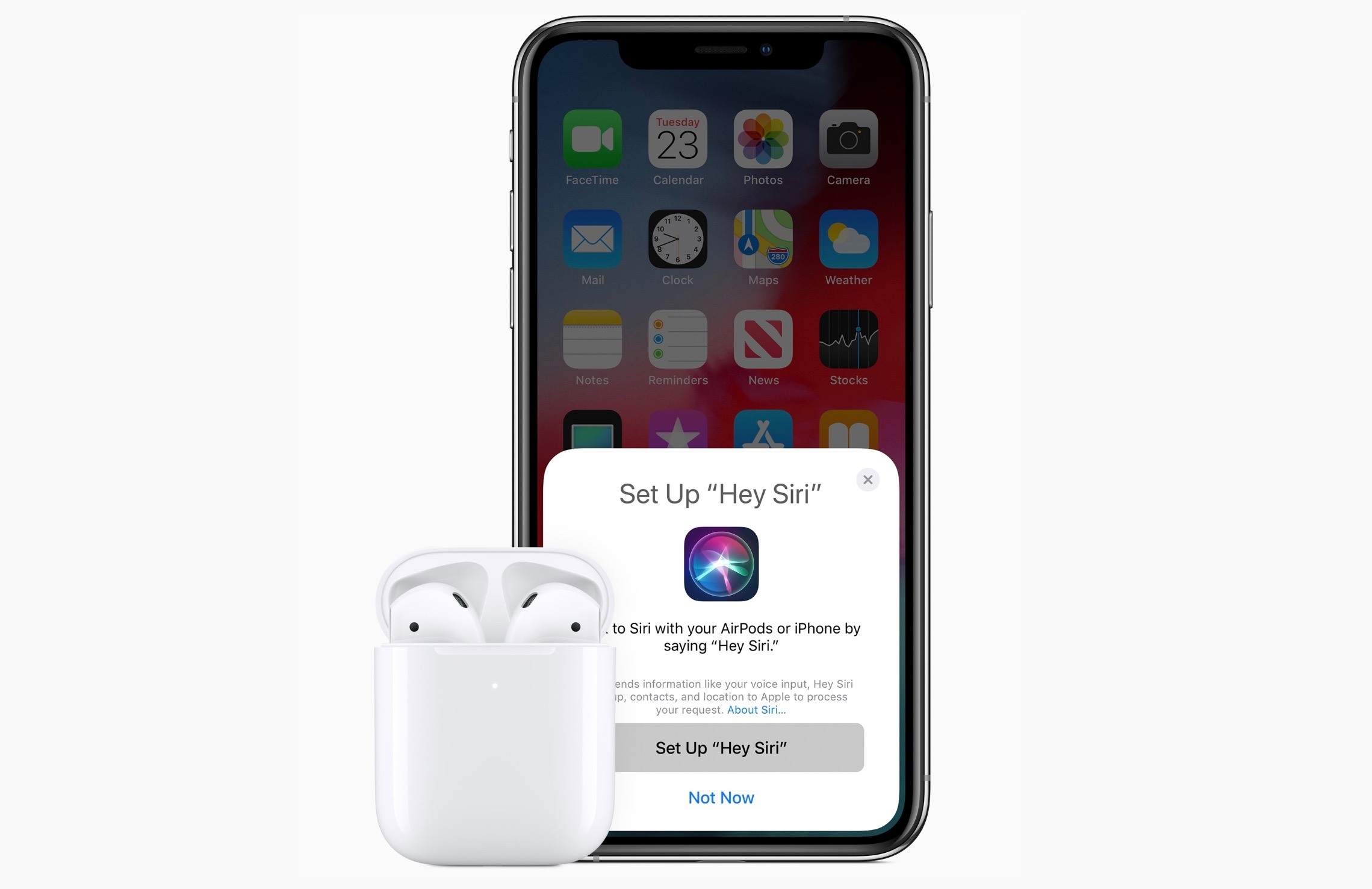
In a surprise announcement following a string of daily releases this week, Apple today announced a major update to AirPods, the company’s wireless earbuds. As widely speculated over the past several months, the new generation AirPods come with support for hands-free ‘Hey Siri’ activation, feature improved performance over the original AirPods (which launched in late 2016), and support wireless charging (using the Qi standard) via an optional case.
The New 21.5 and 27-inch iMacs: The MacStories Overview
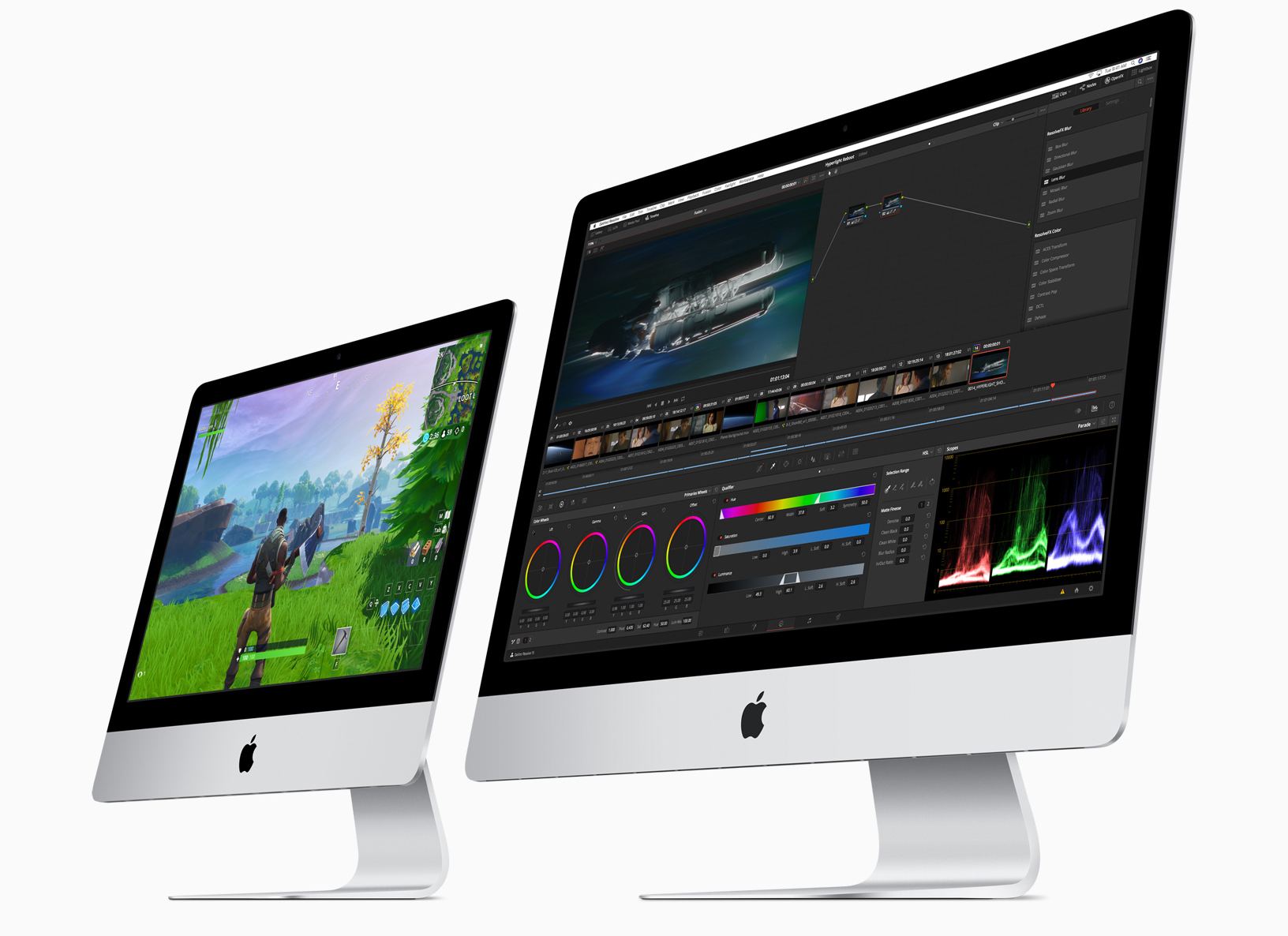
Today, Apple has updated its online store with improved iMacs. Although the iMac Pro models were updated in December 2017, the non-Pro version hadn’t seen an update since June 2017, the longest time ever between iMac revisions according to MacRumors. The new iMacs, which were announced via a press release, include new base models and custom-build options for the 21.5 and 27-inch models that will allow customers to configure an iMac that rivals the specs of the lower-end iMac Pro models.
The 10.5-inch iPad Air and Fifth-Generation iPad mini: The MacStories Overview
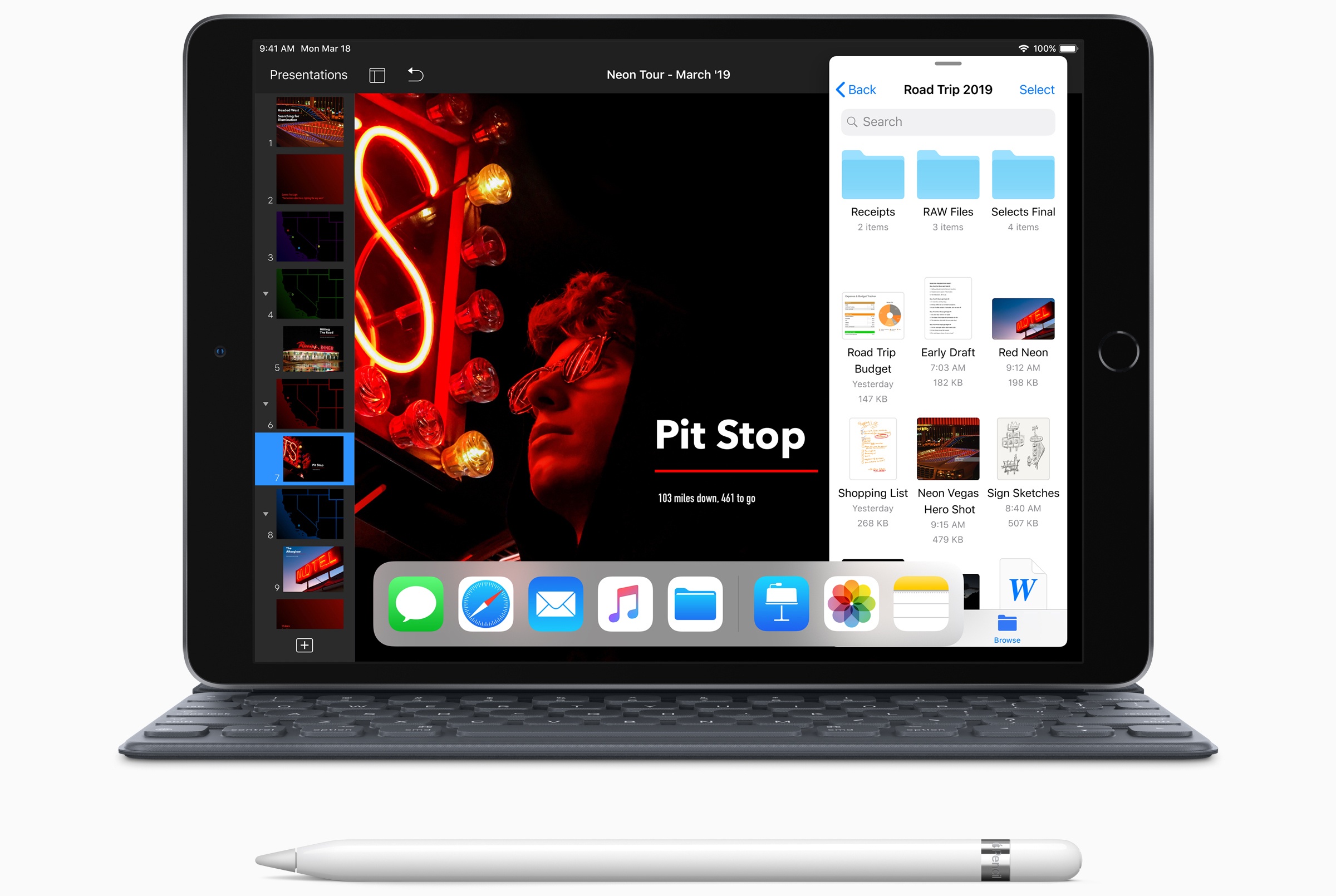
Today Apple has updated its online store with two major new products now available: an iPad Air with a 10.5” display, and a long-overdue fifth-generation iPad mini that includes Apple Pencil support.
Introducing the MacStories Shortcuts Archive, a Collection of 150 Custom Shortcuts for Apple’s Shortcuts App
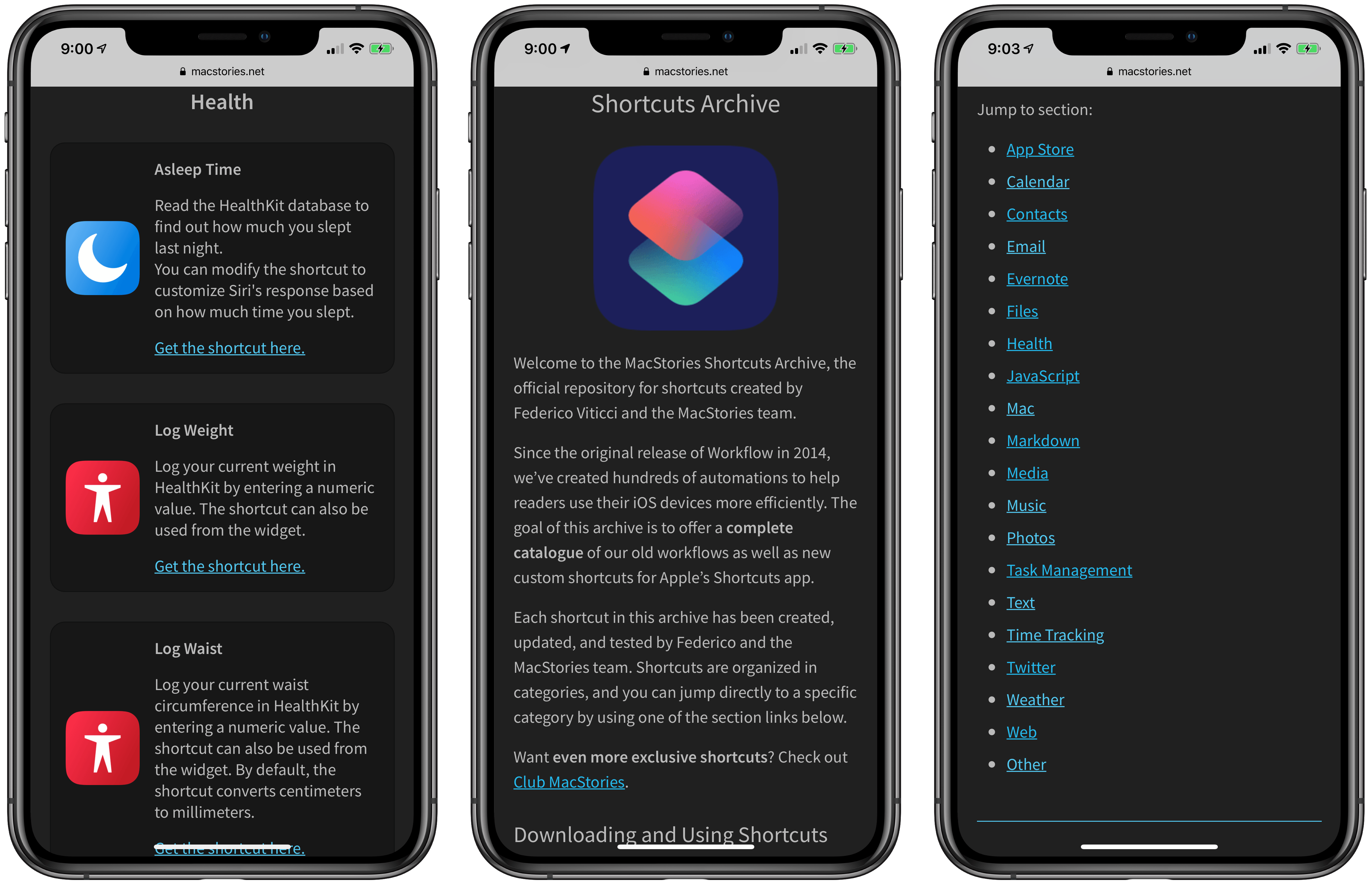
After several months of work, I’m pleased to announce the MacStories Shortcuts Archive – the official repository for shortcuts I’ve created over the years (including when they used to be called “workflows”) and which have been updated, tested for the Shortcuts app, and collected in a single place.
You can find the archive at macstories.net/shortcuts. In this first version, the archive contains 150 shortcuts, but more will be posted over time. Each shortcut was created and tested by me and the MacStories team; all of them have been categorized, updated for the Shortcuts app, and marked up with inline comments to explain what they do.
Even better, they’re all free to download and you can modify them to suit your needs.
Why the Siri Face Is All I Need from My Apple Watch
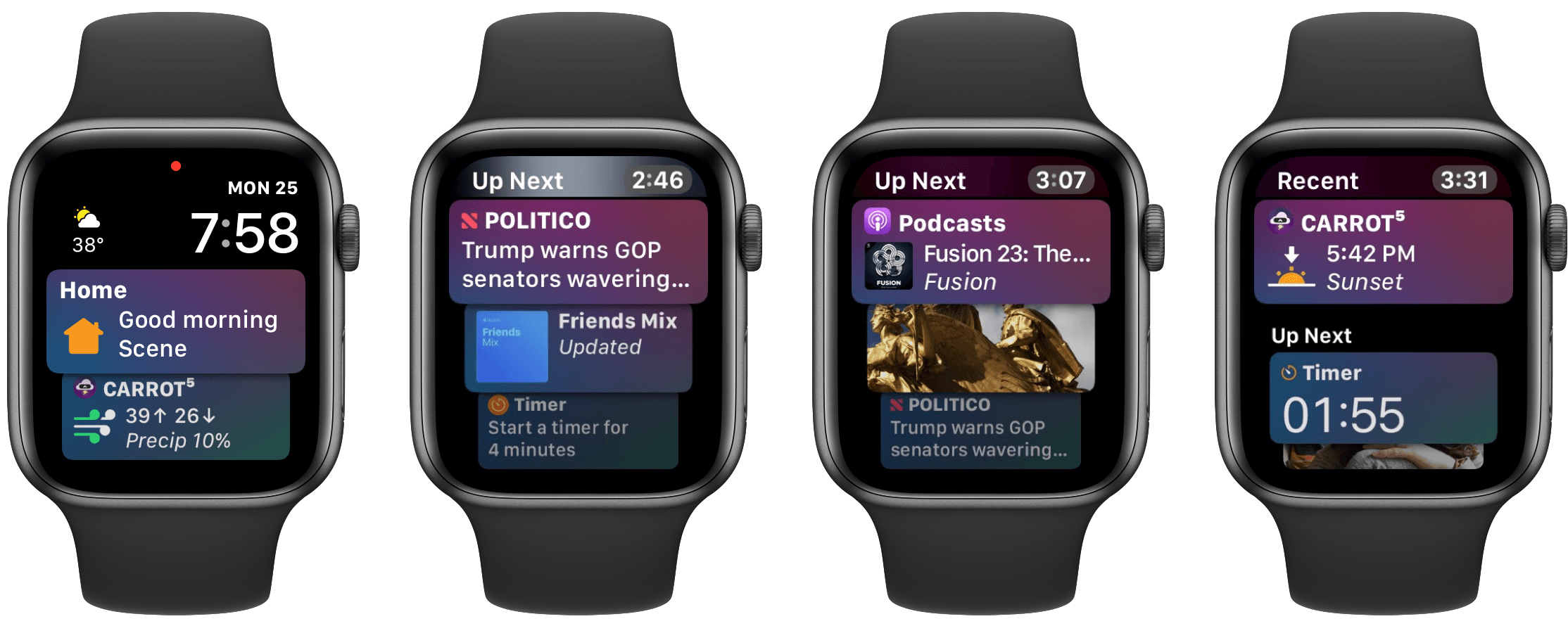
What should a wrist computer ideally do for you?
Telling the time is a given, and activity tracking has become another default inclusion for that category of gadget. But we’re talking about a computer here, not a simple watch with built-in pedometer. The device should present the information you need, exactly when you need it. This would include notifications to be sure, but also basic data like the weather forecast and current date. It should integrate with the various cloud services you depend on to keep your life and work running – calendars, task managers, and the like. It doesn’t have to be all business though – throwing in a little surprise and delight would be nice too, because we can all use some added sparks of joy throughout our days.
Each of these different data sources streaming through such a device presents a dilemma: how do you fit so much data on such a tiny screen? By necessity a wrist computer’s display is small, limiting how much information it can offer at once. This challenge makes it extremely important for the device to offer data that’s contextual – fit for the occasion – and dynamic – constantly changing.
Serving a constant flow of relevant data is great, but a computer that’s tied to your wrist, always close at hand, could do even more. It could serve as a control center of sorts, providing a quick and easy way to perform common actions – setting a timer or alarm, toggling smart home devices on and off, adjusting audio playback, and so on. Each of these controls must be presented at just the right time, custom-tailored for your normal daily needs.
If all of this sounds familiar, it’s because this product already exists: the Apple Watch. However, most of the functionality I described doesn’t apply to the average Watch owner’s experience, because most people use a watch face that doesn’t offer these capabilities – at least not many of them. The Watch experience closest to that of the ideal wrist computer I’ve envisioned is only possible with a single watch face: the Siri face.